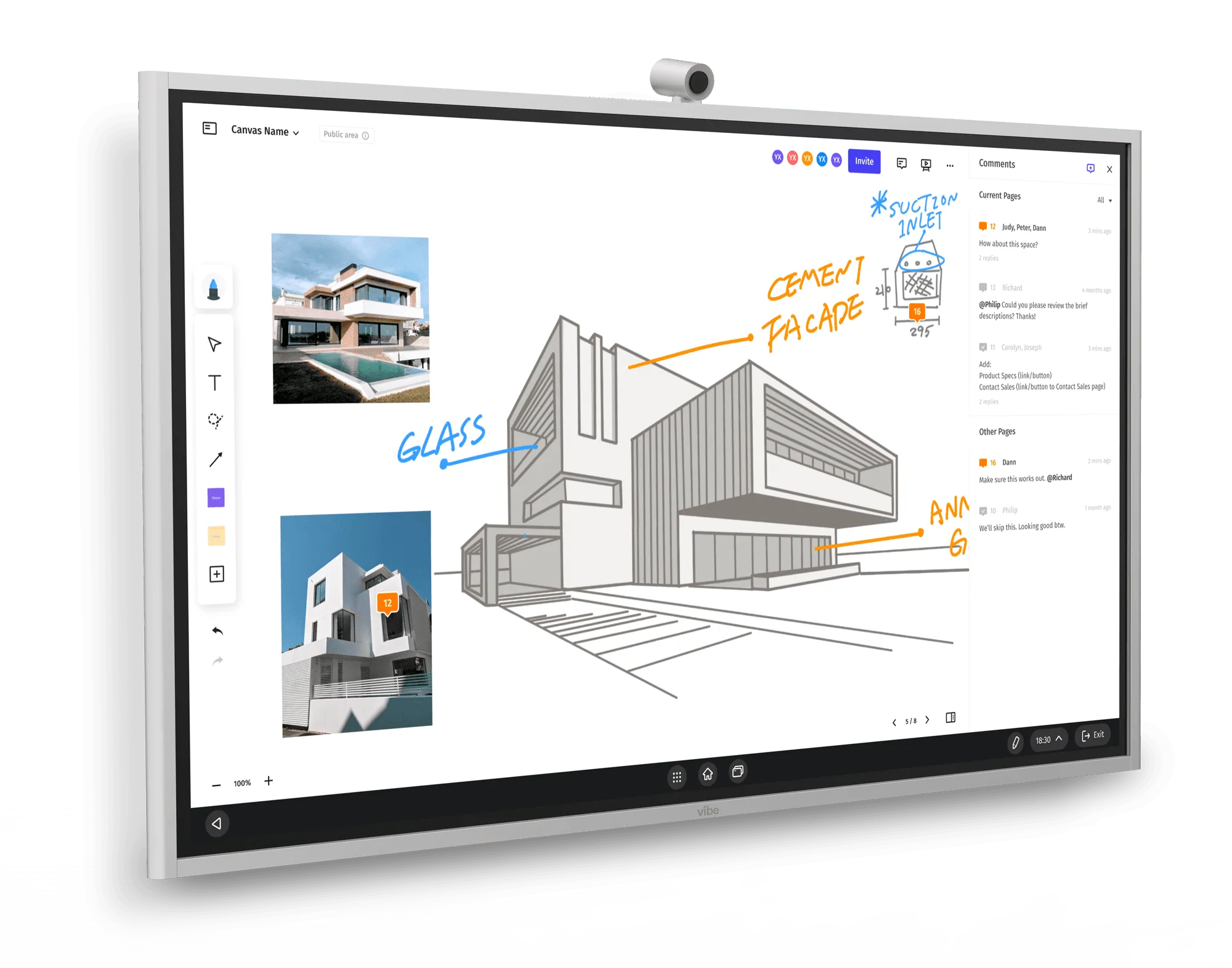
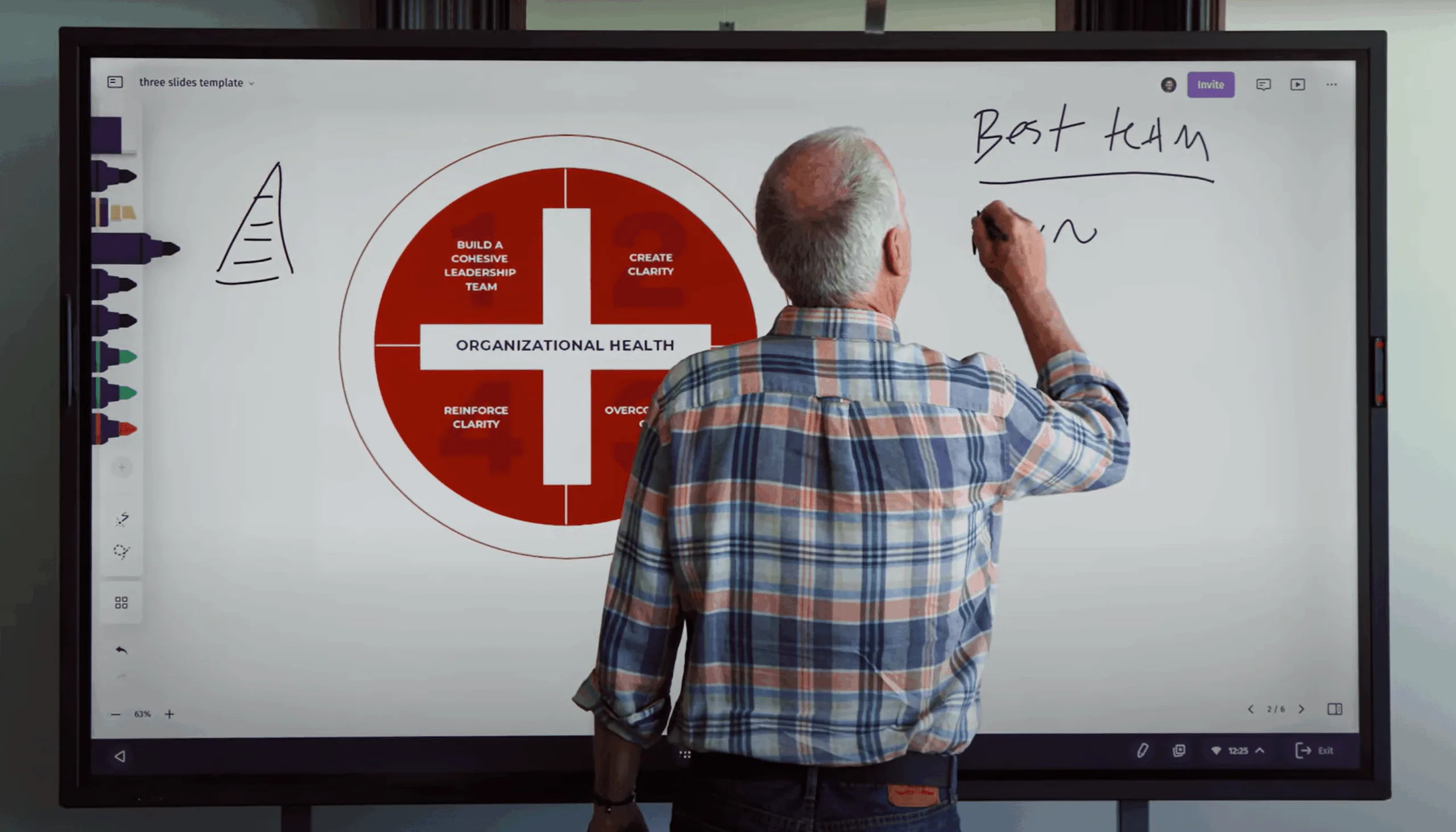
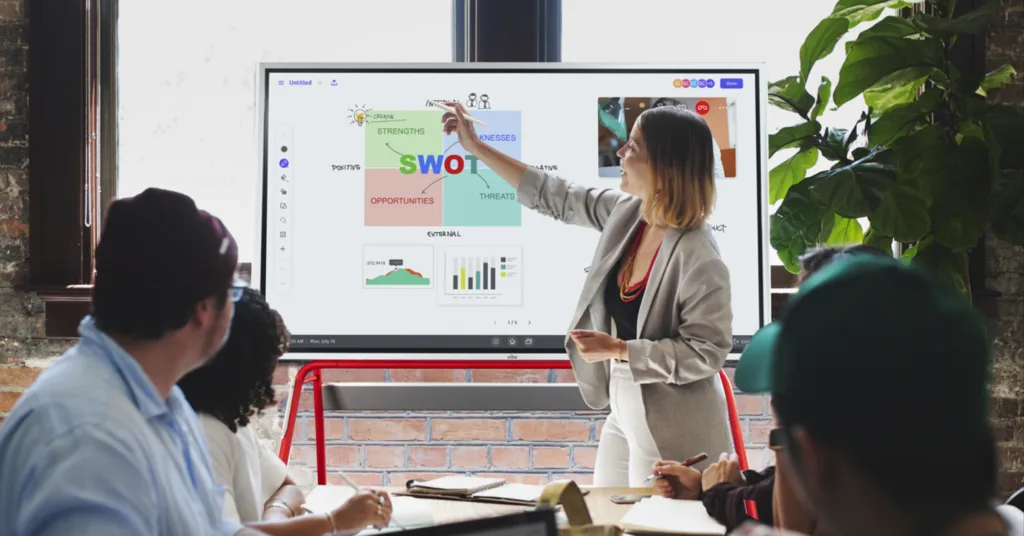
Staring at a blank canvas is the fastest way to lose the first ten minutes of any meeting. Vibe Canvas templates solve that problem by giving your team a ready-made structure—so you can spend your time thinking, not formatting. Whether you’re running a sprint retrospective, mapping a customer journey, or warming up a new team with a quick game, there’s a Vibe Canvas template built for the moment.
This guide walks through every template category available in Vibe Canvas, explains what each template is designed for, and helps you pick the right one before your next session starts.
What Is Vibe Canvas?
Vibe Canvas is an infinite digital whiteboard that runs in any modern browser and natively on Vibe Board S1 and S1 Pro. It gives teams an always-on shared space for brainstorming, presenting, and planning—complete with sticky notes, shapes, connectors, freehand drawing, and a built-in template library. Canvas is included with Vibe’s free plan, with Pro and Business tiers unlocking advanced features like Brand Kit, version history, and multi-page canvases.
The template library lives on the Canvas homepage. Open the Templates tab, choose a category, select the template you need, and click New from this template to start a pre-structured canvas immediately. You can also create and save your own custom templates for workflows your team runs repeatedly.
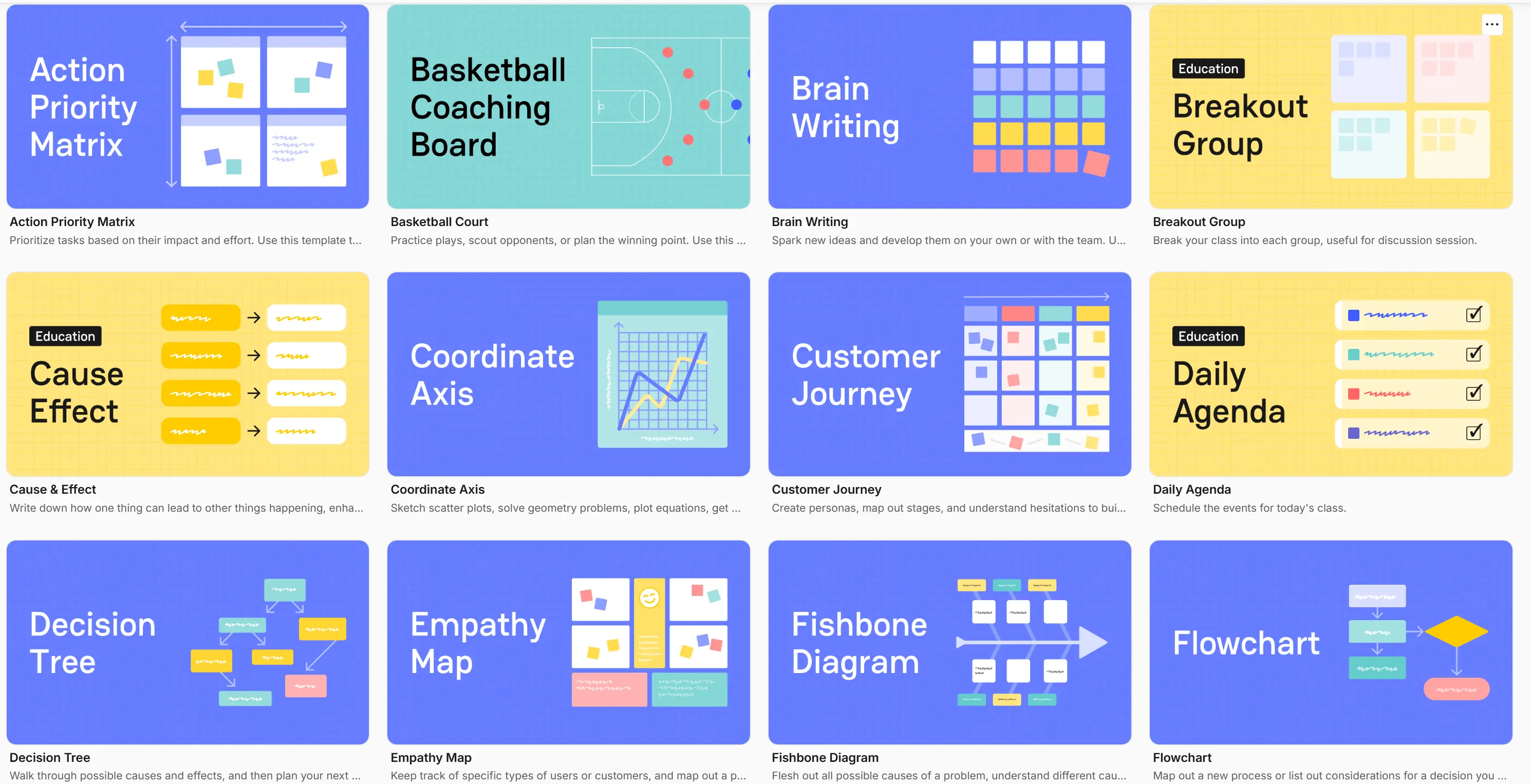
How to Access Vibe Canvas Templates
There are two entry points:
-
From the Canvas homepage: Click the Templates tab. Browse by category, preview any template, then click New from this template to open a fresh canvas.
-
From inside a canvas: Click the Insert button in the toolbar and select a template to drop it onto your current board as a new section.
As of Canvas 3.2.1 (July 2026), you can also create a new canvas from a template directly inside a folder—useful for keeping project-specific templates organized alongside related files.
Teamwork Canvas Templates
These templates are designed for activities where the whole team needs to build shared understanding—whether you’re aligning on values, launching a new product, or reflecting on a completed sprint.
Team Charter
The Team Charter template helps a group document the norms, roles, values, and success metrics that define how they work together. It’s especially useful for newly formed teams, hybrid teams with limited face time, and new hires who need context fast. Fill in core values, key responsibilities, strengths and weaknesses, and team standards in one collaborative session—then pin the result somewhere the whole team can reference it.
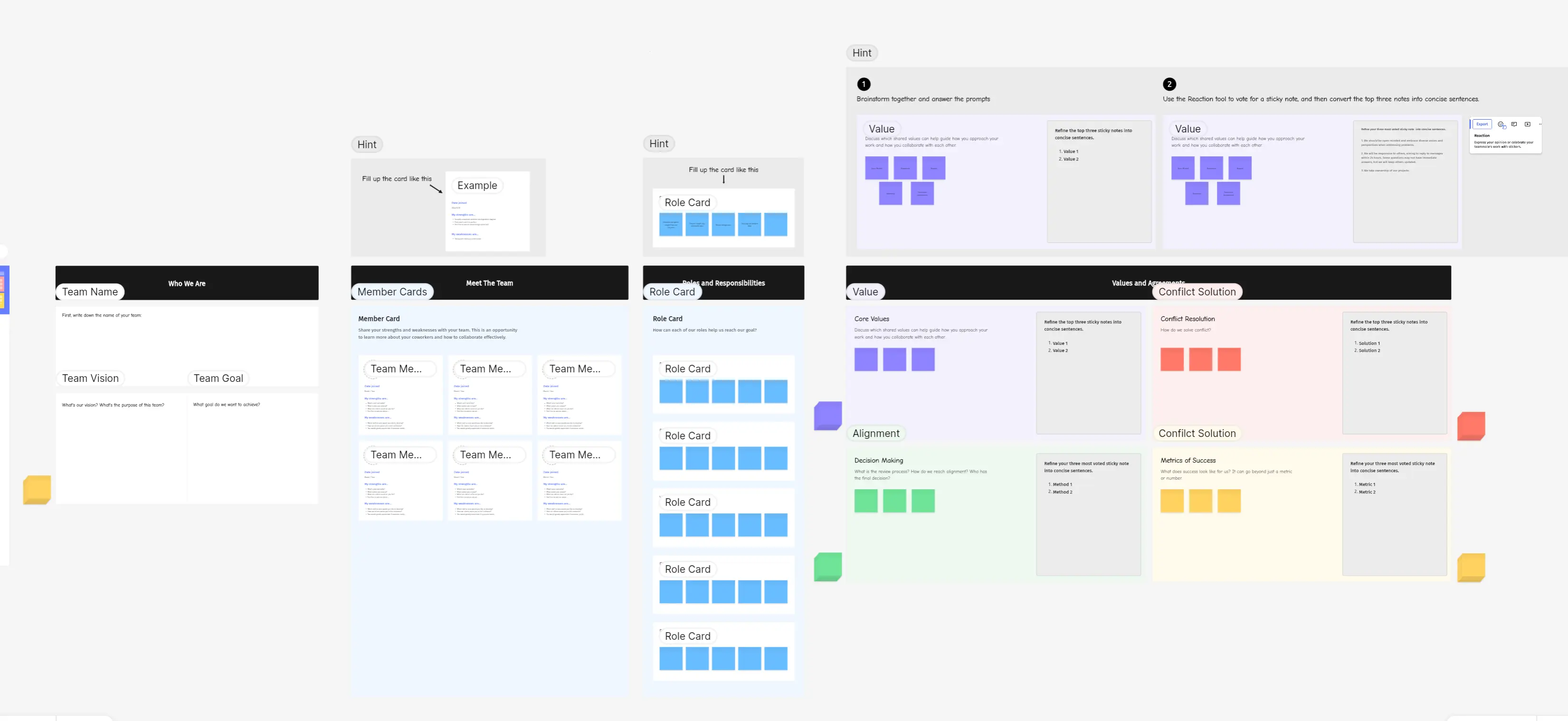 Team charter template – Vibe Canvas
Lean Canvas
Borrowed from startup methodology, the Lean Canvas template compresses a full business model into a single view. Teams use it to document the problem they’re solving, their proposed solution, unique value proposition, customer segments, and key metrics—all on one page. It’s equally useful for early-stage ventures and established teams validating a new product idea before committing resources.
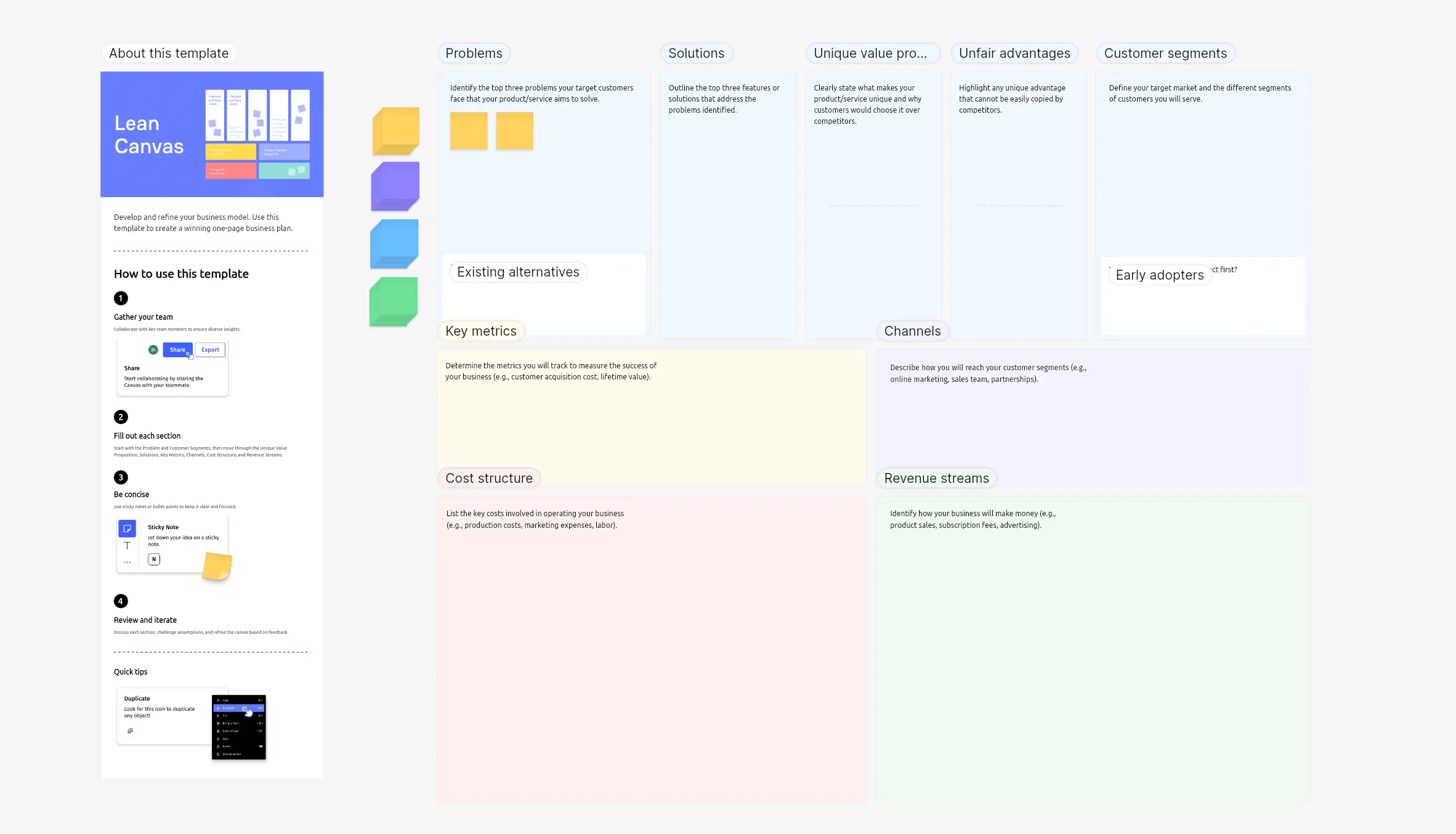 Lean canvas template – Vibe Canvas
Retrospective
The Retrospective template structures sprint post-mortems with three columns: what went well, what didn’t go well, and what actions the team will take next time. It’s the standard format for agile teams running sprint reviews, but it works just as well for end-of-project reviews, quarterly team check-ins, and educators reflecting on a lesson’s effectiveness.
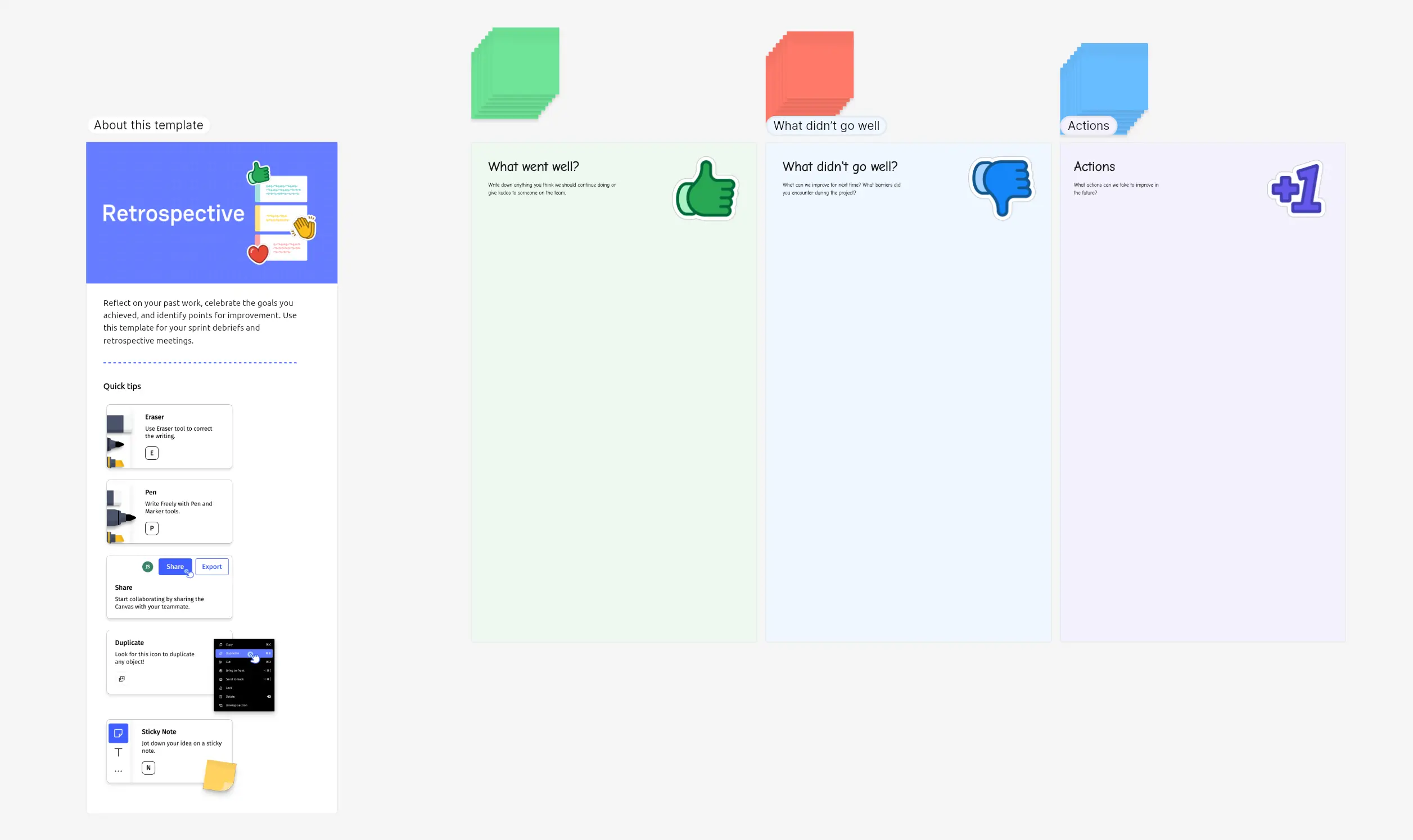 Retrospective template – Vibe Canvas
SWOT Analysis
The SWOT Analysis template maps Strengths, Weaknesses, Opportunities, and Threats into a 2×2 matrix. Teams can populate it in real time during a strategy session, then export or share the canvas to inform decision-making. The digital format makes it easier to move items between quadrants as the conversation evolves—something a whiteboard marker doesn’t allow.
Brainwriting
Brainwriting is a structured brainstorming technique where participants write ideas silently rather than shouting them out. The Brainwriting template gives each participant their own space to contribute, then invites others to build on those ideas before the group discusses. Research consistently shows that silent idea generation produces more ideas and reduces groupthink compared to open verbal brainstorming. This template is well-suited for teams where some members are more vocal than others.
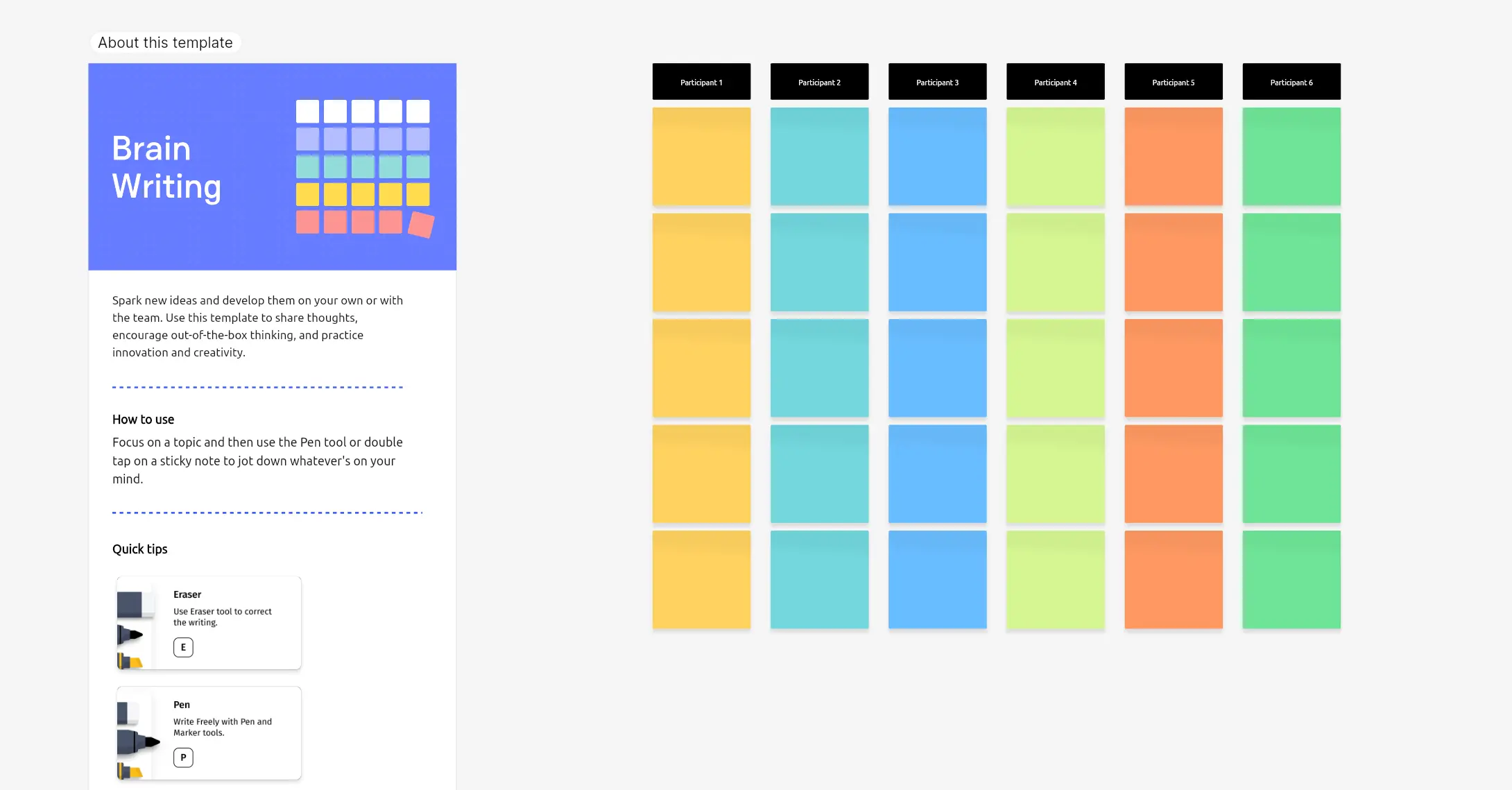 Brain writing template – Vibe Canvas
Customer-Centric Canvas Templates
These templates help sales, marketing, and product teams build a shared picture of the customer—their journey, their emotions, and the value you offer them.
Customer Journey Map
The Customer Journey template visualizes every stage a customer moves through—Awareness, Consideration, Purchase, Service, and Loyalty—alongside the key actions, pain points, and opportunities at each step. Sales and marketing teams use it to identify where prospects drop off, where service falls short, and where there’s room to deepen loyalty. It’s particularly effective when run as a cross-functional session with participants from sales, support, and product in the same canvas at the same time.
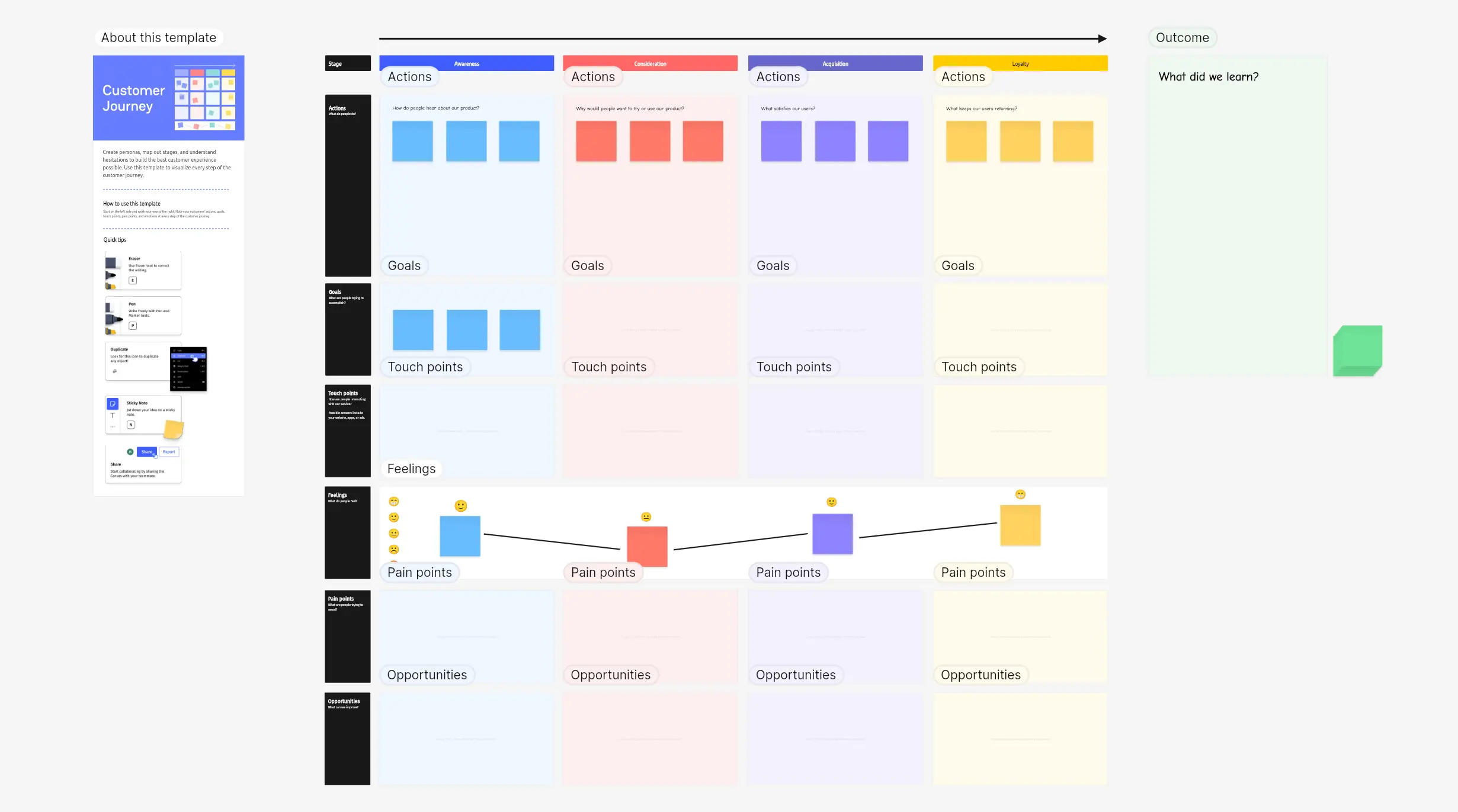 Customer Journey template – Vibe Canvas
Empathy Map
An Empathy Map captures what a specific customer persona is thinking, feeling, hearing, and saying. It grounds product and marketing conversations in real customer psychology rather than internal assumptions. Use this template before launching a campaign, redesigning a product experience, or building out a new customer segment strategy.
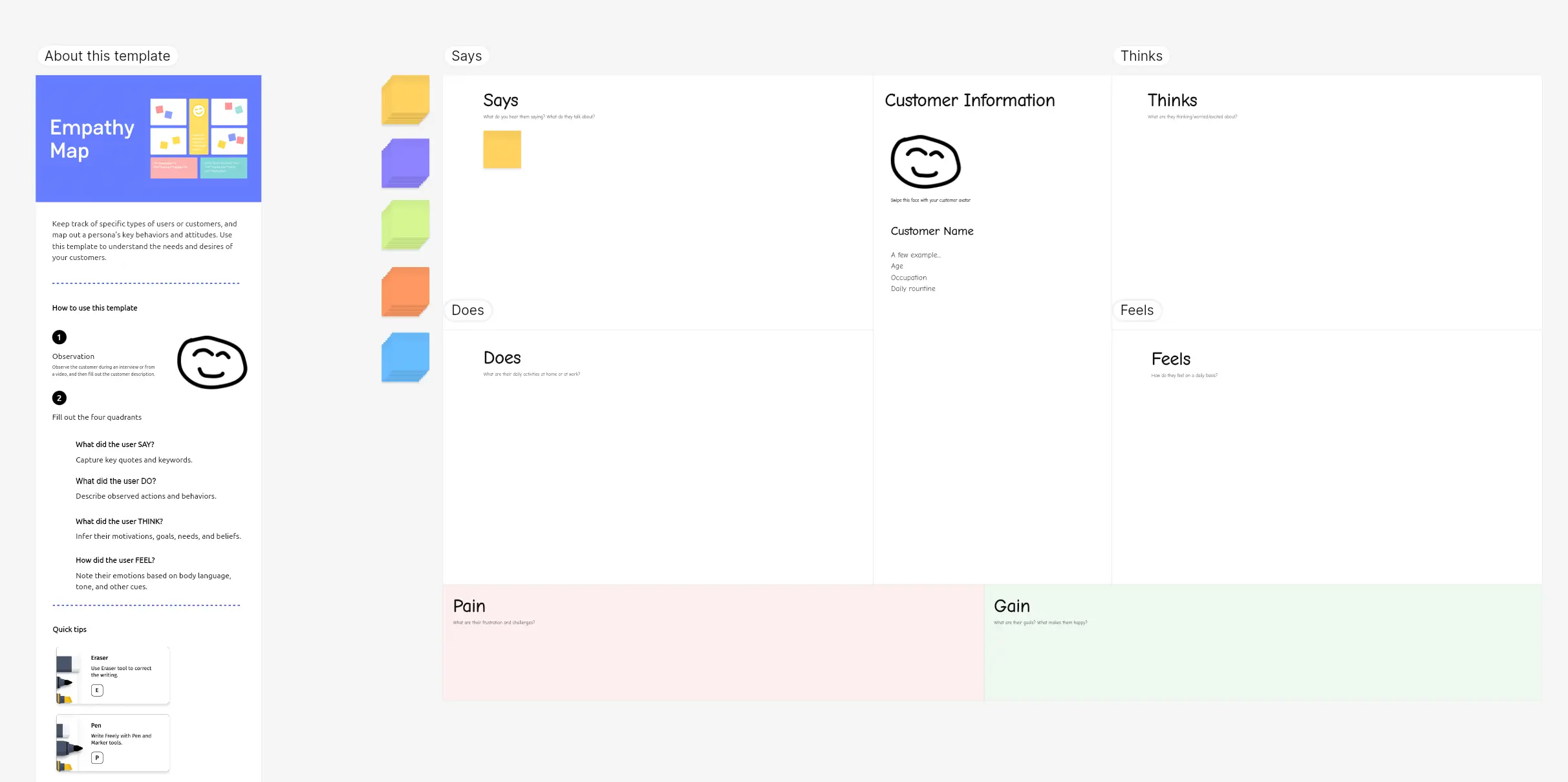 Empathy map template – Vibe Canvas
Value Proposition
The Value Proposition template helps teams align on exactly what they’re promising to a customer and whether that promise matches what the customer actually wants. It separates customer jobs, pains, and gains on one side from the product’s features and benefits on the other—making gaps in product-market fit visible. Use it during product planning, positioning workshops, or pitch preparation.
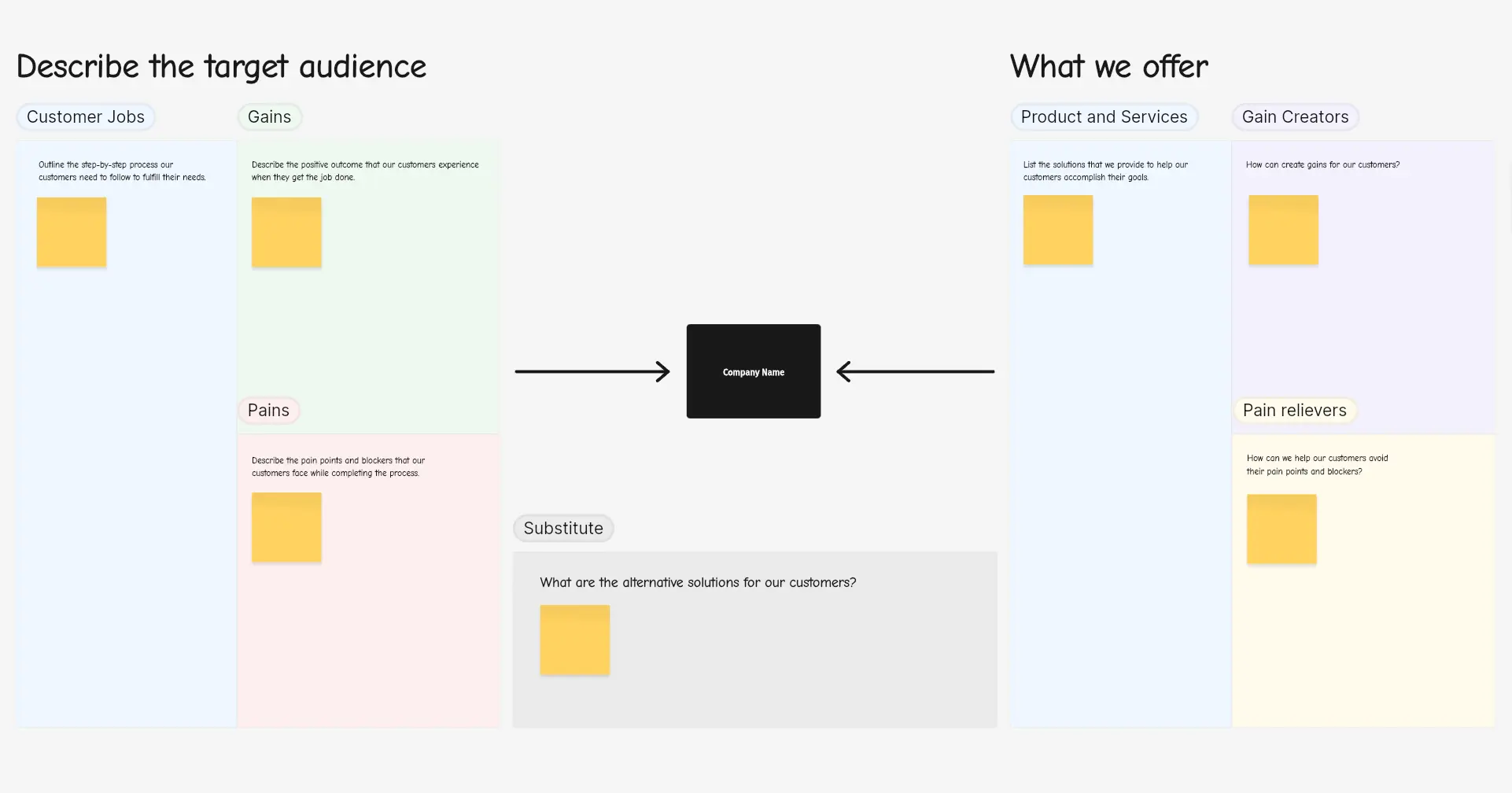 Value proposition template – Vibe Canvas
Problem-Solving Canvas Templates
When a team needs to work through something complex—a recurring bug, a declining metric, a strategic question—these templates provide structure for the analysis.
Mind Map
The Mind Map template lets you start with a central idea and branch outward into related concepts, sub-topics, and connections. It preserves the nonlinear way most people actually think through problems and makes it easy to share a structured version of that thinking with others. Use it to explore a new topic, prepare for a presentation, or capture the output of a free-flowing brainstorm before it gets lost.
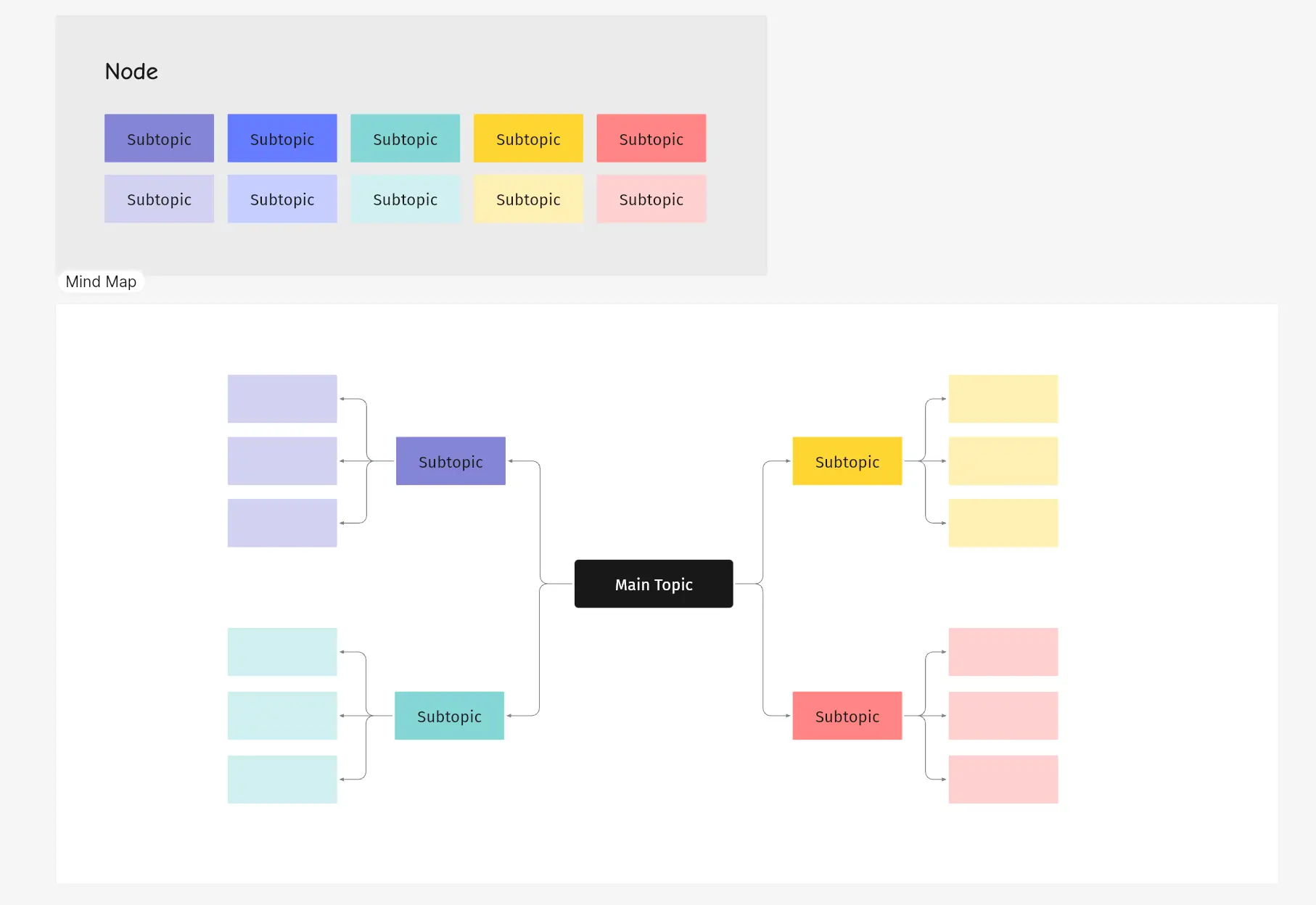 Mind map template – Vibe Canvas
Fishbone Diagram
Also called an Ishikawa or cause-and-effect diagram, the Fishbone template maps every possible cause of a problem back to its root. Teams use it in product retrospectives to understand why a feature failed, in operations to diagnose a recurring process breakdown, or in sales to analyze a lost deal. By visualizing all contributing factors at once, it’s easier to avoid treating a symptom while the real cause goes unaddressed.
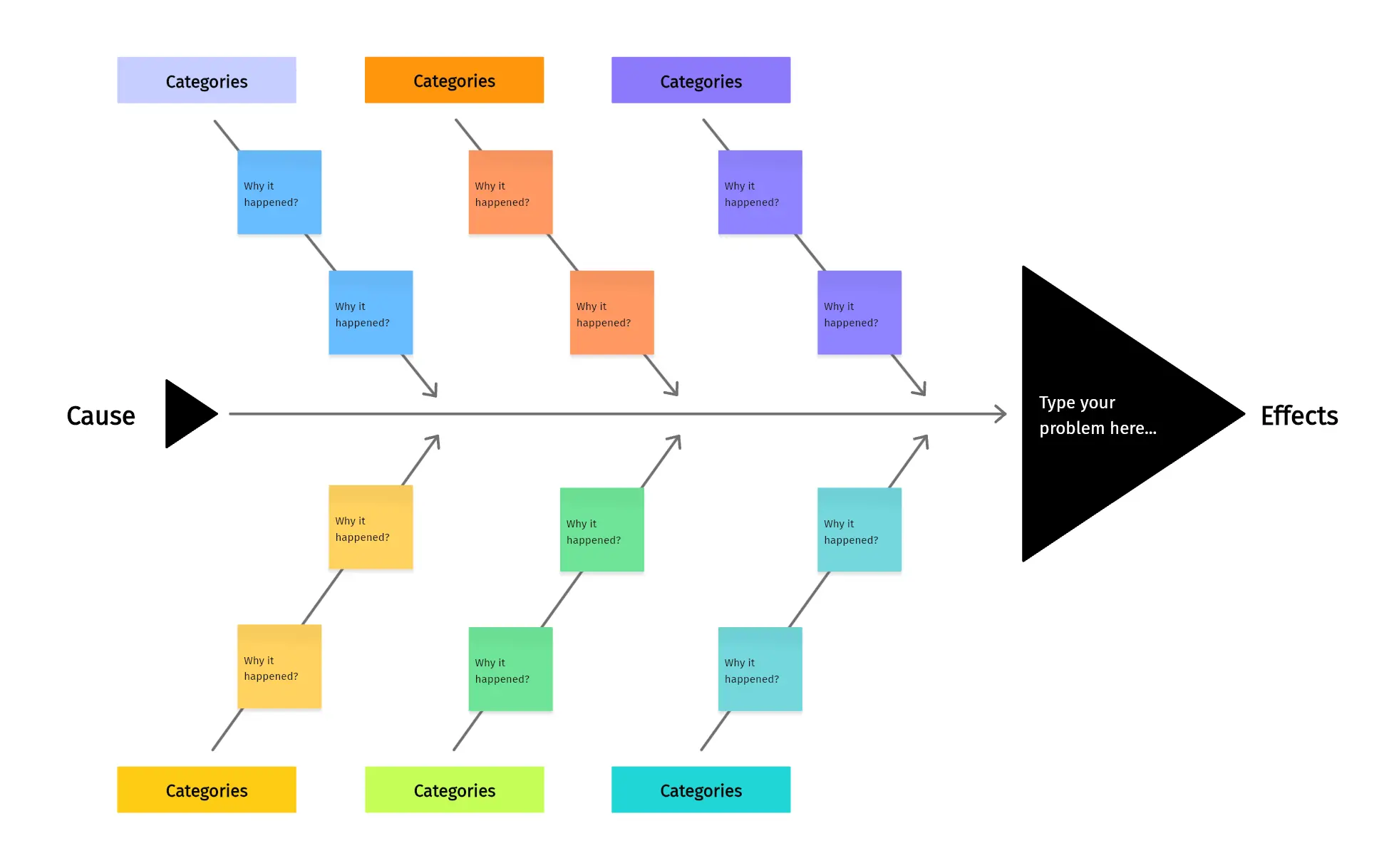 Fishbone diagram template – Vibe Canvas
Coordinate Axis
The Coordinate Axis template is a blank chart grid suited for plotting data, sketching geometric relationships, or visually ranking items on two dimensions. Common uses include prioritization matrices (effort vs. impact), scatter plots in strategy sessions, and geometry problem-solving in educational settings.
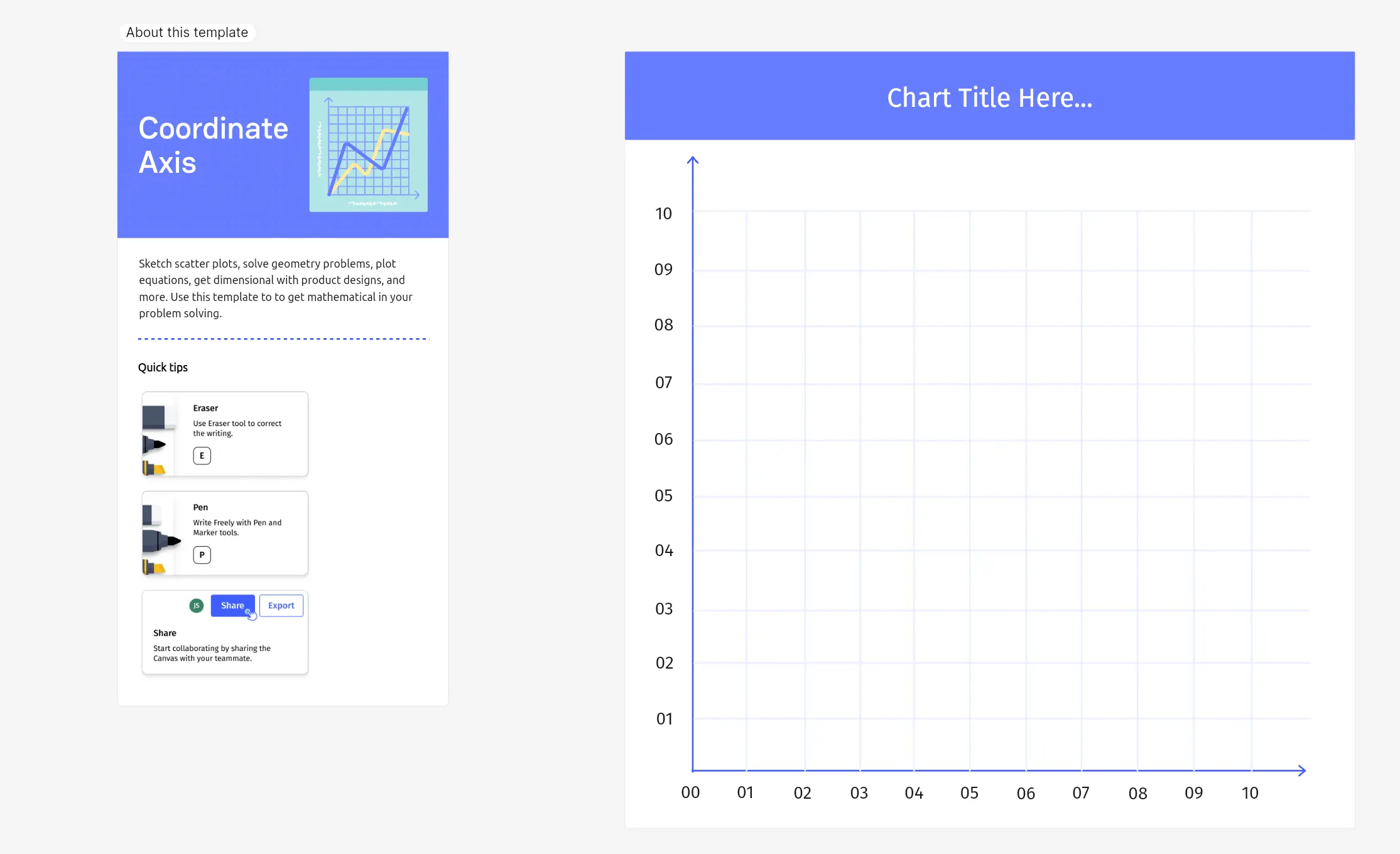 Coordinate axis template – Vibe Canvas
Decision Tree
The Decision Tree template maps out a branching series of choices and their consequences—useful any time a team needs to present options clearly or think through second-order effects. Common applications include sales presentations (showing a prospect the implications of different decisions), product roadmap reviews, and risk planning sessions.
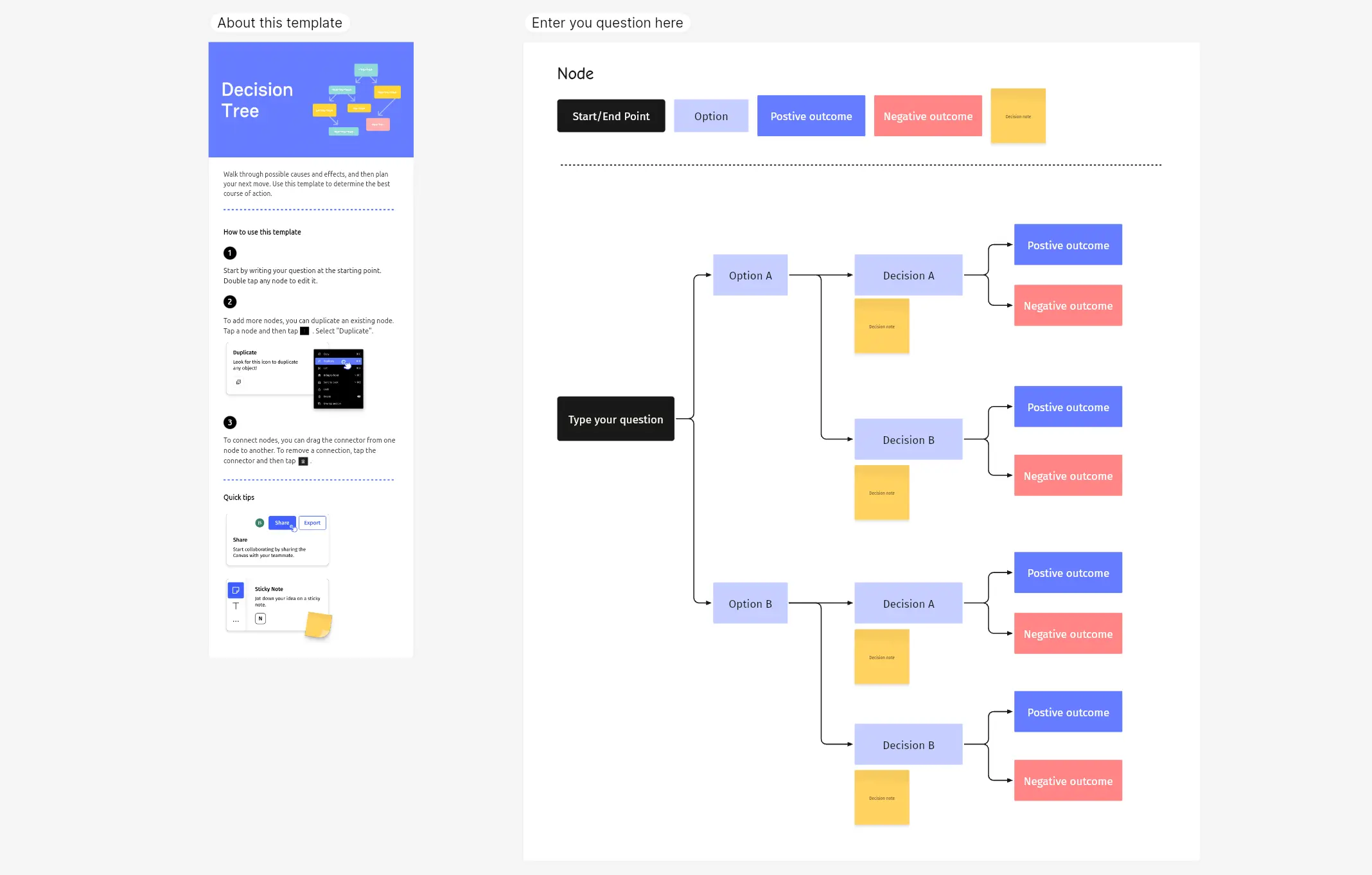 Decision tree template – Vibe Canvas
Problem Statement
The Problem Statement template guides a team through a structured set of questions designed to define a problem precisely before jumping to solutions. It’s useful for teams that tend to skip straight to brainstorming before they’ve agreed on what they’re actually solving—a common source of wasted effort.
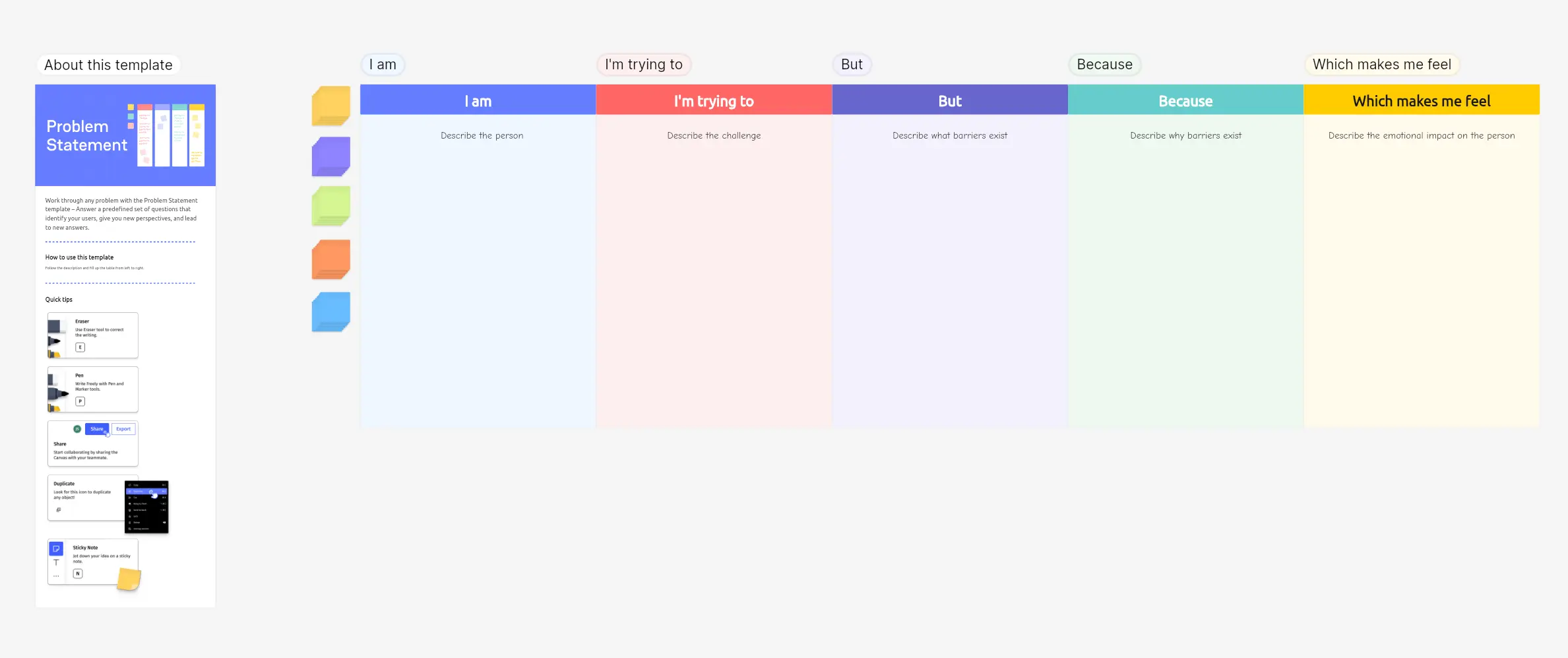 Problem statement template – Vibe Canvas
Workflow Canvas Templates
These templates bring structure to ongoing work—helping teams track what’s happening, what’s next, and how things flow from start to finish.
Action Priority Matrix
The Action Priority Matrix plots tasks on two axes: impact and effort. It makes it immediately visible which tasks are high-impact quick wins (do now), which are major projects requiring planning, which are low-impact time fillers to minimize, and which are thankless tasks to eliminate. Teams use it during planning sessions to align on what actually matters before committing to a sprint or quarter.
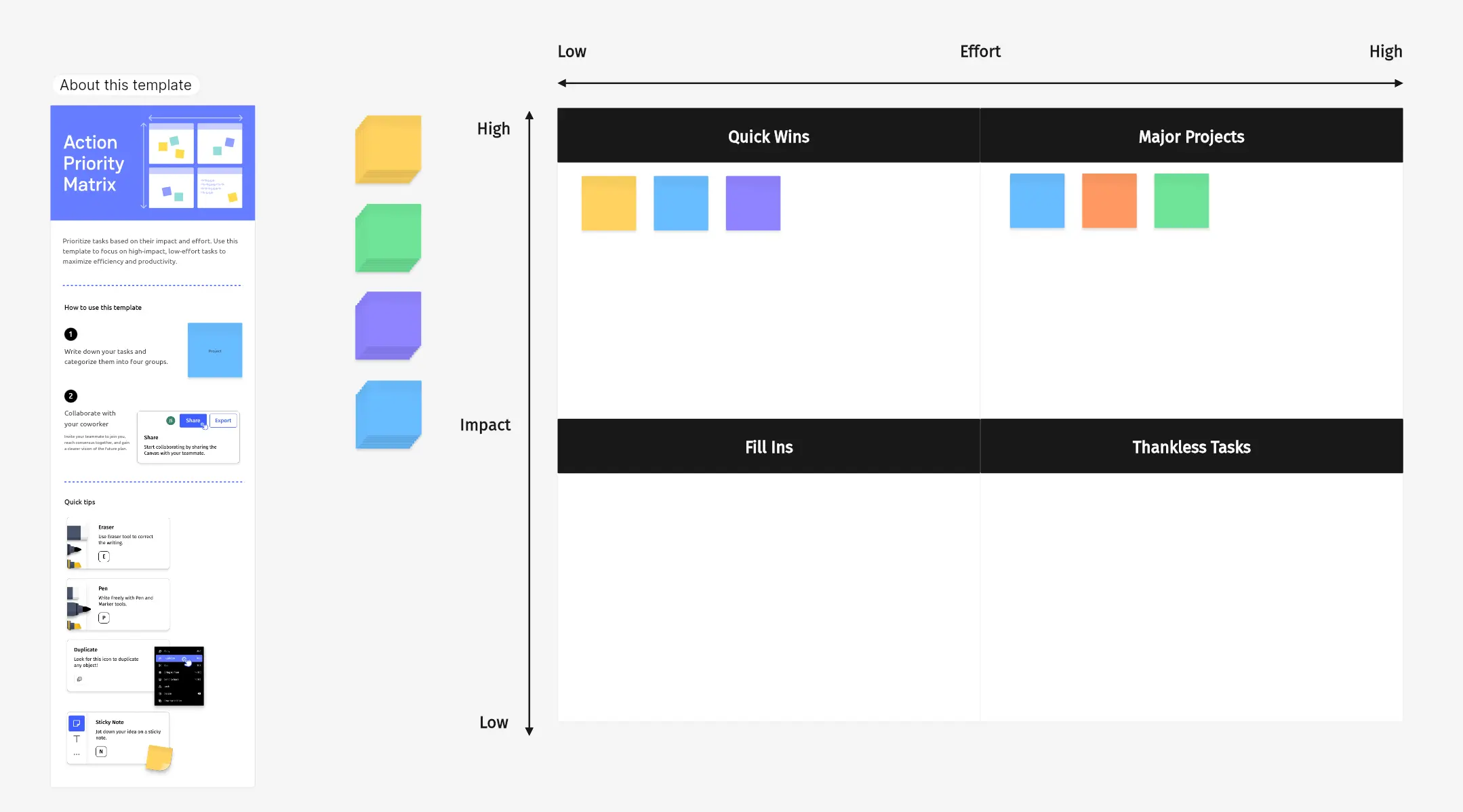 Action priority matrix template – Vibe Canvas
Project Management (Kanban)
The Project Management template uses a Kanban board layout with columns for To Do, In Progress, and Done. It’s a lightweight way to track task status across a team without a dedicated project management tool—useful for weekly standups, client-facing status reviews, and short-term sprints where overhead needs to stay low.
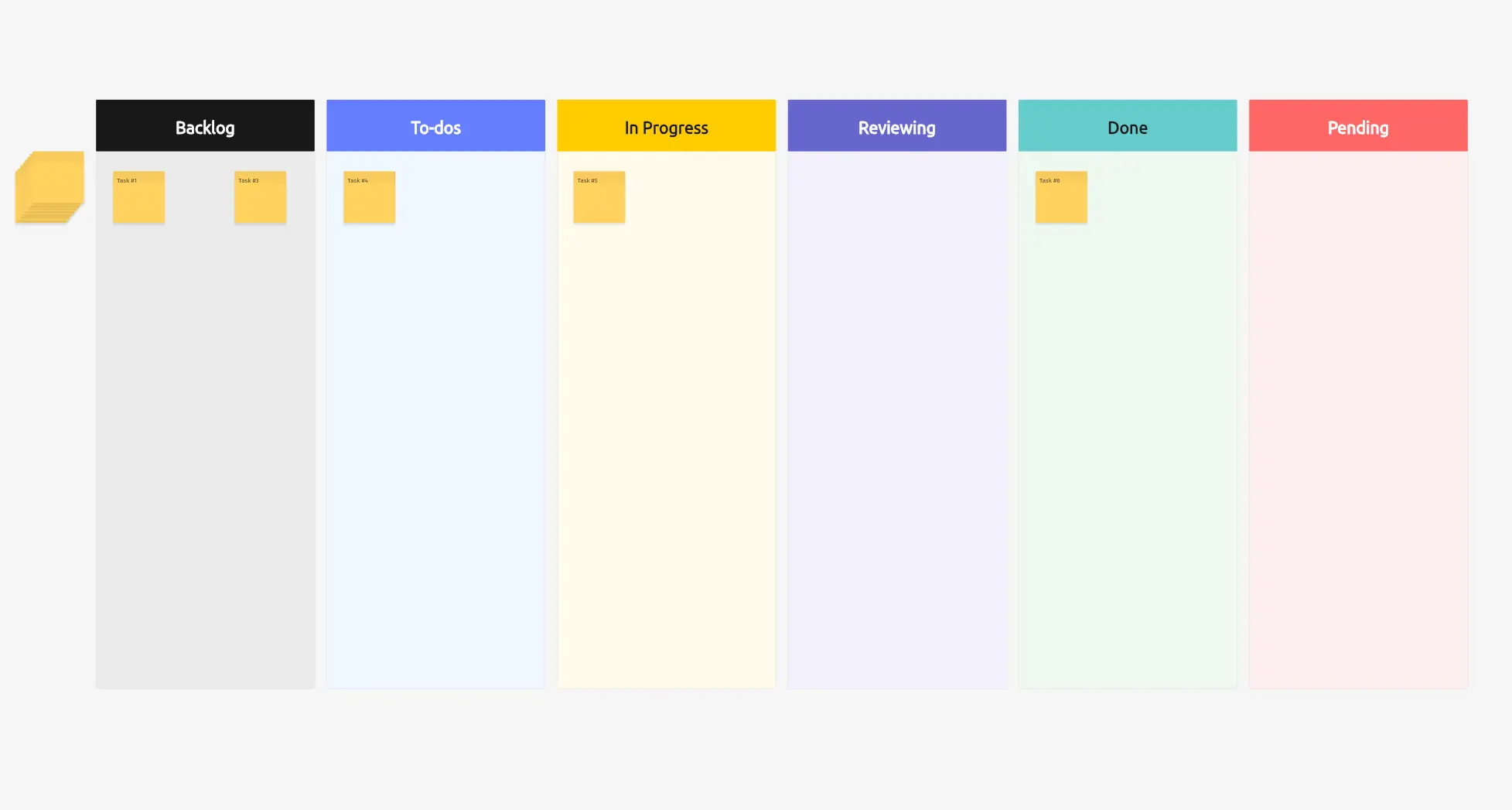 Project management template – Vibe Canvas
Flowchart
The Flowchart template gives teams a structured starting point for mapping processes, decision trees, or step-by-step procedures. It works for both analytical purposes (understanding how a current process works) and communication purposes (explaining a process to others). Common uses include onboarding workflows, approval chains, and engineering architecture diagrams.
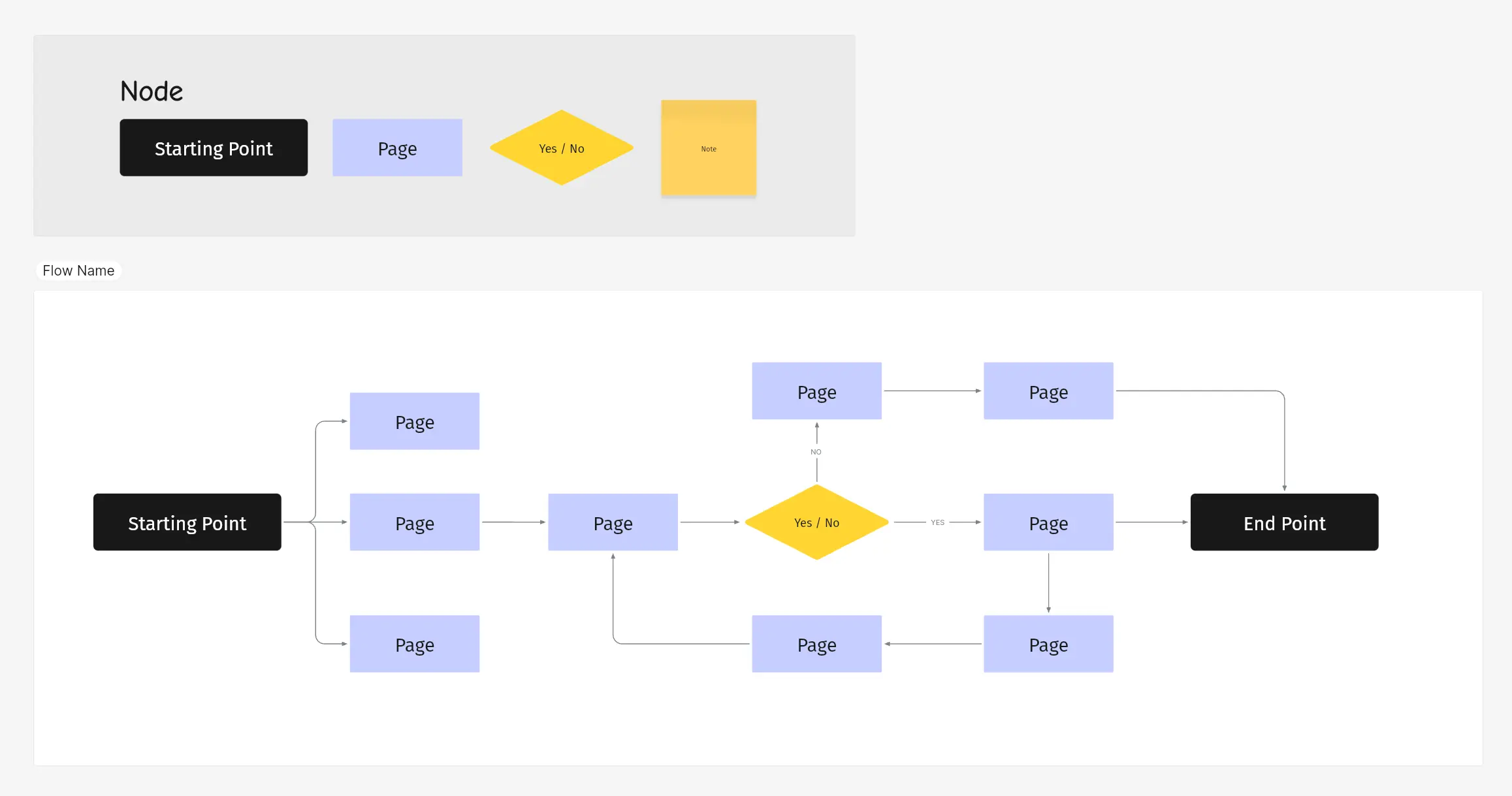 Flowchart template – Vibe Canvas
Game Time Canvas Templates
Not every session needs to be strictly work. These templates are designed for moments when a team needs to warm up, take a break, or build a little culture.
Gaming
The Gaming template includes classic games like Tic Tac Toe and GOMOKU—built for the few minutes before a meeting starts or the break in a long working session. It’s a small thing, but shared moments like these accumulate into team cohesion over time.
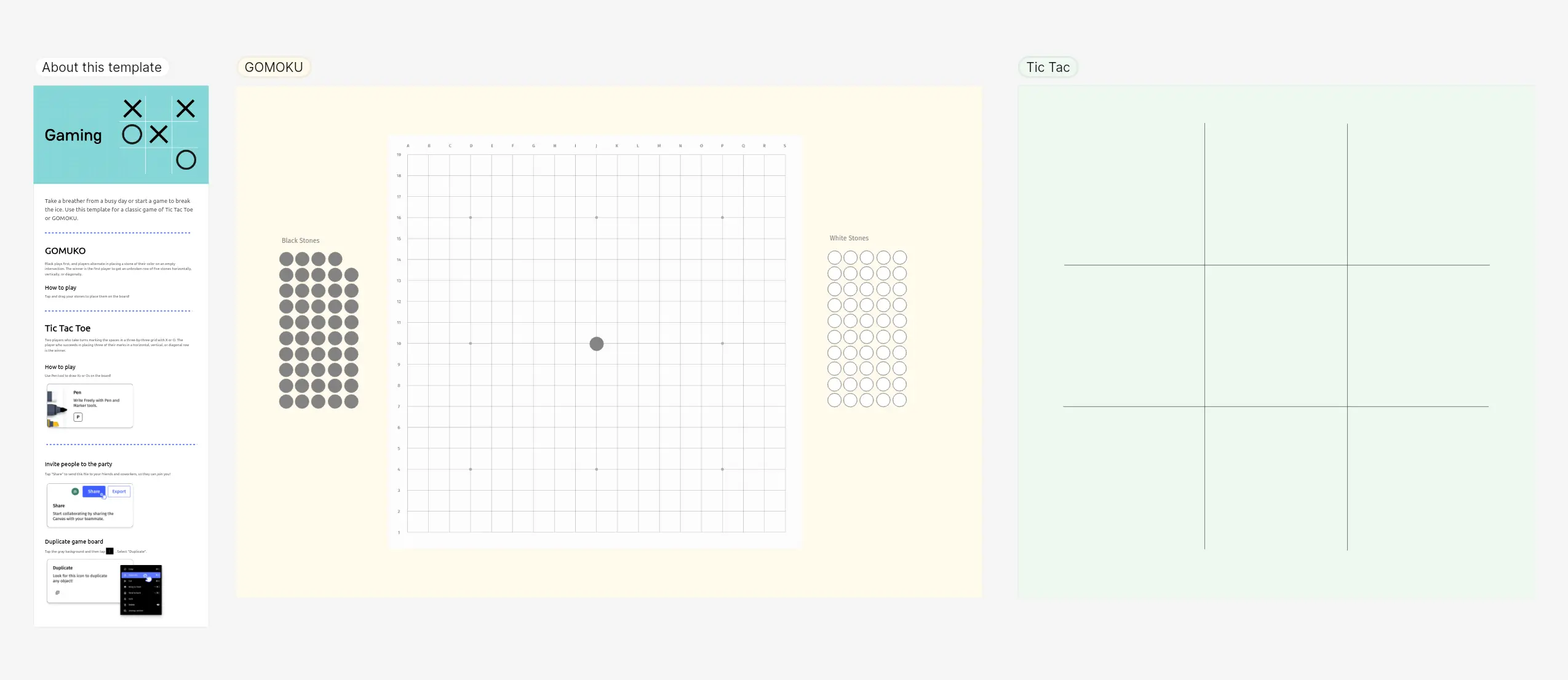 Gaming template – Vibe Canvas
Basketball Court
The Basketball Court template provides a scaled court diagram for drawing up plays, mapping player rotations, or planning offensive and defensive schemes. It’s used by coaches, PE teachers, and anyone running a team that plays together—literal or metaphorical.
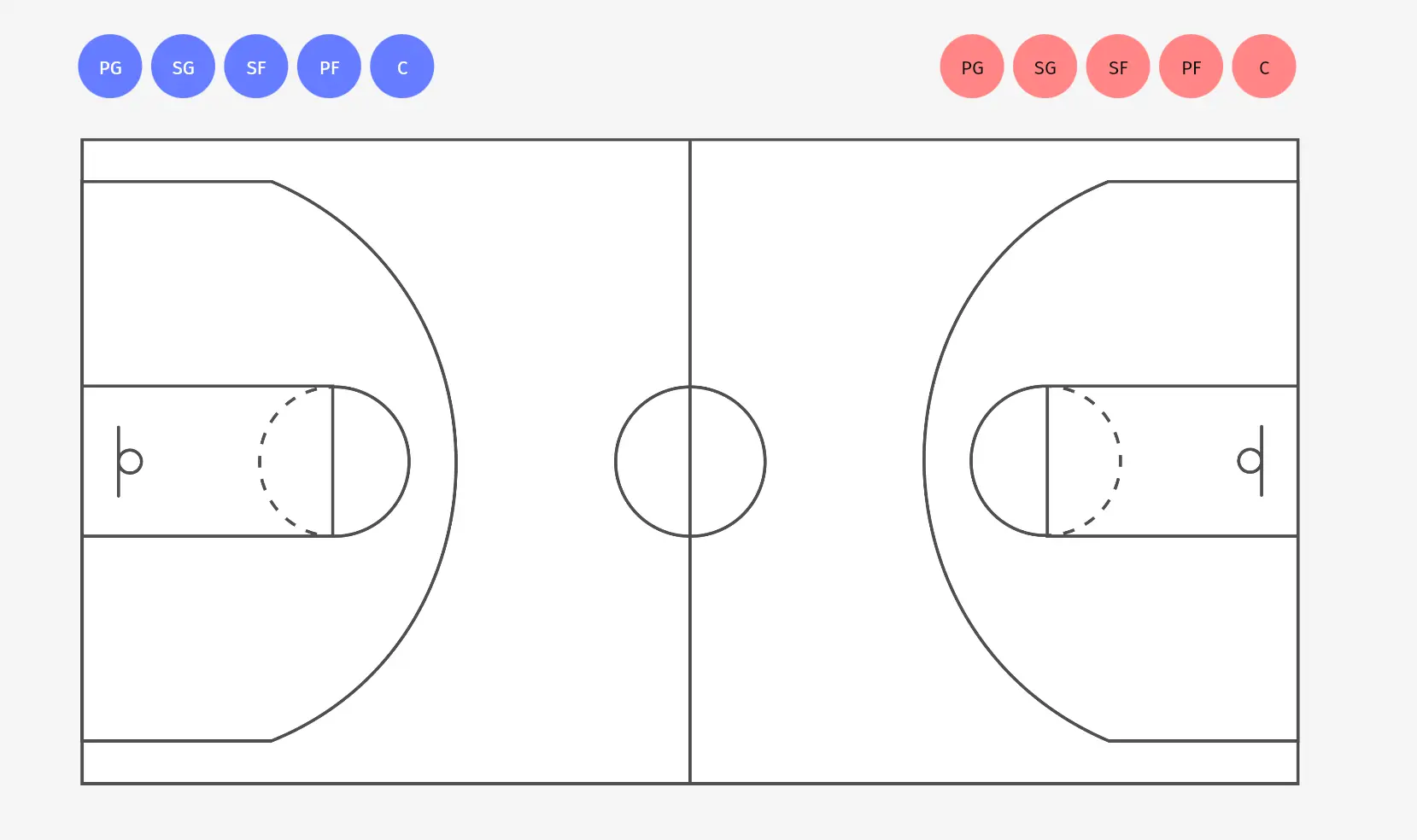 Baseball court template – Vibe Canvas
Custom Templates: Build Your Own
Every team has workflows they run repeatedly—standing meeting formats, recurring planning frameworks, client-facing templates they’ve refined over time. Vibe Canvas lets you turn any canvas into a reusable template.
To save a custom template: open the Canvas homepage, go to the Templates tab, and click Create Template. Once your template is complete, click Done to save it. Your templates appear under the My Own tab, separate from the built-in library. You can also import local image files as starting content for a custom template.
Custom templates are especially valuable for teams using Vibe Board in recurring meeting rooms—walk in, open the template for that meeting type, and the canvas is already structured and ready.
Using Vibe Canvas Templates on the Vibe Board S1
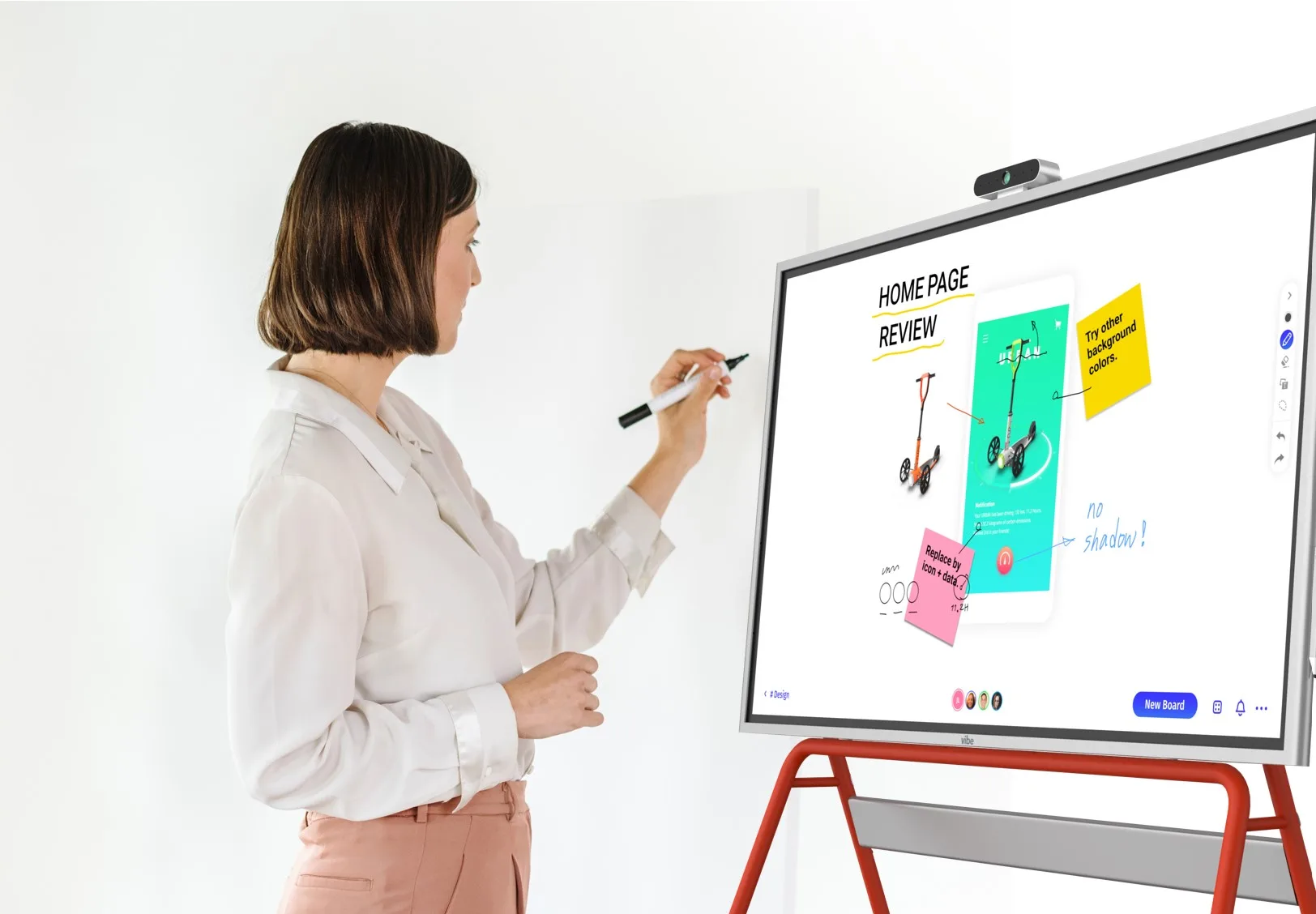
All of the templates above are available directly on the Vibe Board S1 and S1 Pro without any additional setup. Canvas runs natively on the Board, so opening a template in a meeting room is as fast as walking up to the display and tapping Templates on the home screen.
For teams that want AI-assisted capture and follow-through from their Canvas sessions, Vibe Bot can be added to the meeting room as an in-room AI device. It handles meeting transcription and note capture so the work created in your canvas—decisions, action items, ideas—gets surfaced in searchable summaries through Vibe AI, rather than staying locked inside the whiteboard image.
Get Started with Vibe Canvas Templates
The right template turns the opening minutes of any session from wasted setup time into productive work. Whether your team is mapping a customer journey, running a sprint retrospective, or planning next quarter’s priorities, Vibe Canvas has a built-in starting point ready to go.
Open the Canvas template library at app.vibe.us, or explore how Vibe Board S1 brings these templates to life in your meeting room.
Frequently Asked Questions
What templates are available in Vibe Canvas?
Vibe Canvas includes templates across six categories: Teamwork (Team Charter, Lean Canvas, Retrospective, SWOT Analysis, Brainwriting), Customer-Centric (Customer Journey, Empathy Map, Value Proposition), Problem-Solving (Mind Map, Fishbone Diagram, Coordinate Axis, Decision Tree, Problem Statement), Workflow (Action Priority Matrix, Kanban Project Management, Flowchart), Game Time (Gaming, Basketball Court), and Custom templates you build yourself.
Are Vibe Canvas templates free to use?
The built-in template library is available on Vibe Canvas’s free plan. All standard templates—including every category listed in this guide—are accessible without a paid subscription. Certain Pro features like Brand Kit (applying your organization’s fonts and colors automatically) are available on paid tiers.
Can I create my own templates in Vibe Canvas?
Yes. Open the Templates tab on the Canvas homepage and click Create Template. Build your canvas structure, then click Done to save it. Your custom templates appear under the My Own tab and can be reused any time. You can also import local image files as part of a custom template layout.
How do I use a Vibe Canvas template in an ongoing session?
Inside any open canvas, click the Insert button in the toolbar and select the template you want. It drops directly onto your current canvas as a new section—useful when you want to add a SWOT analysis or mind map mid-session without leaving the board you’re already working on.
What’s the difference between a Vibe Canvas template and a blank canvas?
A template pre-loads a structured layout—labeled sections, placeholder sticky notes, column headers, or diagrams—so your team can start filling in content immediately. A blank canvas gives you an infinite open space with no pre-set structure. Templates are best when you know the format the session will follow; a blank canvas is better for open-ended exploration or highly custom workflows.
Can I use Vibe Canvas templates without a Vibe Board?
Yes. Vibe Canvas runs in any modern web browser at app.vibe.us. Templates are fully accessible from a laptop, desktop, or tablet. The Vibe Board S1 and S1 Pro provide a large-format touchscreen experience, but they’re not required to use the template library or collaborate in Canvas.