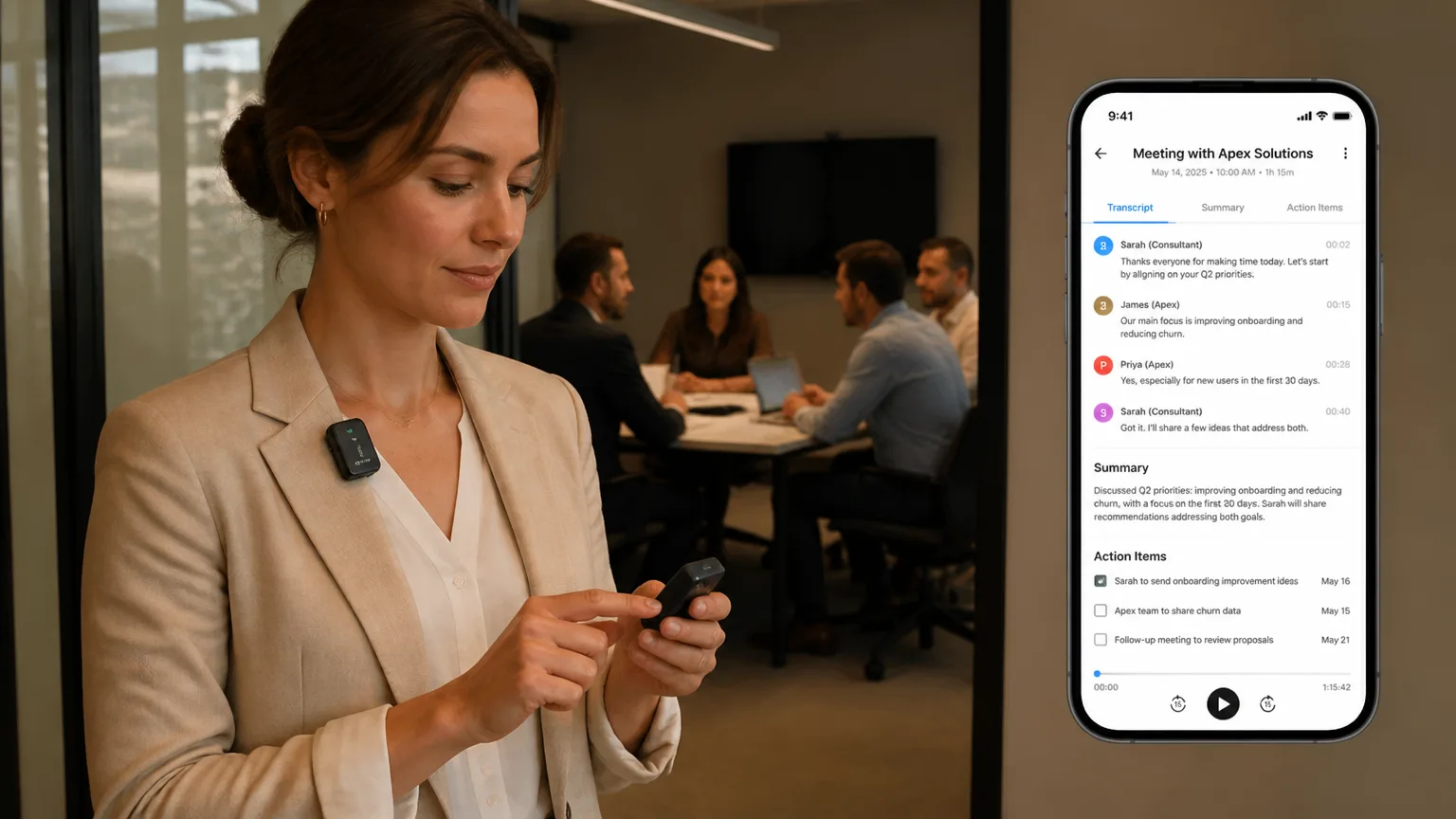
You walk out of an off-site client meeting. No Zoom link, no calendar invite — just a room full of stakeholders and an hour of decisions you need to remember. You pull up Otter.ai on your phone and realize: it never recorded a thing. It was waiting for a meeting bot that never got invited.
That gap — the space between what meeting software captures and what actually happens at work — is exactly where Vibe Dot was built to live.
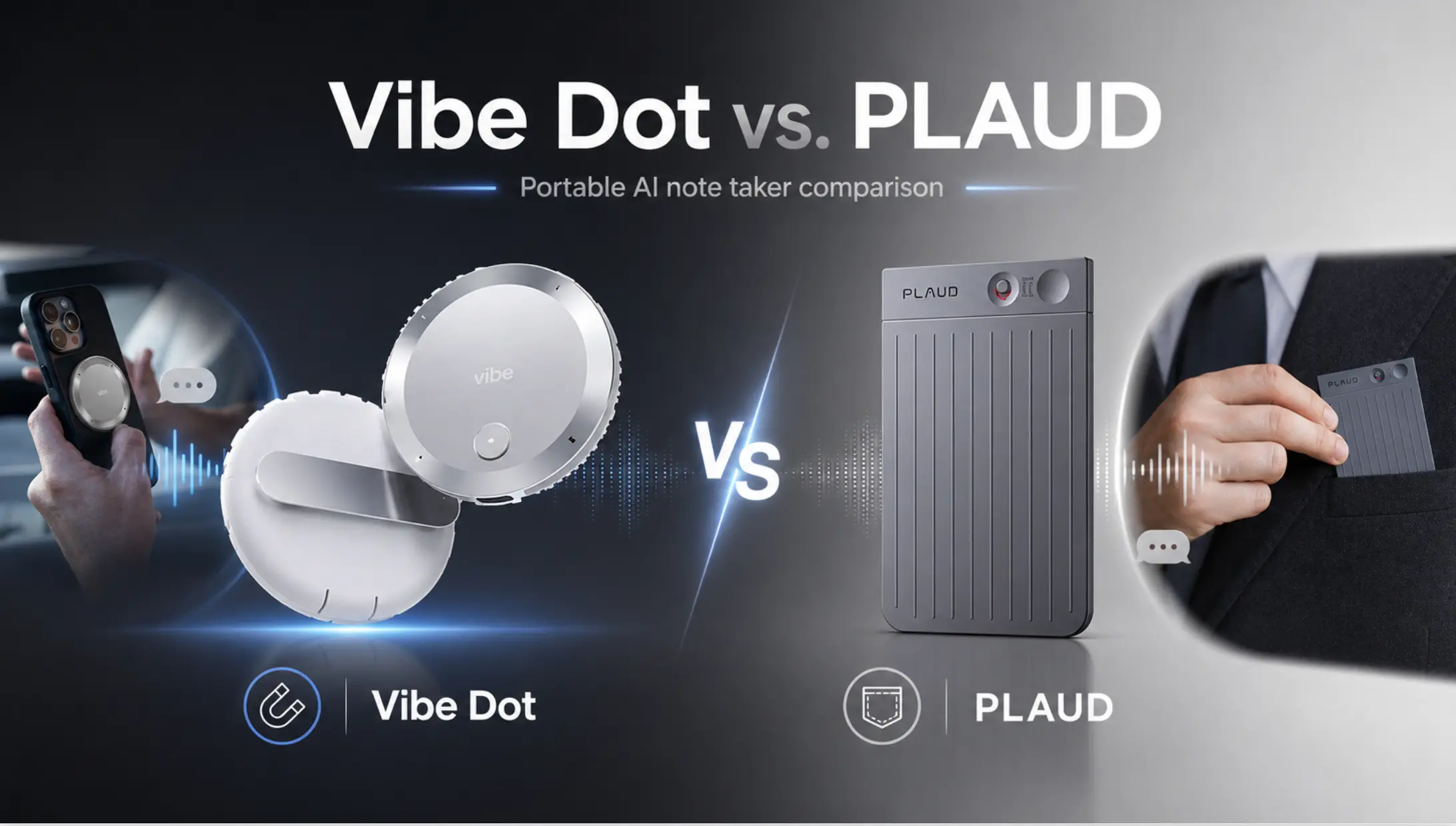
This guide breaks down the real differences between Vibe Dot and Otter.ai: what each tool does well, where each falls short, and how to pick the right one for the way you actually work.
What They Are (And Why the Comparison Matters)
Otter.ai and Vibe Dot are both AI tools designed to capture and summarize conversations — but they approach the problem from fundamentally different angles.
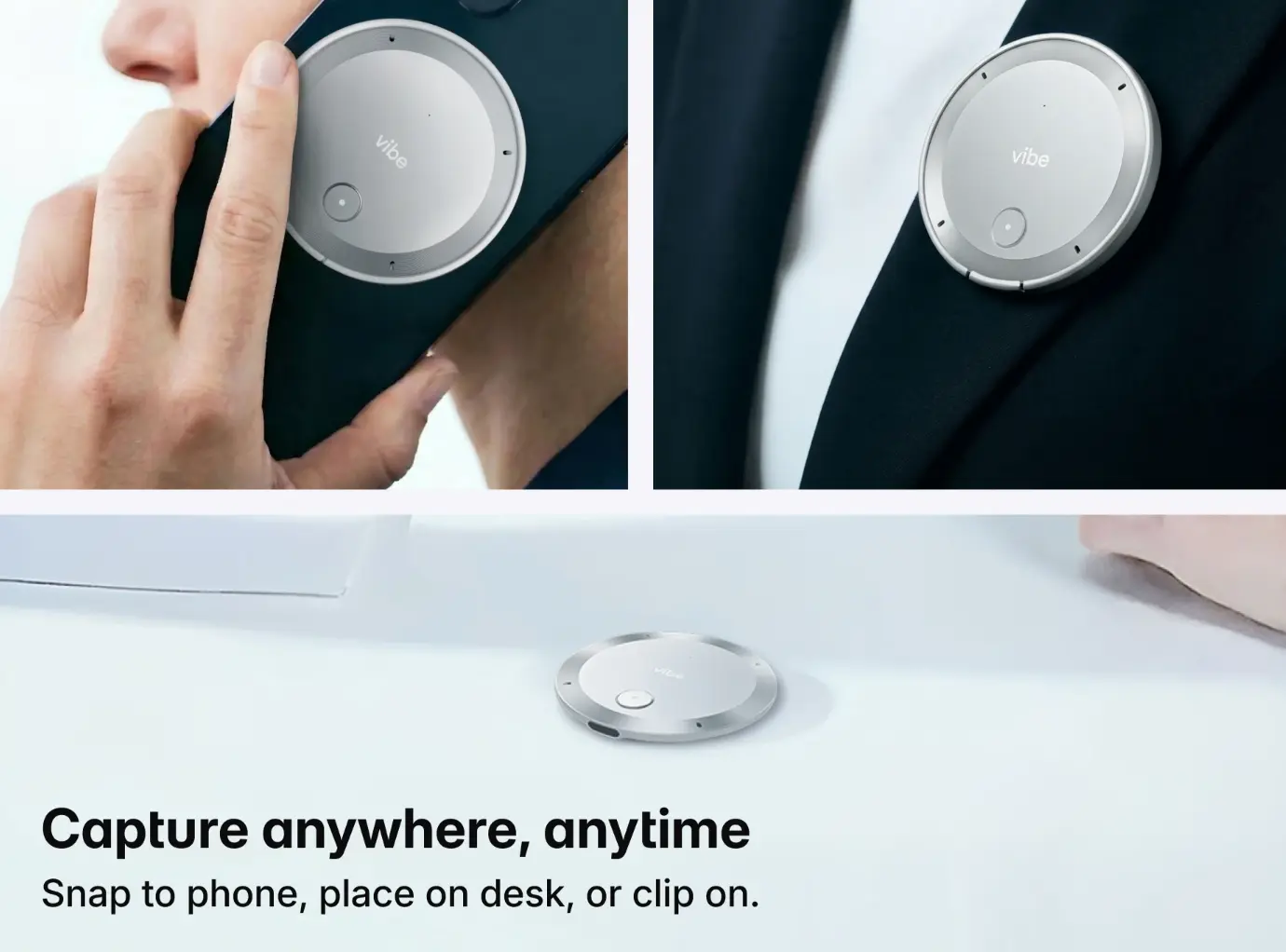
Vibe Dot is a hardware-first AI wearable. It’s a palm-sized device — roughly the size of a large button — that works however your meeting does: clip it to your lapel, snap it magnetically onto the back of your iPhone via MagSafe (or via a magnetic ring for Android), or simply set it on a table. It records audio from up to 16 feet away using a five-microphone array, stores up to 30 hours of audio on 64GB of onboard storage, and syncs conversations to the Vibe AI app for transcription, summaries, and action items — whether or not you’re on a video call.
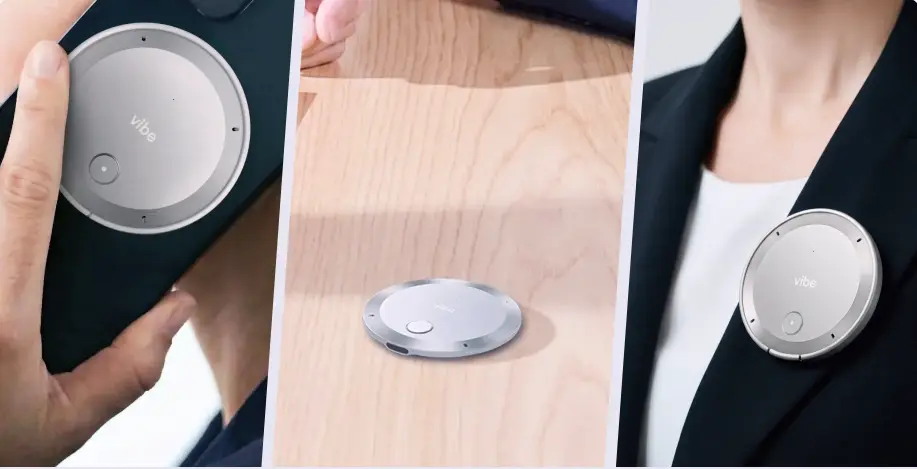 Vibe Dot AI recorder shown handheld, on desk, and worn as lapel pin
Otter.ai is a software-first meeting note taker. It works by sending an AI bot into your scheduled video calls on Zoom, Microsoft Teams, or Google Meet. It transcribes in real time, highlights action items, and lets your team collaborate on shared notes. It’s been the go-to for remote-first teams since 2018.
The comparison matters because more and more professionals are finding that a significant portion of their important conversations never make it into a video call. Site visits, client dinners, hallway decisions, workshops — these moments don’t have Zoom links. And Otter.ai, by design, doesn’t capture them.
Head-to-Head: Core Features
|
Feature |
Vibe Dot |
Otter.ai |
|---|---|---|
|
Device type |
Physical wearable ($199) |
Software / app (no device) |
|
Works offline |
Yes — 64GB onboard storage |
No — requires internet/app |
|
In-person recording |
Yes — up to 16 ft range |
Limited — phone mic only |
|
Video call recording |
Via phone companion |
Bot joins Zoom/Teams/Meet |
|
Battery life |
30+ hours continuous |
N/A (phone battery) |
|
Auto-transcription |
Yes |
Yes |
|
AI summaries |
Yes — decisions, action items |
Yes — meeting summaries |
|
Agentic actions |
Yes — connects to Claude Code, Codex |
No |
|
Speaker identification |
Yes |
Yes (hit-or-miss on accuracy) |
|
Free tier |
Yes — core features free |
Yes — 300 min/month |
|
Paid plan |
Pro $9, Max $29/seat/month |
$8.33–$30/user/month |
|
Privacy indicator |
Physical LED light |
None |
|
Compliance |
SOC 2, HIPAA, NDAA |
SOC 2 |
Recording Coverage: Where Each Tool Works
This is the most important difference, and it’s worth being direct about it.
Vibe Dot works wherever conversations happen — whether that’s a Zoom call, a client phone call, or an in-person meeting with no calendar invite. Clip it to your lapel, snap it to your phone, or set it on a table. The five-mic array and 16-foot capture range pick up the full room automatically, so you’re never scrambling to hit record. Otter.ai handles scheduled video calls well. Vibe Dot handles everything else too.
For professionals whose work spans both worlds — video calls and in-person conversations — Vibe Dot covers both. Otter.ai covers one.
Otter.ai is optimized for scheduled video calls. OtterPilot, its meeting bot, joins your Zoom, Teams, or Google Meet calls automatically and produces high-quality transcripts with live collaboration features. If your work week is mostly video calls, Otter handles that workflow cleanly.
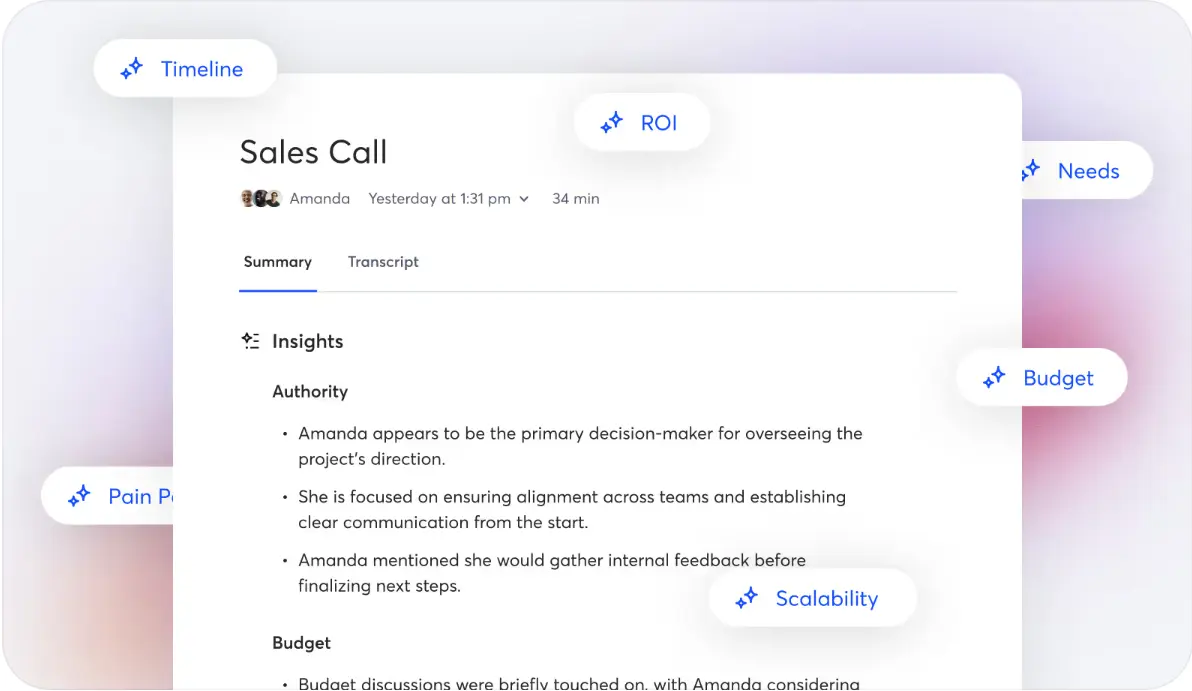 Otter.ai dashboard showing sales call AI summary with insights and key topic tags
The limitation shows up the moment you leave the calendar. Otter doesn’t record in-person meetings unless you manually open the app and position your phone — which drains battery fast. One real-world test found a 40% battery drop on an iPhone during a 90-minute meeting with Otter running. The app also struggles when your phone is in a bag or pocket, and it can’t record while you’re wearing headphones on a call.
AI Outputs: Beyond Transcription
Both tools do more than transcribe. But the depth of what they do with your conversations differs.
Vibe Dot feeds into the Vibe AI Memory Engine, which connects conversations across days and weeks into a structured institutional memory. Rather than isolated meeting notes, Vibe builds a searchable thread of decisions, commitments, and context that compounds over time.
The more distinctive feature is the "Spark" function: long-press the device, speak a command, and Vibe routes it directly to AI coding agents like Claude Code or OpenAI Codex. That’s a step beyond note-taking — it turns a voice command from a hallway conversation into an executed task.
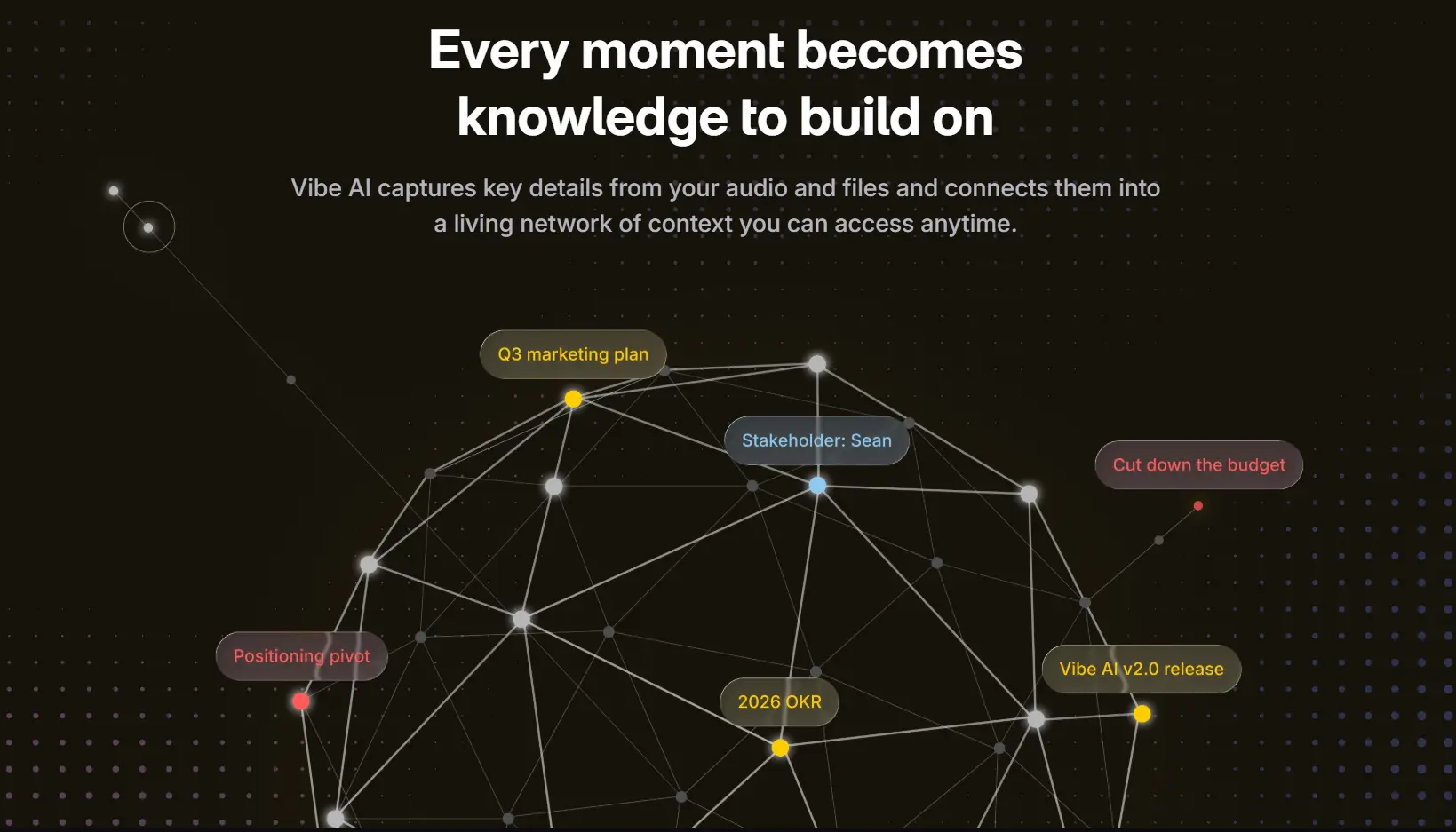 Vibe AI – captures key details from your audio and files
Otter.ai produces real-time transcripts, AI-generated meeting summaries, and action item extraction. Its collaborative workspace lets teammates highlight, comment, and assign tasks directly inside a transcript. For teams running back-to-back video calls who need shared notes fast, this is genuinely useful.
Pricing: The Real Numbers
Otter.ai pricing in 2026:
-
Basic (Free): 300 transcription minutes/month, 30-minute cap per conversation, 3 lifetime file imports
-
Pro: $8.33/user/month (annual) or $16.99/month — 1,200 minutes/month, 10 file imports/month
-
Business: $19.99/user/month (annual) or $30/month — unlimited in-app meeting minutes, 4-hour per-meeting cap
-
Enterprise: Custom pricing
One important caveat: Otter.ai quietly reduced the Pro plan from 6,000 to 1,200 minutes without a price change in 2026. Heavy users burn through the Pro allowance in under two weeks. When you hit your monthly limit, transcription stops entirely — no overage option, no rollover.
Vibe Dot pricing:
-
Device: $199 one-time
-
Core features: Free — recording, storage, and basic AI summaries included
-
Pro: $9/user/month — for users who exceed monthly transcription limits or need additional agentic automation tokens
The total cost picture looks like this: Otter at the Business tier runs ~$240/user/year. Vibe Dot costs $199 for the device plus $0 if you stay within free tier limits. For heavy users on Pro, that’s $199 + $108/year = $307 in year one, then $108/year after — comparable to Otter Business, but with hardware that also works offline and in-person.
Who Should Choose Vibe Dot
Vibe Dot makes more sense if:
-
A meaningful portion of your work happens in person — site visits, client meetings, field work, workshops, or any conversation without a video call
-
You want a single device that covers both in-person and remote recording without switching tools
-
You need conversations to feed into long-term institutional memory, not just one-off meeting notes
-
Privacy matters: the physical LED indicator signals to everyone in the room that recording is happening
-
You want to go beyond note-taking and connect voice commands to AI agents that take action
Who Should Choose Otter.ai
Otter.ai remains a strong choice if:
-
The majority of your meetings are scheduled video calls on Zoom, Teams, or Google Meet
-
You need real-time, collaborative transcription that your whole team can access simultaneously
-
You want a free or low-cost entry point with no hardware investment
-
You’re on a small team that runs structured, calendar-based meetings
The Bottom Line
Otter.ai and Vibe Dot aren’t really competing for the same user. Otter is a polished software tool for teams whose work lives on a video call. Vibe Dot is a wearable AI layer for professionals whose most important conversations happen everywhere else.
If your week is 80% Zoom, Otter will serve you well. If you spend significant time in person — or you’re tired of losing context from conversations that never made it into a meeting link — Vibe Dot fills a gap that software alone can’t.
FAQ
Does Vibe Dot replace Otter.ai?
For many professionals, yes. Vibe Dot covers everything Otter.ai does — video calls on Zoom, Teams, and Google Meet — and then goes further. It also captures phone calls, in-person meetings, client visits, workshops, and any conversation that never gets a calendar invite. If your work spans both video calls and the physical world, Vibe Dot handles both in one device. Otter.ai, by design, stops at the screen.
Can Vibe Dot record Zoom or Teams calls?
Yes. While Vibe Dot is designed for in-person capture, it can also record your side of a video call — or the full audio in the room if you’re in a hybrid meeting. Unlike Otter.ai’s bot-based approach, Vibe Dot doesn’t join the call as a visible participant, which removes the social friction of a bot notification appearing on screen.
Is Vibe Dot worth it if I mostly work remotely?
It depends on how much of your remote work involves in-person touchpoints. If your week is 100% video calls, Otter.ai’s Pro or Business plan may be more cost-effective. But if you occasionally meet clients, attend conferences, or have team offsites where conversations matter, Vibe Dot captures those moments that a meeting bot never sees. The $199 one-time hardware cost plus a free core tier makes it a low-risk addition alongside your existing tools.
Does Otter.ai work for in-person meetings?
Otter.ai can record in-person meetings through its mobile app, but with real limitations. You need to manually start the recording, keep your phone on the table, and accept significant battery drain — one test found a 40% battery drop on iPhone during a 90-minute session. Otter also struggles when the phone is pocketed or when multiple people are speaking across a room. For dedicated in-person capture, a hardware device with a multi-mic array like Vibe Dot is meaningfully better.
Is it obvious to others in the room that Vibe Dot is recording?
Yes — and that’s by design. Vibe Dot has a physical LED indicator that lights up when recording is active, so everyone in the room knows. This is meaningfully different from using a phone app or a hidden recorder. In regulated industries or sensitive client meetings, visible consent signaling isn’t just courtesy — it’s often a legal requirement. The LED makes that easy without requiring you to announce it verbally every time.
What happens to my recordings if I’m out of Wi-Fi range?
Nothing gets lost. Vibe Dot stores up to 30 hours of audio directly on its 64GB onboard storage, so it keeps recording even without a connection. Once you’re back online, it syncs automatically to the Vibe AI app for transcription and summarization. This makes it reliable for field work, travel, site visits, or any setting where you can’t count on a stable connection — scenarios where a software-only tool like Otter.ai would simply stop working.