
Most of us can feel when something is out of sync on our teams. Maybe our meetings are stalling, or decisions are continually revisited because "someone wasn’t looped in." On the other hand, strong collaboration in the workplace can take your work to the next level and help people feel valuable. That’s why 76% of workers say a company’s collaboration style reflects the quality of its work culture.
But great collaboration isn’t the result of wishful thinking—or even hiring the "right" fit for your company. You have to design the culture you want to see, including how effectively employees plan, discuss, and build together across departments. Here, we are going over what collaboration in the workplace really means and how you can improve it with practical, modern solutions.
- Collaboration in the workplace means people working toward shared goals, where everyone is aligned on decisions, ownership, and next steps.
- Strong collaboration means that teams work well together, they get tasks done faster, solve problems better, and actually enjoy their jobs more.s.
- Different types of collaboration work best in different moments, and choosing the right one is the best way to avoid overload.
- The right collaboration tools support how teams already work and make alignment easier across hybrid environment
What is Collaboration in the Workplace?
Collaboration in the workplace is how people actually work together to get something done. It’s sharing context, making decisions together, and moving work forward with a clear sense of who is doing what. Real collaboration shows up in planning sessions, working docs, quick check-ins, and problem-solving moments.
Today, teams work across departments, time zones, and schedules, mixing live conversations with shared documents and async updates. When collaboration works well, progress doesn’t depend on everyone being online at the same time.
Why Workplace Collaboration Matters
When people understand the goal and feel comfortable weighing in, work moves more smoothly, and fewer things fall through the cracks. Where modern teams are more distributed, more specialized, and more interdependent than ever, collaboration is more important than ever. Without intentional collaboration, even talented teams struggle to keep pace.
A report from Fierce Inc. found that nearly 90% of workplace failures stem from poor collaboration or communication, and 97% of employees say misalignment negatively affects outcomes. When collaboration breaks down, your work results usually follow.
Common Types of Workplace Collaboration
Collaboration shows up in different ways depending on the work at hand. Recognizing the type you need makes it easier to support it well.
-
Cross-functional collaboration: People from different teams working together on shared initiatives like launches or major projects, especially when solving end-to-end problems that need multiple perspectives to land well.
-
Intra-team collaboration: The everyday coordination that happens within a single team, where planning, execution, and small improvements rely on everyone pulling in the same direction.
-
Interdepartmental collaboration: Multiple departments aligning on processes, handoffs, or shared goals, which matters most when work crosses team boundaries or when breakdowns will slow everything downstream.
-
Synchronous collaboration: Real-time work through meetings, video conferencing, workshops, or live working sessions. It’s best suited for decisions, brainstorming, and conversations where quick back-and-forth adds clarity.
-
Asynchronous collaboration: Working together through shared docs, boards, and updates without needing everyone online, a strong fit for deep focus, hybrid teams, and global schedules.
Read: Complete guide to when to use synchronous vs asynchronous communication.
-
External or partner collaboration: Teams collaborating with customers, vendors, or partners. This is particularly relevant when co-creating something where outside insight directly shapes the outcome.
Core Aspects of Collaboration in the Workplace
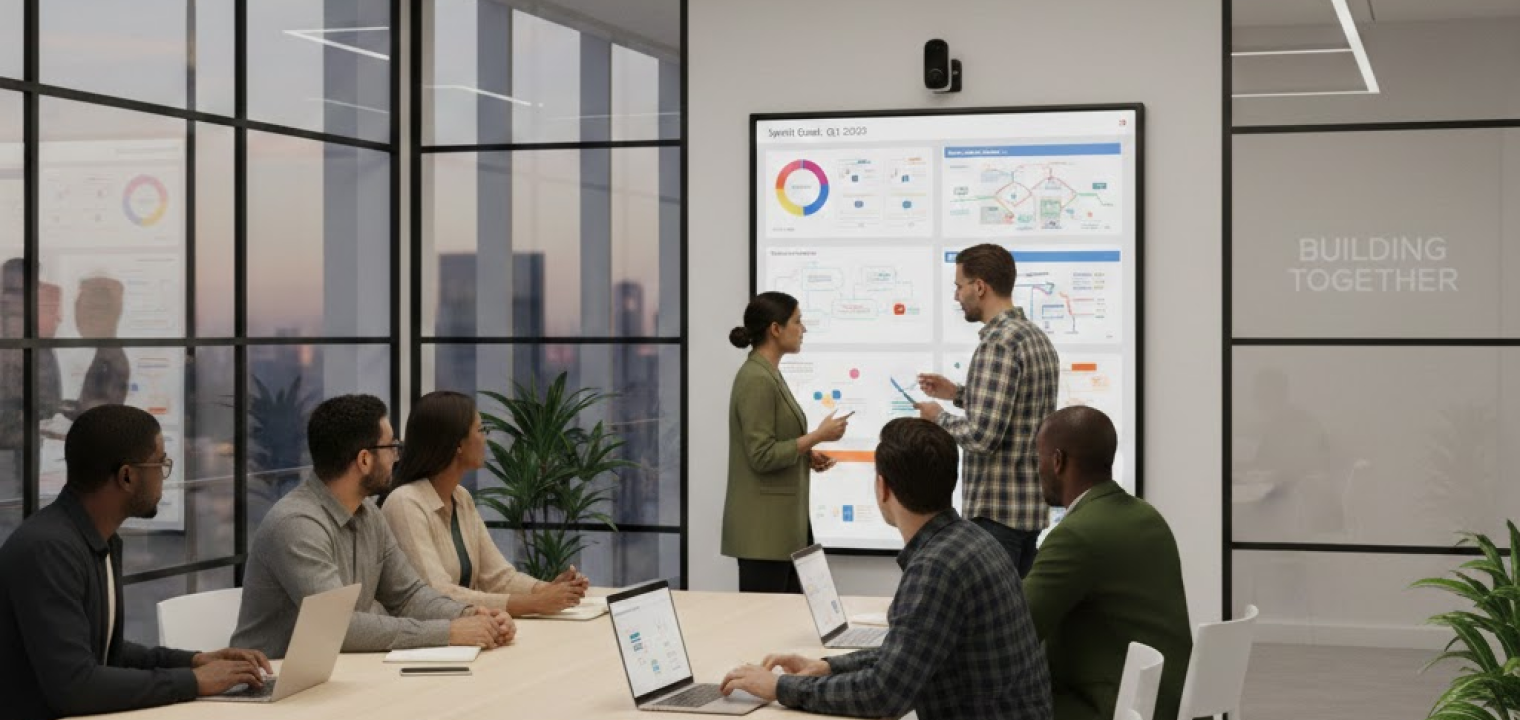
What does collaboration actually look like at work? There are multiple facets—here are some of the elements that shape how teams plan and work together over time.
Shared goals and purpose
Collaboration works best when everyone understands what the team is trying to accomplish and why it matters. Crystal clear goals help people make better day-to-day decisions without waiting for approval or clarification. In practice, this often looks like teams keeping priorities front and center during working sessions, planning meetings, or visual reviews instead of buried in documents no one opens.
Inclusive participation and ownership
Good collaboration brings the right people into the conversation early so that you can make the best decisions upfront. It creates space for different perspectives and distributes ownership so progress doesn’t depend on one or two voices. Teams do this well when working sessions are designed so everyone can contribute, whether that’s speaking up in the room, adding notes to a shared canvas, or building ideas together visually.
Feedback and continuous improvement
Teams that collaborate well make time to reflect on how work is going. They talk openly about what’s helping, what’s slowing things down, and what to try next. Teams that get this right often capture feedback during or right after working sessions, making it easier to spot patterns and adjust before issues turn into habits.
Clear roles and responsibilities
Collaboration breaks down quickly when ownership is confusing. People thrive when they know what they are responsible for and how their work connects to others. Teams that handle this well tend to make roles and decisions visible during planning and review sessions, so responsibilities don’t get lost in follow-up messages.
Trust and psychological safety
People collaborate more openly when they feel safe sharing ideas, questions, or concerns. Trust shows up when mistakes can be discussed without blame and different opinions are treated with respect. Over time, that safety leads to more honest conversations and better thinking, especially during brainstorming and problem-solving sessions.
Open and structured communication
Strong collaboration depends on information flowing through agreed-upon channels. Teams benefit when updates include enough context to act, and decisions are easy to find later. Visual working sessions, shared boards, and collaborative whiteboards help turn discussions into something tangible that the whole team can reference later.
Key Benefits of Team Collaboration in the Workplace
Duplicate work or employees mentally checking out of work happen when collaboration is low. Meanwhile, you’ll see smoother execution, higher engagement, stronger customer outcomes, and better problem-solving when your teams work together better.
Innovation and Problem-Solving Advantages
Teams don’t get stuck because they lack smart people. They get stuck because the right information is spread across too many heads, too many tools, and too many side conversations. Collaboration fixes that by bringing the full picture into one place early enough to matter.
Say a team is about to roll out a new onboarding flow. In a working session, support shares the top reasons customers churn in week one, sales adds what prospects keep asking during demos, and product maps the flow live so everyone can see where confusion will happen. Instead of launching and then "finding out" through tickets, the team adjusts the experience before it ships.
Productivity, Efficiency, and Faster Execution
A lot of "productivity" problems are really coordination problems. Deadlines slip because dependencies weren’t visible. People redo work because the latest version lives in someone’s inbox.
Strong collaboration cuts that down by making work easier to track and easier to hand off. One practical shift that makes a difference: replacing a status meeting with a shared board plus a short async update, then using live time only for decisions and blockers. By the time you actually have your scheduled meeting, you spend less time figuring out what is happening and more time optimizing.
Employee Engagement, Morale, and Retention
Collaboration improves morale because it reduces the daily stress that makes people tired of their jobs. This can look like unclear priorities, last-minute pivots, and feeling like work happens around them instead of with them.
You can usually spot a healthier pattern when newer team members contribute sooner, and quieter people aren’t waiting for an invite to speak. People leave meetings knowing what they own, what changed, and what happens next. It makes the work feel doable, and it keeps resentment from building when the same people always carry the load.
Stronger Customer and Business Outcomes
Customers don’t care how your org chart is set up. They feel collaboration in the consistency of the experience. When teams collaborate well, customers get fewer mixed messages and fewer "let me check with someone else" delays.
For example, a customer reports an issue that spans billing and product behavior. In a collaborative workflow, support logs the details in a shared space that product and billing can see, the team reviews it quickly, and a single response goes back to the customer with a clear plan. That’s a very different experience from the customer getting bounced between teams while everyone tries to piece together context.
Real-world Examples of Successful Collaboration
Here’s how being deliberate about collaboration at your organization helps real companies.
Google’s 20% Time Catalyzes Cross-Team Collaboration
Google’s 20% time gave employees permission to spend part of their workweek collaborating outside their core responsibilities. The key wasn’t freedom alone, but protected time. Engineers, designers, and product managers could explore ideas together without needing formal approval or immediate ROI.
That structure lowered the cost of collaboration. People could test ideas with teammates from other groups, build early versions together, and see what gained traction. Products like Gmail and AdSense came out of that environment, but the bigger takeaway is how intentionally Google made space for collaboration instead of asking teams to squeeze it in "when they had time."
Atlassian’s "System of Work" for Distributed Teams
Atlassian operates with distributed teams across time zones, which forced the company to rethink how collaboration happens without constant meetings. Their "System of Work" centers on shared rituals, visible work, and tools that keep context available to everyone.
Teams rely on clear project tracking, documented decisions, and async updates so work doesn’t stall when someone is offline. Live sessions are used sparingly and intentionally, often focused on planning or problem-solving rather than status. This way, you can easily scale without burning out, because people can stay on the same page without being pulled into meetings all day.
Overcoming the Challenges of Workplace Collaboration
Even teams that value collaboration run into hurdles. Those that can clear those hurdles are the groups that address them head-on. Below are the most common collaboration challenges and the approaches that help teams move past them.
1. Work stalls because teams don’t share context early enough
Problems often surface too late because teams work in isolation until handoff time. By then, decisions are harder to change and frustration is already baked in.
What helps: Shared goals that span teams, paired with early working sessions where assumptions and constraints are visible before plans are finalized.
2. Too much talking, not enough progress
Collaboration turns into the buzz you hear playing in the background when every update becomes a meeting. Teams stay informed but lose momentum because work time keeps getting fragmented.
What helps: Clear rules around what belongs in writing versus live discussion, with meetings reserved for collaborative decision-making and problem-solving.
3. Decisions drag because ownership isn’t obvious
When everyone weighs in but no one decides, collaboration slows to a crawl. Teams revisit the same conversations because there’s no clear endpoint.
What helps: Naming a single owner for each decision and making that visible to the group so feedback has a path forward instead of looping endlessly.
4. Collaboration breaks when people aren’t online at the same time
Live-first collaboration doesn’t scale across time zones or flexible schedules. Important updates get missed, and some teammates are always catching up.
What helps: Designing workflows that assume people will contribute at different times, supported by shared spaces where work and decisions stay visible.
5. Information lives everywhere and nowhere
When collaboration tools multiply without a clear purpose, teams lose trust in where to look. People recreate work because it’s faster than searching.
What helps: Fewer tools with clearer roles, plus consistent habits around where work lives and how updates get captured.
6. Feedback stays polite instead of useful
Collaboration suffers when people avoid hard conversations. Issues stay unspoken until they show up as missed deadlines or quiet resentment.
What helps: Built-in moments for reflection that normalize feedback as part of the work, not a personal critique.
7. Hybrid teams default to whoever’s in the room
In hybrid setups, collaboration often favors physical presence. Remote participants end up observing instead of contributing.
What helps: Designing sessions around shared visuals and participation tools so everyone collaborates in the same space, regardless of location.
7 Strategies for Effective Workplace Collaboration
Think of these strategies as a playbook for making collaborative work feel natural and helpful to your organization. Consider starting with one or two of the following to initiate valuable change in your workplace.
1. Design a Collaborative Culture and Norms
Most teams have unspoken rules about how work gets done, which is where confusion creeps in. Collaboration improves when expectations are named upfront: how decisions are made, where updates live, and when input is expected.
Try this: Run a 30-minute workshop where the team agrees on a handful of collaboration norms (e.g., how you use channels or how you give feedback). Then capture them in a shared space that everyone actually uses that you can revisit quarterly.
2. Build and Model Collaborative Leadership Behaviors
Leaders set the tone for how safe it feels to contribute. Collaboration improves when leaders ask for input early, share context openly, and give credit to teams instead of positioning themselves as the center of every decision. This also helps teams speak up sooner instead of waiting until problems are expensive to fix.
Try this: In your next team meeting, spend the first 10 minutes asking open questions ("What are we missing?" "Who else should weigh in?") before offering your own opinion, and close by publicly crediting specific collaborative behaviors you observed.
3. Encourage Cross-Functional and Cross-Team Collaboration
Cross-team collaboration works best when it’s purposeful and time-boxed. Shared OKRs, project squads, and rotating representatives can all help, but the bigger win is reducing recurring issues between teams by giving them a shared target and a short runway to solve it together.
Try this: Identify one recurring friction point between two teams and create a small, time-boxed cross-functional "tiger team" with a shared OKR to diagnose the issue and propose 2–3 process changes within 30 days.

4. Balance Meetings with Asynchronous Workflows
Meetings are great for discussion and decisions, but they’re a rough tool for updates. Teams get more done when status lives in async channels, and meetings are reserved for work that benefits from live energy: co-creating, resolving blockers, and making calls.
Try this: Choose one standing meeting this month, move status updates into a shared async doc or project board 24 hours beforehand, and use the meeting time only for decisions, blockers, and co-creation.
5. Establish Clear Goals, Roles, and Working Agreements
Collaboration gets hard when teams start work without alignment on what success looks like and who does what. Writing down working agreements also prevents frustration later, because people aren’t guessing what "good communication" means.
Try this: For your next project, create a one-page brief that lists the outcome goal, 3–5 success metrics, a simple RACI (or owner-per-task list), and 5 working agreements, then review it live with the team before work starts.
6. Invest in Skills: Feedback, Active Listening, and Conflict Resolution
Tools don’t fix collaboration problems if people don’t have the skills to handle feedback, listen well, and work through disagreements. Building these skills makes every meeting more productive because the team can get to the real issue faster.
Try this: Introduce a simple feedback ritual where, once a week, each person gives one "continue" and one "change" comment to a teammate using a shared, agreed-on format (e.g., "When you did X, it helped/hurt Y; next time, consider Z").
7. Recognize, Reward, and Normalize Collaborative Wins
If teams only celebrate individual heroics, people will keep working in silos until the last minute. Collaboration sticks when it’s recognized publicly and treated as part of your company’s success and performance.
Try this: Add a "collaboration shoutout" segment to your weekly or biweekly meeting where people nominate colleagues who helped them succeed, and log these shoutouts in a shared space you can reference during reviews.
Collaboration Tools and Technology
To support the great habits and practices of your collaborative team, there are seemingly endless tools to work with. Here are some of the core integrations we would consider, especially if you are working with hybrid teams or relying on remote collaboration tools.
Messaging Platforms
Messaging platforms replace scattered emails with searchable, channel-based conversations. They work best when teams use them to share quick updates, ask questions, and keep decisions visible instead of buried in private threads.
Examples include Slack, Microsoft Teams, and Google Chat.
Choose messaging platforms based on: how easy it is to search past conversations, how well they integrate with your collaboration software, and how clearly teams can organize conversations by project or topic. Strong team communication depends on knowing where to ask, where to answer, and where decisions get captured.
Project Management Boards
Project boards make work visible. They help teams see priorities, ownership, and blockers without needing constant check-ins or status meetings. When used consistently by everyone, there isn’t a lot of confusion around who does what or who is currently working on a task.
Common options include Trello, Asana, and monday.com.
Choose project boards based on: clarity of ownership, ease of updating, and how well they reflect real workflows instead of forcing rigid processes. Teams tend to trust boards that feel lightweight and stay current.
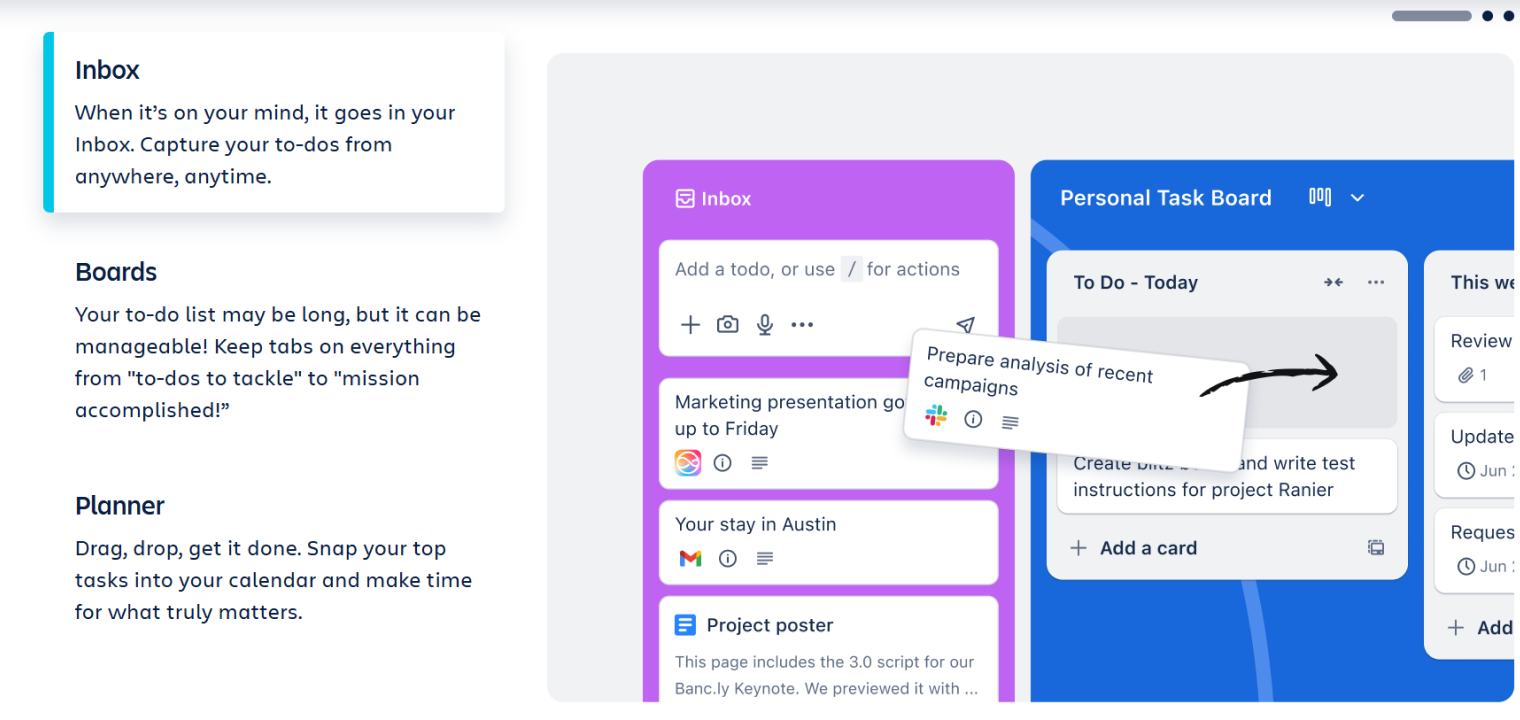 Screenshot of Monday's platform interface showing project planning solutions.
Content Collaboration Suites
Shared docs, sheets, and presentations allow teams to build ideas together instead of passing versions back and forth. They’re especially useful for async collaboration, reviews, and capturing decisions as work evolves.
Popular tools include Google Workspace, Microsoft 365, and Notion.
Choose content collaboration tools based on: real-time co-editing, commenting workflows, and how easy it is to organize shared spaces by team or project. The best setups make it obvious where work lives and who can contribute.
Interactive and Digital Whiteboards
Visual collaboration tools help teams think together. They’re useful for brainstorming, mapping workflows, planning projects, and running workshops where ideas need to stay visible to everyone involved.
Examples include digital whiteboards like Miro, Mural, and Vibe Canvas, a collaborative whiteboard built for real-time whiteboarding and ongoing work.
Choose whiteboarding tools based on: how well they support both live and async work, whether sessions can be saved and reused, and how easily they integrate with virtual meeting and video conferencing technology. Strong whiteboarding tools turn conversations into shared artifacts instead of fleeting moments.
Level-Up Workplace Collaboration with Vibe Board S1
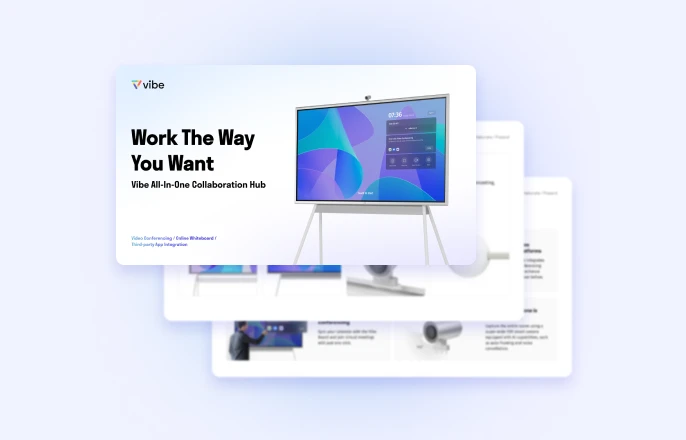
If you want to see employees who naturally work well with others, across all formats and platforms, you need a solution that works in person, remotely, and everywhere in between. The Vibe Board S1 gives teams a shared visual space that brings every participant onto the same page in one smooth experience.
-
High-quality audio and video for hybrid meetings
-
A visual hub for presentations and shared work
-
Real-time whiteboarding with Canvas
-
Professional setup for client-facing conversations
-
Easy to use, no IT support needed
-
Portable enough to turn any room into a collaborative workspace
-
Access to 250+ workplace apps
Ready to try the best smart board for office settings? See how the Vibe Board S1 fits into your workspace or schedule a demo to experience it firsthand.
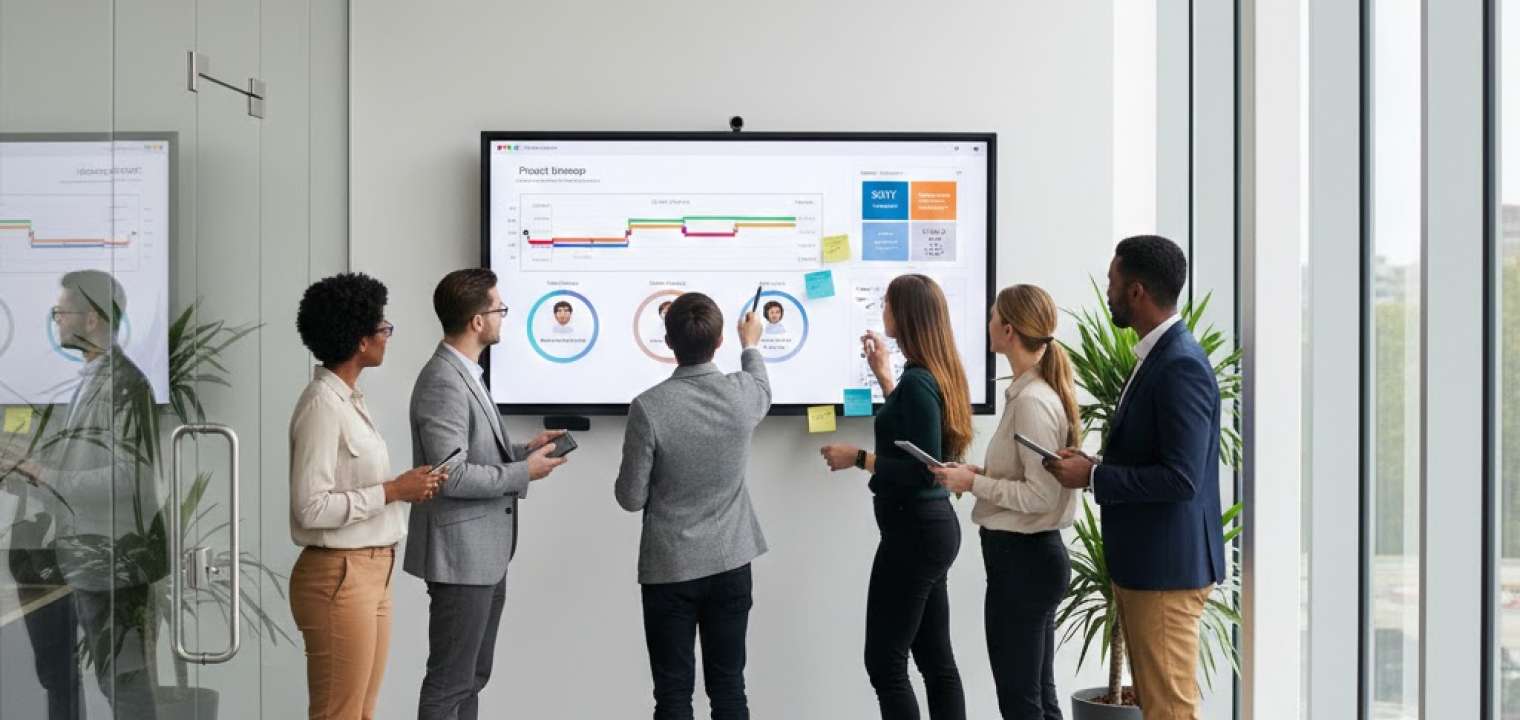
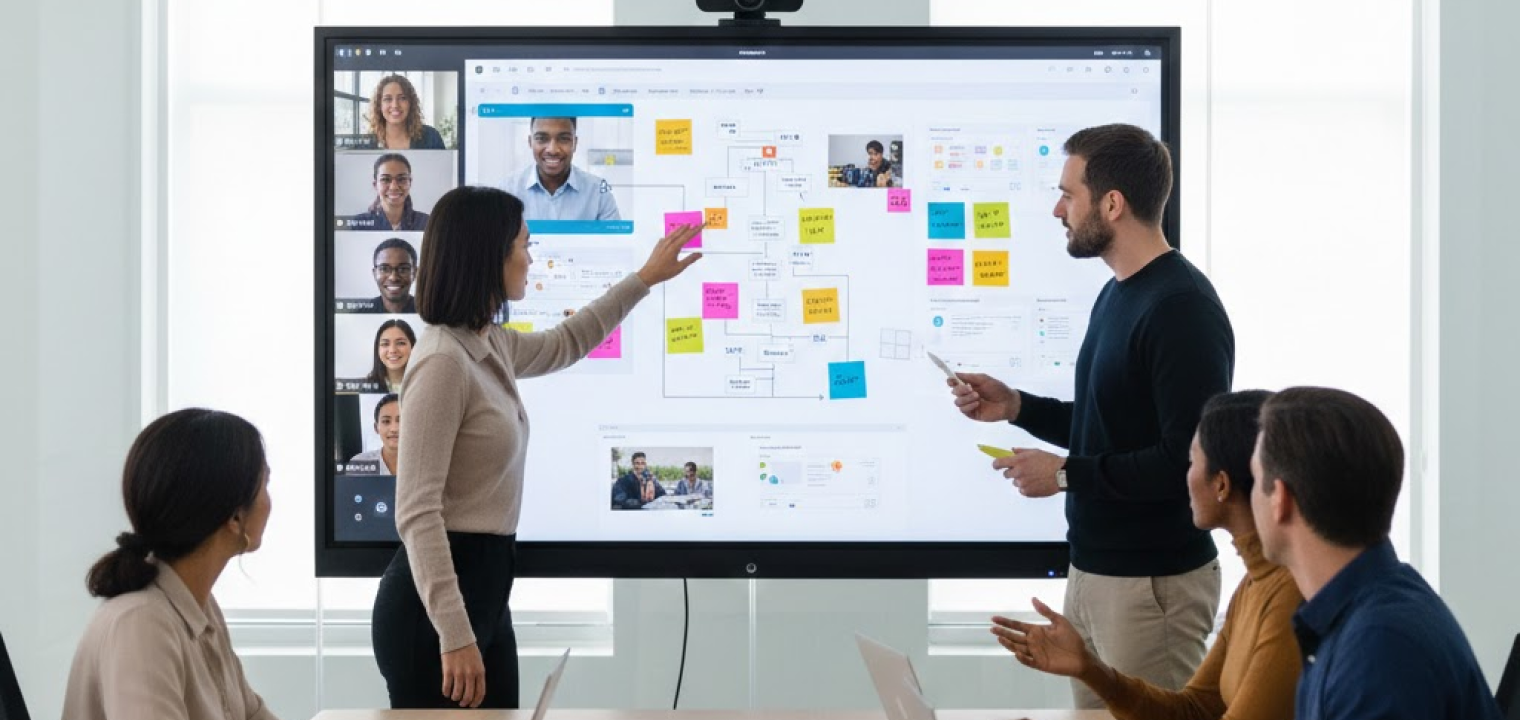
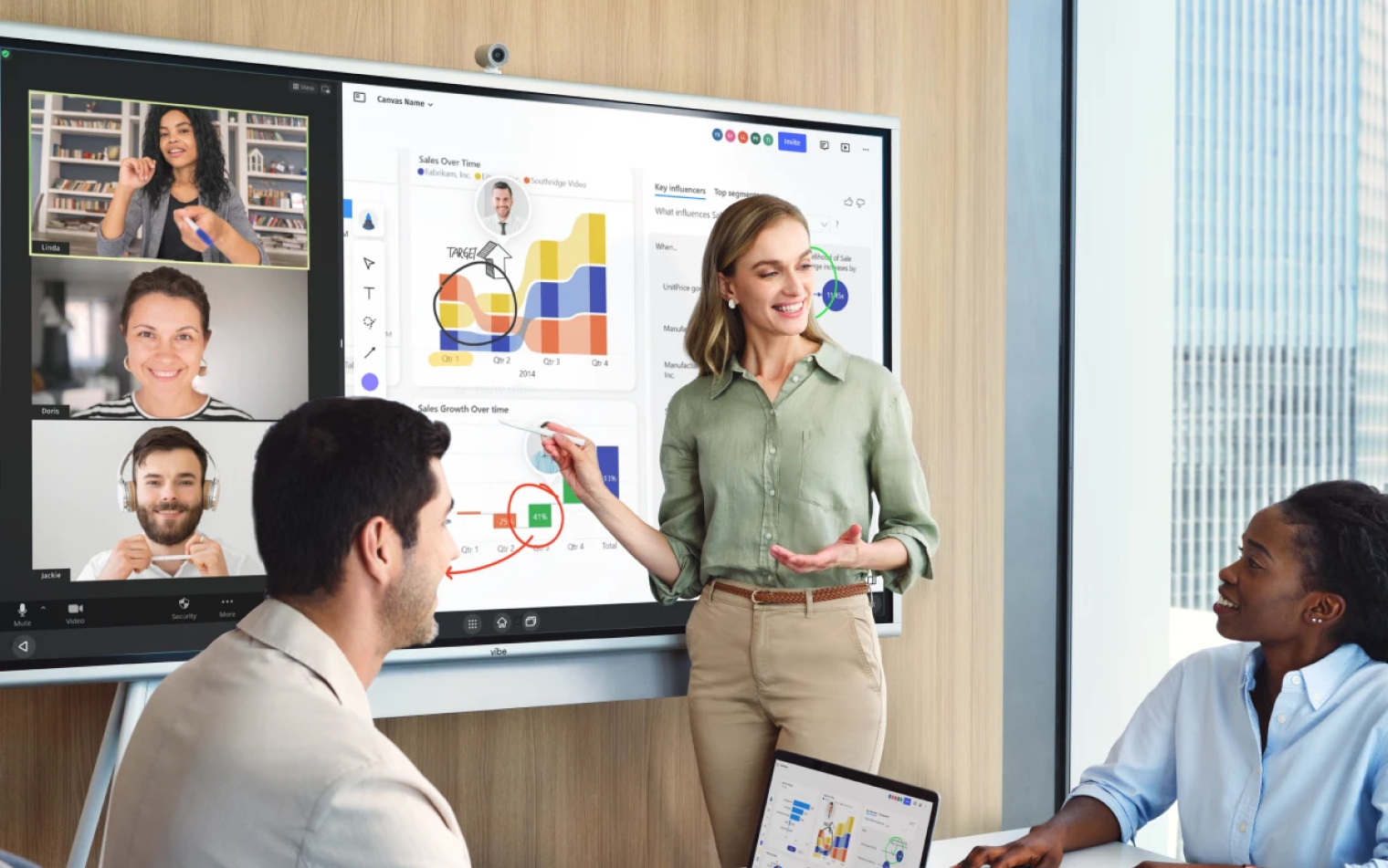 Diverse team aligning project ideas during hybrid in-person and virtual collaboration session.
Collaboration in the Workplace FAQs
What are the 3 C’s of collaboration?
The 3 C’s are communication, coordination, and commitment. Teams collaborate well when they share information clearly, know how their work fits together, and follow through on what they agree to.
What are the 5 P’s of collaboration?
The 5 P’s are purpose, people, process, participation, and progress. Together, they help high-performing teams stay aligned on why they’re working together, who’s involved, how work happens, and how success is tracked.
How do you encourage collaboration in the workplace?
Set clear goals, make work visible, and create shared spaces where people can contribute in real time or asynchronously. Collaboration improves when teams know where to work together and feel invited to do so.