The most important question when choosing an AI note taker has nothing to do with which app has the best reviews. It is simpler than that: where do your conversations actually happen?
If the answer is mostly Zoom and Google Meet, you need software. If it is client offices, construction sites, and hallway catch-ups, you need a device. If it is a conference room where a mix of in-person and remote colleagues meet, you need hardware built for the room itself.
The AI note-taking market has grown fast enough that most category guides now blur these three into a single listicle. This guide separates them — and helps you figure out which one, or which combination, fits the way your workday actually runs.
The one diagnostic that matters most
Before comparing products, map one week of your meetings across three columns:
|
Column |
Examples |
|---|---|
|
Virtual |
Zoom, Teams, Google Meet, phone calls with bots |
|
In-person |
Client offices, field visits, workshops, hallway check-ins |
|
Shared room |
Conference rooms with a mix of in-person and remote participants |
If more than 70% of your meetings are virtual, software is your default. Hardware adds cost without solving a problem you actually have.
If more than 40% are in-person or involve phone calls, a wearable or pocket recorder deserves a serious look. Software meeting bots cannot follow you to a client's office or into a phone call — they only work when you open a calendar invite.
If you own or manage dedicated conference rooms with hybrid attendance, a room-level device will outperform any phone or laptop microphone at capturing everyone in the space.
Most professionals need some combination. The framework below helps you prioritize.
Note: For a full comparison of the top AI note-taking apps and devices on the market, see our Best AI Note Takers in 2026 roundup.
Category one: wearable and pocket AI recorders
Wearable hardware is the right choice when the most important conversations in your workday happen away from your desk — in client offices, on site visits, over lunch, or over the phone.
These devices record locally, transcribe in the cloud or on-device, and pipe summaries and transcripts into a companion app. The core promise is that you stay focused on the person in front of you, not on your notes.
Who benefits most
-
Consultants, lawyers, and account managers whose value comes from listening well in person
-
Sales reps who need a clean record of what the client actually said before the follow-up email
-
Healthcare professionals who move between rooms and cannot open a laptop mid-round
-
Anyone who regularly takes calls on their phone and wants a transcript without using a bot
The main products in 2026
Vibe Dot ($199)
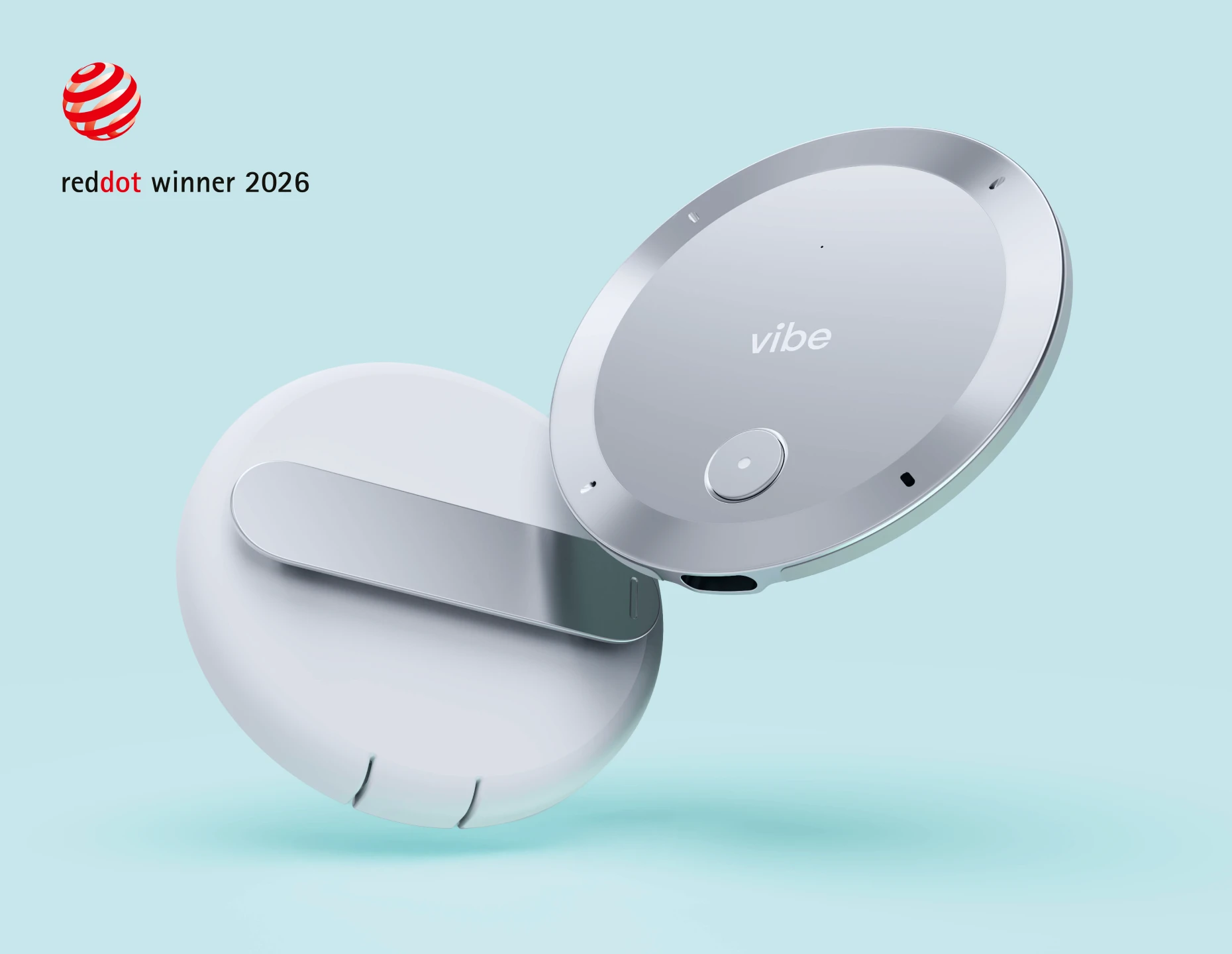
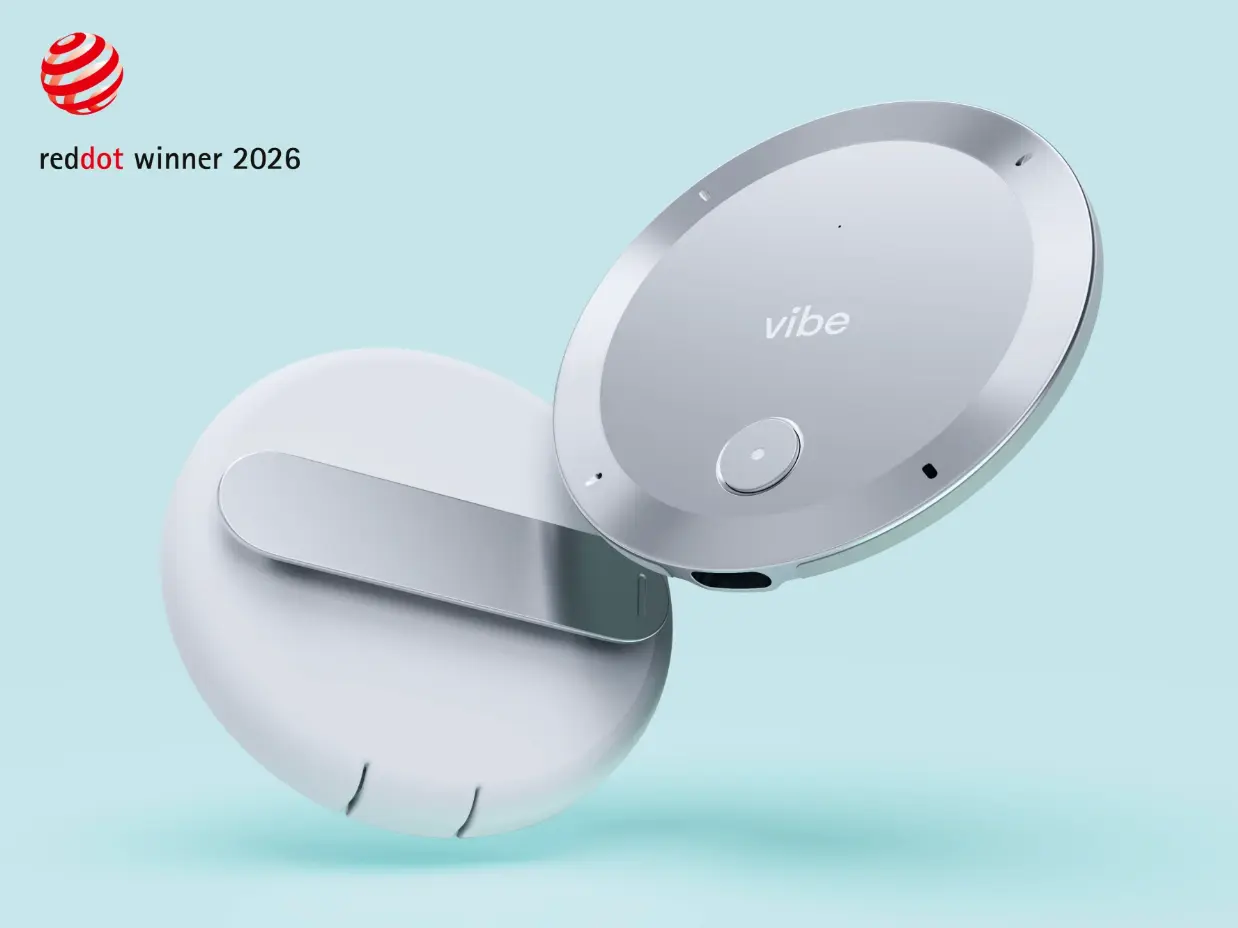
Released in mid-2026, Vibe Dot takes a different approach than its competitors. Rather than pressing a button to start recording, Vibe Dot uses Voice Activity Detection to begin capturing automatically within configurable working hours. For professionals whose most useful details surface before the formal meeting starts or in the conversation after it ends, this removes the most common reason for missing something important.
 Vibe Dot – best wearable AI recorders
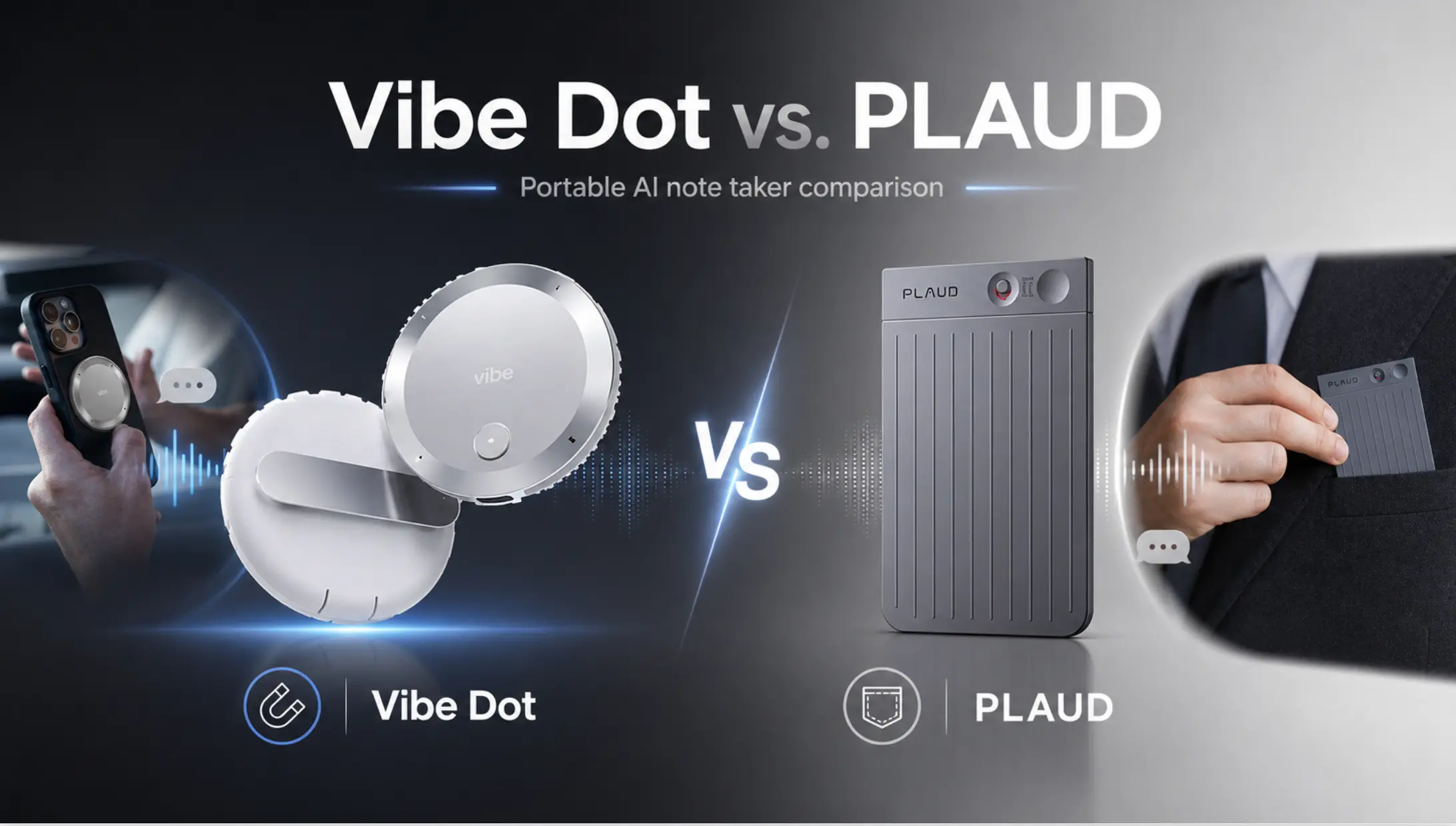
The device is puck-shaped, attaches magnetically to an iPhone or slides into a pocket, and records up to 30 hours continuously with 64 GB of local storage. The hardware includes a TPM 2.0 encryption chip certified to FIPS 140-3, and the platform carries SOC 2 and HIPAA certifications — relevant for anyone working in healthcare, legal, or enterprise environments.
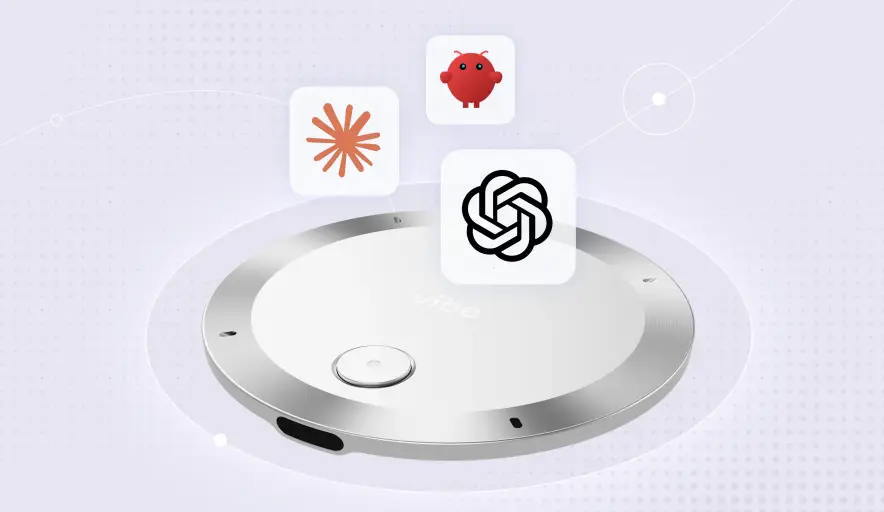
What distinguishes Vibe Dot most from a pure recording device is its connection to Vibe AI. Rather than producing a folder of individual transcript files, Vibe AI builds a Memory Graph across conversations — a searchable, cross-session record that links related discussions, surfaces patterns, and connects to external tools through MCP integrations. That means the notes from a discovery call, a follow-up meeting, and a project debrief can be searched and reasoned across together, rather than retrieved one file at a time.
Voice memos and private reflections stay in a personal space. Client conversations or project discussions can be shared into a team workspace where colleagues can review the full transcript and context, not just a bulleted recap. Vibe AI also connects to Vibe Bot (the room capture device) and Vibe Board (shared visual workspace), so Vibe Dot can be a personal entry point into a broader system as a team's needs expand.
Some agentic features — automated follow-ups, voice-commanded task creation — are on the roadmap rather than shipping today. For the transcription, summary, and Memory Graph capabilities, the device is available now.
Plaud Note Pro ($179–$189)
The credit-card-thin benchmark in this category. Four MEMS microphones plus a voice processing unit cover up to 16 feet; a hardware switch auto-detects phone calls versus in-person conversations and adjusts accordingly. Thirty hours of continuous recording, 64 GB of onboard storage, and a small AMOLED display that shows recording status.
Transcription supports 112 languages. The first 300 minutes each month are free; heavier users pay roughly $99 per year for Pro or $240 per year for Unlimited. Reviewers consistently praise audio quality and AI summaries. The recurring frustration is the proprietary magnetic charging cable — a friction point that stands out in a USB-C world — and an app that occasionally loses sync.
Anker Soundcore Work ($159.99, frequently discounted)
Coin-sized and 10 grams. Dual microphones with claimed 16-foot pickup range and AES-256 local encryption. Powered by GPT-4.1 (transitioning to GPT-5), with 150-plus language support and 97% claimed transcription accuracy. A charging case extends the 8-hour battery to about 32 hours of use between wall charges.
The subscription model is more flexible than Plaud's: the free tier includes 300 minutes per month, the same as Plaud, but Anker does not require a paid plan to use the device. Pro runs about $16 per month or $100 per year.
Bee Pioneer ($49.99)
The most affordable option in the category, now owned by Amazon following an acquisition in 2025. The battery claim (up to 160 hours) is ambitious; real-world active-listening performance is shorter. Forty language support, cloud processing that deletes the raw audio after transcription, and no current subscription fee.
At this price, Bee is a reasonable entry point for someone who wants to test whether an AI recorder fits their workflow before spending more. The tradeoffs are limited multi-speaker accuracy, no waterproofing, and no enterprise compliance certifications.
Side-by-side comparison: wearable recorders
|
Vibe Dot |
Plaud Note Pro |
Anker Soundcore Work |
Bee Pioneer | |
|---|---|---|---|---|
|
Price |
$199 |
$179–$189 |
$159.99 |
$49.99 |
|
Form factor |
Puck / pocket |
Credit card |
Coin clip |
Pendant |
|
Phone call recording |
✓ |
✓ |
✗ |
✗ |
|
Auto-capture |
✓ |
✗ |
✗ |
✗ |
|
Battery |
30 hrs |
30 hrs |
8 hrs + case |
Up to 160 hrs (claimed) |
|
Storage |
64 GB |
64 GB |
8 GB |
Cloud |
|
Encryption |
TPM 2.0 / FIPS 140-3 |
Cloud-only |
AES-256 local |
Cloud |
|
Compliance |
SOC 2, HIPAA |
— |
— |
— |
|
Cross-session memory |
✓ (Memory Graph) |
✗ |
✗ |
✗ |
|
Agentic integrations |
MCP (open protocol) |
Zapier |
Limited |
— |
|
Free tier |
Starter included |
300 min/mo |
300 min/mo |
Yes (no cap) |
|
Paid plan |
$19/user/mo (Pro) |
~$99–$240/yr |
~$100/yr |
Planned |
Category two: software AI note takers
Software tools — often called AI meeting assistants — are the right default for virtual-first professionals. They join your video calls as a bot participant, transcribe in real time, and deliver summaries and action items within minutes of the meeting ending.
No hardware required. Most offer free tiers that are genuinely useful. The tradeoff is that they only work when a calendar invite exists and a meeting link is open.
Who benefits most
-
Remote and hybrid teams whose collaboration is primarily on video
-
Sales and revenue teams who need notes pushed automatically to Salesforce or HubSpot
-
Founders and executives who want searchable archives of every call without managing files
-
Anyone for whom a visible meeting bot is acceptable — or even reassuring to participants
The main products in 2026
Fathom (free tier available; paid from ~$15/month)
The highest-rated AI note taker on G2 as of mid-2026 (5.0 from over 6,000 reviews), and the strongest free tier in the category — unlimited recording and transcription with no minute cap, and five AI summaries per month on the free plan. Post-call summaries arrive in about 30 seconds. Native CRM integrations (HubSpot, Salesforce) are available on paid plans.
Fathom is bot-based by default but began piloting bot-free capture in 2026. The search and archive experience is thinner than Otter's, but for straightforward call-capture-to-CRM use cases, nothing else in this price range comes close on value.
Granola (~$14/user/month for Business)
The clearest answer to "I don't want a bot in my meeting." Granola captures audio directly from your device — no bot joins, no notification to participants — and deletes the raw audio after generating a transcript. You can jot rough notes during the call; Granola expands them into a structured summary afterward.
Available on Mac, Windows, and mobile. Business plan integrates with Notion, Slack, HubSpot, Attio, Affinity, and Zapier, with MCP support for custom workflows. No individual Pro tier exists — solo users pay for team features, which is a real friction point for freelancers.
Otter.ai (free tier available; Pro ~$8.33/month billed annually)
The most recognizable name in the category and still the most capable live-transcription experience — you can watch words appear in real time and highlight key moments as they happen. "Ask Otter" lets you query your archive conversationally after the fact. SOC 2 Type 2 certified; HIPAA available on Enterprise with a signed BAA.
The free tier is meaningful (300 minutes per month, 30 minutes per conversation), but the upgrade prompts are frequent. Language support covers only English, French, Spanish, and Japanese — a real limitation for multilingual teams. Otter is also involved in active litigation over data practices (Brewer v. Otter.ai, filed August 2025); teams with sensitive data should review the current terms before deploying at scale.
Fireflies.ai (~$10/user/month billed annually)
The strongest multilingual option in the category, supporting over 100 languages, and the deepest CRM integration set — Salesforce, HubSpot, and a growing list of connectors, plus Zapier and native webhooks. "AskFred" and a Perplexity-powered search layer make the archive genuinely useful for teams that need to find specific details across dozens of calls.
The visible "Fred" bot is the most common complaint in client-facing contexts where discretion matters. Fireflies also faces an Illinois BIPA suit (Cruz v. Fireflies.AI, December 2025) related to biometric voice data. As with Otter, review the current data terms before enterprise deployment.
Side-by-side comparison: software AI note takers
|
Fathom |
Granola |
Otter.ai |
Fireflies.ai | |
|---|---|---|---|---|
|
Free tier |
Unlimited recording |
No |
300 min/mo |
800 min storage/seat |
|
Paid from |
~$15/mo |
$14/user/mo |
$8.33/mo (annual) |
$10/user/mo (annual) |
|
Bot-free option |
Beta |
✓ (always) |
✗ |
✗ |
|
Languages |
English-primary |
English-primary |
4 |
100+ |
|
CRM integration |
HubSpot, Salesforce (paid) |
HubSpot, Notion, Zapier |
Salesforce (Enterprise) |
Salesforce, HubSpot, Zapier |
|
Offline / in-person |
✗ |
✗ |
Mobile app (limited) |
✗ |
|
HIPAA |
✗ |
✗ |
Enterprise (BAA required) |
✓ (with BAA) |
|
Active litigation |
No |
No |
Yes (Aug 2025) |
Yes (Dec 2025) |
Category three: conference room AI devices
Room-level devices solve a problem that neither a phone nor a laptop microphone can: capturing a conversation where multiple people are seated around a table, some joining remotely, with ambient noise that typical consumer microphones cannot filter cleanly.
These are purpose-built for IT-managed deployment in shared spaces, and they sit at a different price point — typically $1,000 to $5,000 or more per room.
Who benefits most
-
IT or facilities teams outfitting conference rooms for hybrid meetings
-
Companies running regular all-hands, board meetings, or client-facing room sessions
-
Teams where hybrid participation (some remote, some in-person) is the default, not the exception
The main products in 2026
Vibe Bot ($1,799)
Announced at CES 2026, Vibe Bot is the first device in this comparison that bundles conferencing hardware with native AI note-taking — no third-party transcription service required. A 4K 360-degree camera with 6-microphone beamforming handles room capture; a one-tap join connects to Zoom, Teams, or Google Meet; and "Local Conversation Mode" captures in-person sessions without a video call open.
Summaries, transcripts, decisions, and action items flow directly into Vibe AI, where they join the same Memory Engine used by Vibe Dot. That means a client visit captured on Vibe Dot and a boardroom decision captured on Vibe Bot can live in the same searchable workspace. The device holds NDAA-eligible, SOC 2, HIPAA, and FERPA certifications and won the iF Design Award 2026. Vibe AI subscription required for AI features.
Owl Labs Meeting Owl 4+ (~$1,799)
The 360-degree meeting device with the largest installed base in mid-market companies. The Meeting Owl 4+ uses AI-powered speaker tracking to zoom into whoever is talking, visible to remote participants on the other end of the call. Eighteen-foot microphone pickup handles most medium conference rooms. Requires a host computer (USB device, not standalone), and transcription comes from whichever video platform is running the call rather than from Owl itself.
The Meeting Owl Bar ($1,439) is a front-of-room alternative for setups where everyone faces the same direction. The Owl 3 at roughly $999 remains a capable option for smaller rooms.
Logitech Rally Bar ($4,199 MSRP) / Rally Bar Mini ($3,299 MSRP)
The enterprise standard for Zoom-certified and Teams-certified conference rooms. Beamforming array with AI noise suppression, 4K PTZ camera with auto-framing. Manages well in larger rooms; certification with major platforms is mature and well-tested. The price reflects that positioning — Rally Bar is IT infrastructure, not a prosumer purchase.
Neat Bar Gen 2 ($4,690) / Neat Bar BYOD ($699)
Built for Microsoft Teams and Zoom Rooms deployments. The BYOD version is a notable entry point: a certified Teams/Zoom bar for under $700, which suits smaller rooms where a full Neat deployment isn't justified. The flagship Gen 2 targets larger, more demanding spaces.
The full decision framework
Use this table to find your starting point:
|
Your situation |
Best starting category |
Worth adding |
|---|---|---|
|
Mostly virtual (Zoom/Teams/Meet) |
Software (Fathom or Granola) |
— |
|
Virtual + CRM push (sales team) |
Fireflies or Otter Business |
— |
|
Mostly in-person, client-facing |
Wearable (Plaud Note Pro or Vibe Dot) |
Software for virtual calls |
|
Need discreet in-person wearable |
Plaud NotePin S or Bee Pioneer |
— |
|
Phone calls are a major channel |
Plaud Note Pro or Vibe Dot |
— |
|
Regulated data (healthcare, legal) |
Vibe Dot + Vibe AI (HIPAA/SOC 2) |
Otter Enterprise or Fireflies with BAA |
|
Dedicated conference rooms |
Owl 4+, Logitech Rally, or Vibe Bot |
Vibe Dot for individual members |
|
Full hybrid team (rooms + remote + field) |
Vibe Bot (rooms) + Vibe Dot (field) + Software (virtual) |
— |
Four questions to ask before you buy
1. Will this tool be present when the conversation actually starts?
A software bot joins calendar invites. A wearable is with you when the client says something important at the end of lunch. Match the tool to the moment, not the meeting agenda.
2. Is a visible bot appropriate for this context?
In internal team meetings, a bot participant is increasingly unremarkable. In a first client conversation, a legal deposition, or a therapy session, it changes the dynamic. Bot-free options (Granola, Vibe Dot, Plaud devices) exist precisely for these situations.
3. Do you need the notes to be useful individually, or across a team?
Individual transcripts are sufficient for personal reference. When multiple people need to understand what was discussed — account teams, project leads, managers — a platform that enables sharing full context (not just a summary) matters more. Vibe AI's shared workspaces address this directly; Fireflies and Otter do too at higher tiers.
4. What happens to your data if the company is acquired?
This is not a hypothetical. Limitless was acquired by Meta in late 2025 and stopped selling devices to new customers shortly after. Bee was acquired by Amazon in 2025. Before committing to a subscription-locked hardware device, check whether you can export your data in a portable format, and whether the vendor's compliance certifications travel with an acquisition.
Privacy and consent: what you need to know before recording anything
Recording a conversation without proper disclosure is a legal risk in many jurisdictions, and the consequences are no longer theoretical — there are active class action suits against Otter.ai and Fireflies.ai filed in 2025.
United States federal law requires only one-party consent under 18 U.S.C. §2511, meaning you can record a conversation you are part of without telling the other parties. However, at least eleven states impose all-party consent requirements: California, Connecticut, Florida, Illinois, Maryland, Massachusetts, Michigan, Montana, Nevada, New Hampshire, Pennsylvania, and Washington. If any participant on a call is in one of these states, their state's law may apply.
For healthcare, financial, and legal professionals, HIPAA, FINRA, and attorney-client privilege create additional obligations. Most enterprise-grade platforms (Otter, Fireflies, Fathom, Vibe) offer HIPAA compliance with a signed Business Associate Agreement (BAA), but this must be configured explicitly — it does not apply by default on any free or standard plan.
Practical guidance:
-
Disclose at the start of any recorded conversation. A simple statement ("I'm using an AI note-taking tool to capture this — is that okay?") is better than a bot that joins silently.
-
For all-party-consent states, get explicit verbal acknowledgment and note it in the transcript.
-
Check whether your vendor uses conversation data to train AI models. Most free tiers do by default; most paid enterprise tiers do not. Opt out explicitly if the setting exists.
-
For multi-state or international calls, apply the most restrictive standard present on the call.
What to do before you spend anything
Step one — run the meeting audit. Track one week of conversations across the three columns (virtual, in-person, room). The ratio tells you which category to prioritize.
Step two — pilot before you commit. Fathom's free tier (unlimited recording, no credit card) and Granola's trial are the lowest-friction starting points for software. For hardware, most wearable devices offer 300 free transcription minutes per month — enough to test two or three client meetings before you decide.
Step three — test a noisy room. The most common point of failure across all categories is multi-speaker accuracy in an imperfect environment. Before deciding on any tool, run a test session in the actual room or type of conversation you need to capture, not a quiet controlled demo.
Step four — confirm compliance before rollout. Sign BAAs for any healthcare or financial data. Disable model training opt-ins. Set retention limits. And treat any call with a participant in California, Illinois, or Florida as requiring explicit disclosure regardless of where you are.
The bottom line
Most professionals do not need the most sophisticated AI note taker. They need the one that will actually be present and working when the conversation worth capturing happens.
For virtual-first teams, Fathom's free tier is the lowest-friction starting point. Granola is the right answer when a visible bot would change the conversation. For in-person and phone-call-heavy work, a dedicated wearable removes the "I forgot to press record" problem that every phone-based approach eventually runs into. For teams whose work spans the desk, the client office, and the conference room, a connected system — Vibe Dot for individual capture, Vibe AI for shared context, Vibe Bot for room sessions — gives the notes a place to compound across the workday rather than sitting in separate files.
The tools are ready. The more interesting question is which conversations in your day have been slipping through without a record.
FAQs
What is the difference between an AI note taker and a meeting bot?
A meeting bot is a software participant that joins your video call and records it — tools like Otter, Fireflies, and Fathom use this model. An AI note taker is a broader term that includes both software bots and physical devices (wearables, pocket recorders) that capture audio directly. The distinction matters because bots only work in calendar-linked video meetings, while hardware devices work anywhere you are.
Can an AI note taker record in-person conversations?
Software bots cannot. Hardware devices — Vibe Dot, Plaud, Soundcore Work, Bee — are built specifically for in-person capture. Some software tools like Granola capture device audio and can work in person if you have your laptop open, but their microphone range and speaker separation are limited compared to dedicated hardware.
Is it legal to record conversations with an AI note taker?
In the US, federal law permits one-party consent recording, but at least eleven states require all-party consent. In practice, the safest and most professional approach is to disclose that you are recording at the start of any conversation and get acknowledgement. For regulated industries (healthcare, finance, legal), additional compliance requirements apply.
What is a "bot-free" AI note taker?
A bot-free tool captures audio without sending a visible bot participant into your meeting. Options include Granola (captures device audio locally), Vibe Dot (a physical device you carry), and Fathom's bot-free beta. Bot-free recording is particularly useful for sensitive client conversations, legal proceedings, or any context where a bot participant would change how people engage.
Do I need an AI note taker if I already have Zoom or Teams AI?
Zoom and Teams AI summaries are useful for calls within their own platforms, but they do not follow you to in-person meetings, phone calls, or other platforms. They also do not build a searchable cross-session archive or connect to external tools in the way dedicated AI note-taking platforms do. They are a good default for simple virtual-meeting transcription; they are not a substitute for a purpose-built system if notes are central to your workflow.
How much do AI note takers cost?
Software tools range from free (Fathom) to roughly $30/user/month (Otter Business). Hardware devices range from $50 (Bee Pioneer) to $200 (Vibe Dot), with transcription subscriptions of $0–$240 per year depending on usage. Conference room devices range from about $1,800 (Vibe Bot, Owl 4+) to over $5,000 (Logitech Rally, Neat Bar Pro) per room.
What should I look for if I need HIPAA-compliant AI notes?
You need a vendor that will sign a Business Associate Agreement (BAA) and that offers end-to-end encryption, audit logs, and role-based access. Options in 2026 include Otter Enterprise, Fireflies Business with a BAA, and Vibe Dot + Vibe AI (which includes TPM 2.0/FIPS 140-3 hardware encryption and SOC 2/HIPAA certification). The BAA must be in place before any protected health information is captured — default plans on any of these platforms do not include it automatically.