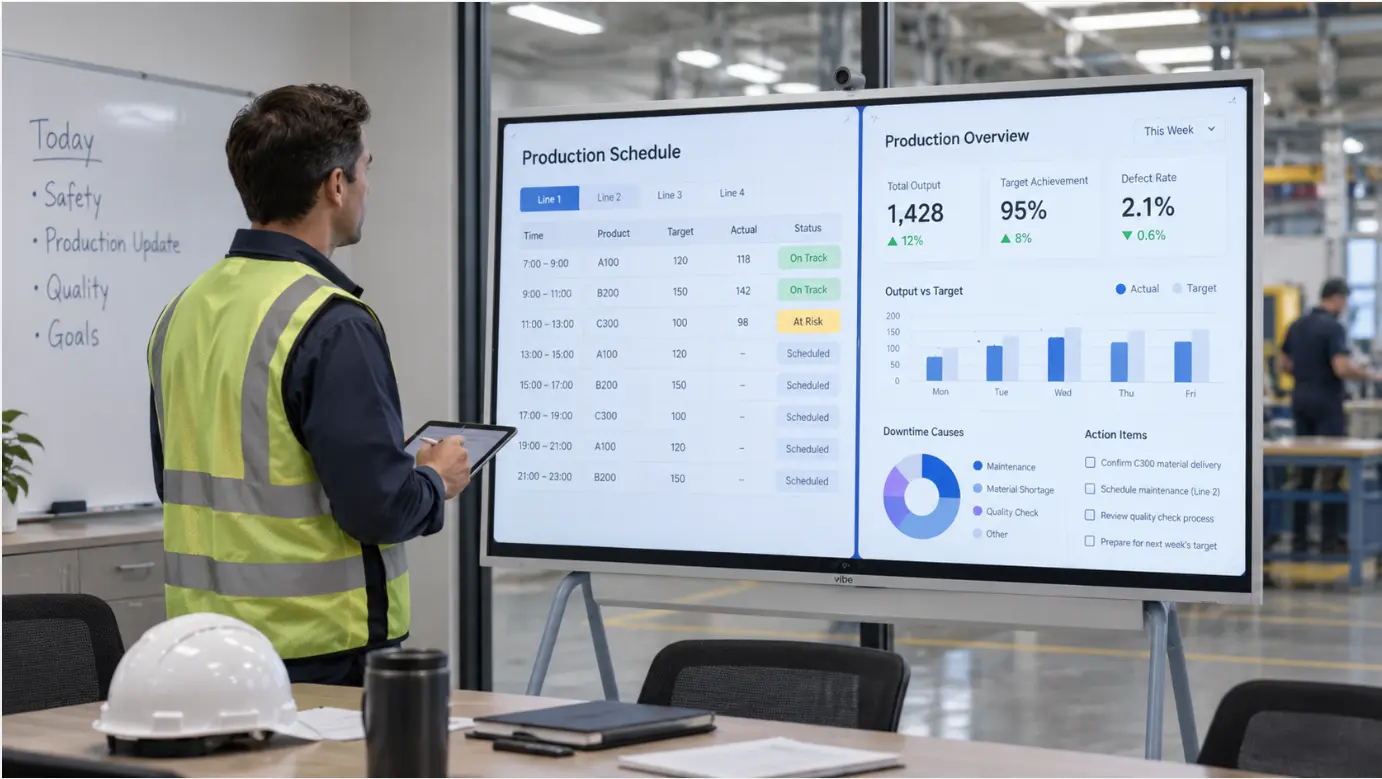
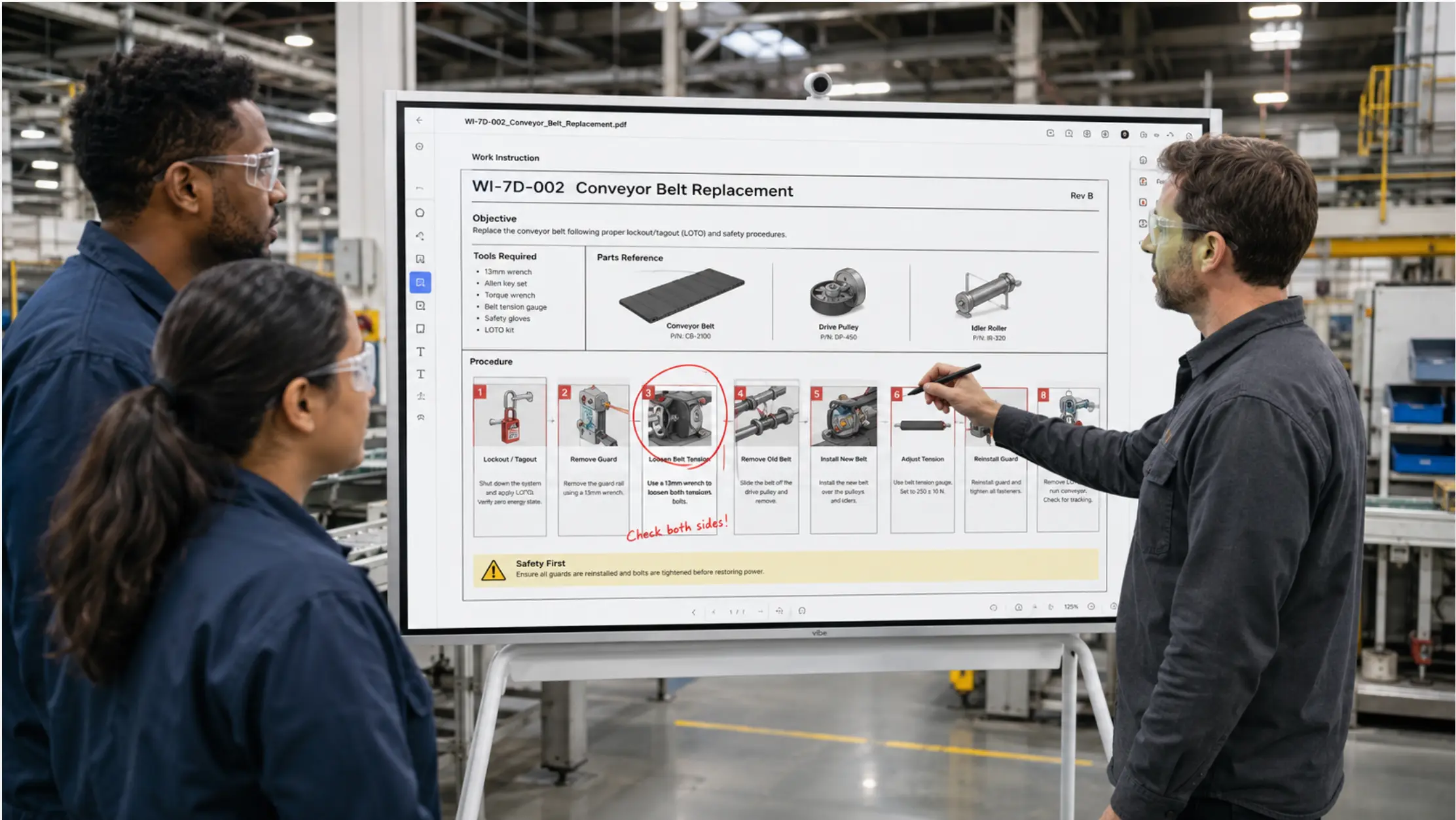
The Gemba board exists for one reason: to make the current state of the operation visible at the place where the work happens. Not in a report. Not on a dashboard in the plant manager’s office. On the floor, where the people doing the work can see it — and where a manager walking through can assess the situation without asking anyone to pull something up.
"Gemba" is a Japanese term meaning "the actual place." In lean manufacturing, it refers to the shop floor — the location where value is created. A Gemba walk is the structured practice of going to that place to observe, understand, and engage with the actual work rather than relying on second-hand reports. As Tervene’s Gemba board guide explains, the Gemba board is distinct from other visual management tools precisely because it is located at the work area itself — not in a mee
ting room or a manager’s office — making it the anchor point for each stop on the walk. The board shows what is happening in this area, against what should be happening, with problems and actions visible to anyone who looks.
The challenge of digitizing a Gemba board is the same as digitizing any floor-level visual management tool: the board only works if it is always current and always at the place it is supposed to be. A digital board that requires someone to update it manually before each walk, or that depends on a laptop being present to display anything, recreates the same staleness and fragility of the physical board — without the simplicity.
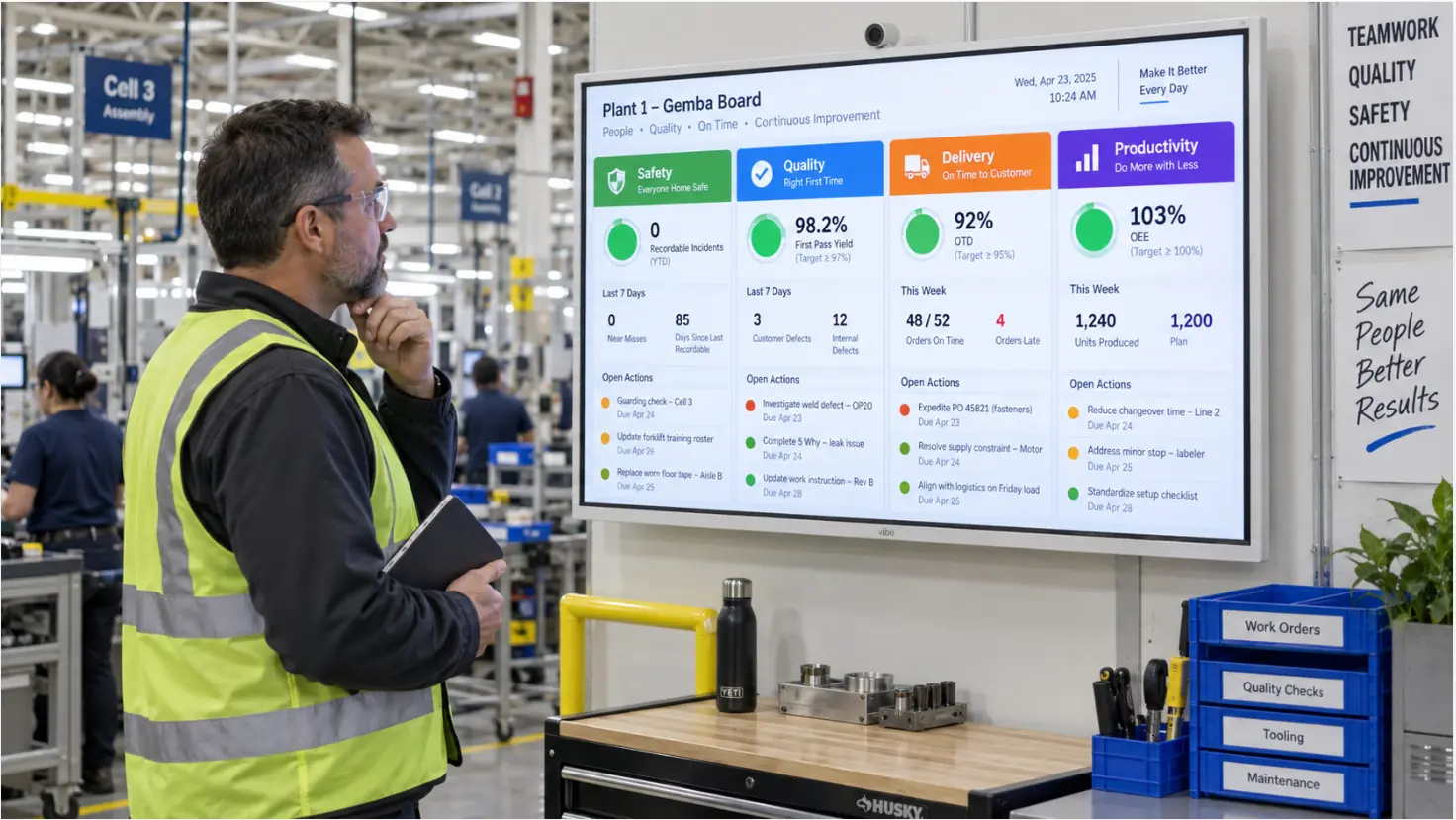 A Vibe Board mounted at a manufacturing workstation area showing a Gemba board layout — safety, quality, delivery, and productivity columns with current status indicators
What the Gemba Board Is Displaying
Before deciding how to digitize a Gemba board, it helps to be clear about what it needs to show. Gemba boards vary by facility and by the lean framework the organization uses, but they typically display information across a consistent set of categories — often structured around Safety, Quality, Delivery, and related performance areas for that work zone.
The board is not a summary of the whole plant. It is specific to the area where it is posted — a production line, a work cell, a department. According to Fabriq’s guide to Gemba boards, a Gemba board typically follows a tabular format with key performance categories as columns — commonly Safety, Quality, Delivery, and Productivity, though the specific categories vary by facility and the lean framework in use. A manager walking past it should be able to answer three questions in under a minute without asking anyone:
-
Is this area performing to standard? Targets versus actuals for the key metrics this area owns.
-
Are there open problems here? Issues that have been identified but not yet resolved, with the owner and status visible.
-
What has changed since the last walk? Updates since the previous review — a new issue, a closed action, a metric that moved.
Those three questions define the functional requirements for the digital version.
Why Physical Gemba Boards Fail Between Walks
A physical Gemba board works well when someone maintains it. The problems appear when that maintenance lapses — which happens for predictable reasons.
The board is updated before the walk, not continuously. If the supervisor updates the board twenty minutes before the plant manager arrives, the information is current for the walk. An hour later, the board still shows the same numbers while the floor has moved on. For a tool whose value is showing the current state, a board that is current only during scheduled observation windows is significantly less useful than it appears.
Action items are written in marker and not followed up. An action item captured on a whiteboard during a Gemba walk depends on someone physically going back to the board to update its status. In practice, follow-up often happens verbally or by email, and the board is not updated. After a few weeks, the board shows a mix of resolved and unresolved items with no way to tell which is which.
The board only exists in one place. A plant manager covering multiple work areas needs to walk to each board to see the current state of each area. A remote supervisor or an engineer who is not on the floor has no visibility into what the boards are showing. Issues that need cross-functional attention cannot be seen by the people who need to act on them without someone making a call or sending a photo.
What the Digital Gemba Board Needs to Do Differently
Digitizing the Gemba board should address each of these failure modes — but without introducing new ones. The most common mistake in digitizing visual management tools is choosing a platform that is more work to maintain than the physical board it is replacing.
The board needs to stay current without depending on a scheduled update. For metrics that come from a live data source — production output, quality counts, equipment status — the digital board should pull that data directly rather than requiring someone to enter it. For metrics that require human judgment — the status of an action item, an observation from the last walk — the update needs to be as simple as possible: a tap on a touch screen, a change to a shared cell in a spreadsheet, not a login to a separate system.
Action items need to be tracked in the same place they are captured. When a manager identifies an issue during a Gemba walk and it is entered on the digital board, the owner should be able to update the status from any device without going back to the physical board. The action item should stay visible on the Gemba board until it is closed, with its current status always showing.
The information needs to be accessible to people who are not on the floor. A digital Gemba board connected to a shared file or a cloud-connected display can be read by a remote supervisor, referenced during a cross-functional meeting, or reviewed by a plant director at a second site — all without anyone having to take a photo of the physical board or recreate its contents in a report. This addresses the same visibility gap that affects physical visual management boards across manufacturing more broadly: the information exists at the floor level, but it cannot travel beyond the wall where it hangs.
The Practical Setup: Excel, SharePoint, and a Floor Display
For most manufacturing operations, a Gemba board built in Excel and stored in SharePoint — displayed on an interactive screen at the workstation area — provides the current-state visibility the walk requires without a dedicated platform.
The board structure in Excel. A single worksheet with the work area’s key performance categories as column headers. Each row under a category shows the metric, the target, the current value, and a color-coded status (green for on target, amber for watch, red for action required). Conditional formatting handles the color coding automatically based on the values entered. A separate section below the metrics table shows open action items: the issue, the owner, the date identified, and the current status.
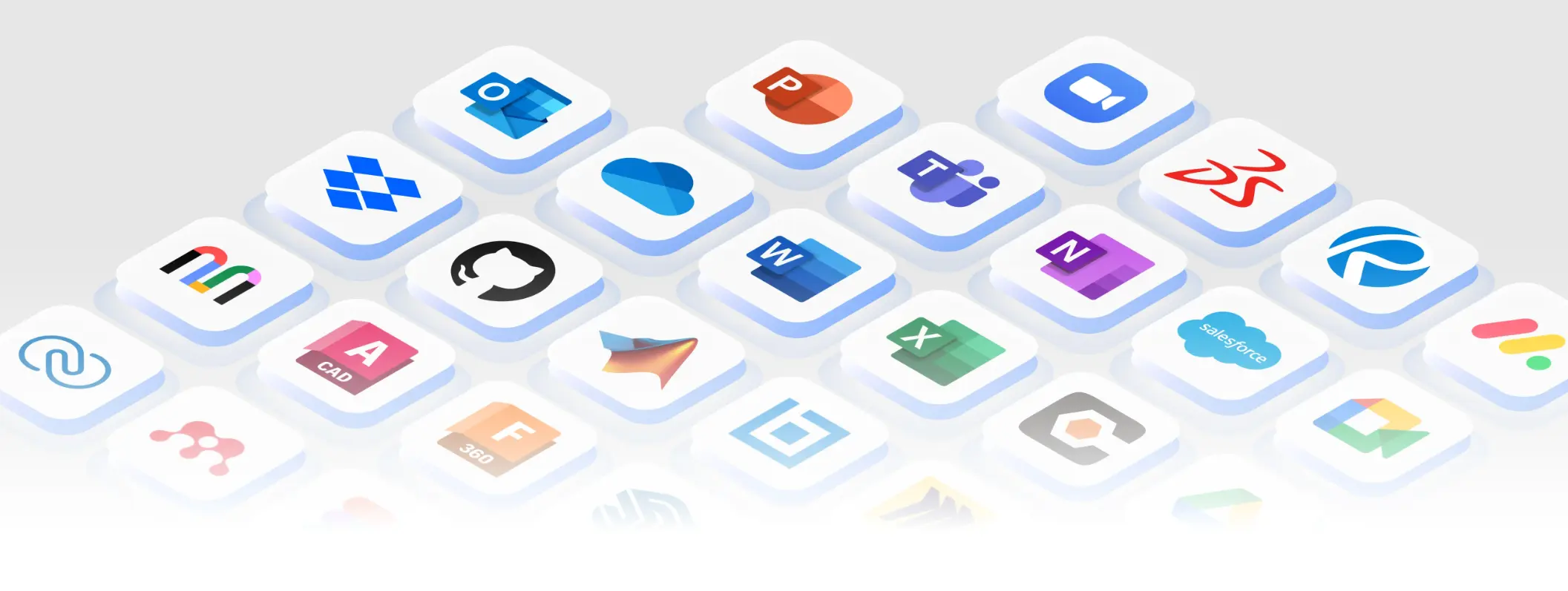 250+ apps that are integrated with Vibe Board S1
The supervisor or the person responsible for the area updates the metrics before the start of each shift — a five to ten minute task. Action items are updated whenever their status changes, from any device with access to the shared file.
Live data connections where available. For metrics that are already tracked in a live system — production output in the ERP, equipment status from a sensor feed, quality counts from a QMS — a connection between the Excel file and the data source removes the manual entry step for those cells. The board shows the current value pulled from the system, updated automatically. Not every Gemba board metric will have a live source; the ones that do not still require a manual update, but that update is limited to the metrics that genuinely require human input.
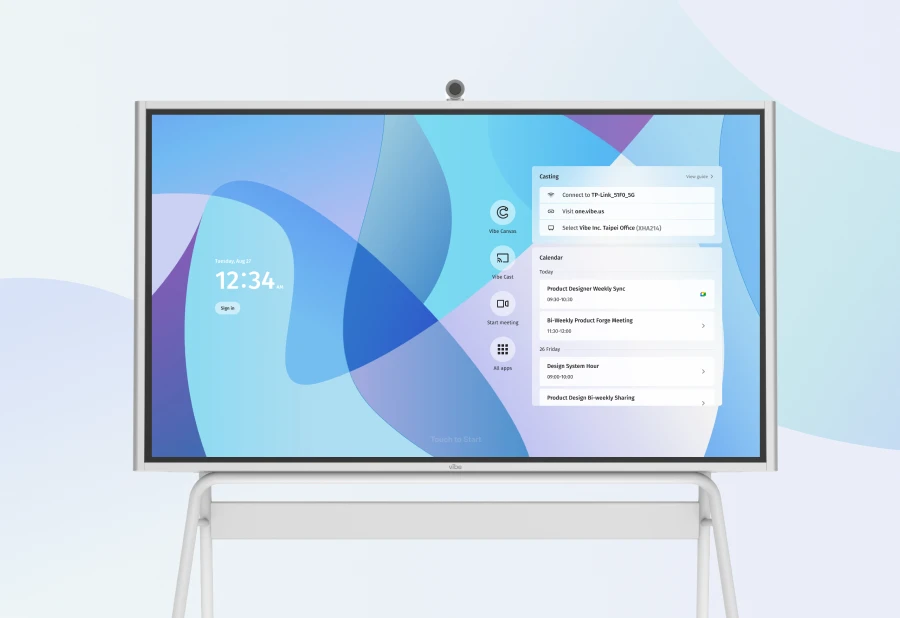
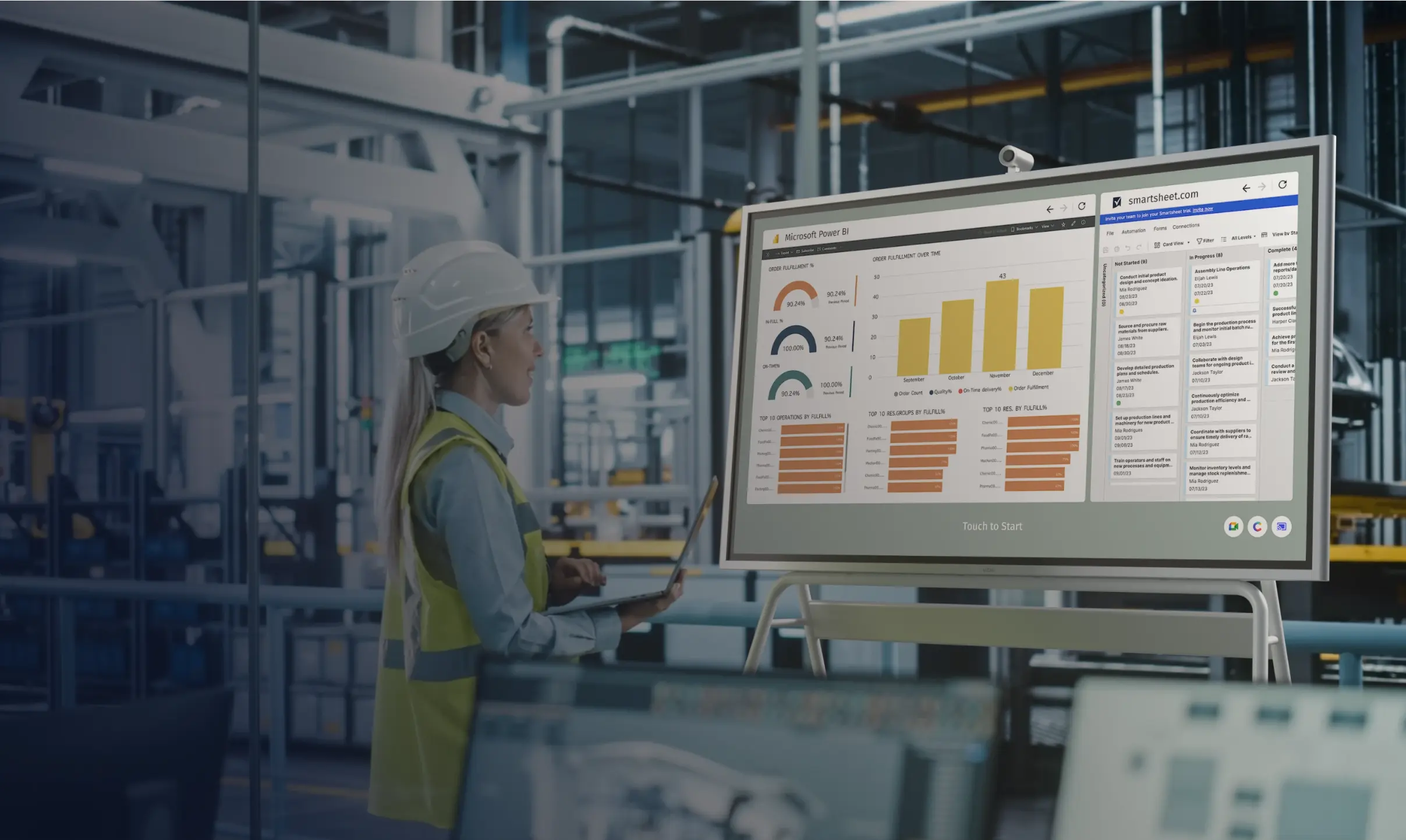
The floor display. The Vibe Board S1 Pro connects to SharePoint and OneDrive directly using the team’s existing Microsoft 365 credentials. The Gemba board Excel file opens on the display from the shared folder, at full scale on a 75-inch screen, and stays on screen between shifts without requiring anyone to re-open it. When the supervisor updates the file from a laptop, the display reflects the change immediately. When a plant manager adds a note or updates an action item’s status during a walk — by tapping the relevant cell on the touchscreen — the change saves back to SharePoint and is visible to anyone else looking at the file.
The display is mounted at the workstation area where the walk stops — not in a conference room, not in the manager’s office. The information is at the Gemba: the actual place.
When Both Sites Need to Participate in the Same Walk
For multi-site operations or for areas where a remote technical expert needs to participate in the review, the Gemba walk becomes a hybrid session: some participants are on the floor, others are joining remotely.
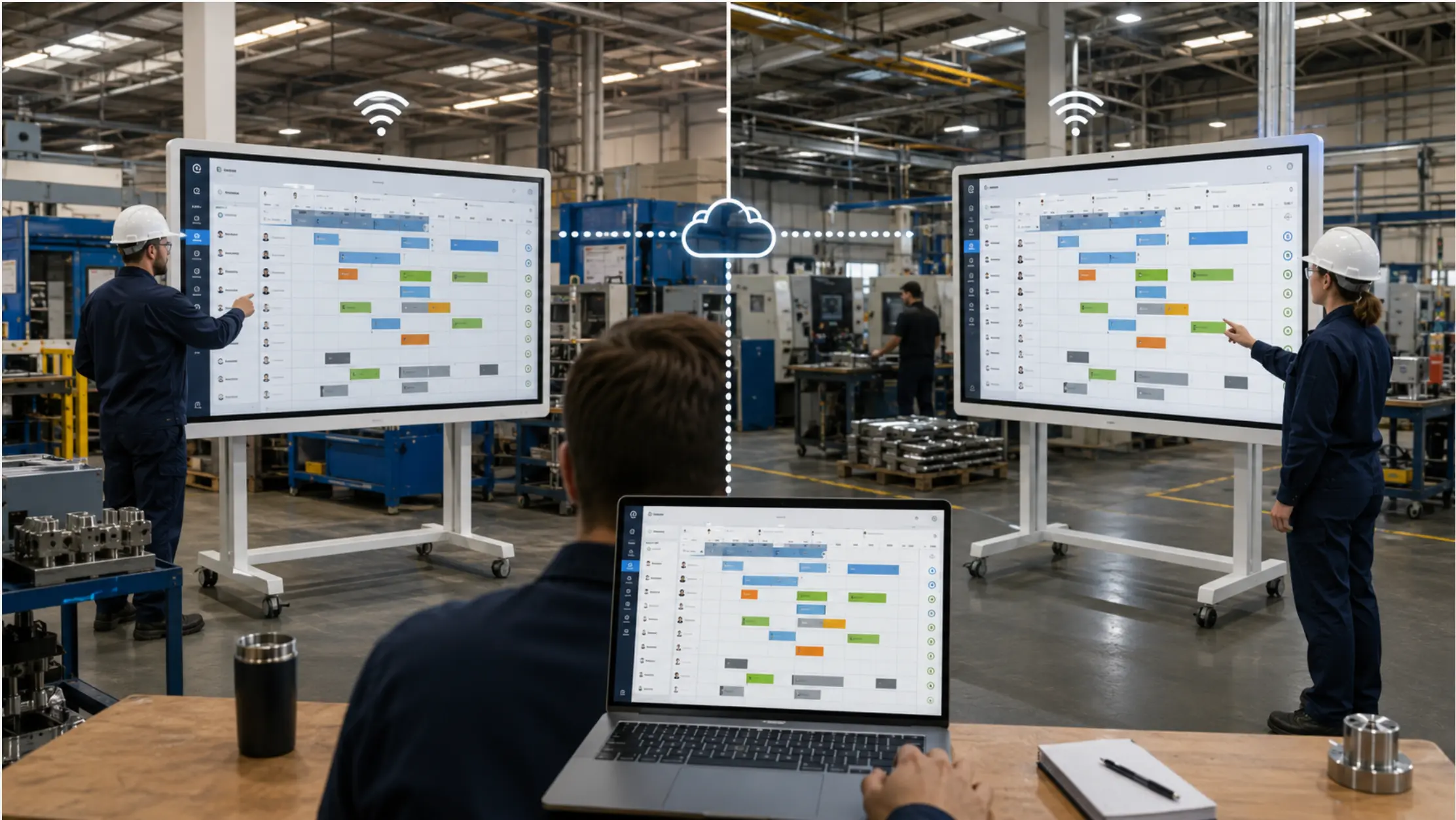
A display that handles both the Gemba board and the video call from the same device removes the setup friction that tends to prevent these sessions from happening consistently. The on-site team stands at the board; the remote participants join via Teams or Zoom and see the live board on their screen. When the on-site supervisor updates a status cell or adds an action item during the walk, the remote participants see the change in real time.
This is particularly relevant for quality issues that require engineering input, or for plant directors running a structured Gemba program across multiple sites. The multi-site production coordination challenge applies to Gemba walks as much as it applies to production scheduling: the information exists at the floor level, and the people who need to act on it are not always in the same building.
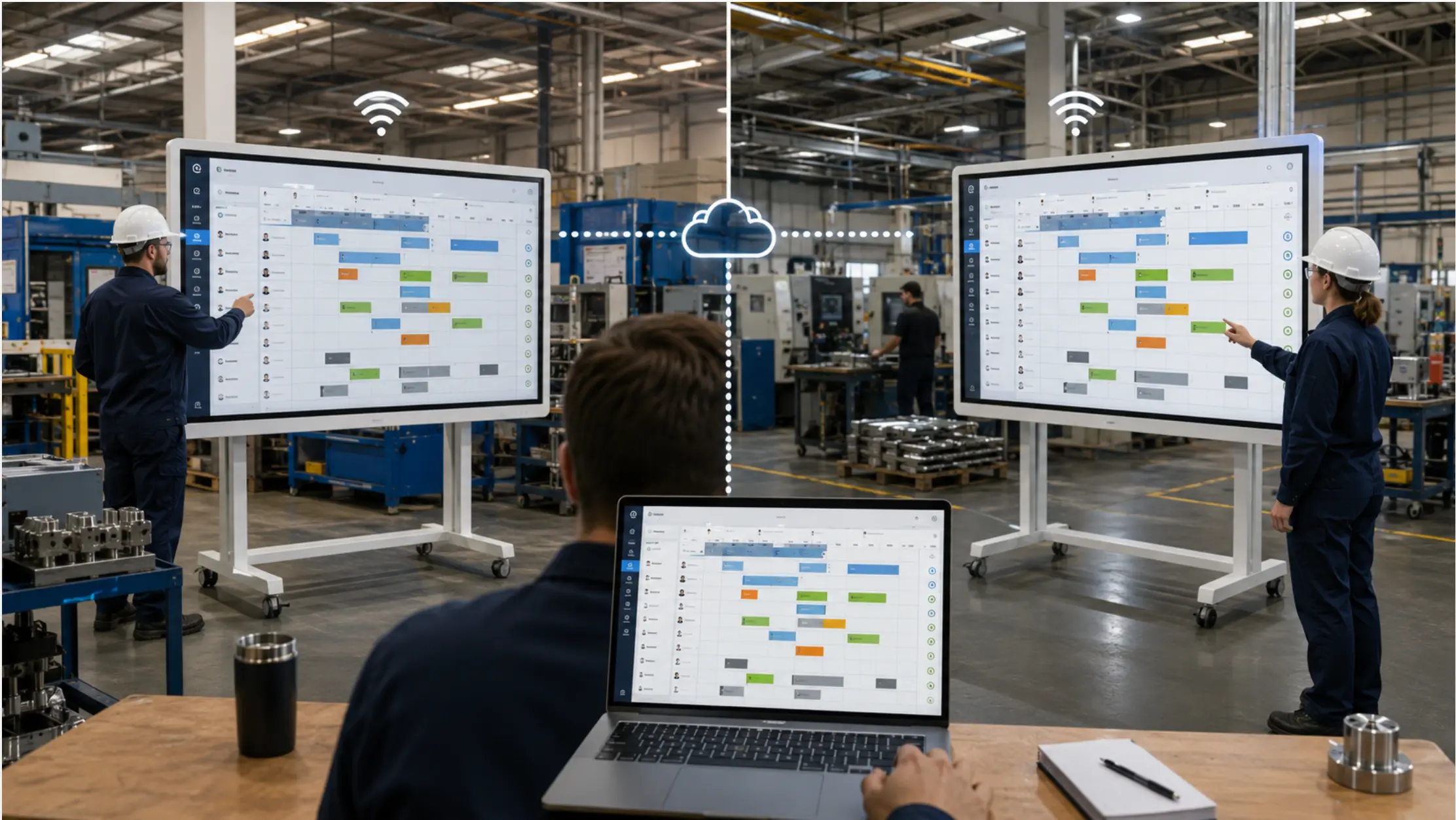 Two Vibe Boards in separate plants synced via cloud with laptop, showing real-time shared production schedules
What the Digital Version Should Not Do
A few failure modes specific to digital Gemba boards that are worth avoiding:
Do not replace the walk with the board. The Gemba board is a support tool for the walk — it anchors the observation and structures the conversation. A digital board that becomes so comprehensive that managers stop walking the floor and just review the screen has inverted the purpose of the practice. The walk is the point; the board is the tool.
Do not require a login for the floor-level display. If the Gemba board display at a workstation requires a password to view current information, it will be ignored by operators and supervisors who do not have or remember the credentials. The display should be readable by anyone in the area without authentication. Authentication is required to update the board; viewing it should require nothing.
Do not over-instrument the board. A Gemba board with fifteen KPI categories, embedded charts, and conditional formatting that requires a separate legend to interpret is harder to use than a physical whiteboard. The constraint of a physical board — limited space, marker and paper — is partly a feature: it forces the team to display only what matters most. The digital version should impose the same discipline. Five to eight metrics, clearly labeled, with an obvious visual status indicator, is more useful than a comprehensive dashboard that requires study.
The Board Is at the Gemba, or It Is Not a Gemba Board
The functional requirement of a Gemba board is simple: the current state of the operation, visible at the place where the operation happens, without anyone having to retrieve it. A digital board that meets that requirement — always on, always current, at the point of use — supports the walk without changing its purpose.
The walk is still about going to see. The board gives the manager something concrete to look at when they get there, and a place to record what they find. The digital version adds the ability to share that observation with people who are not on the floor — and to ensure that what was observed last week is still visible this week, resolved or not.
Request a demo to see how a Gemba board runs on the Vibe Board S1 Pro at the point of use, or request a quote if you are ready to deploy.
Frequently Asked Questions
How is a Gemba board different from a daily management board?
A daily management board is typically used in a scheduled daily meeting and covers the operation at a higher level — production output, quality, safety across a shift or a day. A Gemba board is specific to a work area and is designed for in-situ observation during a walk. In practice, the two can overlap, and some organizations use the same board for both purposes. The distinction is less important than the placement: the Gemba board needs to be where the work happens, not in a meeting room.
How often should the Gemba board be updated?
The metrics section should be updated at the start of each shift, or more frequently for areas with live data connections. Action items should be updated whenever their status changes — not on a fixed schedule. The goal is that the board is always current enough to answer the three questions a manager needs to answer during a walk: Is the area on target? Are there open issues? What has changed?
What happens to action items after they are closed?
Closed action items can be moved to an archive tab in the same Excel file rather than deleted — this preserves the history of issues and resolutions for the area without cluttering the active board view. A review of recently closed items at the start of a walk gives the manager a quick sense of what has been resolved since the last visit.
Do we need a dedicated display at every Gemba walk stop?
Not necessarily. A rolling display on a mobile stand can serve multiple stop points — the supervisor wheels it to the relevant area before the walk. For fixed production areas where the walk always stops at the same location, a wall-mounted display at that point is more reliable. The interactive display setup that works best for a Gemba board is one that requires no setup before a walk — it is on, it is current, and the manager can engage with it immediately upon arrival.
Can we use the same board for the Gemba walk and the shift handover?
Yes. A board that shows the current state of the work area — metrics, open issues, recent changes — is useful for both purposes. The incoming shift supervisor reviews the board as part of the handover; the outgoing supervisor updates the board as part of their close-out. This creates continuity between shifts without requiring a separate handover document for the work area metrics.