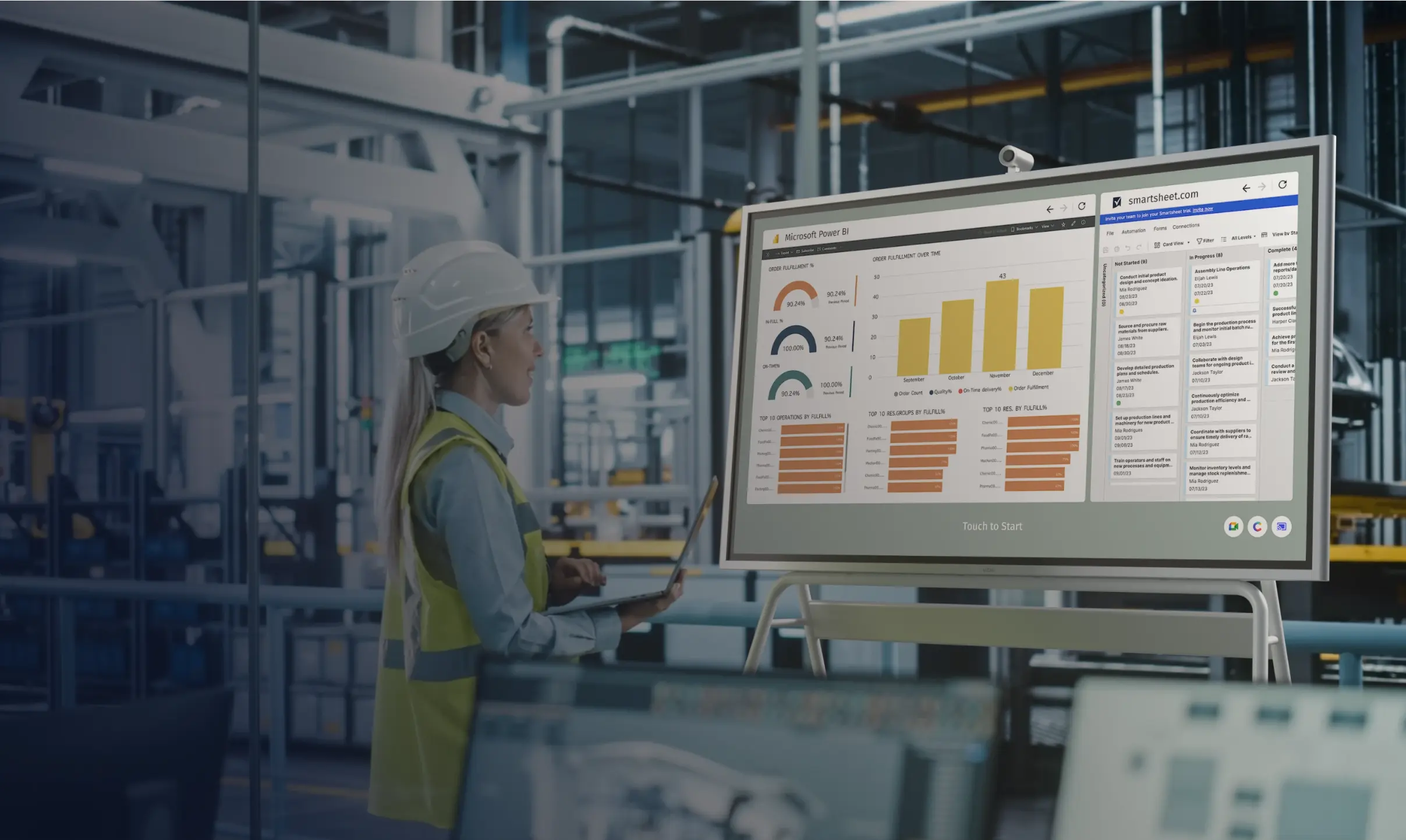
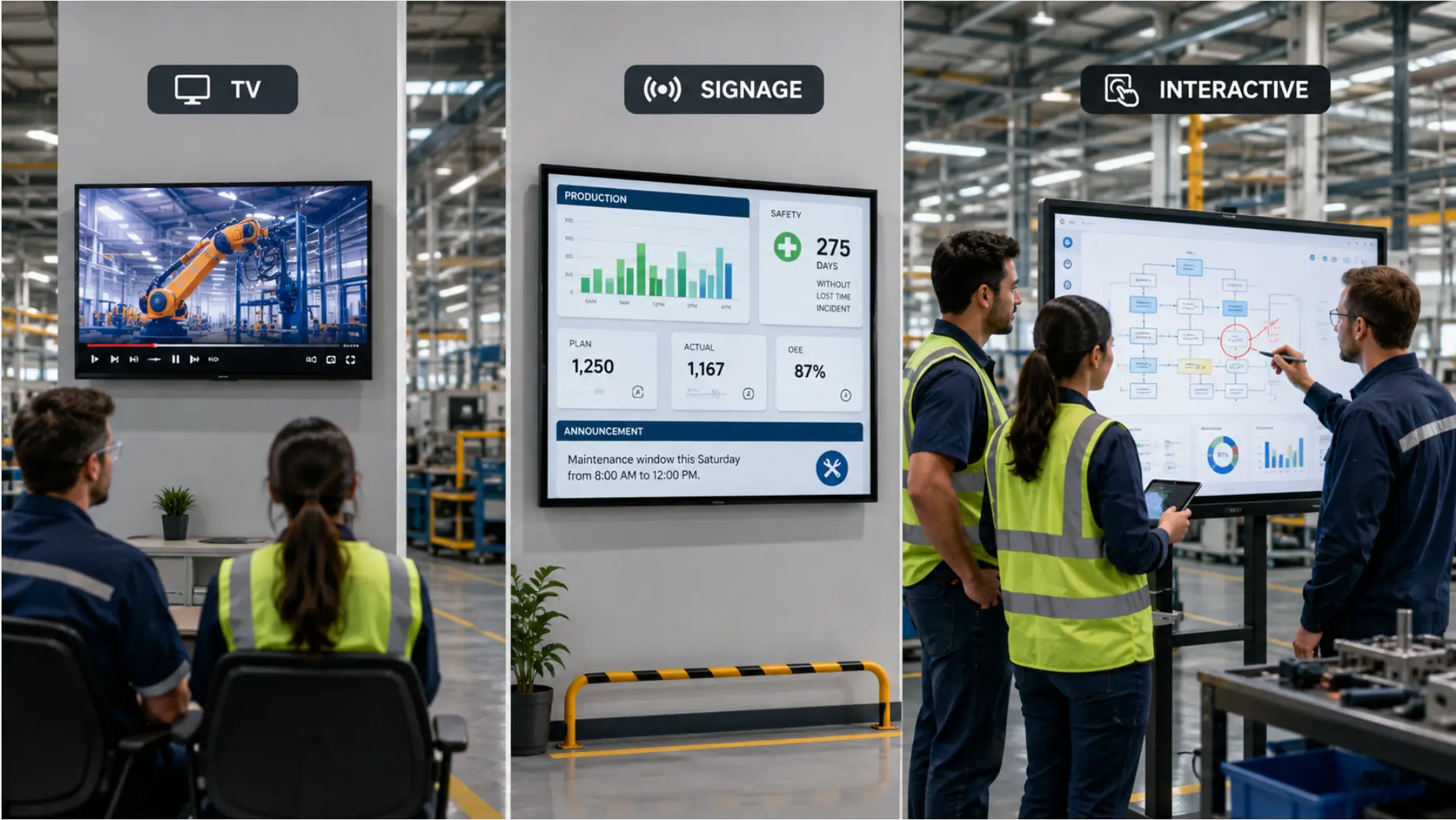
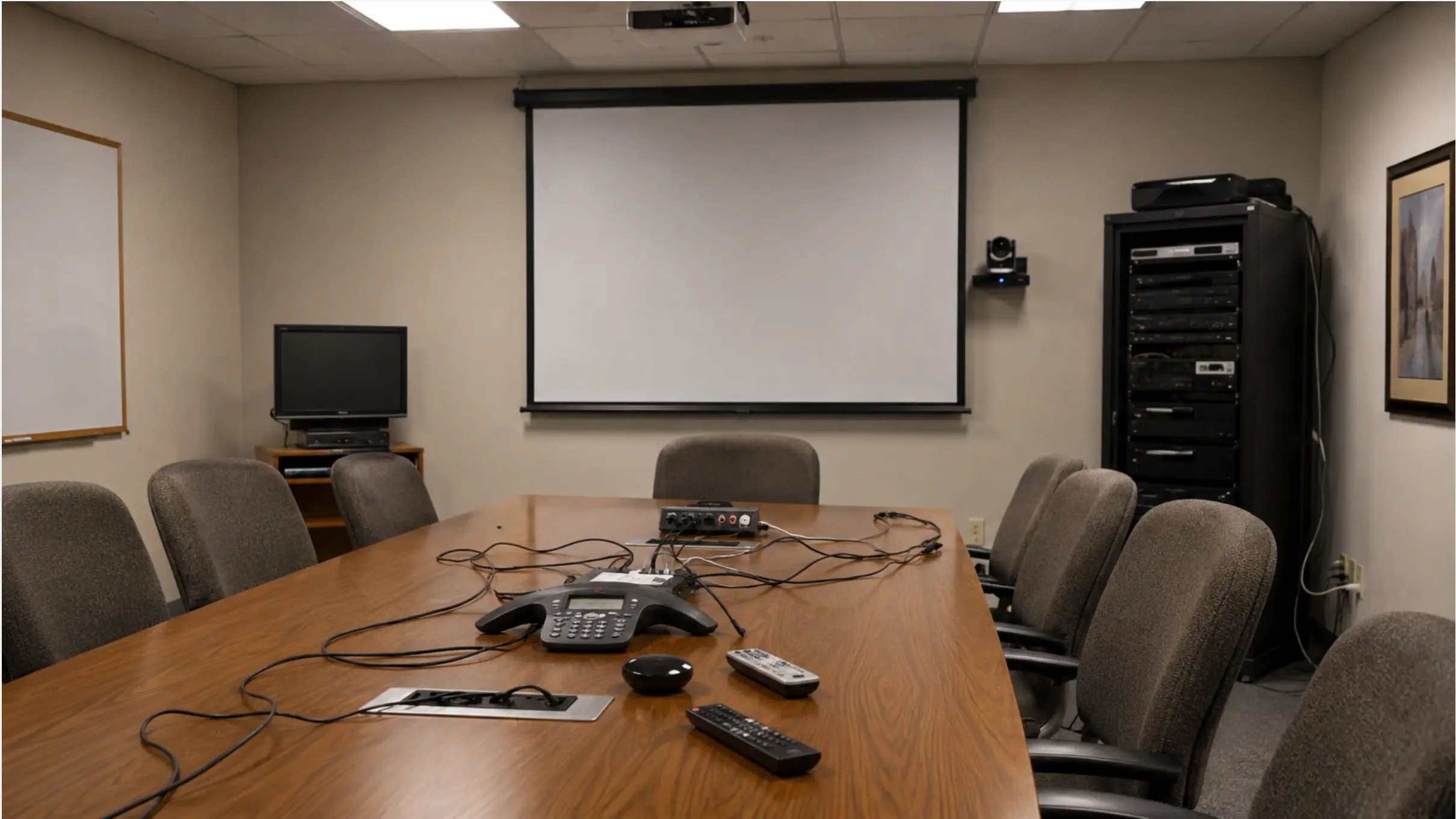
When a production planner supports two plants, the plan usually starts in one place and ends up in two. The schedule gets set at the main site, then phoned, emailed, or rewritten at the second location. By the time it arrives, something has changed — and the second plant is now running from a version nobody can date.
This is not an ERP problem. Most multi-site manufacturers already have the plan in a system somewhere. The breakdown happens one step later: the moment that plan has to travel from the system to the floor at a second location. That step is manual, it is slow, and it creates a version gap that compounds every time the plan changes.
This guide covers why that gap persists even for teams with good systems, and what it takes to close it without adding new software.
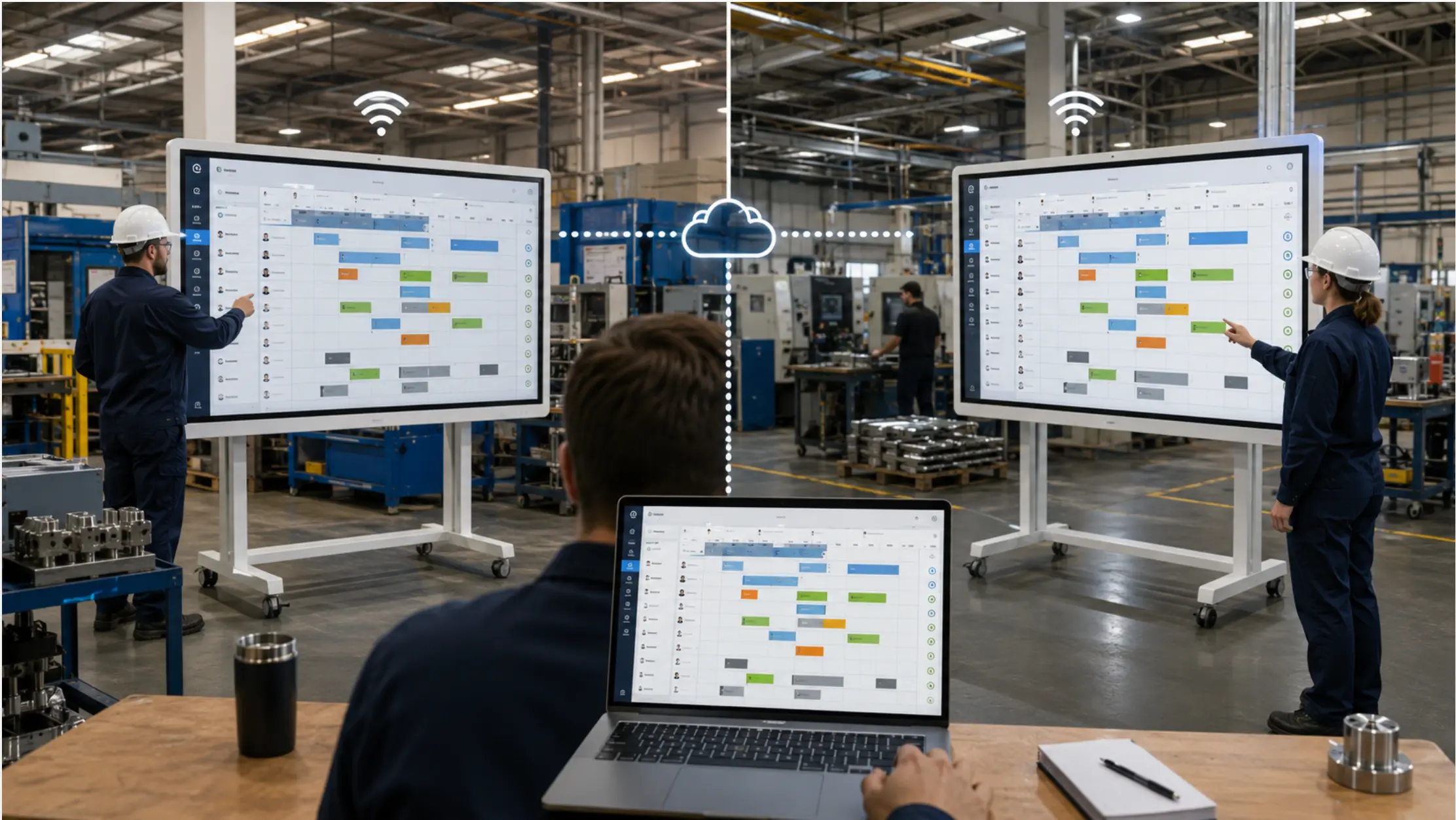 Split-screen showing two plant floors — one with a Vibe Board displaying the current production schedule, the other with the same live schedule visible simultaneously — a planner's laptop shown updating both in real time
Why Multi-Site Production Plans Break Down
Most multi-site production problems are not planning problems. The plan is usually correct when it leaves the planner's system. The breakdown happens in the step between the system and the people who need to act on it.
Three failure patterns come up repeatedly:
The copy problem. The schedule lives in one system — an Excel file, an ERP view, a shared spreadsheet. To get it onto the floor at a second location, someone makes a copy: they print it, email it, photograph it, or rewrite it by hand. The copy is accurate at the moment it is made. After that, it is a separate document with its own version history that diverges from the source every time the source changes.
The latency problem. When the plan changes mid-shift — a line goes down, a material shortage comes in, priorities shift — the main site updates the schedule in the system. The second site finds out by phone, if they find out at all. In the window between the update and the call, the second plant is executing against the wrong plan. For a plant running two shifts, that window can span hours.
The completion problem. The planner needs to know what the second site has finished. That information comes back by email, by end-of-shift report, or by the next morning's huddle. Real-time visibility into completions at the second site does not exist unless someone is actively sending updates. The planner is always flying partially blind on the second site's status.
Each of these is a floor-visibility failure, not a data failure. The data is usually correct in the system. It just never makes it to the wall at the second location in a way that stays current.
The scale of this problem is well-documented. Zebra's 2024 Manufacturing Vision Study — the most recent edition of their annual global research, surveying 1,200 manufacturing leaders — found that only 16% have real-time work-in-progress visibility across their entire production process. A separate 2024 Manufacturing Leadership Council survey found that 70% of manufacturers still rely on manual data entry, meaning that by the time information reaches a decision-maker, the floor has already moved on.
Why ERP Multi-Site Modules Don't Solve This
If your organization runs SAP, Oracle, or another ERP with a multi-site module, you may already have centralized production data across both facilities. That is genuinely useful — for planners looking at a screen.
It does not solve the wall problem.
ERP systems are designed for the office layer: planners, schedulers, purchasing managers, analysts. They show the current state of production to people sitting at workstations with system access. What they do not do is put that information on the floor where operators, supervisors, and shift leads can see it without logging in.
The floor at your second site is not running off an ERP screen. It is running off whatever is written on the whiteboard, posted on the bulletin board, or cast to the TV in the corner — and that surface is maintained by a person, updated manually, and always lagging behind the system.
This is the gap that ERP does not close, and it is the same gap that MES platforms, connected-worker apps, and production dashboards also leave open. They all solve the data layer. None of them, on their own, put the current plan on the wall where the floor can see it without anyone having to push an update. Rockwell Automation's 2025 State of Smart Manufacturing report found that while 81% of manufacturers say digital transformation is accelerating, 56% remain stuck in the piloting phase — a gap that frequently traces back to the last-mile problem between systems and the floor.
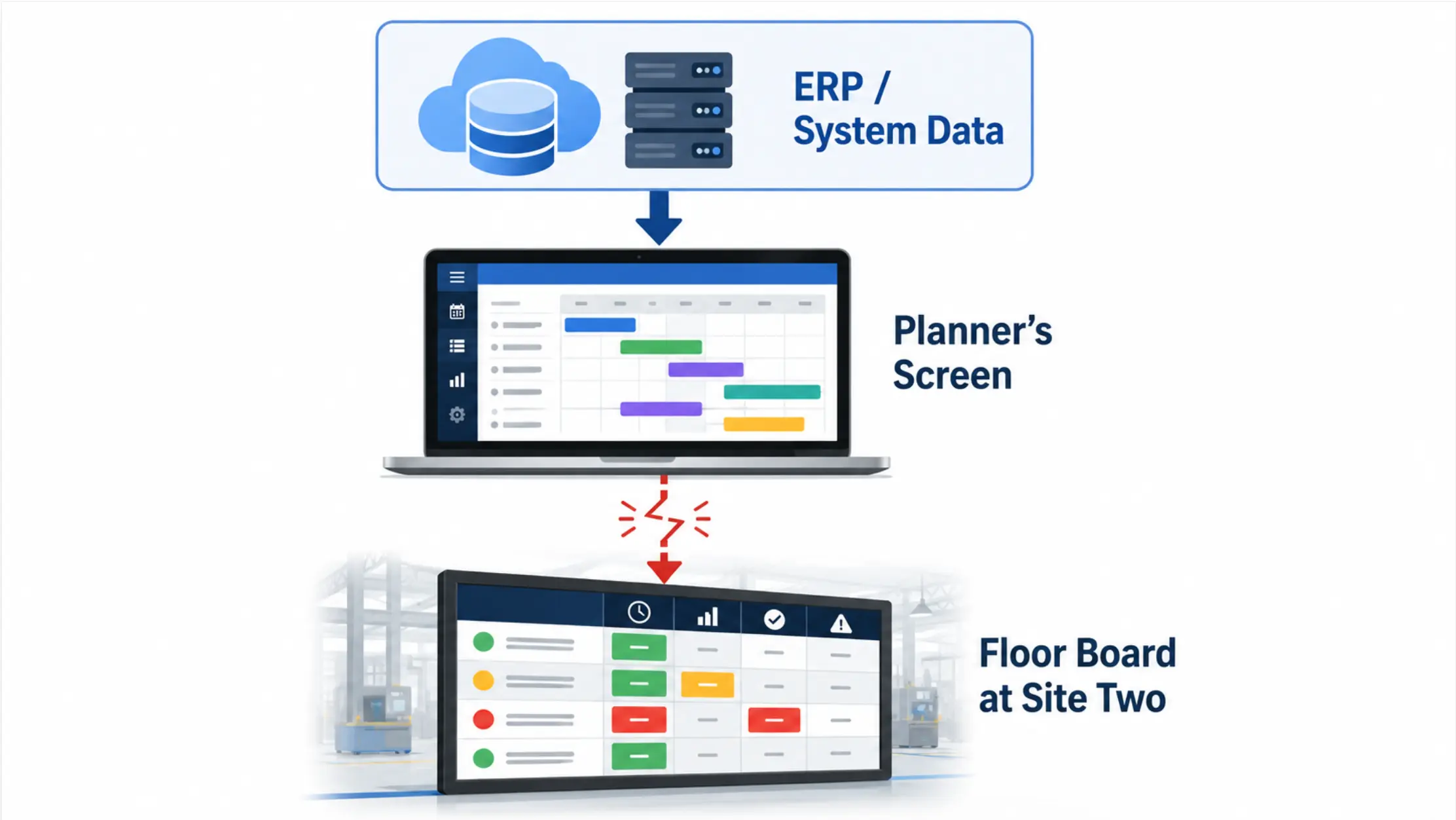 Diagram showing the layers — ERP/system data at the top, arrow going down to "planner's screen," then a broken arrow representing the gap to "floor board at site two"
The Two-System Reality Most Multi-Site Plants Are Running
Before looking at solutions, it helps to name the setup most multi-site manufacturers are already running — because it is almost always the same.
Site one has a planner who owns the schedule. The schedule lives in a file — usually Excel, sometimes an ERP export. The planner updates it throughout the day as conditions change. This is the authoritative version.
Site two has a whiteboard, a printed sheet, or a TV with something cast to it. Someone at site two is responsible for keeping that surface current. That person is not the planner. They are getting information second-hand — by phone, by email, by Teams message — and updating a surface that only exists in that room.
The result is two systems: the authoritative one at site one, and the derivative one at site two. The derivative version is always behind. How far behind depends on how often someone at site two checks in with site one — which in most plants means it is hours behind by mid-shift.
The problem is not that site two has a whiteboard. The problem is that the whiteboard at site two is a separate document from the schedule at site one. The moment they diverge — which happens the first time the planner makes a change without calling site two — the second plant is running from stale information.
What Actually Needs to Be True for This to Work
Before choosing a tool or approach, it helps to define what success looks like operationally. Three conditions need to be true simultaneously:
1. Both sites see the same version of the plan, always. Not a copy of the plan from this morning. The current version — the one that reflects the last change the planner made, whenever that was, including mid-shift.
2. Completions at the second site are visible to the planner in real time. The planner should not have to call the second site to find out where they are. That information should surface automatically, without anyone at site two having to send a report.
3. Floor staff do not need to do anything different. If closing the visibility gap requires operators to log into a new system, learn a new tool, or take an extra step beyond what they already do, adoption will fail. The solution has to fit the way the floor already works — which means looking at a board, not navigating software.
The third condition is where most technology recommendations fall apart. ERP dashboards, MES portals, and connected-worker platforms are all built for people who sit at computers. The floor staff at your second plant do not sit at computers. They look at the board.
How a Shared Live File Closes the Gap
The most direct solution to the multi-site visibility problem is a shared file that both sites display from the same source — not copies of the file, but the same file, opened simultaneously at both locations.
When a planner updates the schedule in Excel and that file is saved to SharePoint or OneDrive, any device displaying that file reflects the change immediately. A display at site one and a display at site two, both showing the live file from SharePoint, both see the same update at the same time. There is no copy. There is no phone call. There is no latency window between the change and what the floor sees.
This is a different proposition from sending an updated file by email. Email creates a new copy at the moment of sending. A shared file in a cloud-connected location is one document that everyone reads from — and it updates everywhere the moment the planner saves a change.
The same principle closes the completion visibility gap. If the floor at site two can mark a task complete directly on the shared file — not on a separate report, not on a whiteboard someone will photograph later — that completion is visible to the planner at site one immediately, without anyone having to send anything.
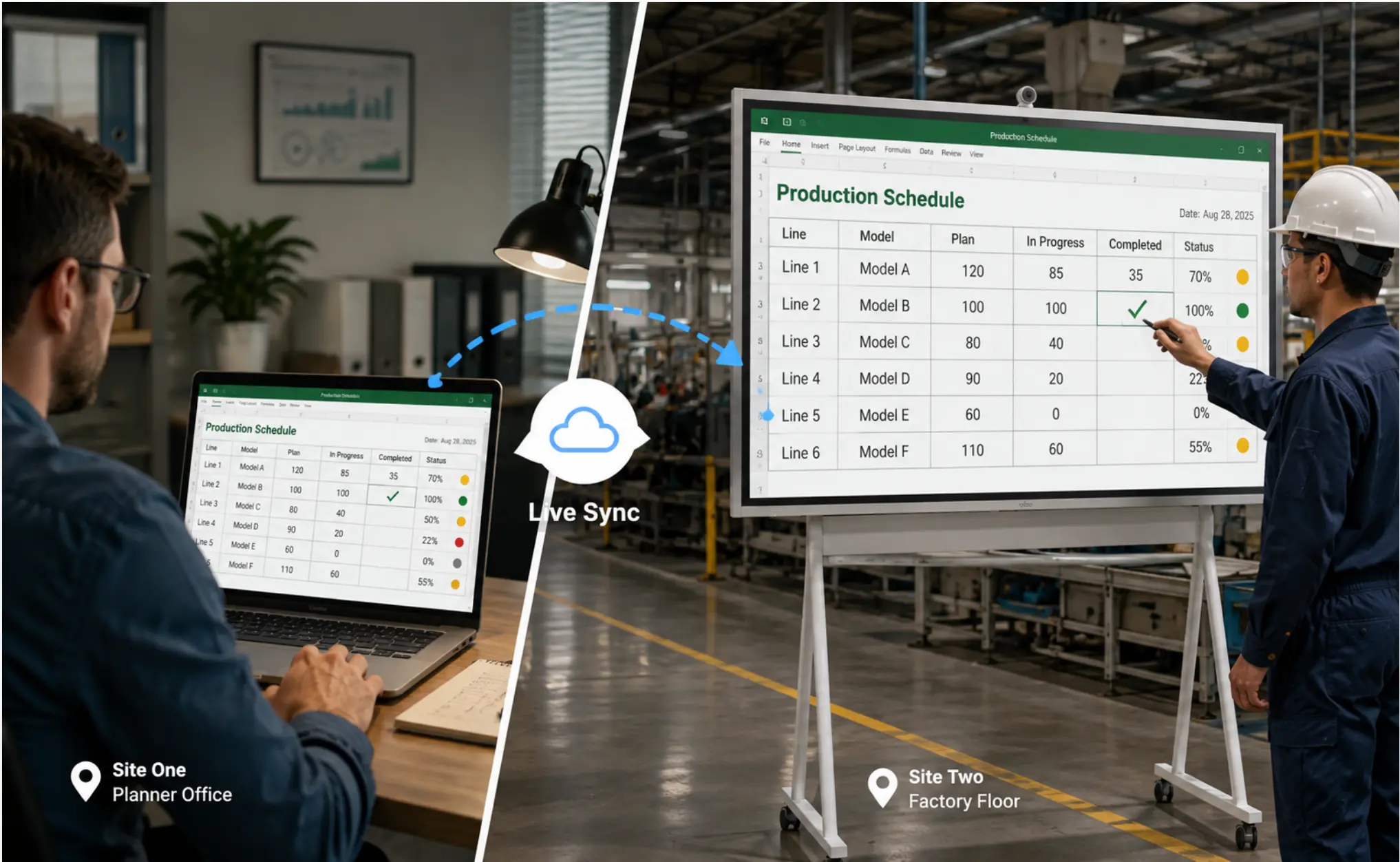 Vibe Board at site two showing the same Excel production schedule as the planner's screen at site one — a completion checkmark being added by an operator at site two, appearing instantly on the planner's laptop at site one
Setting Up a Shared Production Plan Across Two Sites
The setup has four components: a shared file, the right display at each location, clear permissions, and a visible currency signal for the floor.
Step 1: Move the schedule to a shared location. The file needs to live somewhere both sites can access — SharePoint, OneDrive, or Google Drive. If the planner is currently working in a local Excel file that gets emailed out each morning, moving it to a shared folder is the only structural change required. The file itself, the format, the layout — none of that needs to change.
Step 2: Display the live file on the floor at each location — with the right hardware. This is the step where the choice of display determines whether the system actually works.
A TV showing a screenshot does not update when the file changes. A laptop casting to a TV shows the current version while the session is active and goes dark when the presenter leaves. Neither of these gives the floor at site two continuous visibility into the live plan.
The display needs to open the file directly from SharePoint or OneDrive and keep it current without anyone actively managing the connection. That requires a device with a native Windows environment — one that authenticates to Microsoft 365, opens Excel from SharePoint, and stays logged in between sessions the way a workstation does.
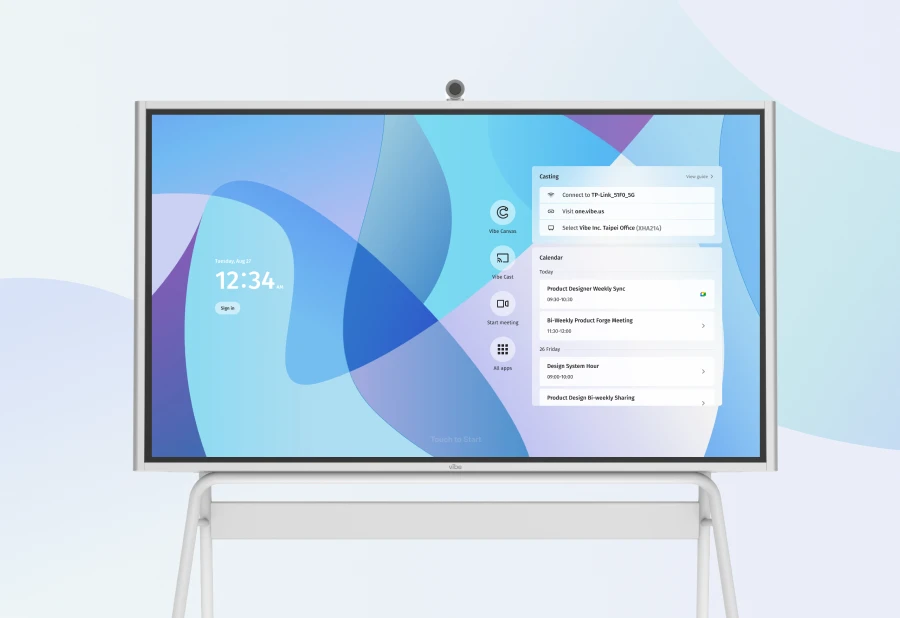
This is the functional difference between a purpose-built interactive display running Windows and a TV with a casting dongle behind it. The TV shows what someone sends to it. A Windows display opens the live source directly. The Vibe Board S1 Pro connects to SharePoint and OneDrive with the same Microsoft 365 credentials the team already uses — no new accounts, no additional software.
Critically, the display at site two is not just a read-only screen. Because it is a full Windows device, operators can mark completions directly on the shared file using touch — tapping a cell, updating a status — and that change is immediately visible to the planner at site one. The floor becomes a two-way participant in the plan, not just a recipient of it.
Step 3: Define permissions before going live. Shared visibility creates a new question: who has permission to change what, and from which location? The clearest setup is to keep planning authority with the planner — they own the schedule — while giving floor staff at site two the ability to mark completions and add notes in a designated area of the file. SharePoint and OneDrive support granular file-level permissions that make this straightforward to configure.
This distinction matters for trust. If the planner cannot be certain that the schedule they see is the one they set, the system breaks down immediately. Defining permissions before deployment prevents the ambiguity that kills adoption.
Step 4: Add a visible timestamp. Even with a live file, the floor benefits from a clear signal that what they are looking at is current. A "last updated" timestamp visible on the board — updated automatically each time the planner saves the file — gives floor staff a reference point. If the timestamp is from four hours ago, something is wrong and they know to check in. If it is from ten minutes ago, they can trust what they are looking at.
When Both Sites Need to Be in the Same Review
Beyond the daily schedule, multi-site teams regularly need to run reviews together — shift handoffs, quality reviews, weekly production meetings — where both locations need to be in the room at the same time.
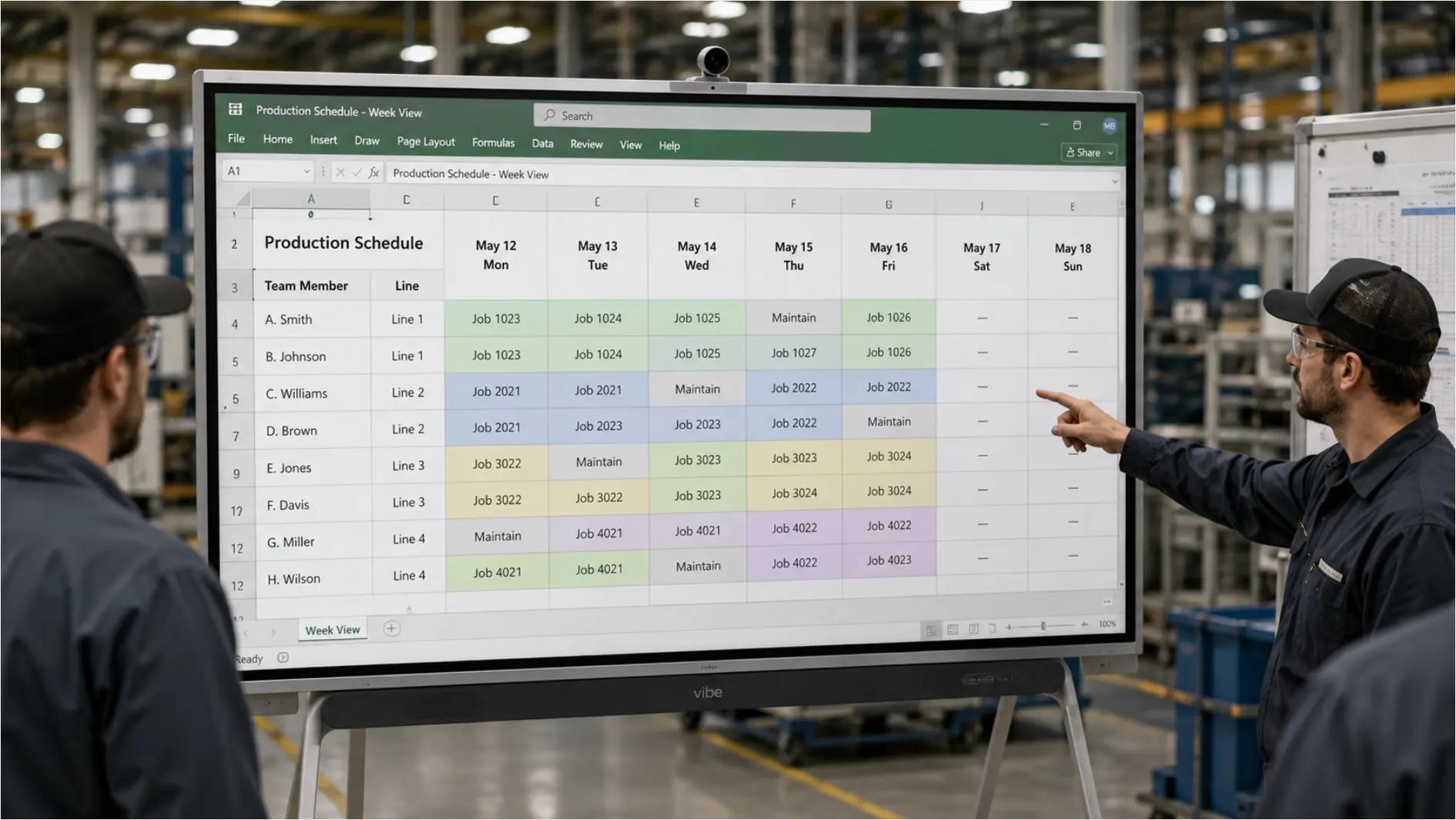
A display that handles the shared document and the video call from the same device removes the setup overhead that makes these sessions inconsistent. The board at site one shows the live schedule; the board at site two joins the same Teams or Zoom call. Both rooms see the document and each other. The planner can update the schedule during the call, and both sites see the change happen in real time.
The built-in camera and microphone on a purpose-built board matters here. A TV with a laptop running Teams in front of it works — but it requires someone to set it up, manage the cable, and fix it when the audio is not routing correctly. The Vibe Board S1 Pro handles the display, the live file, and the Teams or Zoom call from a single device on a single power cord — which means the session setup is one step, and it actually gets used consistently rather than being worked around.
What Does Not Work Well
These approaches appear to solve the multi-site visibility problem but consistently fall short in practice:
Email distribution of updated schedules. Every email creates a new copy. Each copy is accurate at the moment of sending and immediately begins to diverge from the source as the planner continues to work. The second plant is always running from the version that was current when the last email was sent — not the version that is current now. And when the planner forgets to send an update, no one at site two knows the plan has changed.
Chat notifications for schedule changes. A Teams or Slack message saying "schedule updated" is better than nothing. But it requires someone at site two to read the message, find the updated file, open it, and then either update the floor board manually or communicate the change to whoever is working. The notification is not the information. It is a prompt to go find the information — which reintroduces the manual step the notification was supposed to eliminate.
Casting during a morning coordination call. Casting the planner's screen to both sites during a daily call gives both floors a synchronized view for the duration of that session. The moment the call ends, site two's display goes back to whatever was on it before — or goes dark entirely. The floor at site two has visibility for twenty minutes in the morning and none for the rest of the shift. For manufacturing teams evaluating display approaches for the floor, this is the same failure mode as every cast-to-TV setup: it works when someone is actively running it and fails the rest of the time.
Read-only dashboards pushed to a screen. Digital signage platforms can push a rendered view of the production schedule to a TV at site two. The display stays on and the content updates on whatever refresh schedule the platform supports. What it cannot do is let the floor at site two interact with the plan — mark a completion, add a note, flag a problem. The visibility is entirely one-directional: information flows from the planner to the floor, and nothing flows back. This closes the latency problem but leaves the completion visibility gap fully open.
ERP dashboards available to supervisors. Giving supervisors at site two read access to the production view in the ERP is useful. It does not help the operator who clocked in at 5 a.m. and needs to know what they are building today. ERP systems require a login, navigate through screens, and are designed for people whose job involves sitting at a computer. The floor board exists specifically because not everyone on the floor has that kind of access — or the habit of checking a system before starting work.
The Coordination Problem Is a Floor-Visibility Problem
Multi-site production coordination fails at the point where information leaves the system and has to travel to the floor. ERP modules, planning tools, MES platforms, and shared spreadsheets all address the data layer. None of them, on their own, address the wall problem: the gap between what is accurate in the system and what the people on the floor at your second plant can actually see and act on.
Closing that gap requires a display at each site that reads from the same source as the planner, stays current without anyone pushing an update, and lets the floor write back — not just receive. When that condition is met, the coordination problem becomes a process design problem, which is a much more tractable thing to solve.
Request a demo to see how Vibe Board connects two plants to the same live plan, or request a quote if you need a PO.
Frequently Asked Questions
We already have a multi-site ERP module. Does this add anything?
Yes. ERP multi-site modules centralize data at the planning layer — schedulers and managers with system access see the same picture. They do not put that picture on the floor at each location in a form that updates automatically and allows the floor to interact with it. A shared display connected to the same files your ERP exports to closes the last mile between the system and the people executing the plan.
How do we prevent the second site from accidentally changing the production schedule?
SharePoint and OneDrive both support granular permissions at the file and folder level. The production schedule can be set to read-only for floor staff at site two, while giving them edit access to a separate completion log within the same folder. The planner retains full edit access to the schedule. This keeps the plan authoritative without locking site two out of the shared workspace.
What if our second site has unreliable internet connectivity?
For sites with intermittent connectivity, the most reliable setup is a Windows device with local file caching. The Vibe Board S1 Pro supports local storage and offline file access — the schedule file syncs from SharePoint when connectivity is available and remains accessible locally when it is not. A morning sync before the shift starts — followed by local display throughout the shift — is more reliable in variable-connectivity environments than depending on a live cloud connection throughout the day.
How do floor staff mark completions if they are not comfortable with computers?
On a touch display like the Vibe Board S1 Pro, marking a completion can be as simple as tapping a cell in the Excel file and changing a status field — the same interaction they would make on a tablet or smartphone. For teams where even that level of interaction is a barrier, a designated notes column with pre-formatted fields (completion time, operator initials) keeps the interaction minimal. The key is that the update goes directly into the shared file rather than into a separate report someone has to reconcile later.
Can the planner update the schedule from outside the plant?
Yes. With the schedule in SharePoint or OneDrive, the planner can update it from any device with internet access — a laptop at home, a tablet on the road. The change reflects on the boards at both sites immediately. This is the same mechanism that allows the plan to be set the night before and appear on both floors when the first shift clocks in — before anyone who would otherwise rewrite it has arrived at the plant.
Is this setup suitable for more than two sites?
The approach scales directly. Each additional site adds one display connected to the same shared file. The planner continues to work in one place. Permissions can be set per-location. The only thing that does not scale automatically is the governance question — the more sites are reading from and writing to the same file, the more important it is to define clearly who can change what. That is a process design question, not a technology constraint.