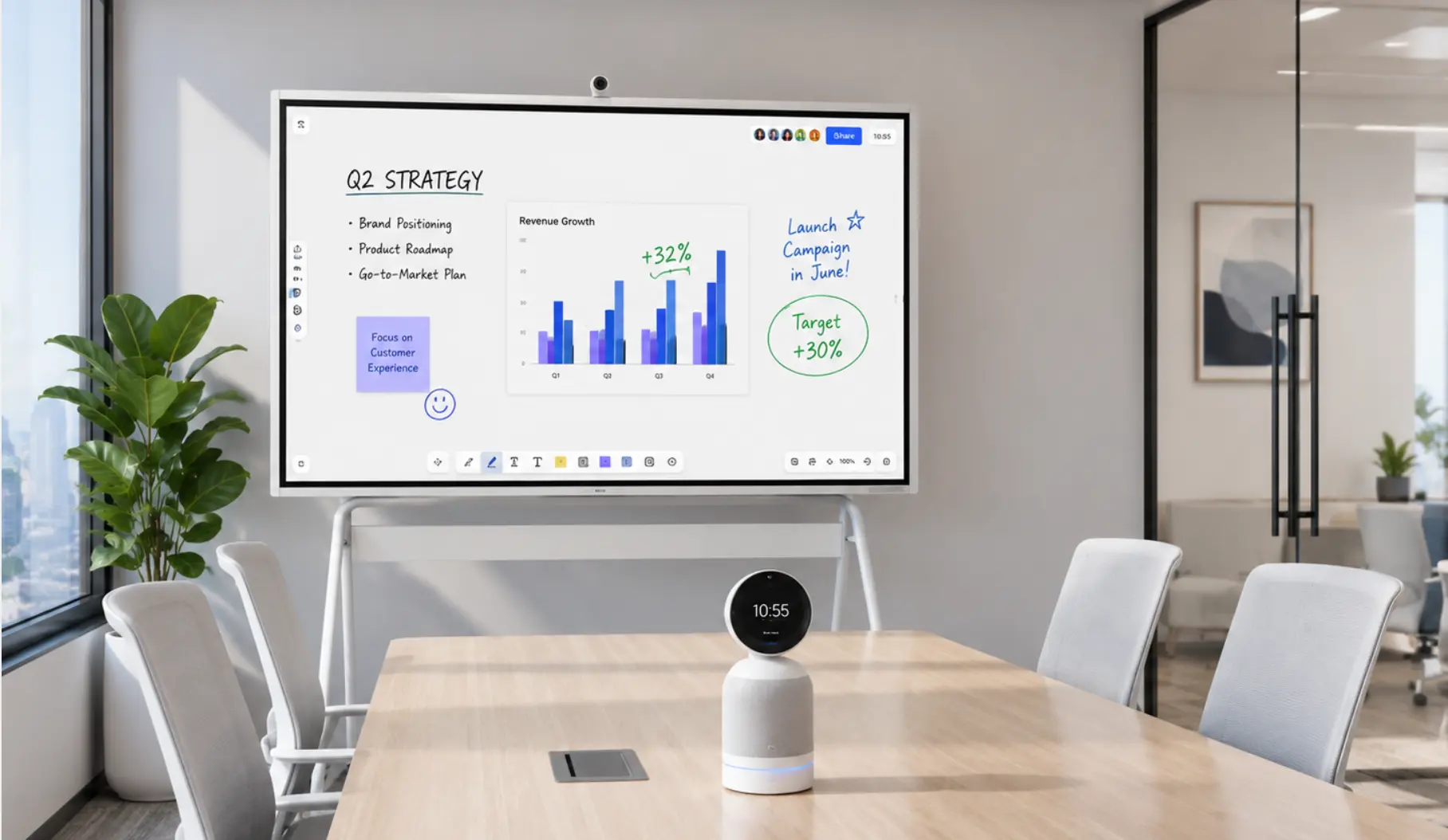
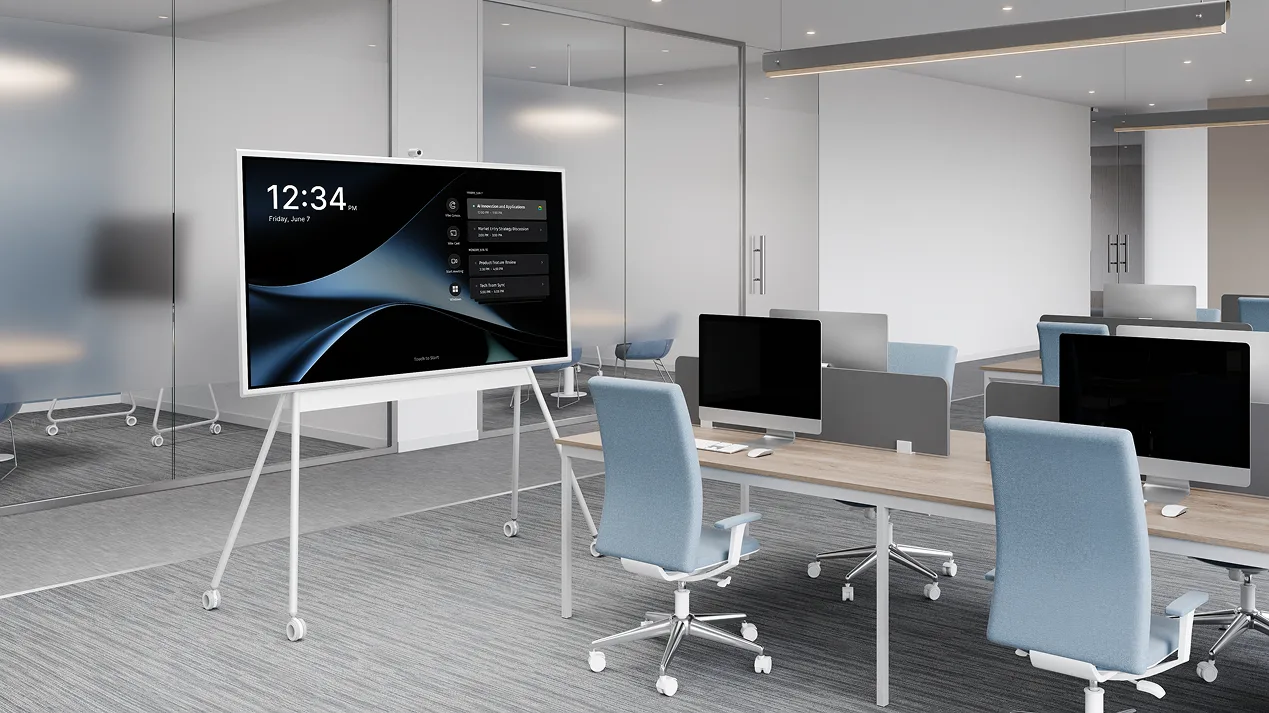
If your team spends the first 5–10 minutes of every meeting troubleshooting cables, asking remote participants to repeat themselves, or waiting for the screen to connect, the problem isn’t the people — it’s the room. Outdated conference room AV setups cost the average team hours of productive meeting time every week, yet the signs are easy to overlook when you’re used to working around them.
This guide walks through 8 concrete signals that your conference room AV setup has fallen behind — and explains what a modern fix actually looks like.
Quick Self-Assessment: Is Your Conference Room AV Actually Outdated?
Before diving into the full list, run through this checklist. If you check more than 3 boxes, your room is overdue for a review.
-
Meetings regularly start more than 3 minutes late due to setup or connection issues
-
There are more than one remote or adapter on the conference table
-
Remote participants frequently ask you to repeat what was said
-
The display looks small or dim relative to your room size
-
Your system doesn’t work reliably with Zoom, Teams, or Google Meet
-
IT has received more than one support ticket about this room in the past month
-
Team members have started avoiding the room and using their laptop speakers instead
-
You can’t remember the last time the equipment was replaced or updated
If most of these sound familiar, keep reading. The signs below go deeper into what each symptom actually means — and what’s usually behind it.
8 Signs Your Conference Room AV Needs an Upgrade
1. Meetings consistently start late because of setup or connection issues
This is the most common — and most normalized — sign of an outdated AV setup. When a meeting has 6 attendees and it takes 8 minutes to get the screen connected, that’s 48 minutes of collective productive time lost before the agenda even starts.
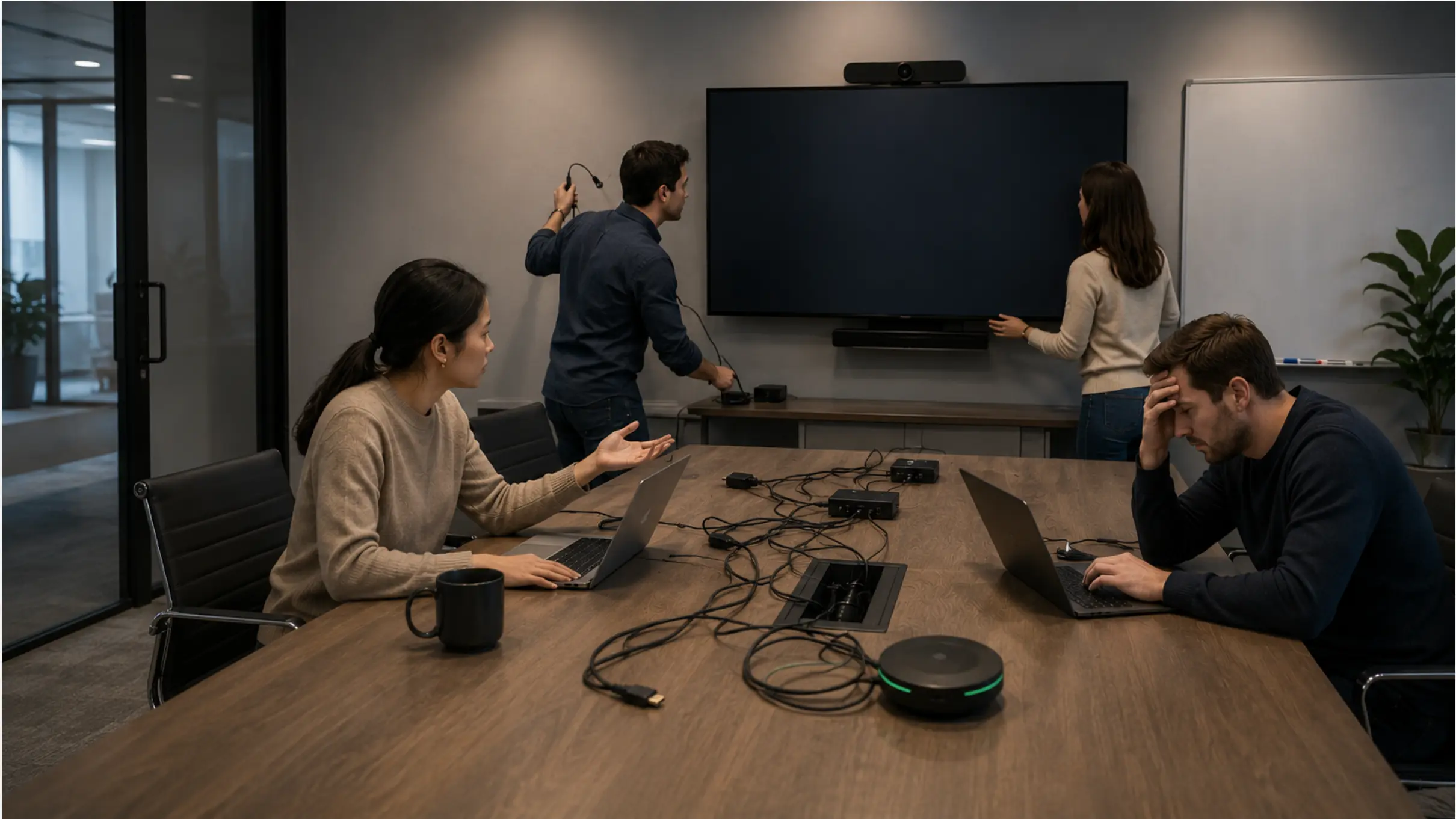 Team struggling with AV setup issues in conference room before meeting starts
The root cause is almost never user error. It’s a lack of a standardized connection path. Older rooms often require participants to locate a specific adapter, switch inputs on the display manually, or install a driver before their laptop will output video. In hybrid-first offices, that friction compounds: someone in the room can’t get the screen to work, so remote participants are staring at a frozen thumbnail for the first quarter of the call.
A modern room should allow anyone to walk in, tap one button, and be in a meeting within 30 seconds. If yours doesn’t, that’s a hardware problem, not a training problem.
2. Remote participants can’t clearly hear or see the room
Ask yourself: how often do remote attendees say "sorry, can you repeat that?" or "I can’t really see the whiteboard"? If the answer is "pretty often," your audio and video hardware isn’t doing its job.
Most older conference room cameras have fixed lenses and low-resolution sensors designed for a world where everyone attended in person. They can’t distinguish between someone speaking in the front row and someone at the far end of the table. Similarly, built-in TV speakers or single-point speakerphones placed in the center of a large room create dead zones where voices become inaudible to remote participants.
According to a 2025 Logitech study, 63% of hybrid workers encounter technology problems on their office days — and poor audio is consistently cited as the top barrier to effective remote participation.
The fix isn’t turning up the volume. It’s replacing fixed cameras with AI-powered auto-framing models and deploying microphone arrays that provide consistent coverage across the full room, not just the seat nearest the speakerphone.
3. The table has more remotes, adapters, and dongles than people
Count the objects on your conference table that exist solely to make the AV system work: HDMI adapters, USB-C dongles, remote controls for the display, remote controls for the camera, Bluetooth pairing buttons, and whatever else has accumulated over time. If there are more than two, you have a system designed for a different era.
Every adapter is a potential point of failure. Every remote is something that gets lost, has dead batteries, or requires someone to read the label before pressing a button. Complex AV setups also introduce compatibility problems that get worse over time as laptops drop legacy ports and display standards update.
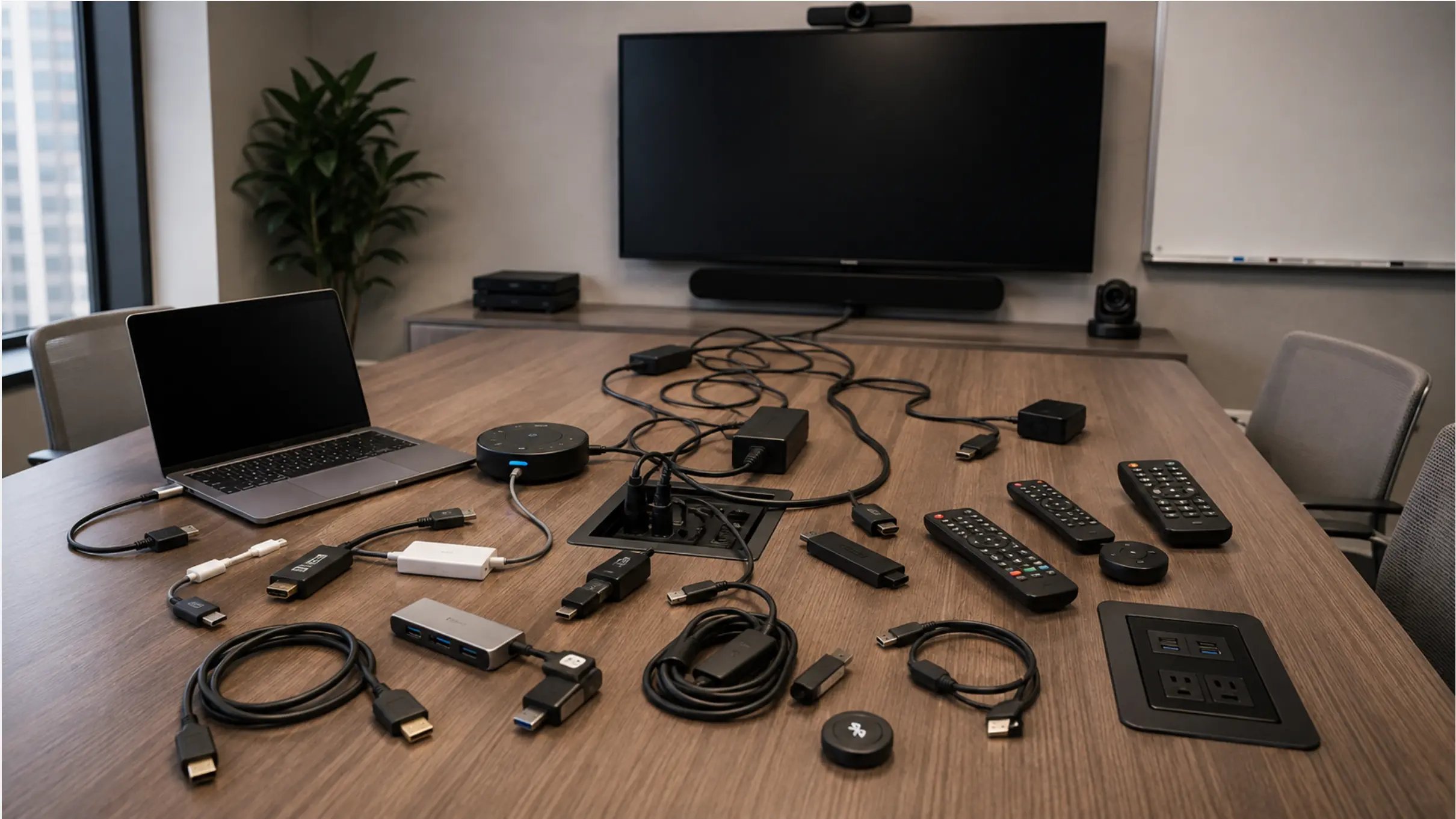
Modern conference room setups consolidate these into single-device systems with wireless connectivity. The fewer physical objects required to run a meeting, the fewer things that can go wrong.
4. The display looks too small, too dim, or too low-resolution for the room
Display technology has improved dramatically over the last five years. If your conference room screen is more than five years old, it was designed for a world where 1080p was premium and 4K was a consumer novelty. Today, a display that looks acceptable for a 4-person huddle room will feel noticeably inadequate in a 10-person meeting room where people in the back are trying to read a spreadsheet or a presentation.
The general rule: display diagonal (in inches) should be at least half the distance (in inches) from the screen to the farthest seat. A 65″ display is marginal for a 10-foot-deep room; it’s inadequate for anything deeper.
Brightness matters too. Older LCDs dim over time, and a display that was fine in a room with no windows will wash out badly when the afternoon sun comes through. If your team regularly has to close the blinds to see the screen clearly, that’s a calibration issue that won’t be solved by adjusting the brightness setting — it’s a sign the panel has aged past its useful life.
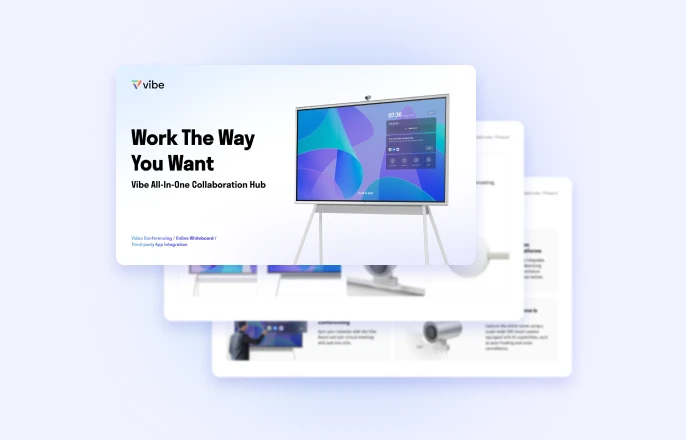
5. The system doesn’t work reliably with your video conferencing platform
Zoom, Microsoft Teams, and Google Meet have all updated their hardware certification requirements significantly in the last two years. Older cameras, speakerphones, and room control systems that worked fine with earlier versions of these platforms may now require manual workarounds, show up as "unsupported device" warnings, or lose access to platform features like noise suppression, AI captions, or smart gallery layouts.
If your team uses Teams but your room system was certified for a different platform, you’re already in a compatibility gap that will only widen. Platform-specific features — like Teams Rooms one-touch join, or Zoom Rooms auto-framing — require hardware that has been explicitly certified for that platform.
The safer approach for new or replacement setups is to choose hardware that’s certified for your primary platform, or an integrated device that supports multiple platforms without configuration switching.
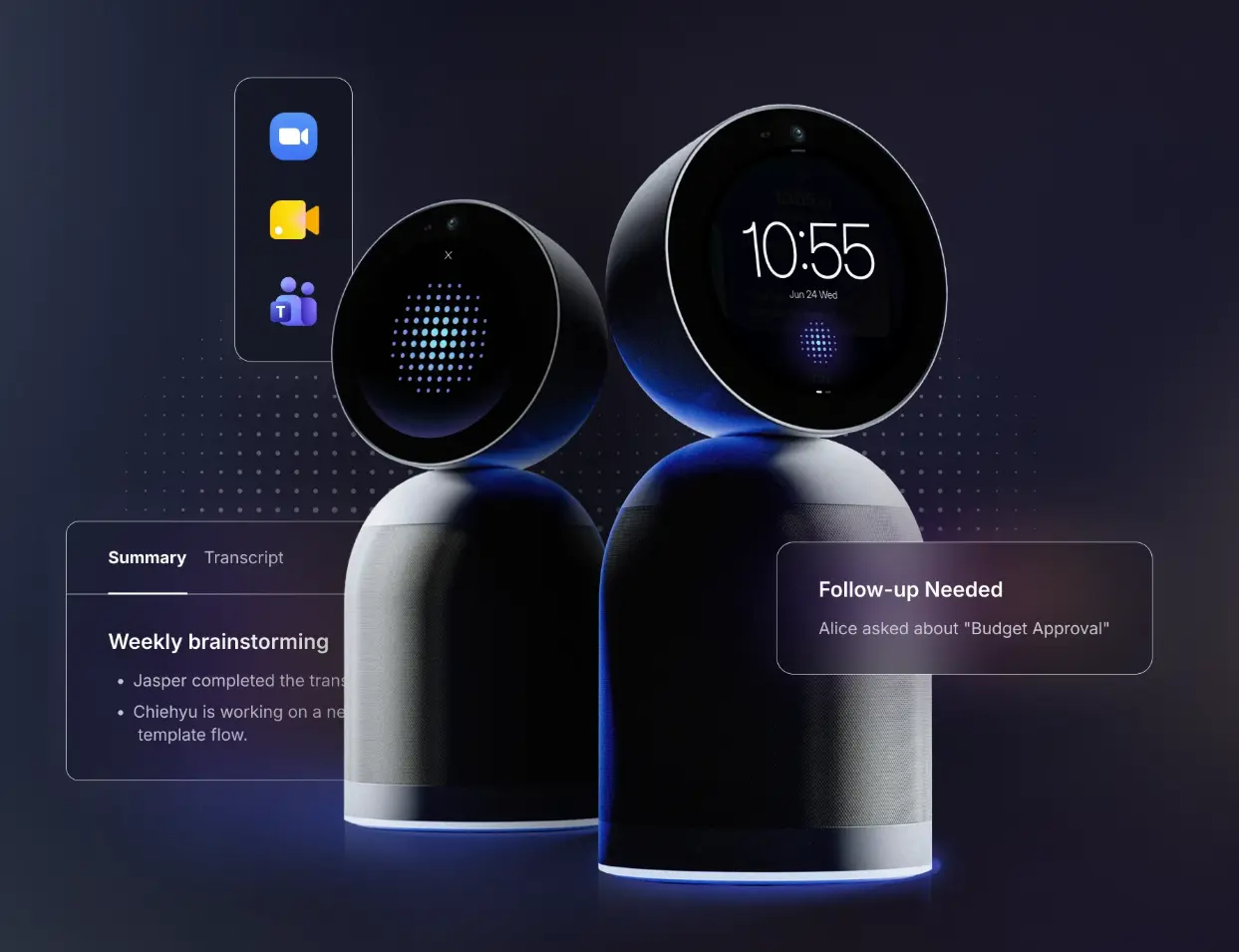
6. Devices freeze, disconnect, or need to be restarted mid-meeting
Any conference room device that requires a reboot more than once a month is operationally unreliable. Older AV systems — particularly those built around separate compute units running Windows-based room controllers — are notorious for update-related crashes, driver conflicts, and memory leaks that manifest as freezes during calls.
This kind of failure is particularly damaging because it tends to happen at the worst possible moment: during a client presentation, a board meeting, or a call with a candidate you’re trying to impress. The first freeze is embarrassing; the second one trains your team to avoid the room entirely.
If your IT team is managing a queue of reactive support tickets for conference room AV — rather than proactively monitoring and maintaining the system — the system has already become a liability rather than an asset.
7. Team members avoid the room or use their laptop speakers instead
This is the most telling signal of all, and the hardest to see from an IT or facilities perspective because it doesn’t generate a ticket — it just quietly happens. When a room becomes known as "the one where the tech never works," people stop booking it and start doing meetings at their desks with laptop webcams and built-in speakers.
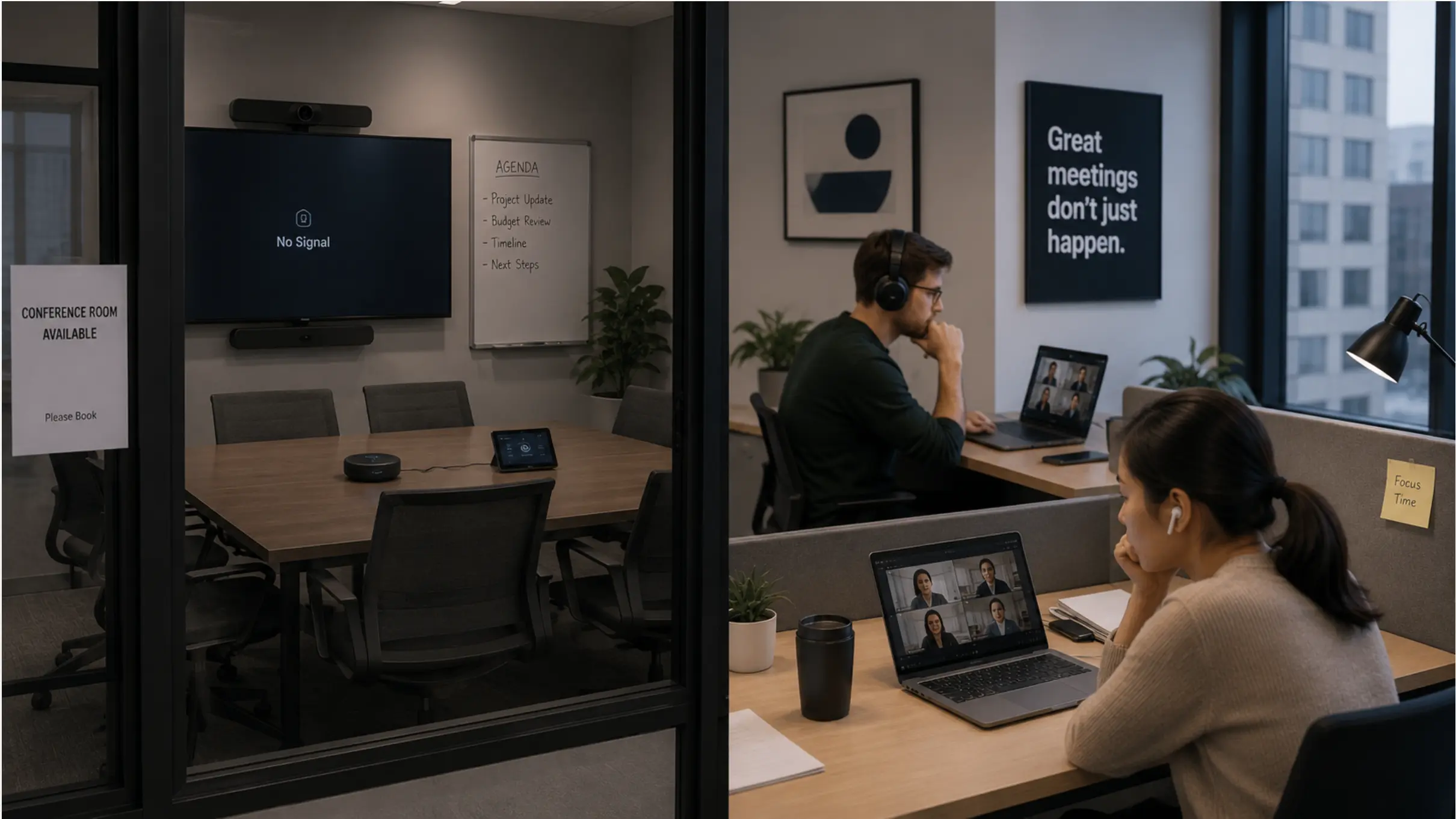 Empty conference room with "No Signal" display next to employees joining meetings from their desks
The workaround becomes the default. And in a hybrid office, that’s a significant problem: a desk-based call with laptop audio is a materially worse experience for remote participants than a properly equipped conference room, which means the people who opted for the workaround are now creating a second-class experience for every remote colleague in the call.
If you notice that a room’s booking rate has quietly dropped, or that you frequently see people huddled around a single laptop in a room that has a display right behind them — that’s worth investigating. The room has effectively failed.
8. IT receives support tickets every time someone tries to use the room
This is the operational cost that rarely shows up in a hardware budget conversation but accumulates quickly in real terms. Every support ticket for a conference room AV issue represents time from an IT staff member, a delay for the person who filed it, and often a rescheduled or degraded meeting for everyone involved.
In our conversations with IT managers across companies of 25–250 people, one pattern comes up consistently: AV support tickets cluster around specific rooms. It’s almost never random. One or two rooms generate the majority of tickets, and those rooms are almost always the ones running the oldest equipment. The fix — replacing aging hardware with a modern, self-contained system — typically eliminates the ticket category entirely, not just individual incidents.
If this room appears in your helpdesk queue more than once a month, it’s costing you more in support overhead than a replacement would cost in hardware.

What Outdated AV Is Actually Costing You
The signals above are symptoms. The underlying cost is time, focus, and meeting quality — which are harder to put on a spreadsheet but are real.
|
Signal |
Root cause |
Typical cost if unresolved |
|---|---|---|
|
Meetings start late |
No standardized connection path |
5–10 min × attendees × meeting frequency |
|
Remote participants can’t hear |
Insufficient mic coverage for room size |
Repeated questions, dropped context, disengagement |
|
Too many adapters and dongles |
Legacy multi-device setup |
Frequent connection failures, lost/broken adapters |
|
Display too small or dim |
Aging panel past useful life |
Eye strain, information loss for back-row attendees |
|
Platform compatibility gaps |
Hardware not certified for current platform |
Feature lockout, workarounds, manual setup time |
|
Freezes and crashes |
Aging compute unit, driver conflicts |
Meeting disruption, IT intervention, reputation cost |
|
Room avoidance |
Accumulated frustration with unreliable tech |
Underutilized infrastructure, degraded hybrid equity |
|
Recurring IT tickets |
Hardware generating systemic failures |
IT overhead + soft cost of repeated degraded meetings |
One Device vs. a Stack of Devices: What the Fix Actually Looks Like
The traditional answer to an outdated conference room is a multi-vendor upgrade: a new display from one manufacturer, a new camera from another, a new speakerphone, a new room controller, and a new compute unit to tie it together. This approach works, but it recreates the same fragmentation problem at a higher price point — you’re still managing five separate systems, each with its own firmware update cycle, warranty, and failure mode.
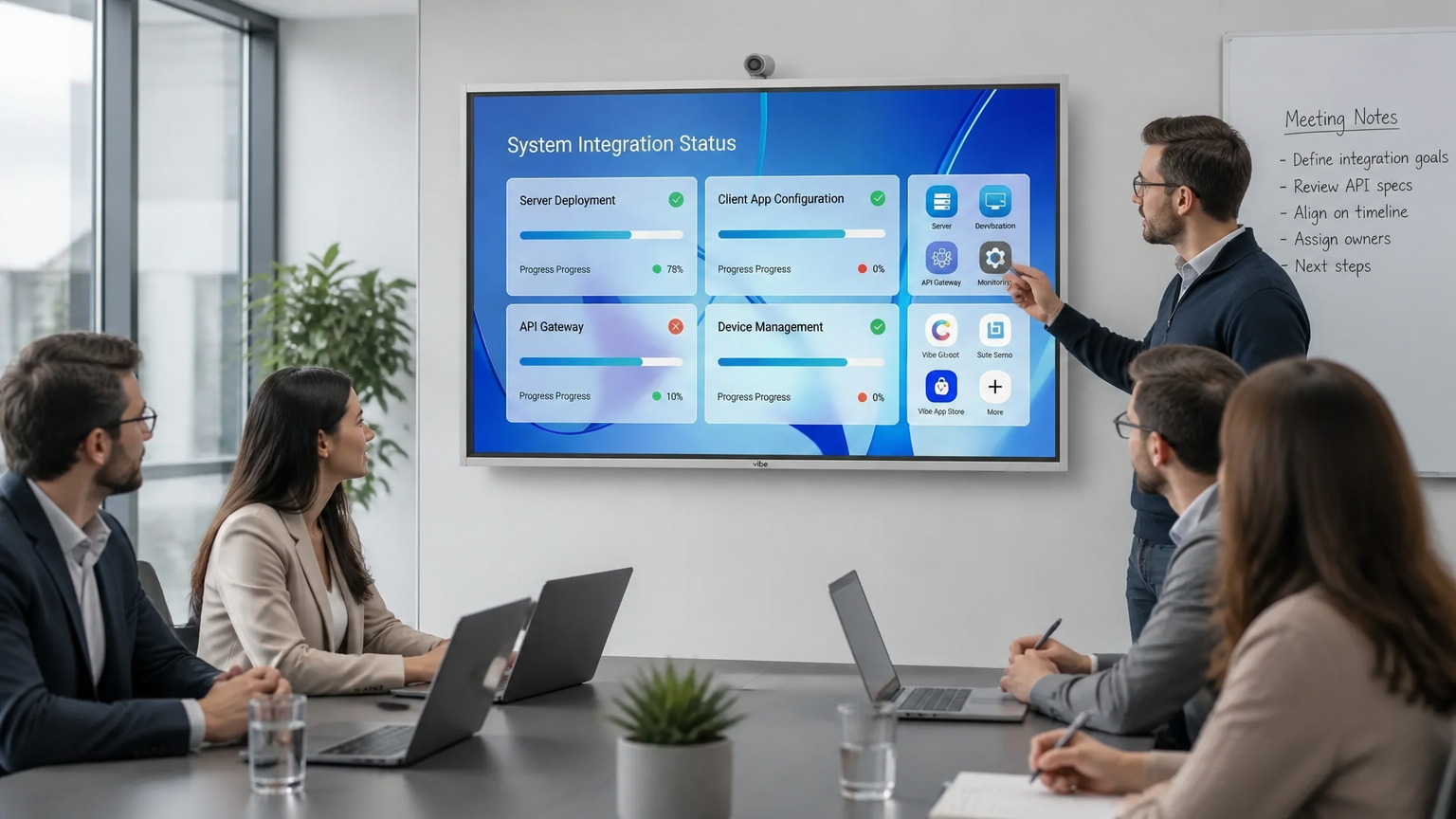 Vibe Board displaying system integration status dashboard during team meeting in modern conference room
An increasingly common alternative is an all-in-one room device that combines the display, camera, microphone array, speakers, and collaboration software into a single unit. This approach reduces the number of individual failure points to one, eliminates the cable-and-adapter layer almost entirely, and simplifies IT management to a single device category.
Vibe Board takes this approach: it’s a single interactive display with a separately configured 4K AI auto-framing camera and microphone array, a built-in speaker system, and native support for Zoom, Teams, and Google Meet — plus a full digital whiteboard that works whether you’re in a hybrid meeting or an in-person session. Setup is straightforward enough that it doesn’t require a multi-week AV integrator project.
That said, it’s not the right fit for every situation. Large boardrooms with complex audio requirements — a 25-seat room with ceiling microphones and a DSP — will still need a purpose-built multi-vendor installation. The all-in-one approach is best suited to huddle rooms and standard conference rooms (roughly 4–15 people), which represent the majority of conference room inventory in most office environments.
The Bottom Line
Outdated conference room AV doesn’t fail loudly — it fails slowly, through accumulated friction that your team learns to work around rather than fix. The eight signals above — late starts, poor remote audio and video, cable clutter, aging displays, platform incompatibility, freezes, room avoidance, and IT tickets — each point to the same underlying issue: hardware that was designed for a different era of work.
If you recognized your room in three or more of these, it’s worth doing a structured review before the next lease renewal or office renovation. The window where it’s cheapest to fix is always before the friction has become the default.
Frequently Asked Questions
How often should conference room AV equipment be replaced?
Most conference room AV systems should be reassessed every 3–5 years. Displays, cameras, and connectivity standards evolve faster than the furniture around them, and a system that felt modern five years ago often can’t keep up with current video conferencing platforms or hybrid meeting expectations. The 3-year mark is a good point for a functional review even if nothing has visibly broken.
What’s usually the first thing to fail in an aging conference room setup?
Connectivity and compatibility issues tend to surface before hardware physically fails. Older systems increasingly struggle to keep up with software updates from Zoom, Teams, and Google Meet — this shows up as missing features, authentication problems, or intermittent disconnects, often well before a screen or speaker actually stops working.
Is it cheaper to upgrade one piece at a time or replace the whole setup?
Piecemeal replacement often costs more over time and multiplies the number of separate systems that can fall out of sync. A camera upgrade that isn’t paired with a matching compute unit update may introduce new compatibility gaps. An all-in-one device that combines display, camera, microphone, and whiteboard into a single system can reduce both the upfront count of moving parts and the ongoing maintenance burden.
How do I know if the problem is the AV equipment or just how it’s being used?
If the same issues — late starts, dropped connections, "can you hear me?" — happen across different meetings and different people, that points to the equipment rather than user behavior. Occasional one-off issues are more likely training gaps; recurring issues across your team, especially in the same room, are a reliable equipment signal.
Do I need a full AV integrator project to fix an outdated conference room?
Not necessarily, depending on room size and complexity. Traditional upgrades often require sourcing a display, camera, microphone, and conferencing hub separately and having them professionally integrated. For huddle rooms and standard conference rooms (up to about 15 people), an all-in-one board-style device can consolidate those components into a single installation that doesn’t require a multi-week integrator engagement.