When companies plan a new office fit-out or renovation, technology is almost always the line item that gets underestimated first and overspent later. Furniture costs are predictable. Construction bids come in with clear scope. But AV and IT budgets have a way of expanding mid-project — a camera upgrade here, a platform licensing surprise there — until the number is 40% higher than the original estimate.
This guide breaks down what AV and IT actually cost in a 2026 office fit-out, how that cost splits across room types, and where teams consistently miscalculate their technology budget before the walls go up.
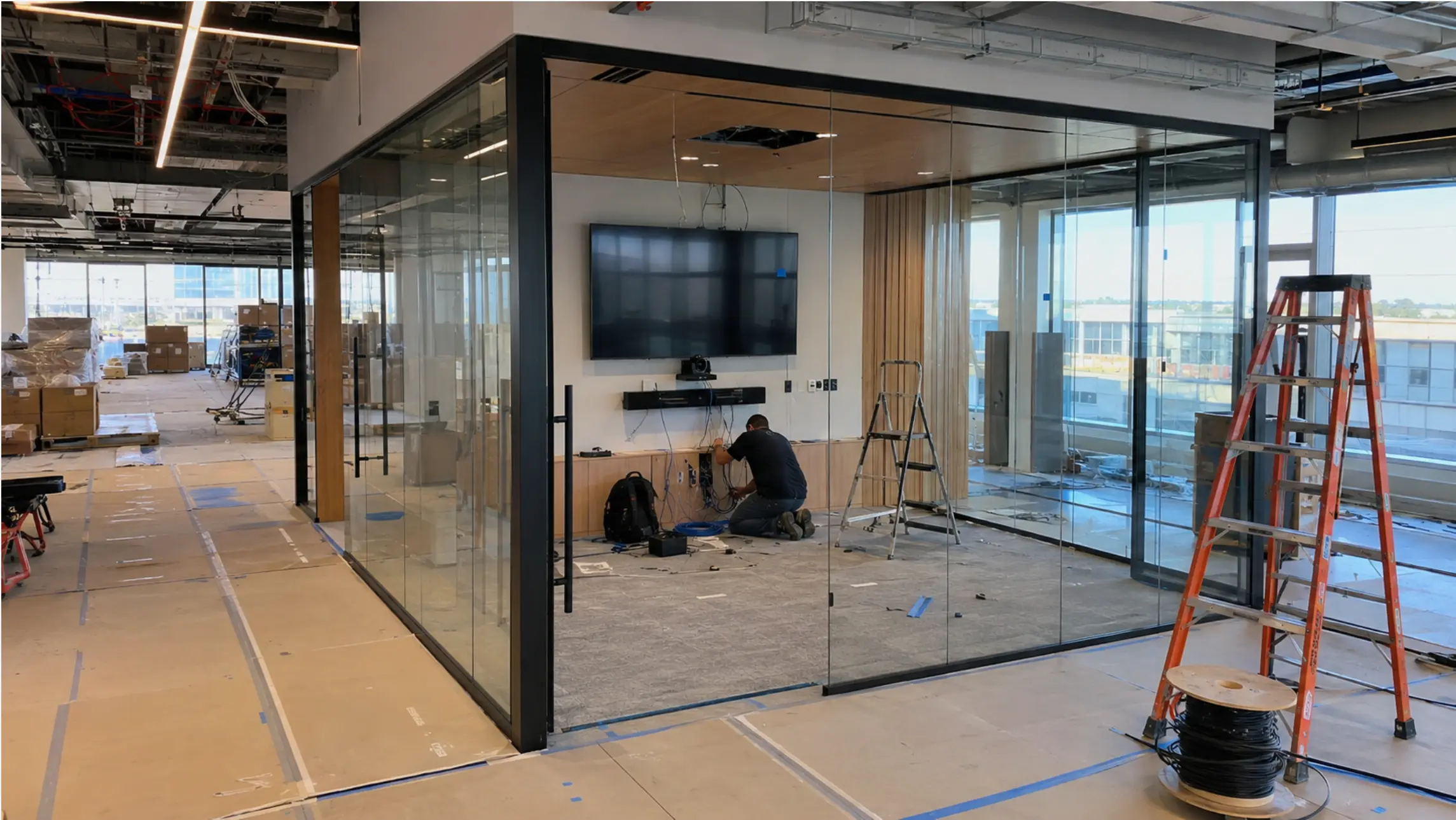 A modern open-plan office under construction with AV equipment being installed in a conference room
How Much of an Office Fit-Out Budget Goes to Technology?
Before looking at specific line items, it helps to understand where AV and IT sit in the overall fit-out cost structure.
The global fit-out cost breakdown
According to JLL’s Global Office Fit-Out Cost Guide 2026, which draws on data from 68 cities and 40 countries, the two largest cost categories in a typical office fit-out are:
-
Mechanical & Electrical (M&E) services: up to 37% of total project costs
-
Builder’s work and construction: up to 29% of total project costs
Technology — including AV systems, IT infrastructure, security, and smart building components — sits within or adjacent to the M&E category, and its share has been rising. JLL reports that 63% of markets have seen an increase in demand for more complex technology integration in fit-out projects over the past year.
For practical planning purposes, the technology budget (AV + IT + security) typically lands in these ranges:
|
Market |
IT / AV as % of total fit-out |
|---|---|
|
EMEA (average) |
35–40%+ of total (combined with M&E) |
|
Americas |
20–30% of total relocation/fit-out budget |
|
APAC |
~16% as standalone IT/AV line item |
The all-in number is higher than most teams expect
Hixson’s 2026 Commercial Office Fit-Out Cost Guide provides a useful benchmark: for a mid-range U.S. fit-out at $180/psf in hard construction costs, adding soft costs, IT/AV, and furniture increases the total by approximately 45%. For an 8,000 sq ft office, that means:
-
Hard construction cost: ~$1.44M
-
Add 45% for FF&E, IT/AV, soft costs: ~$648K
-
Realistic all-in range: $2.0–$2.2M
The technology and AV component of that $648K addition typically runs $150,000–$300,000 for a mid-market U.S. office of this size, depending on the number of conference rooms, collaboration spaces, and technology tier.
Where the AV and IT Budget Actually Goes
Understanding the total technology envelope is only half the planning problem. The other half is knowing how that budget splits across categories — because the allocation determines whether the office functions well or generates IT tickets from day one.
Typical AV and IT budget allocation for a new office
|
Category |
% of AV/IT budget |
Notes |
|---|---|---|
|
Network infrastructure (switches, Wi-Fi, cabling) |
25–35% |
Highest consequence if under-specced |
|
Conference room AV (display, camera, audio, compute) |
30–40% |
Scales with number and size of meeting rooms |
|
End-user devices (laptops, monitors, peripherals) |
15–20% |
Often budgeted separately by HR/Finance |
|
Security systems (access control, cameras) |
10–15% |
Often bundled with M&E in large projects |
|
Room scheduling and workspace management software |
5–10% |
Frequently added late, after hardware decisions |
|
AI and collaboration tools (SaaS layer) |
5–10% |
Growing fastest; often missed in CapEx planning |
The conference room AV category — displays, cameras, microphones, compute units, and collaboration software — consistently represents the largest discretionary technology spend in a new office fit-out. It’s also the category most likely to be revised upward after initial estimates.
Why conference room AV costs more than expected
Kadence’s analysis of JLL fit-out data identifies a clear trend: companies are spending a larger share of fit-out budgets on technology — from high-end video conferencing systems and interactive screens to smart boards and room occupancy sensors. JLL data shows more than 75% of corporate real estate leaders are investing in better office technology, and 39% have upgraded conference room AV specifically, with that category seeing 8%+ cost increases year-over-year.
The reason is structural: hybrid work has made conference room technology load-bearing in a way it wasn’t before. Cisco’s 2025 Global Hybrid Work Study found that 40% of in-office meetings now include at least one remote participant. A room built only for in-person use is functionally inadequate for nearly half the meetings it will host.
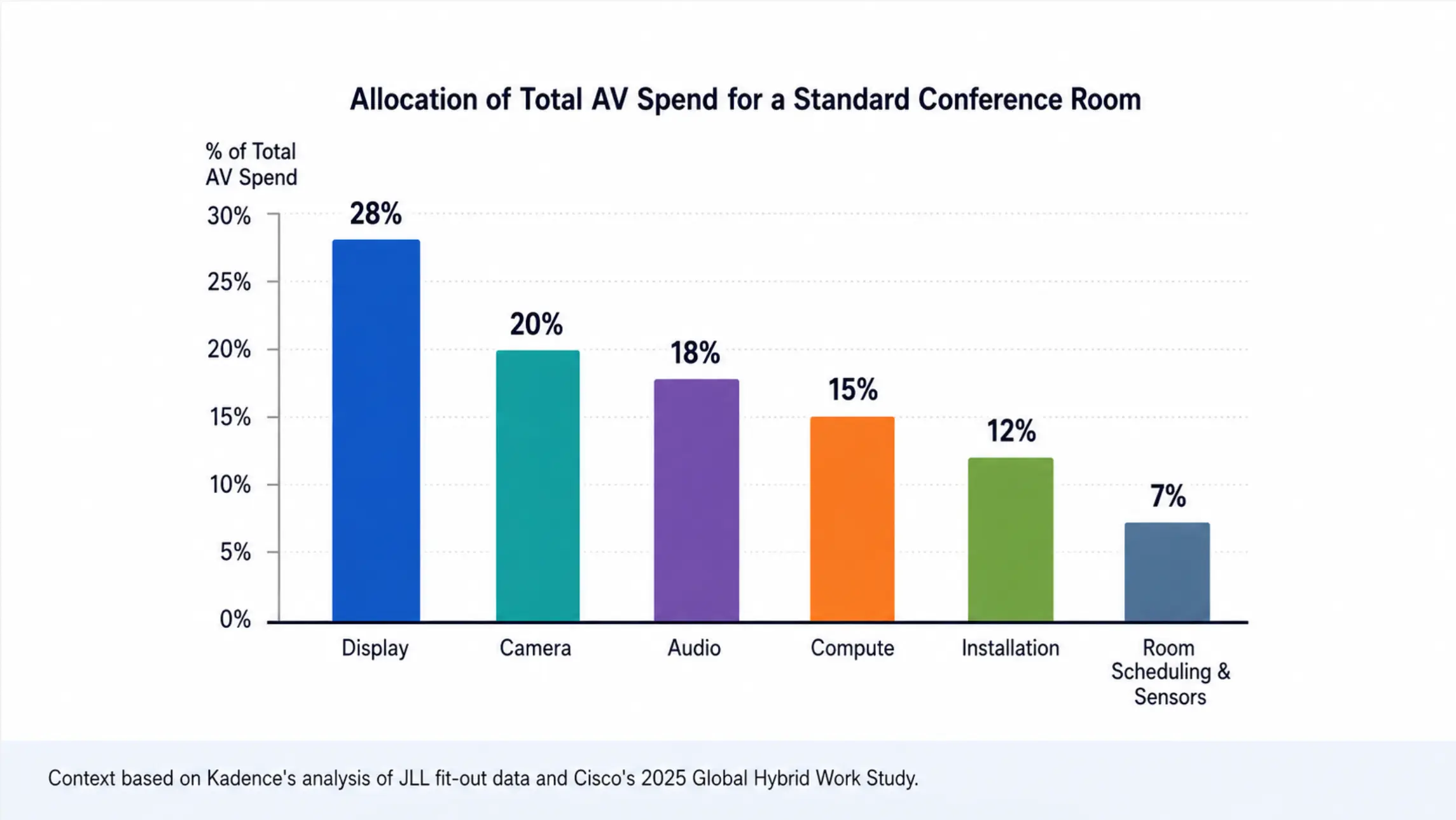 Bar chart showing conference room AV budget allocation
Conference Room AV Budget by Room Size
The most practical way to budget conference room technology is by room tier. Each tier has meaningfully different hardware requirements and cost structures.
|
Room type |
Seats |
AV budget range |
Key cost drivers |
|---|---|---|---|
|
Huddle room |
2–4 |
$2,000–$5,000 |
Display, wide-angle camera, speakerphone |
|
Standard meeting room |
5–12 |
$5,000–$15,000 |
AI auto-framing camera, mic array, larger display |
|
Large conference room |
12–20 |
$15,000–$35,000 |
PTZ camera, ceiling mics, DSP, dual displays |
|
Boardroom |
20+ |
$30,000–$80,000+ |
Multi-camera, professional audio, room automation |
Source: Gable.to Conference Room AV Buyer’s Guide 2026; Petronella Cybersecurity Conference Room Guide 2026
For a typical 50-person office, a reasonable room inventory might include 8–10 huddle rooms and 4–5 standard meeting rooms. That translates to a conference room AV budget of roughly $50,000–$100,000 before installation — a number that surprises many first-time office planners who expected to spend $20,000–$30,000.
What’s driving costs upward in 2026
Three factors are pushing conference room AV budgets higher than historical benchmarks:
-
Hybrid-first design standards. Rooms previously equipped with a TV and a speakerphone now need AI auto-framing cameras, beamforming microphones, and certified video conferencing hardware. The baseline has risen.
-
Platform certification requirements. Zoom Rooms and Microsoft Teams Rooms certified hardware costs 20–40% more than uncertified alternatives, but delivers features (one-touch join, centralized device management, smart gallery layouts) that are increasingly expected by employees.
-
AI and collaboration software. The AV hardware budget is now accompanied by a SaaS layer — room scheduling software, meeting intelligence tools, and collaboration platforms — that adds $50–$200 per room per month in ongoing costs that weren’t part of traditional AV project budgets.
The All-in-One vs. Multi-Vendor Decision
One of the most consequential technology budget decisions in a new office fit-out is whether to build each conference room from separate components (display + camera + microphone + compute unit + control system) or to consolidate into an all-in-one device.
Multi-vendor approach
Advantages: Best-of-breed components for each category; maximum customization for large or complex rooms.
Disadvantages: Higher integration cost (each component needs to be configured to work with the others); multiple vendor relationships, warranties, and firmware update cycles; more potential points of failure.
Best for: Large conference rooms (12+ seats), boardrooms, and any room where specific technical requirements (ceiling microphones, PTZ cameras, custom DSP routing) justify the complexity.
All-in-one approach
Advantages: Single device to configure, manage, and support; eliminates multi-component integration risk; faster deployment — most all-in-one installations complete in a day without a specialist AV integrator.
Disadvantages: Less customizable for complex room layouts; depends on the vendor’s software platform and update cadence.
Best for: Huddle rooms and standard meeting rooms (2–12 seats), which represent the majority of conference room inventory in most offices.
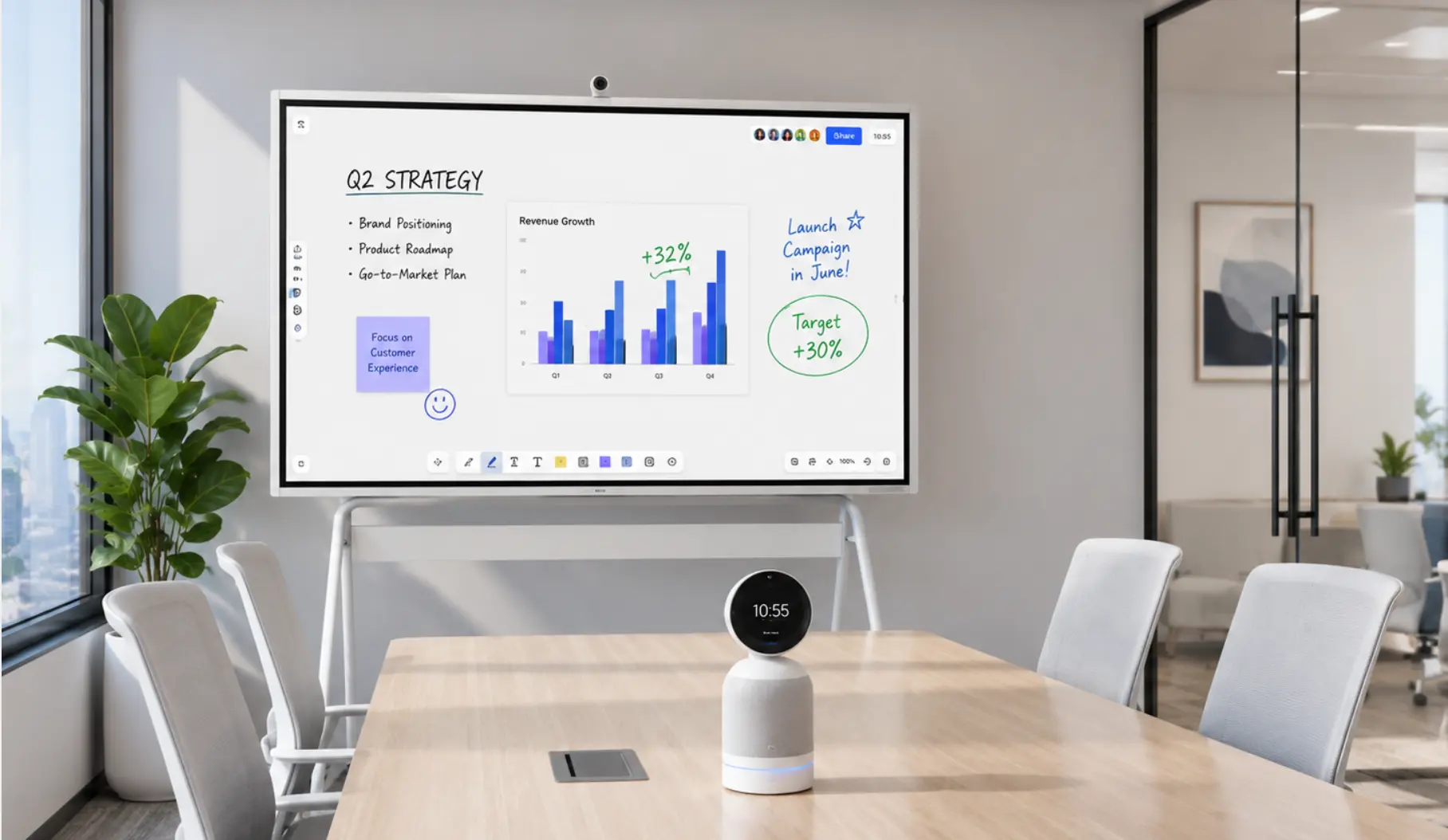
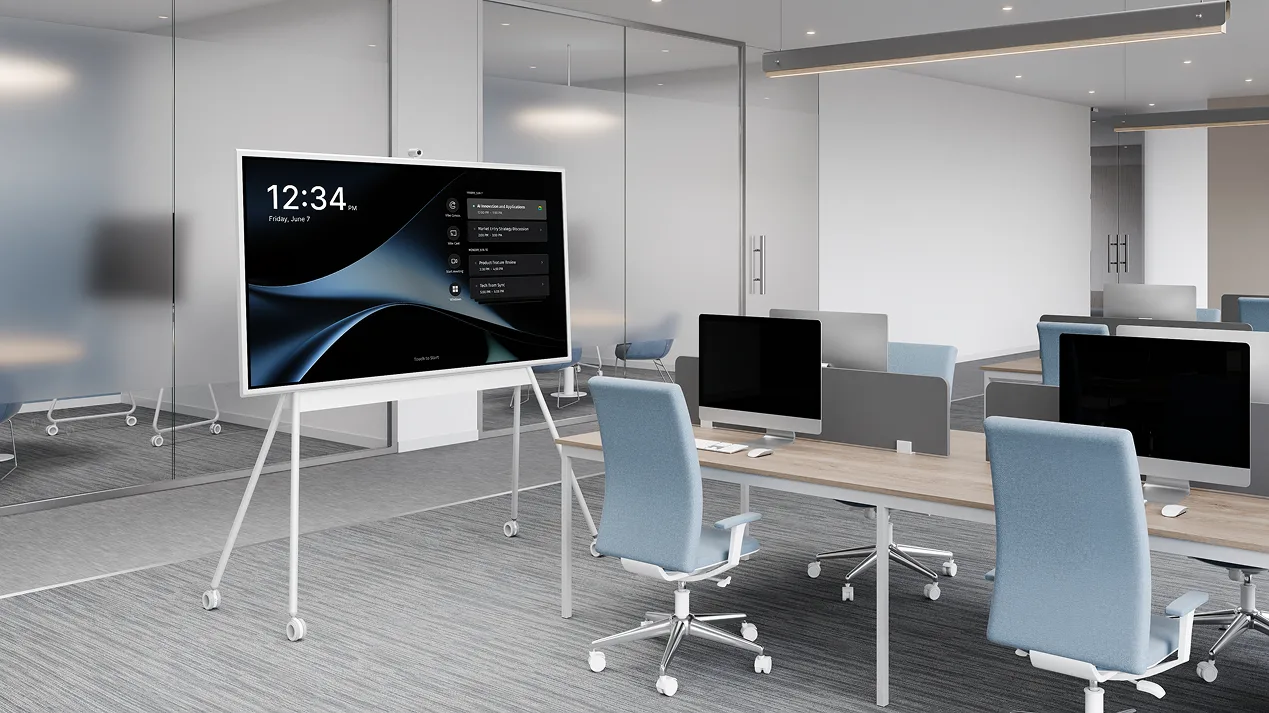
Vibe Board takes the all-in-one approach — but with a meaningful difference from traditional video bars: it combines a large-format interactive display, digital whiteboard, and native support for Zoom, Teams, and Google Meet in a single device, rather than treating the display and the conferencing system as separate components.
Two models address different office technology needs:
Vibe Board S1 runs VibeOS (ChromeOS-based), optimized for fast, reliable conference room performance with minimal IT overhead. 250+ app integrations out of the box, including Zoom, Teams, and Google Meet — no platform switching friction for teams that mix platforms across departments. Best fit for huddle rooms and standard meeting rooms where IT simplicity and multi-platform support matter more than Windows software compatibility.
Vibe Board S1 Pro runs Windows 11 Pro, opening the full Windows software ecosystem — AutoCAD, Adobe Creative Suite, clinical software, industry-specific tools — alongside the same collaborative whiteboard and video conferencing capabilities. For teams in AEC, healthcare, or design that need a conference room display and a Windows workstation in the same device, S1 Pro collapses two line items in the AV/IT budget into one.
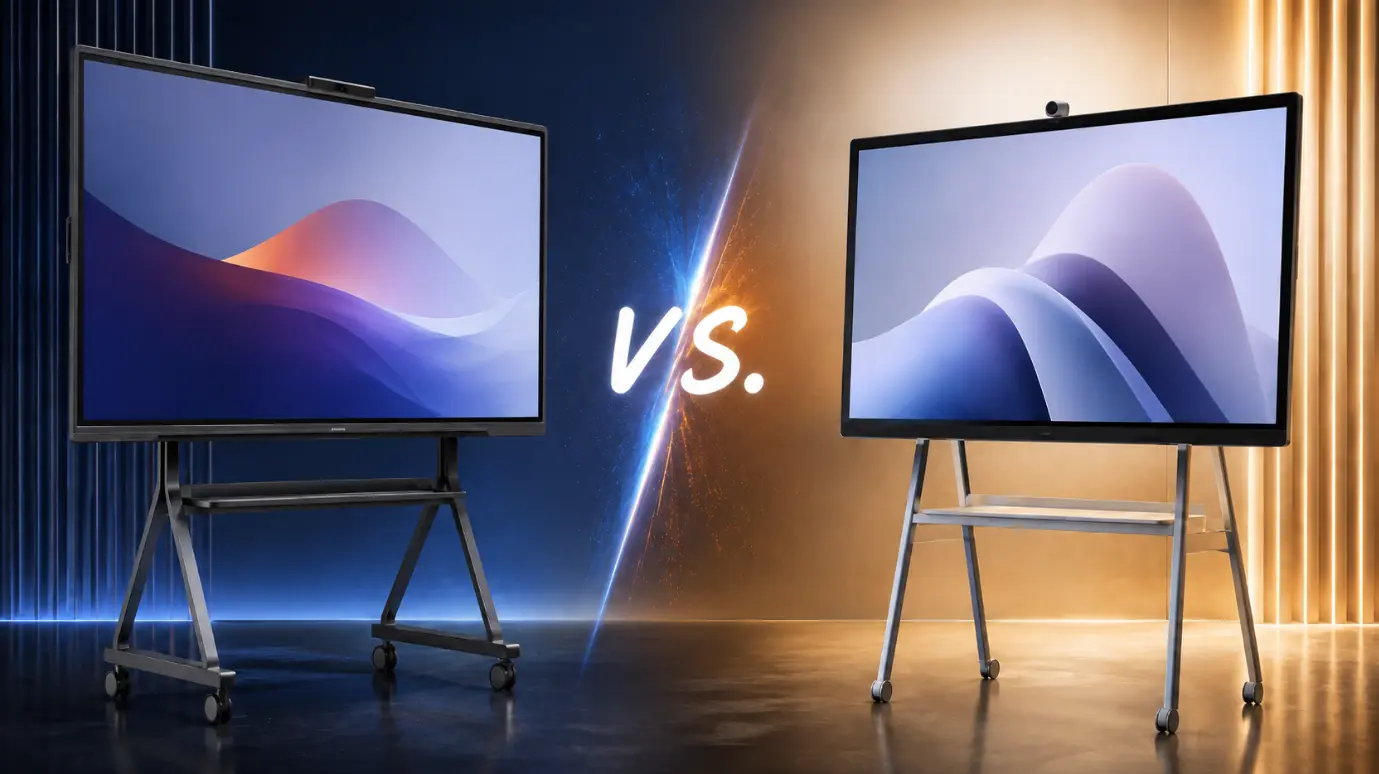
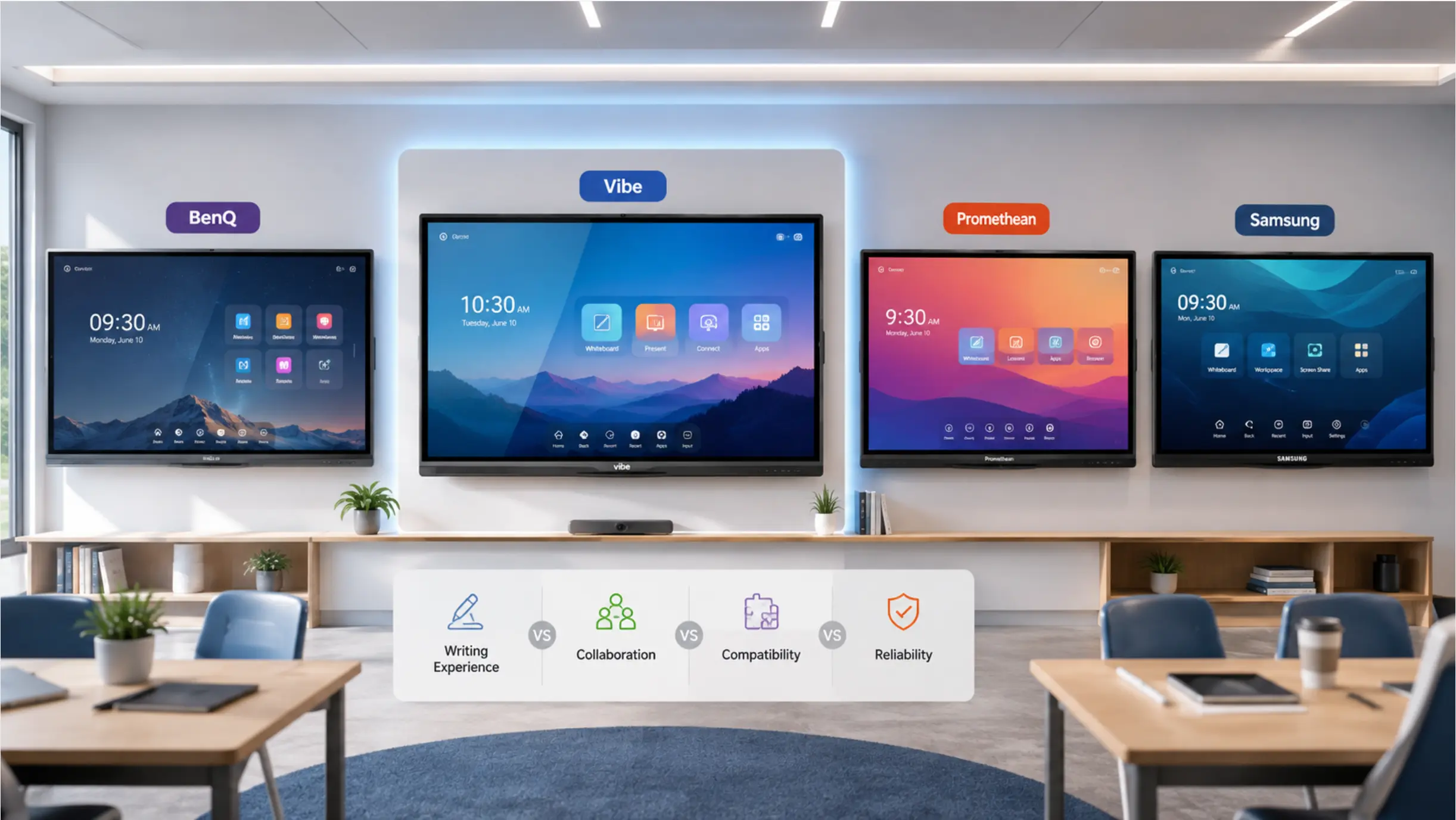
For teams previously using Microsoft Surface Hub — discontinued in April 2026 — or Google Jamboard (discontinued October 2024), both Vibe Board models represent a direct replacement path. See the full comparison:
The AI Layer: Budgeting for Meeting Intelligence
Traditional AV budgets covered hardware. 2026 fit-out budgets need to account for a SaaS layer that sits on top of the hardware and determines whether meetings generate actionable output.
Most teams currently handle this through individual tool subscriptions — someone’s personal Otter.ai account, a Zoom transcription add-on, or a Notion template someone built. This approach breaks down at scale: coverage is inconsistent, notes don’t follow the room, and institutional knowledge from one meeting doesn’t connect to the next.
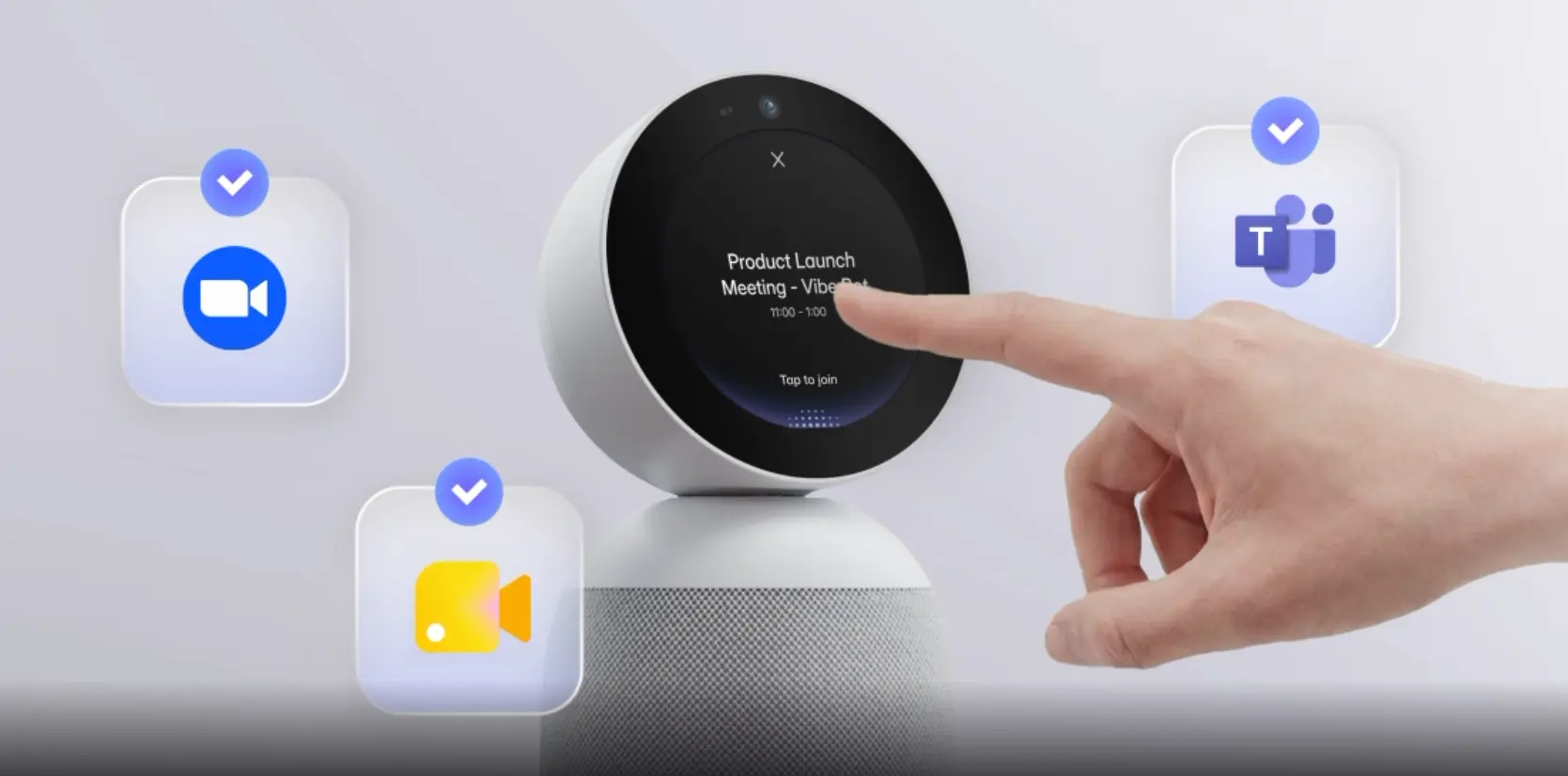
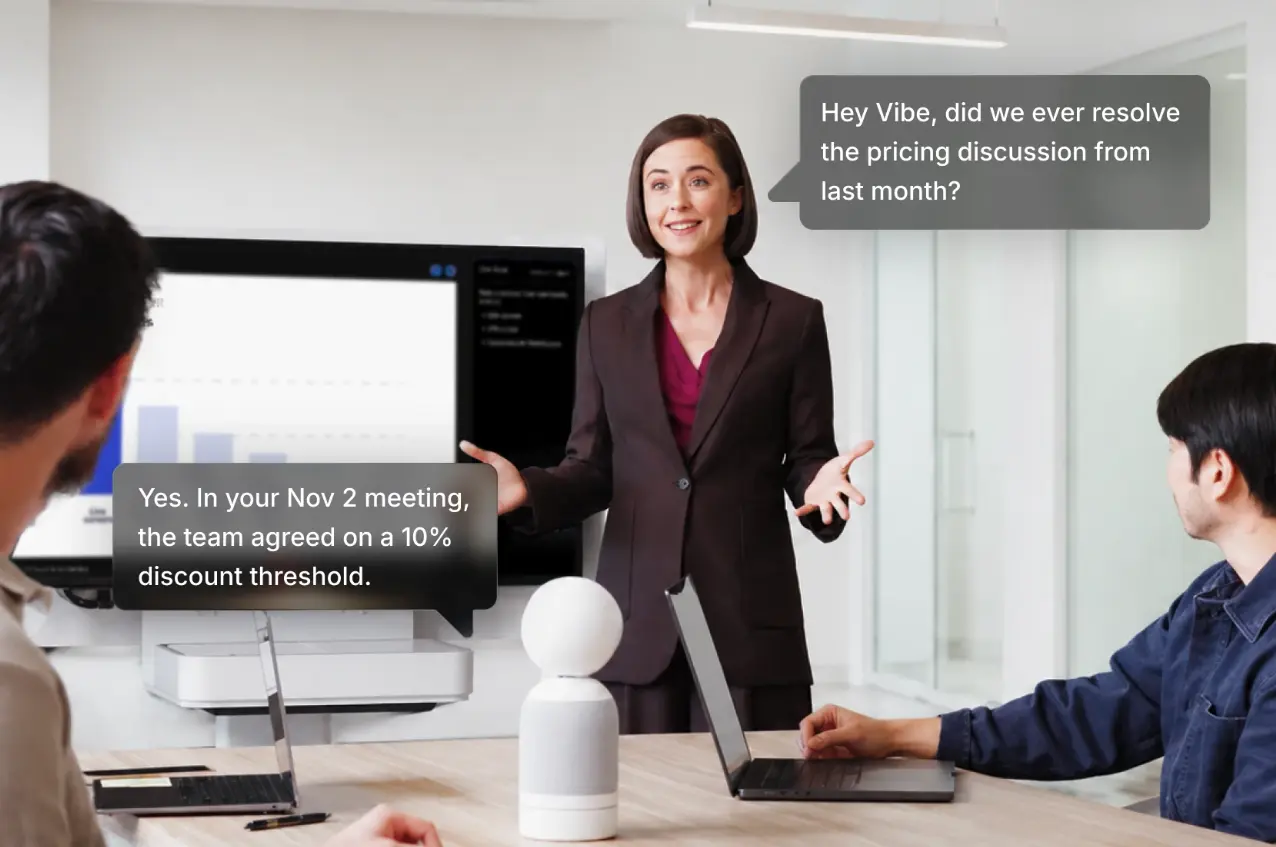
A more durable approach integrates the AI layer at the room level. Vibe Bot is dedicated conference room hardware for meeting capture — purpose-built so the AI layer has a reliable, always-on physical foundation in the room rather than depending on whoever remembered to open their laptop. On top of the hardware, Vibe AI provides the SaaS intelligence layer: meeting notes, summaries, action items, and cross-session memory via the Memory Graph, so follow-up meetings pick up where the last ones left off.
For fit-out budget planning purposes, this is worth treating as a distinct line item — not folded into either hardware AV or general SaaS — because it spans both categories and is increasingly where recurring collaboration cost decisions live.
Common Technology Budget Mistakes in Office Fit-Outs
In our experience working with teams setting up new offices, the same planning errors appear repeatedly — and they’re almost always cheaper to avoid than to fix.
1. Treating AV as a construction afterthought
Technology decisions made during design — room dimensions, ceiling height, electrical placement, network drops — directly affect what AV systems are feasible and what they cost. Teams that finalize the floor plan before engaging their AV requirements consistently pay more for workarounds. JLL’s fit-out research explicitly identifies technology ambition as a core early budget driver, not a late-stage add-on.
2. Underestimating the number of conference rooms needed
OfficeSpace research shows room bookings grew at 2.5× the rate of desk bookings in 2025. Companies building new offices with pre-pandemic assumptions about how many meeting rooms they need are facing reconfiguration costs within 2–3 years of occupancy — a predictable and avoidable expense.
3. Budgeting only for hardware, not for ongoing licensing
A $10,000 conference room AV installation may carry $150–$500/month in platform licensing (Zoom Rooms, Teams Rooms, room scheduling software). Over a 5-year lease, that’s $9,000–$30,000 in costs not captured in the CapEx budget. Plan the OpEx alongside the hardware.
4. Specifying hardware before confirming the primary video conferencing platform
Buying Zoom Rooms certified hardware when the company uses Microsoft Teams — or vice versa — means losing platform-specific features and potentially a costly replacement when the software drops certification support for older hardware.
5. Skipping acoustic assessment
In rooms with hard floors, glass walls, and high ceilings, even a $3,000 microphone array will produce echo-heavy audio. Acoustic panels cost $500–$3,000 per room and are almost always cheaper than replacing an audio system that was installed in an acoustically untreated space.
Budgeting Framework: A Starting Point by Office Size
For teams that need a rough planning number before detailed scoping begins, this framework provides a starting point based on office headcount and a standard conference room inventory.
|
Team size |
Est. room inventory |
Conference room AV |
Network infrastructure |
All-in AV/IT estimate |
|---|---|---|---|---|
|
10–25 people |
2–3 huddle, 1 standard |
$15,000–$35,000 |
$10,000–$20,000 |
$30,000–$65,000 |
|
25–75 people |
4–6 huddle, 2–3 standard |
$35,000–$75,000 |
$20,000–$40,000 |
$65,000–$140,000 |
|
75–150 people |
8–10 huddle, 4–5 standard, 1 large |
$75,000–$150,000 |
$40,000–$80,000 |
$130,000–$250,000 |
|
150–300 people |
12–15 huddle, 6–8 standard, 2–3 large, 1 boardroom |
$150,000–$350,000 |
$70,000–$120,000 |
$250,000–$500,000 |
These are directional estimates for planning conversations, not project quotes. Final costs depend on market, building condition, finish tier, and AV specification level. Add 10–15% contingency on technology budgets — scope changes after design freeze are the most common source of cost overruns.
The Bottom Line
Technology budget planning for an office fit-out in 2026 requires treating AV and IT as first-order decisions — not afterthoughts added once construction is underway. The companies that get it right engage their technology requirements at the same time they’re finalizing the floor plan, budget realistically for both hardware and ongoing licensing, and choose room systems that can grow with the team.
For most offices in the 10–150 person range, conference room AV represents the largest and most consequential technology spend in the fit-out. Getting the room tier right, choosing hardware certified for the right platform, and adding the AI layer that makes meetings productive over time — those three decisions account for most of the difference between a technology investment that earns its budget and one that generates a replacement project two years later.
Frequently Asked Questions
What percentage of an office fit-out budget should go to technology?
Technology (AV, IT infrastructure, security) typically represents 20–40% of the total fit-out investment, depending on region and specification level. In EMEA, security, IT, and AV combined can account for 40%+ of total fit-out costs. In the Americas, IT and infrastructure typically represent 20–30% of the total relocation budget. For teams prioritizing hybrid collaboration, budget toward the higher end of that range — conference room AV alone is often 30–40% of the technology line item.
Should AV and IT be part of the construction budget or a separate project?
Both appear in fit-out project budgets, but they’re often managed by different teams. IT infrastructure (network, cabling, server room) is typically coordinated with the general contractor and is part of the construction scope. Conference room AV is often specified and procured separately, sometimes after the space is built — which is a planning mistake. AV decisions affect electrical placement, ceiling height, and wall blocking requirements that need to be addressed during construction, not after.
How much does it cost to equip a standard conference room in 2026?
A standard meeting room (5–12 seats) with a quality AV setup — commercial display, AI auto-framing camera, microphone array, compute unit, and installation — typically costs $5,000–$15,000 in hardware and installation. Add platform licensing (Zoom Rooms or Teams Rooms) at $50–$200/month per room for the ongoing cost. All-in-one devices like Vibe Board can reduce the hardware count and associated installation cost for rooms in this tier.
Is it worth investing in an interactive whiteboard for conference rooms?
For teams that do collaborative work in meetings — design reviews, planning sessions, workshops — yes. An interactive whiteboard replaces both the display and the physical whiteboard, persists content between sessions, and enables real-time collaboration between in-room and remote participants. The cost premium over a passive display (typically 30–50% higher) is often justified by eliminating a separate whiteboard, reducing content-loss friction between meetings, and enabling async contribution. For rooms used primarily for presentations and status updates, a passive display is sufficient.
How long do conference room AV systems last?
Major components (displays, cameras, DSP units) have a realistic useful life of 5–7 years before platform certification gaps or resolution standards make them functionally obsolete. Smaller components (controllers, cables, room scheduling tablets) typically warrant a refresh at the 3-year mark. The platform certification cycle — when Zoom or Teams drops certification support for older hardware — increasingly drives refresh timelines more than physical hardware failure.
What’s the most common reason conference room AV projects go over budget?
Scope changes after the design is finalized. The second most common: underestimating the number of rooms that need full AV buildouts. Initial plans often assume a subset of rooms will need technology; in practice, hybrid work has made AV-capable meeting rooms a baseline expectation for every bookable space, not a premium upgrade for select rooms.