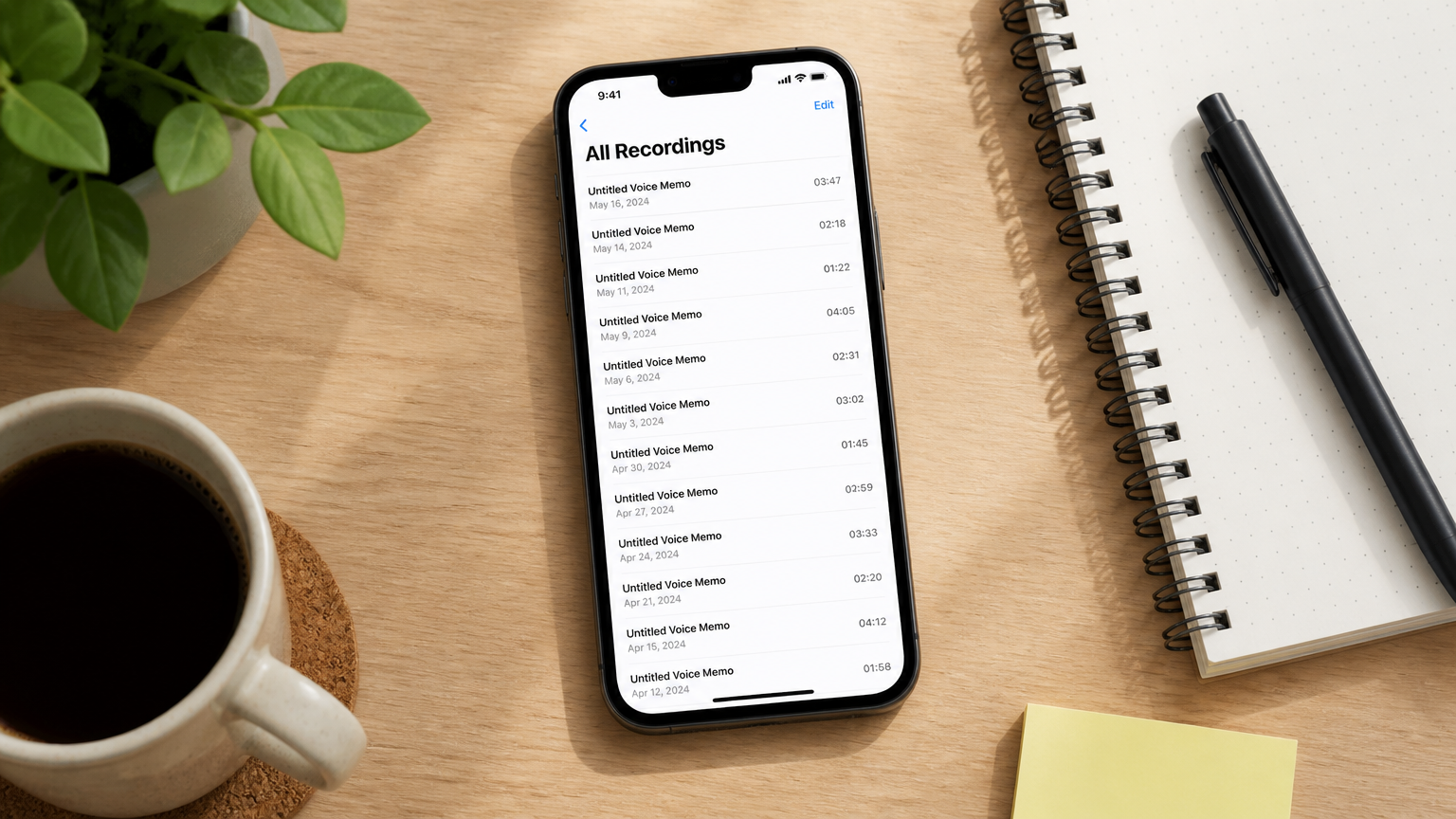
The voice memo app has 400 files in it. The last time you reviewed one was three weeks ago, and that was only because someone specifically asked you what was said in a meeting. The folder is technically full. The recordings are technically there. Nothing in them is actually accessible.
This is the recording graveyard — and it’s one of the most common ways that AI recorder advice fails ADHD users. The advice is always "capture more." Record your meetings, your ideas, your conversations. Get it all down. What the advice skips is the step after capture, which is the one that actually costs you: going back.
This piece is about why the archive piles up, what the structural cause is, and what it takes to actually fix it — not with more discipline, but with a system that doesn’t require you to remember you have recordings in the first place.
A note on framing: this is a workflow analysis, not clinical guidance. For clinical information about ADHD, CHADD and your clinician are the right sources.
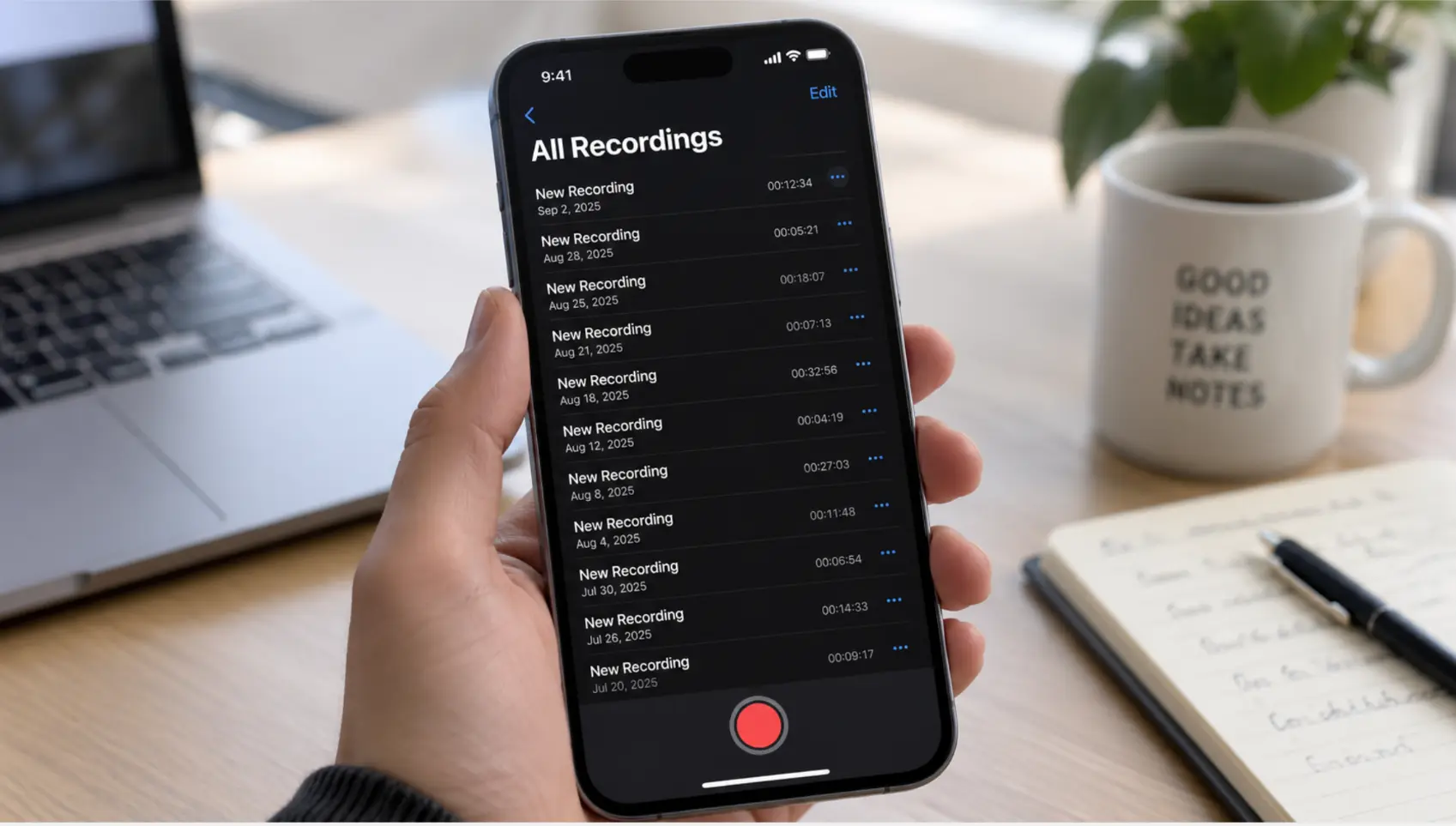 A phone showing a voice memo app with dozens of untitled recordings stacked up, the oldest dated weeks ago
Why the archive piles up
The recording graveyard isn’t a motivation problem. It’s a task structure problem.
To review a recording from three weeks ago, you have to:
-
Remember that the recording exists
-
Decide which of the 400 recordings is the one you need
-
Open it and listen, or read through a transcript
-
Pull out the relevant part
-
Do something with it
That’s five separate steps, each of which requires its own initiation moment — and they all happen at a point when your attention has already moved on from the original conversation. For most people, any one of those steps is easy. For someone with ADHD, a five-step sequence with no clear trigger, no deadline, and no visible reward is exactly the kind of task that doesn’t happen.
The research is precise about where this breaks. A PLOS One study comparing adults with ADHD against matched controls on complex prospective memory tasks found large-scale impairment concentrated in task planning — constructing an elaborate sequence of intentions and executing them — with only negligible effects on recall or execution of individual steps. The problem isn’t that you can’t listen to a recording. It’s that "decide which recording, open it, extract what matters, and use it" is exactly the kind of multi-step planned task where ADHD impairs most.
There’s also the object permanence layer. A recording you can’t see doesn’t feel like it exists. The voice memo app closed means the recordings inside it have zero presence in your attention, until something forces you to open it — usually someone asking about a meeting you vaguely remember having.
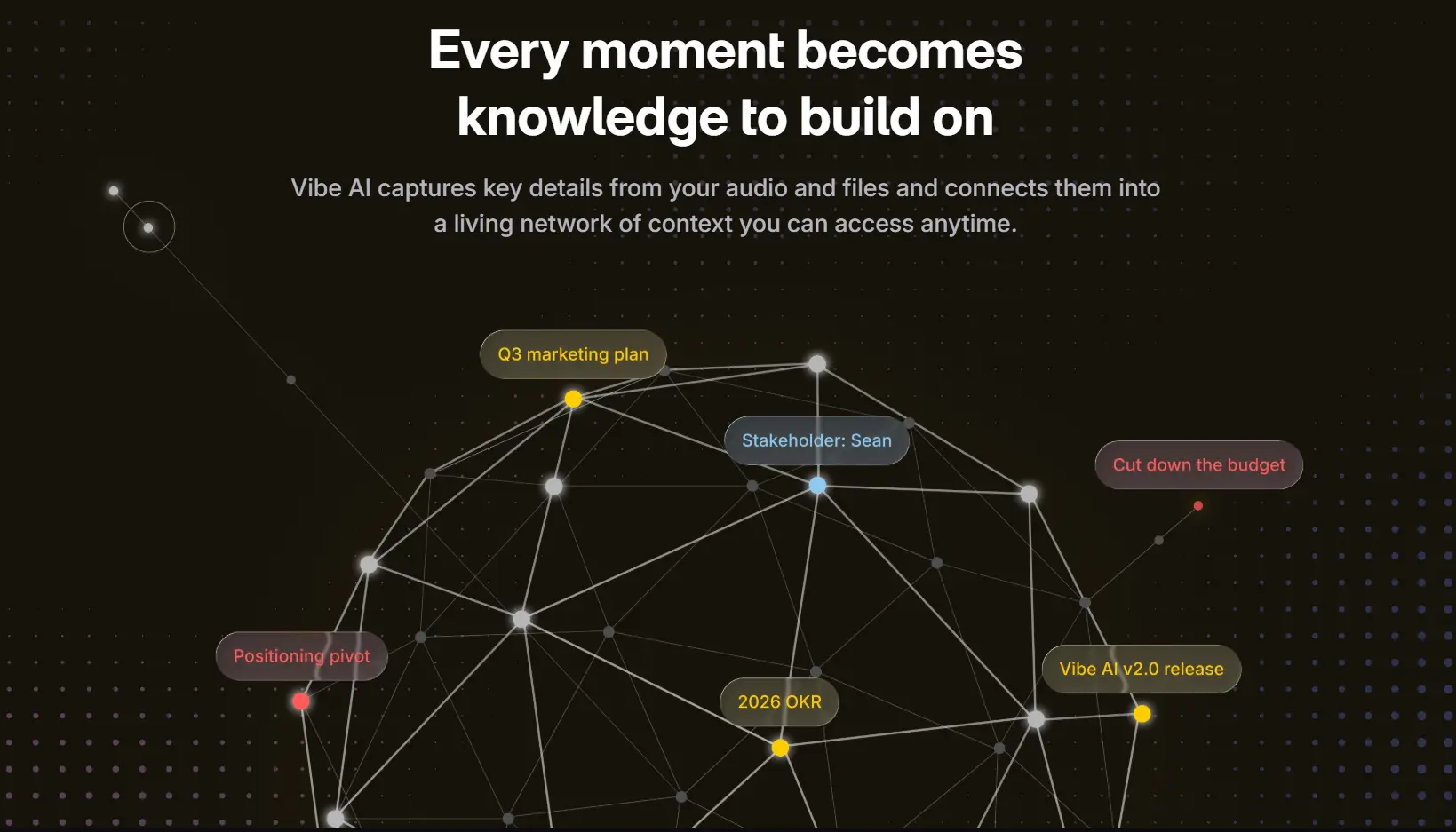 Vibe AI knowledge graph connecting meeting insights and notes
The problem with most AI recorders
Most AI recorders are designed to solve the capture problem, because capture is the easy thing to demo. Transcription quality, battery life, microphone count — all of that matters for stage one. What they don’t solve is what happens after the recording stops.
The structural design of almost every recorder in this category makes the graveyard inevitable:
Each recording is an island. Every session is stored as its own file. A transcript here, a summary there, no connection between them. When you’re looking for something that was said three weeks ago, you’re looking through a folder of disconnected documents sorted by date. The only way to know which one has what you need is to already know — which means you needed to remember it, which is the problem you were trying to solve.
Search works on keywords, not on meaning. Most recording apps have a search function. You type a word and it returns the recordings that contain that word. This is useful if you remember a specific phrase someone said. It’s useless for "what was the general concern about the timeline that came up somewhere in my meetings over the past month" — which is usually the actual question you have.
The review step is fully manual. Even with a good transcript and a decent summary, taking something from "exists in the recording app" to "is somewhere I can use it" requires a deliberate action from you. Export it, copy it, paste it somewhere, tag it, file it. That action happens at the end of a conversation when your attention is already elsewhere. It reliably doesn’t happen.
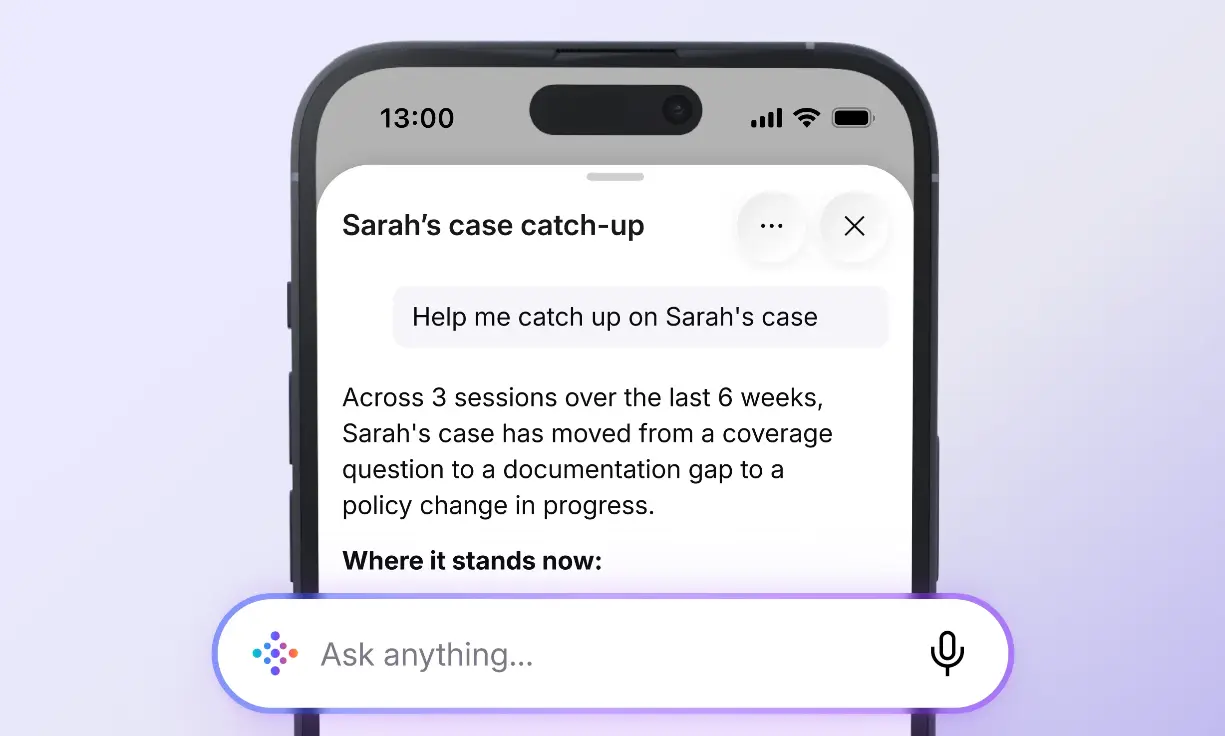 Vibe AI mobile app case summary screenshot
What the fix actually requires
The graveyard problem has two components, and solving one without the other doesn’t work.
Component 1: Retrieval that doesn’t require you to know what you’re looking for
The problem with searching a folder of recordings is that it assumes you already know enough to formulate a search. What you actually need is a system you can ask — in the same way you’d ask a colleague "hey, what did we decide about the timeline in those meetings last month?" and get a synthesized answer rather than a folder of transcripts.
This is cross-session memory: the ability to query across your full recording history by meaning and context, not by filename or date. It’s the difference between a filing cabinet and a colleague who was in all your meetings and can actually answer questions.
Component 2: The recordings surface to you, not the other way around
Even with perfect retrieval, the graveyard problem persists if the system waits for you to come and look. You won’t, reliably. The more useful design is one where the system brings relevant content to your attention — not by sending you a notification that says "you have 400 recordings," but by surfacing the specific thing that’s relevant to what you’re doing now.
This is the proactive layer: smart catch-up briefings before a meeting with someone you’ve talked to before, action items surfaced from past recordings when they become relevant, context delivered at the moment you need it rather than stored somewhere waiting to be found.
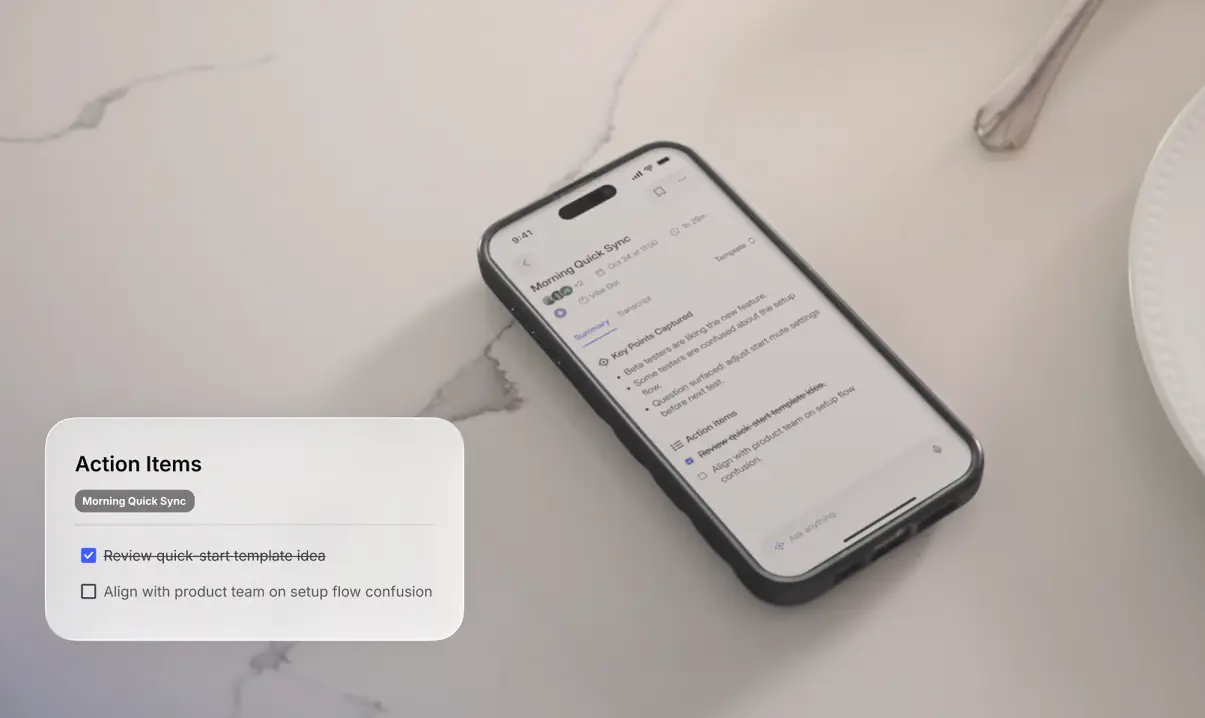 Vibe AI mobile app showing meeting summary, key points, and action items from a Morning Quick Sync recorded via Vibe Dot
How Vibe Dot approaches the graveyard problem
Vibe Dot is the device we’ll use to show what this looks like in practice — it’s one of the few recorders designed specifically around the retrieval and proactivity problems, not just the capture problem.
Cross-session Ask AI — the retrieval layer
Ask AI in Vibe AI works at two levels, and the distinction matters for how you use it:
-
Single meeting Ask AI — free, doesn’t require AI credits. You open a specific recording and ask questions about it. This is useful when you know which meeting has what you need.
-
Cross-meeting Ask AI — 1 AI credit per query, requires a Full seat (Pro or Max plan). This is the one that solves the graveyard problem: you ask a question without specifying which meeting, and the system searches across your full history to answer it.
"What did we decide about the deployment timeline?" doesn’t require you to know it was discussed in the third week of last month in the Tuesday standup. You ask it the way you’d ask a colleague, and it searches your full recorded history — all your Vibe Dot recordings, memos, and connected content — and returns an answer with the source meeting attached.
The practical implication: if you’re on the Starter plan or a Lite seat, you can still search within individual meetings, but the cross-session query that actually solves the graveyard problem requires upgrading. Check your plan before assuming you have access to it.
Memory Graph — the connective layer
Memory Graph is what makes cross-meeting Ask AI possible. Rather than storing each recording as an independent document, it maintains connections between sessions — the same project, the same person, the same commitment tracked as it evolves over time. A concern raised in April that’s relevant to a decision in September is linked because they share context, not because you tagged them.
This is the structural difference between an archive and a memory. An archive stores things. A memory maintains relationships between things. For ADHD users, that difference is the difference between a system that requires you to already know where something is and a system that actually knows.
Smart catch-up — the proactive layer
The third piece is the one that deals with the object permanence problem: the recordings not surfacing at all because they’re inside a closed app.
Vibe AI generates smart catch-up briefings before meetings with people you’ve talked to before — a summary of what was said in your last conversation, what was agreed, what was left open. You don’t go looking for it; it appears when you need it. This is the design shift that moves a recording system from something you have to go find to something that comes to you.
Setting it up practically
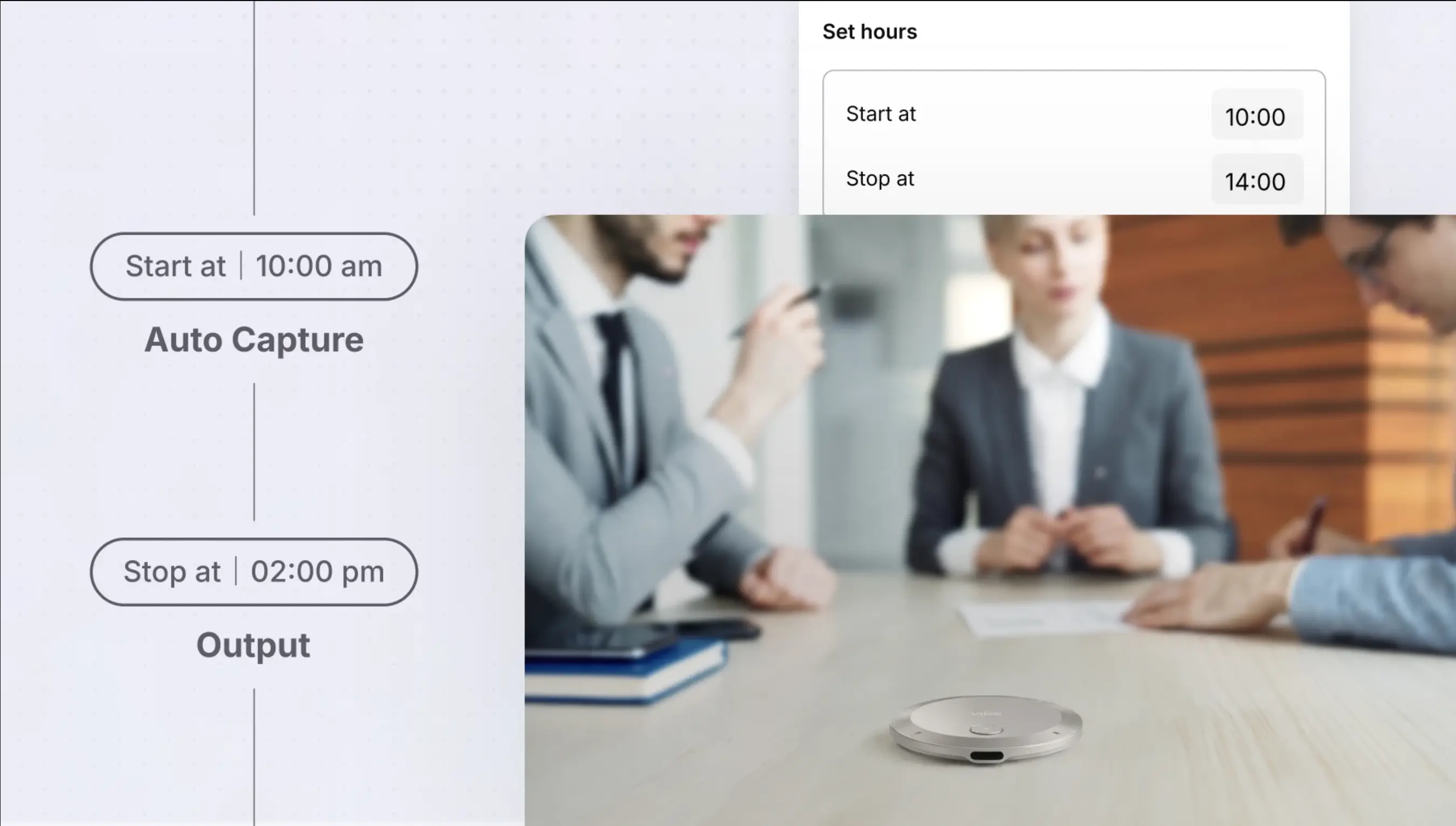
The device setup that makes this work — Voice ID for Standby Mode, Scheduled recording for recurring meetings — is covered in detail in the setup guide for ADHD users. The key point here is that the retrieval layer only works if the capture layer is running consistently. A graveyard of inconsistent recordings, some from a month ago when you remembered to record and some gaps from the weeks you didn’t, is harder to query than a consistent archive. Standby Mode and Scheduled recording exist specifically to close those gaps without depending on you to remember.
What this still doesn’t solve
Being honest about the limits is part of making a system that actually works.
Cross-meeting Ask AI is not free. It costs 1 AI credit per query and requires a Full seat on the Pro or Max plan. If you’re on Starter or a Lite seat, you have access to single-meeting search but not the cross-session query. Running out of credits mid-month means reverting to manual review until the next reset.
The system doesn’t know what matters to you right now. Ask AI answers the question you ask. It doesn’t proactively surface the recording from eight months ago that’s suddenly relevant to a conversation you’re about to have — unless you ask, or unless a smart catch-up briefing includes it. You still have to know what to look for, even if you no longer have to know where it is.
A summary is not a decision. Ask AI returns what was said and drafts what looks like a decision or action item. Whether "we’ll probably push that to Q3" was a real commitment or someone thinking out loud is still a judgment call that stays with you. The system surfaces the material; you evaluate it.
The graveyard of phone voice memos doesn’t move. If you have 400 recordings in Apple Voice Memos or Android’s recorder app, those don’t transfer into Vibe AI. Cross-session search only works on recordings made with connected devices. Starting fresh and building a new archive is the only way to get the retrieval benefits.
The short version
Recording everything is the easy part. The archive piles up because reviewing it requires a five-step process with no trigger, no deadline, and no visible reward — and that’s exactly the kind of multi-step planned task where ADHD impairs most.
The fix isn’t more discipline. It’s replacing a system that waits for you to come find things with one that can answer questions across your full history, maintains connections between sessions rather than storing islands, and surfaces what’s relevant before you have to go looking.
That’s a different design requirement than transcription quality. Most recorders optimize for the first step. The graveyard problem lives in steps two through five.
Frequently Asked Questions
Why do my recordings pile up without ever being reviewed?
Because reviewing them requires multiple separate initiation steps — deciding which recording to open, opening it, extracting the relevant part, doing something with it — all at a point when attention has moved on. Each step is easy in isolation; the sequence as a whole is the kind of multi-step planned task where ADHD impairs most. The fix is a system that collapses those steps into a single query rather than a manual search process.
Is cross-session search available on all Vibe AI plans?
No. Single meeting Ask AI is free on all plans. Cross-meeting Ask AI — the query that searches across your full recording history — costs 1 AI credit per query and requires a Full seat on the Pro or Max plan. Lite seat users and Starter plan users can ask questions within individual meetings but not across multiple sessions at once.
What’s the difference between Memory Graph and regular search?
Regular search returns recordings that contain a keyword you typed. Memory Graph maintains connections between sessions by concept and context — so asking "what did we decide about the timeline" returns an answer from the meeting that actually addressed it, even if you didn’t use those exact words and didn’t know which session it was in. It’s the difference between a file search and a system that understands relationships between your conversations.
Do my existing phone voice memos transfer into Vibe AI?
No. Cross-session search and Memory Graph work on recordings made with connected Vibe devices. Recordings from Apple Voice Memos, Android’s built-in recorder, or other apps don’t transfer in. If you want the retrieval benefits, you’re starting a new archive with Vibe Dot going forward.
How is this different from just having better willpower about reviewing notes?
It’s not a willpower problem — it’s a task structure problem. The graveyard forms because reviewing recordings is a multi-step unscheduled task with no external trigger, which is exactly the structure that ADHD makes difficult regardless of motivation. Cross-session search changes the task from "manually review recordings" to "ask a question and get an answer" — one initiation step instead of five, with an immediate result.
What happens when I run out of AI credits?
You can still access your existing memory and history, and single meeting Ask AI remains available. What stops working is cross-meeting Ask AI and other credit-consuming features. Credits reset monthly; you can also upgrade your plan or, when available, purchase a top-up pack.