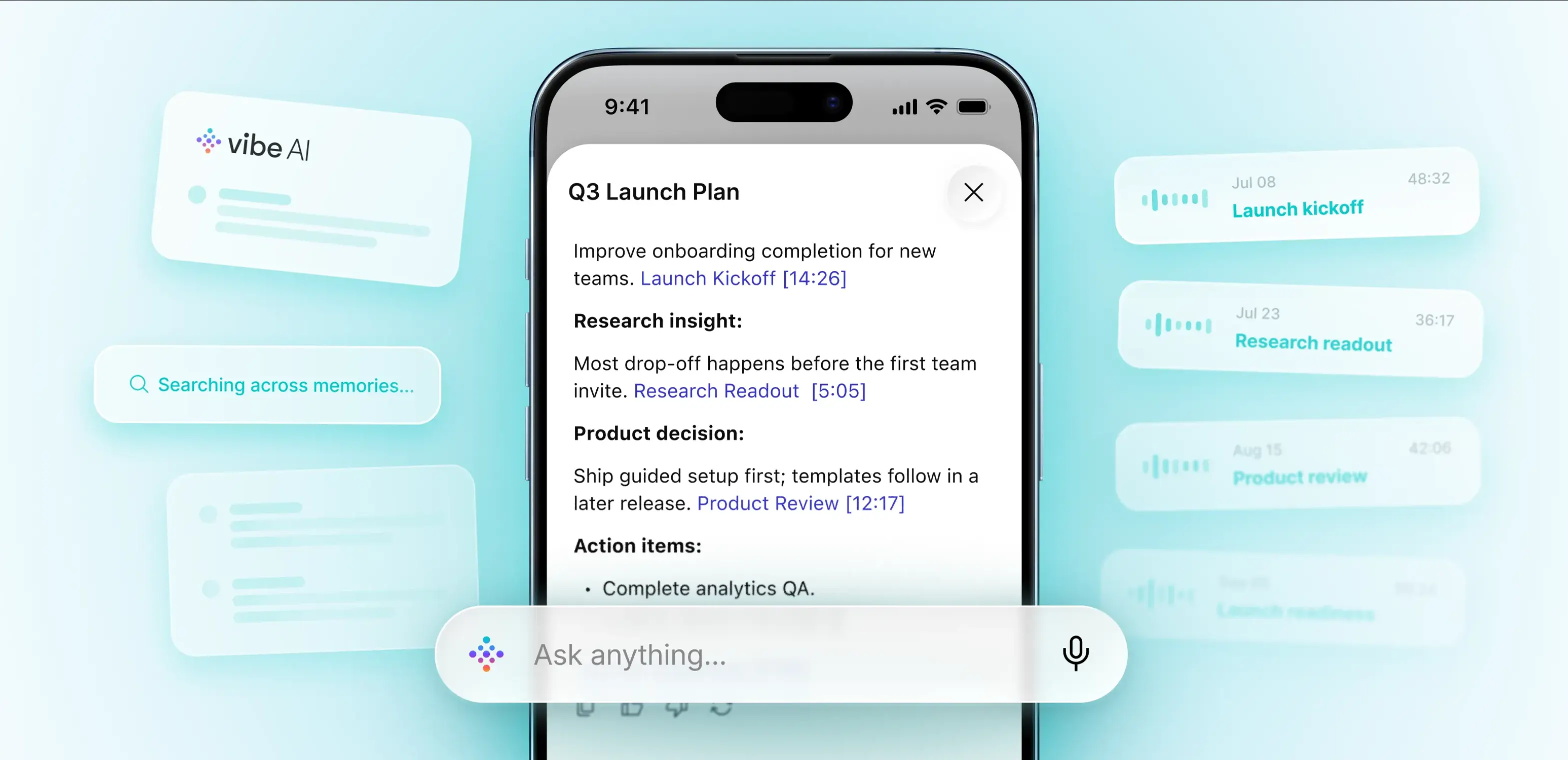
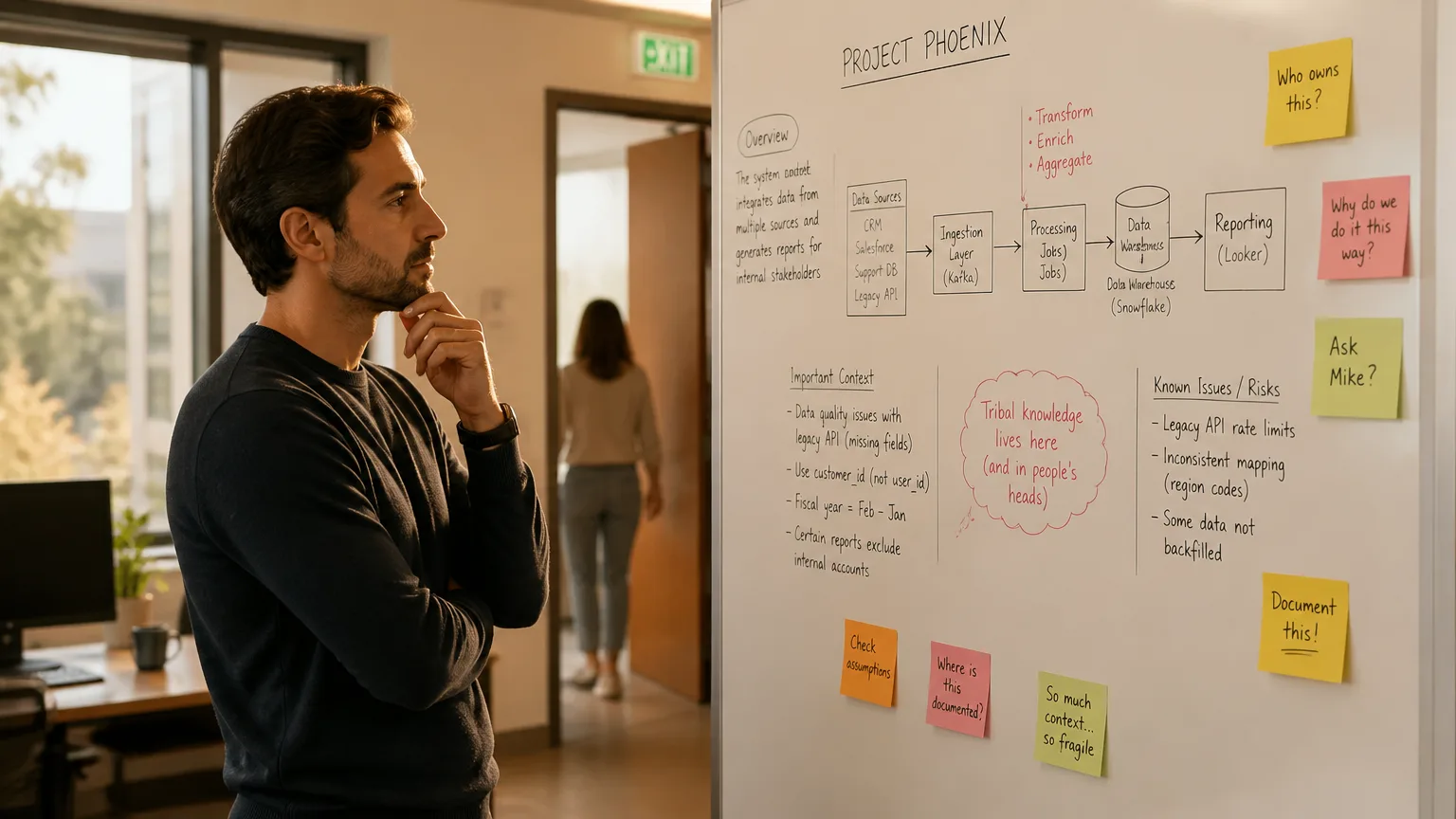
You've been in this situation. The meeting ends, the AI summary arrives, and something feels off. The action items are attributed to the wrong person. A commitment your client made is shown as something your colleague said. The summary looks clean but the source transcript is quietly wrong, and now it's in someone's inbox or project tracker.
This is a speaker labeling failure, and it's more common than most AI meeting tools acknowledge. More importantly, it's preventable — once you understand why it breaks.
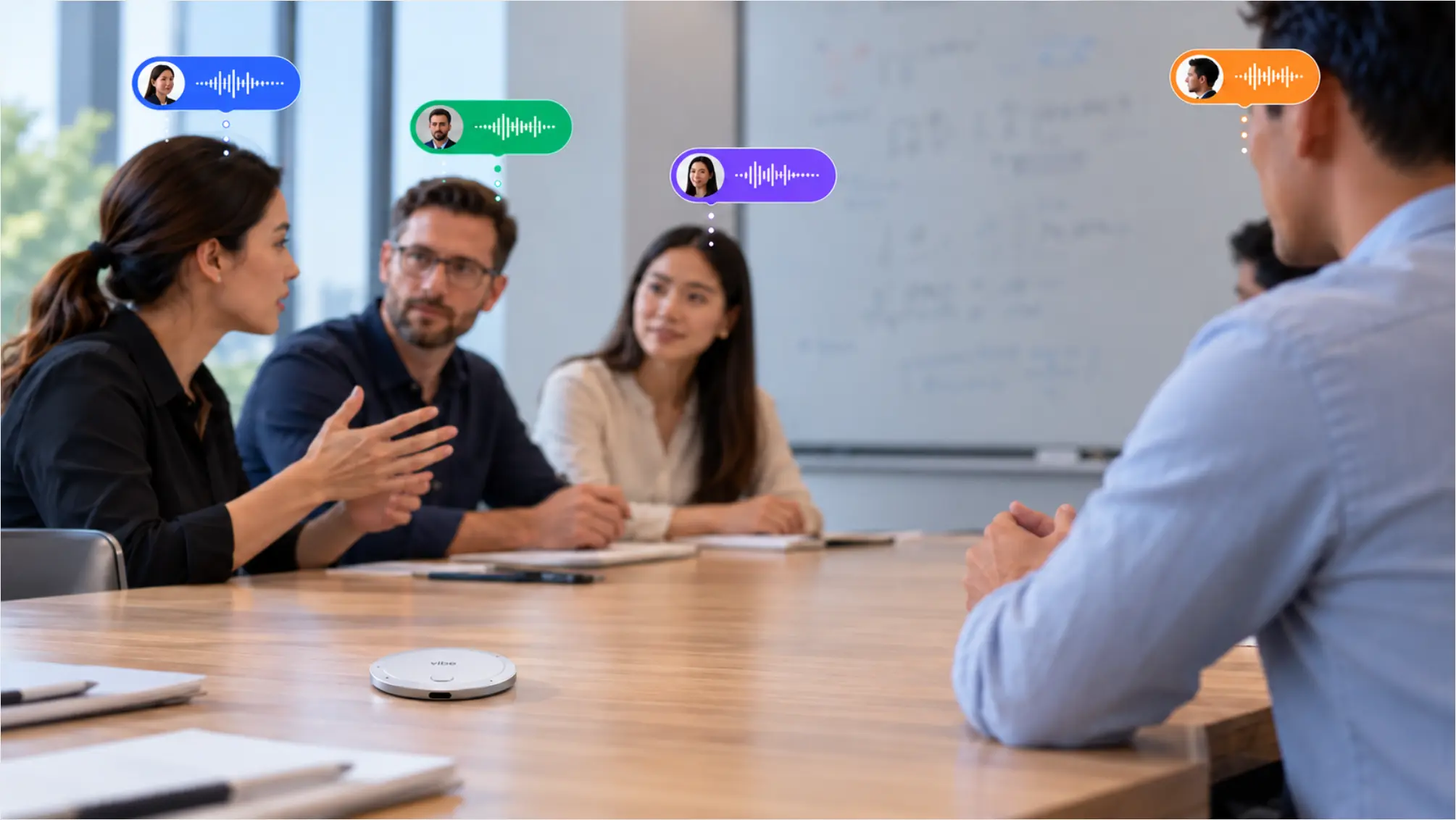 Speakers are labeled when using Vibe Dot for recording
What Speaker Labels Actually Are (And What They Aren't)
Before getting into why they fail, it helps to be precise about what speaker labeling actually is — because most people conflate two different processes.
Speaker diarization answers the question "who spoke when." It listens to an audio file and segments it by voice, producing generic tags like Speaker 00, Speaker 01, Speaker 02. It doesn't know names. It just knows that these are two different people.
Speaker identification is the second step, which maps those anonymous tags to real names. This happens one of two ways: the tool reads the display names from a video conferencing platform (Zoom, Meet, Teams), or it matches voice characteristics against a stored voiceprint — a digital fingerprint of someone's voice created during an enrollment step.
The output you see in your transcript — "Alex: Let's move the launch date" — looks like a single operation. It's actually a four-stage pipeline: audio preprocessing, speech recognition (what was said), diarization (who spoke when), and name assignment (who is each voice). Errors at any stage compound through every stage that follows. A diarization failure doesn't just produce a wrong label — it can send an attribution mistake all the way into your AI-generated summary, your action items, and your CRM.
The Five Reasons Speaker Labels Break
1. Overlapping speech — the one most tools don't solve cleanly
When two people talk at the same time, the diarization model faces a choice it can't always make correctly: whose words go to which label? The standard algorithm picks a "winner" and often drops or misassigns the other.
Research published through ETH Zurich's 2025 benchmarking study, evaluating five state-of-the-art diarization models, found primary diarization errors stem from missed speech segments and speaker confusion, especially at higher speaker counts. Separate benchmark work from AudioShake's Multi-Speaker 2.0 evaluation found that accuracy stays within about a point of non-overlapped speech up to about 20% overlap — then falls off noticeably at 30% and 40% overlap conditions. In a lively meeting with frequent interruptions, you can hit 20% overlap easily.
This is the failure mode most AI meeting tools quietly skip over in their accuracy claims. As one technical analysis noted, published diarization error rates usually exclude overlapping speech and speech near turn boundaries — but those are exactly where voice agent systems live.
2. Too many people in the room
Diarization accuracy follows a consistent pattern: it reaches roughly 90–95% on clean two-speaker recordings and drops to 70–85% on meetings with four or more speakers. Each additional voice is another cluster the model must distinguish, and the more clusters it has to maintain, the more likely it is to merge two speakers into one or split a single speaker into two.
For the typical one-on-one or interview-style call, speaker attribution is fairly reliable. For a six-person brainstorm or a large client kick-off, expect more noise in the labels.
3. Similar voices without enough audio history
Diarization relies on acoustic features — pitch, timbre, cadence, resonance. Voices that are acoustically similar will challenge any diarization model. This problem is especially pronounced early in a meeting, when the system hasn't had enough audio to differentiate speakers reliably. A short turn at the start of a call, before the model has built up enough reference audio for each voice, is one of the most likely moments for a label to flip.
This is also why longer enrollment clips produce more accurate voiceprints — more audio gives the model more characteristics to work with.
4. Noisy or far-field audio
Background noise, distant microphones, room echo, and multiple people speaking near the same mic all degrade the voice features the diarization model relies on. A 2025 study confirmed that denoising and hybrid voice-activity detection improved diarization in noisy environments, while multi-speaker separation in noisy conditions remained significantly harder.
The hardware capturing the audio matters here as much as the AI model processing it. A conference room speaker in the center of a long table creates far-field audio for everyone at the ends. A laptop mic in an open office picks up ambient conversations. Both conditions produce audio that's harder to diarize accurately.
5. No voice enrollment — anonymous labels all the way down
If a tool has never been told what anyone's voice sounds like, the best it can do is produce anonymous sequential labels: Speaker 1, Speaker 2, Speaker 3. Some tools map these to display names via the video conferencing platform (Zoom, Meet, Teams), which works well for video calls where everyone has a distinct participant slot. But for in-person meetings, phone calls, or any conversation outside a video call, there's no platform to read names from — and without voice enrollment, every speaker stays anonymous.
As the Gladia team puts it in their developer documentation, the diarization output is labels like "Speaker 1" and "Speaker 2," not names — and that distinction matters architecturally.
What Actually Fixes It
Knowing why speaker labels fail makes it straightforward to target the fixes. There are three levers: better hardware, voice enrollment, and realistic accuracy expectations.
Fix 1: Better hardware at the capture layer
No amount of AI post-processing fully compensates for poor source audio. The microphone setup matters more than most people realize.
For in-person meetings, a device with a dedicated microphone array — multiple mics that can track spatial position and apply noise filtering before the audio ever reaches the transcription model — produces significantly cleaner source audio than a laptop mic or a USB speakerphone at the far end of a table. Each additional voice is easier to separate when the audio itself is cleaner.
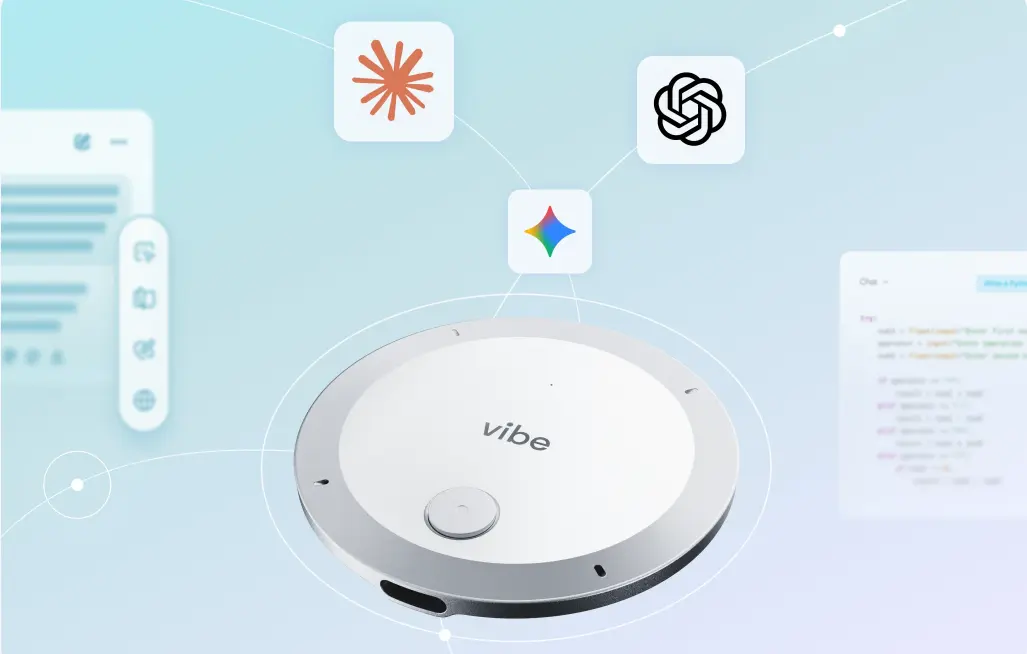
Vibe Dot's 5-microphone array — 4 high-fidelity MEMS air microphones plus a bone-conduction voice processing unit (VPU) — approaches this differently. The bone-conduction sensor isolates the wearer's own voice through skin vibration rather than air, producing a cleaner voice reference for the person speaking. This is particularly useful in noisy environments where air-microphone-only setups pick up ambient sound alongside the speaker's voice.
[LINK PREVIEW] title: Vibe Dot — Wearable AI Assistant with Voice ID description: 5-mic array, bone-conduction sensor, 64GB offline storage, and Voice ID for accurate speaker attribution anywhere. url: https://vibe.us/products/vibe-dot/ cta: Explore Vibe Dot
Vibe Bot takes a room-level approach with a 6-microphone beamforming array that focuses on active speakers while suppressing noise from other directions, plus 360° camera tracking that can correlate who's speaking with where they are in the room.
Fix 2: Voice enrollment
Voice enrollment — recording a short voice sample for each person and storing it as a voiceprint — is the most direct way to go from anonymous labels to named speakers. Once enrolled, the system can match incoming audio against the known voiceprint rather than relying purely on diarization clustering.
Vibe Dot's Voice ID feature does exactly this: a one-time setup in the app, recording voice samples in a quiet environment, which then enables the system to recognize the enrolled user's voice for Auto Mode triggering and more accurate transcript attribution. Enrollment is also a prerequisite for Vibe Dot's Auto Mode, which uses voice recognition to start recording automatically when it detects the user's voice.
The practical rule for enrollment audio, consistent across research and implementations: at least 10 seconds of clean, uninterrupted audio from a single speaker. Background noise, music, or another voice in the enrollment clip degrades the voiceprint quality.
Fix 3: Asynchronous processing for higher accuracy
There's a trade-off in meeting AI between real-time transcription (labels appear as you speak) and asynchronous transcription (processed after the meeting). Asynchronous transcription typically produces higher-quality results because the model has the full context of the conversation — it can look ahead and behind in the audio when assigning speaker labels, rather than making a committed decision on each segment as it arrives.
For most meeting use cases, the accuracy improvement is worth the wait. If you need live captions during the meeting, real-time is the only option. If you need accurate attribution for action items, follow-ups, and meeting records, asynchronous processing is worth it.
Fix 4: Review before you distribute
Even the best system won't achieve perfect attribution on every meeting. Before a transcript or AI summary leaves your hands, a five-minute review of the speaker labels — particularly for any action items, commitments, or sensitive attributions — is worth the time.
Meetergo's practical guidance frames this well: look at the raw labels first, before the summary. Generic labels like Speaker 1 tell you the tool ran diarization only, with no name resolution. Display names from the platform are usually reliable for video calls. Named labels based on voice enrollment are the most accurate but still worth spot-checking when the stakes are high.
Why This Matters More Than Transcription Accuracy
Word-level transcription accuracy gets most of the attention in the meeting AI space. Speaker labeling accuracy gets less, even though its impact on downstream usefulness is often larger.
A wrong word is usually recoverable from context. A wrong speaker label in an action item is not — it changes who is responsible for what. A wrong attribution in a client-facing summary changes what your client thinks was agreed. A wrong label in a meeting record that feeds into a CRM, project tracker, or compliance system propagates the error further downstream.
The Meetergo analysis puts the stakes plainly: speaker labels look like a formatting detail until a summary tells your team that the client agreed to a price your sales lead proposed, and the client never accepted it. That's the failure worth designing against — not just the demo where the transcript looks clean.
The In-Person Problem
One failure mode this discussion hasn't fully covered: meetings that don't happen on a video call at all.
Most AI meeting tools — the ones that join as a bot or run as a browser extension — only operate when a video call is open. Client lunches, job site walkthroughs, office conversations, phone calls, and any meeting that doesn't have a Zoom link are invisible to them. Speaker attribution for these conversations doesn't fail because the model misassigns labels — it fails because the conversation was never captured in the first place.
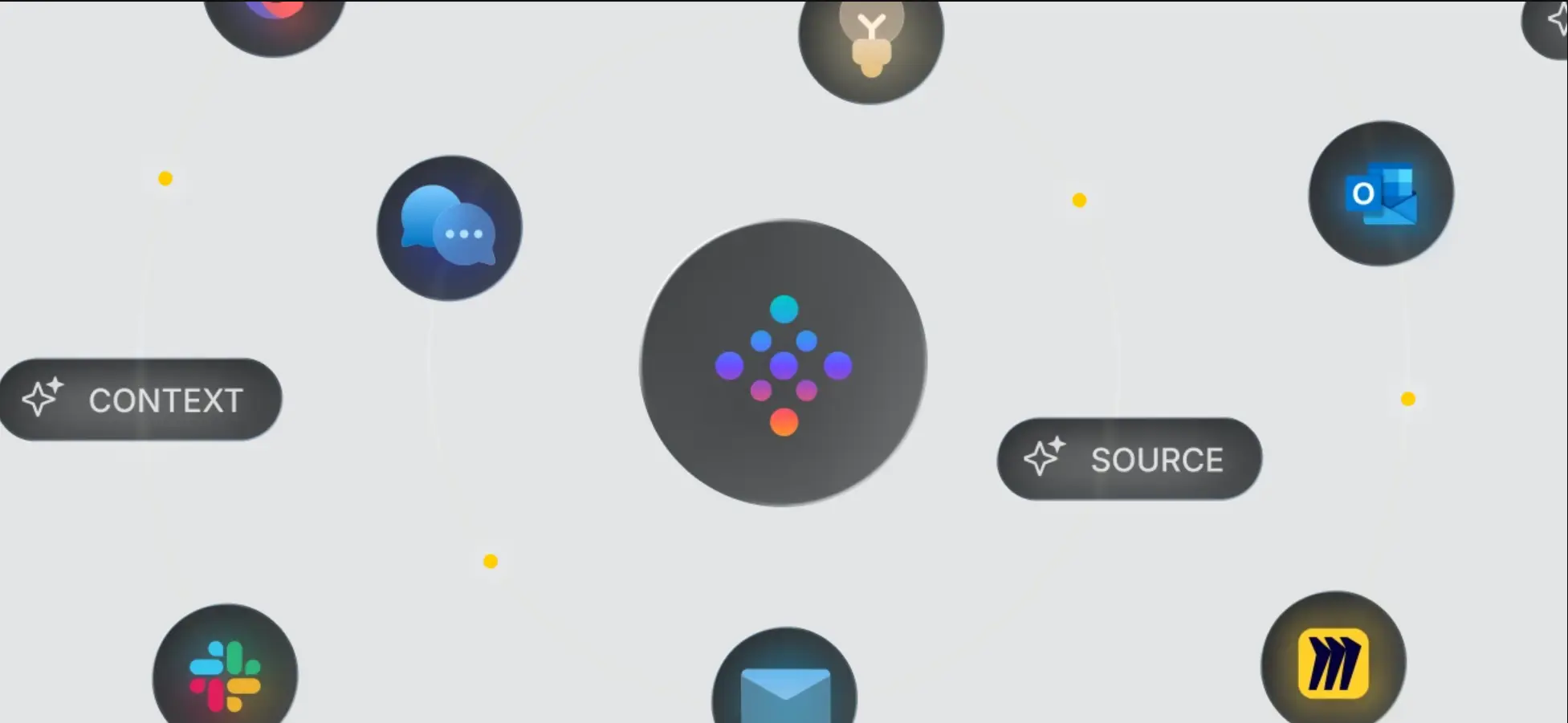
This is the capture problem that precedes the attribution problem. The best speaker labeling in the world doesn't help if the audio from your most important conversations never makes it into the system. Hardware designed to go where you go — like a wearable recorder that works offline and captures any conversation — is the only category that addresses this.
Conclusion
Speaker labels fail for five specific reasons: overlapping speech, too many speakers, similar voices without enough audio history, poor source audio, and no voice enrollment. Each is solvable — through better capture hardware, voice enrollment, asynchronous processing, and a quick pre-distribution review.
The deeper lesson is that speaker attribution accuracy is a system property, not a model property. The microphone, the enrollment setup, the processing approach, and the capture scenario all contribute. An AI meeting tool that excels on clean two-speaker video calls may produce significantly worse labels in a noisy conference room with six people — and it may not capture your client conversation at all if it never happened on screen.
Accurate speaker labels are foundational to everything meeting AI builds on top: action items, summaries, CRM updates, compliance records. Getting them right starts with understanding why they go wrong.
Frequently Asked Questions
Why do meeting transcripts show "Speaker 1" and "Speaker 2" instead of names?
Generic labels like Speaker 1 mean the transcription tool ran speaker diarization — which separates voices — but didn't have a way to assign names. Name assignment happens either by reading display names from a video platform (Zoom, Meet, Teams) or by matching voices against stored voiceprints from an enrollment step. If neither is available, the transcript stays anonymous.
How accurate is speaker diarization in practice?
Accuracy varies significantly by conditions. Research benchmarks show roughly 90–95% accuracy on clean two-speaker recordings, dropping to 70–85% on four-or-more-speaker meetings. Overlapping speech, background noise, and similar-sounding voices all reduce accuracy further. Most published vendor accuracy figures exclude overlapping speech from the measurement, which makes them optimistic relative to real meeting conditions.
What is Voice ID and how does it improve speaker labels?
Voice ID (or voice enrollment) is a one-time process where a speaker records a short audio sample that gets stored as a voiceprint — a digital representation of their voice characteristics. In future recordings, the system matches incoming audio against the stored voiceprint to attribute speech to a specific person rather than an anonymous label. A clean, uninterrupted recording of at least 10 seconds produces a reliable voiceprint. Background noise in the enrollment clip reduces its accuracy.
Why are action items from my meeting sometimes attributed to the wrong person?
Meeting AI pipelines have four stages: audio processing, speech recognition, speaker diarization, and name assignment. Errors at the diarization stage — wrong label for a segment — carry forward into the summary and action item extraction. If Speaker 1 and Speaker 2 are swapped in the transcript, any action item derived from that segment will be attributed to the wrong person in the summary. A quick review of speaker labels before distributing a transcript prevents this from propagating.
Does the microphone matter for speaker labeling accuracy?
Yes, significantly. Diarization models rely on acoustic features — pitch, timbre, cadence — to separate speakers. Background noise, room echo, and far-field microphones all degrade these features, making separation harder. A microphone array with directional beam-forming, noise suppression, and dedicated voice isolation (such as a bone-conduction sensor that captures voice through skin vibration) produces cleaner source audio that's easier to diarize accurately.
What about in-person meetings — can AI get speaker labels right there?
In-person meetings are the hardest case for most tools, because many AI meeting assistants run as video call bots or browser extensions that only operate during a call. For conversations that don't happen on screen — client visits, site walks, office conversations — the audio is never captured at all. Hardware devices designed for in-person capture, with on-device Voice ID and a microphone array built for ambient environments, are better suited to this use case than software-only tools.