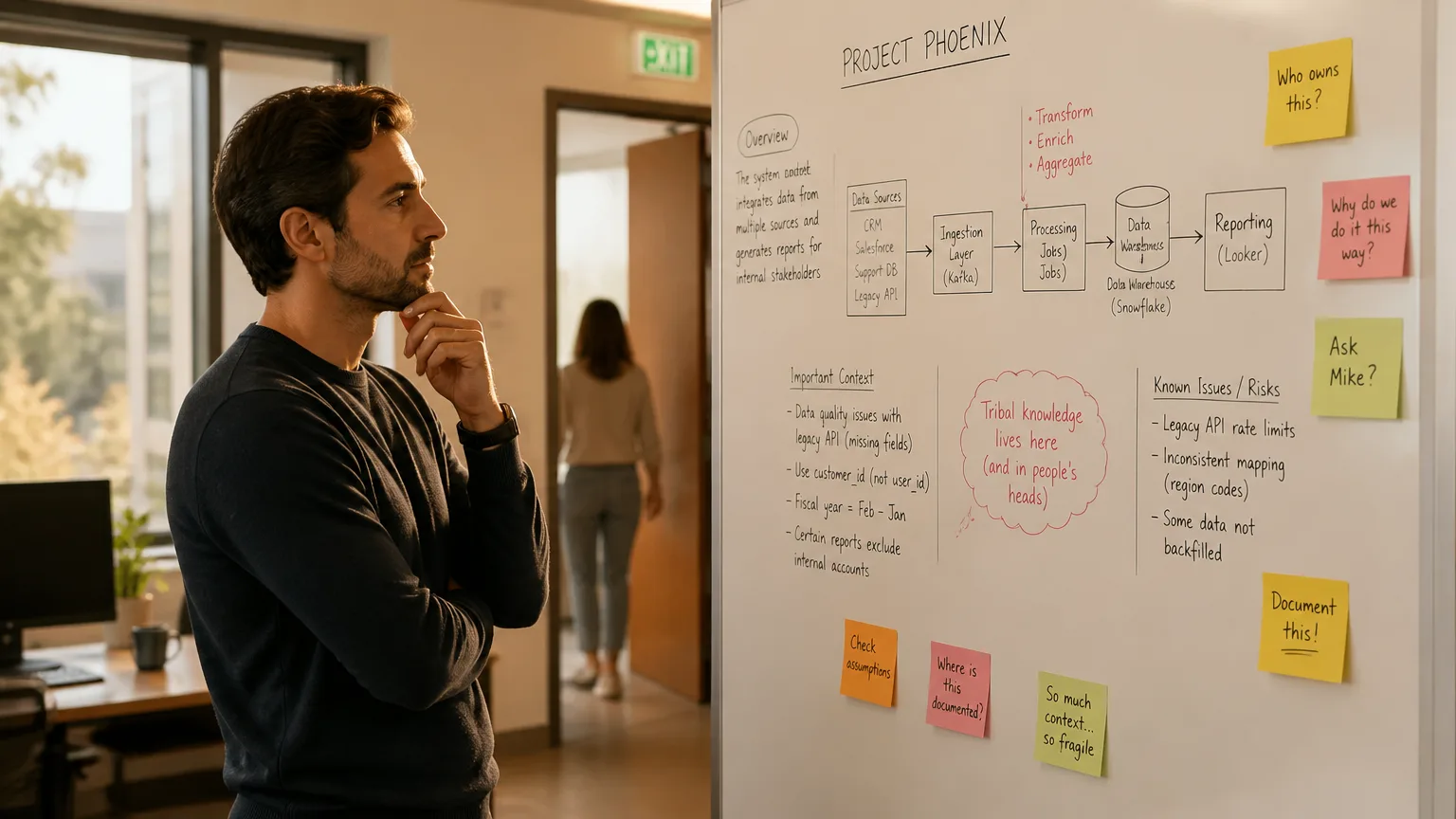
You said something important in a meeting three weeks ago — a decision, a number, a "let’s revisit this" — and now you can’t find it. Not because you didn’t take notes, but because whatever tool you were using stopped listening the moment the meeting ended. That’s the exact gap both Vibe Dot and Littlebird are trying to close, from two very different directions. One stays with you as a wearable capture layer that builds persistent memory across every conversation. The other stays on your laptop and reads what’s in front of you. This guide compares them so you can tell which approach actually matches how you work.
A quick disambiguation: there is also a Seattle-based children’s wearable tracker that shares the "Littlebird" name. This article covers Littlebird.ai, the AI productivity assistant — not the kid-tracking device.
What Is Littlebird?
Littlebird is a desktop AI assistant for Mac and Windows, with companion iOS/Android apps for chat access away from your computer. Rather than recording video, it reads visible text and interface elements from your active application window every few seconds, building an encrypted index of your recent activity — Slack threads, docs, browser tabs, meeting transcripts. Layered on that context engine: a meeting notetaker that captures system audio with no bot joining the call, a "Prep for meeting" feature that surfaces relevant history before you join, and "Routines" — scheduled prompts like a daily briefing or weekly activity summary.
Littlebird positions itself honestly: it isn’t trying to be the tightest meeting notetaker — that’s Granola’s lane — it’s trying to know enough about your whole workday that you can ask it anything.
What Is Vibe Dot?
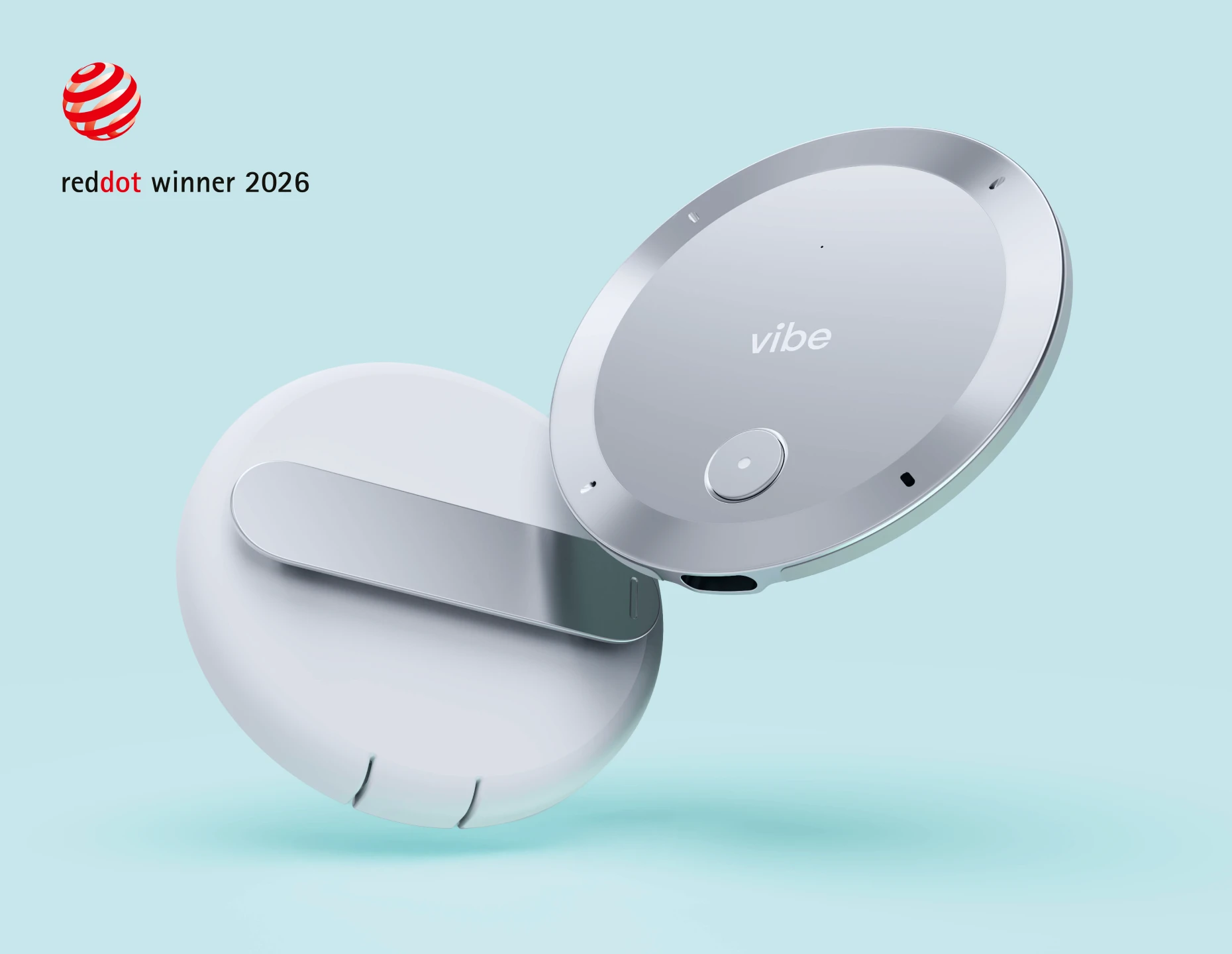
Vibe Dot is an AI assistant for capture, recall, and action — a wearable that records every conversation automatically, surfaces what you need through Memory Graph, and pushes next steps into the tools you already use. Through Auto Capture, Vibe Dot starts recording on its own — no button, no app to open — so a decision from one meeting is still findable months later, and the work that follows actually gets done. Unlike Littlebird’s screen-bounded context, Vibe Dot’s memory isn’t limited to what’s open on your laptop: it follows you into every room, call, and conversation.
[IMAGE: Vibe AI Memory Graph interface — a search query surfacing context from two meetings held weeks apart]
Vibe Dot vs Littlebird: At a Glance
|
Vibe Dot |
Littlebird | |
|---|---|---|
|
Core model |
Wearable capture + cross-session AI memory |
Desktop context index built from active screen |
|
Capture scope |
Any spoken conversation in range — in-person, calls, meetings |
Active window only; meetings via system audio during video calls |
|
Multi-monitor / background apps |
Not screen-dependent |
Does not collect context from minimized windows or other monitors |
|
Cross-session memory |
Memory Graph — persistent across meetings and devices |
Encrypted context index tied to on-screen activity |
|
Compliance certifications |
SOC 2, HIPAA, FERPA, NDAA, FIPS 140-3, Common Criteria EAL 6+ |
SOC 2, GDPR/CCPA |
|
Data storage |
On-device hardware encryption + Vibe AI cloud |
AWS cloud, US East |
|
Device pricing |
$199 one-time |
No hardware |
|
Software entry |
Vibe AI Starter free (300 min/month) |
Basic free |
|
Software paid |
Pro ~$9/seat/month; Max ~$29/seat/month |
Plus $17/month; Pro $100/month |
|
Platform |
Works regardless of OS |
Mac and Windows only |
Key Differences
1. What Counts as "In Memory"
Littlebird’s context engine is explicitly scoped to your active window — it does not gather context from a second monitor, a minimized app, or anything away from your keyboard. That’s a deliberate, privacy-conscious design decision, but it draws a hard boundary: if it didn’t happen on your primary screen, it isn’t in the index.
Vibe AI’s Memory Graph draws that line differently — around what Vibe Dot can hear, not what’s on a screen. For roles where the highest-stakes conversations happen in a conference room, on a job site, in a car, or in a hallway after the "real" meeting ended, that’s a gap Littlebird’s architecture cannot close by design.
2. Compliance Certifications for Regulated Teams
Littlebird is SOC 2 certified and GDPR/CCPA compliant, stores data on AWS (US East), and does not train models on user data. That’s a solid baseline for most SaaS buyers. Vibe Dot carries SOC 2, HIPAA, FERPA, and NDAA certifications alongside a dedicated hardware encryption chip (FIPS 140-3, Common Criteria EAL 6+). Littlebird does not publicly list HIPAA, FERPA, or NDAA coverage — which, for education, healthcare-adjacent, or government-adjacent teams, isn’t a nice-to-have difference but a shortlist filter before pricing ever gets discussed.
3. Pricing at Team Scale
Littlebird’s free Basic tier is capable for individual testing, but daily use starts at $17/month (Plus), with Pro reaching $100/month. Vibe Dot’s model is a one-time $199 hardware cost plus AI pricing tiers: Starter free (300 min/month), Pro ~$9/seat/month (1,200 minutes, 12-month memory retention), Max ~$29/seat/month (unlimited transcription and memory retention). At team scale, Vibe Dot’s AI pricing undercuts Littlebird’s mid and top tiers by a wide margin.
4. Post-Meeting Processing Speed
In our research for this comparison, independent testing consistently flagged Littlebird’s post-meeting note generation as noticeably slower than dedicated meeting notetakers — occasionally freezing — because it synthesizes full-day context rather than just the call. That’s a direct cost of Littlebird’s broader ambition: more context means more time to process.
[LINK PREVIEW] title: Vibe Dot vs Plaud Note Pro: Full Comparison description: How Memory Graph and Auto Capture stack up against Plaud’s wearable lineup. url: /blog/vibe-dot-vs-plaud cta: See Full Comparison
Which Tool Fits Professional Workflows Better?
Littlebird has earned genuine praise from knowledge workers managing a screen-heavy day — reviewers on Product Hunt specifically credit it with turning scattered on-screen context into something searchable and manageable. For someone whose entire job lives inside a laptop, that’s a real fit.
The trade-off surfaces the moment work leaves the screen. Littlebird’s value depends on active management — keeping Context Awareness on, staying at a desk for it to see anything at all, and remembering to exclude sensitive apps. For roles where the highest-stakes conversations happen in a conference room, on the phone, or in the field, a tool bounded by your active window misses the moments that matter most. Vibe Dot’s Auto Capture is built around removing that friction entirely: no app to open, no button to press — memory that starts the moment you speak and follows you out of the room.
[INTERNAL LINK: suggest linking to /blog/best-ai-notetaker-for-adhd — anchor text: "how AI notetakers handle ADHD workflows"]
[INTERNAL LINK: suggest linking to /features/memory-graph — anchor text: "how Memory Graph keeps context across sessions"]
Who Should Choose Littlebird
-
Your work happens entirely on a Mac or Windows laptop and you want one tool synthesizing Slack, email, docs, and calls into a single searchable memory
-
Your meetings are exclusively video calls with no in-person component
-
You want "Prep for meeting" style context-gathering and don’t need HIPAA, FERPA, or NDAA compliance
Who Should Choose Vibe Dot
-
Your important conversations happen away from a screen — in person, on the phone, in the field
-
Your organization needs HIPAA, FERPA, or NDAA-level compliance documentation
-
You want memory that builds itself with no app to configure or remember to open
-
You’re evaluating cost at team scale, not just for one power user
-
Your team runs on hybrid collaboration — in-room, remote, and in the field — and you need one ecosystem covering individual capture and team-level context, not just a personal productivity tool
[IMAGE: comparison diagram — Littlebird’s screen-bounded capture radius vs Vibe Dot’s Memory Graph spanning in-person meetings, calls, and field locations]
The Bottom Line
Littlebird and Vibe Dot aren’t competing for the same job. Littlebird is the stronger pick if your entire workday happens on one laptop screen and you want an assistant that reconstructs it for you. Vibe Dot is the stronger pick the moment your work leaves that screen — which, for most roles with real meetings, site visits, and client calls, is most of the day. For teams that also need FERPA, HIPAA, or NDAA-level compliance, Vibe Dot’s certification set closes the decision before pricing even enters the conversation.
Frequently Asked Questions
Is Littlebird.ai the same company as the Littlebird kids’ wearable tracker?
No. Littlebird.ai is a desktop AI productivity assistant for Mac and Windows. The wearable child-tracking device sharing the name is an unrelated Seattle-based company with no connection to the software product.
Does Littlebird work without an internet connection?
No. Littlebird’s context index and AI processing rely on cloud infrastructure hosted on AWS (US East), so an internet connection is required to build and query your memory.
Can Littlebird capture in-person meetings?
Littlebird’s meeting notetaker works by capturing system audio during video calls on your computer. It does not capture in-person conversations where no computer is open and actively in use.
Is Vibe Dot or Littlebird better for ADHD users?
Both target the same underlying problem — reducing the mental load of tracking scattered work — but solve it differently. Littlebird organizes what happens on your screen automatically once set up; Vibe Dot removes the setup step entirely with Auto Capture, which matters when remembering to open or configure a tool is itself the friction point. Vibe Dot demands nothing from the user to stay active — no configuration, no app to keep open. Learn more about how AI notetakers handle ADHD workflows.
How does Littlebird’s pricing compare to Vibe Dot’s?
Littlebird’s Basic plan is free; Plus costs $17/month and Pro costs $100/month. Vibe Dot is a one-time $199 hardware purchase, with Vibe AI plans starting free at 300 minutes/month and scaling to ~$9 and ~$29/seat/month for Pro and Max tiers.
Does Vibe Dot have a compliance advantage over Littlebird?
Yes. Vibe Dot carries SOC 2, HIPAA, FERPA, and NDAA certifications alongside hardware-level FIPS 140-3 encryption. Littlebird is SOC 2 certified and GDPR/CCPA compliant but does not publicly list HIPAA, FERPA, or NDAA coverage — a meaningful gap for education, healthcare, or government-adjacent buyers.