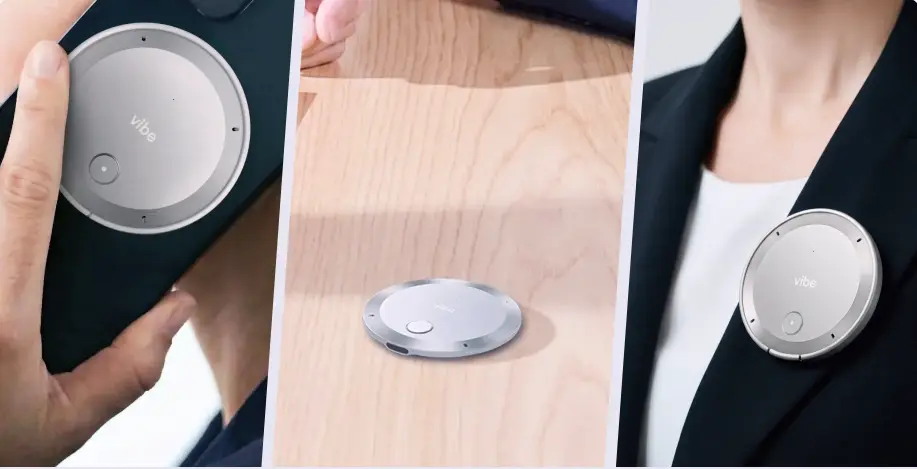
Littlebird is a genuinely interesting product — an AI assistant that reads your active window, transcribes your calls, and builds context from your workday so you can ask it anything. But it has a constraint baked into its core design: if it didn’t happen on your active window, it isn’t in the memory. No in-person meetings. No second monitor. No conversations that happened away from your laptop.
For a lot of knowledge workers, that’s exactly the gap that sends them looking for alternatives.
This list covers the six strongest Littlebird alternatives in 2026, ranked by how well they solve the problems Littlebird leaves open.
Note on Rewind AI: Rewind was the closest product to Littlebird’s original vision — a screen-reading, always-on memory layer for your Mac. It has since pivoted away from that core product. If you found this page searching for Rewind alternatives, every option below applies equally to you.
What to Look for in a Littlebird Alternative
Before comparing tools, it helps to know which Littlebird limitation is actually driving the search. The most common ones:
-
Screen-only capture — Littlebird reads your active window; it misses in-person meetings, field conversations, and anything that happens away from your desk
-
Processing speed — post-meeting note generation can be slow, because it’s synthesizing full-day context rather than just the call
-
Pricing at scale — Plus is $17/month, Pro is $100/month; for teams, costs compound quickly
-
Compliance gaps — Littlebird is SOC 2 and GDPR/CCPA certified but does not publicly list HIPAA, FERPA, or NDAA coverage
-
Mac/Windows only — no native Linux support
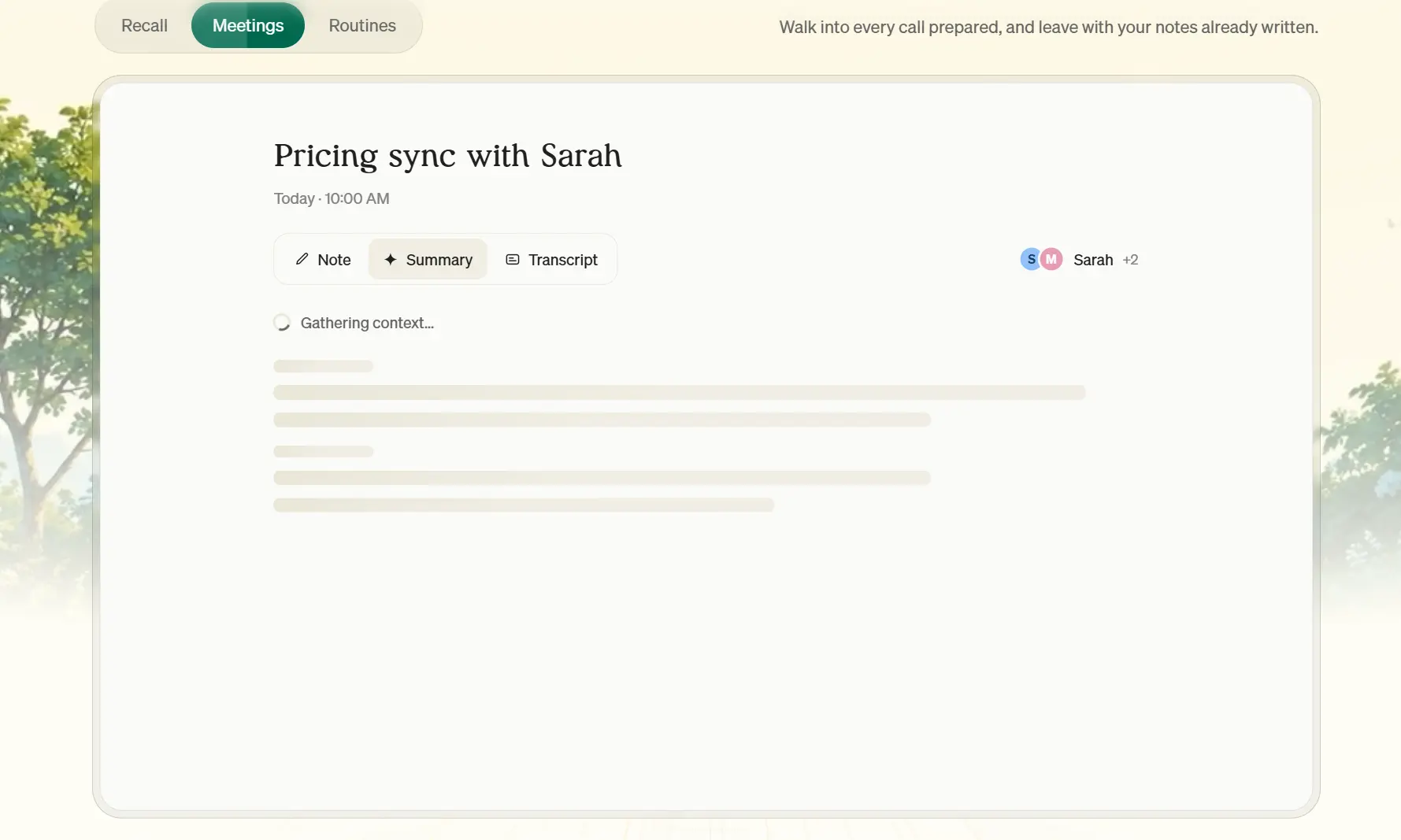 Screenshot of Littlebird AI homepage
1. Vibe Dot — Best Overall Littlebird Alternative
Best for: Anyone whose important conversations happen away from a screen
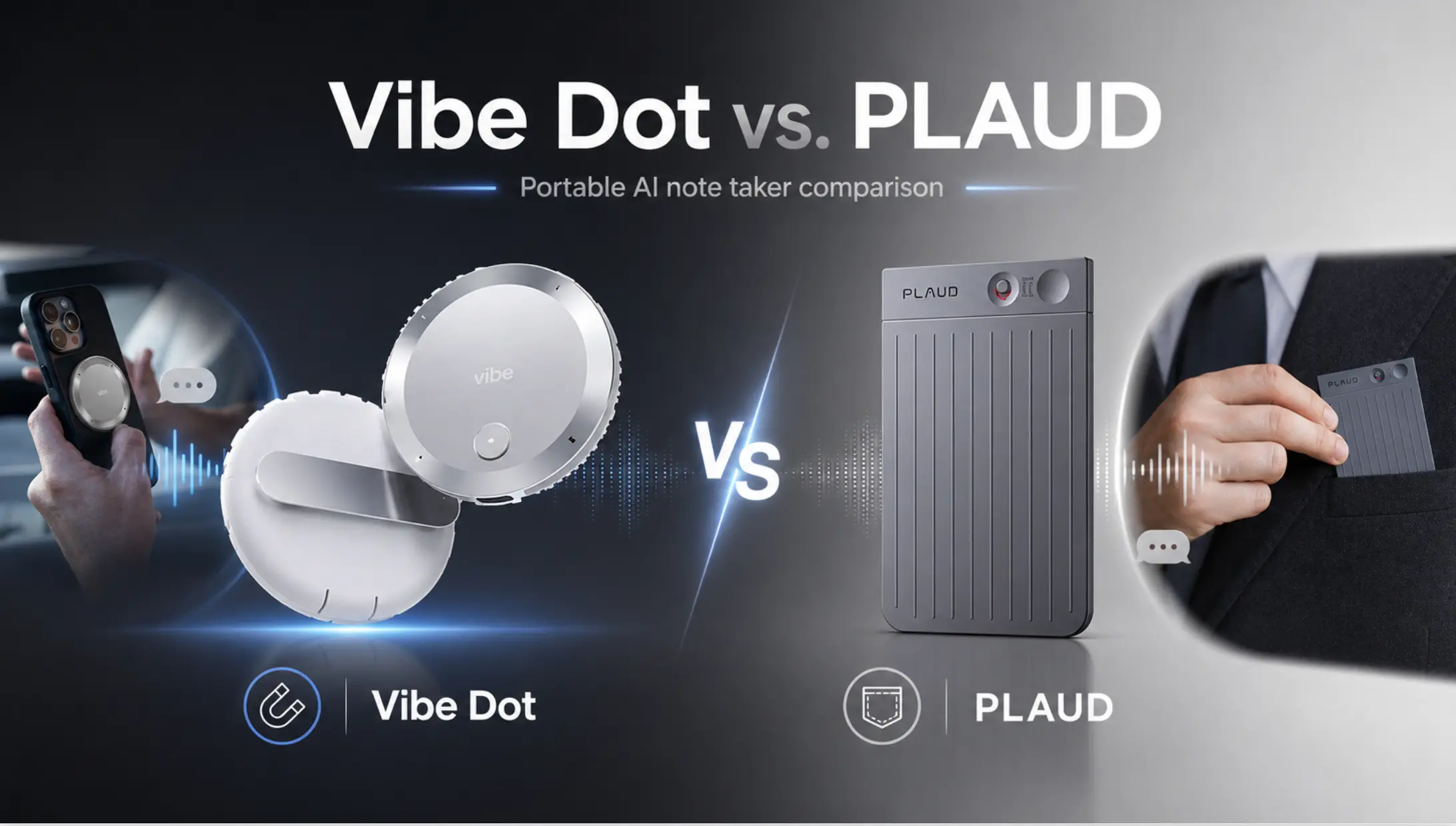
Vibe Dot is an AI assistant for capture, recall, and action — a wearable that records every conversation automatically, surfaces what you need through Memory Graph, and pushes next steps into the tools you already use. Through Auto Capture, Vibe Dot starts recording on its own — no button, no app to open — so a decision from one meeting is still findable months later, and the work that follows actually gets done.
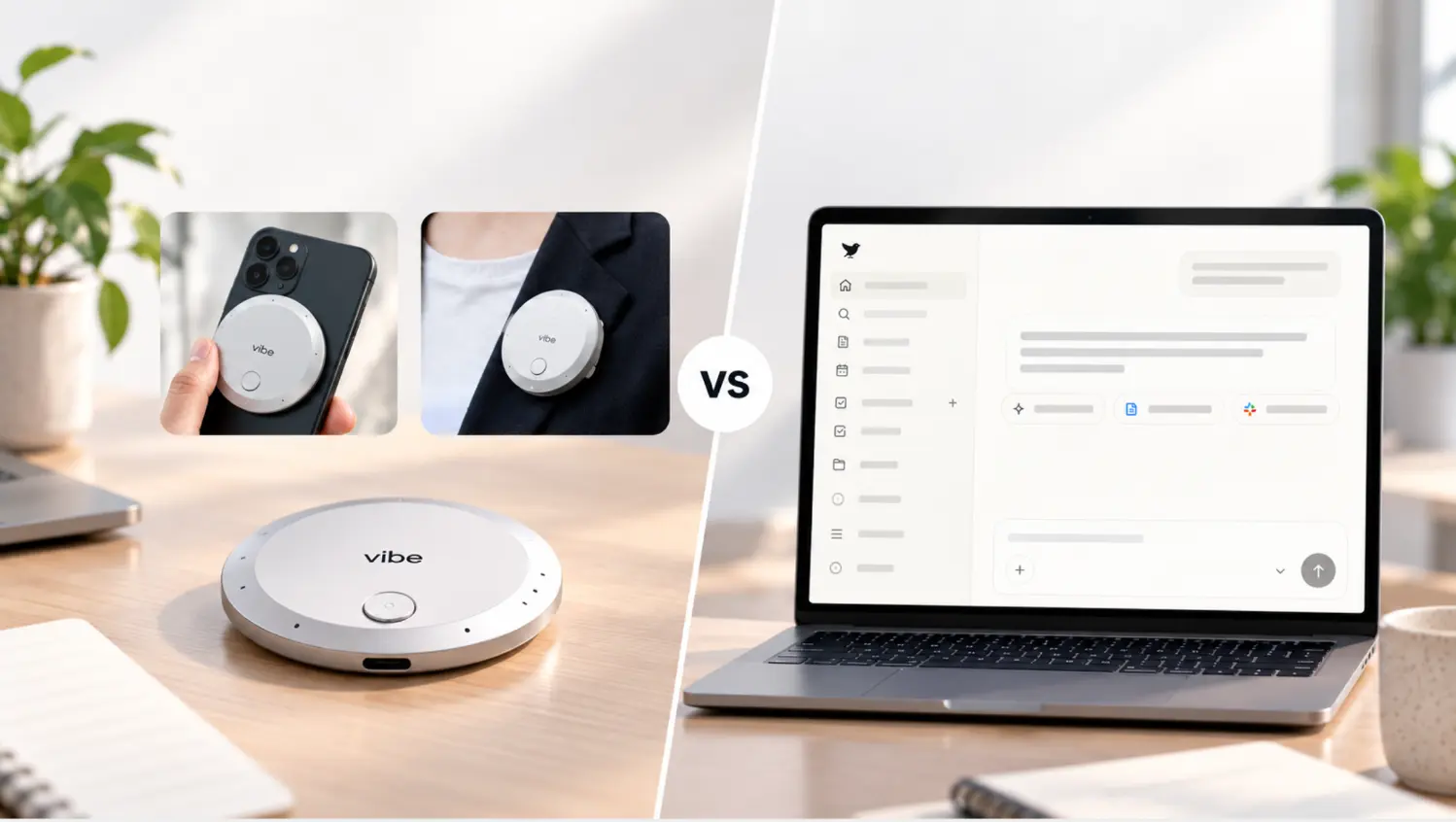
Where Littlebird’s memory is bounded by what’s visible on your active window, Vibe Dot’s memory follows you into every room, call, and conversation — in-person meetings, phone calls, site visits, hallway conversations, all of it.
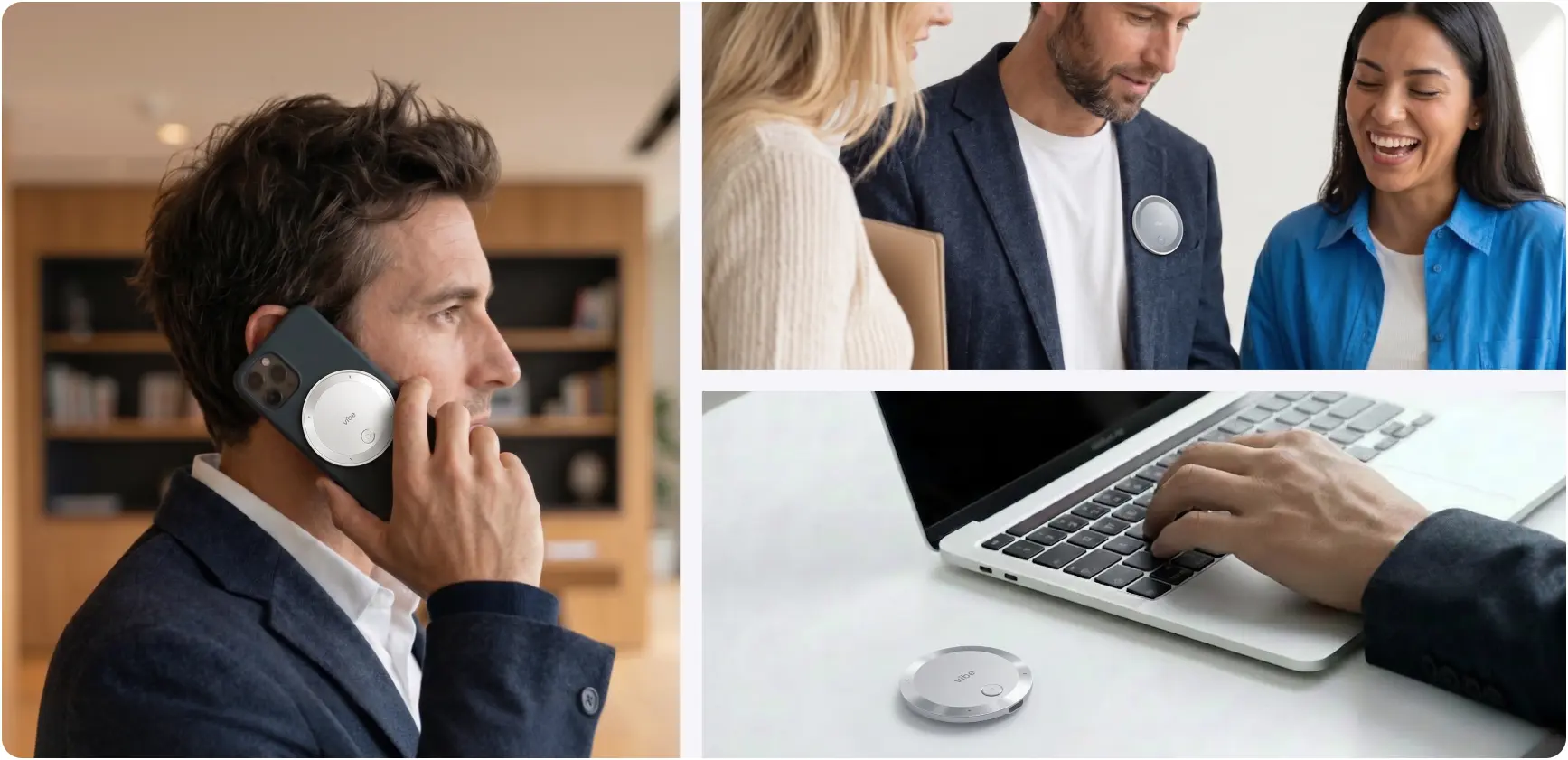 Vibe Dot magnetic recorder used on a phone call, clipped to a blazer in conversation, and beside a laptop on a desk
Where Vibe Dot pulls ahead of Littlebird:
-
Capture scope — records any spoken conversation in range, not just what’s on your screen
-
Compliance — SOC 2, HIPAA, FERPA, NDAA, FIPS 140-3, Common Criteria EAL 6+; covers regulated environments Littlebird can’t
-
No setup friction — Auto Capture starts on its own; nothing to remember to open or configure
-
ADHD-friendly by design — removing the "remember to start the tool" failure point is the whole point of Auto Capture; Littlebird still requires active management to stay useful
-
Team pricing — Vibe AI Pro at ~$9/seat/month vs Littlebird Plus at $17/month
Where Littlebird still wins: If your entire workday happens on a laptop screen and you want cross-app context (Slack threads, browser tabs, docs) synthesized alongside your meetings, Littlebird’s screen-reading layer captures things Vibe Dot can’t hear.
|
Vibe Dot |
Littlebird | |
|---|---|---|
|
Device |
Wearable ($199 one-time) |
No hardware |
|
Capture |
In-person + calls + video meetings |
Active window + video meetings only |
|
Memory |
Memory Graph (cross-session, persistent) |
Encrypted context index (screen-tied) |
|
Compliance |
SOC 2, HIPAA, FERPA, NDAA, FIPS 140-3 |
SOC 2, GDPR/CCPA |
|
Pricing |
Free (300 min/mo) → ~$9 → ~$29/seat/mo |
Free → $17 → $100/month |
2. Granola — Best for Bot-Free Meeting Notes
Best for: People who want clean, focused meeting notes with zero setup
Granola is a Mac-first meeting notetaker that works without a bot — it captures system audio in the background and generates notes automatically after each call. Littlebird itself positions Granola as the benchmark for pure meeting notetaking, which is a candid acknowledgment of where Granola wins.
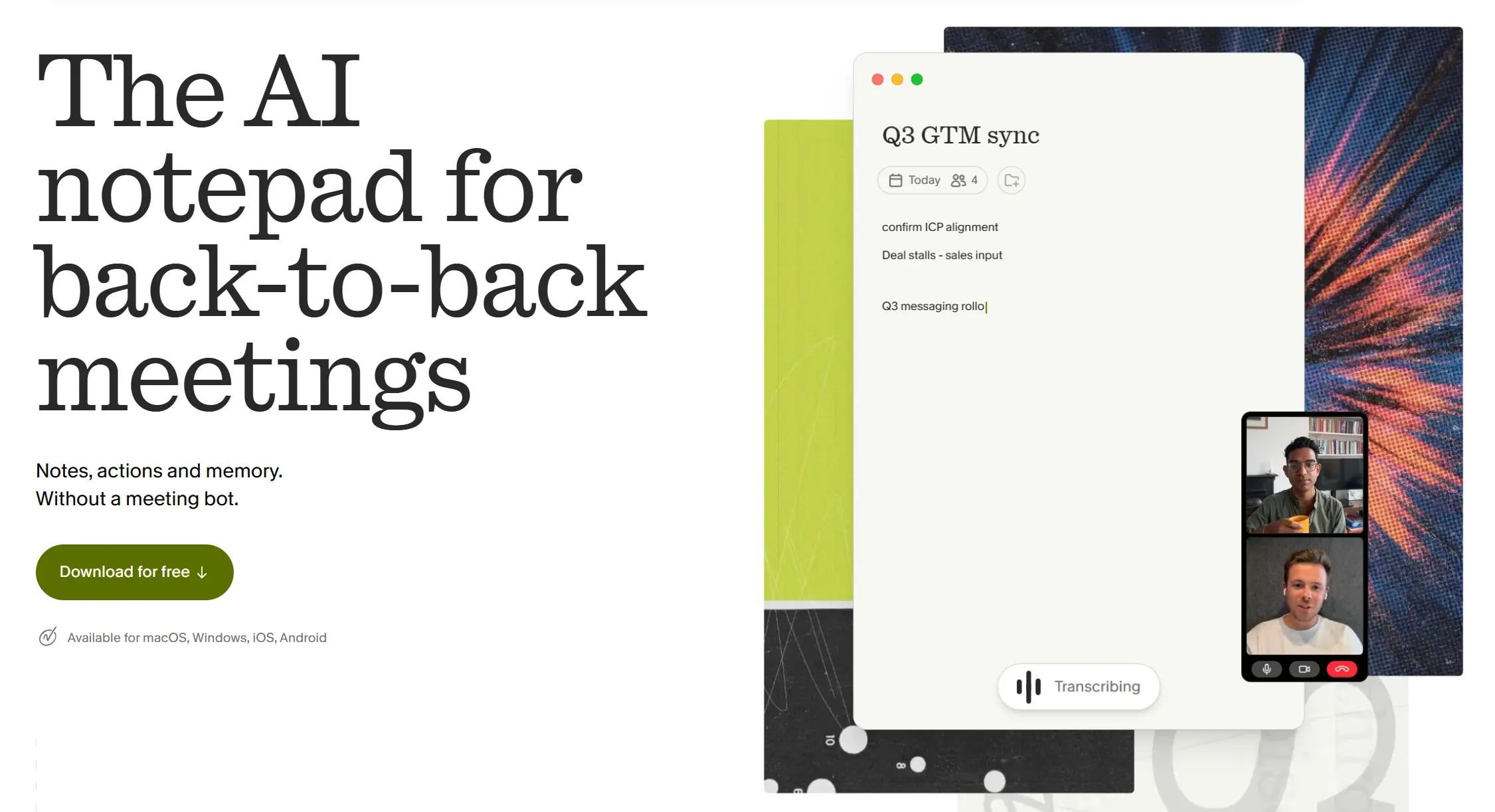 Granola hompage screenshot
The key differentiator: Granola lets you jot quick notes during the call, and the AI uses those as a guide when writing the summary. The result is notes that reflect what you found important, not just what was said. It raised a $125M Series C at a $1.5B valuation in March 2026, so it’s a well-resourced product that isn’t going anywhere.
Where Granola pulls ahead of Littlebird: Faster, cleaner meeting notes; better template customization; lower price for teams.
Where Littlebird still wins: Cross-app context — Granola only knows what happened in the calls you allowed it to record; Littlebird synthesizes your whole screen.
Pricing: Free (Basic); Plus $18/user/month; Business $14/seat/month; Enterprise $35/user/month.
3. Otter.ai — Best for Team Transcription at Scale
Best for: Teams that need shared transcripts, search, and collaboration on meeting content
Otter.ai is one of the longest-running AI transcription products in the market, built around team collaboration on transcripts. It joins your call as a visible participant, transcribes in real time, and gives the whole team a searchable, shareable record of every meeting.
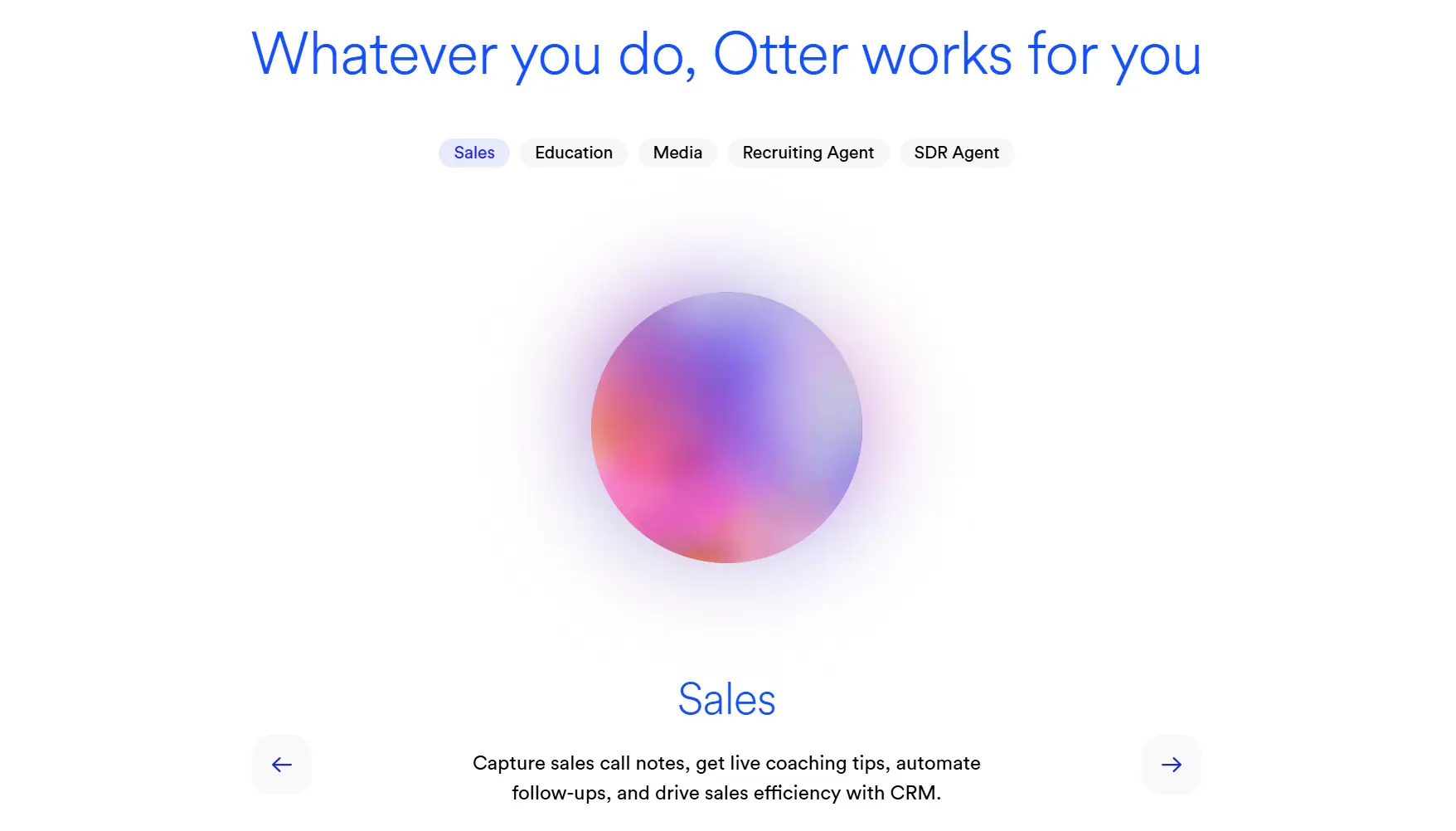 Otter AI homepage screenshot
It doesn’t try to build a memory of your whole workday the way Littlebird does. What it does well — fast, accurate, team-accessible transcription — it does reliably. For teams where the priority is a shared source of truth for meeting content rather than a personal AI assistant, Otter is the lower-friction, lower-cost path.
Where Otter pulls ahead of Littlebird: Team collaboration features; lower per-seat cost for larger groups; proven reliability over many years.
Where Littlebird still wins: Personal context synthesis — Otter doesn’t know what you were doing between meetings.
Pricing: Free (300 min/month); Pro $8.33/user/month (annual) or $16.99/month; Business $19.99/user/month (annual) or $30/month.
4. Plaud NotePin S — Best Wearable Alternative
Best for: In-person meeting capture without a phone or laptop present
Plaud NotePin S is a 17.4g wearable AI recorder that clips to your collar, wrist, or lanyard and captures spoken conversations — the same hardware category as Vibe Dot, and the strongest direct competitor within it. It features a tactile button that starts recording on a long press and marks important moments on a short press, a 20-hour battery, and 64GB onboard storage. Independent testing in 2026 named it the top pick for regular in-person meetings and team syncs among wearable AI notetakers.
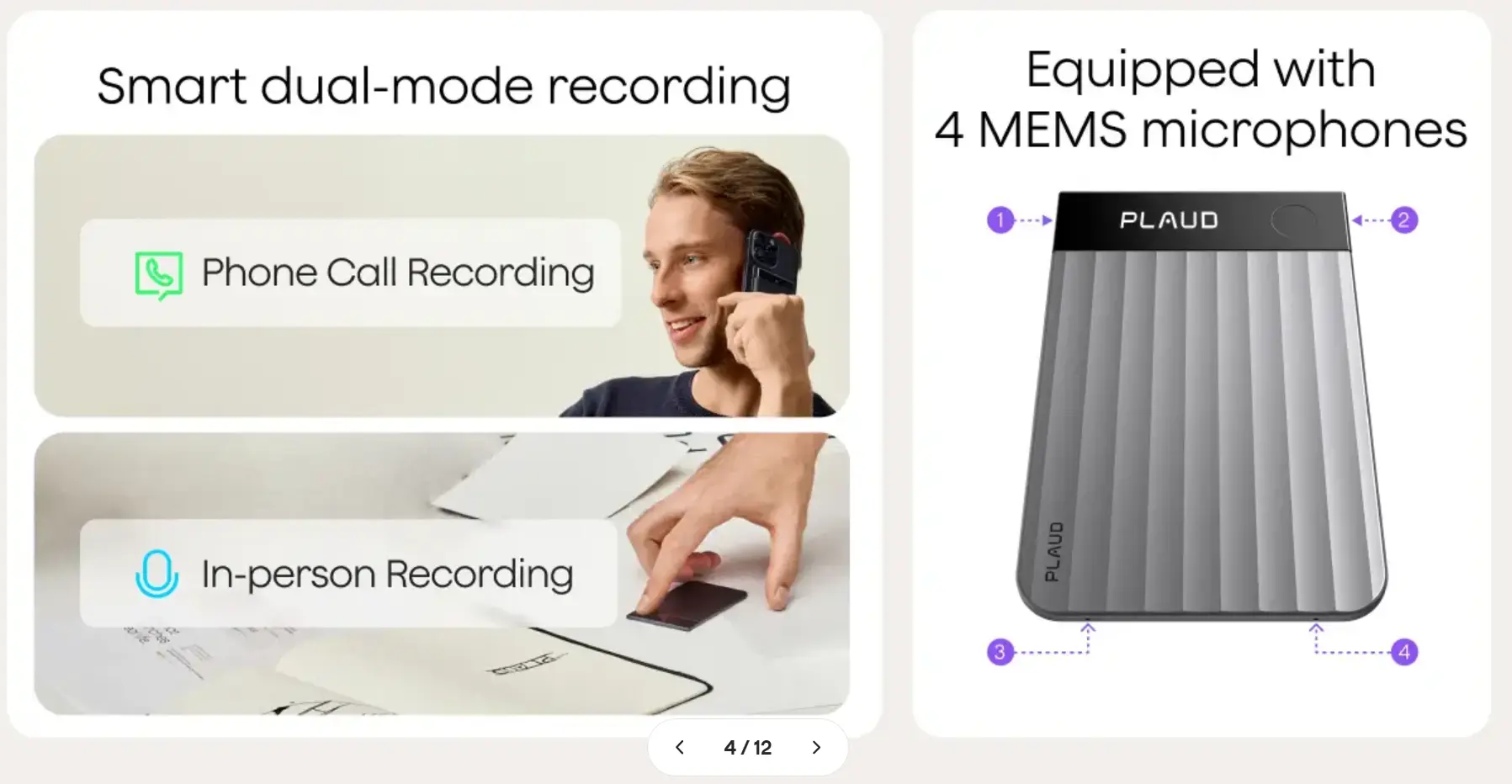 PLAUD recorder dual-mode recording and 4-microphone diagram
Like Vibe Dot, it solves Littlebird’s core limitation: conversations that happen away from a screen get captured. Unlike Vibe Dot, it doesn’t offer Memory Graph-style cross-session memory or the same compliance certification stack (HIPAA, FERPA, NDAA).
Where Plaud NotePin S pulls ahead of Littlebird: In-person capture; no screen dependency; simple hardware-first model.
Where Vibe Dot pulls ahead of Plaud NotePin S: Memory Graph cross-session persistence; HIPAA/FERPA/NDAA compliance; Vibe AI ecosystem integration.
Pricing: $179 device; software Free (300 min/month) / Pro $99.99/year / Unlimited $239.99/year.
5. Krisp — Best Budget Alternative for Meeting-Focused Users
Best for: People whose main need is clean meeting notes at the lowest possible cost
Krisp started as a noise-cancellation tool and has grown into a full meeting assistant — bot-free transcription, real-time notes, action items, and integrations, all at a price point well below Littlebird’s. Littlebird’s own competitive comparisons acknowledge Krisp as the right choice for users who primarily need meeting capture and audio quality.
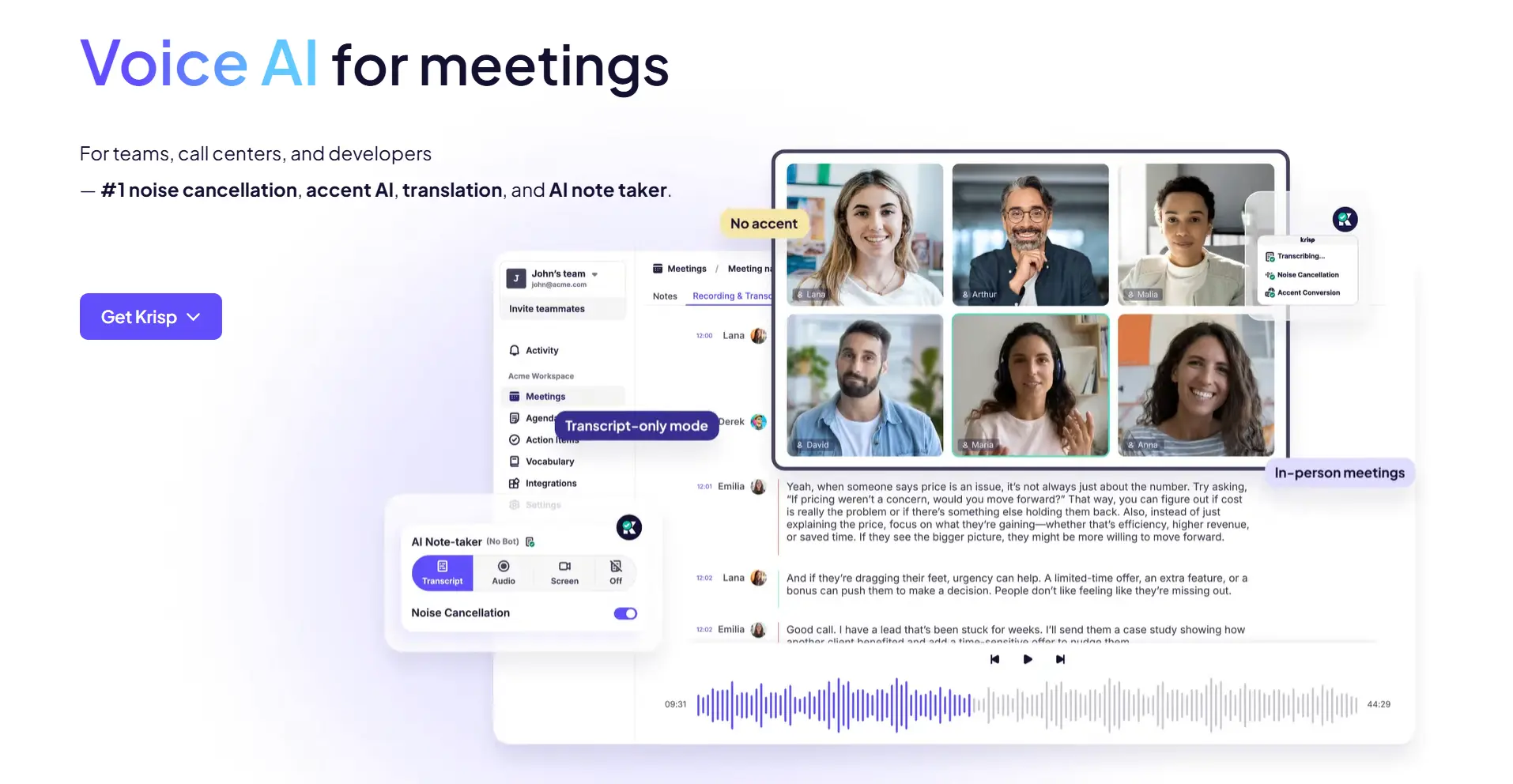 Krisp homepage screenshot
It doesn’t try to synthesize your whole screen or build cross-session memory. What it does — meeting notes, noise cancellation, and basic integrations — it does cheaply and reliably.
Where Krisp pulls ahead of Littlebird: Price (Pro at $8/month vs Littlebird Plus at $17/month); audio quality; simpler onboarding.
Where Littlebird still wins: Cross-app context awareness; "Prep for meeting" and Routines features.
Pricing: Free (60 min/day noise cancellation); Pro $8/month (unlimited transcription, AI notes, action items); Business $15/month.
6. Mem — Best for Cross-App Knowledge Management
Best for: Users who want AI-powered knowledge synthesis across notes, docs, and conversations
Mem is a knowledge management platform that uses AI to surface connections across everything you write and capture — notes, meeting summaries, documents. If what you’re really looking for from Littlebird is the "AI that already knows your work" promise applied to a personal knowledge base rather than screen activity, Mem is the closest software-side alternative.
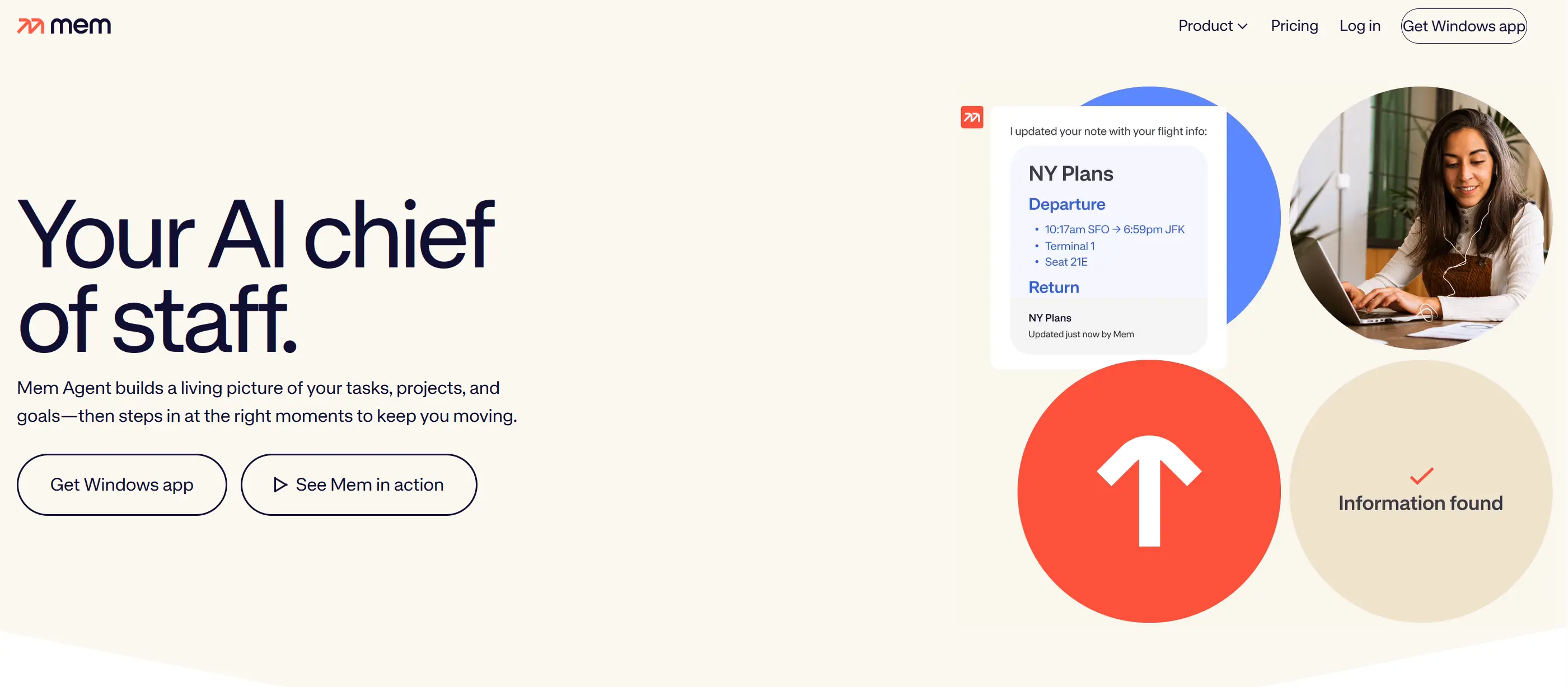 Mem homepage screenshot
It doesn’t capture meetings the way Littlebird or the wearables do. Its strength is in organizing what you explicitly bring into the system and finding non-obvious connections across it over time.
Where Mem pulls ahead of Littlebird: Deeper note-taking and knowledge graph features; better for users who want to actively build a second brain alongside their AI assistant; lower price.
Where Littlebird still wins: Passive, automatic capture — Mem requires you to bring information in; Littlebird reads your screen whether you think about it or not.
Pricing: Free (25 notes/month); Pro $12/month (unlimited notes, full AI features).
How to Choose
|
If your main need is… |
Best pick |
|---|---|
|
In-person + remote capture with persistent AI memory |
Vibe Dot |
|
Clean, fast meeting notes with no bot |
Granola |
|
Team-wide shared transcripts and collaboration |
Otter.ai |
|
Wearable capture, hardware-first approach |
Plaud NotePin S |
|
Meeting notes on a tight budget |
Krisp |
|
Cross-app knowledge synthesis and note-taking |
Mem |
The honest answer for most people looking to replace Littlebird: if screen-only capture is the dealbreaker, Vibe Dot closes that gap most completely. If you just want better meeting notes faster, Granola or Krisp get you there at a lower cost and with less setup.
Frequently Asked Questions
What is the closest alternative to Littlebird?
Vibe Dot is the closest alternative for users who want persistent AI memory across all their conversations — not just what happens on a screen. Granola is the closest alternative for users who specifically want better meeting notes without the broader context layer.
Does any Littlebird alternative work for in-person meetings?
Yes. Vibe Dot and Plaud NotePin S are both wearable AI recorders that capture in-person conversations without a phone or laptop present. This is the one capability Littlebird’s architecture cannot replicate, since it relies on reading your active screen.
Is there a free Littlebird alternative?
Granola has a free Basic plan with unlimited meetings. Otter.ai has a free tier at 300 minutes/month. Vibe AI’s Starter plan is free at 300 minutes/month (requires the $199 Vibe Dot device). Krisp also offers a free tier with 60 minutes/day of noise cancellation. Mem has a free tier capped at 25 notes/month.
Which Littlebird alternative is best for ADHD users?
Vibe Dot. Auto Capture removes the single biggest failure point for ADHD workflows: remembering to start the tool. Littlebird requires keeping Context Awareness active and managing app exclusions; Vibe Dot demands nothing from the user once it’s on. Learn more about how AI recorders handle ADHD workflows.
Which alternative has the best compliance certifications?
Vibe Dot carries SOC 2, HIPAA, FERPA, NDAA, FIPS 140-3, and Common Criteria EAL 6+ — the broadest certification set in this category. If your team operates in education, healthcare, or a government-adjacent environment, Vibe Dot is the only option on this list with documented FERPA and NDAA coverage.
What happened to Rewind AI?
Rewind AI, which built a similar screen-reading memory layer for Mac, has pivoted away from its original product. If you were a Rewind user looking for a replacement, every tool on this list addresses the same core use case — with Vibe Dot and Granola as the strongest starting points.