You leave the meeting, open a blank document, and realize you remember the general feeling of the discussion but not the specific decision that was made about the deadline. Or you have pages of notes but can’t find the one line that matters. Or someone asks you three days later what was agreed, and you have to go back and re-read everything to pull out a single action item.
These are the friction points that effective meeting notes solve — not by recording more, but by capturing the right things in the right structure. This guide covers how to do that: the preparation, the format, what to capture during the meeting, and how to handle follow-through so that decisions made in a room actually lead to outcomes.
Why Meeting Notes Matter More Than Most People Think
The case for taking good notes isn’t just about memory. It’s about what happens to a team’s work when context is reliably captured versus when it isn’t.
When notes are done well, they do three things that matter beyond the meeting itself. First, they create a record that people can reference without scheduling another meeting to re-explain what was decided. Second, they make accountability concrete — a written action item with a named owner and a deadline is harder to ignore than a verbal agreement. Third, they give late joiners and stakeholders who weren’t present a way to get up to speed without relying on someone’s memory.
When notes are done poorly — or skipped entirely — teams repeat conversations. Decisions get relitigated. Work gets duplicated or dropped. The cost compounds quietly across weeks and months, and it’s rarely traced back to the meeting notes.
Hybrid meetings add another layer of complexity: the remote participants who weren’t physically in the room have no ambient context to fill in the gaps. For them, well-structured notes aren’t a convenience — they’re the only record that exists.
Before the Meeting: Set Yourself Up to Capture What Matters
The quality of your notes is largely determined before you open a document. Preparation is what separates reactive note-taking (scrambling to write down everything) from intentional note-taking (capturing what the meeting is actually for).
 A man writes his meeting notes on a digital whiteboard while presenting work to his teammates.
Read the agenda in advance
If an agenda exists, read it before the meeting starts. Understanding the purpose and the decision points ahead of time tells you what to listen for. You’re not trying to transcribe the conversation — you’re trying to capture whether the meeting achieved its goal and what the next steps are.
If no agenda exists, that’s a signal to clarify the meeting’s purpose before it starts. A five-minute pre-meeting alignment on "what does success look like for this call?" saves significant cleanup afterward.
Prepare your note structure in advance
A pre-built template prevents the blank-page problem and keeps your notes consistent across meetings. A simple effective structure includes:
-
Date, time, and meeting purpose
-
Attendees present
-
Key discussion points (by agenda item, not chronological transcript)
-
Decisions made
-
Action items: owner, task, deadline
-
Open questions or items deferred to the next meeting
The template doesn’t need to be elaborate. It needs to be consistent so that anyone reading your notes knows exactly where to find what they’re looking for.
Decide who is taking notes
In small meetings, the responsibility for notes is often unclear, which means notes either don’t happen or multiple people take incomplete versions. Assign a note-taker before the meeting starts, or rotate the responsibility on a schedule so it’s predictable.
In larger meetings, consider a shared document where attendees can add context to their own sections in real time — this distributes the cognitive load and reduces the chance that the note-taker misses something while someone else is speaking.
During the Meeting: What to Capture and What to Skip
The most common mistake in live note-taking is trying to write everything. A word-for-word transcript of a 45-minute meeting takes longer to write than the meeting itself, and it’s usually less useful than a focused 300-word summary. The goal is capture, not transcription.
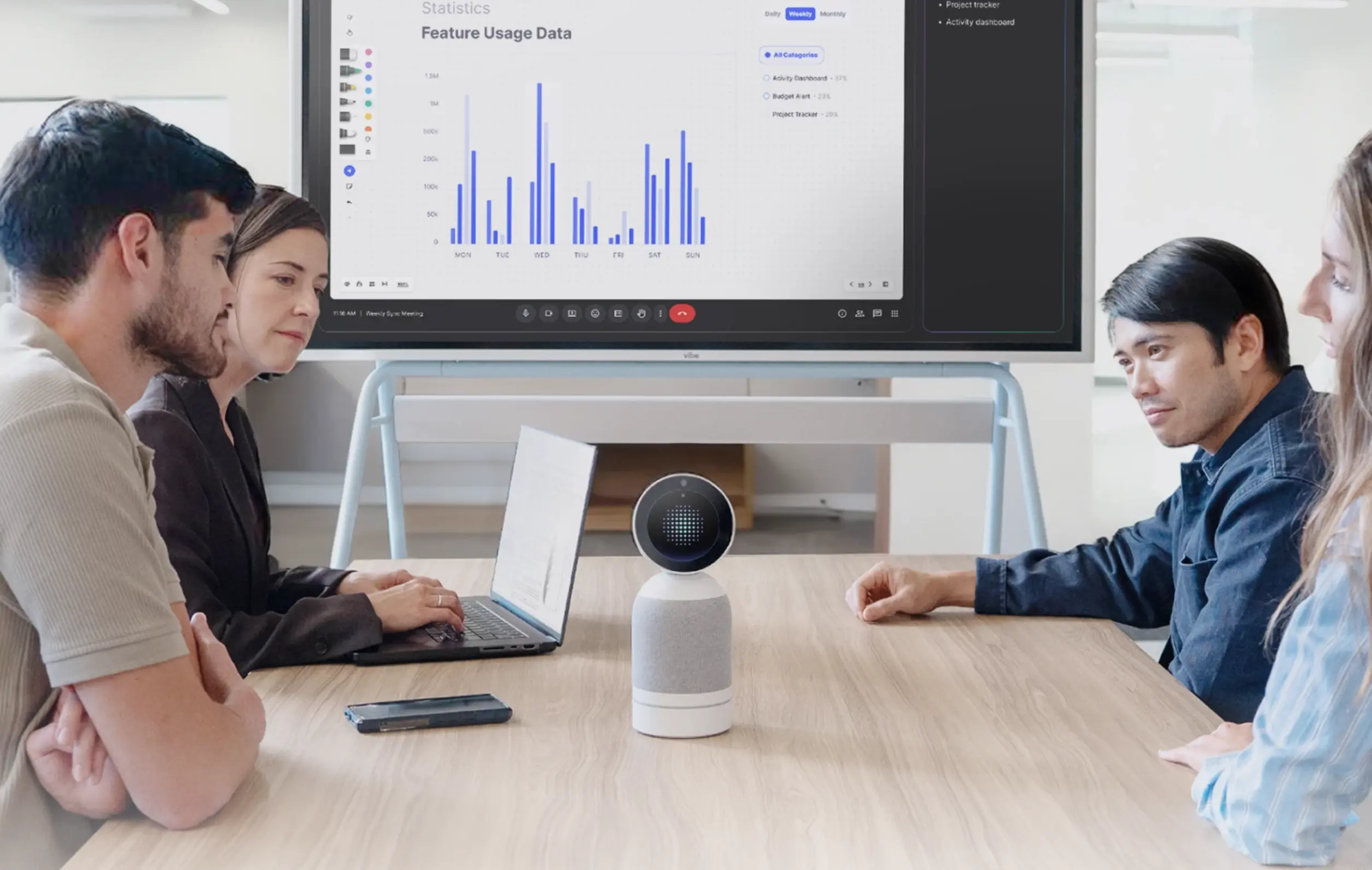 Vibe Bot on a conference table with four teammates reviewing feature usage data on a Vibe Board, supporting dual-mode offline and hybrid meeting recording with AI summaries
Focus on decisions, not discussion
Discussions are how a team arrives at decisions. The discussion itself is usually not what needs to be recorded — the outcome is. When a meeting shifts from exploring options to reaching a conclusion, that’s the moment to write something down.
The question to keep in your head while listening: "Is this leading somewhere, or is this context?" Capture the destination, not every step of the journey.
Write action items in a specific format
Vague action items are almost never completed. "Follow up on the vendor proposal" assigned to no one with no deadline is not an action item — it’s a hope. A useful action item has three parts:
-
Who: a specific named person, not "the team"
-
What: a concrete deliverable or task
-
When: a specific date or timeframe
Example: "Sarah to send revised vendor proposal to the procurement team by end of day Friday." That format is unambiguous and easy to follow up on.
Flag decisions explicitly
Decisions are easy to miss in a fast-moving conversation. Develop a habit of marking them visibly in your notes — a "DECISION:" label, a different color, a checkbox — so they stand out when you review. The decisions section of your notes is often the most referenced section afterward.
Note open questions and deferred items
Not everything gets resolved in a meeting. Questions that surface but aren’t answered, topics that run out of time, items deliberately pushed to a future discussion — these belong in a dedicated section. They become the starting point for the next meeting on that topic and prevent the team from re-opening the same discussion cold.
After the Meeting: Turning Notes Into Useful Artifacts
Raw notes from a live meeting are a draft. The work of making them useful happens in the 30 minutes after the meeting ends, while context is still fresh.
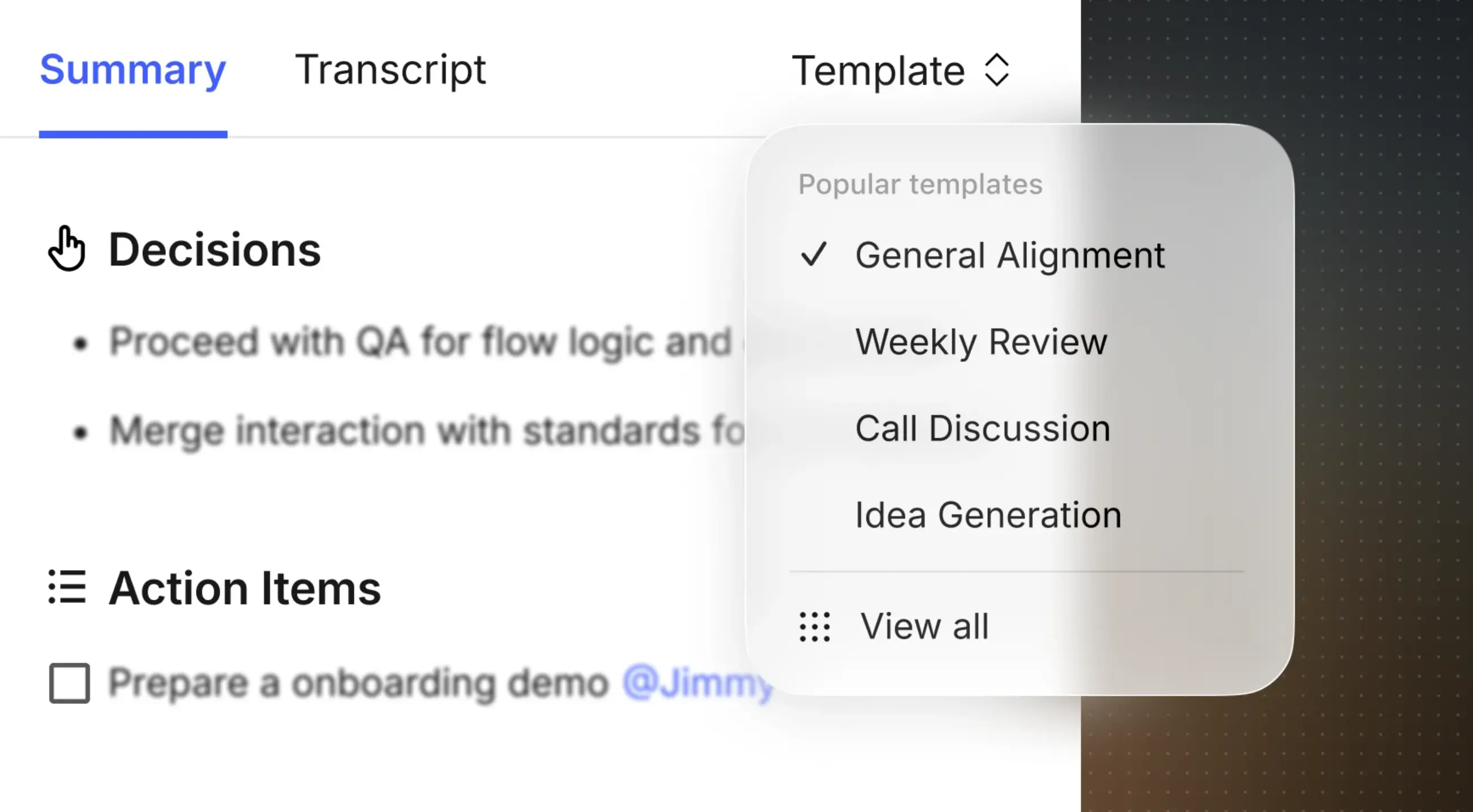 Vibe AI turns notes into useful artifacts
Edit for clarity, not completeness
Go through your notes once with a specific goal: make them readable for someone who wasn’t in the room. That means expanding abbreviated shorthand, removing tangents that went nowhere, and checking that action items are clearly attributed and dated. You’re not adding new content — you’re making what you have legible.
Share promptly and to the right people
Notes shared 24 hours after the meeting are significantly more valuable than notes shared a week later. The window for people to ask clarifying questions, correct misattributions, and act on time-sensitive items closes quickly. Build a habit of sending notes the same day, even if they’re not perfectly polished.
Who should receive the notes: all meeting attendees, plus any stakeholders who have a direct interest in the decisions or action items. This is not the same as forwarding to everyone who might theoretically care — scoped distribution keeps your notes from becoming noise.
Store notes where they’ll be found
Notes that live in someone’s personal notes app or a buried email thread don’t really exist for the team. Save them to a shared location with a consistent naming convention — project, date, meeting type — so anyone on the team can find them without asking. The test: if you left the company tomorrow, could a colleague find the record of this meeting in under two minutes?
Follow up on action items
The action items in your notes are only valuable if they lead to outcomes. Build a simple follow-up system: check action items 24 hours before their deadlines, note completion in the shared document, and surface unresolved items at the next meeting. This closes the loop between what was said and what was done.
Common Meeting Note Mistakes to Avoid
A few patterns consistently undermine otherwise well-intentioned notes:
Writing a transcript instead of a summary. Length is not a proxy for quality. A meeting note that runs to 2,000 words because it captured every exchange will be read by almost no one. Aim for the minimum length that captures the decisions and actions.
Attributing opinions as facts. "The team agreed" is often inaccurate — usually, some people agreed and some didn’t. If there was genuine alignment, note it. If there wasn’t, note the division and the decision that was made despite it.
Separating notes from the place where work happens. If your action items live in a separate document from your project management tool, they will be forgotten. Either copy action items into the tool after the meeting, or use a system that connects them automatically.
Skipping the summary when the meeting had a clear output. If the meeting’s purpose was to make a specific decision, the most important line in your notes is a plain statement of what that decision was. Make it impossible to miss.
How AI Is Changing Meeting Notes in 2026
The manual work of meeting notes — typing while listening, editing afterward, formatting action items — is increasingly handled by AI meeting assistants. These tools transcribe conversations in real time, generate summaries, and surface action items automatically, which shifts the note-taker’s role from recorder to reviewer.
That shift matters because reviewing a generated summary is cognitively different from generating it yourself. A reviewer can stay fully present during the conversation, add judgment and context that an AI can’t supply, and catch errors in attribution or interpretation — without spending attention on the mechanics of writing.
The practical question isn’t whether to use AI for meeting notes, but which combination of tools fits your workflow and what you need to verify before you distribute the output.
Vibe Dot: AI-powered capture for individuals and client-facing teams
For professionals who move between meetings throughout the day — client conversations, project standups, 1:1s, working sessions that don’t start with a calendar invite — Vibe Dot is a wearable AI recorder designed to handle capture without interrupting presence.
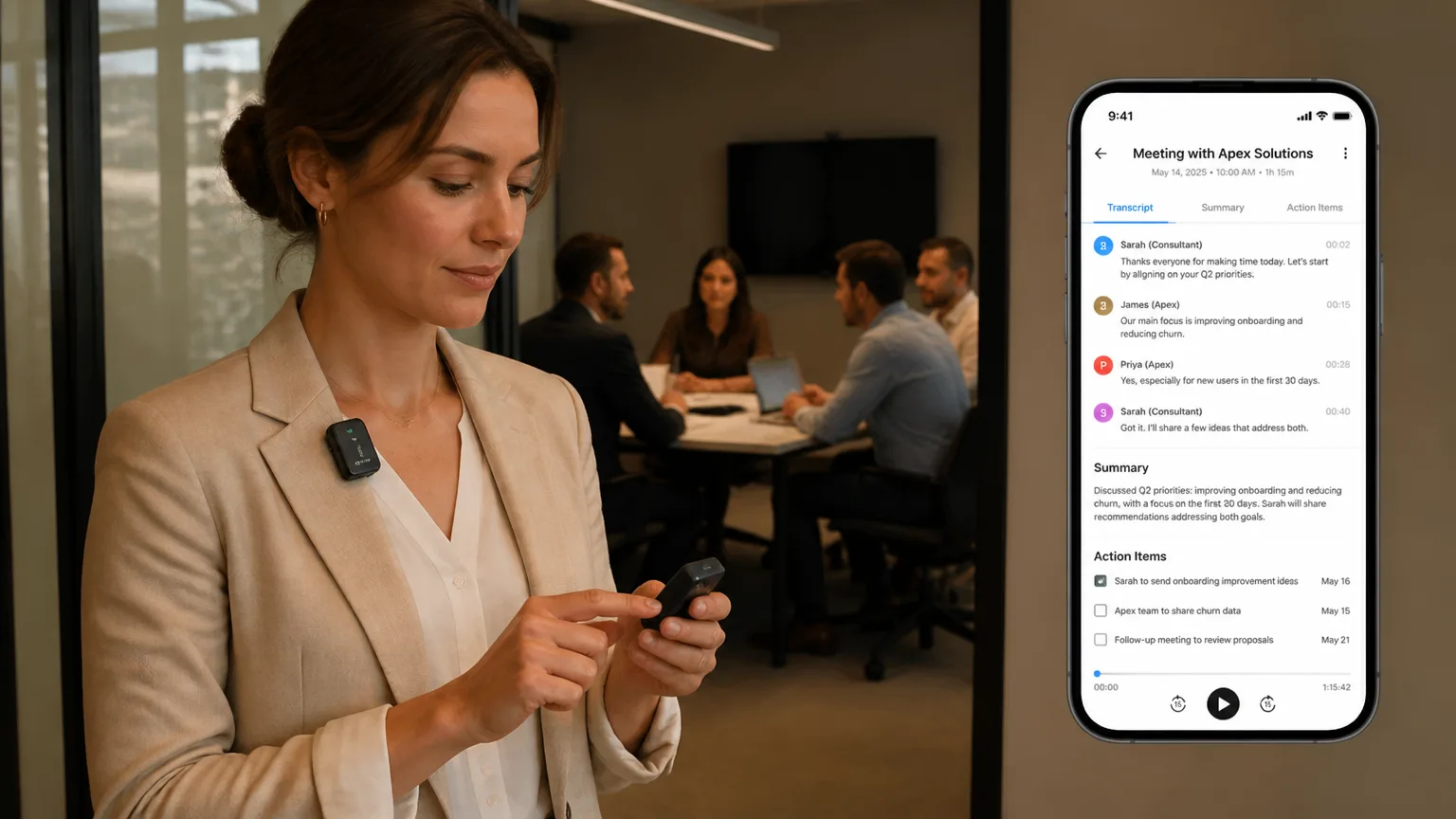
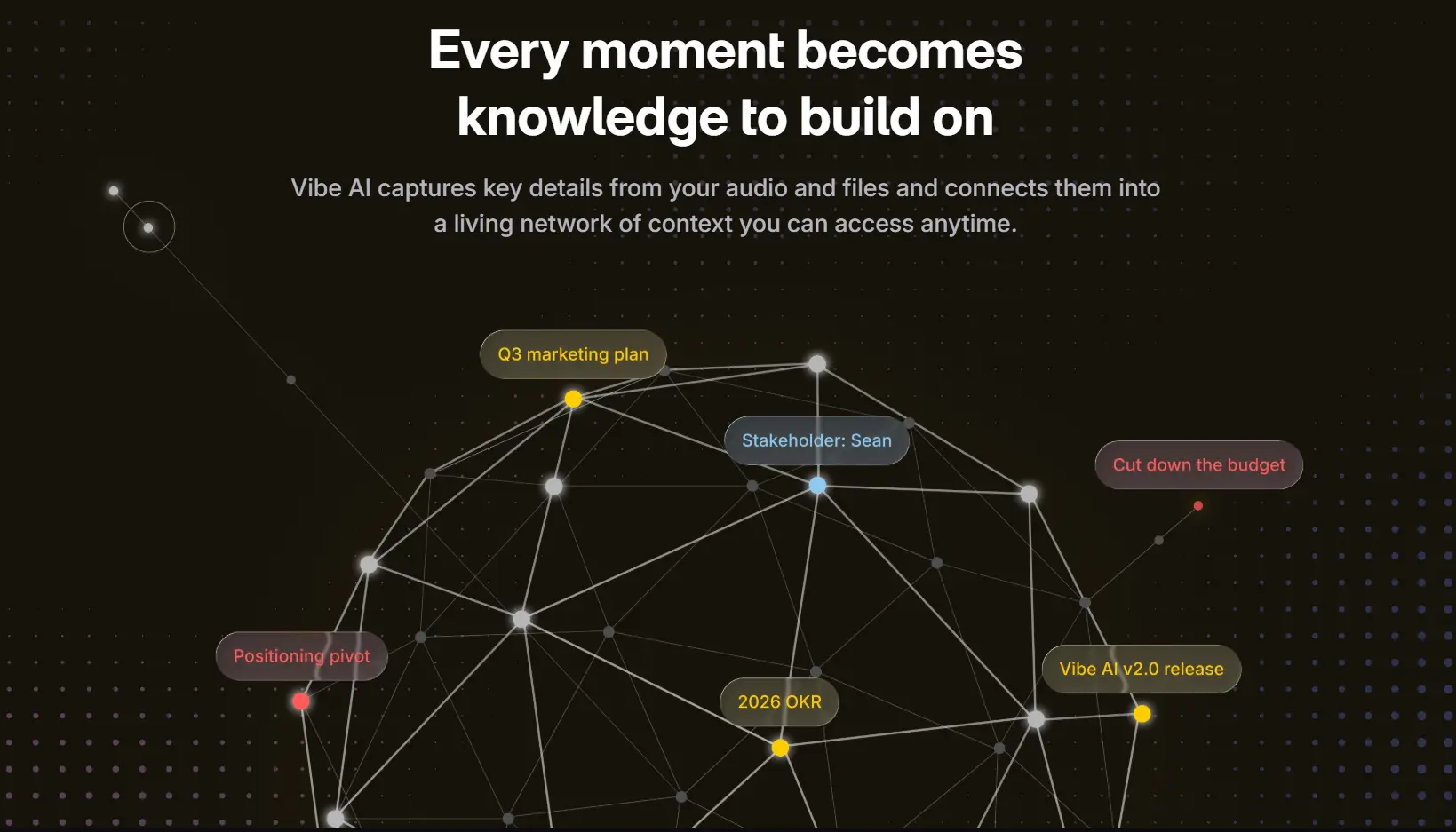
Vibe Dot is a compact, wearable device with a 5-microphone array that clips to your lapel, snaps to your phone magnetically, or sits on a desk. It records offline and syncs to the Vibe AI app via Bluetooth when connectivity is available — so dead zones and back-to-back meetings don’t create gaps in the record. Once synced, Vibe AI generates transcripts, structured summaries, and action items automatically, organized by conversation and connected across sessions so that context from a client meeting three weeks ago is still accessible when you need it.
The practical effect: instead of spending 20 minutes after every meeting reconstructing what was said, you spend a few minutes reviewing what Vibe AI captured and making any corrections or additions that require human judgment. The transcript is the raw record; the summary is the shareable artifact; the action items are already formatted with the specificity that makes them actionable.
For client-facing work specifically, Vibe Dot addresses a common tension: being fully present in a conversation versus ensuring you have a reliable record of it. With Vibe Dot handling capture, that tension largely disappears. You’re not splitting attention between listening and writing — you’re listening, and the record takes care of itself.
Vibe Dot is available for pre-order at $199, with core recording, transcription, and basic AI summaries included free. A Vibe AI Pro plan ($9/seat/month) unlocks extended memory retention, custom summary templates, and deeper knowledge retrieval across your conversation history.
Meeting Notes Templates for Common Meeting Types
Different meeting types call for slightly different note structures. Here are three templates you can adapt immediately.
Weekly team standup
Purpose: Alignment on priorities and blockers for the week ahead.
-
Date / Attendees
-
What each person is working on this week (1–2 lines each)
-
Blockers or dependencies that require team action
-
Decisions made
-
Action items: owner / task / deadline
Project review or decision meeting
Purpose: Evaluate status, surface risks, make a specific decision.
-
Date / Attendees / Meeting purpose
-
Status summary (2–3 sentences)
-
Issues discussed and perspectives raised
-
Decision made (explicit statement)
-
Rationale (brief — why this decision over alternatives)
-
Action items: owner / task / deadline
-
Next review date
Client or external meeting
Purpose: Advance a relationship or project with an external party.
-
Date / Internal attendees / External attendees and titles
-
Context: where this meeting fits in the relationship
-
Key points discussed
-
Client feedback, concerns, or requests (attributed accurately)
-
Commitments made (by either party) with dates
-
Next steps: owner / task / deadline
-
Next meeting date if confirmed
FAQ
What should effective meeting notes always include?
At minimum: the date and attendees, the meeting’s purpose, a brief summary of key points discussed, decisions made, and action items with a named owner and deadline. Everything else is optional depending on the meeting type. The test for whether something belongs in your notes: would someone who wasn’t there need to know this to understand what was decided and what happens next?
How long should meeting notes be?
As short as possible while capturing all decisions and action items. A focused 30-minute meeting can usually be summarized in 150–300 words. A complex 90-minute strategy session might need more, but most notes can be tightened significantly by cutting discussion that didn’t lead to a decision. Length is not a signal of quality — clarity is.
How quickly should I share meeting notes after a meeting?
Same day is the standard to aim for. Notes shared within a few hours of a meeting are read more carefully, corrected more accurately, and acted on more reliably than notes shared days later. If you can’t polish the full notes immediately, send a brief message with just the decisions and action items — then follow up with the fuller summary.
What’s the difference between meeting minutes and meeting notes?
Meeting minutes are a formal, verbatim (or near-verbatim) record typically used in legal, board, or governance contexts where a precise record is required. Meeting notes are a practical summary of decisions and next steps, written for teams who need to move work forward. Most workplace meetings need notes, not minutes. If you’re in a context that requires minutes, consult your organization’s specific requirements for format and approval.
How do AI meeting note tools compare to taking notes manually?
AI tools handle the mechanics of transcription and initial summarization faster than any person can. Manual note-taking preserves human judgment about what matters and what’s worth flagging — context that an AI doesn’t always have. In practice, the most effective approach in 2026 is a combination: AI captures the full record and generates a draft summary, and a human reviews and edits before distributing. This is faster than manual-only, more accurate than AI-only, and keeps a person in the loop for accountability and interpretation. AI productivity tools designed for meetings — including hardware-first options like Vibe Dot — are increasingly built around this review model rather than fully automated output.
What should I do with meeting notes after a project ends?
Archive them in a shared location with consistent naming so they’re searchable for future reference — retrospectives, onboarding, contract disputes, and audits all benefit from having a clean record. If your organization has a standard retention policy for project documentation, meeting notes should follow the same rules. For client work, check whether your contract or the client’s policies have specific requirements for record retention.