Most virtual meeting guides stop at "use Zoom." That’s not enough anymore.
The teams struggling most with virtual meetings in 2026 aren’t struggling because they lack a video call platform — they have one. They’re struggling because their meetings are passive: remote participants watch instead of contribute, decisions vanish when the call ends, and nobody can find what was actually agreed to.
The right virtual meeting tools fix all three problems. This guide covers what to look for, which categories of tools matter, and where AI-powered meeting capture changes the equation for hybrid teams.
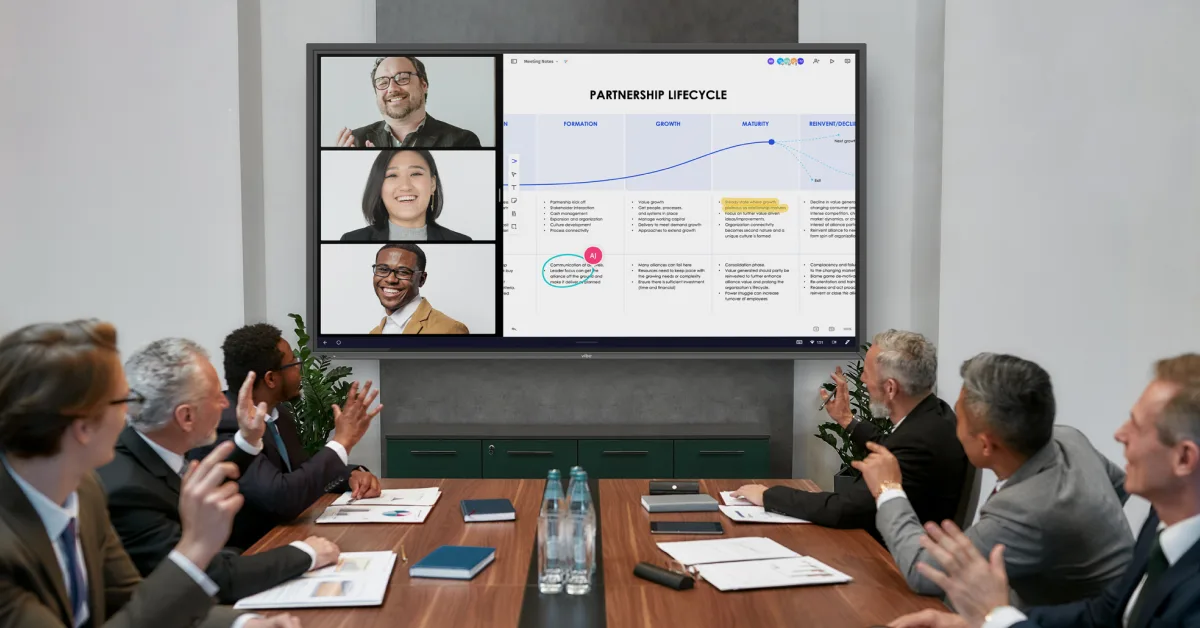 A hybrid meeting with in-room and remote participants collaborating on a shared digital canvas, both visibly active
What Makes a Virtual Meeting Tool Worth Using in 2026
Before getting into specific tools, it’s worth being clear about what "good" looks like in 2026. The bar has moved.
Interactivity beats passivity. Tools that let participants annotate, sketch, vote, and react in real time produce measurably better engagement than screen-share-and-present formats. If your remote participants are watching a slide deck with their cameras off, the tool isn’t working.
Hybrid equity matters. The best virtual meeting tools give remote participants the same working experience as in-room participants — not a window onto someone else’s meeting. This is the hardest problem to solve and where most setups still fall short.
AI capture is now table stakes. Real-time transcription alone isn’t enough anymore. Teams need automatic summaries, named action items, and memory that carries context from one session to the next. Manual note-taking after a meeting is a solved problem — if you’re still doing it, you’re using the wrong tools.
The Four Categories of Virtual Meeting Tools
Effective virtual meetings draw on four distinct categories of tools. Most teams have the first two covered. The last two are where the gaps — and the biggest opportunities — live.
1. Video Conferencing Platforms
Job: Connect participants with reliable audio and video. This is the plumbing of any virtual meeting.
The main players are well-established: Zoom leads on connection reliability and is the safe default for external calls and webinars. Google Meet integrates best with Google Workspace and works with no app install required. Microsoft Teams handles video as part of a broader M365 integration, making it the logical choice for organizations already on that stack.
What differentiates platforms in 2026 isn’t basic video quality — they’re all acceptable. It’s the integrations: which whiteboarding tools connect natively, whether AI transcription is built in, how breakout rooms work, and how well the platform handles the in-room participant experience through conference room hardware.
What to look for: Native integration with your whiteboard and collaboration tools, reliable breakout rooms, and hardware compatibility with the room setup you use.
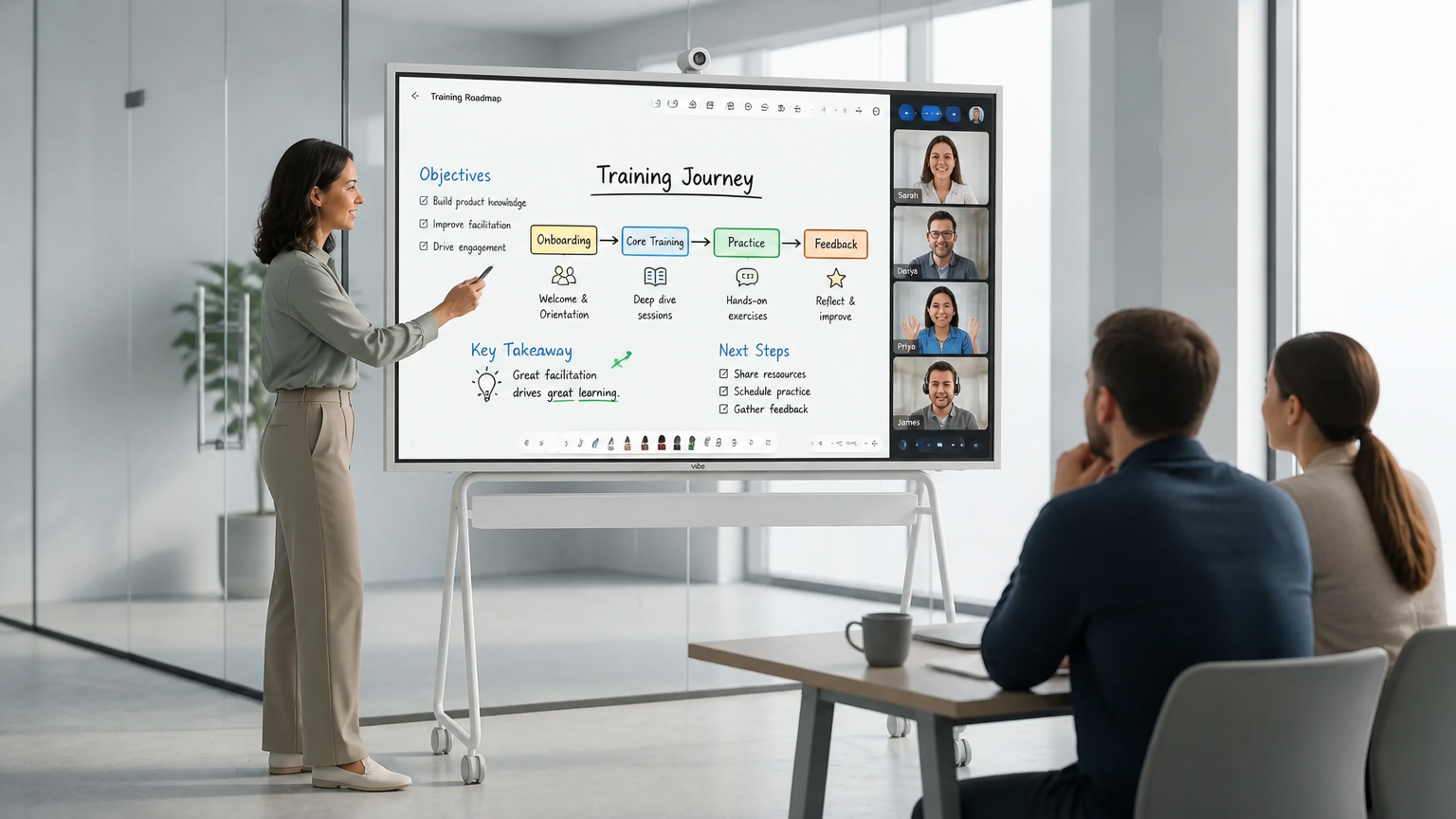 Close-up of a Vibe Board S1 in use — participants writing directly on the canvas in a conference room while a remote participant's annotations appear simultaneously
2. Interactive Collaboration Whiteboards
Job: Give participants a shared visual workspace — for brainstorming, diagramming, annotating, and planning — that works equally well in-room and remote.
This is the category most directly responsible for whether virtual meetings feel interactive or passive. A shared canvas where everyone can write, draw, and move content simultaneously is a fundamentally different experience from watching someone else’s screen.
Vibe Canvas is built specifically for the hybrid scenario: in-room participants interact with an infinite canvas on the Vibe Board S1 touchscreen directly with their fingers or a stylus, while remote participants see and edit the exact same canvas simultaneously on their own device. There’s no "remote version" — everyone is working in the same space. Vibe Canvas runs natively on the Vibe Board S1 and is also available as a web app for remote-only sessions.
Other tools in this category — Miro and Mural — are strong choices for remote-first teams who don’t need a physical room anchor. Miro has a larger template library and deeper Jira/Slack integrations; Mural is often preferred for structured facilitation and design thinking workshops. Both require participants to join from their own devices; neither creates an in-room experience the way a smart board does.
What to look for: Real-time multi-user editing with no meaningful lag, ability to import and annotate documents and slides directly, video conferencing integration, and — for hybrid teams — a hardware path that makes the canvas the room’s primary display.
3. AI Meeting Capture (In-Room)
Job: Automatically capture everything said in the meeting room — who said what, what was decided, what needs to happen next — so the output of the meeting doesn’t disappear when the call ends.
This is the category that’s changed most in the past 18 months, and where the gap between teams using AI tools and teams not using them is growing fastest.
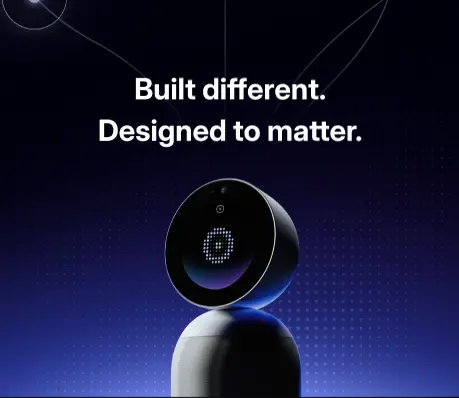
Vibe Bot is designed specifically for the conference room. It combines a 360° 4K camera with a six-microphone array that captures every voice in the room, then routes audio through Vibe AI for real-time transcription, speaker identification, smart meeting summaries, and action items with named owners. Crucially, Vibe Bot uses Vibe AI’s Memory Graph — so action items and decisions from this meeting are linked to context from previous sessions. The follow-up call doesn’t start from scratch.
Vibe Bot integrates with Slack, Notion, and Jira, so action items go directly into the systems your team already uses rather than sitting in a separate summary nobody checks.
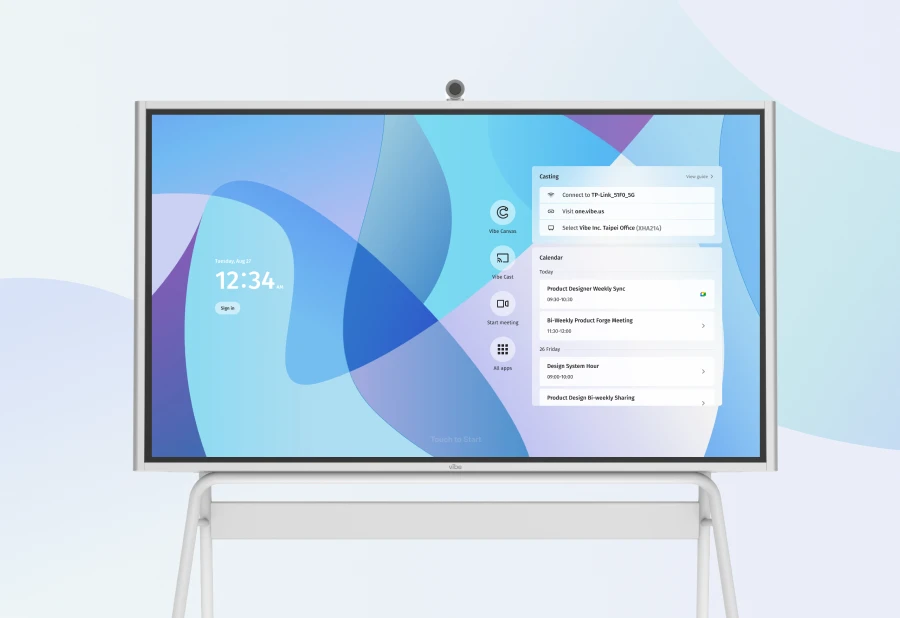
One important distinction: Vibe Bot is hardware, not software. It pairs with a Vibe Board S1 in the room to enable Vibe AI features. The Board alone doesn’t provide AI capture — that requires the Bot.
What to look for: Speaker identification (not just transcription), named action item assignment, cross-session memory, and integration with your existing task management tools.
4. AI Meeting Capture (On the Go)
Job: Extend AI meeting capture beyond the conference room — to client sites, coffee shop one-on-ones, field visits, and any meeting that doesn’t happen in a fixed room.
The in-room capture problem is relatively easy to solve with a dedicated device. The harder problem is the majority of business conversations that don’t happen in conference rooms at all.
Vibe Dot is a wearable AI recorder — 0.17 inches thin, 0.83 oz — that clips onto clothing and captures conversation anywhere. It uses a 5-mic array (4 air + 1 bone-conduction) for clear capture even in noisy environments, has 30+ hours of battery life, and runs the same Vibe AI intelligence layer as Vibe Bot: real-time transcription, meeting summaries, named action items, and Memory Graph cross-session context that links field conversations to room meetings to async notes.
For teams where information is captured inconsistently — detailed AI summaries from conference room calls, nothing from the client site visit that followed — Vibe Dot closes that gap. Priced at $199 with a free Vibe AI Starter plan (300 min/month), it’s the lowest-friction entry point into AI meeting capture.
Security certifications: SOC 2, HIPAA, FERPA, NDAA — relevant for healthcare, education, and government contexts.
 Vibe Dot clipped to a shirt collar in a client meeting outside the office — showing the on-the-go capture context
How to Make Virtual Meetings Actually Interactive
Tools alone don’t make meetings interactive — how you structure the meeting matters as much as the software. A few practices that consistently work:
Start with a shared canvas, not a slide deck. Opening a meeting on a shared whiteboard rather than a presentation immediately changes the dynamic. Participants are contributors from the first moment, not an audience.
Use structured prompts instead of open discussion. "Add your top concern to the board in the next two minutes" produces more input than "does anyone have thoughts?" This is especially true in hybrid settings where remote participants are more reluctant to interrupt.
Make the AI visible. When participants know the meeting is being transcribed and summarized in real time, they self-correct: they state action items clearly, name owners explicitly, and close decisions properly. The AI capture isn’t just a post-meeting convenience — it shapes in-meeting behavior.
Close every meeting with a visible summary. Before ending the call, display the AI-generated action items on the shared canvas or screen. Participants who see their names next to action items before they leave are significantly more likely to follow through than those who receive a summary email an hour later.
Choosing the Right Setup for Your Team
|
Team type |
Priority |
Recommended setup |
|---|---|---|
|
Fully remote, no fixed office |
Interactivity + async flexibility |
Zoom or Meet + Miro or Vibe Canvas + Vibe Dot for field capture |
|
Hybrid with dedicated conference room |
Room equity + AI capture |
Vibe Board S1 + Vibe Bot + video conferencing of choice |
|
Small team, occasional meetings |
Low cost, low friction |
Google Meet + Vibe Canvas (web) + Vibe Dot |
|
Field-heavy team (sales, consulting, healthcare) |
Capture outside the room |
Vibe Dot + Vibe AI Pro for cross-session memory |
|
Enterprise, M365-standardized |
Ecosystem compatibility |
Microsoft Teams + Vibe Board S1 Pro (Windows) + Vibe Bot |
For a deeper breakdown of collaboration tools by category — messaging, task management, documentation — see our guide to the best collaboration tools for remote teams.
The Bottom Line
Virtual meeting tools in 2026 are not a single product — they’re a stack. The video conferencing platform handles the call. The interactive whiteboard makes it a working session rather than a presentation. And the AI capture layer — Vibe Bot in the room, Vibe Dot outside it — ensures the output of every meeting becomes structured, searchable, and actionable.
Teams that have all four layers in place run meetings that are more interactive, produce clearer follow-through, and leave remote participants feeling equally involved. Teams still running on video calls alone are leaving most of that value behind.
Frequently Asked Questions
What are the best virtual meeting tools for hybrid teams?
The most effective hybrid meeting setups combine three layers: a reliable video conferencing platform (Zoom, Google Meet, or Microsoft Teams), an interactive shared canvas (Vibe Canvas on a Vibe Board S1 for in-room participants, or Miro/Mural for software-only use), and AI meeting capture (Vibe Bot for the conference room, Vibe Dot for field and on-the-go meetings). The video platform handles the call; the canvas makes it interactive; the AI layer captures the output so nothing is lost after the meeting ends.
Which tools keep virtual meetings interactive?
Interactive virtual meetings require a shared visual workspace where every participant — in-room and remote — can contribute in real time. Vibe Canvas, Miro, and Mural all offer this. The key distinction is the hybrid scenario: Vibe Canvas runs natively on the Vibe Board S1 touchscreen, so in-room participants write directly on the board while remote participants see and edit the same canvas simultaneously. For software-only teams, Miro and Mural are the strongest options.
What is the difference between virtual meeting tools and collaboration tools?
Virtual meeting tools specifically support real-time interactions: video conferencing, live whiteboarding, and AI meeting capture. Collaboration tools is a broader category that includes async tools — messaging (Slack), documentation (Notion), and task management (Asana) — that support teamwork between meetings. Most teams need both. See our breakdown of the best collaboration tools for remote teams for the full picture.
How do AI meeting tools work?
AI meeting tools — like Vibe Bot (conference room) and Vibe Dot (on the go) — use a microphone array to capture meeting audio, process it through AI to identify speakers and transcribe speech in real time, and then generate structured outputs: a meeting summary, key decisions, and action items with named owners. More advanced systems like Vibe AI add Memory Graph, which links context across multiple meetings so follow-up sessions have access to what was decided in previous ones. Action items can be pushed automatically to Slack, Notion, Jira, and other tools.
What virtual meeting tools work for both in-person and remote participants?
The most effective tools for mixed in-person/remote meetings are those designed with hybrid equity in mind. Vibe Board S1 + Vibe Canvas is the strongest in-room anchor: it creates a shared canvas that in-room participants touch directly and remote participants edit from their devices, with no meaningful difference in experience. For video, Zoom and Google Meet both handle hybrid calls well. Vibe Bot ensures the in-room conversation is captured at the same fidelity as the remote side.
How do I make remote meetings more engaging?
The most effective changes are structural, not just tool-based: start on a shared canvas instead of a slide deck, use timed prompts to collect input from everyone simultaneously, and close with a visible AI-generated summary of action items before the call ends. On the tool side, any interactive whiteboard that supports real-time multi-user editing makes a measurable difference versus screen-share-and-present formats. Making AI transcription visible during the meeting — so participants can see decisions being captured — also changes in-meeting behavior for the better.