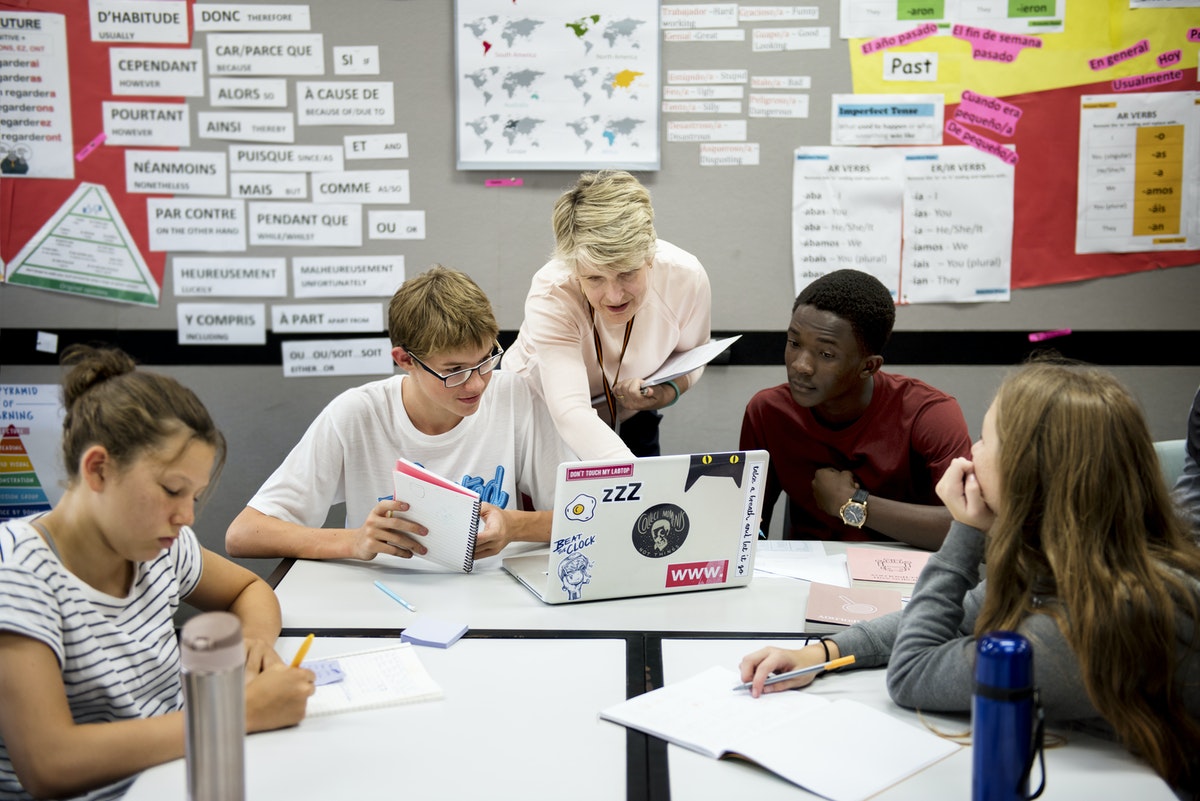
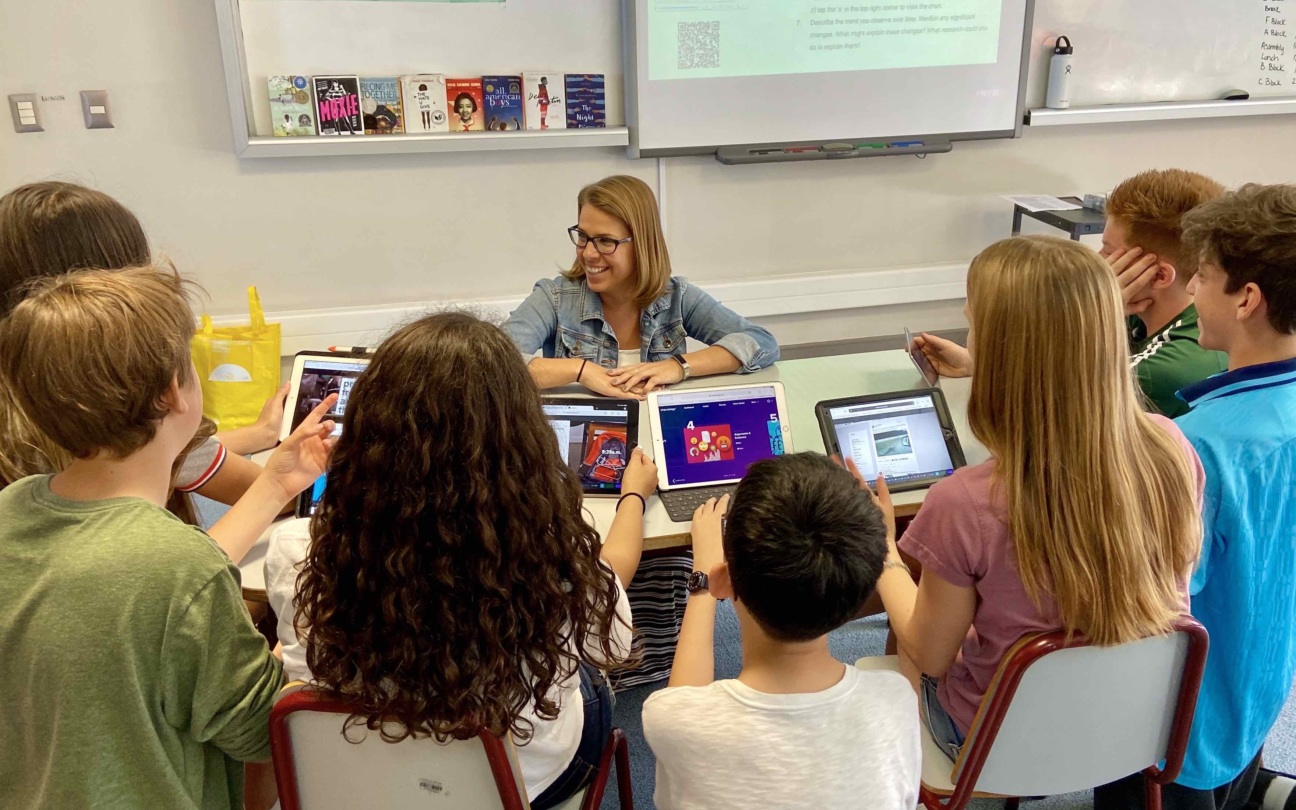
Educational technology (EdTech) is the purposeful use of digital tools, platforms, and educational theory to improve teaching and learning. It combines hardware (like interactive whiteboards and tablets), software (like learning management systems and classroom apps), and pedagogy to make learning more engaging, personalized, and accessible — in physical, hybrid, and online classrooms alike.
That's the one-sentence answer. But if you're researching EdTech for a paper, evaluating tools for a school, or considering it as a career, the more useful questions come next: what counts as educational technology, what does it look like in a real classroom, and which frameworks separate effective technology integration from expensive distraction? This guide covers all three.
- Educational technology spans both tools (hardware and software) and practice (the theory of using them well) — owning devices is not the same as integrating them.
- The 8 most common types of EdTech range from interactive whiteboards and LMS platforms to adaptive learning software and AI tutoring tools.
- Frameworks like SAMR and TPACK help educators move beyond substituting digital tools for paper toward redesigning learning experiences entirely.
Educational Technology: The Full Definition
The scholarly definition comes from the Association for Educational Communications and Technology (AECT), which describes educational technology as "the study and ethical practice of facilitating learning and improving performance by creating, using, and managing appropriate technological processes and resources."
Three things in that definition matter in practice:
-
It's tools and practice. EdTech isn't just the devices in the room — it's the deliberate way they're used to support learning goals. A tablet running a worksheet PDF is technology in a classroom; a tablet running adaptive software that adjusts to each student's level is educational technology.
-
It includes hardware, software, and theory. Interactive displays, LMS platforms, classroom apps, and the pedagogical models (like SAMR, covered below) that guide how they fit together.
-
The goal is learning outcomes, not modernization. The U.S. Department of Education's National Educational Technology Plan frames the central challenge as closing the "digital use divide" — moving students from passively consuming technology to actively learning with it.
One related distinction worth knowing: "EdTech" is also commonly used to describe the industry of companies building these tools — a market that UNESCO's Global Education Monitoring report examines critically, noting that technology improves learning only when it supplements, rather than substitutes for, teacher-led instruction.
 Students learning using computers
8 Types of Educational Technology (With Examples)
Today's classrooms typically combine several categories of EdTech. Here are the eight most common types and what each looks like in practice:
-
Interactive whiteboards and smart displays — Large touchscreens where teachers and students write, annotate, and manipulate digital content together in real time. Example: Dr. Austin Alexander, an anatomy professor at Hardin-Simmons University, uses a Vibe Board to let students touch, rotate, and zoom into a 3D virtual cadaver model — giving future physical therapists and nurse practitioners hands-on anatomy experience that Texas regulations otherwise prevent.
-
Learning management systems (LMS) — Platforms that centralize assignments, grades, materials, and communication. Examples: Canvas, Google Classroom, Schoology. See our guide to learning management systems.
-
Tablets, laptops, and 1:1 device programs — Personal devices giving each student direct access to digital resources for independent and group work.
-
Classroom apps and gamified software — Tools for quizzes, polls, and game-based lessons that generate instant feedback. Examples: Kahoot!, Quizlet, Nearpod.
-
Adaptive learning platforms — Software that uses performance data to adjust difficulty and pacing per student. Examples: Khan Academy, DreamBox, IXL.
-
Video conferencing and hybrid classroom tools — Systems connecting in-room and remote learners for hybrid classroom instruction, virtual field trips, and guest speakers.
-
AI-powered tutoring and teacher assistants — Tools that answer student questions, generate practice problems, and automate grading and lesson-prep tasks.
-
Document cameras and digital projectors — The longest-standing category: projecting documents, experiments, and student work for whole-class viewing.
For a deeper, tool-by-tool comparison, see our 15 top tech tools for teachers and the complete guide to classroom technology in 2026.
What Does Educational Technology Look Like in a Real Classroom?
Definitions are abstract, so here's a concrete morning in a tech-integrated middle school classroom:
Students walk in and check today's agenda on the LMS. The teacher opens a warm-up poll on the smart display — results appear live as students respond from tablets. During the main lesson, the class co-annotates a primary source document on the interactive whiteboard, with two homebound students contributing through the shared canvas. While the class works through adaptive practice problems, the teacher's dashboard flags three students stuck on the same concept and she pulls them into a small group. Homework, resources, and the annotated board are already waiting in the LMS before the bell rings.
Notice what makes this educational technology rather than just technology: every tool is doing instructional work — surfacing data, removing distance barriers, or freeing teacher time for human interaction.

Benefits of Educational Technology
-
Higher engagement: Gamified lessons, multimedia, and live quizzes turn students into active participants through interactive learning.
-
Personalized pacing: Adaptive software and analytics let each student progress at their own speed while teachers target support where data shows it's needed.
-
Collaboration without distance limits: Shared canvases, documents, and video tools let students co-create whether they're in the same room or different cities.
-
Data-informed teaching: Real-time progress tracking replaces end-of-unit surprises with mid-lesson adjustments.
-
Anytime, anywhere access: Lessons and resources stay available after the bell — valuable for absent students, diverse learning needs, and review.
-
Greater equity (when access is solved): Digital resources can close opportunity gaps, though only if devices, connectivity, and accommodations reach every student.
EdTech Theories and Models Every Educator Should Know
These frameworks separate thoughtful integration from gadget collection:
SAMR Model
The SAMR Model (Substitution, Augmentation, Modification, Redefinition) describes four levels of technology integration. At the bottom, technology merely substitutes analog tools — a PDF instead of a paper worksheet. At the top, it redefines the task entirely — students publishing interactive projects for a global audience, something impossible without the technology.
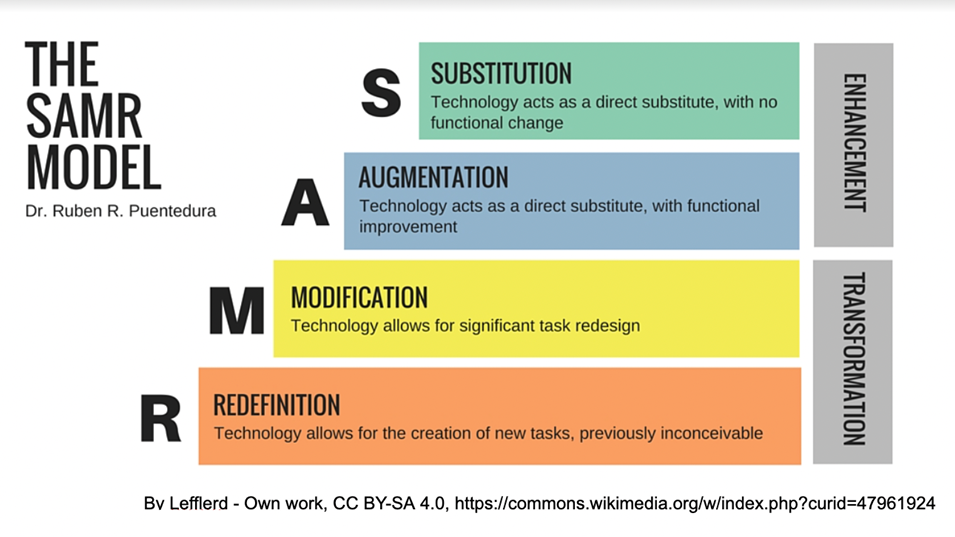 Illustration of SAMR model
TPACK Framework
TPACK (Technological Pedagogical Content Knowledge) maps the intersection of three kinds of teacher knowledge: the technology, the pedagogy, and the subject matter. Its core insight: knowing the tool is the easy third. Effective EdTech use lives where all three overlap.
Blended Learning
Blended learning combines face-to-face instruction with online components, giving students more control over pace and path while preserving in-person relationships.
Flipped Classrooms
Students engage with instructional content at home (usually via video), then spend classroom time on discussion, collaboration, and hands-on application — inverting the traditional lecture-then-homework sequence.
7 Best Practices for Implementing Educational Technology
-
Connect technology directly to learning goals. Start with the "why" — adopt tools because they serve specific outcomes, not because they're new.
-
Invest in ongoing teacher training. Confident teachers are the difference between transformation and expensive shelf decoration.
-
Start small, then scale. Pilot with one grade or department, gather feedback, refine, then expand.
-
Design for collaboration. Choose tools that connect students to each other and teachers to peers — interaction depth is the clearest signal EdTech is working.
-
Gather feedback and iterate. Use the data EdTech generates to improve not just lessons but the technology strategy itself.
-
Ensure equity and accessibility. Every student needs reliable devices, connectivity, and accommodations before the benefits are real.
-
Teach digital citizenship. Responsible use — privacy, safety, critical evaluation — is part of the curriculum, not an afterthought.
Bringing It Together in the Classroom
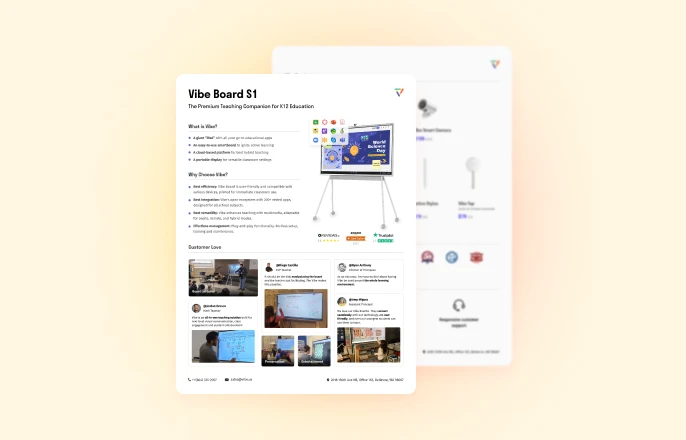
Most schools don't suffer from too little technology — the average district now manages thousands of tools — but from fragmentation. One practical consolidation point is the front of the room: an interactive display like the Vibe Board S1 runs the LMS, classroom apps, and video conferencing a school already uses (200+ integrations, including leading education tools) on one shared, touchable canvas, so hybrid lessons, co-annotation, and saved board sessions happen in one place instead of five. If you're mapping out a classroom technology stack, our complete guide to classroom technology walks through the full decision framework for district leaders.
FAQ
What is educational technology in simple words?
Educational technology means using digital tools — like interactive whiteboards, tablets, apps, and online platforms — together with good teaching practice to help students learn better. It covers both the technology itself and the thoughtful way teachers use it to support learning goals.
What are examples of educational technology?
Common examples include interactive whiteboards, learning management systems like Google Classroom and Canvas, gamified quiz apps like Kahoot!, adaptive learning platforms like Khan Academy, video conferencing tools for hybrid classes, and AI-powered tutoring assistants. Anything from a document camera to an AI grading tool qualifies if it's used to support learning.
What is the main role of educational technology?
The main role of educational technology is to improve learning outcomes — by making lessons more engaging, personalizing instruction to each student's pace, giving teachers real-time data, and extending access to learning beyond the classroom walls. Technology that doesn't serve a learning goal is just equipment.
What qualifies as EdTech?
Any tool, platform, or system designed to support or improve education qualifies — hardware (smart displays, tablets, classroom smartboards), software (LMS, classroom apps, adaptive platforms), and the practices for using them. The term also describes the industry of companies that build these products.
What does an educational technologist do?
An educational technologist helps schools and organizations select, implement, and evaluate learning technology. Typical responsibilities include training teachers, designing digital curriculum and online courses, managing LMS platforms, and measuring whether technology investments actually improve learning outcomes. It's a growing career path that blends pedagogy with technical skills.
What are the challenges of educational technology?
The biggest challenges are equitable access (devices and connectivity for every student), teacher training, data privacy and security, and tool overload — districts often manage thousands of apps with little integration. Overcoming them requires starting from learning goals, piloting before scaling, and consolidating tools where possible. See our guide to integrating technology in the classroom.