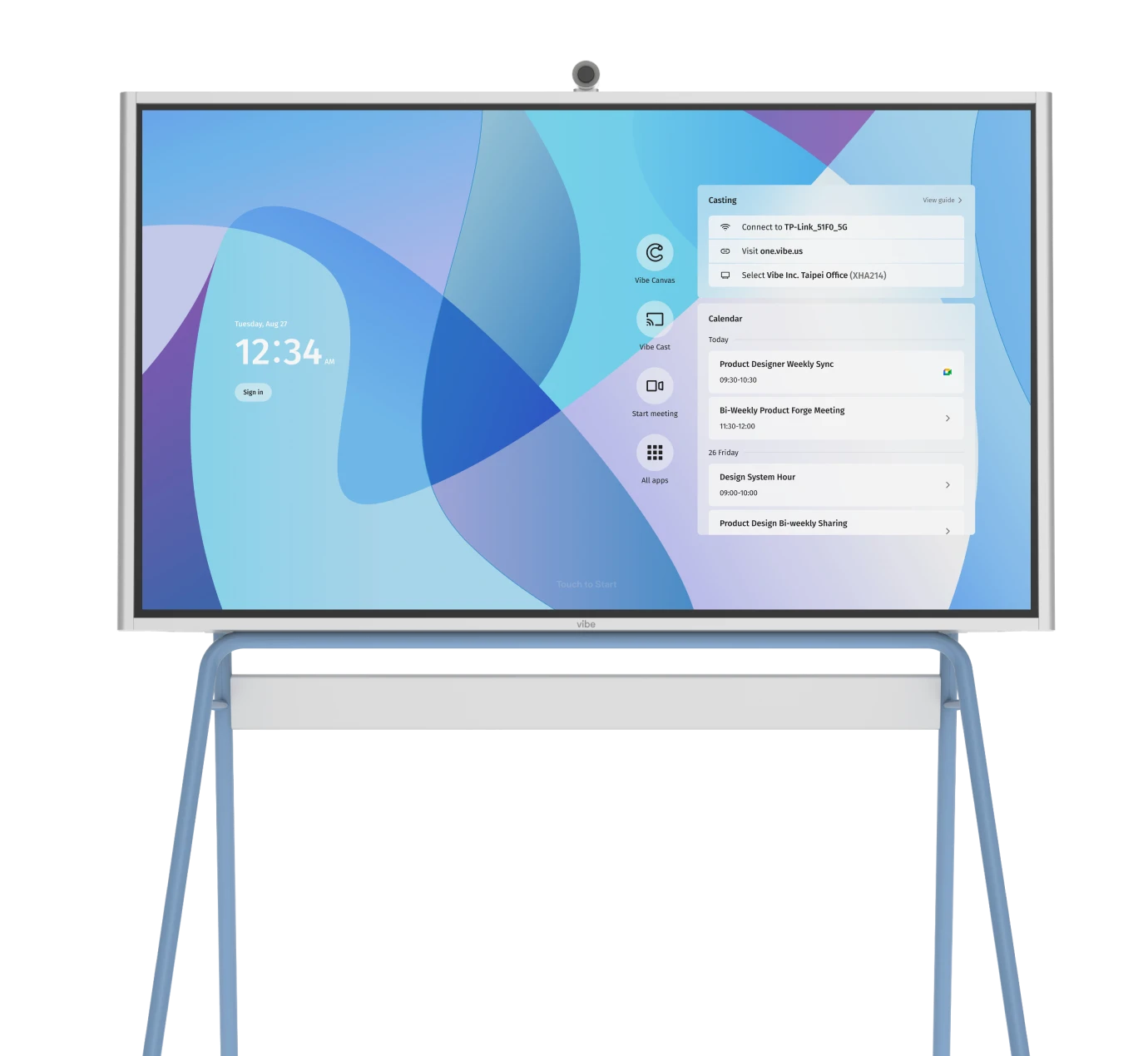


A sales team gathers for a crucial client pitch. Half the team joins from a polished boardroom, while others log in remotely. The camera flickers, audio cuts in and out, and the conversation starts to drift as people talk over one another.
The pitch may have been well practiced and rehearsed, but that can’t always make up for the experience the conferencing equipment provides.
In 2023, 86% of workers globally said their meetings have at least one remote participant. In fact, virtual meetings grew from 48% to 77% between 2020 and 2023, demonstrating the ever increasing need for remote collaboration. And as hybrid work continues to expand, meeting room technology is now a cornerstone of the modern hybrid office—not just something that’s ‘nice’ to have.
Simply put, remote collaboration is more important than ever, and that demands a more intentional approach to the equipment that makes it all possible. The right setup has the power to improve collaboration, clarity, and productivity.
- Outdated or mismatched video conferencing equipment causes more meeting friction than poor software or internet speed.
- Choosing systems that match your room size and team needs ensures everyone can participate.
- AI-powered tools like noise suppression and auto-framing improve focus and engagement in hybrid meetings.
- Upgrading accessories—microphones, cameras, and speakerphones—can significantly boost audio and video quality without a full system overhaul.
- Consistent setup, employee training, and measurable performance tracking turn video conferencing tools into reliable collaboration systems.
Why your current setup is probably wrong (and how to fix it)
Echo, poor camera framing, washed-out video, and lag are the symptoms most teams blame on weak Wi-Fi or buggy software. In reality, they often come from outdated or mismatched video conferencing hardware. When devices can’t sync—different brands of cameras, microphones, and speakers—it creates delays, distortion, and frustration that slow decisions and drain meeting energy.
Modern video conferencing systems are built to solve these problems by combining audio, video, and content-sharing into one connected ecosystem. All-in-one systems simplify deployment—everything from setup to updates—because cameras, microphones, and speakers are engineered to work together out of the box. For larger or more complex rooms, modular systems offer flexibility while maintaining integration through shared control software and standardized connections.
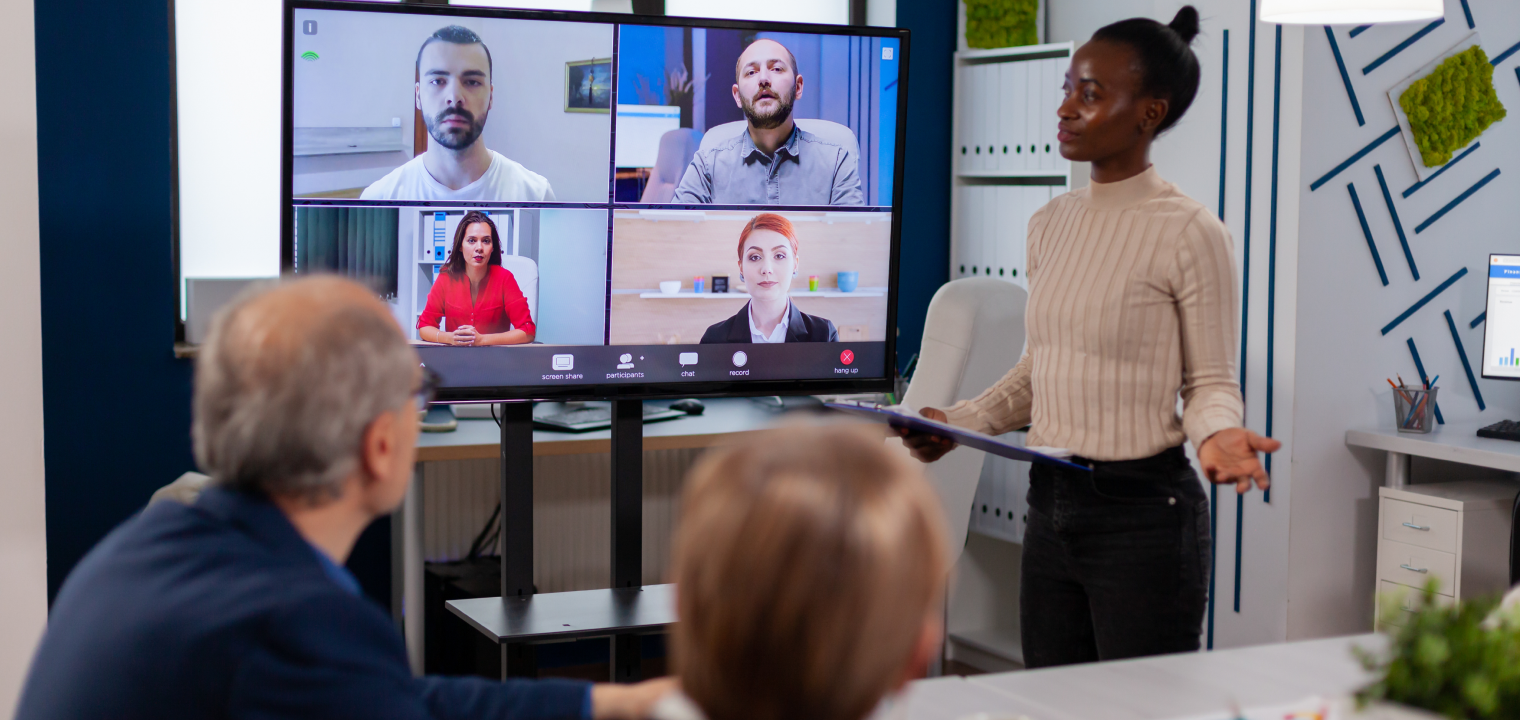
AI-driven enhancements such as auto-framing, noise cancellation, and real-time transcription now come standard in many devices, reducing distractions and making hybrid participation feel natural. These features help ensure that every voice is clear, every participant stays visible, and meetings move forward without interruptions.
Core components of a modern video conferencing system that make the difference:
-
Camera: High-resolution optics with AI-based framing ensure everyone stays visible and centered.
-
Microphone: Directional or beamforming mics capture clear speech and reduce background noise.
-
Speakers: Balanced audio output keeps voices natural and intelligible.
-
Display or interactive whiteboard: Surfaces like a digital office whiteboard unify video and content, allowing annotation and idea sharing in real time.
Modern, integrated setups eliminate the patchwork of devices that cause friction—creating meetings that sound better, look sharper, and help hybrid teams stay focused on collaboration (rather than wasting that time trying to get everything working properly).
Matching equipment to your meeting space
Every project, team, and company has different needs. Even individual meeting spaces may have different technological needs. So, what’s the best fit? It all depends. Selecting the right collaborative workspace tools depends on several practical factors such as room size, number of participants, and your preferred conferencing platform (Zoom, Microsoft Teams, Webex, etc.).
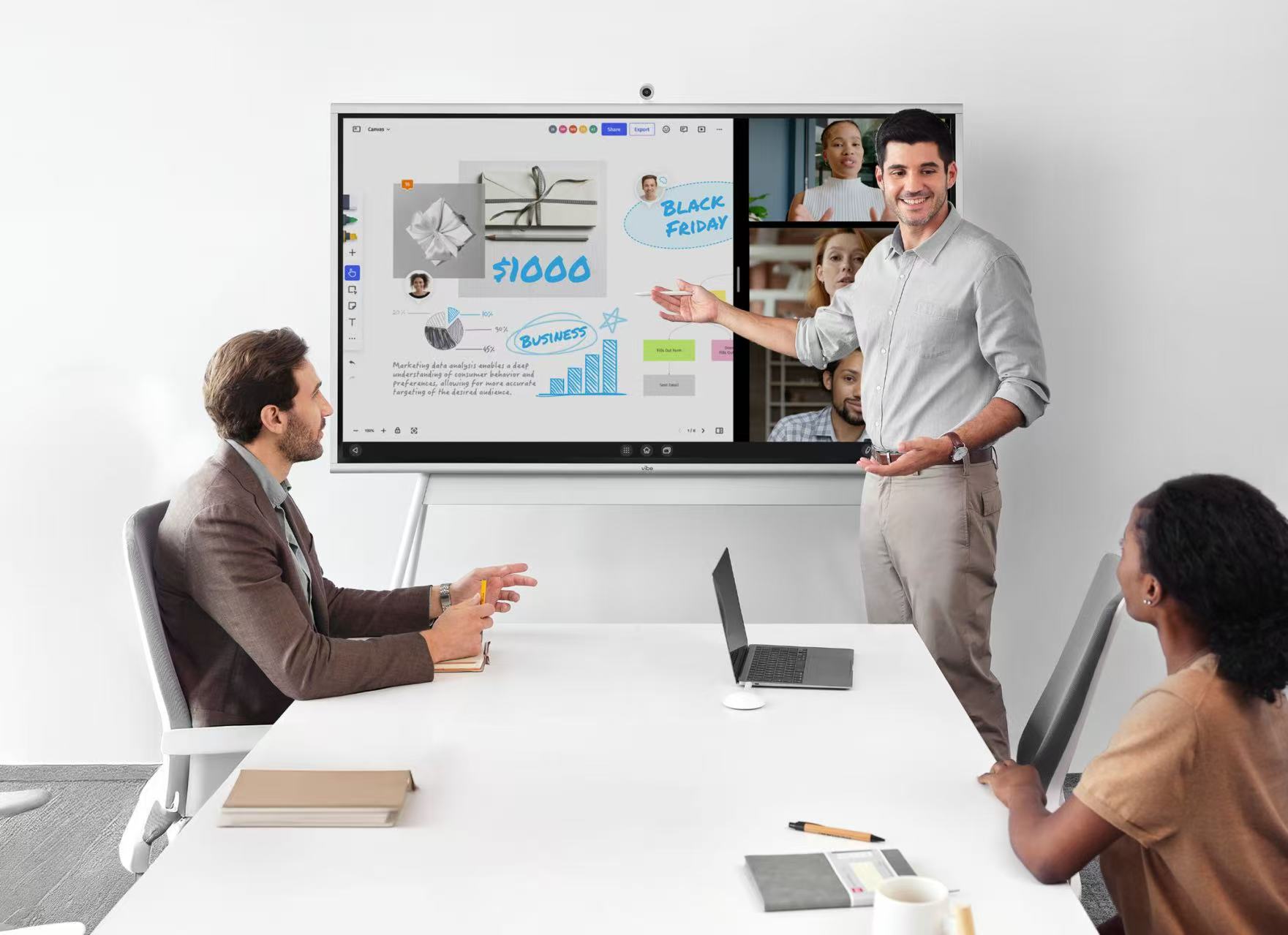
Tailoring your technology to the room ensures your team’s communication is consistent, clear, and inclusive—no matter the setting.
Small-to-medium Rooms — all-in-one systems
All-in-one systems are great for huddle spaces that have anywhere from 4-10 participants at a time. These systems are ideal for combining camera, mic, and speaker features into a single plug-and-play device. They’re fast to deploy, easy to support, and ideal for hybrid teams that rely on quick setup and consistent performance. If you’re looking to see what all-in-one smart workplace systems are out there, prioritize those that offer USB plug-and-play compatibility so you can support multiple devices effectively.
Some examples of all-in-one systems include:
-
Neat Bar BYOD: Used for small hybrid teams using Zoom or Microsoft Teams. Packages range from $699 to 1,000.
-
Bose Videobar VB-S: Is a great, budget-friendly option that’s used by a lot of educators and startups. Packages range from $399 to 799.
-
Logitech MeetUp: Provides a 120° view for compact rooms to maximize your ability to see those in the meeting. Packages run from $520 to 750.
Large rooms — modular systems
All-in-one systems may be great for smaller meetings, but a modular system is better-suited for meetings including larger groups of people and more complex seating arrangements.

Here are some examples of modular systems:
Logitech GROUP System
-
Designed for 14-20 participants
-
Expandable microphones for clear audio coverage
-
Ideal for collaborative decision making in corporate boardrooms and executive spaces
Yealink MVC940-C5-008 (Microsoft Teams Rooms)
-
Utilizes integrated cameras, touch control, and PC bundle
-
Price range is anywhere from $1,099-1,400
Cisco Webex Room Kit
-
Has a modular, scalable setup
-
4K multi-lens cameras
-
Ideal for enterprise-level deployments needing high-end reliability
-
Depending on your configuration, price can be anywhere from $9,000 to 24,000+
Unique setups — 360° cameras for flexible spaces
360° setups are perfect for creative environments or for meetings with dynamic seating arrangements. While they capture an entire room, they’re still able to auto-focus on the speaker and, in turn, help shape and mold balanced team dynamics. If you opt for one of these options, use it in a hybrid brainstorming session or a round-table collaboration meeting where equal visibility matters.
Examples of 360° virtual office setups include:
-
Owl Labs Meeting Owl 4+ – Uses AI-driven speaker tracking to help determine who’s speaking in the moment.
-
Toucan 360 System – An affordable, portable USB option
The role of AI and integration in seamless collaboration
AI is a tool that, when used well, comes with a lot of benefits. It’s not different when implementing AI tools into your collaboration software. Tools such as noise suppression, auto-framing, and voice tracking can help enhance a meeting’s inclusivity and clarity.
But AI tools alone may not be enough. That’s why it’s also important to consider which tools offer additional cross-platform compatibility. For example, AI and non-AI tools that can work together with your other tools, such as Zoom, Microsoft Teams, Google Meet, and more, can help bring all of your various meeting tech together. So be sure to look for hardware that’s also certified by your conference hardware (think Zoom Certified, for example).
In other words, simplicity through AI and integration is the foundation of a friction-free meeting experience.
Accessories and add-ons that enhance performance
You may have a setup that you’re mostly happy with. That’s ok. Sometimes you only need to add an accessory or an add-on to enhance the meeting setup you already have. For example, you may not need a full tech overhaul, but rather some ceiling-mounted mics to declutter and improve sound pickup consistency.
Add-ons like that can really enhance your current setup.
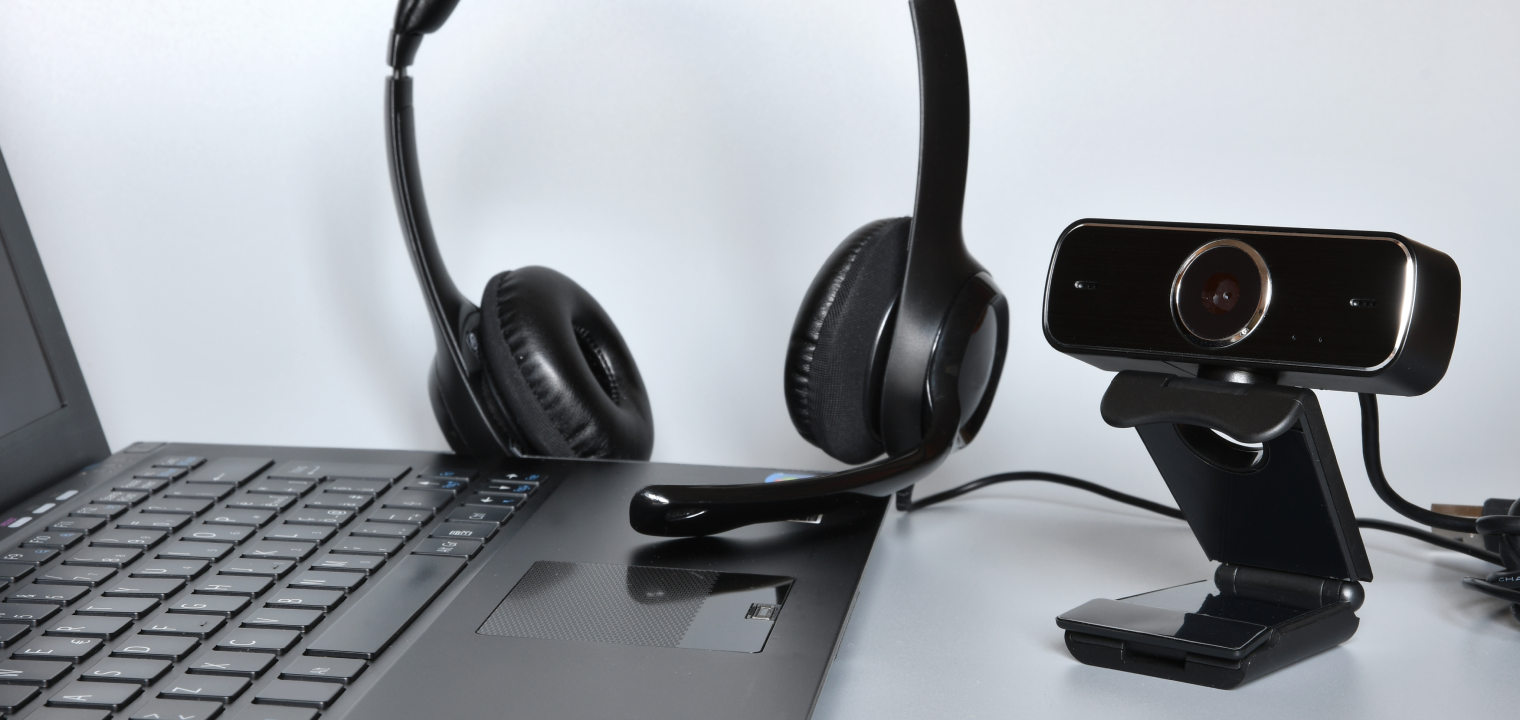
Below are some of the top add-ons you may want to consider adding to your current video conferencing setup.
-
Microphones – Mics such as the Shure MXA310 or Sennheiser Ceiling 2 are the best for larger rooms or echo-prone environments where clear directional audio is critical, such as large boardrooms.
-
Speakerphones – Models like the Jabra Speak 750 are ideal for personal or huddle space setups where portability and quick connectivity matter, such as when working with remote employees or traveling professionals who depend on effective remote collaboration tools.
-
External Cameras – Cameras such as the Vibe Smart Camera or Logitech Brio are well-suited for small teams or classrooms that need crisper video without replacing full systems. Hybrid classrooms and team rooms have seen a lot of success with these kinds of cameras.
Implementation tips & optimization practices
Once equipment is selected, setup and training make the biggest impact.
Follow these steps for smooth adoption:
1. Map Meeting Spaces: Start by measuring dimensions and participant capacity before selecting hardware.
2. Standardize Across Platforms: Choose a unified ecosystem (Zoom Rooms, Webex Devices, etc.) for fewer compatibility issues.
3. Automate Updates and Monitoring: Use device-management software to push firmware updates and troubleshoot remotely.
4. Create a Collaboration Charter: Define team communication expectations: when to use chat vs. video, response times, file naming, and @-mention etiquette.
5. Measure Success Metrics: Track KPIs like meeting efficiency, average feedback time, and number of audio/video complaints. Use these metrics to create a high-performing team.
Future-ready meeting rooms – creating seamless collaboration anywhere
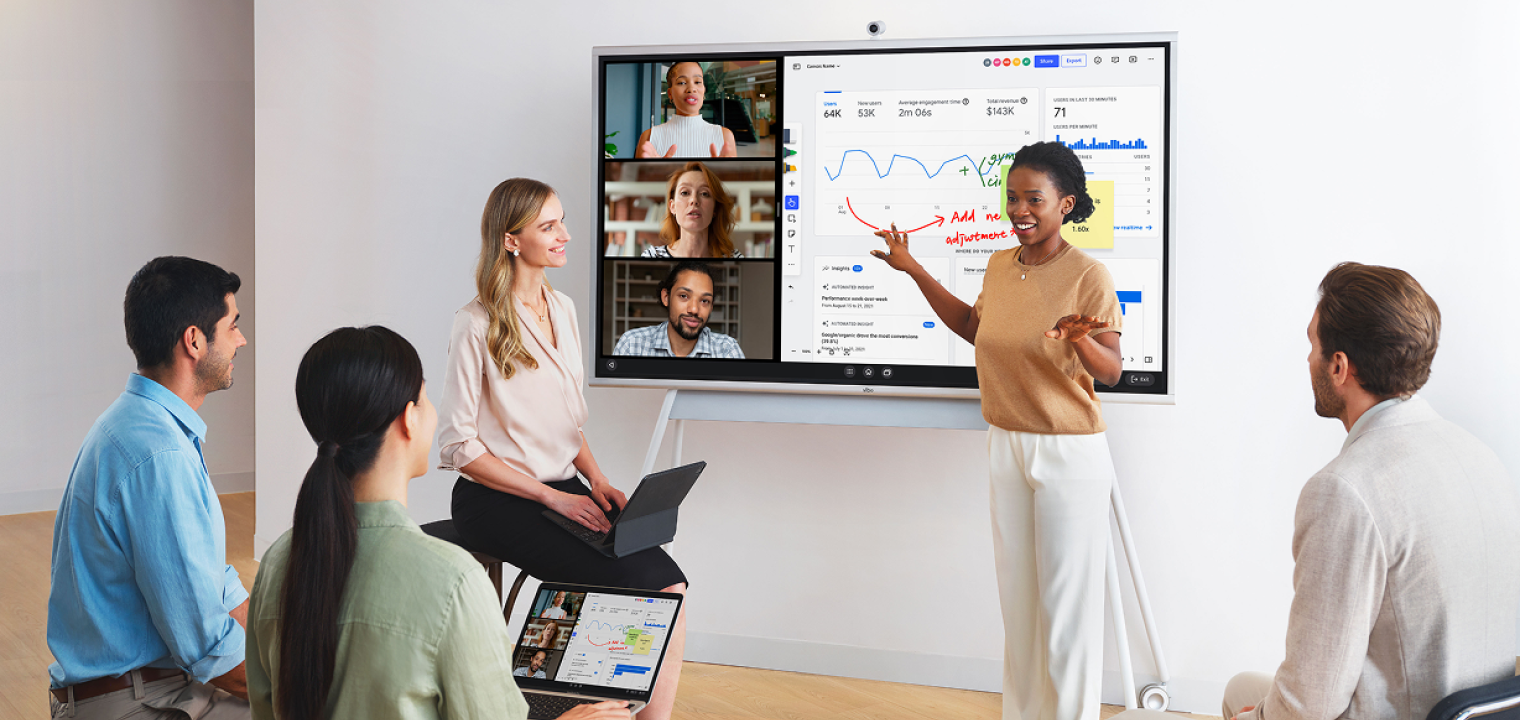 Teams using a Vibe Board to collaborate in a hybrid meeting
AI and integrative technology are redefining how meetings are done. They’re becoming more flexible as tech allows us to strike a balance between simplicity and scalability, creating a system that can connect anyone, anywhere.
Video conferencing tools—and devices like the Vibe Smart Whiteboard—continue to evolve toward effortless, always-on collaboration that adapts to how modern teams work.
Vibe Board S1: the next-gen video conferencing hub
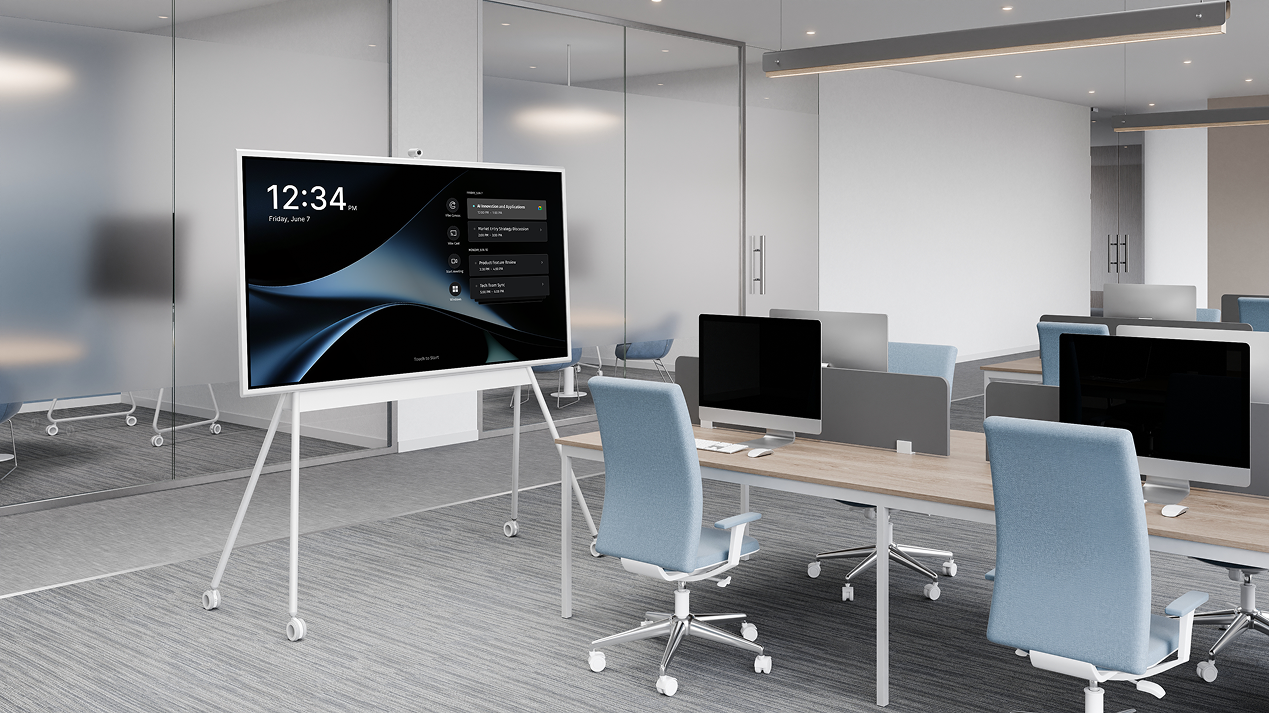
The Vibe Smart Whiteboard is a premium, all-in-one conferencing and collaboration hub used by over 40,000 business leaders worldwide. It combines camera, mic, display, and digital whiteboard features to make sure everyone can participate, be seen, and be heard. The cloud-based collaboration with live annotation and AI camera framing allow you to focus on what’s happening in the meeting and less on whether every detail was noticed by everyone else in the moment. Additionally, it works seamlessly with Microsoft Office, Google Workspace, Zoom, and Microsoft Teams.
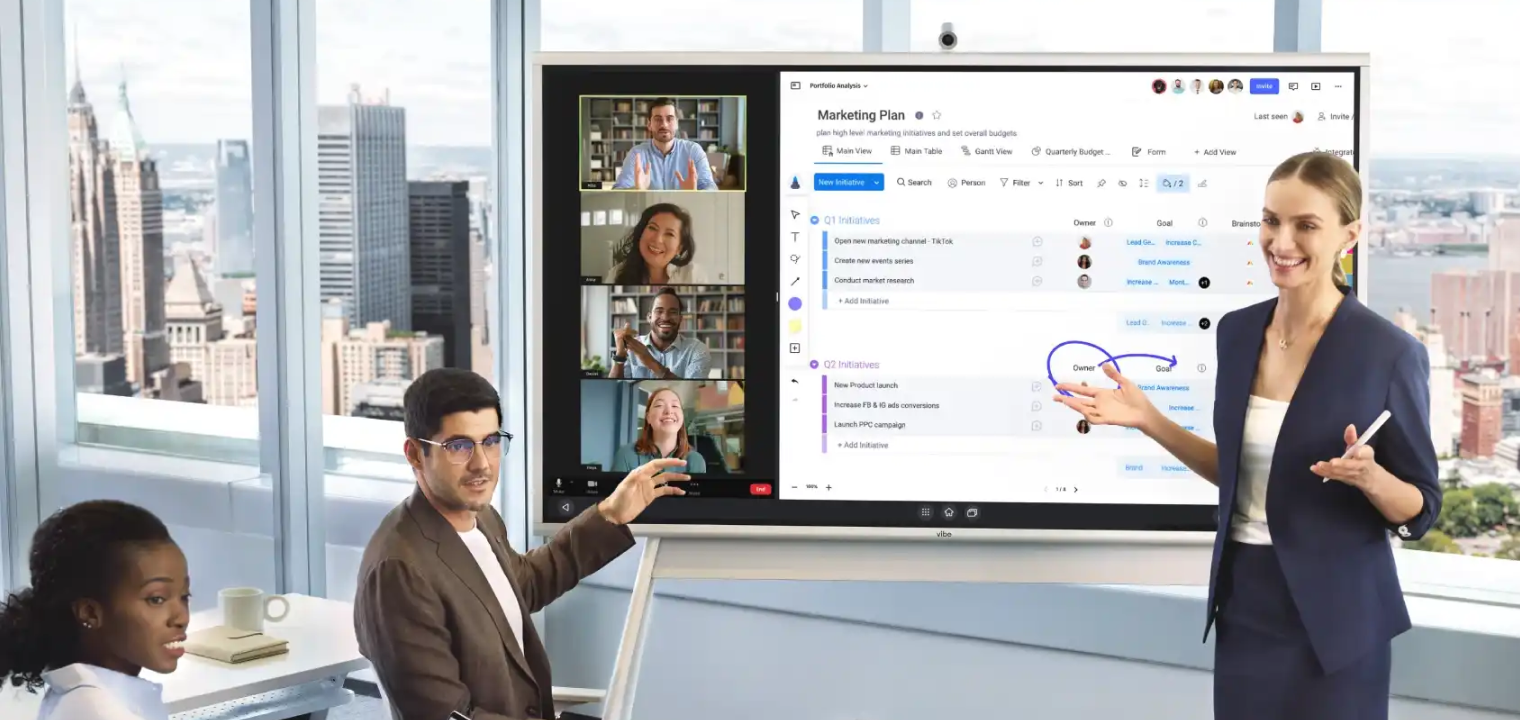 teams-using-vibe-board-as-all-in-one-meeting-solution
Video conferencing equipment FAQs
What is video conferencing equipment?
Video conferencing equipment includes any and all tools that combine video, audio, and content-sharing functions for real-time collaboration.
What is the best video conferencing tool?
Depends on your platform. Zoom Rooms, Cisco Webex, and Microsoft Teams Rooms are leading solutions. But the specific answer will depend on your company’s specific needs.
What hardware do you need for a video conference?
At a minimum: camera, microphone, speaker, and display. For better performance, adding AI-enabled systems and integrated features will really enhance the experience.
What are the three types of video conferencing setups?
All-in-one systems, modular setups, and 360° smart cameras.
How can I improve my meeting experience without replacing everything?
Upgrade accessories like microphones and cameras, and ensure proper lighting and acoustics.

-1sbltxxq4FYxHrXrwJVLsCDNsXpqNa.webp)
-5Zp0pmSytvcuYDVs1LvuwplKuRneK0.webp)