summer_campaignsummer_campaign
Kick off 2026 with a better workspace: Up to $600 off per Vibe BoardStart 2026 with Vibe: Save $600 now
Canvas + Vibe Board, better together

Your Virtual Whiteboard

for

Canvas + Vibe Board, better together

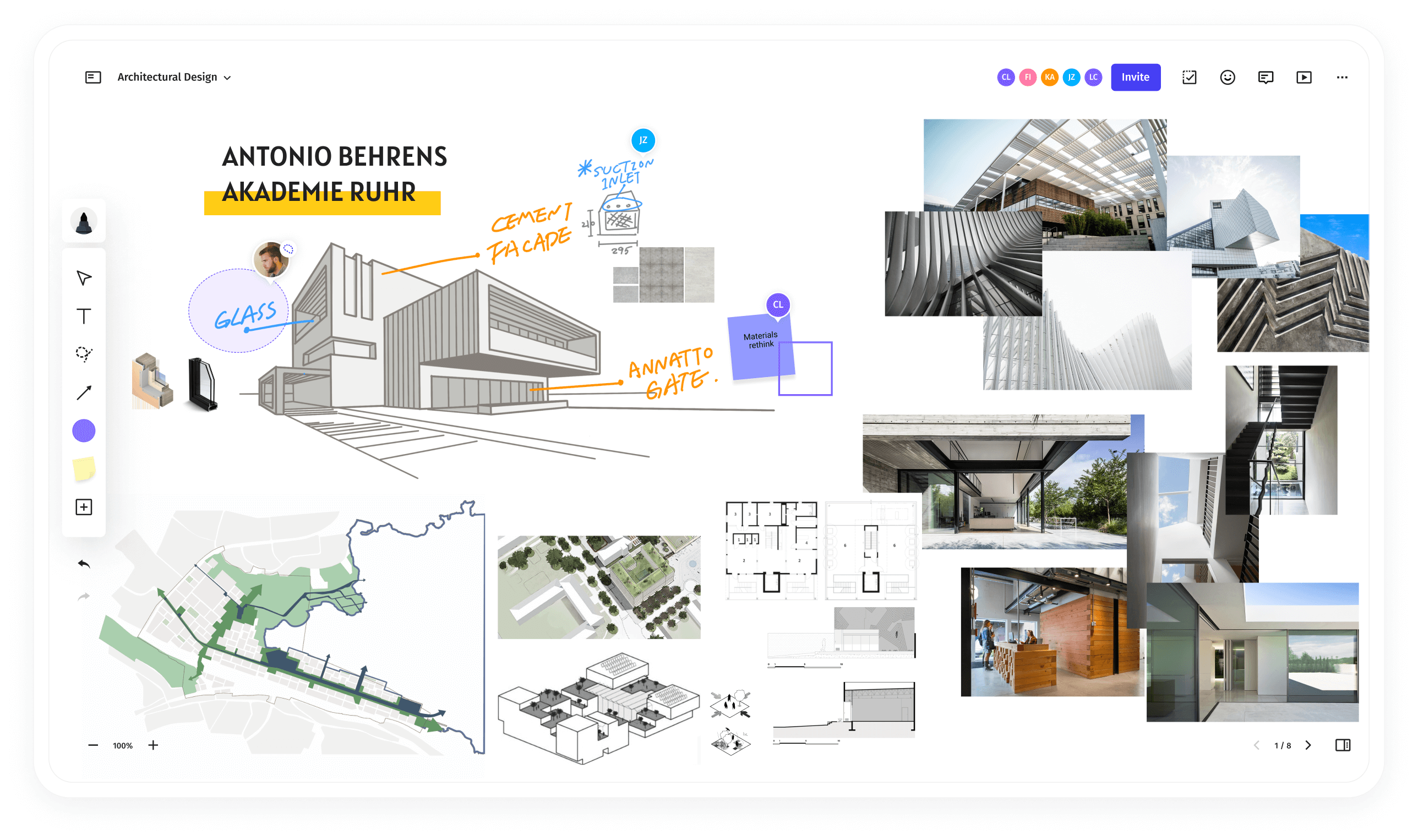
Vibe Canvas being used for ideationVibe Canvas being used for collaborationVibe Canvas being used for a presentation

Designed for touchscreen,

gives great ideas room to grow

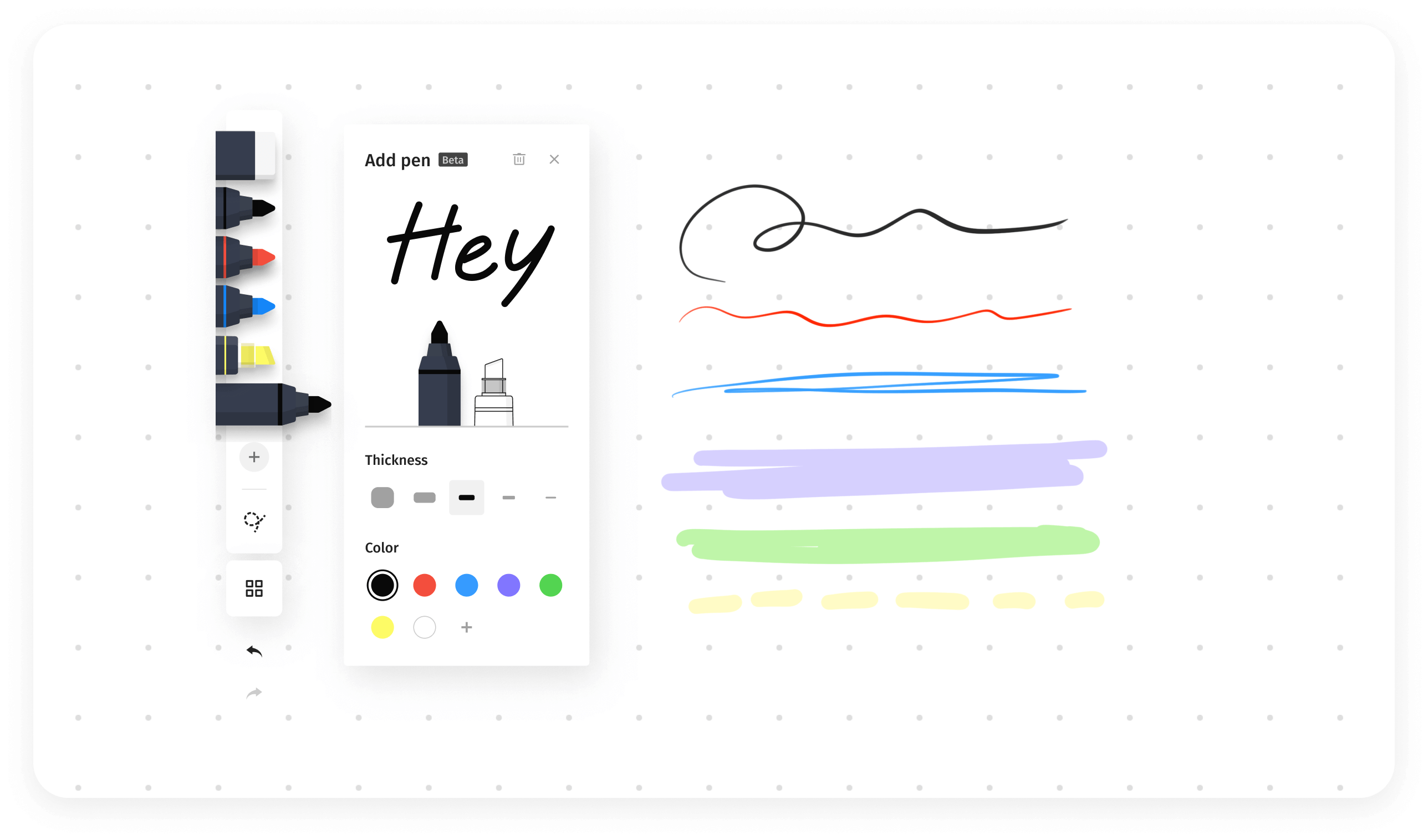
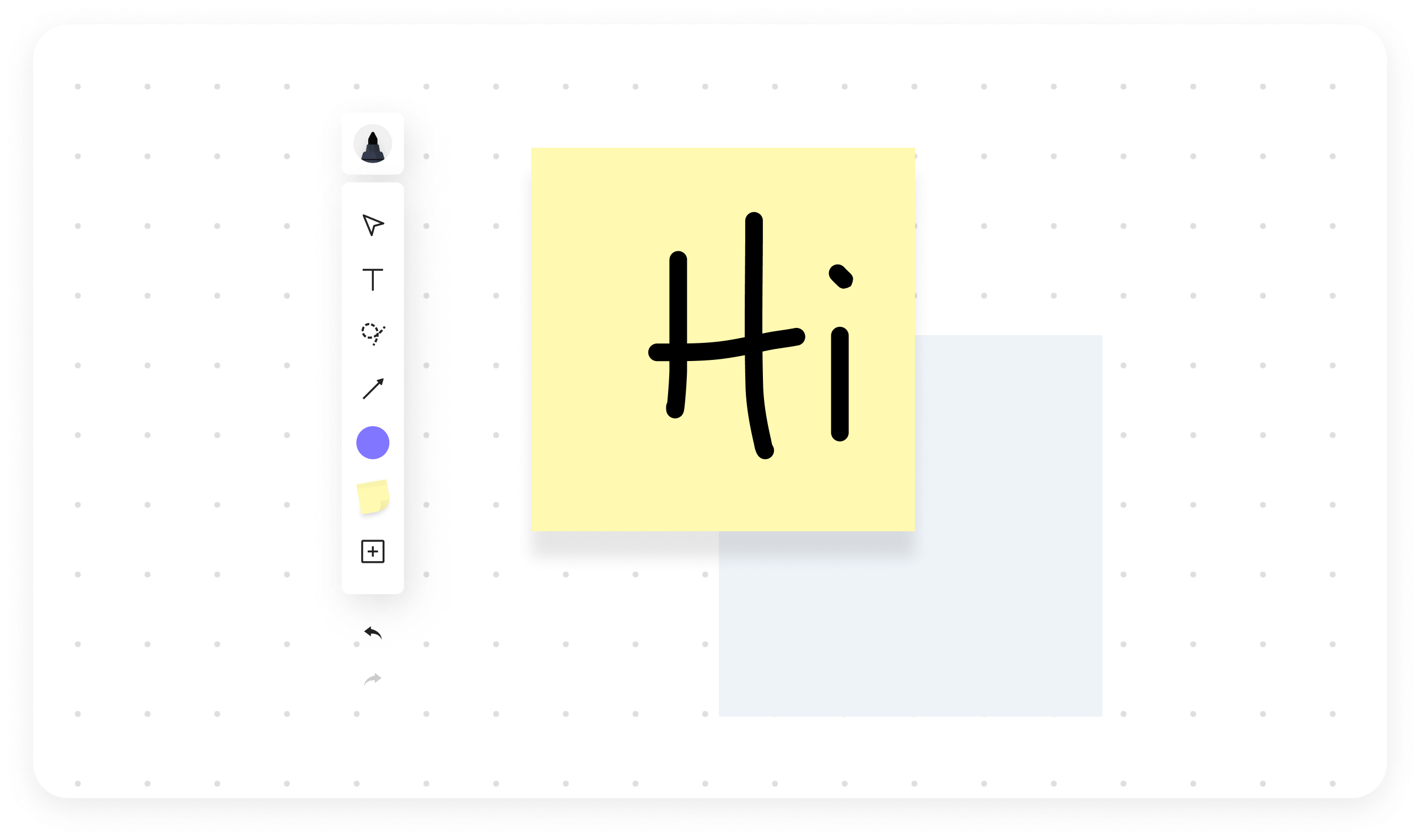
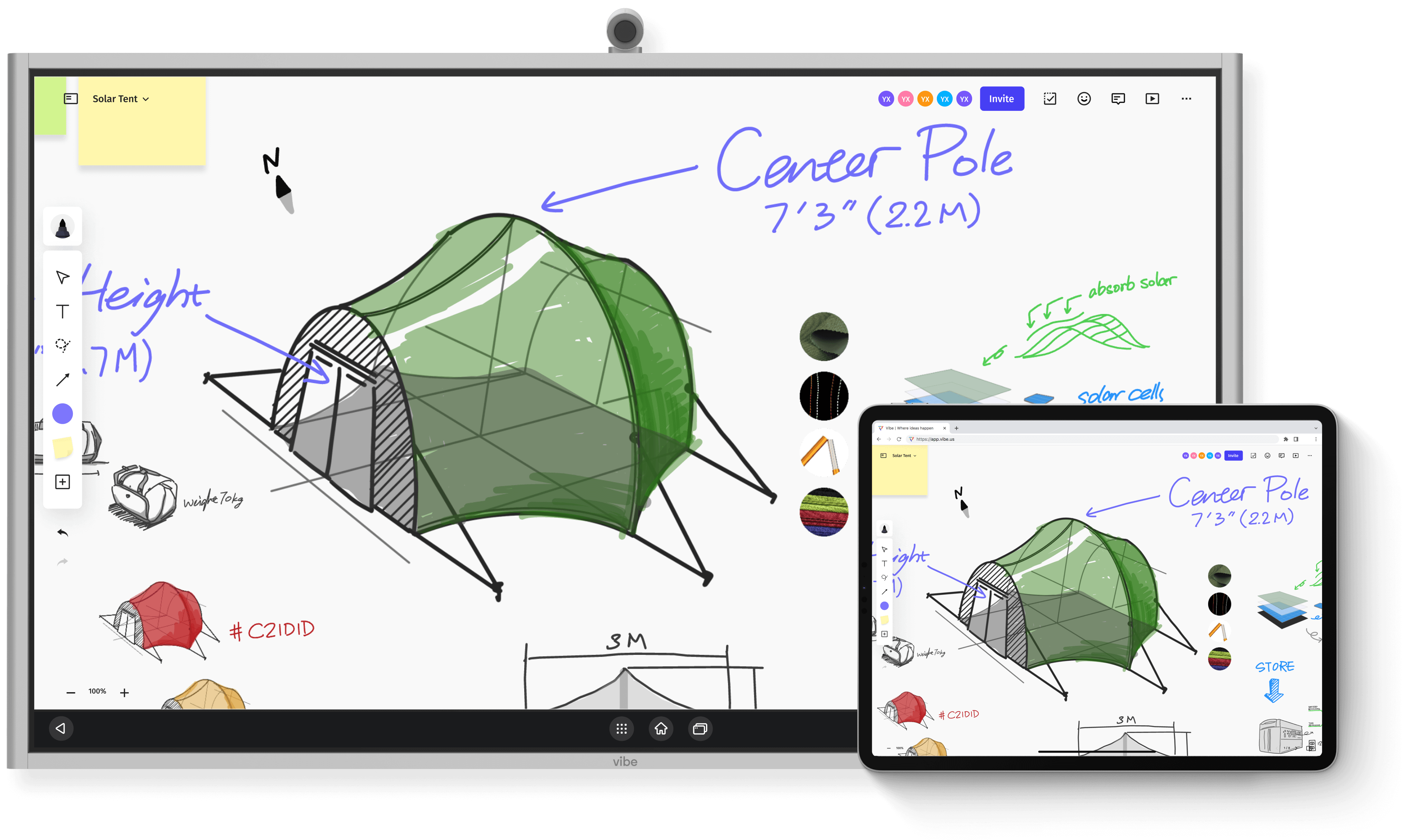
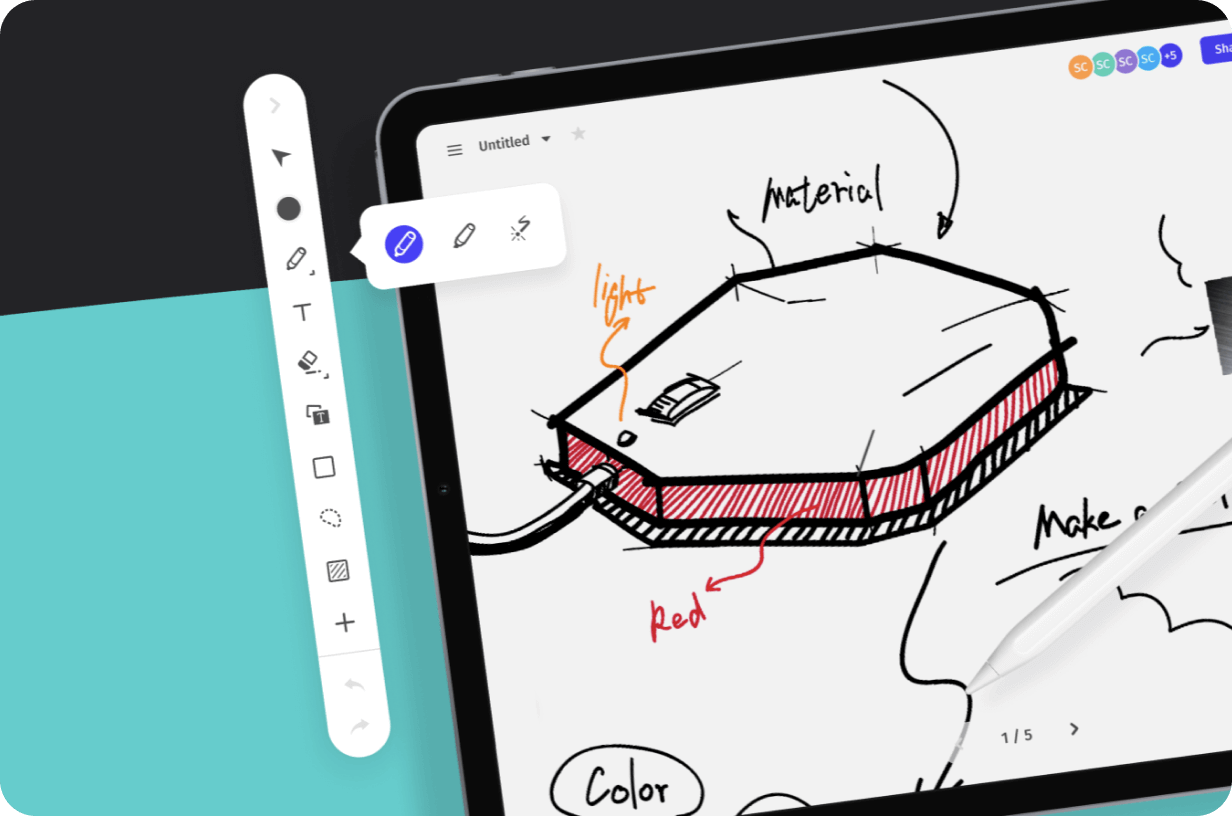
Brush ModeUse the stylus to draw with a wide selection of lifelike brushes and vivid colors.
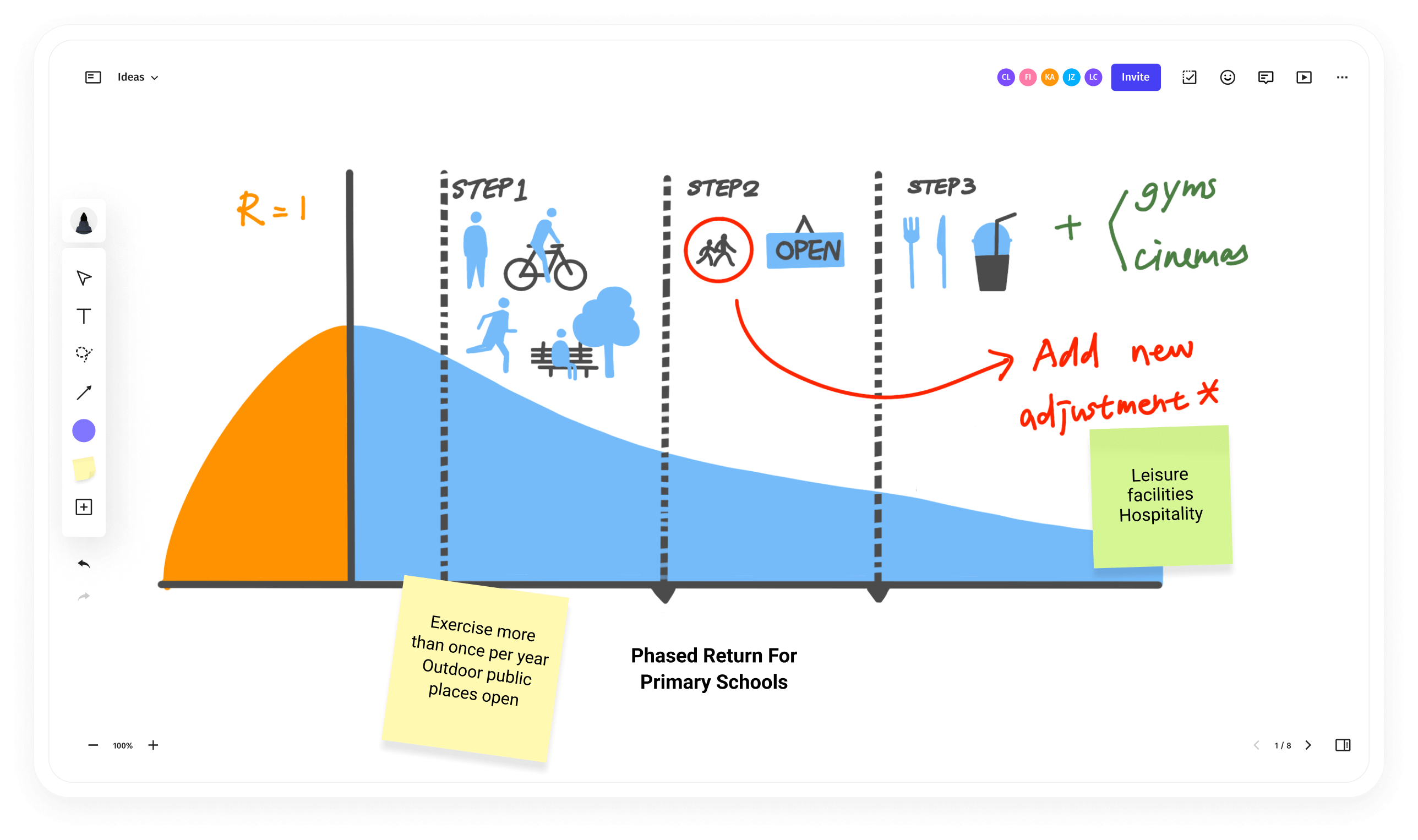
Infinite Canvas
Smart Text Recognition
Smart Shape
Brush Mode feature
Infinite Canvas feature
Smart Text Recognition feature
Smart Shape feature
Designed for touchscreen, gives great ideas room to grow
Brush Mode feature illustration.
Brush Mode
Use the stylus to draw with a wide selection of lifelike brushes and vivid colors.
Infinite Canvas feature illustration.
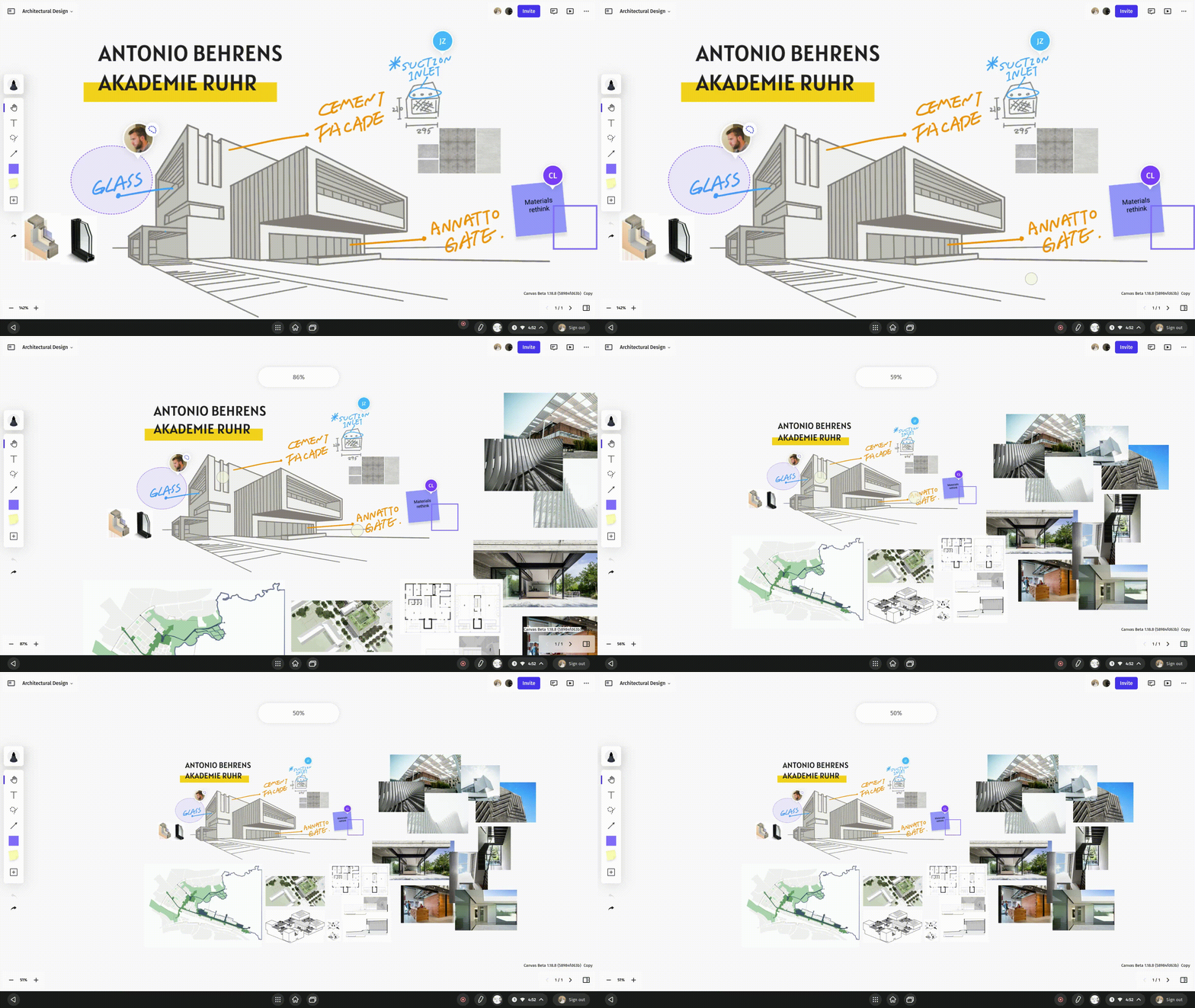
Infinite Canvas
Drill down into small details or scope out to see the big picture with zoom controls.
Smart Text Recognition feature illustration.
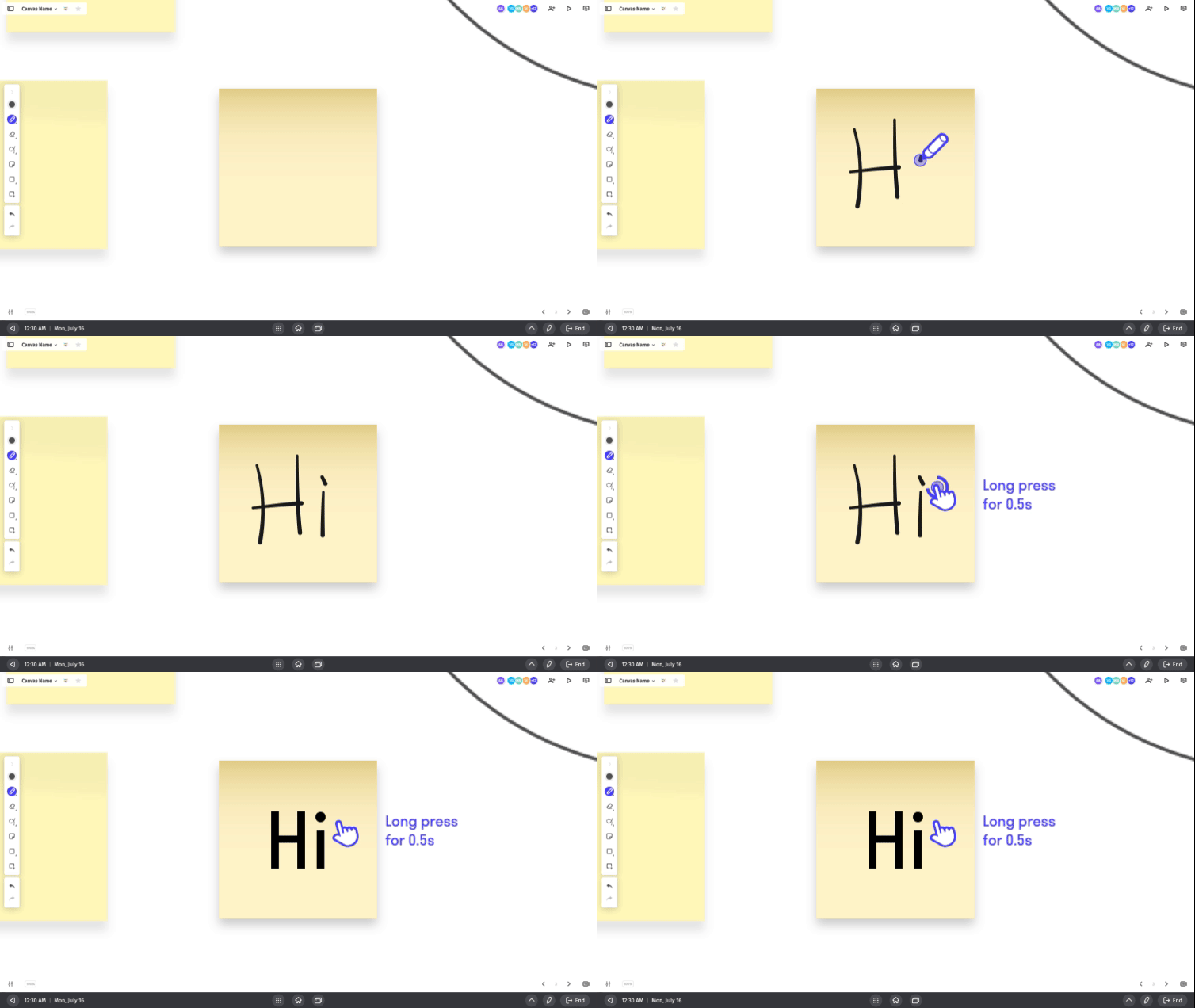
Smart Text Recognition
Take notes faster with AI handwriting recognition that converts your writing into text.

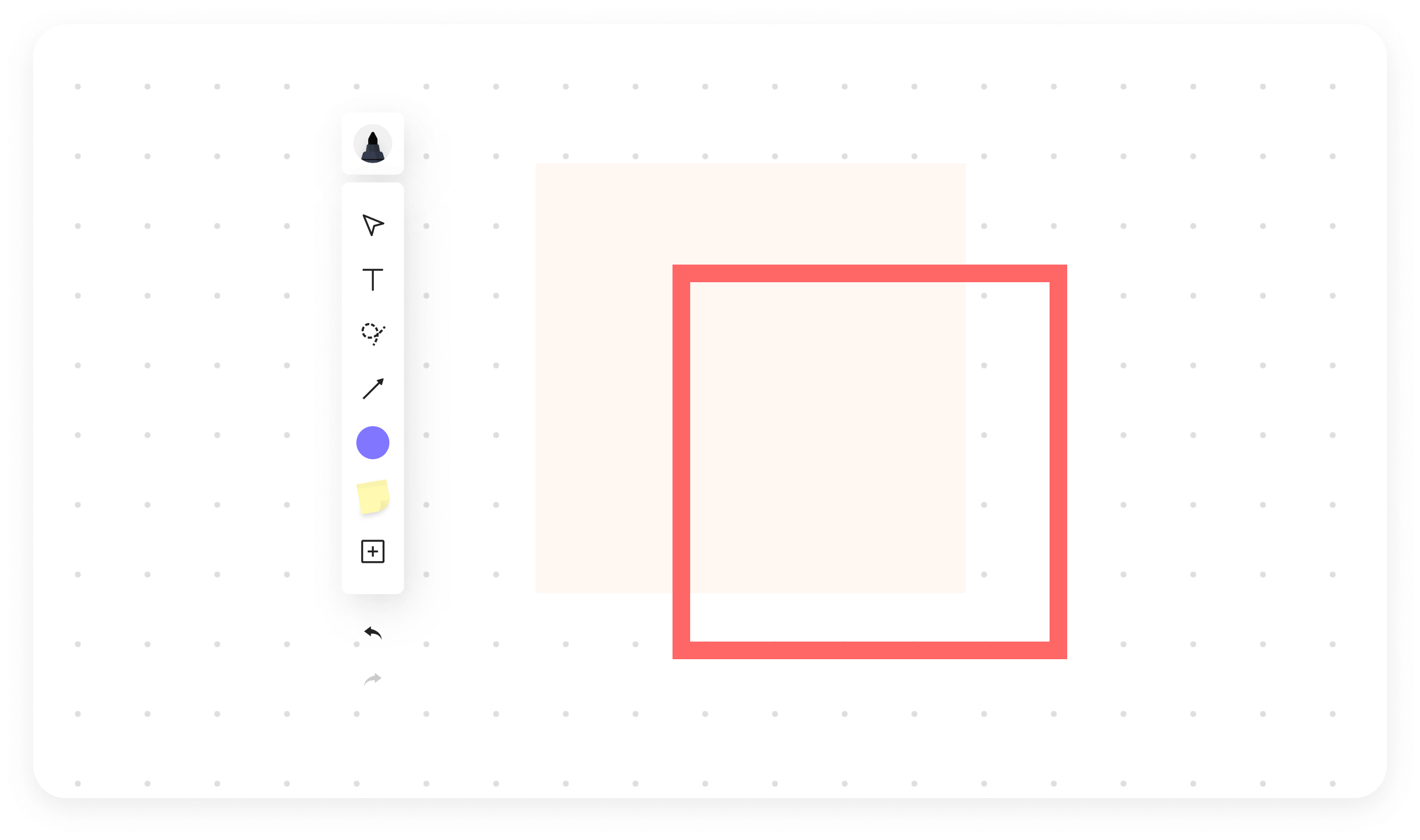
Smart Shape feature illustration.
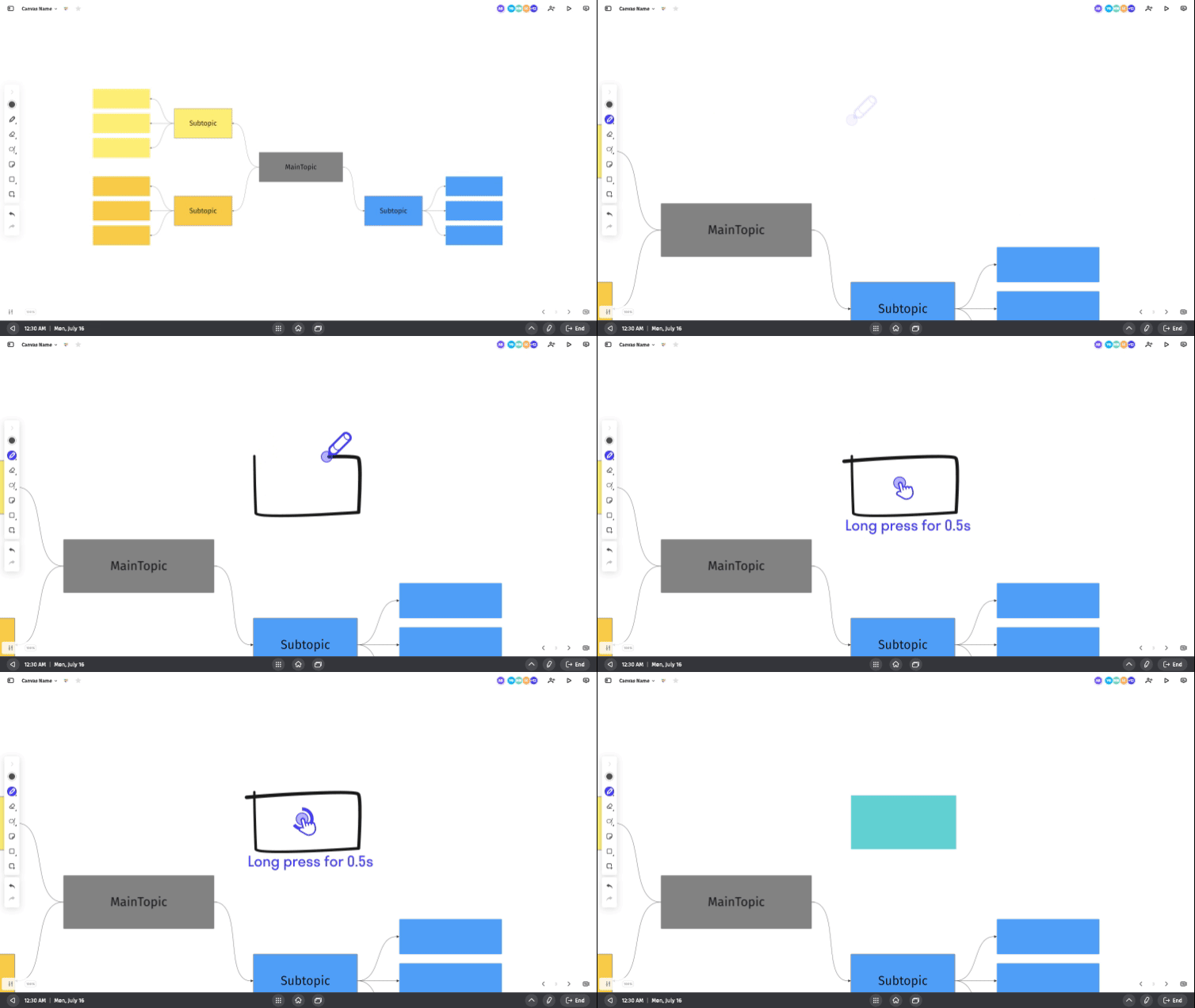
Smart Shape
Instantly convert hand-drawn shapes into perfect forms or connect the dots to create flowcharts.

Get to your best work, faster.

Jump-start your strategy, OKRs, and roadmaps with a variety of customizable templates.

Bring hybrid teams together, instantly

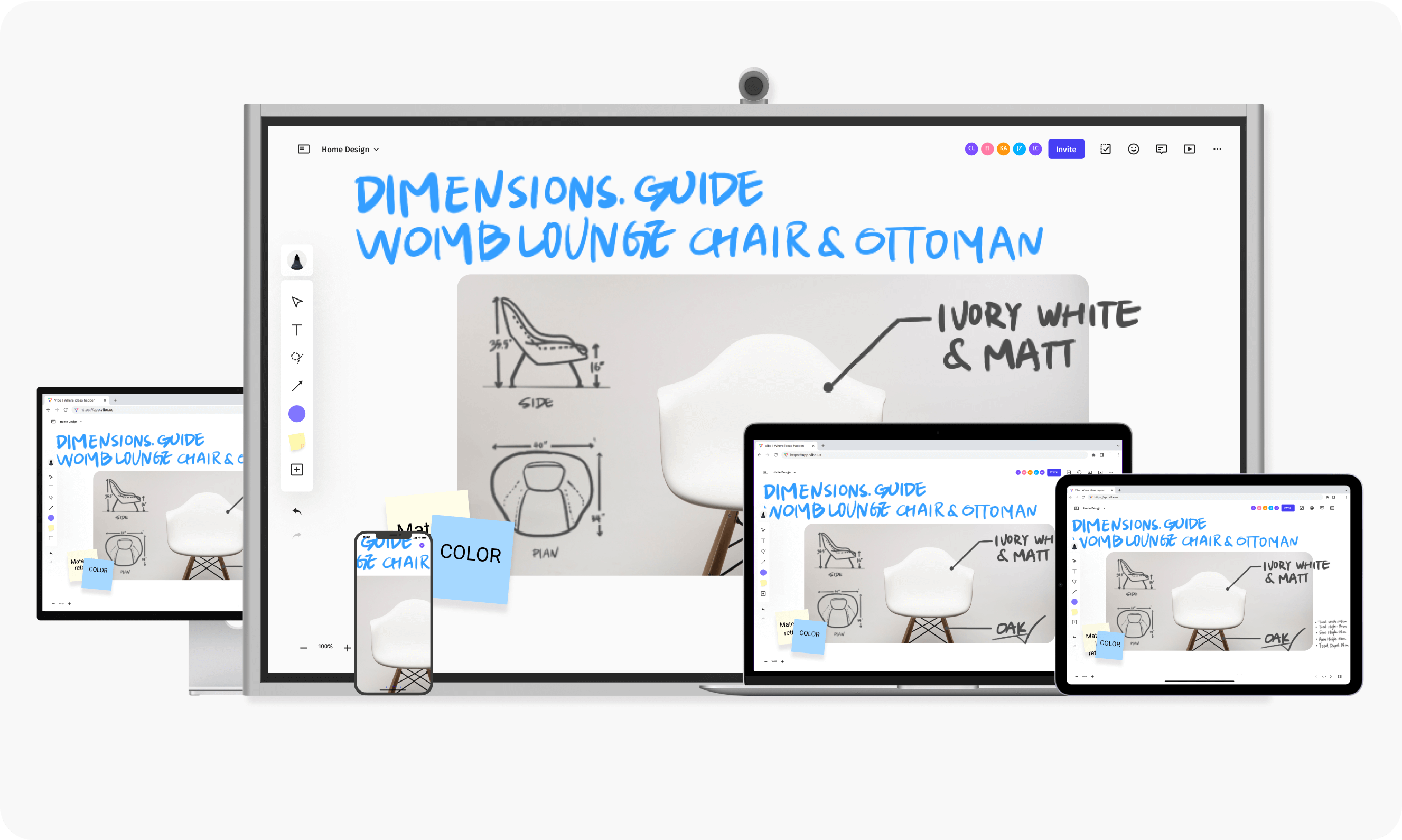
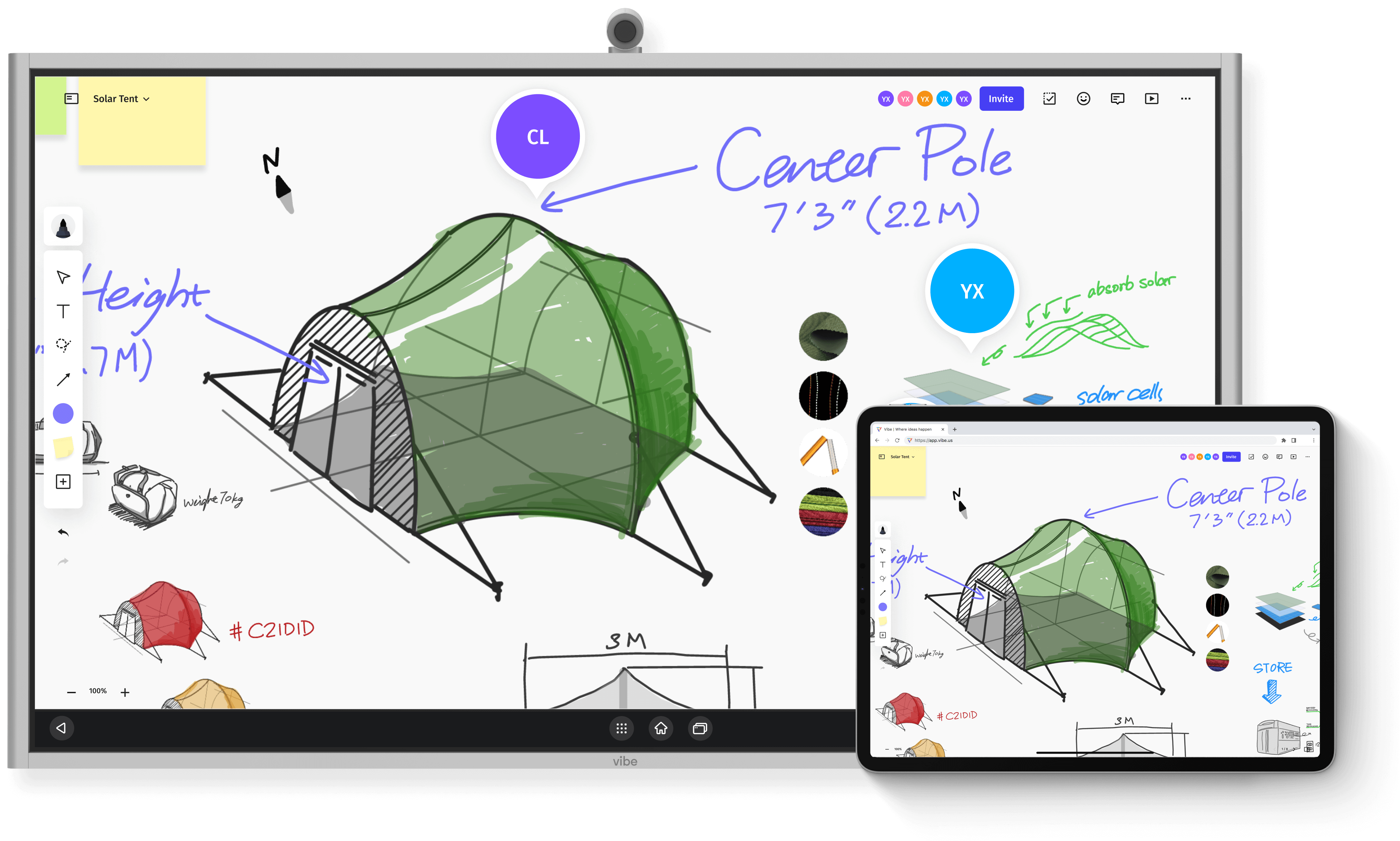
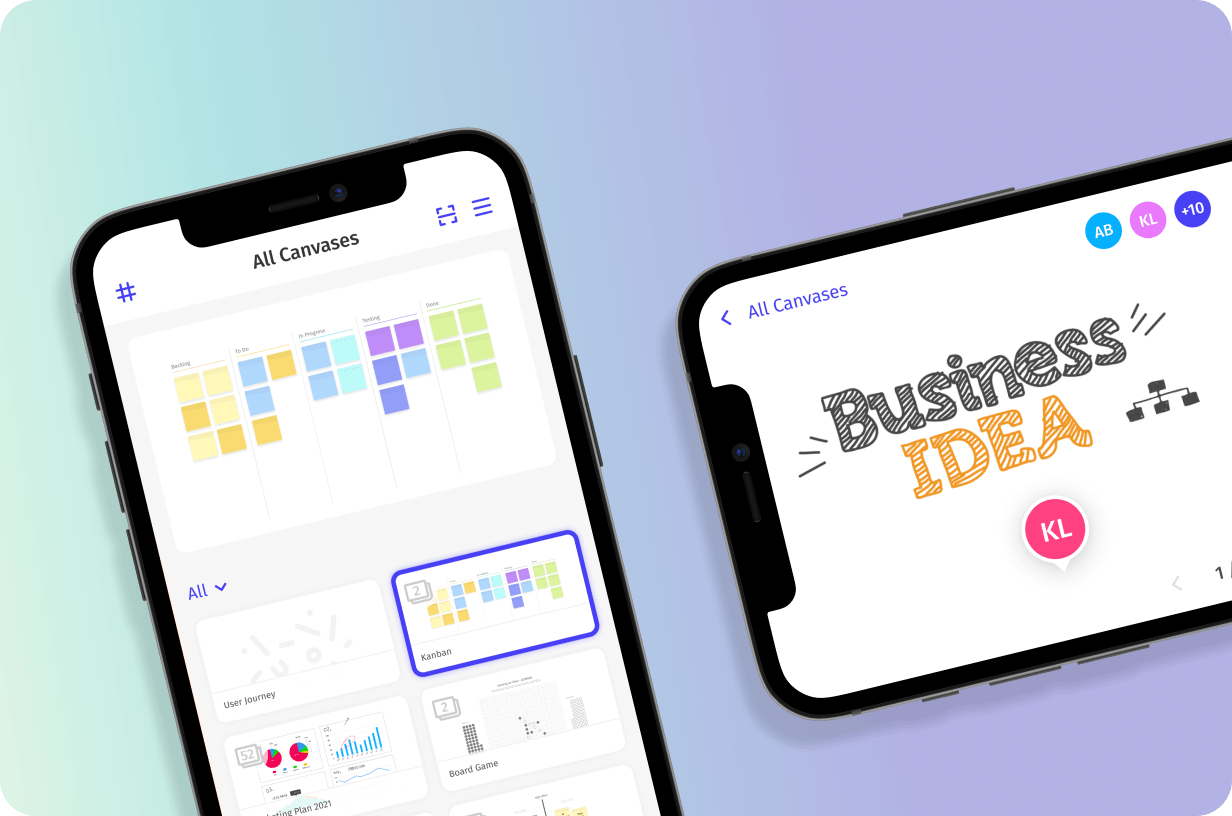
Multi-device SupportCollaborate seamlessly on a Vibe Board, computer, tablet, or smartphone – from anywhere in the world.
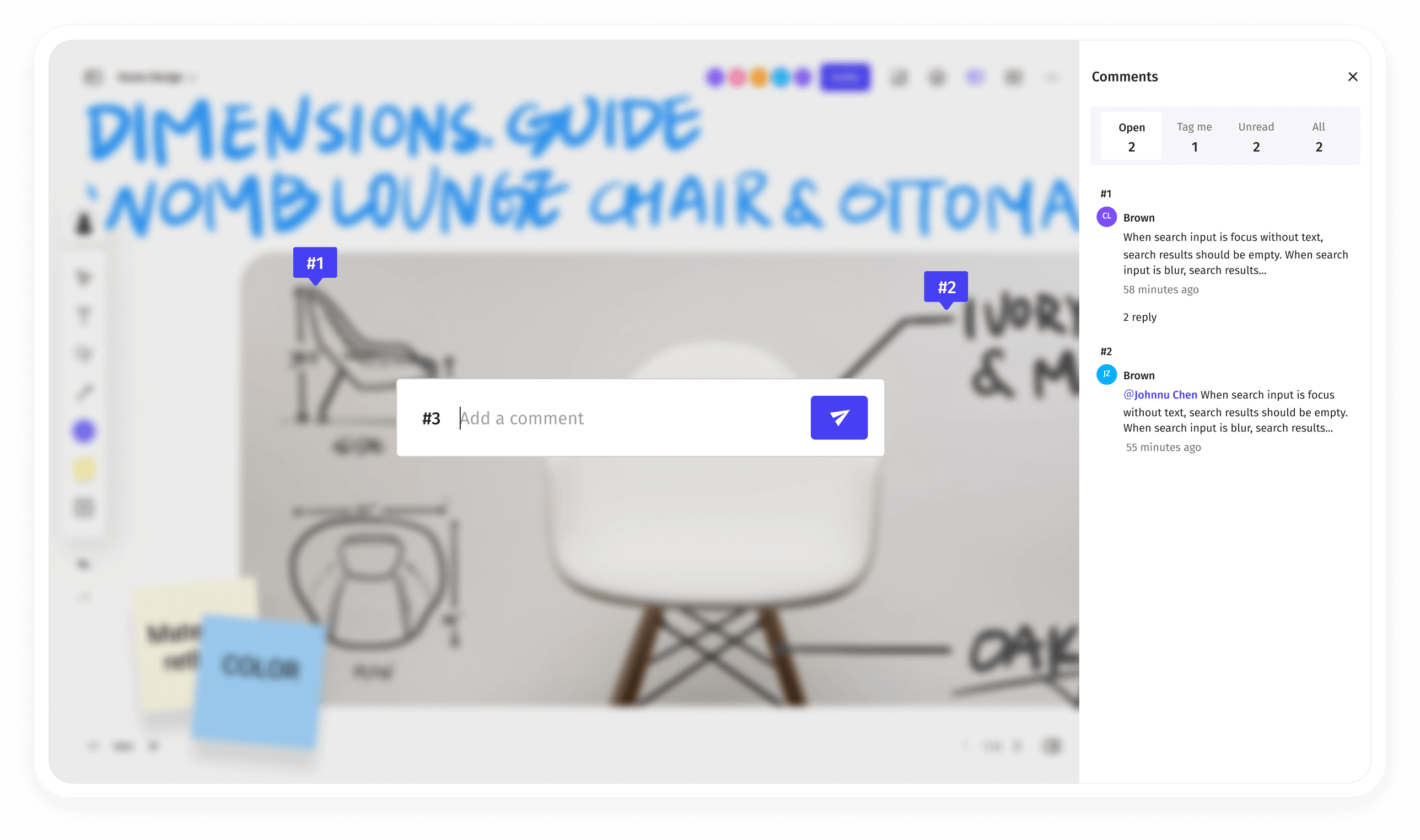
Leave Comments
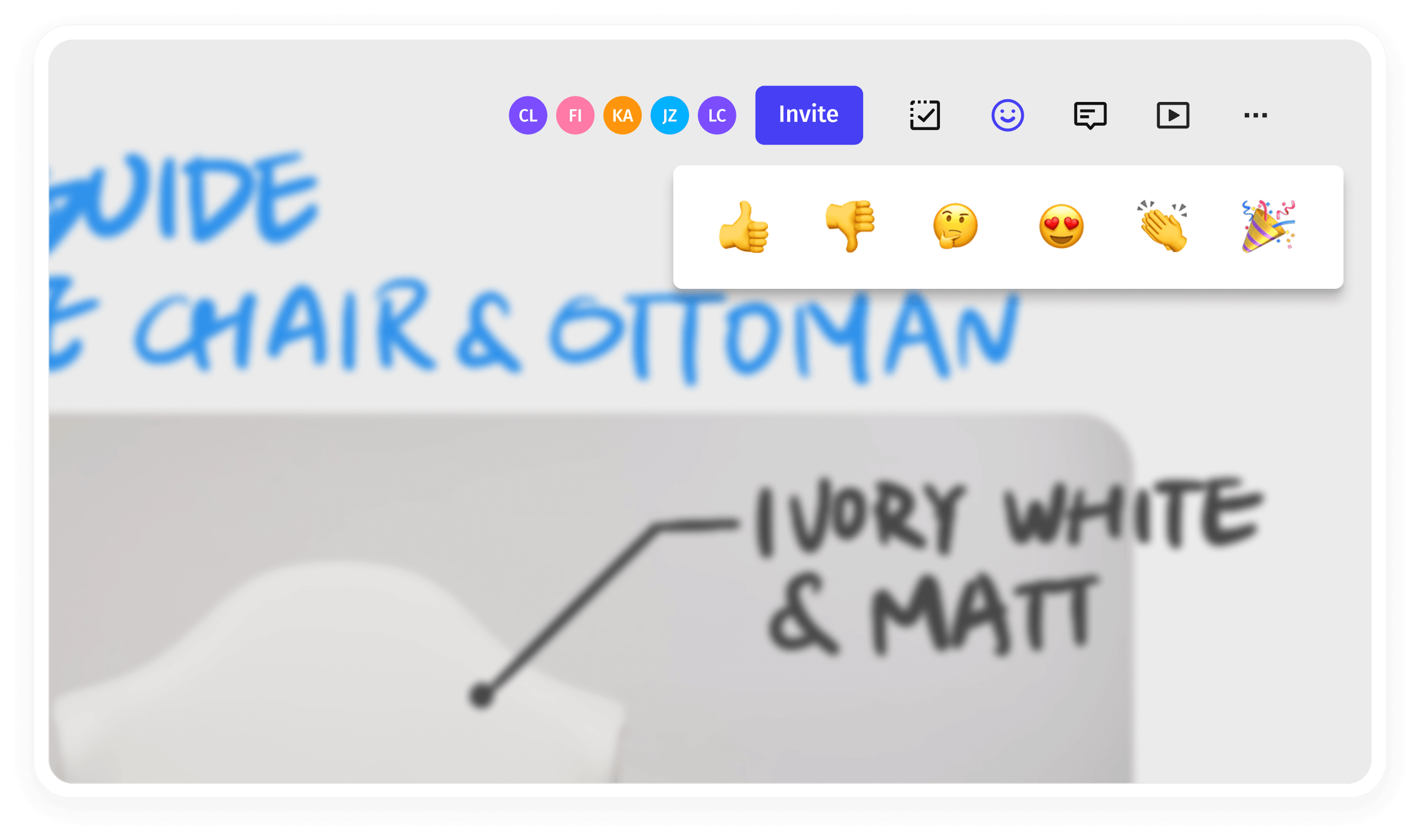
Post Stickers
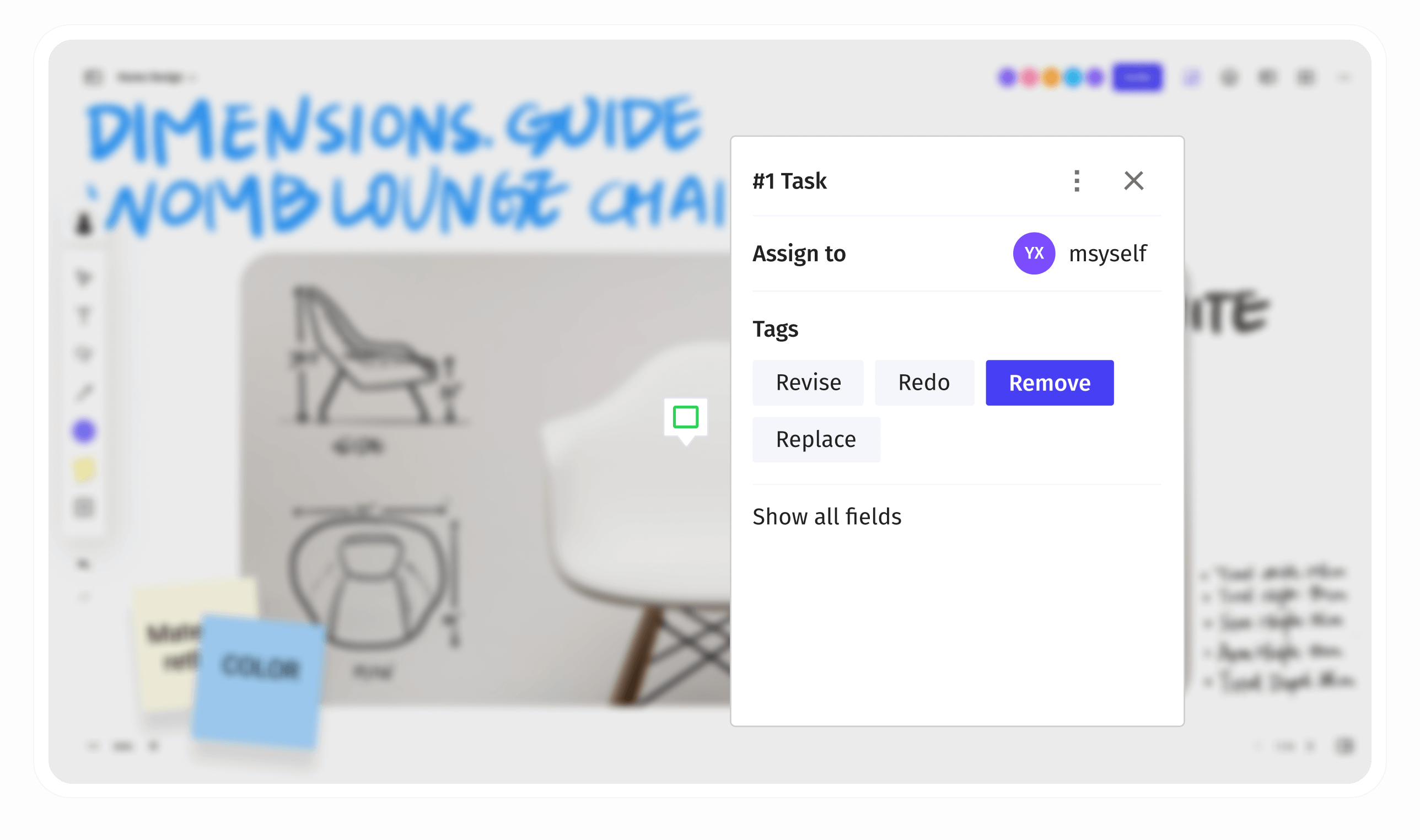
To-Do Mark
Multi-device Support feature
Leave Comments feature
Post Stickers feature
To-Do Mark feature
Bring hybrid teams together, instantly
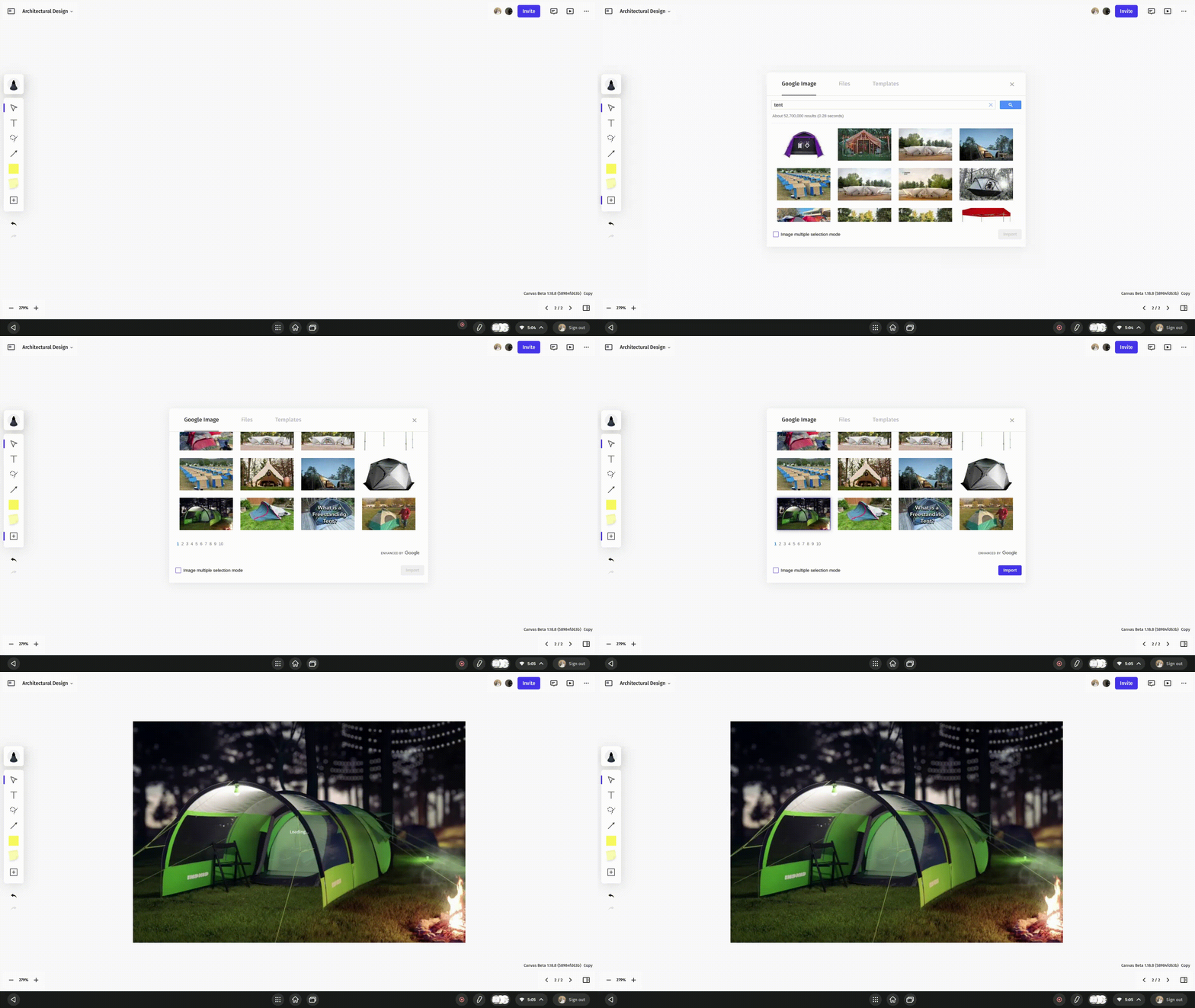
Multi-device Support feature illustration.
Multi-device Support
Collaborate seamlessly on a Vibe Board, computer, tablet, or smartphone – from anywhere in the world.
Leave Comments feature illustration.
Leave Comments
Add feedback and ideas that stick around between sessions to help drive discussions.
Post Stickers feature illustration.
Post Stickers
Boost engagement by enabling team members vote for their favorite ideas with stickers.
To-Do Mark feature illustration.
To-Do Mark
Check project status and organize to-do lists for better work management.

Present your work and win buy-in

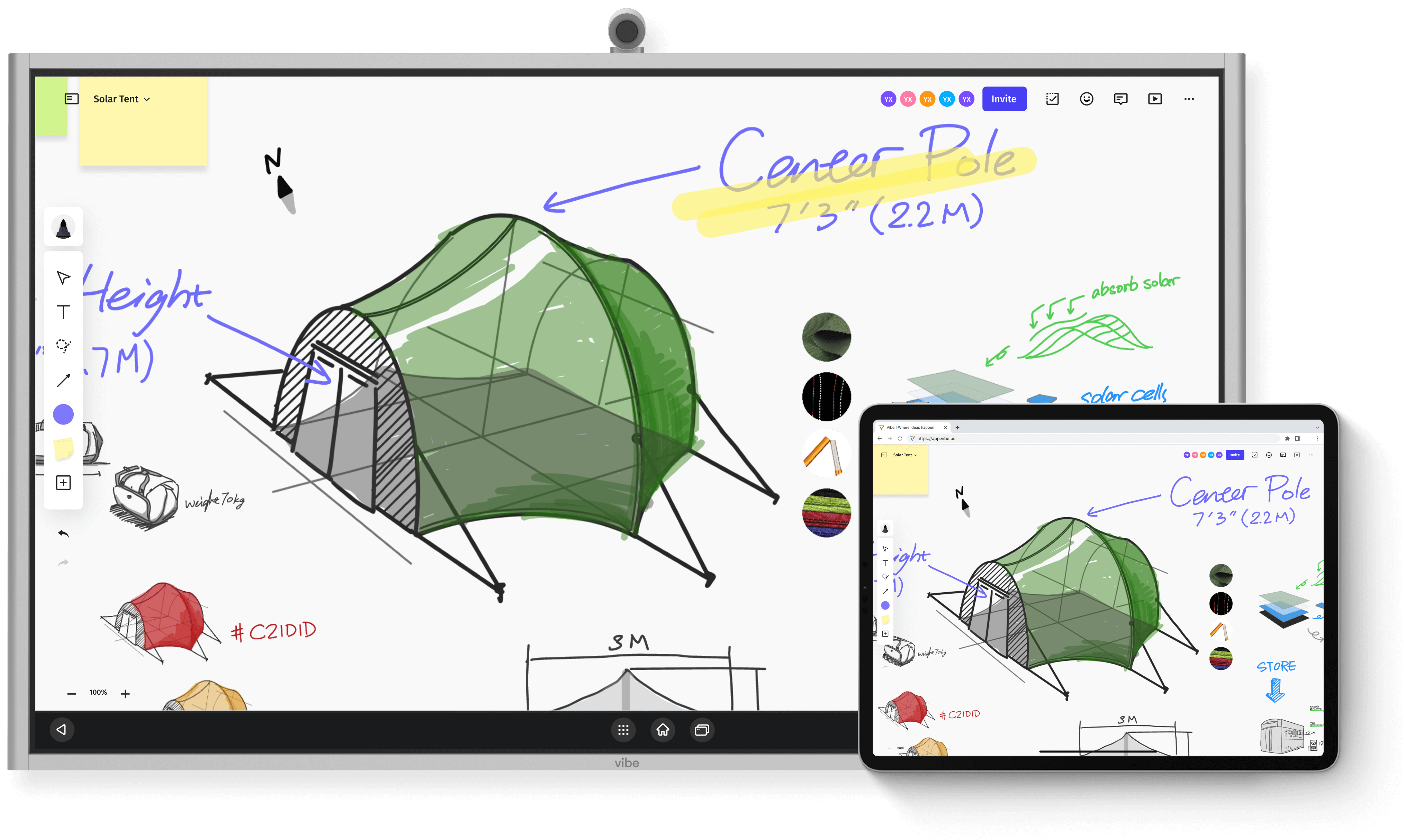
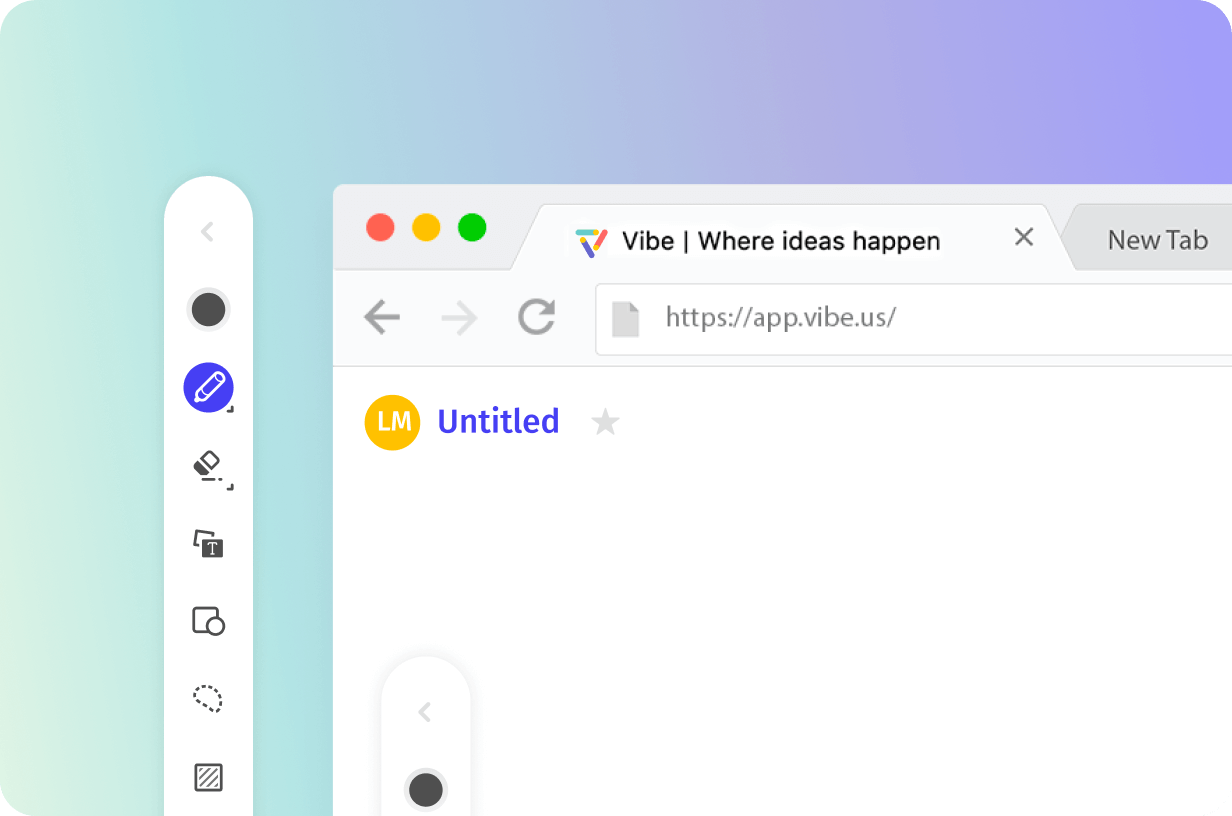
AnnotateIllustrate your ideas in real-time with flexible annotations on any document type.
Follow Along
Presentation View
Transition Effects
Annotate feature
Follow Along feature
Presentation View feature
Transition Effects feature
Present your work and win buy-in
Annotate feature illustration.
Annotate
Illustrate your ideas in real-time with flexible annotations on any document type.
Follow Along feature illustration.
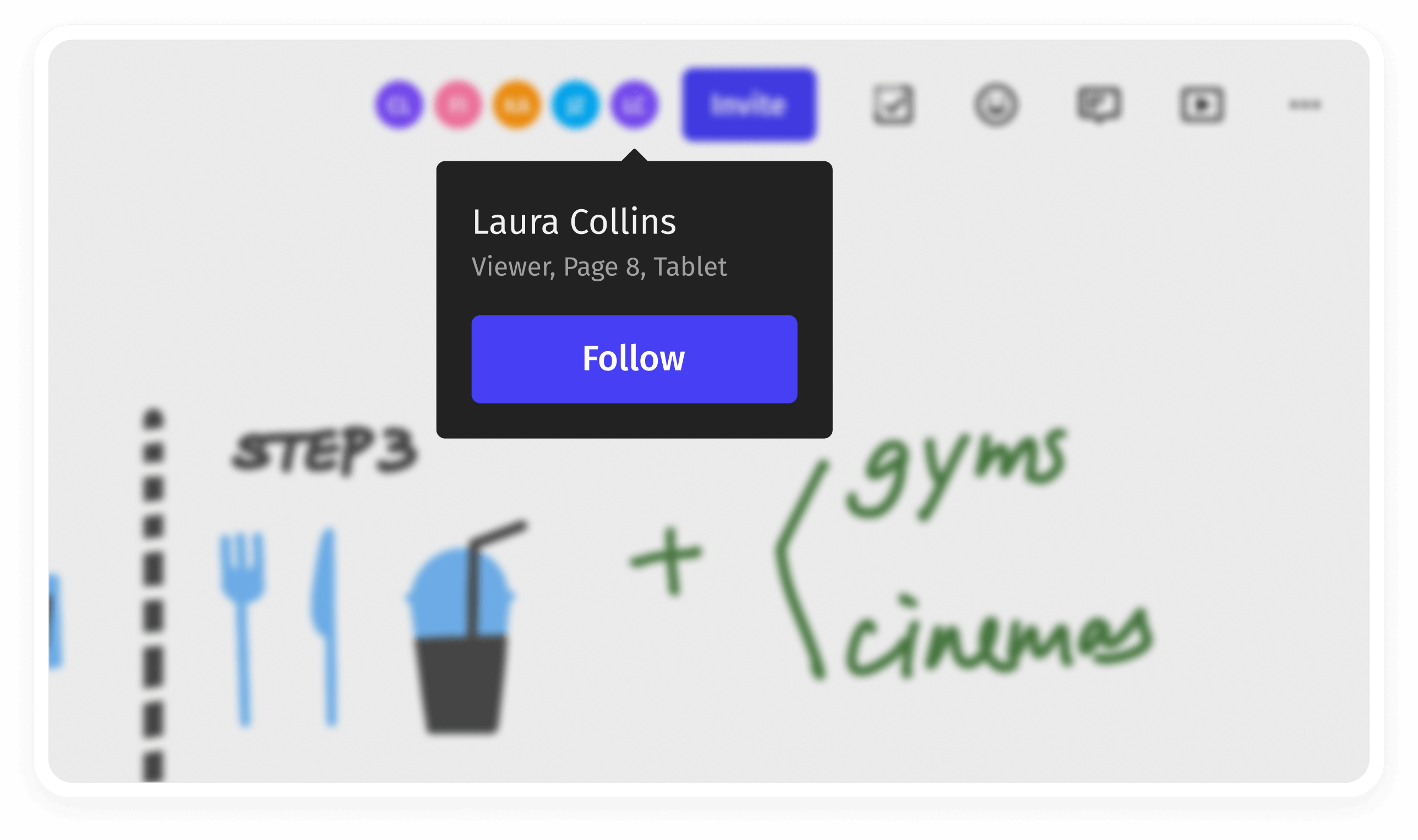
Follow Along
Click on the presenter's avatar to follow their view, or invite attendees to follow while you present.
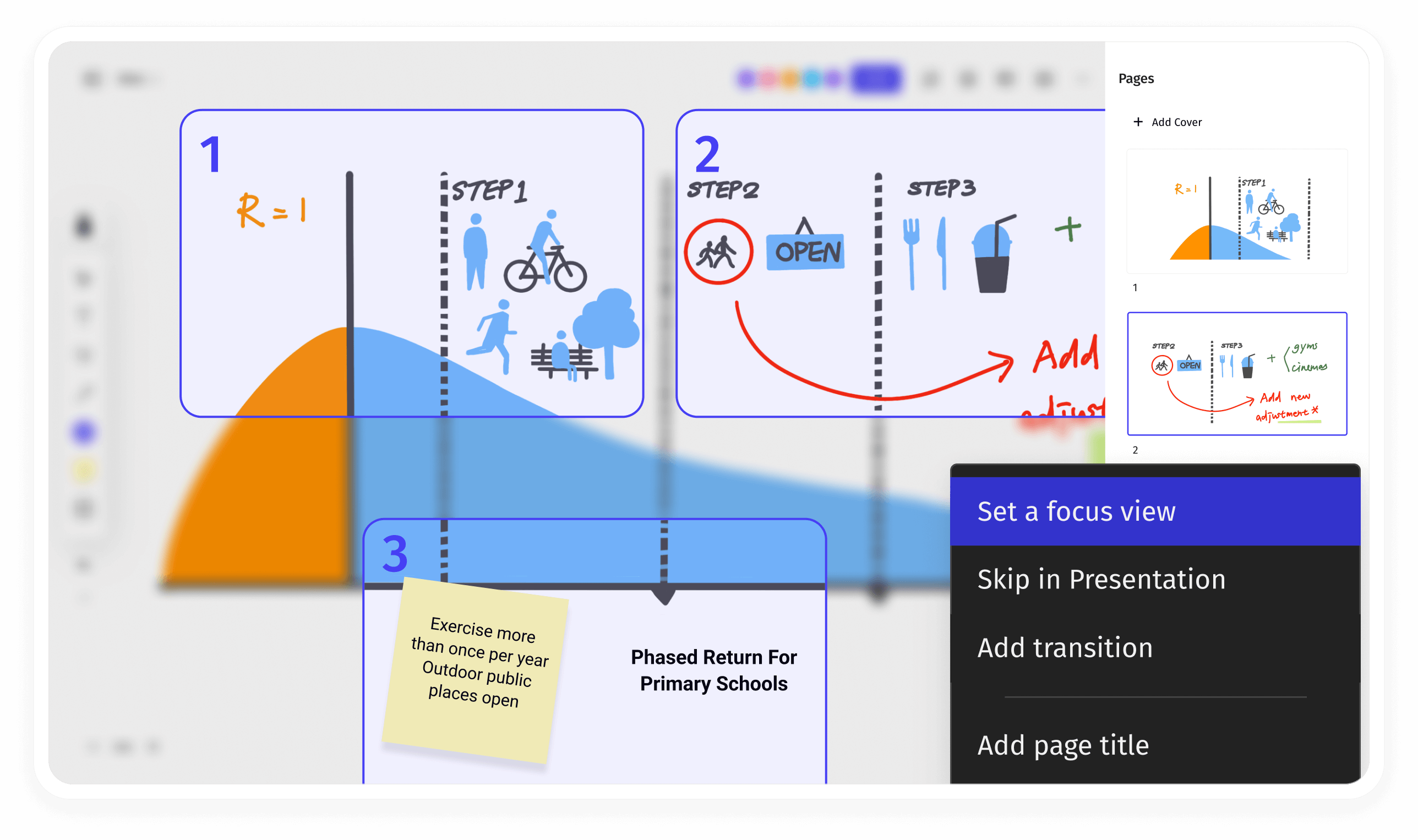
Presentation View feature illustration.
Presentation View
Focus on specific areas of your Canvas to emphasize talking points while presenting.
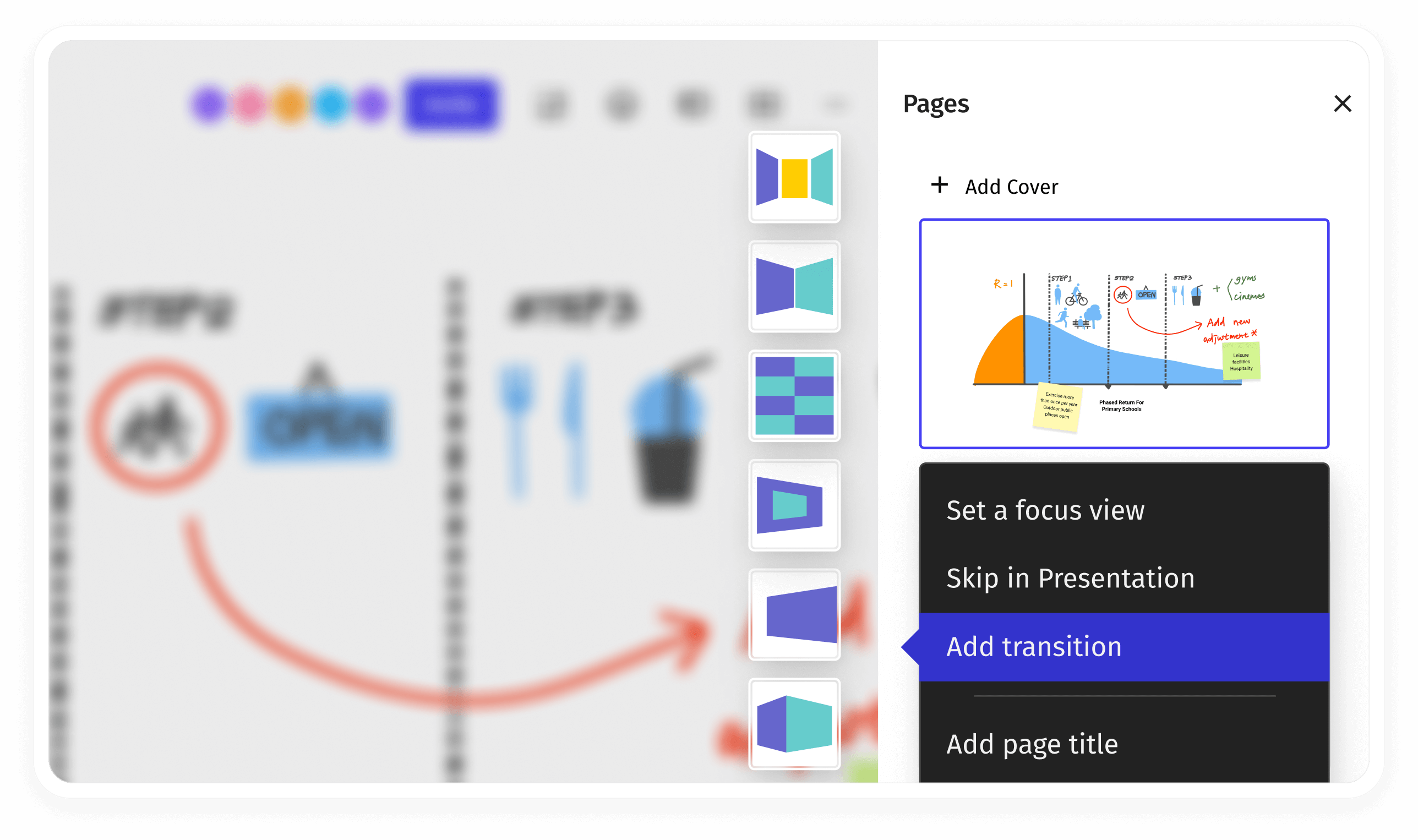
Transition Effects feature illustration.
Transition Effects
Polish your presentation with seamless transitions, naturally taking the conversation from one point to another.

Iterate quickly in one shared space.

Import, edit, screen record, and share—so you can go from ideation to action.
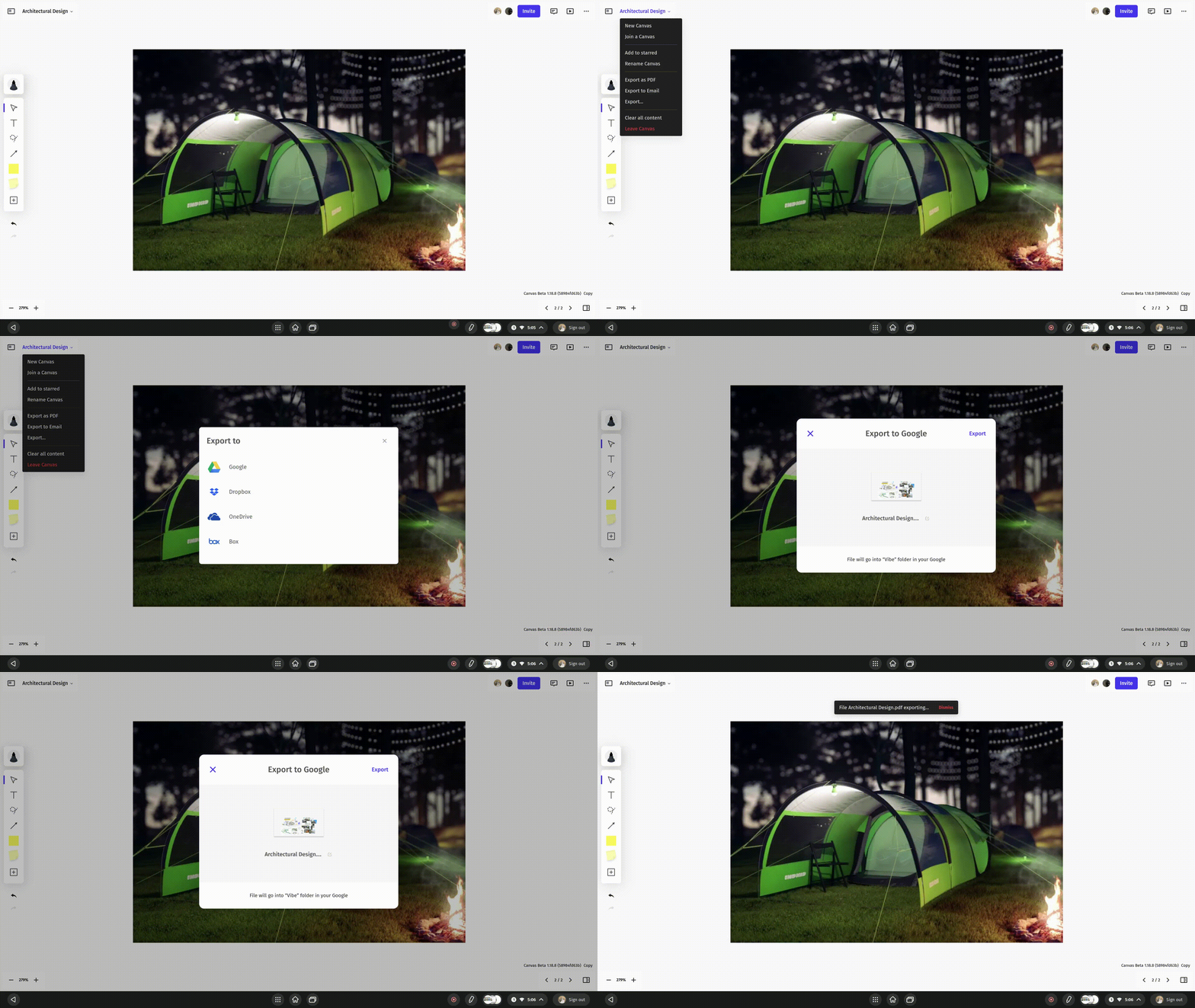
Importing and editing content on Vibe CanvasExporting content from Vibe Canvas
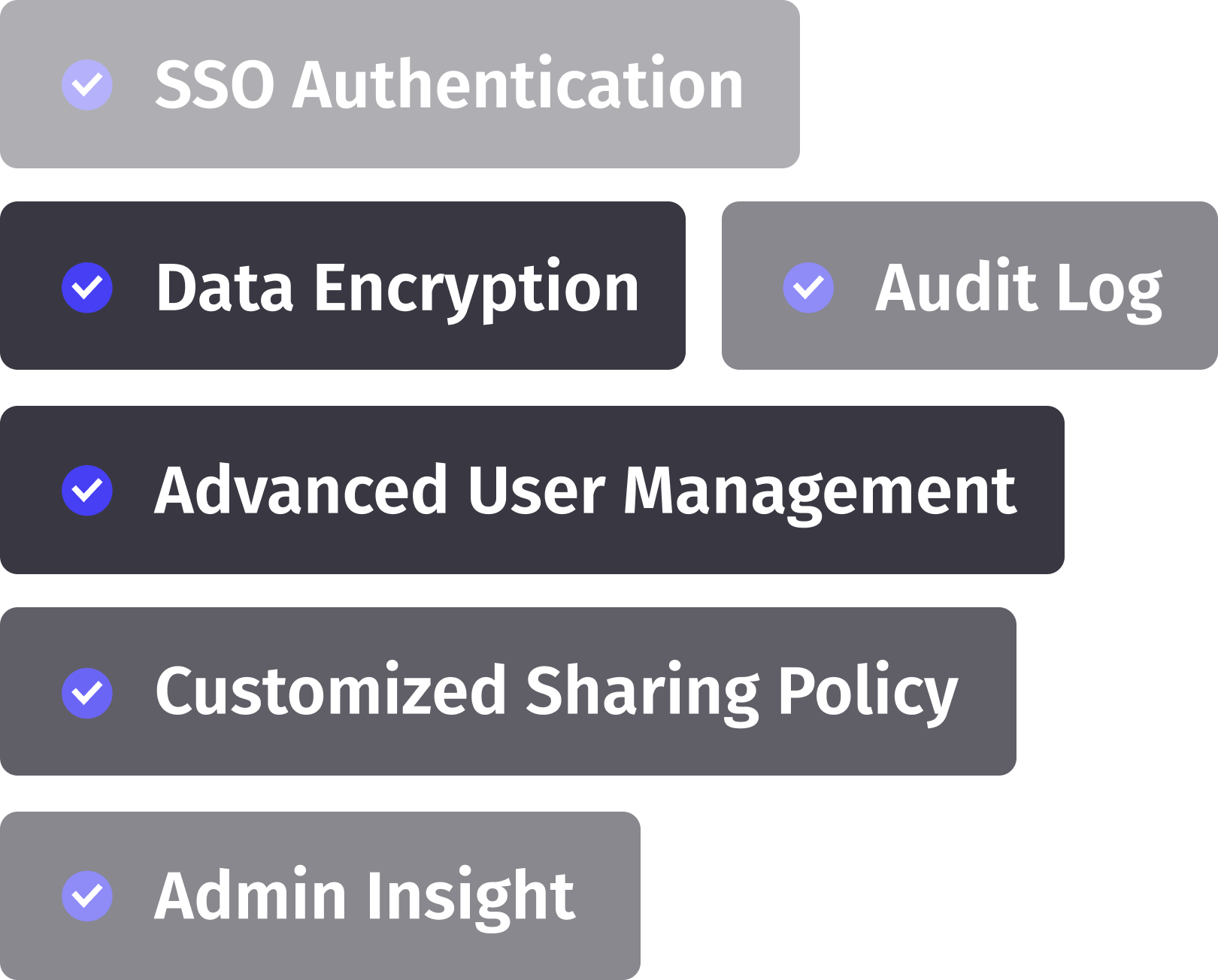
Vibe Security Background

Secure data,

safer experiences.

Learn More
Security Tags
Testimonial section background
Testimonial section background for mobile

The whiteboard app is very responsive. The responsiveness and versatility of the board is great for scientific communications.

Lu Chen,Assistant Professor Fox Chase Cancer Center

The whiteboard functionality is really effective with clients, and being able to click & drag the screen keeps things flowing smoothly. Being able to save & share the notes is a real game-changer.

Shane Reed,Office Manager / Executive Assistant, Schulz Financial Group

Game-changing. When I ordered the Vibe I didn't expect to use it so much. Now all the classic whiteboard are used less, and we love our writable walls, all the results of our brainstorming are saved in the cloud and shared with relevant people, and it's easier for us to manage remote meetings.

Massimo Michetti,COO & Co-Founder, Marshmallow Games

The real value is the tactile writing/drawing on a large surface, which is possible not only in the design apps, but on any screen by clicking the pen shortcut in the bottom right. Using the Vibe I can feel my brain expand as the walls blocking creativity begin to crumble.

Preston Badeer,CEO of MotoMetrix
Vibe Canvas downloads
Colorful abstract background for call to action

Take your ideas anywhere

FAQs