The Bee Pioneer Edition costs $49.99. That’s less than a dinner out. And for casual life-logging — capturing grocery lists you muttered aloud or recapping a weekend brunch — it mostly works.
But if you’ve been searching "bee pioneer alternatives," you’ve probably already discovered the problem: the Bee Pioneer wasn’t built for professional use. No raw audio storage. No multi-speaker accuracy. No enterprise compliance certifications. And now that Amazon owns it, there are new questions about where your data actually goes.
If your conversations involve clients, patients, deals, or anything sensitive, you need something built to a different standard. This guide covers five alternatives — and explains why most professionals who switch don’t look back.
Why People Start Looking for Bee Pioneer Alternatives
The Bee Pioneer’s Real-World Limitations
The Bee Pioneer looks compelling on paper: $49.99, no subscription, "all-day" listening. But reviewers and real users consistently run into the same wall of problems:
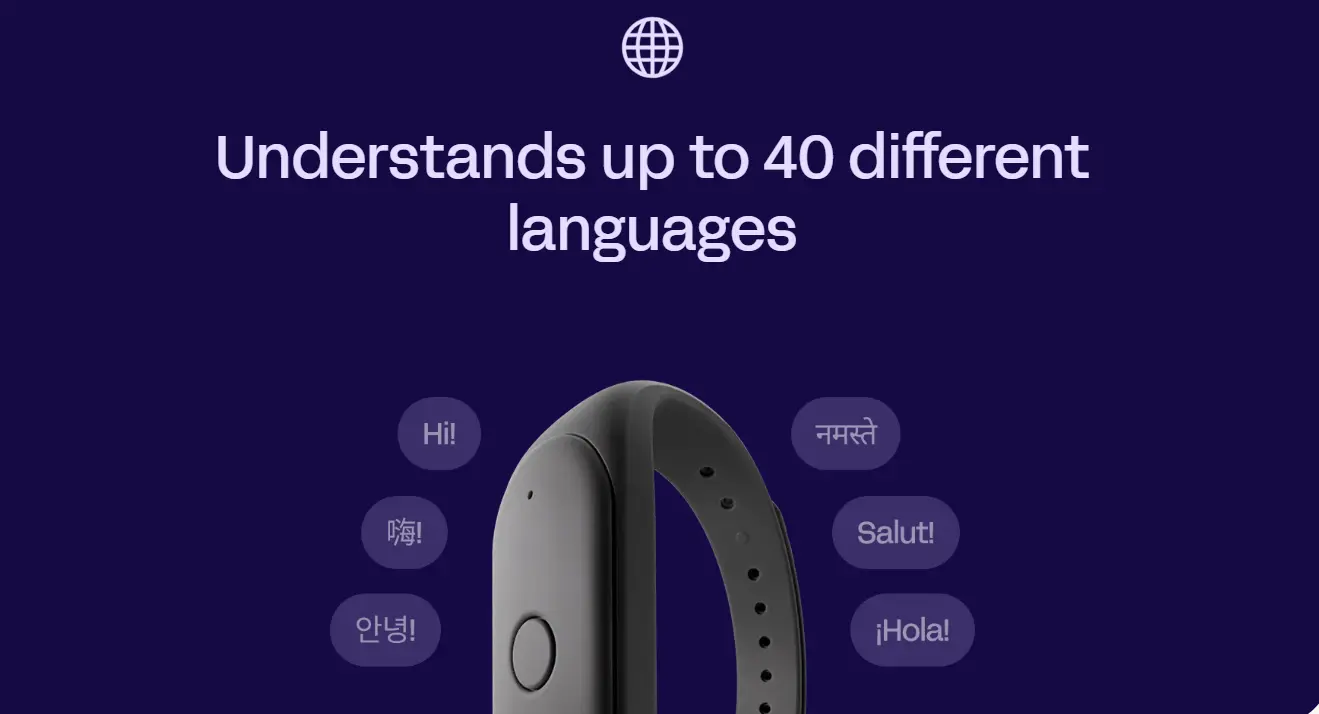 Bee Pioneer Edition 40-language support
No raw audio storage. Bee processes conversations in real-time and deletes the audio immediately. That sounds privacy-friendly — but it means you can never go back to verify a transcript against what was actually said. For anyone who needs verbatim accuracy (legal, medical, sales), this is a non-starter. As TechCrunch noted in hands-on testing, the device discards audio after transcription, making it unsuitable for use cases where you need to play back audio to ensure accuracy.
Poor multi-speaker accuracy. One reviewer who tested the device for a month found that the microphone picks up the wearer’s voice perfectly, but the 2–3 meter range just doesn’t work in real-world group settings. In a typical conference room or client meeting, that’s almost everyone in the room.
Battery life doesn’t match the claim. Bee markets "7-day battery life," but real-world users report getting closer to 2 days of active use, requiring nightly charging. And because the Bee offloads transcription processing to your paired phone, the true cost is hidden in smartphone battery drain.
No enterprise security certifications. Bee has no enterprise compliance certifications — no HIPAA, no FERPA, no NDAA. For anyone in healthcare, education, legal, or government work, that alone is disqualifying.
Amazon ownership changes the privacy calculus. Bee was acquired by Amazon in 2025. It’s unclear whether Bee’s privacy policies will hold once fully integrated into Amazon — a company with a mixed track record on user data privacy, including past incidents where employees were caught reviewing Alexa recordings.
Speaker identification is inconsistent. It wasn’t immediately obvious how to label speakers in the app — users can tap a segment to confirm if they were the speaker, but this falls well short of professional AI transcribers where each speaker can be labeled.
These aren’t edge-case complaints. They’re structural limitations of a device designed for personal ambient memory, not professional documentation.
The 5 Best Bee Pioneer Alternatives in 2026
1. Vibe Dot — Best for Professionals Who Need Real Accuracy and Real Security
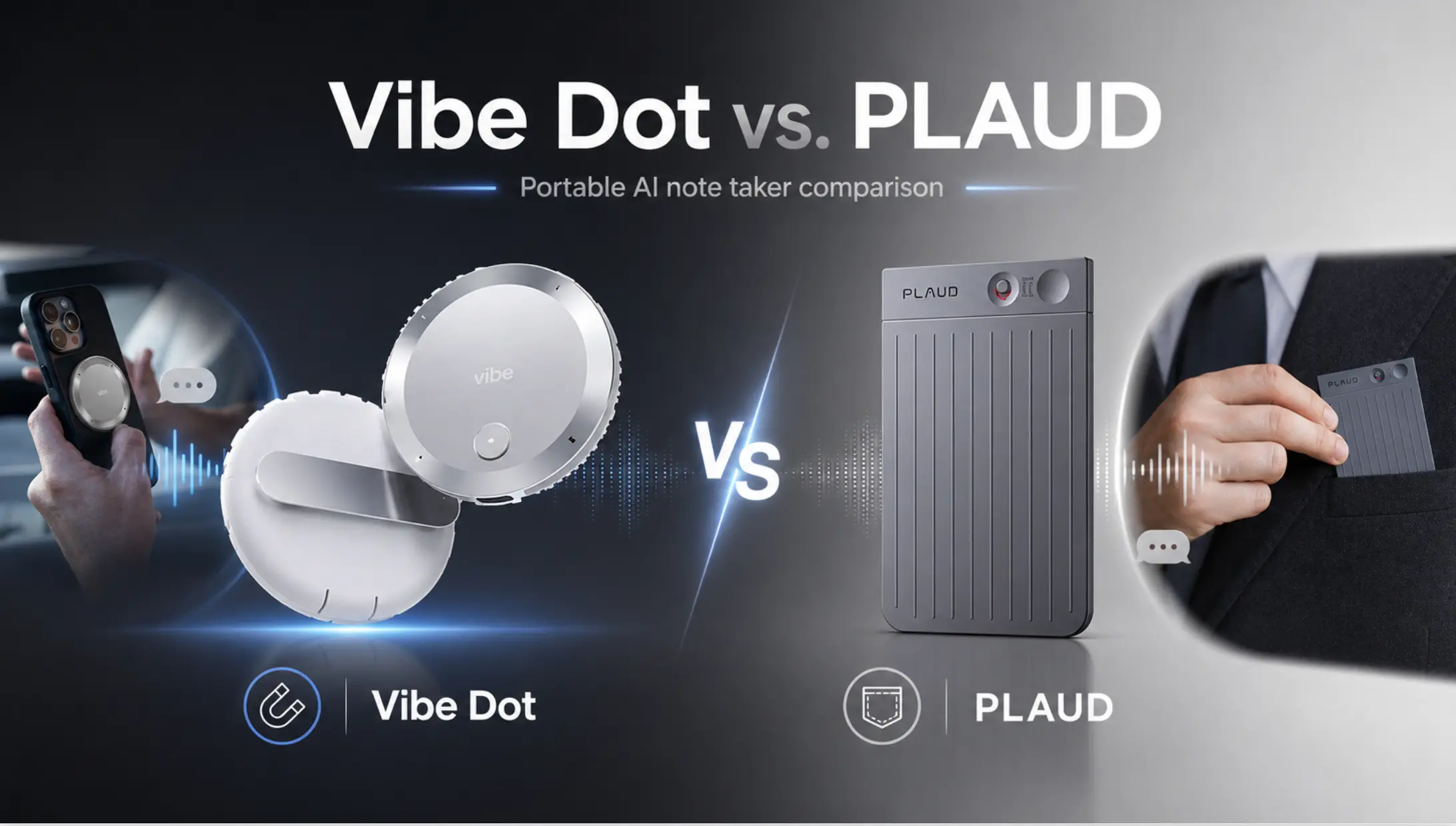
If the Bee Pioneer is a toe in the water, Vibe Dot is the professional-grade setup. It was built from the ground up for the use cases where Bee falls short: client meetings, field work, healthcare consults, sales calls, and any environment where accuracy and security are non-negotiable.
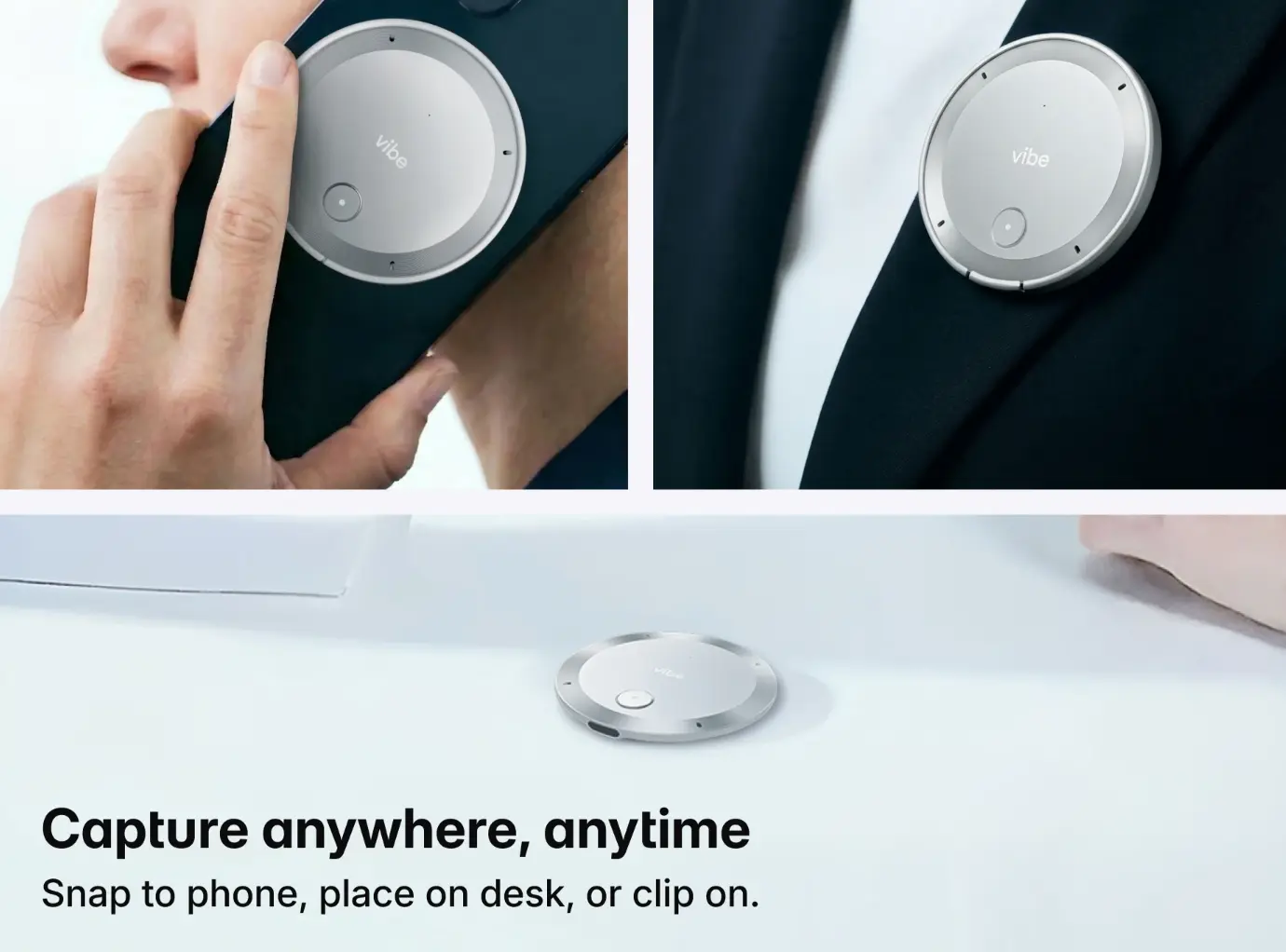
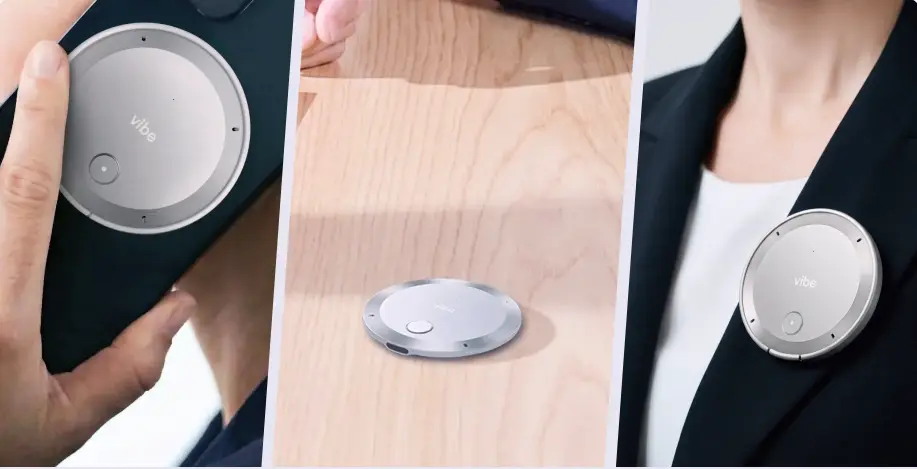 Vibe Dot AI recorder shown handheld, on desk, and worn as lapel pin
Why it’s the top alternative:
-
5-microphone array (4 MEMS + 1 Voice Processing Unit): captures multi-speaker conversations accurately, even in noisy environments or across a conference table
-
64GB onboard storage: all recordings stay on the device first — no forced cloud dependency, no silent deletion
-
30+ hours of continuous recording battery: a full working day of real meetings, not theoretical standby
-
Compliance stack that’s actually verifiable: SOC 2, HIPAA, FERPA, NDAA, TPM 2.0 — the certifications professionals in regulated industries need
-
Vibe AI Memory Graph: cross-session memory that connects insights from past meetings, not just today’s conversation in isolation
-
Works offline: record in basements, secure facilities, and dead zones; sync when connected
The honest price comparison: Vibe Dot costs more than the Bee Pioneer. But consider what "cheap" actually costs you:
-
A missed client commitment because the transcript was wrong → lost deal
-
A compliance violation because your tool wasn’t HIPAA-certified → regulatory risk
-
Transcripts you can’t verify because the audio was deleted → no backup when accuracy is disputed
For professionals, the question isn’t "can I afford Vibe Dot?" It’s "can I afford what happens when Bee Pioneer fails at the wrong moment?"
Best for: Sales professionals, therapists, educators, consultants, healthcare workers, field teams, legal professionals, anyone in a regulated industry
Pricing: Hardware is a one-time purchase at $199 (reg. $249). Core features are free with no subscription required.
|
Plan |
Price |
Transcription |
Key Features |
|---|---|---|---|
|
Starter |
Free |
300 mins/mo |
Basic summaries, action items, 7-day memory retention |
|
Pro |
$9/mo (billed annually) |
1,200 mins/mo |
100 AI Credits, 12-mo memory, custom templates |
|
Max |
$29/mo (billed annually) |
Unlimited |
400 AI Credits, permanent memory, deep CRM integration |
2. Plaud Note Pro — Best for Language Coverage and Phone Call Recording
Plaud Note Pro is a credit-card-sized device that attaches magnetically to the back of your phone. It’s a strong Bee alternative for professionals who split time between in-person meetings and phone calls.
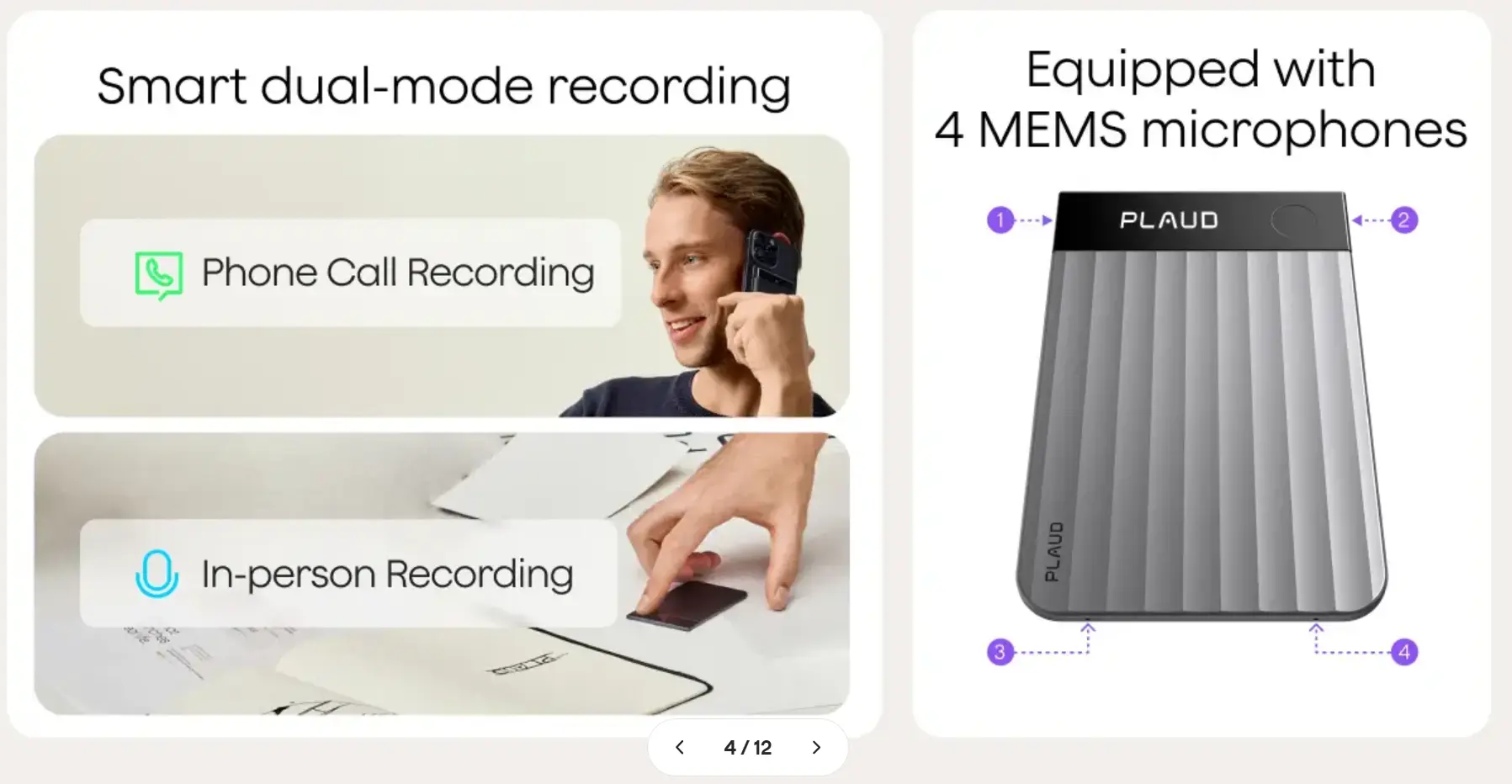 Plaud – smart dual-mode recording
Key advantages over Bee Pioneer:
-
Records phone calls directly (Bee cannot)
-
112 language support vs. Bee’s 40
-
Published compliance certifications: ISO 27001, ISO 27701, SOC 2, HIPAA, GDPR
-
16.4-foot microphone range — significantly better in large rooms
-
Stores raw audio (you can verify transcripts against the original)
Tradeoff: The device ($189) plus subscription ($99–$239/year) adds up. And accuracy drops noticeably in busy multi-speaker environments, which is a known limitation across the Plaud line.
Best for: Professionals who need phone call recording and wide language coverage
Pricing: Hardware is a one-time purchase at $189. Every device includes a free Starter tier — no subscription needed to get started.
|
Plan |
Price |
Transcription |
Key Features |
|---|---|---|---|
|
Starter |
Free |
300 mins/mo |
Basic summaries, included with every device |
|
Pro |
$8.33/mo (billed annually) |
1,200 mins/mo |
Advanced AI summaries, mind maps |
|
Unlimited |
$19.99/mo (billed annually) |
Up to 24 hrs/day |
No monthly cap |
|
Team |
$20/user/mo (billed annually) |
Up to 24 hrs/day |
Admin controls, centralized billing |
3. Omi — Best for Open-Source Flexibility
Omi (formerly Friend) is an open-source wearable AI platform. If you’re a developer or technically inclined user who wants full control over where data goes and which AI model processes it, Omi is the most flexible option in the category.
 Screenshot of Omi homepage
Key advantages over Bee Pioneer:
-
Open-source hardware and software — you control the stack
-
Supports iPhone and Android
-
Local processing option available
-
Active developer community and custom plugin ecosystem
Tradeoff: Omi is a platform for builders, not a polished product for professionals. Setup takes effort, and the out-of-box experience isn’t as smooth as Bee or Vibe Dot. Enterprise compliance certifications aren’t part of the value proposition.
Best for: Developers, privacy purists, technically advanced users who want to customize their AI recorder
Pricing: Hardware is a one-time purchase at $89. A free tier is included; developers who self-host can bypass cloud subscriptions entirely.
|
Plan |
Price |
Transcription |
Key Features |
|---|---|---|---|
|
Free |
Free |
~1,200 mins/mo |
Core transcription, app ecosystem access |
|
Pro |
$19/mo |
100 hrs/mo |
Extended usage, priority processing |
|
Unlimited |
$29/mo |
Unlimited |
Full access; self-hosting available at no cost |
4. UMEVO Note Plus — Best Budget Step-Up from Bee
If the Bee Pioneer’s price point matters but you need better hardware, the UMEVO Note Plus (~$89) offers a meaningful upgrade without crossing into the $150+ tier.
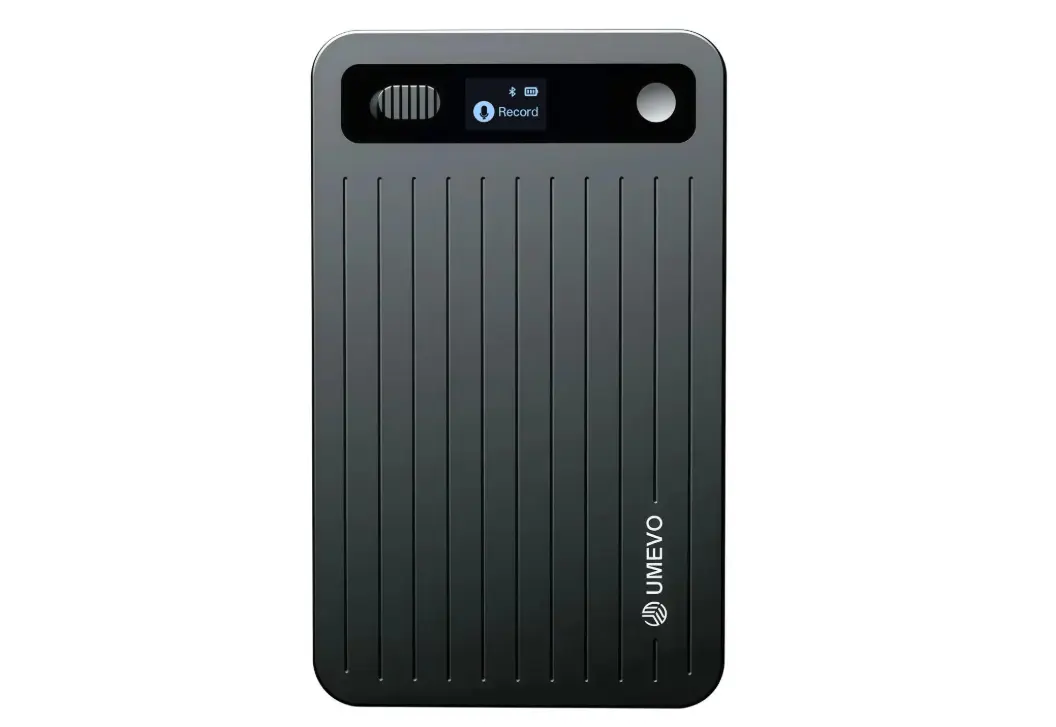 UMEVO AI voice recorder
Key advantages over Bee Pioneer:
-
40-hour active battery life (vs. Bee’s real-world ~2 days)
-
64GB onboard storage (Bee stores no raw audio)
-
GDPR and HIPAA compliance
-
Stores audio locally; transcription is a separate step
Tradeoff: Less polished AI layer than Vibe Dot. Summary quality and Memory Graph capabilities aren’t comparable. Works best for straightforward meeting recording, not cross-session intelligence.
Best for: Budget-conscious users who need raw audio storage and basic compliance
Pricing: Hardware is a one-time purchase at $149 (reg. $169). Year 1 unlimited transcription is included free with hardware — no subscription ever required.
|
Plan |
Price |
Transcription |
Key Features |
|---|---|---|---|
|
Year 1 (included) |
Free with hardware |
Unlimited |
Full AI transcription and summaries |
|
Year 2+ Starter |
Free |
400 mins/mo |
Continues free, no subscription needed |
|
Overage |
$0.59 / 120 mins |
Pay-as-you-go |
No commitment required |
|
Pro add-on |
~$2.50/mo |
Unlimited |
Optional for heavy users |
5. Granola — Best Software-Only Alternative (No Hardware Required)
Not everyone needs a wearable. If most of your meetings happen on Zoom, Google Meet, or Teams, Granola is worth considering — it’s a desktop AI note-taking app that joins calls without a visible bot, captures audio, and produces clean summaries.
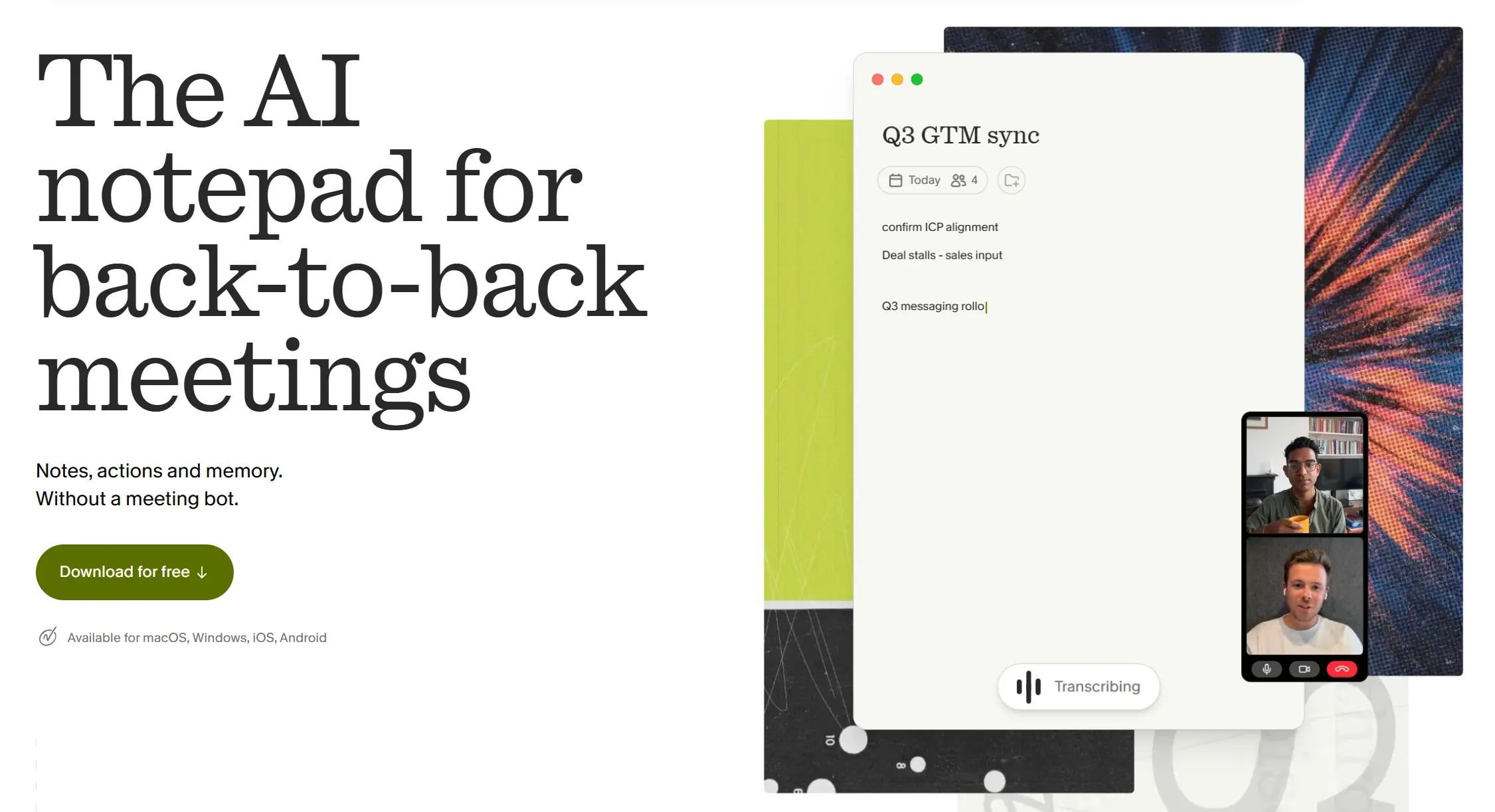 Granola AI meeting notepad app
Key advantages over Bee Pioneer:
-
No hardware to wear, charge, or lose
-
Bot-free capture (no meeting bot shows up in the participant list)
-
Works well for video meetings where physical capture isn’t practical
-
Solid summary quality for structured calls
Tradeoff: Granola only works on scheduled video calls. It can’t capture in-person conversations, field visits, client dinners, or any meeting that doesn’t happen on your laptop. For hybrid or in-person work, you still need a hardware device.
Best for: Remote-first professionals whose work is 90%+ video calls
Pricing: Granola is a desktop app (Mac and Windows). A free tier is available, but note the lifetime cap of 25 meetings before an upgrade is required.
|
Plan |
Price |
Meetings |
Key Features |
|---|---|---|---|
|
Basic |
Free |
25 meetings lifetime |
Core AI notes, no integrations |
|
Business |
$14/user/mo |
Unlimited |
Notion, Slack, HubSpot, Salesforce, Zapier, API/MCP access |
|
Enterprise |
$35/user/mo |
Unlimited |
SSO, advanced security, org-wide training opt-out, priority support |
Not sure whether you need hardware or software? Read our guide: How to Choose an AI Note Taker in 2026.
Head-to-Head Comparison: Bee Pioneer vs. the Alternatives
|
Feature |
Bee Pioneer |
Vibe Dot |
Plaud Note Pro |
Omi |
UMEVO Note Plus |
|---|---|---|---|---|---|
|
Price |
$49.99 |
$199 |
$189 + sub |
~$89 |
~$89 |
|
Raw audio stored |
❌ |
✅ 64GB |
✅ |
Varies |
✅ 64GB |
|
Multi-speaker accuracy |
⚠️ Limited |
✅ 5-mic array |
⚠️ Variable |
⚠️ Variable |
⚠️ Limited |
|
Battery (real-world) |
~2 days active |
30+ hours continuous |
~10 hours |
~10 hours |
~40 hours |
|
Phone battery drain |
✅ Yes (Bluetooth processing) |
❌ No |
❌ No |
❌ No |
❌ No |
|
HIPAA compliant |
❌ |
✅ |
✅ |
❌ |
✅ |
|
FERPA compliant |
❌ |
✅ |
❌ |
❌ |
❌ |
|
NDAA compliant |
❌ |
✅ |
❌ |
❌ |
❌ |
|
Hardware encryption chip |
❌ |
✅ TPM 2.0 |
❌ |
❌ |
❌ |
|
Cross-session AI memory |
❌ |
✅ Memory Graph |
❌ |
Limited |
❌ |
|
Phone call recording |
❌ |
✅ |
✅ |
Varies |
✅ |
|
Owned by Big Tech |
✅ Amazon |
❌ |
❌ |
❌ |
❌ |
|
Waterproof |
❌ |
✅ |
✅ |
✅ |
✅ |
What Bee Pioneer Can’t Do: Hardware Encryption and Smart Recording Modes
Two of Bee Pioneer’s deepest gaps aren’t in the spec sheet — they’re in how the device handles your data at rest and how it decides when to record.
Hardware Encryption: Software Promises vs. On-Chip Protection
Bee Pioneer’s privacy approach relies on a software promise: audio is processed in real-time and deleted. There’s no hardware-level protection if the device itself is seized, lost, or plugged into an unauthorized machine. A software deletion claim is not the same as cryptographic lock.
Vibe Dot takes a fundamentally different approach. Its dedicated TPM 2.0 hardware encryption chip means recordings are cryptographically unreadable even if the physical device is stolen or plugged into an unauthorized computer. This isn’t a policy statement — it’s a hardware guarantee. As Vibe’s security page documents, TPM 2.0 prevents physical data tampering at the chip level, not the software level. For professionals in healthcare, legal, or government contexts, this distinction matters enormously. A lost device with software-only protection is a potential breach. A lost device with TPM 2.0 is a brick.
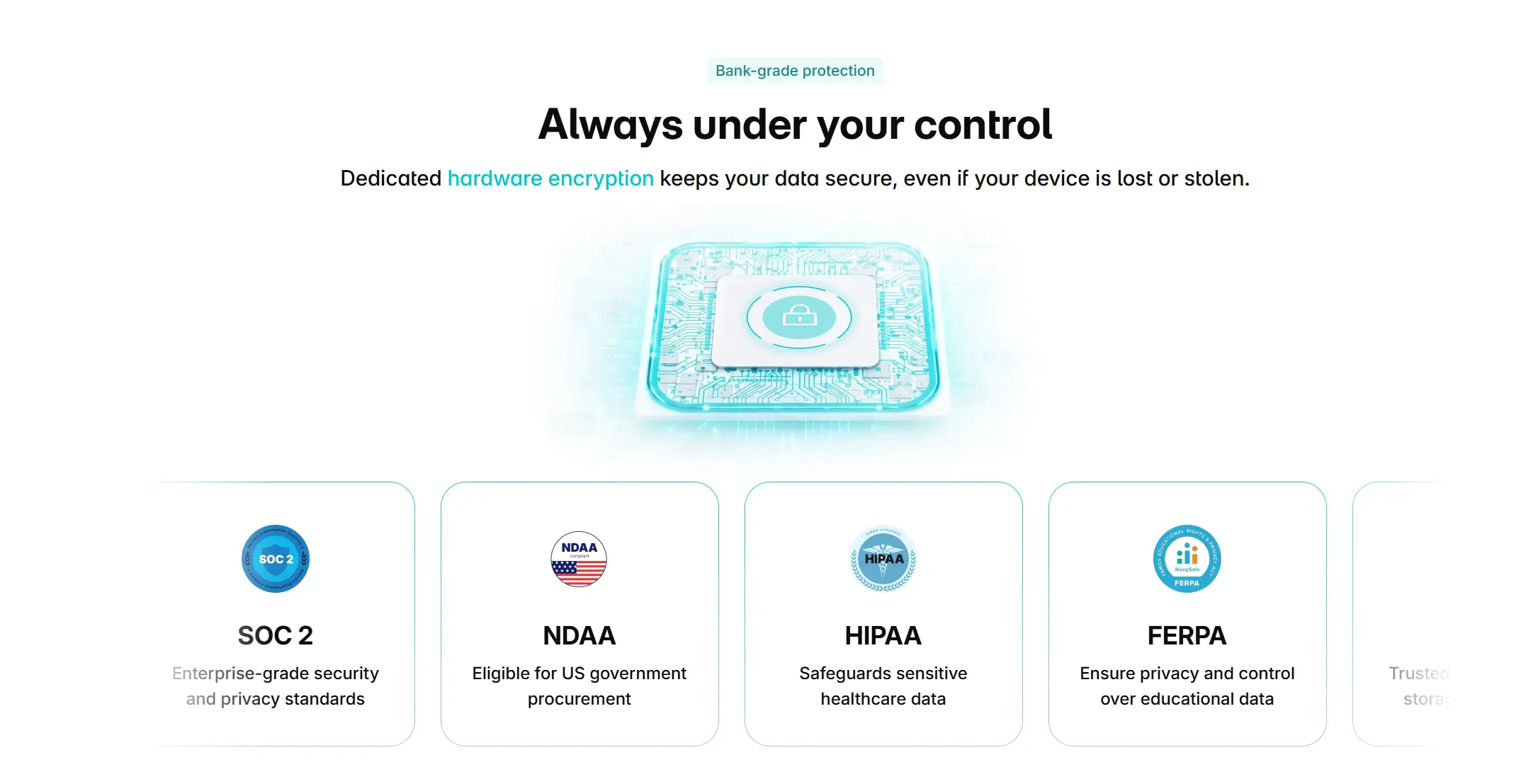
[image: Vibe Dot on-chip TPM 2.0 security diagram showing encryption at hardware layer vs software-only alternatives]
Three Recording Modes Built for Real Professional Workflows
Bee Pioneer has one mode: always-on ambient capture, with a button to mute. That works fine for life-logging, but it creates problems in professional settings — it captures TV audio, podcast playback, and background conversations, flooding the app with irrelevant content that users then have to manually sort through.
Vibe Dot ships with three purpose-built recording modes that match different professional moments:
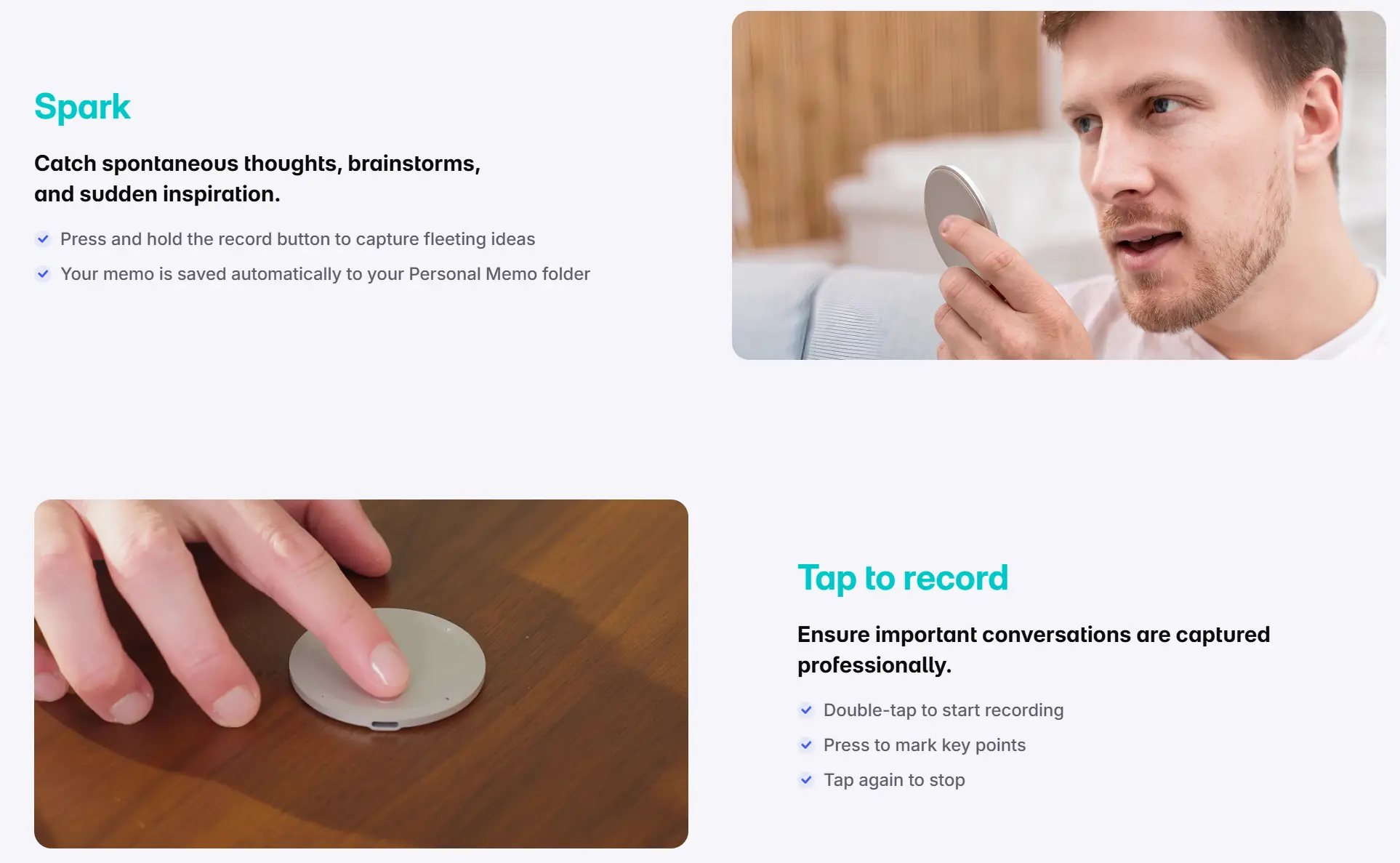 Vibe Dot Spark and tap-to-record modes
Spark — for spontaneous ideas and quick memos. Press and hold the button to capture a fleeting thought. The memo saves automatically to your Personal Memo folder, separate from meeting recordings. No sorting required.
Tap to Record — for planned meetings and client conversations. Double-tap to start, tap again to stop. Press once during a recording to mark a key point for quick retrieval later. This mode aligns with explicit-consent requirements in all-party consent states — a critical compliance consideration for anyone recording client calls in California, Florida, or other two-party states. Vibe Dot’s Tap to Record default requires deliberate initiation, a workflow that aligns with explicit-consent requirements across regulated professions.
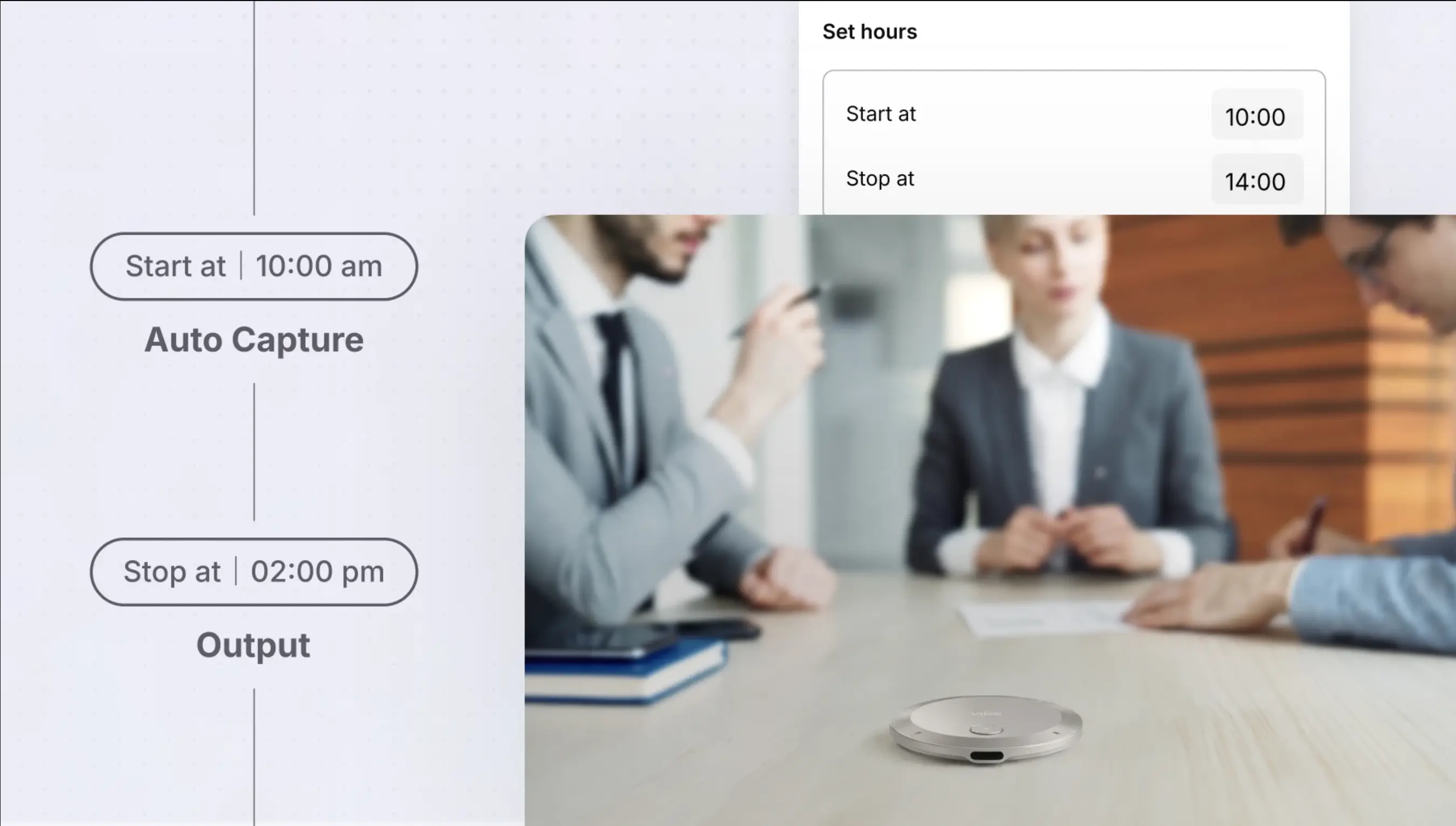
Auto Capture (Beta) — for professionals who need passive capture without the Bee Pioneer’s noise problem. Auto Capture uses Voice Activity Detection to start recording when actual speech is detected within your pre-set working hours. The device stays in Standby outside those hours — when you aren’t working, Vibe Dot isn’t recording. You can also set a schedule so the device activates automatically for recurring meetings, then goes quiet when your workday ends.
The practical result: no accidental recordings of your commute playlist, no transcripts of Netflix dialogue, and no manual cleanup at the end of the day.
Who Should Actually Stay With Bee Pioneer?
To be fair: Bee Pioneer isn’t a bad product for its intended use case. It’s a reasonable starting point if:
-
You’re testing whether a wearable AI recorder fits your life before committing more budget
-
Your use case is personal ambient memory — reminders, to-dos, life-logging — not professional documentation
-
You’re based in the US (Bee currently only ships domestically)
-
You’re not in a regulated industry and don’t handle sensitive client or patient information
The Bee Pioneer is what it says it is: a pioneer-edition device. First-gen hardware, consumer-grade privacy, personal use focus. The problems start when you try to use it for something it wasn’t built for.
Why Vibe Dot Is the Professional Upgrade Most People End Up Choosing
Most professionals who switch from Bee to Vibe Dot say the same thing: they wish they’d started here.
The gap isn’t just about hardware specs. It’s about what the AI layer actually does with your recordings.
Bee Pioneer produces daily summaries of today’s conversations. Useful for recall. But each session is its own island — there’s no memory connecting your Monday client call to the Thursday follow-up three weeks later.
Vibe Dot’s Memory Graph changes that. It builds a connected intelligence layer across all your recordings — so when you’re in a meeting, the AI can surface relevant context from a conversation six months ago. For sales cycles, ongoing client relationships, or long-term research projects, this is the difference between a fancy notepad and an actual professional memory system.
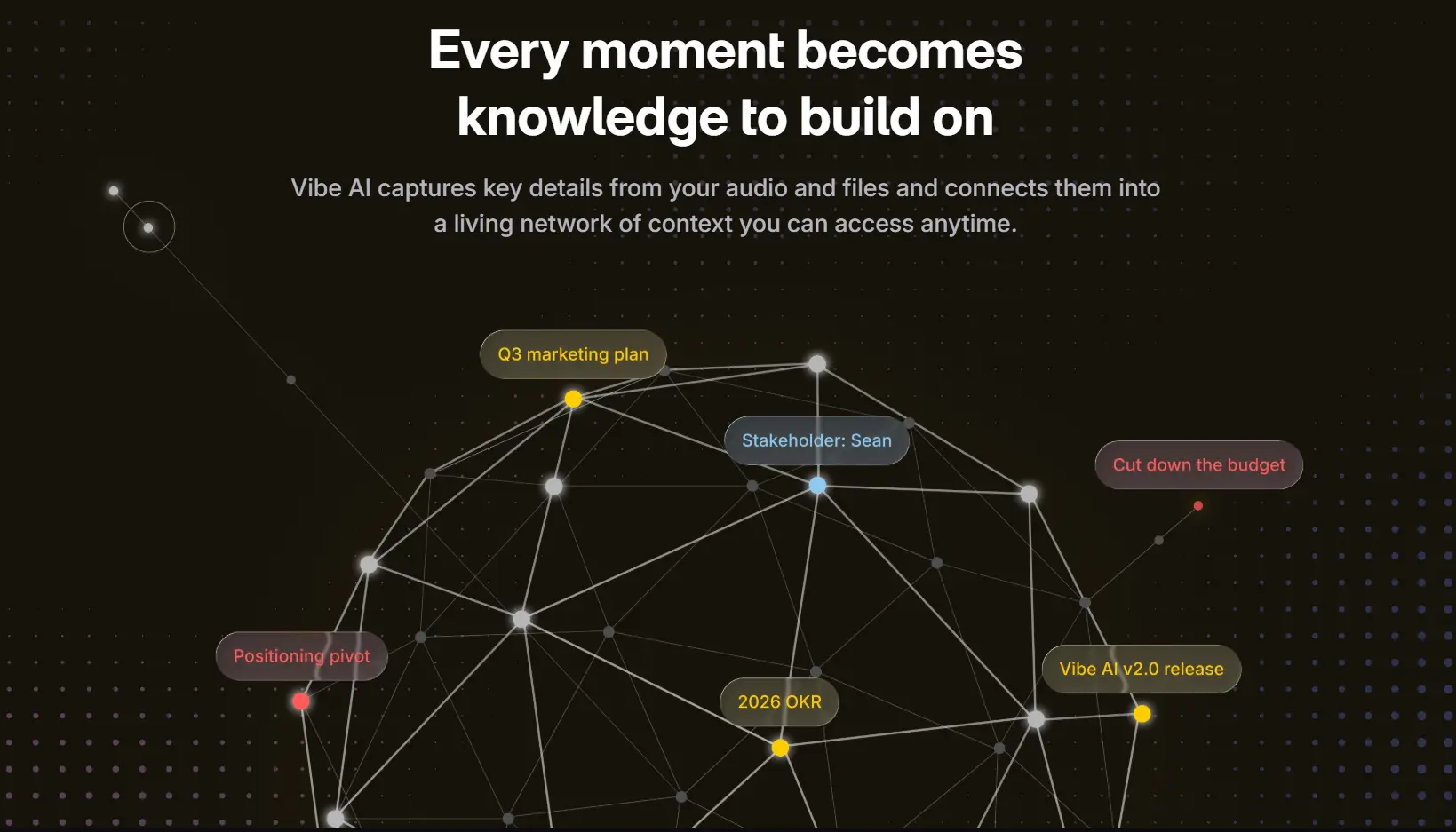
Add the 5-mic hardware, the TPM 2.0 hardware encryption, three purpose-built recording modes, the verified compliance certifications, the 64GB local storage, and the 30+ hours of real-world battery — and Vibe Dot isn’t just a "better Bee." It’s a fundamentally different category of tool.
The Bottom Line
Bee Pioneer is a fine first experiment — and at $49.99, it’s a low-risk way to discover whether you actually want a wearable AI recorder in your life. Many people do.
But most professionals who take that experiment seriously end up here: looking for something that actually handles real meetings, real clients, and real consequences if the transcript is wrong.
If that’s you, Vibe Dot is the clearest upgrade path. It solves every structural limitation of Bee Pioneer — raw audio storage, multi-speaker accuracy, hardware-level encryption, smart recording modes, compliance certifications, battery life, and cross-session memory — without asking you to compromise on the professional workflows that make an AI recorder worth using in the first place.
Frequently Asked Questions
What are the main problems with the Bee Pioneer Edition?
The Bee Pioneer has five structural limitations that affect professional users: it deletes raw audio after transcription (so you can’t verify accuracy), microphone range is limited to 2–3 meters (making group meeting capture unreliable), it has no hardware encryption chip (only a software deletion promise), it carries no enterprise compliance certifications (HIPAA, FERPA, NDAA), and it’s now owned by Amazon (raising data privacy questions in sensitive contexts). Battery life also underperforms the 7-day marketing claim in real active-listening use.
Is there a Bee Pioneer alternative that’s HIPAA compliant?
Yes. Vibe Dot holds SOC 2, HIPAA, FERPA, NDAA, and TPM 2.0 certifications — all verifiable and published on Vibe’s security page. Plaud Note Pro also holds HIPAA, ISO 27001, and SOC 2 certification. Neither Bee Pioneer nor Omi carry HIPAA certification, which disqualifies them for healthcare or clinical use.
Can Bee Pioneer record phone calls?
No. Bee Pioneer records conversations within physical proximity via its onboard microphone. It does not integrate with phone calls on Zoom, Teams, Google Meet, or standard cellular calls. Vibe Dot and Plaud Note Pro both support phone and video call recording.
Does Bee Pioneer store the actual audio recording?
No. Bee Pioneer processes audio in real-time and deletes it immediately, retaining only transcripts and AI-generated summaries. This means you cannot replay a recording or verify a transcript against the original audio. For any use case requiring verbatim accuracy or audit trails, this is a critical gap. Vibe Dot stores 64GB of audio locally on the device, protected by a dedicated TPM 2.0 hardware encryption chip.
What’s the best Bee Pioneer alternative for educators?
Vibe Dot. Its FERPA certification makes it the only wearable AI recorder in this category compliant with student data privacy laws — a requirement for use in K–12 and higher education settings. No other device on this list (including Bee, Plaud, or Omi) carries FERPA certification.
How much does a professional AI recorder cost compared to Bee Pioneer?
Bee Pioneer costs $49.99. Professional alternatives range from ~$89 (UMEVO Note Plus) to $189+ (Plaud Note Pro with subscription). Vibe Dot is $199 and includes onboard storage, a 5-mic array, a TPM 2.0 hardware encryption chip, three professional recording modes, 30+ hour battery, and a full compliance certification stack that Bee Pioneer doesn’t offer at any price. For professionals, the cost-per-missed-detail or compliance-risk comparison typically favors the upgrade.