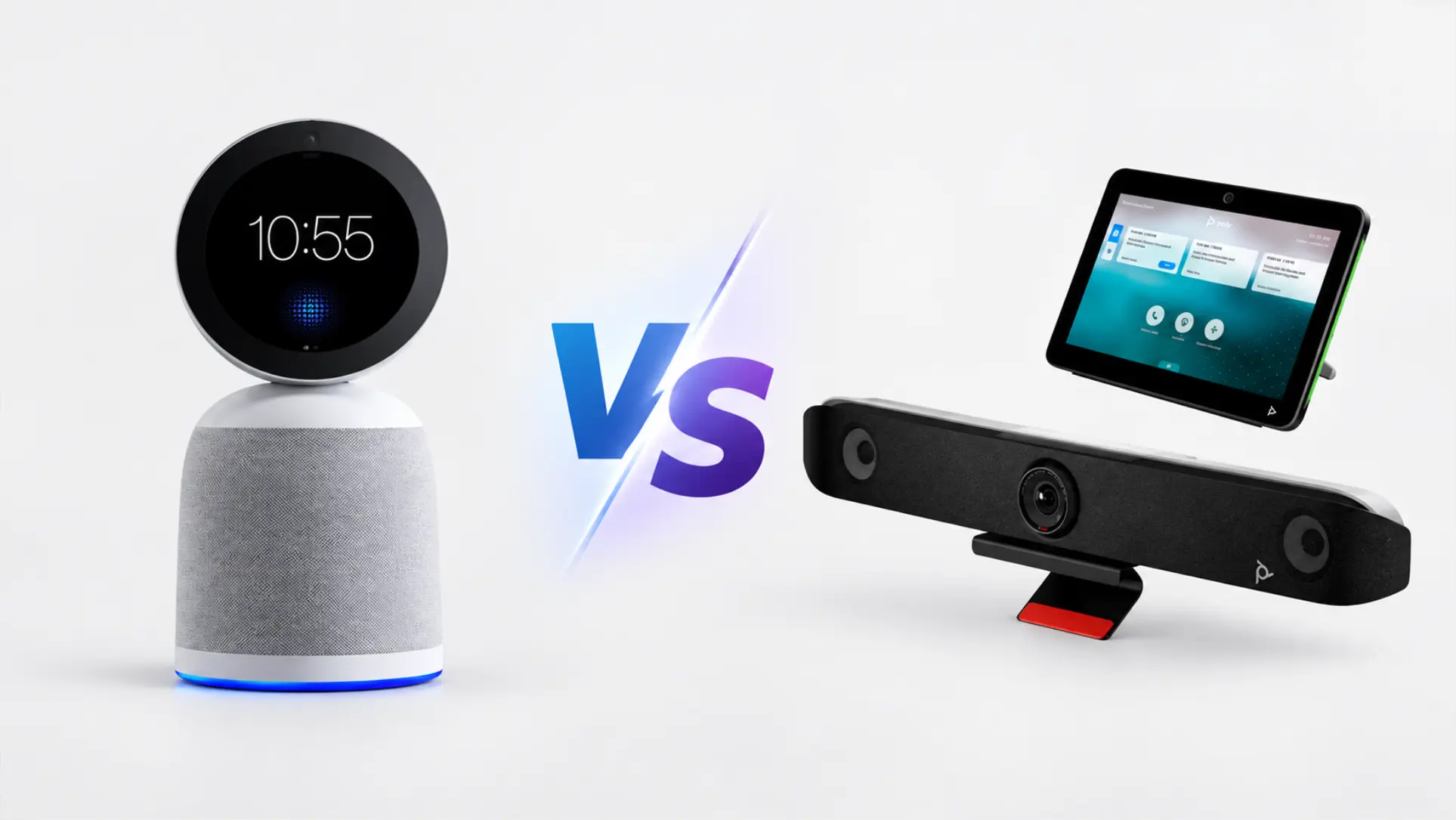
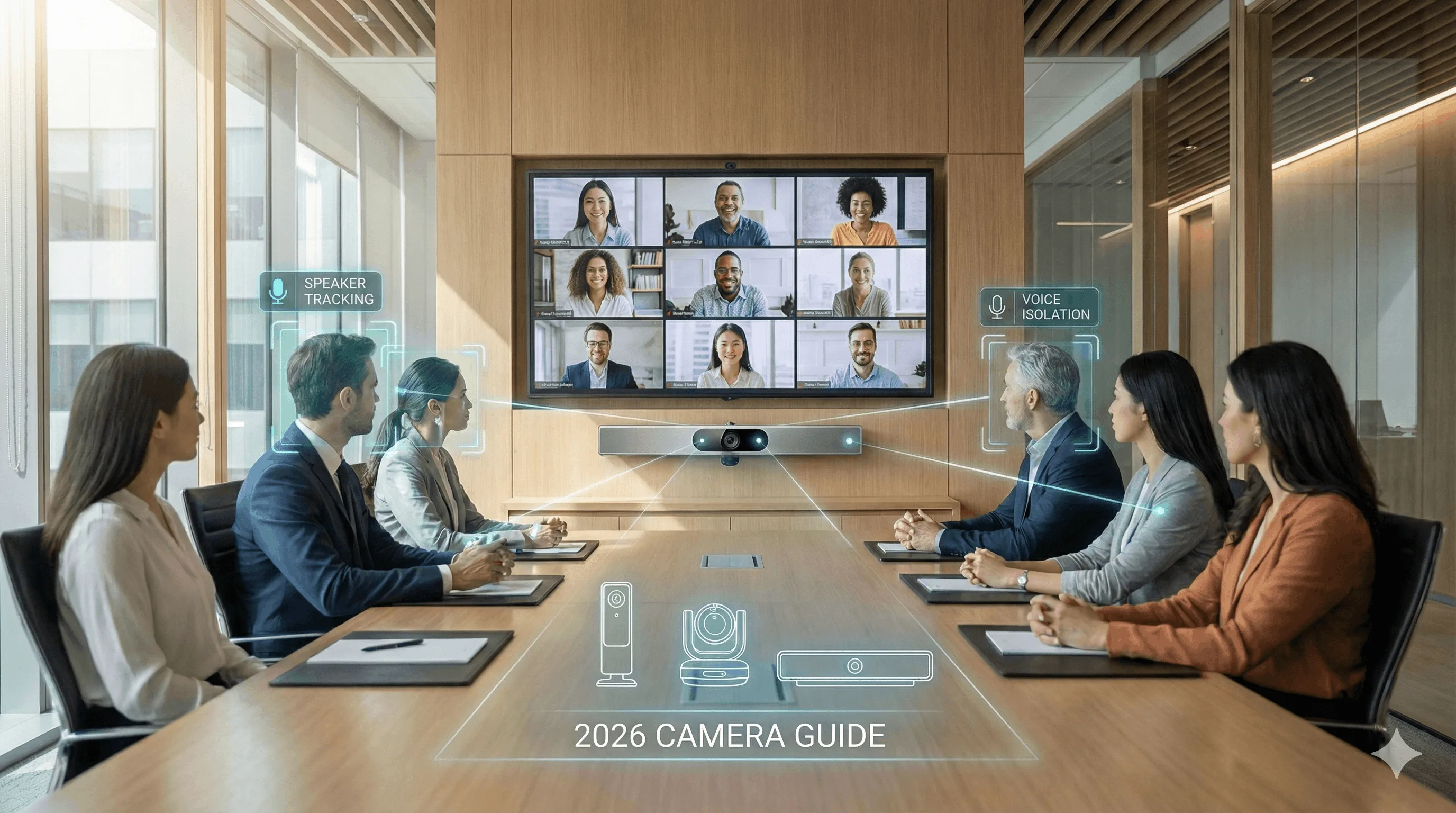
The best meeting room solution for a small business is not the one with the best camera. It's the one that goes in without an AV contractor, doesn't generate IT tickets every month, and leaves the team with something they can actually use once everyone walks out.
Most buying guides compare sensor resolution and field-of-view specs — useful criteria if you have a dedicated AV team, mostly irrelevant if you don't. This guide ranks eight options on the four things that decide the outcome for a company between 10 and 100 people: how quickly the room is live, how much ongoing maintenance it demands, what it costs across three years, and what the room produces once the meeting ends.
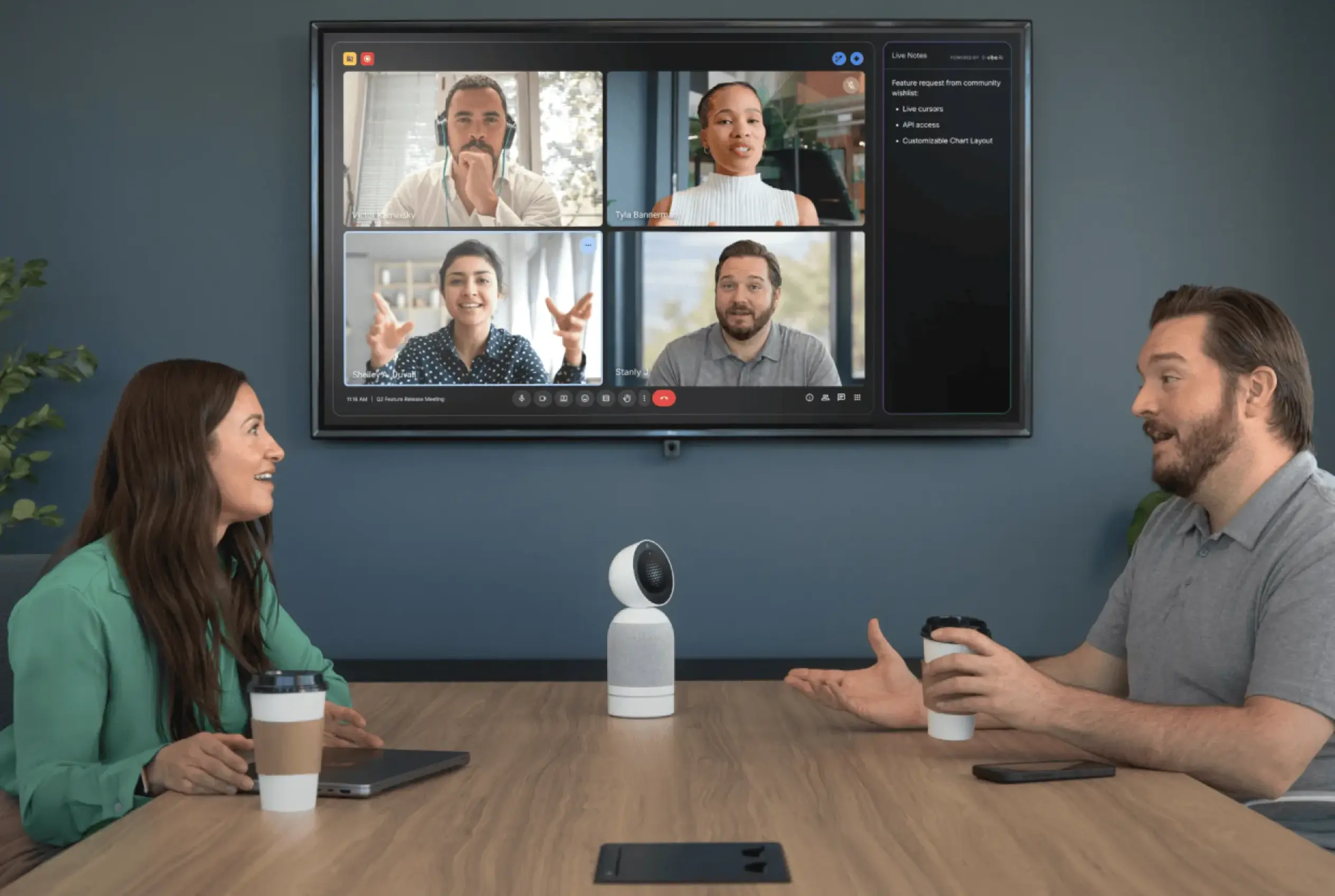 Vibe Bot powering a hybrid conference room meeting
How we evaluated these options
Four criteria, in the order they tend to matter for a small business:
-
Deployment speed — hours from unboxing to a working room, and whether an installer is required. A solution that needs a site visit and a quote is a fundamentally different purchase decision from one that needs a power outlet.
-
Ongoing IT burden — firmware cadence, room licence management, troubleshooting surface area. Small businesses rarely have a dedicated AV manager; whatever they buy, someone's adding it to their existing job.
-
Three-year total cost — hardware plus every subscription the room needs to actually run. Several video bars are sold as hardware-only, with the room compute or platform licence priced separately. The gap between the sticker price and the three-year total is where most budgeting surprises happen.
-
Post-meeting output — does the room produce a searchable transcript, a summary, and action items on its own? Or does that still depend on someone's laptop, a separate app subscription, and the discipline of one person per meeting?
That fourth criterion is where most of this product category is currently empty, and it's the one that changes whether a meeting room is a communications tool or a knowledge asset.
Quick comparison
|
Solution |
Best for |
Deployment |
3-year cost (approx.) |
Produces notes on its own |
|---|---|---|---|---|
|
Vibe Bot |
Rooms that need to produce a record |
Minutes, no installer |
$3,600–$4,600 (device + Vibe AI Pro) |
✅ Yes (via Vibe AI) |
|
Logitech Rally Bar |
Rooms standardised on Teams or Zoom |
Hours, mounts to wall |
$4,200–5,500+ (bar + room licence) |
❌ No |
|
Yealink MeetingBar (A25 / A40) |
Multi-room rollout, uniform management |
Minutes per room |
$2,100–$3,500 (bar only, no licence needed) |
❌ No |
|
Kandao Meeting Pro 2 |
Budget 360° + native AI notes |
Minutes (tabletop) |
$1,099 (no subscription) |
✅ Yes (per-session) |
|
Neat Bar 2 |
Walk-in BYOD simplicity, premium AV |
Hours |
$3,700–$4,500+ |
❌ No |
|
Poly Studio X32 |
Plug-and-play, small rooms |
Hours |
$2,500–$3,500 |
❌ No |
|
Owl Labs Meeting Owl 4+ |
Entry-level 360° room coverage |
Minutes |
$1,400–$2,000 |
❌ No |
|
Jabra PanaCast 50 |
Wide or irregular room shapes |
Minutes (USB) |
$2,000–$2,800 |
❌ No |
Note on pricing: Hardware prices fluctuate across resellers and promotional periods. Figures above are indicative ranges based on publicly listed prices as of October 2026. Verify before purchasing, and factor in room licences, compute, and Vibe AI subscription separately.
1. Vibe Bot — best for rooms that need to produce something
Room size: 4–16 people · Deployment: minutes, no installer required
Every other device on this list is genuinely good at carrying a call. None of them produce anything once the meeting ends. Vibe Bot is built on a different premise: the room itself should end the meeting with a usable record.
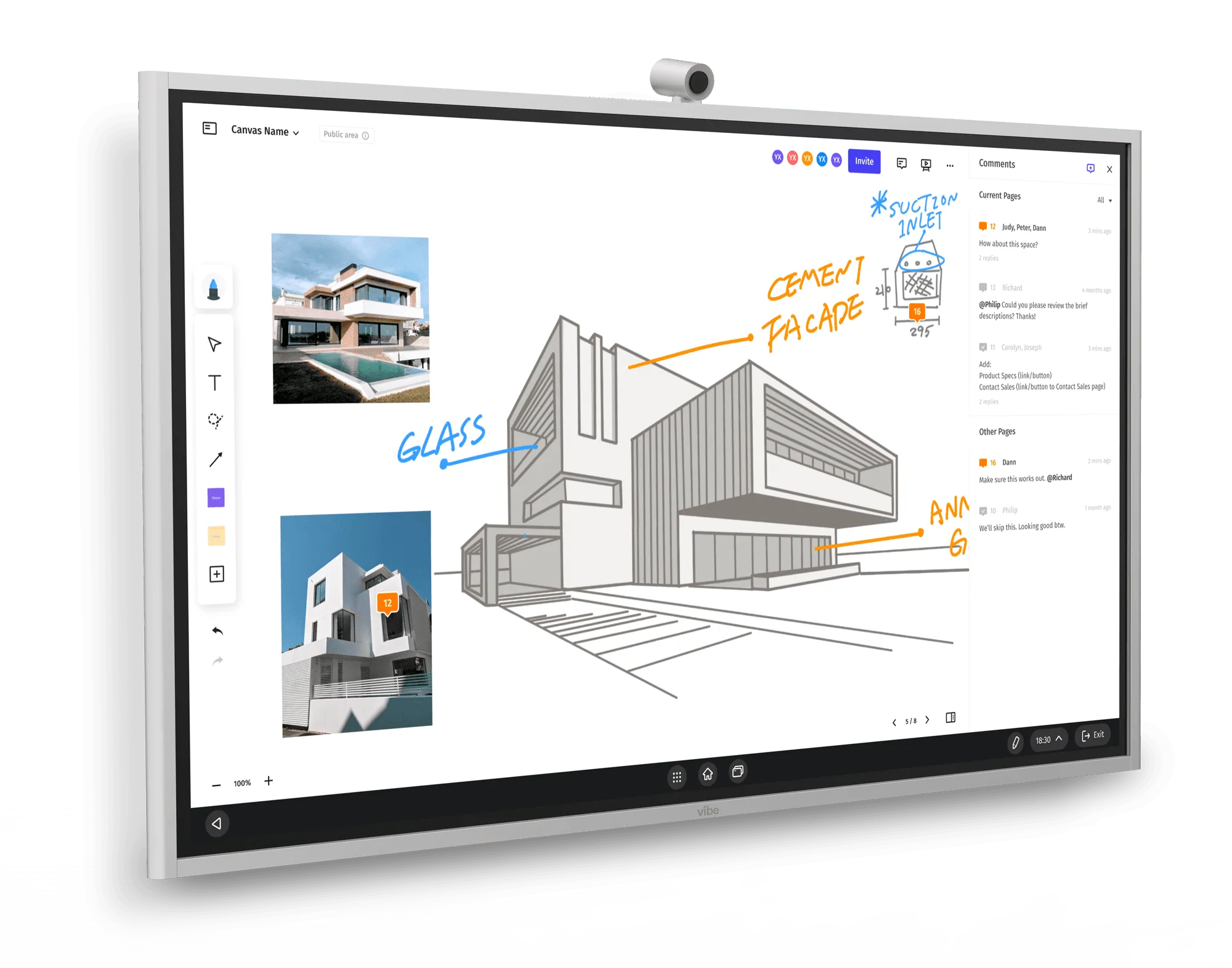
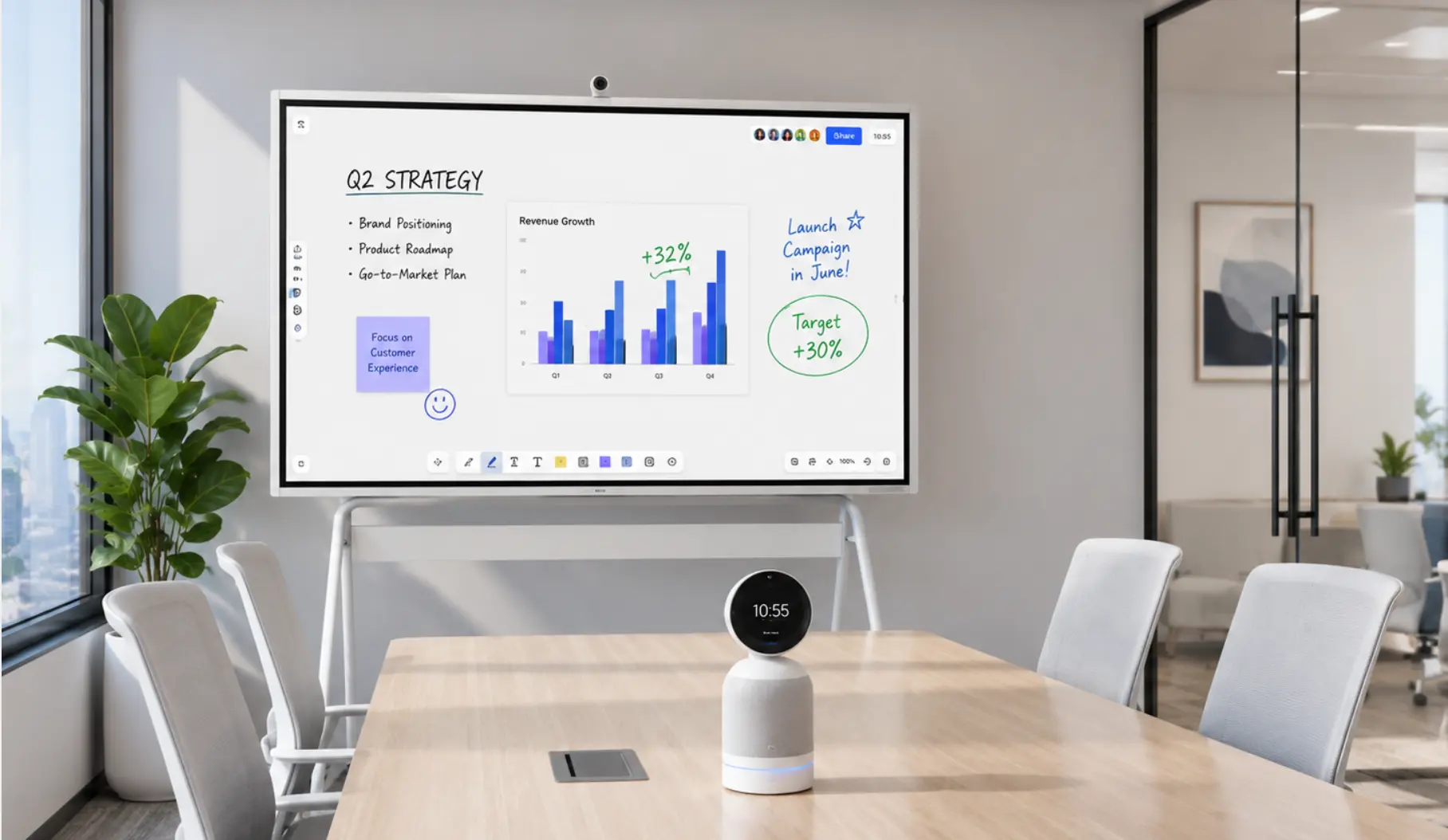 Vibe Board and Vibe Bot in a modern conference room setup
The hardware is a 360° camera with a 4K lens, a six-microphone beamforming array covering roughly a sixteen-foot radius, a speaker, and a touchscreen. It runs its own operating system — no laptop or room PC needed in the room. It also registers as a standard camera and microphone source over USB-C or HDMI, so your existing Zoom, Teams, or Google Meet setup recognises it immediately for hybrid calls. Per-room setup takes minutes.
The intelligence layer is Vibe AI, a subscription that turns what the room captures into summaries, action items, and searchable history. The differentiator over a year — not just a meeting — is Memory Graph: context carries across sessions. Six weeks after a client call, someone can ask what was decided, and the answer comes from the room's own record rather than whoever happened to take notes that day.
Pricing (as of October 2026): Vibe Bot hardware: $1,599 + Vibe AI Starter (free, 300 min/month) or Pro (~$9/seat/month, 1,200 min/month).
Tradeoffs — stated plainly:
-
Vibe Bot is a capture and memory layer. It is not a compliance-archiving or records-retention system. Regulated firms that need WORM-standard archiving should treat it as a capture layer that sits alongside that system.
-
It does not natively file notes into a CRM or practice-management platform.
-
For very large boardrooms with deep sightlines, a dual-lens bar designed for that depth will outperform it on video. Vibe Bot's sweet spot is the small-to-medium room most small businesses actually have.
Vibe Bot is NDAA-eligible for US government procurement.
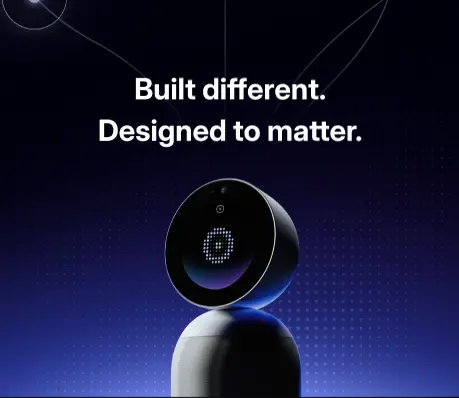
2. Logitech Rally Bar — the reliable standard for platform-first rooms
Room size: 6–14 people · Deployment: half-day, wall-mount installation
The Rally Bar is the default recommendation in this category for a reason. It packs a 4K motorised PTZ camera, a ten-element microphone array, and dual speakers into a single unit, runs natively on Teams and Zoom, and has a mature device-management ecosystem. For smaller rooms, the Rally Bar Mini covers 4–10 people with a more compact form factor.
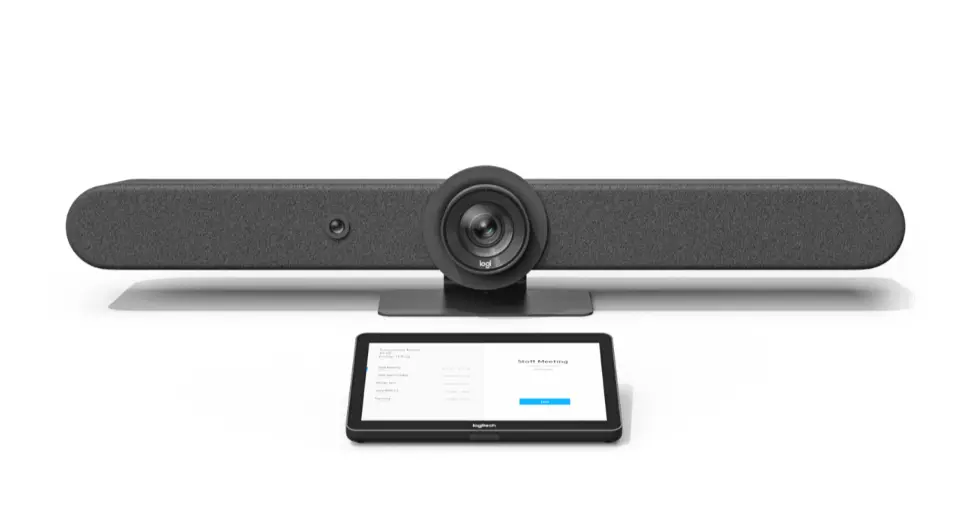 Logitech Rally Bar
One thing to confirm before comparing prices: the Logitech Rally Bar and Rally Bar Mini require an external compute source — unlike Poly Studio X or Yealink MeetingBar, which have built-in Android compute. The bar-only price doesn't include a room PC or appliance licence, which adds meaningfully to the three-year total.
Best for: companies standardising multiple rooms on a single platform, with someone — even part-time — to manage the deployment.
Post-meeting output: none on its own. A separate Teams or Zoom AI subscription is required — see how this compares to Vibe Bot's built-in layer.
3. Yealink MeetingBar — cheapest path to equipping several rooms
Room size: 1–12 people · Deployment: minutes per room · Price: A25 ~$2,108–$2,419; A40 ~$3,039 (reseller pricing, SHI)
The Yealink MeetingBar line's argument is deployment speed at scale. A competent IT admin can bring a room live in well under an hour, and the process is nearly identical across the A25, A40, and A50 — which means ten rooms become ten dashboard entries rather than ten site visits. Compute is built in across the range, so there's no room PC or appliance licence to add — just plug in and configure.
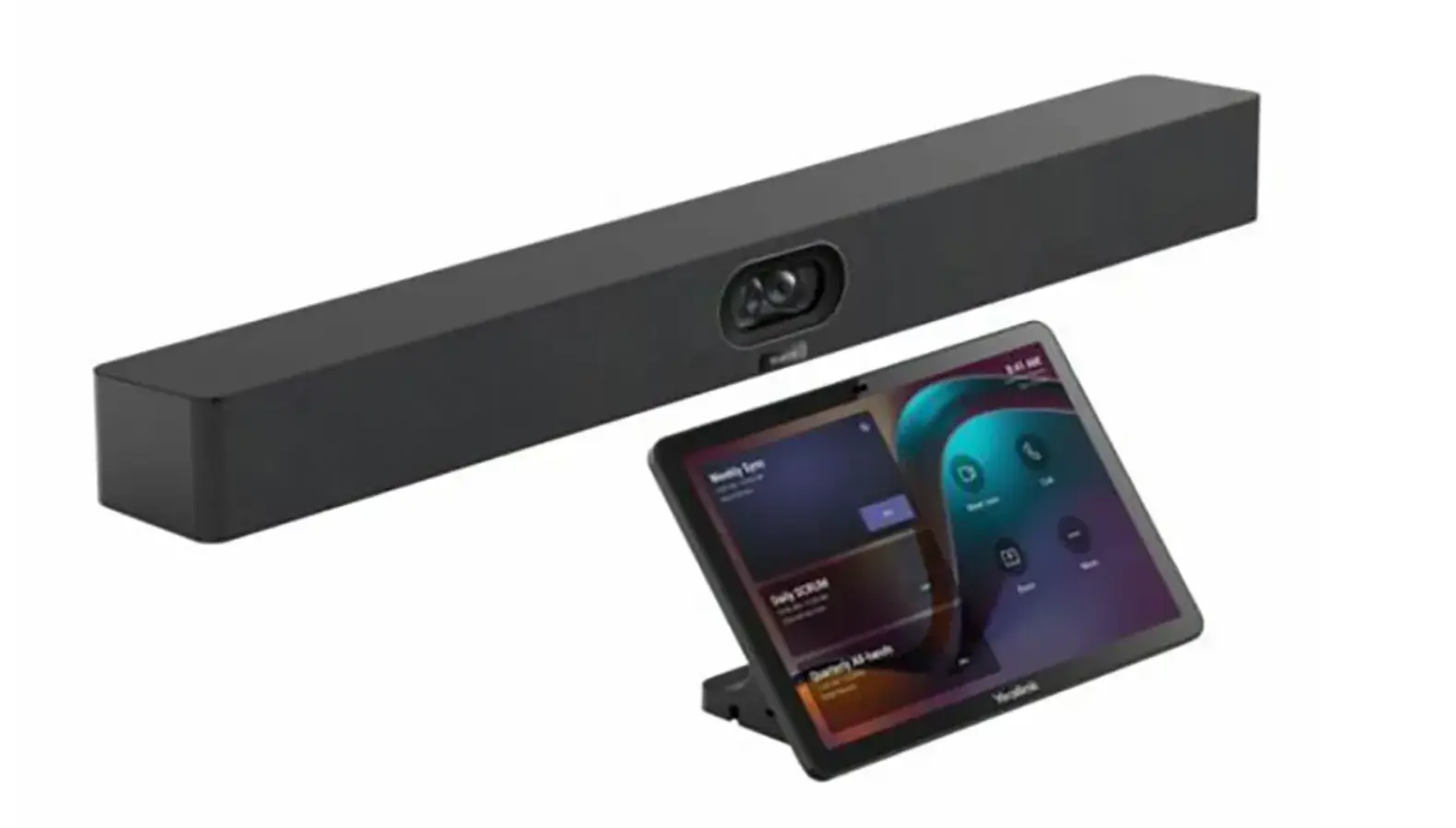 Yealink MeetingBar
For most small businesses, the A25 is the starting point: a triple-camera setup covering 151° ultra-wide, five-metre microphone pickup, and the CTP25 touch console, certified for Teams and Zoom. The A40 steps up to small-to-medium rooms with a dual 48MP stitched 4K60 camera and six-metre audio reach.
Best for: outfitting three or more rooms at once where per-room cost and uniform management matter more than meeting output.
Post-meeting output: none on its own.
4. Kandao Meeting Pro 2 — the budget pick with native AI notes
Room size: 2–10 people · Deployment: minutes (tabletop) · Price: $1,099
The Kandao Meeting Pro 2 is the only other device on this list that produces a transcript, summary, and action items without a separate subscription. Its SmartNote feature runs on-device — real-time captions and translation in 21+ languages, per-session summaries, and a reference feature that jumps to the corresponding recording moment from any summary line. Standalone operation, no laptop required.
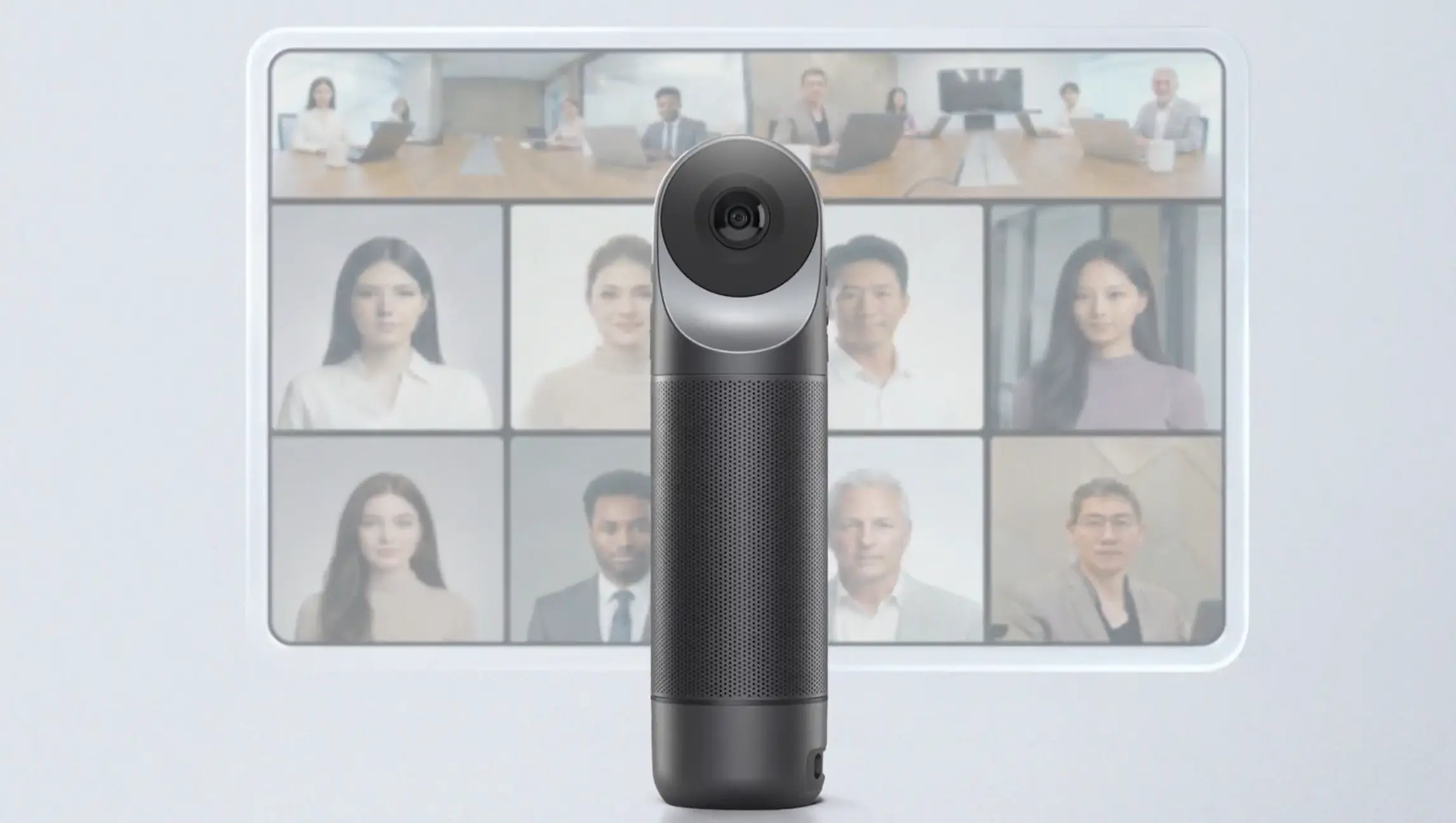
The gap versus Vibe Bot is cross-meeting memory: each session is an isolated file, with no persistent AI that links what was decided last month to this week's agenda. Integrations are also limited — SmartNote doesn't push action items to Slack, Notion, or HubSpot natively.
Best for: budget-conscious teams that want native AI transcription and summaries without a subscription, especially in multilingual environments.
Post-meeting output: ✅ yes — per-session summaries and action items via SmartNote (no cross-meeting memory).
5. Neat Bar 2 — best walk-in experience for guest-heavy rooms
Room size: 4–12 people · Deployment: hours (wall mount) · Price: ~$3,700–$3,990 (MSRP)
Neat's reputation is earned on friction reduction, not specs. With single-cable BYOD, any participant can walk in, connect their laptop, and launch a Zoom, Teams, or Google Meet call with no adapters, no setup delay, and no IT calls. That matters disproportionately in a small company where clients, contractors, and new hires use the room constantly.
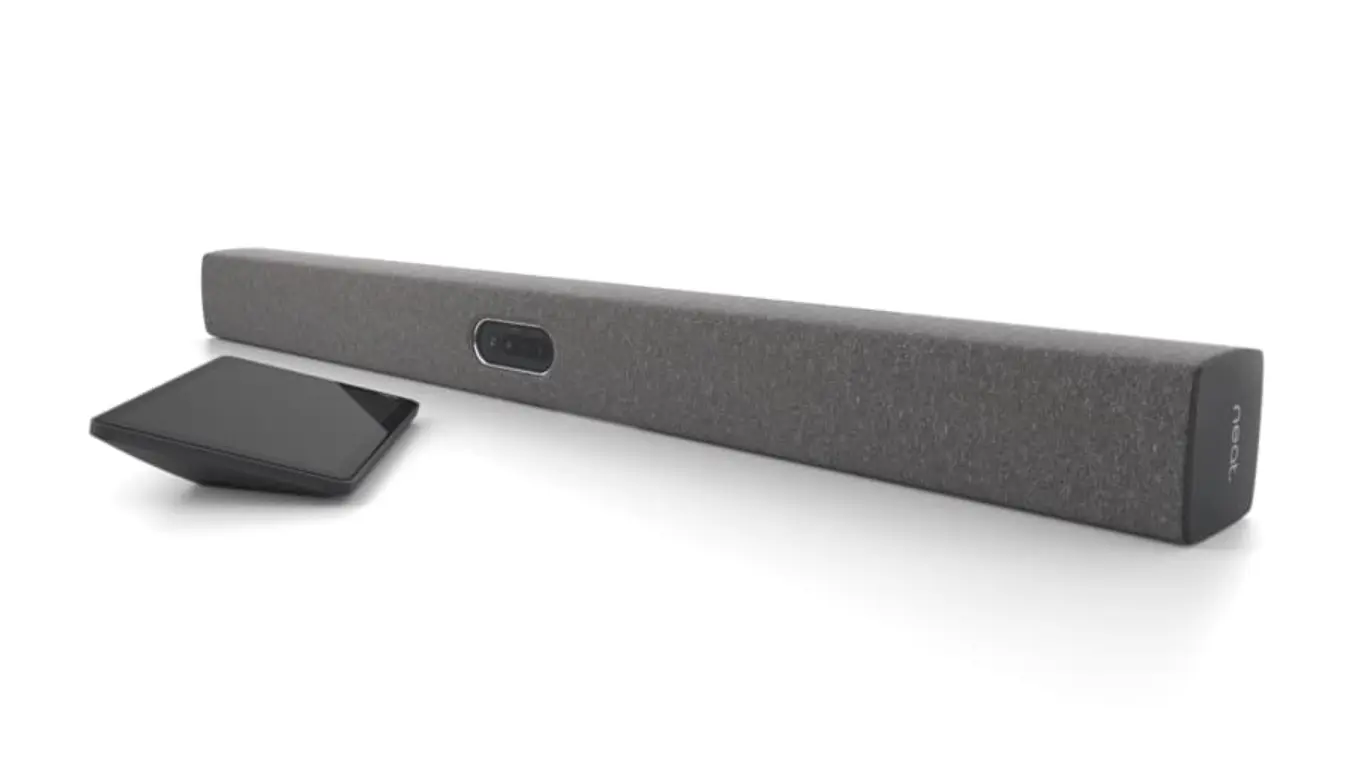 neat bar
The Neat Bar 2 adds a 50MP wide-angle camera with enhanced machine learning-based framing, and slips into first-generation Neat Bar mounts — which helps if you're already in the Neat ecosystem.
Best for: rooms with a high volume of external visitors, or companies where "anyone can walk in and start a call" is a genuine requirement.
Post-meeting output: none on its own. Neat Pulse device management is available as a separate subscription.
6. Poly Studio X32 — plug-and-play for small, platform-native rooms
Room size: 4–8 people · Deployment: hours
The Studio X32 is Teams and Zoom certified, PoE++-powered, with wireless content sharing built in, and includes built-in Android compute — so no separate room PC is needed. It's a solid, predictable choice for a small room that runs one platform consistently.
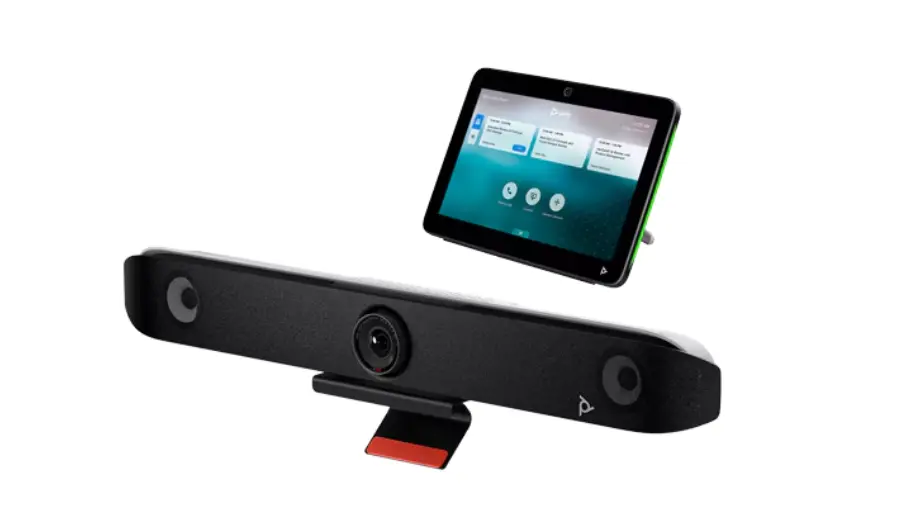 Poly Studio
Best for: small businesses already standardised on Teams or Zoom that want a simple, fully certified solution without deployment complexity.
Post-meeting output: none on its own. Poly AI Director handles framing and audio, not meeting documentation. See Vibe Bot vs. Poly Studio X52 for a full capability and cost breakdown.
7. Owl Labs Meeting Owl 4+ — entry-level 360° room coverage
Room size: 4–10 people · Deployment: minutes (tabletop, plug-in)
The Owl remains the easiest way to get 360° room coverage, and reviewers still cite its ease of use as the primary reason to pick it. It sits on the table, plugs into a laptop, and works — which is a legitimate value proposition for a first room setup or a room with irregular use.
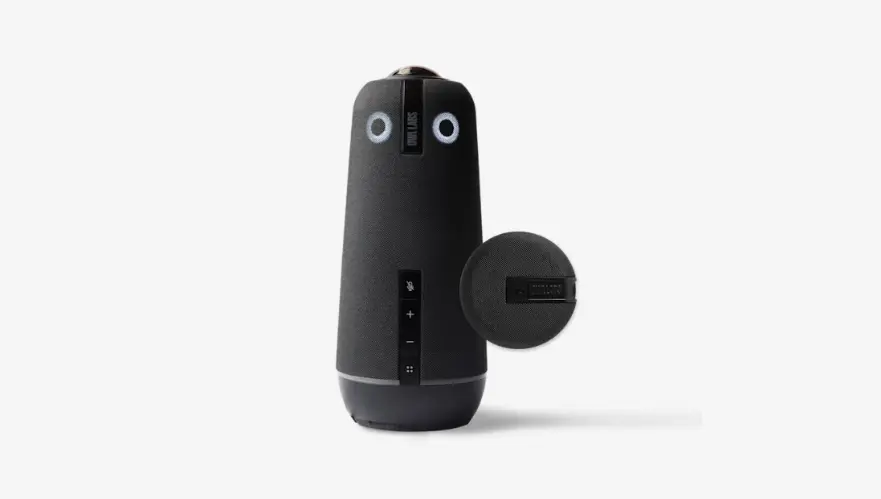 Meeting Owl
Like all camera-and-audio bars, its AI operates at the framing and tracking layer, not the meeting output layer. A room using an Owl 4+ and a laptop-based Zoom AI Companion will get meeting summaries — but only for the calls that happen through that platform, and only as long as someone's account is running it.
Best for: teams wanting 360° visibility without installation, on a modest per-room budget.
Post-meeting output: none on its own. For a deeper look at how it stacks up against Vibe Bot, see Vibe Bot vs. Meeting Owl and the full Meeting Owl alternatives roundup.
8. Jabra PanaCast 50 — wide rooms and audio quality
Room size: 6–12 people · Deployment: minutes (USB or network)
The PanaCast 50 uses three 13MP cameras for a 180° panoramic view and an eight-microphone beamforming array — the wide field of view is specifically designed for rooms where people sit along a long conference table or against side walls. It works over USB or network and is a genuinely strong performer on audio quality for the price range.
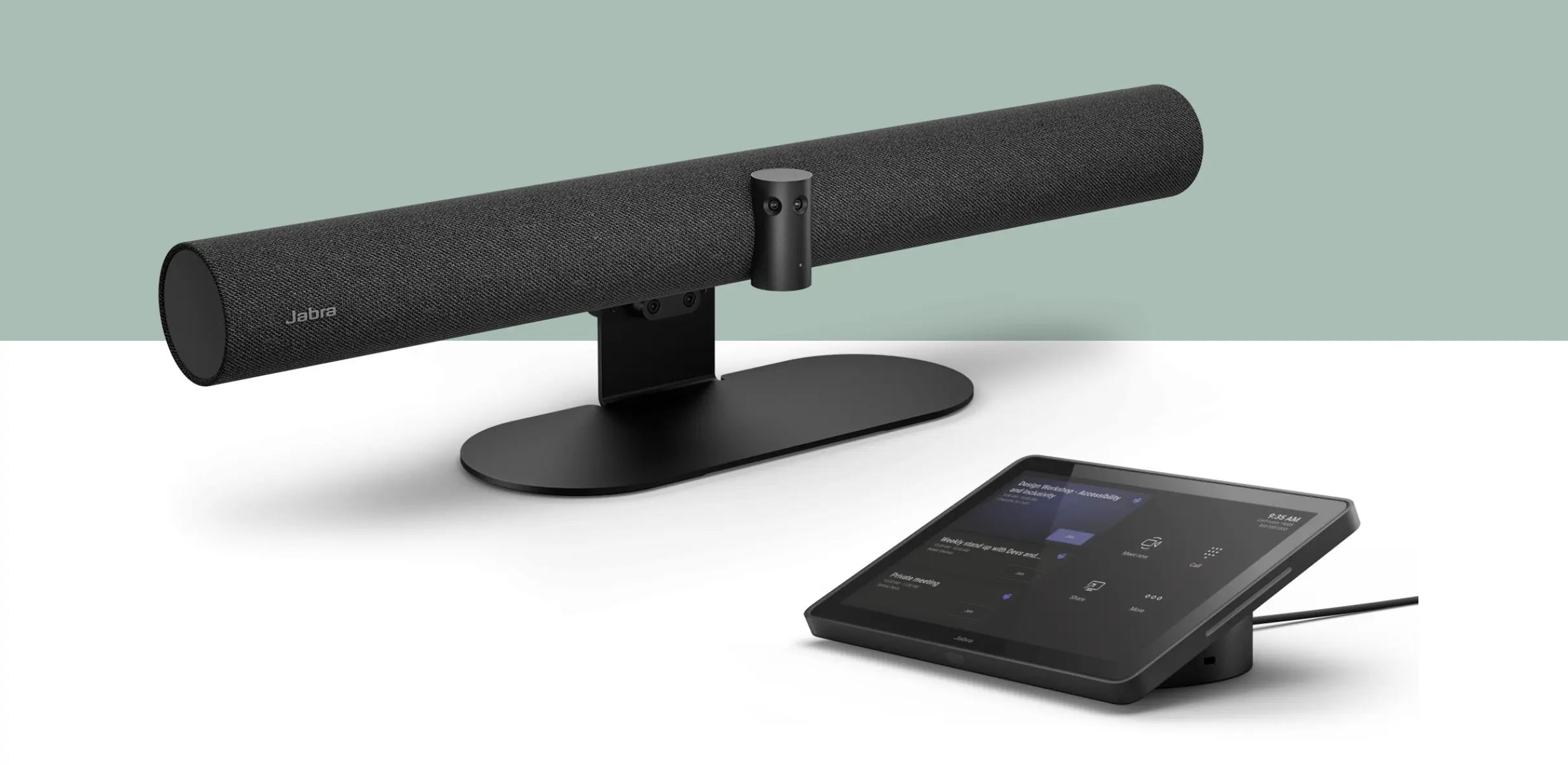 Jabra PanaCast
Best for: oddly shaped or long rooms where a single-camera bar can't cover everyone, and teams where audio fidelity matters.
Post-meeting output: none on its own.
What about the AI your meeting platform already includes?
Fair question, and the honest answer is: if your meetings are primarily video calls on one platform, the bundled AI may cover your needs. Zoom AI Companion, Teams Copilot, and Google Meet Gemini all produce meeting summaries and transcripts for calls held on their platform — and for many small businesses that's sufficient.
Where bundled platform AI stops:
-
In-person meetings. Platform AI only runs when there's a call. A room full of people with no call produces nothing.
-
Cross-platform history. If you run Zoom internally and join clients on Teams, your meeting record is split across two systems.
-
Memory across sessions. Platform summaries are per-meeting. Asking what was agreed with a client over six months is a different capability from getting last week's notes.
The case for a dedicated room device starts when in-person meetings are frequent, or when the room's record matters across more than one session.
See the conference room AV cost guide for per-room budget breakdowns.
How to choose in two minutes
|
If this describes you |
Best option |
|---|---|
|
In-person meetings disappear without a record |
Vibe Bot — the only device here that produces a searchable record on its own |
|
You need cross-meeting memory (what did we decide last month?) |
Vibe Bot — Memory Graph links every session automatically |
|
First 360° room, want to compare before buying |
Vibe Bot vs. Meeting Owl — full breakdown |
|
Want to see all 360° alternatives ranked |
Meeting Owl alternatives — five options compared |
|
Standardising several rooms on Teams or Zoom |
Logitech Rally Bar or Yealink MeetingBar |
|
Equipping 3+ small rooms on a tight per-room budget |
Yealink MeetingBar A25 |
|
Want native AI notes at the lowest price |
Kandao Meeting Pro 2 ($1,099, no subscription) |
|
Guests and contractors use the room constantly |
Neat Bar 2 |
|
Long or oddly shaped room |
Jabra PanaCast 50 |
|
Nearly all meetings are remote, on one platform |
Platform AI + any decent bar — Vibe Bot adds value when in-person sessions matter too |
The short version
In 2026, the hardware question is largely solved. Logitech, Yealink, Neat, Poly, Owl Labs, and Jabra all make devices that will carry a call reliably without a contractor. The question that's still open is what the room gives your team after everyone leaves. If your meetings keep disappearing — decisions forgotten, action items lost, context rebuilt from scratch every month — that's the criterion to rank on when you buy.
Frequently Asked Questions
What's the most affordable workable meeting room setup for a small business?
A compact all-in-one video bar plus an existing TV sits at roughly $1,100–2,200 per room — the Kandao Meeting Pro 2 ($1,099) is the most capable entry-level option and includes native AI notes. The Yealink MeetingBar A25 (~$2,100) is the step up if you need a bar format and multi-room management. Below $1,000 you're into USB webcams and speakerphones, which work for two or three people but lose audio quality past about six.
Do I need a room licence on top of the hardware?
Often, yes — and this is the most common budgeting gap. Several video bars require a separate Teams Rooms or Zoom Rooms licence to run natively on the platform, and some also need an external compute device. Logitech's Rally Bar line, for example, requires external compute where Yealink and Poly's Android-based bars do not. Confirm this before comparing prices, and budget the three-year total rather than hardware cost alone.
How long does it take to set up a conference room for a small business?
Tabletop devices like the Owl Labs Meeting Owl or Yealink A10 can be set up in under 30 minutes. Wall-mount video bars like the Logitech Rally Bar or Neat Bar 2 typically take a half-day including mounting and cable runs — manageable for a capable IT generalist, though some companies prefer a professional installer for a cleaner result. Room devices like Vibe Bot sit on the table and are operational in minutes.
Can a conference room device take notes automatically?
Most cannot — this is the clearest gap in the category. Standard video bars are AI-powered at the camera and audio layer (auto-framing, speaker tracking, noise suppression) but do not produce a transcript, summary, or action items. Vibe Bot, paired with Vibe AI, does produce meeting output on its own without a laptop in the room. If automatic meeting notes matter to your team, check whether the device generates post-meeting output independently before buying.
What should I budget per room over three years?
A realistic range for a small-to-medium conference room is $2,000–5,000 all-in over three years, covering hardware, room licences, and any software subscriptions. Compare on this number rather than hardware price alone, since per-seat software licences can exceed the device cost over a three-year period. Vibe Bot with Vibe AI Pro runs roughly $3,600–4,600 over three years depending on team size; comparable platform-native video bars with room licences often reach $4,000–5,500+ over the same period.
Is an all-in-one device better than a separate camera, microphone, and speaker?
For most small businesses, yes. All-in-one bars get a room running in hours without specialist installation, whereas component systems require AV design, cabling, and a DSP processor. Separate components win in large rooms where a single device physically can't cover the space — but that's a boardroom challenge, not a small-business one.