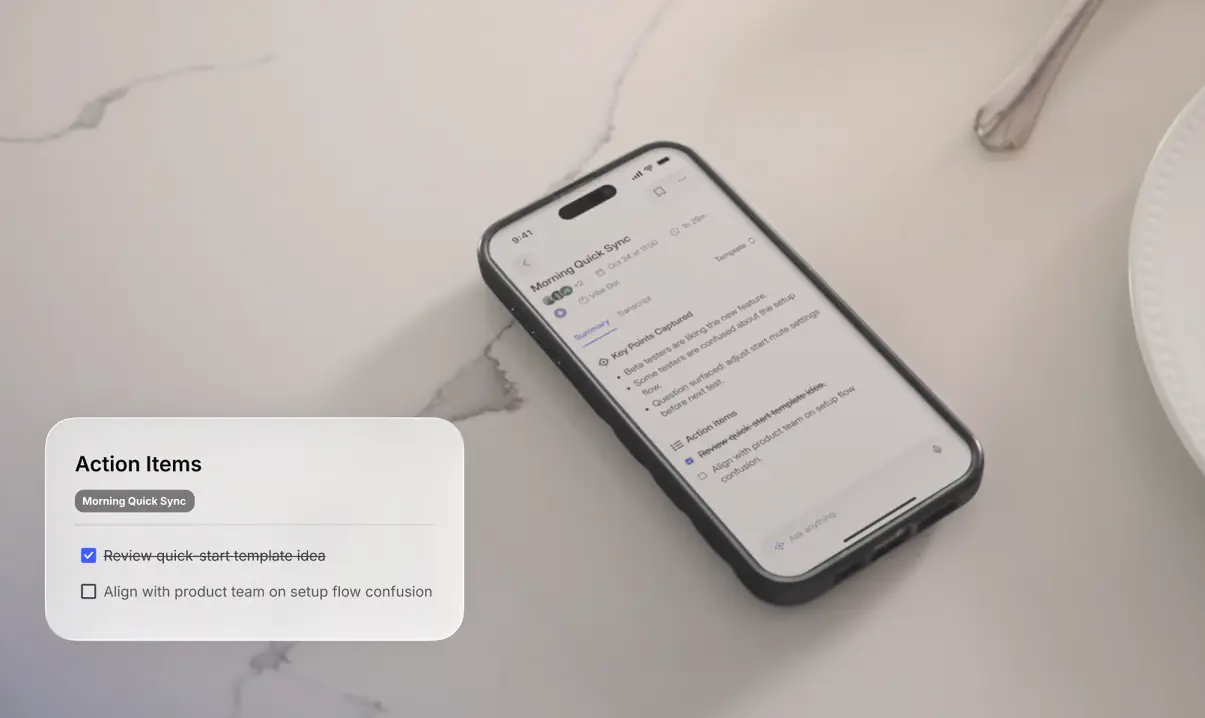
Bluedot made a real contribution to the AI meeting space: it proved you don’t need to drop a visible bot into every call to get good transcription and summaries. But in 2026, "bot-free" is no longer a differentiator — it’s a baseline. And the reasons people look for Bluedot alternatives have gotten more specific.
Some need in-person capture that actually works. Some have hit the free tier wall and don’t want to pay $18–39 per seat. Some need AI that remembers across months of meetings, not just searches past transcripts. And some have compliance requirements that a cloud-dependent Chrome extension simply can’t meet.
This roundup matches the right alternative to the right gap — including one option that rethinks the format entirely.
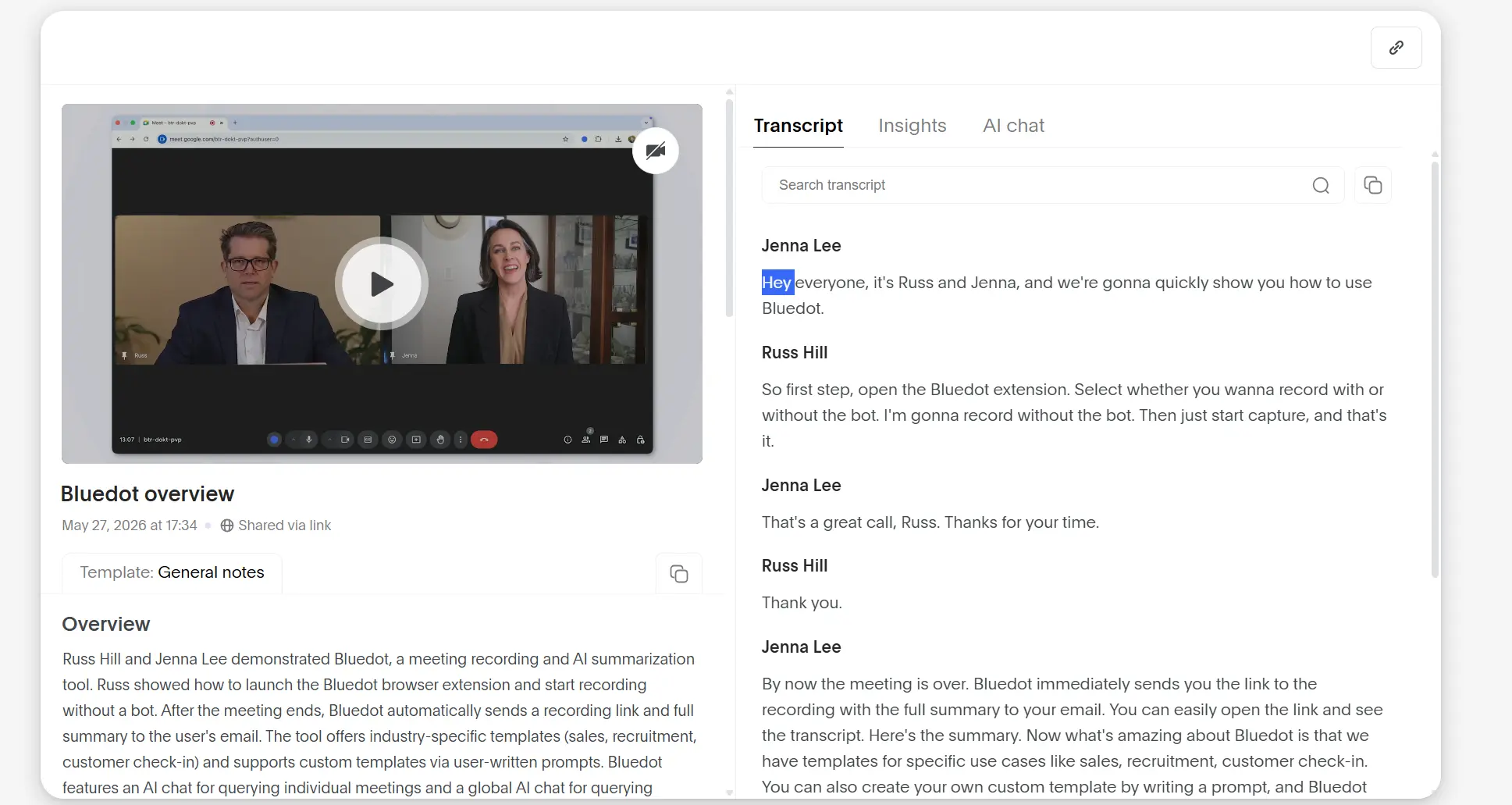 Bluedot
Why People Leave Bluedot in 2026
Before comparing alternatives, it helps to be specific about what’s actually broken. Bluedot users who go looking for alternatives typically cite one of four issues:
The free plan is nearly unusable. Five meetings lifetime — each capped at one hour — isn’t a trial, it’s a preview. Most users hit the ceiling within a week and face a jump to $14–18/month before they’ve decided whether the tool fits their workflow.
It breaks down the moment you leave your desk. Bluedot requires cloud connectivity to generate AI summaries. In-person meetings, client site visits, spotty hotel WiFi, and any conversation that happens away from a reliable internet connection produce incomplete or delayed output. Independent review sites consistently list in-person and mobile capture as Bluedot’s largest gap.
There’s no persistent memory across meetings. Bluedot offers a searchable transcript library — you can look up what was said in a past meeting. But it doesn’t maintain a living context layer that connects your meetings over time, surfaces patterns, or remembers what matters from a client relationship going back six months.
Per-seat pricing compounds quickly for teams. At $18–39/user/month across a team of 10 or 20, the bill starts to look like a meaningful SaaS line item — for a tool that still depends on someone being at a computer.
With those gaps in mind, here are seven alternatives — and which problem each one actually solves.
The 7 Best Bluedot Alternatives in 2026
1. Vibe Dot — Best for In-Person, Offline, and Cross-Session AI Memory
Best for: Professionals who hold conversations outside a browser — client visits, field meetings, on-site work, or any workflow where a laptop isn’t open
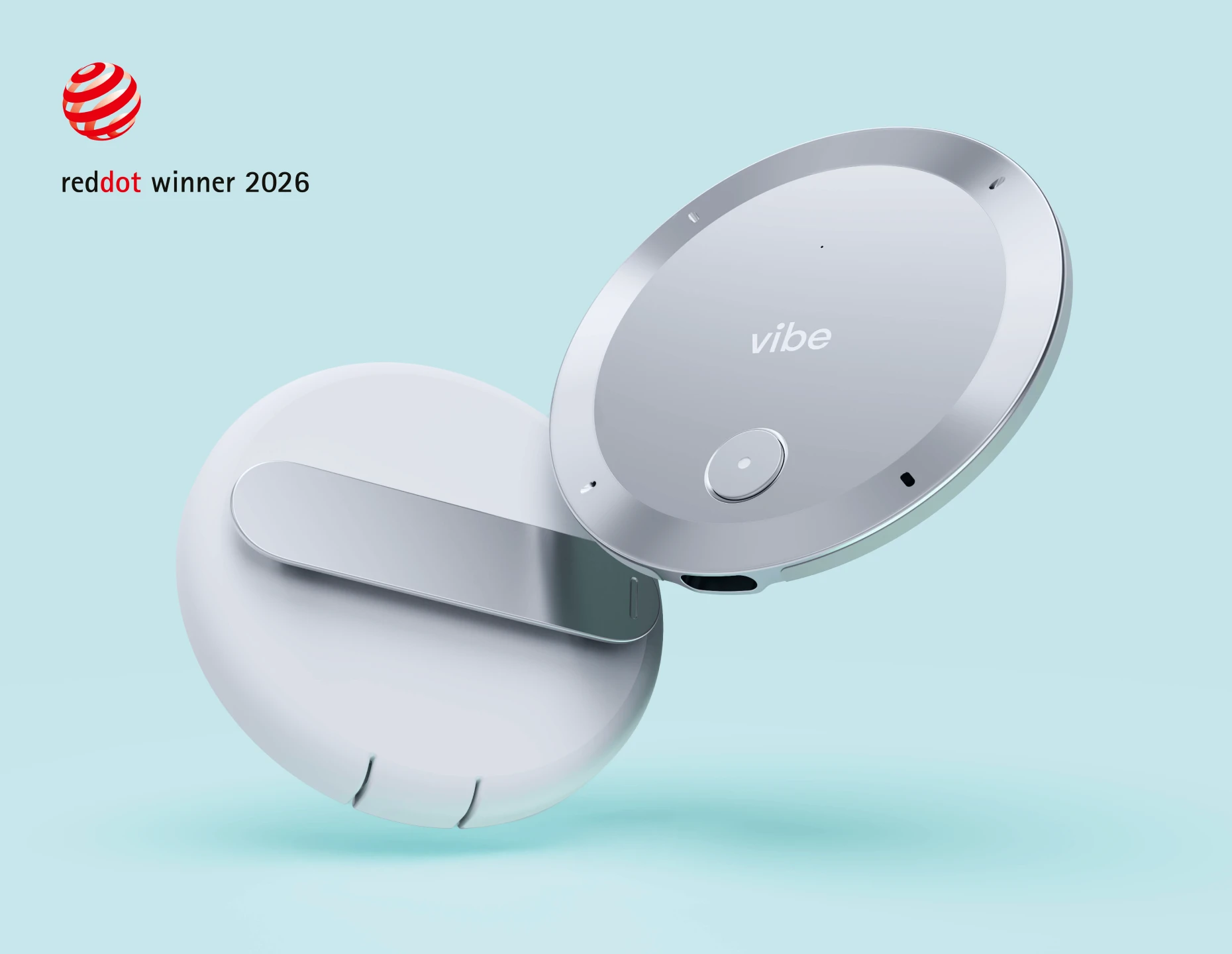
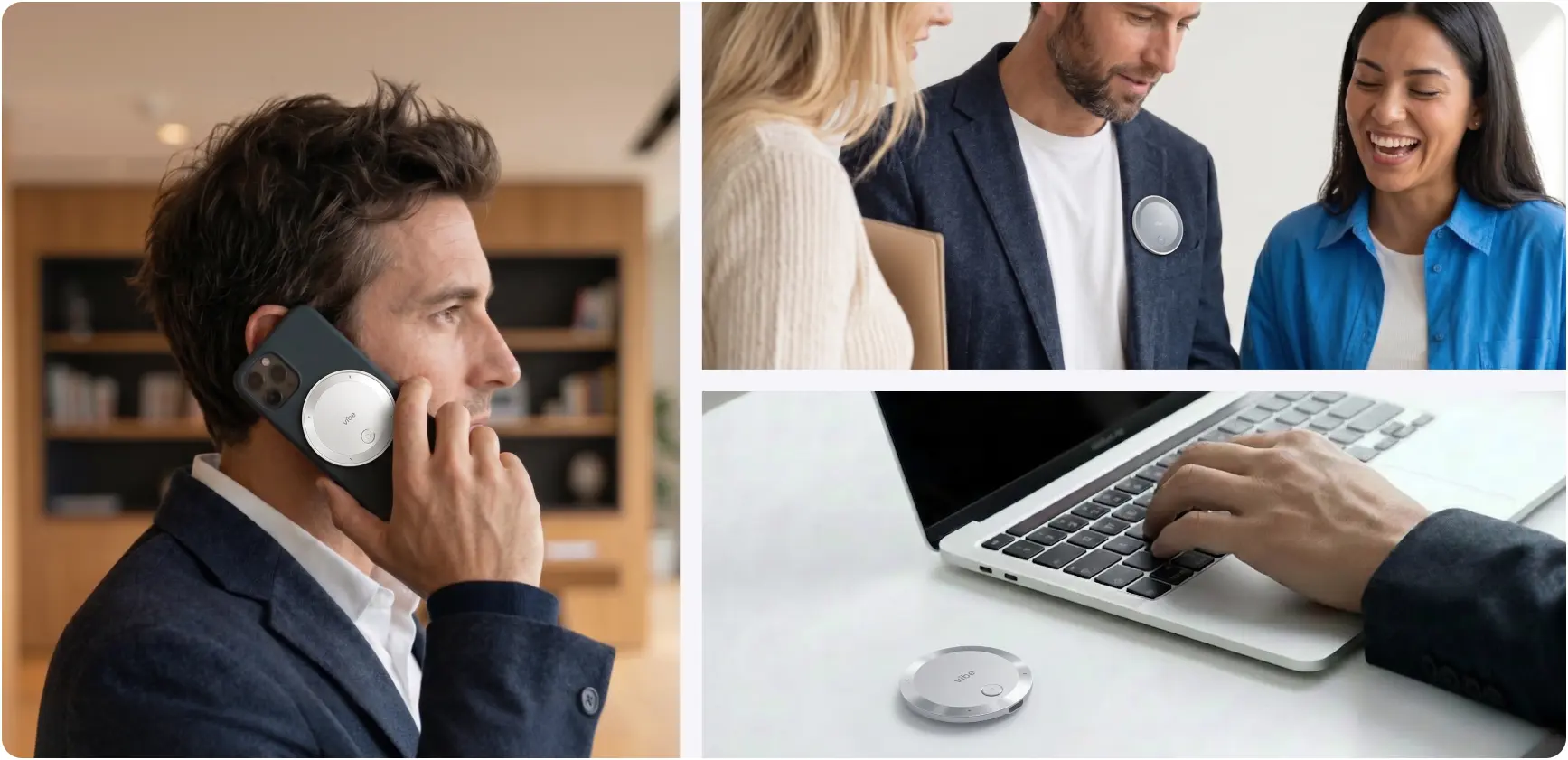 Vibe Dot
If Bluedot’s core limitation is that it’s tethered to a Chrome browser and a cloud connection, Vibe Dot is the alternative that removes both constraints entirely. It’s a physical wearable device — a 0.17-inch-thin clip recorder — that captures any conversation, anywhere, without requiring a computer, an internet connection, or a visible interface of any kind.
The hardware specs matter here: a 5-microphone array (4 air + 1 bone-conduction), 64GB of onboard storage, and a 30-hour battery mean a full day of field work is captured without a single decision about whether to open a laptop. Recordings are encrypted at the hardware level via a dedicated chip rated FIPS 140-3 and Common Criteria EAL6+ before anything leaves the device.
The Vibe AI platform on top is where the meetings become useful. Summaries and action items are generated after each session, but the more meaningful capability is the Memory Graph — a persistent cross-session AI layer that connects your meetings over time. Ask it what a client said about budget in your last three calls. Get a smart briefing before a follow-up meeting that surfaces what matters from months of prior conversations. This is not transcript search — it’s AI that maintains context the way a good executive assistant would.
Vibe AI integrates with the workflow tools where action actually happens: Slack, Jira, Linear, Asana, HubSpot, Google Drive, Notion, and more — with the OpenClaw agentic layer able to push action items directly into connected systems without manual copying.
For enterprise and regulated-industry teams, Vibe Dot carries certifications that browser-based tools structurally can’t match: HIPAA (attested by Prescient Assurance), FERPA, NDAA, and SOC 2 Type 2.
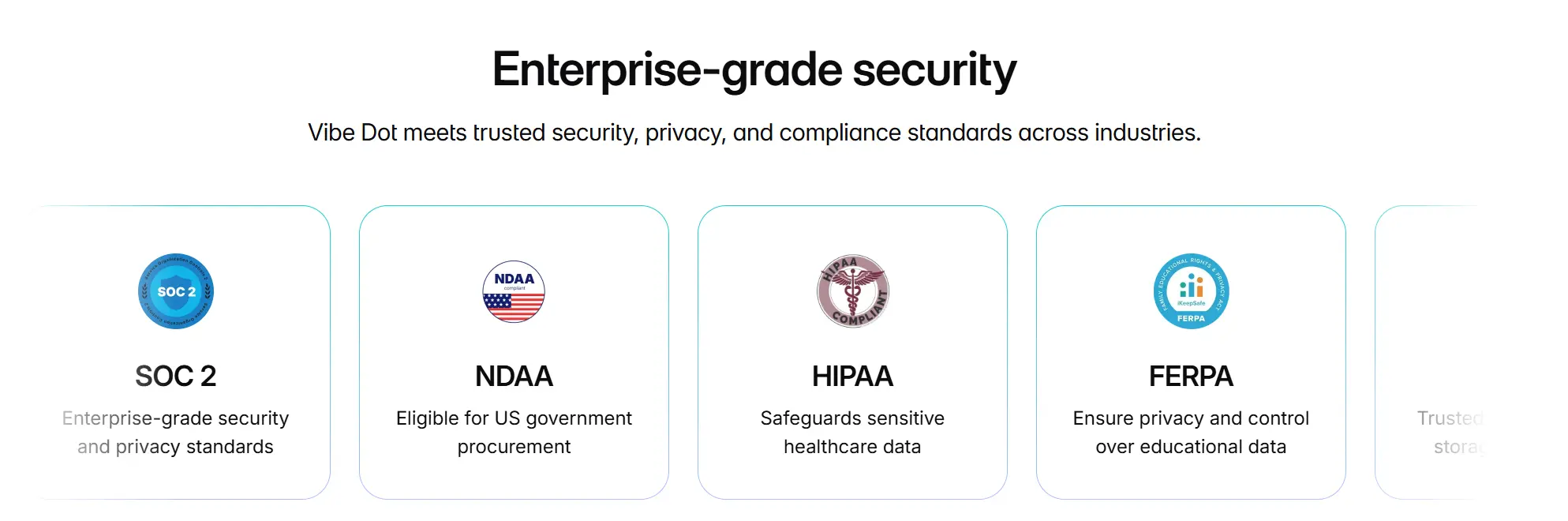 Enterprise-grade security provided by Vibe Dot
Pricing: $199 device (one-time) + Vibe AI Starter free (300 min/month) / Pro $9/month (1,200 min/month, 12-month memory) / Max $29/month (unlimited transcription, unlimited memory)
Limitations: Requires a hardware purchase upfront. If every meeting you hold is a browser-based video call and you never leave your desk, Bluedot’s Chrome extension may be more frictionless for that specific workflow.
2. Fathom — Best Free Alternative for Individual Users on Zoom
Best for: Individuals who want a genuinely generous free tier, primarily on Zoom
 Fathom
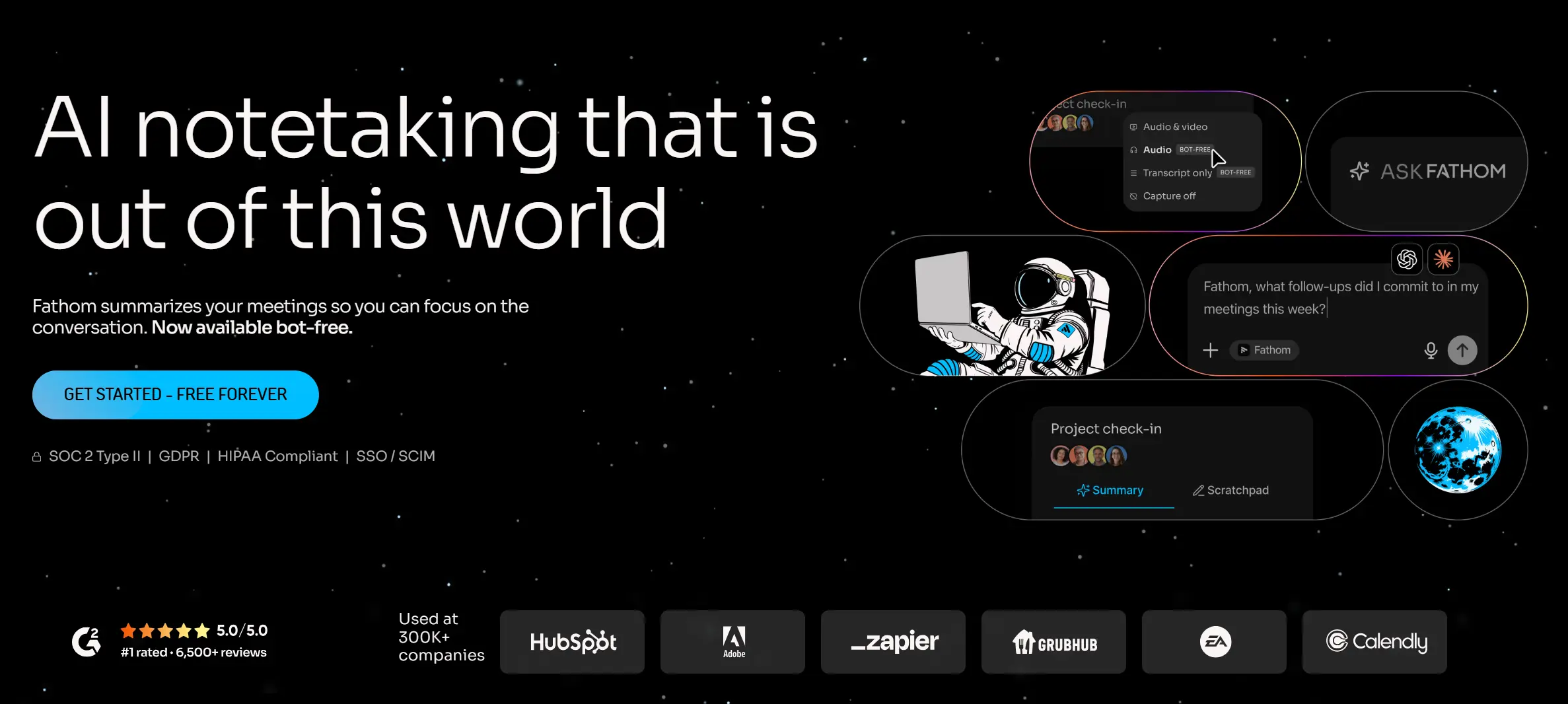
Fathom is the alternative that fixes Bluedot’s free plan problem most directly. Its free tier includes unlimited recordings, unlimited transcription, and AI summaries — with no meeting count cap and no time limit per recording. For individual users who primarily work in Zoom, this is hard to argue with.
The catch is scope: Fathom works as a meeting bot (not bot-free like Bluedot), and its integrations are narrower than Bluedot’s. The free plan covers core transcription and summary well, but CRM sync and deeper workflow automation require paid tiers ($19–34/user/month).
Fathom doesn’t capture in-person meetings and has no persistent memory across sessions. For users whose limitation with Bluedot is purely the pricing model — not the capture coverage — Fathom is a strong lateral move.
Pricing: Free (unlimited recordings, Zoom-primary) / Team Pro $19/seat/month / Business $34/seat/month
3. Fireflies.ai — Best for Sales Teams with Deep CRM Workflows
Best for: Revenue teams who need automated CRM updates, conversation intelligence, and searchable meeting archives
 Fireflies AI
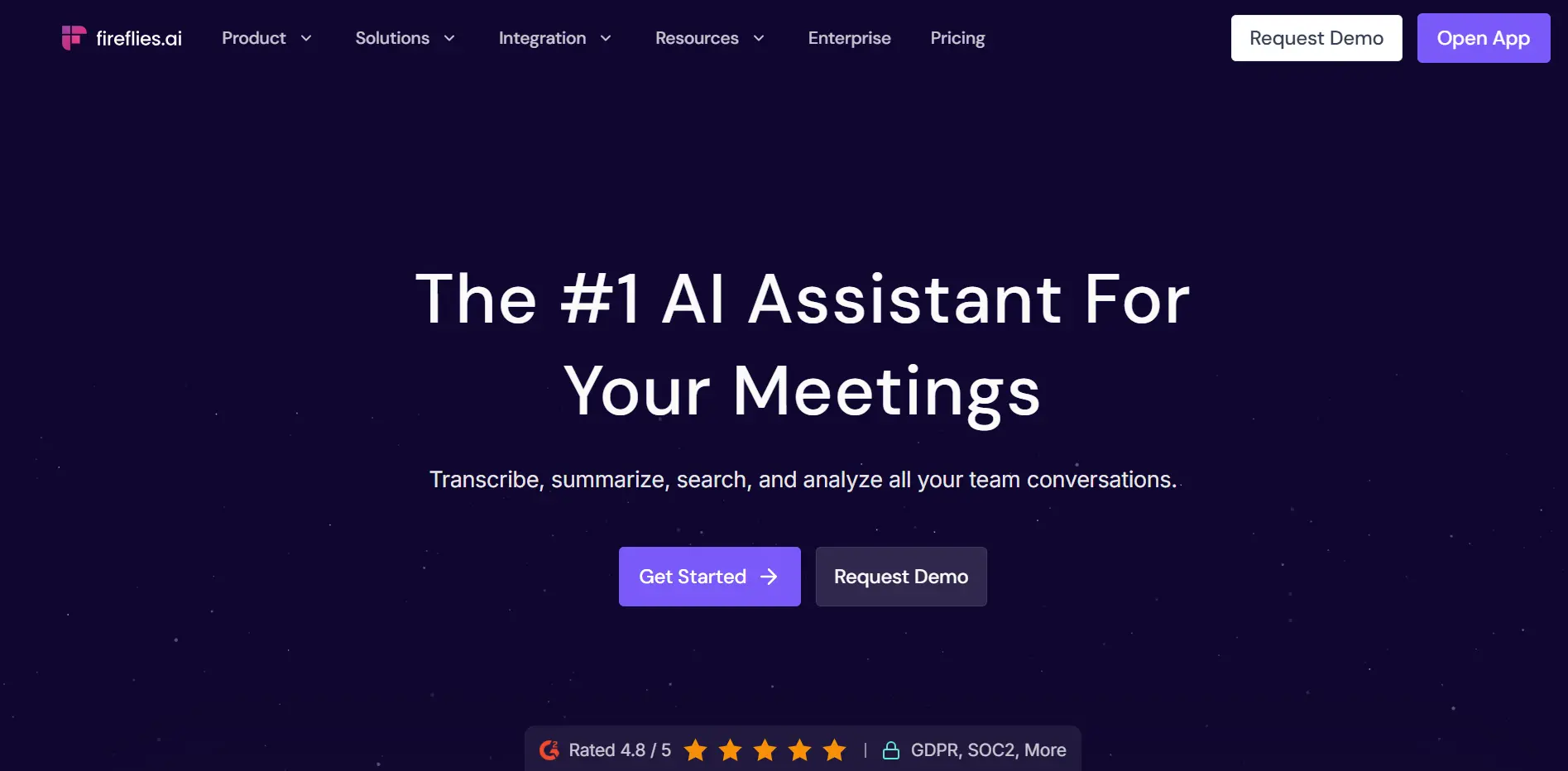
Fireflies takes a different architectural approach from Bluedot — it sends a bot into meetings — but it makes up for that with considerably deeper integration coverage. Salesforce, HubSpot, Pipedrive, and 40+ other tools connect directly, with automatic field-mapping and note-pushing that goes beyond what Bluedot’s CRM sync offers.
The searchable knowledge base is strong: Fireflies indexes everything across all your team’s meetings and makes it queryable, which is useful for large sales teams tracking patterns across hundreds of calls. It also includes sentiment analysis and conversation intelligence features that Bluedot doesn’t have.
The tradeoff is the bot itself: a visible "Fireflies Notetaker has joined the call" notification, which some users find awkward in sensitive client conversations. Fireflies has a mobile app that supports some in-person capture, but it’s not the primary use case. For a broader look at where Fireflies falls short, see our full Fireflies AI alternatives roundup.
Pricing: Free (limited storage) / Pro $10/seat/month / Business $19/seat/month / Enterprise custom
4. Granola — Best for Mac Users Who Want Lightweight, Hybrid Notes
Best for: Mac users — especially founders, PMs, and designers — who prefer a minimal AI notepad over a full recording suite
 Granola
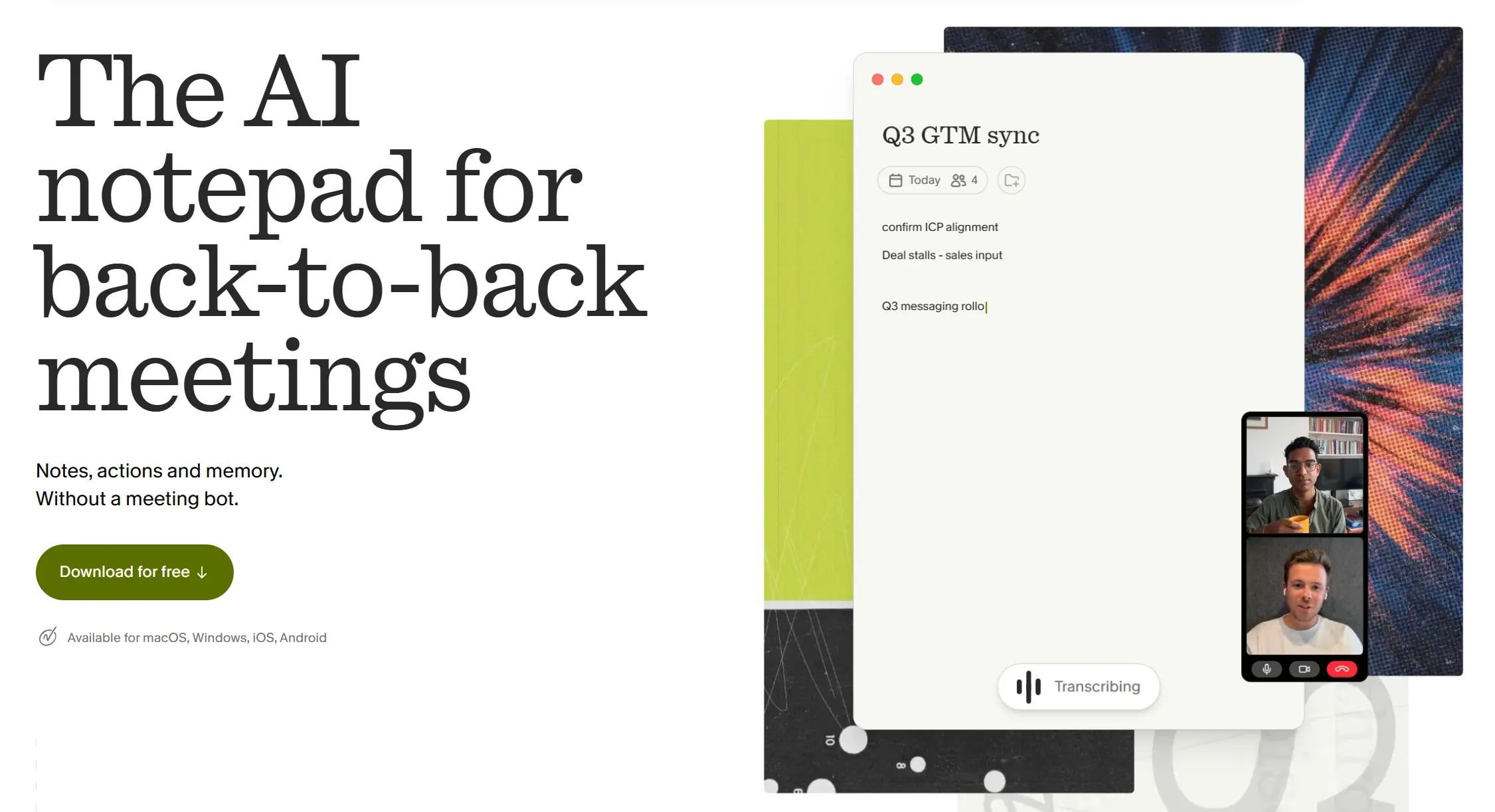
Granola is the most downloaded new AI meeting tool among founders and product people in 2025–2026, and it works differently from everything else on this list. Rather than recording audio and generating summaries from scratch, Granola captures system audio and uses any notes you jot down during the meeting to enhance the output — the AI fills in the gaps between your shorthand and produces polished, structured notes.
This makes it feel less like a surveillance tool and more like an AI co-pilot that amplifies your own attention. It’s bot-free, works across all Mac meeting platforms, and produces some of the cleanest formatted notes of any tool in this category.
The limitations are real: Mac-only (no Windows), no mobile app for in-person capture, no persistent memory across sessions, and the pricing model ($18/user/month after a short trial) is similar to Bluedot’s without the video recording capability. If you’re a Windows user or hold in-person meetings, Granola doesn’t solve your Bluedot problem. For a broader look at where Granola falls short, see our full Granola alternatives roundup.
Pricing: Free trial / Individual $18/month / Team plans available
5. Otter.ai — Best for Live Transcription and Team Collaboration
Best for: Teams that need real-time captions during meetings and collaborative note-editing across multiple participants
 Otter AI
Otter.ai is one of the most established names in AI transcription, and its live captioning — visible to all participants during a call — is still among the best in the market. It supports real-time collaborative editing, so multiple team members can highlight and annotate the transcript as the meeting happens.
Otter does send a bot into meetings, which means the no-bot experience Bluedot users value is gone. Its free tier allows 300 minutes per month, which is more generous than Bluedot’s but still limited enough to require a paid plan for regular users ($16.99–40/user/month). For a broader look at where Otter.ai falls short, see our full Otter.ai alternatives roundup.
Pricing: Free (300 min/month) / Pro $16.99/user/month / Business $30/user/month / Enterprise custom
6. tl;dv — Best for Teams That Want Both Bot and Bot-Free Options
Best for: Teams that want the flexibility to choose bot or bot-free recording depending on the meeting context
 tl:dv
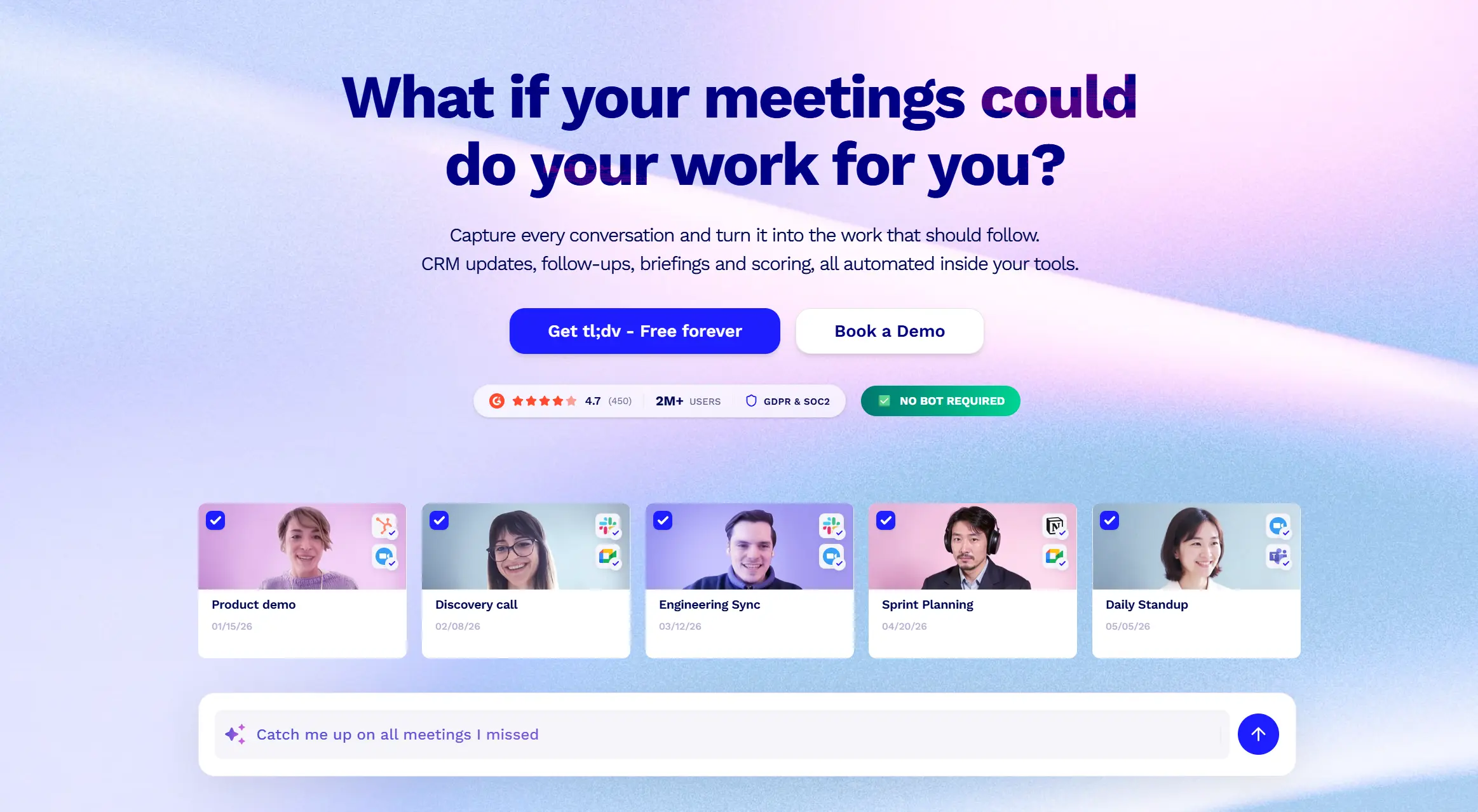
tl:dvtl;dv offers something unusual: a single platform where you can choose between a bot participant and a bot-free desktop app depending on the situation. For teams where some meetings are internal (bot acceptable) and others are sensitive external calls (bot-free preferred), this hybrid approach removes the all-or-nothing constraint that both Bluedot and Otter impose.
The free tier is genuinely generous — unlimited recordings and transcripts, with AI-summarized notes capped at 10 meetings per month. Paid plans ($29/seat/month for teams) add CRM integrations, unlimited AI notes, and coaching analytics.
tl;dv has no in-person capture and no cross-session memory. If you’re leaving Bluedot because meetings happen outside a browser, tl;dv doesn’t fix that. If you’re leaving because the free tier is too restrictive or you want more flexibility on the bot question, it’s a strong option.
Pricing: Free (unlimited recordings, 10 AI-noted meetings/month) / Pro $29/seat/month / Business custom
7. Krisp — Best for Noise Cancellation + Meeting Notes Combo
Best for: Users in noisy environments who need AI noise cancellation alongside meeting capture
 Krisp
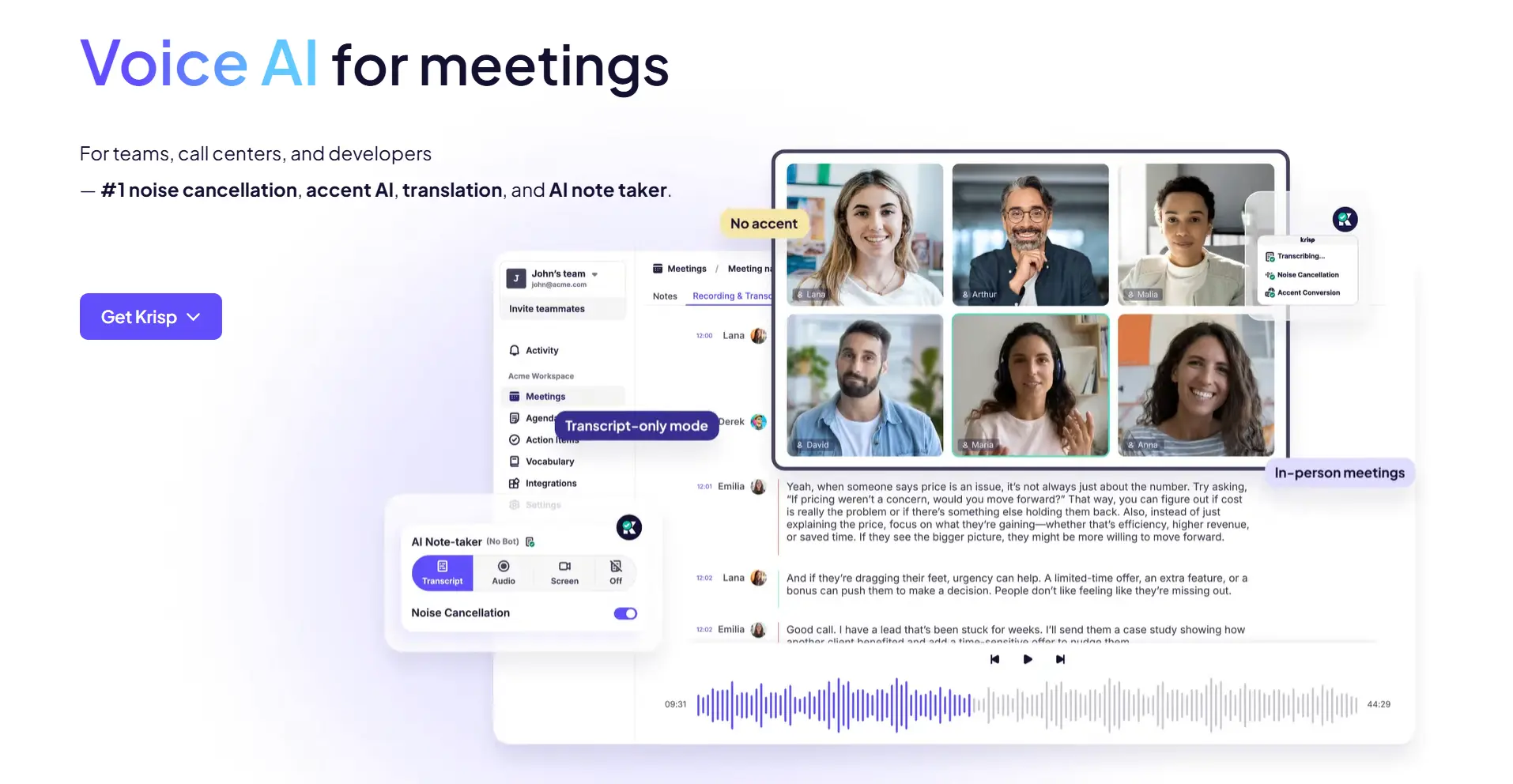
KrispKrisp started as a noise-cancellation tool and added AI meeting notes as a layer on top — which makes it the best option for anyone whose primary pain point is audio quality, not just transcription. If Bluedot’s summaries are suffering because of background noise, open offices, or poor microphone setups, Krisp addresses the root cause rather than working around it.
The AI notes are solid for a secondary feature, covering summaries and action items across Zoom, Teams, and Meet. It doesn’t offer the depth of CRM integration or workflow automation that Fireflies or Fathom provide, and in-person capture is limited.
Pricing: Free (60 min/day noise cancellation) / Pro $16/month / Business custom
Full Comparison Table
|
Tool |
Bot-free |
Offline / in-person |
Cross-session memory |
Free tier |
Starting paid price |
Best for |
|---|---|---|---|---|---|---|
|
Vibe Dot |
✅ Hardware device |
✅ Core use case |
✅ Memory Graph |
✅ 300 min/month |
$9/month + $199 device |
Away-from-desk capture, long-term memory, compliance |
|
Fathom |
❌ Bot |
❌ |
❌ |
✅ Unlimited (Zoom) |
$19/seat/month |
Individuals on Zoom, no free-plan ceiling |
|
Fireflies.ai |
❌ Bot |
⚠️ Limited mobile |
❌ |
✅ Limited storage |
$10/seat/month |
Sales teams, deep CRM workflows |
|
Granola |
✅ Mac app |
❌ Mac-only, no mobile |
❌ |
✅ Short trial |
$18/month |
Mac users, lightweight hybrid notes |
|
Otter.ai |
❌ Bot |
⚠️ Mobile app |
❌ |
✅ 300 min/month |
$16.99/seat/month |
Live captions, team collaboration |
|
tl;dv |
✅/❌ Both options |
❌ |
❌ |
✅ 10 AI notes/month |
$29/seat/month |
Bot / bot-free flexibility |
|
Krisp |
✅ Desktop app |
⚠️ Limited |
❌ |
✅ 60 min/day |
$16/month |
Noisy environments, noise cancellation |
How to Choose: Match the Alternative to Your Actual Gap
The right alternative depends entirely on why Bluedot isn’t working for you:
If Bluedot’s free plan is the problem → Start with Fathom (best free tier for Zoom users) or tl;dv (unlimited recordings free with 10 AI-noted meetings).
If you need CRM integration that goes deeper → Fireflies.ai is the strongest option for Salesforce and HubSpot automation at scale.
If you use a Mac and want cleaner, lighter notes → Granola’s hybrid AI notepad approach is worth trying before committing to a heavier platform.
If meetings happen away from your desk — client offices, site visits, field work, or any non-browser setting → None of the SaaS alternatives above fully solve this. Vibe Dot is the only option on this list built for that use case from the hardware up.
 Client-facing conversation recording by Vibe Dot
If your organization has HIPAA, FERPA, or NDAA compliance requirements → Vibe Dot is also the only option with hardware-level encryption and those certifications. Cloud-based tools — including Bluedot — process everything through their servers, which is a structural constraint no software update can fully address.
If noise cancellation is part of the problem → Krisp is the only tool here that treats audio quality as a first-class feature rather than an assumed baseline.
The Bottom Line
Most "Bluedot alternatives" articles in 2026 recommend swapping one SaaS notetaker for another. That’s the right answer if Bluedot’s free plan or its CRM depth is the issue — and Fathom, Fireflies, or tl;dv will solve those problems.
But if the real gap is that your most important conversations don’t happen in a browser — or that you need an AI tool with actual memory rather than a searchable archive — a different category of solution is worth considering. Vibe Dot isn’t a Bluedot replacement in the SaaS sense. It’s what comes after the assumption that meeting capture has to happen on a computer.
Frequently Asked Questions
What is the best free alternative to Bluedot?
Fathom offers the most generous free tier for individual users on Zoom — unlimited recordings and AI summaries with no meeting count limit. tl;dv also offers unlimited recordings free, with 10 AI-noted meetings per month. Both are significantly more usable on a free plan than Bluedot’s five-meeting lifetime limit.
Which Bluedot alternatives work for in-person meetings?
Most SaaS alternatives to Bluedot — Fathom, Fireflies, Otter, Granola, tl;dv — are primarily built for virtual video calls and have limited or unreliable in-person capture. Vibe Dot is the only tool on this list purpose-built for in-person and offline recording, using a physical wearable device that works without any internet connection.
Is there a Bluedot alternative with cross-session memory?
Most AI meeting tools — including Bluedot — offer transcript search across past meetings, but not persistent cross-session memory. Vibe AI’s Memory Graph is the exception: it maintains a living knowledge graph across all your meetings, connects related conversations over time, and surfaces relevant context proactively rather than requiring you to search for it.
Which Bluedot alternative is best for sales teams?
For sales teams whose work is entirely virtual and CRM-centric, Fireflies.ai offers the deepest integration with Salesforce, HubSpot, and Pipedrive. For field sales or account managers who hold in-person client meetings alongside virtual calls, Vibe Dot handles the full capture surface — virtual and physical — in a single workflow.
Does switching from Bluedot to another tool require a lot of setup?
Most SaaS alternatives (Fathom, Fireflies, Otter, tl;dv) connect to your calendar and conferencing tools in under five minutes. Vibe Dot requires receiving the physical device and connecting it to the Vibe AI app — a one-time setup that takes about ten minutes. Historical recordings and transcripts from Bluedot are not portable across platforms.
Which Bluedot alternative has the best privacy and security?
For privacy-critical use cases, Vibe Dot’s hardware architecture is structurally different from any cloud-dependent SaaS tool. Recordings are encrypted at the hardware level (FIPS 140-3, EAL6+) before leaving the device, and Vibe Dot carries HIPAA, FERPA, NDAA, and SOC 2 certifications. Among SaaS alternatives, Fireflies and Otter both hold SOC 2, and Fellow holds HIPAA compliance for healthcare teams.