Fireflies.ai is a capable meeting note taker for scheduled video calls. But if you've run into its AI credit caps, its visible bot in client meetings, its inability to record in-person conversations, or the privacy questions raised by two class-action lawsuits filed in late 2025, you're not alone — and you have good options.
This guide covers seven of the best Fireflies AI alternatives in 2026, starting with the one that solves the problem most users eventually hit: what happens when your most important conversations aren't on Zoom.
Why People Look for Fireflies AI Alternatives
Before comparing tools, it's worth naming the specific reasons users switch away from Fireflies. Not every limitation matters to every team, but understanding the common ones helps you pick the right replacement.
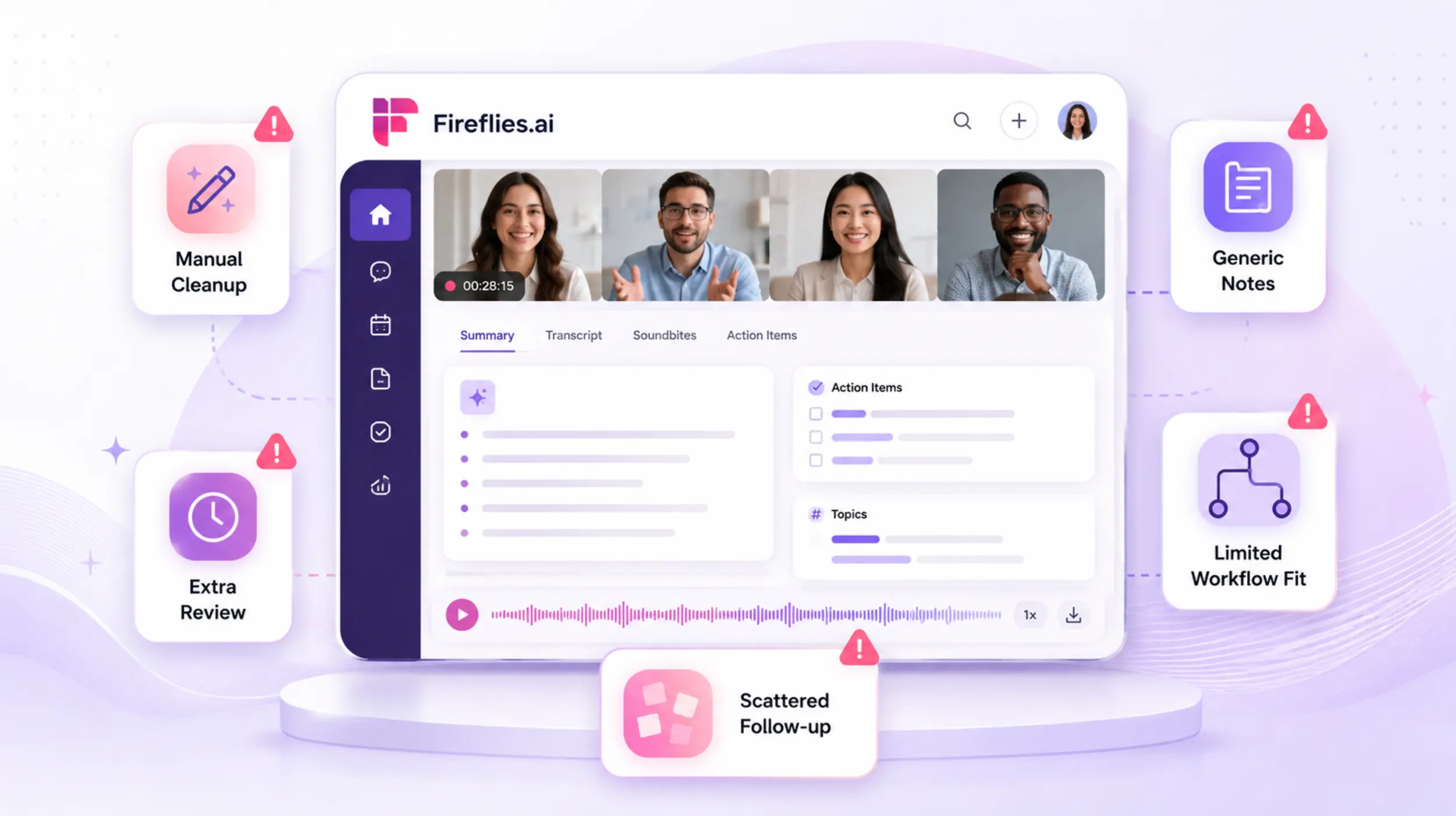 Fireflies.ai dashboard with pain points: manual cleanup, generic notes, scattered follow-up, and limited workflow fit
AI credit caps that gate core features. Fireflies' most useful capabilities — AskFred, advanced summaries, action item extraction — run on a monthly credit allowance (20 on Pro, 30 on Business). Once you've used them, those features pause until the following month or until you purchase more credits. Users report paying $15–50/month above the sticker price in overages, making a "$10/seat" plan rarely $10 in practice.
A visible bot that creates meeting friction. Fireflies' recording bot joins calls as a visible participant. For external client meetings, sensitive negotiations, or executive conversations, this visibility creates friction — and in some cases, pushes participants to decline.
No coverage for in-person meetings or phone calls. Fireflies is built for scheduled virtual meetings. Phone calls, site visits, client offices, and hallway conversations are outside its native scope. The only workaround is manually recording and uploading audio, which negates the value of automation.
Offline doesn't exist. Fireflies requires an internet connection at all times — all transcription and AI processing runs on remote servers. No connectivity, no capture.
Privacy concerns are growing. Two class-action lawsuits filed in December 2025 and March 2026 (Cruz v. Fireflies.AI and Fricker v. Fireflies.AI) allege that the Speaker Recognition feature generates voiceprints of meeting participants — including people who never created an account or agreed to any terms. For teams in regulated industries, this is a material risk.
If any of these landed, keep reading.
The 7 Best Fireflies AI Alternatives
1. Vibe Dot — Best for Professionals Who Meet Beyond the Calendar
Best for: Sales reps, consultants, field teams, educators, and anyone whose most important conversations happen outside a scheduled Zoom link.
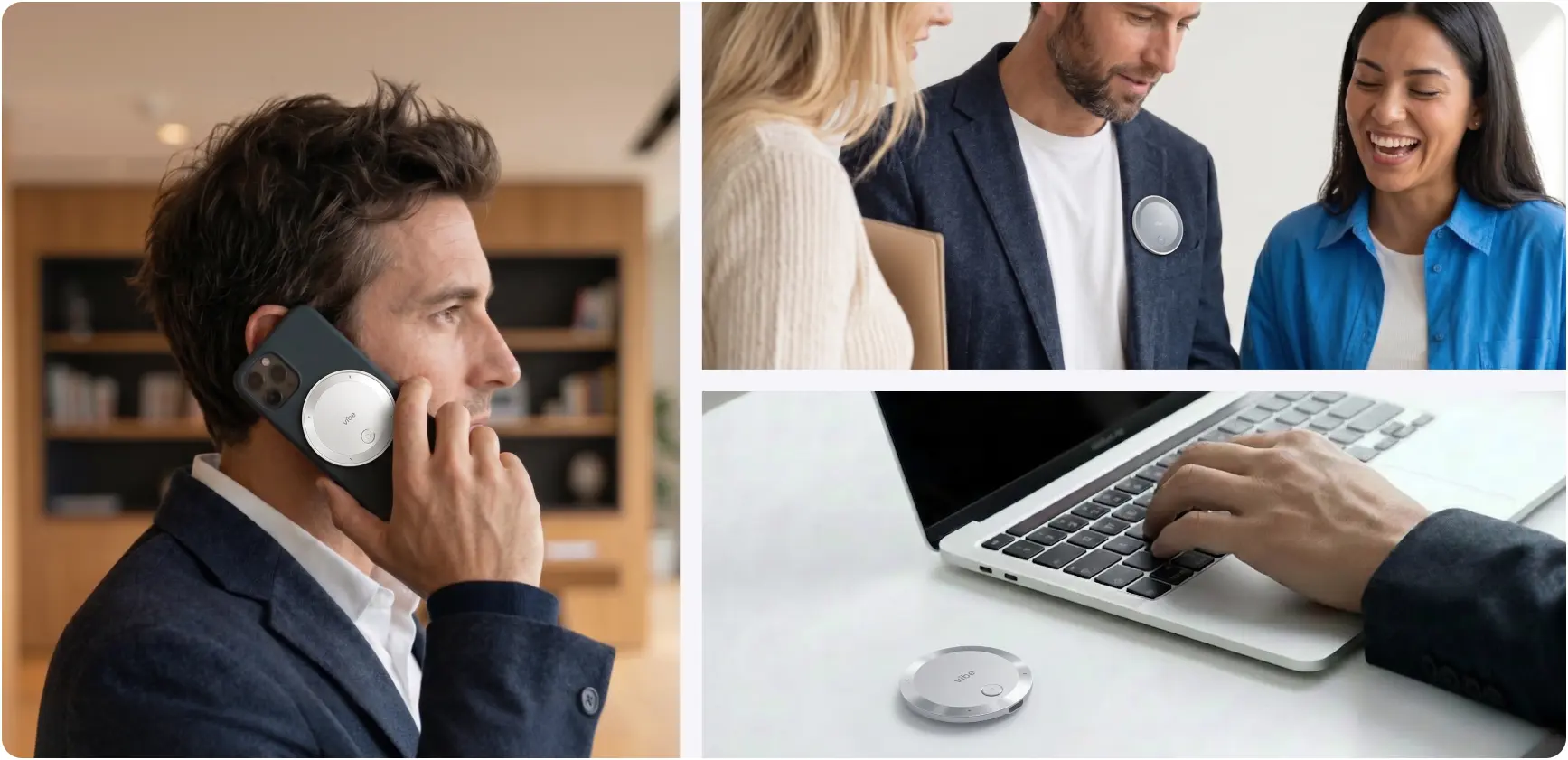
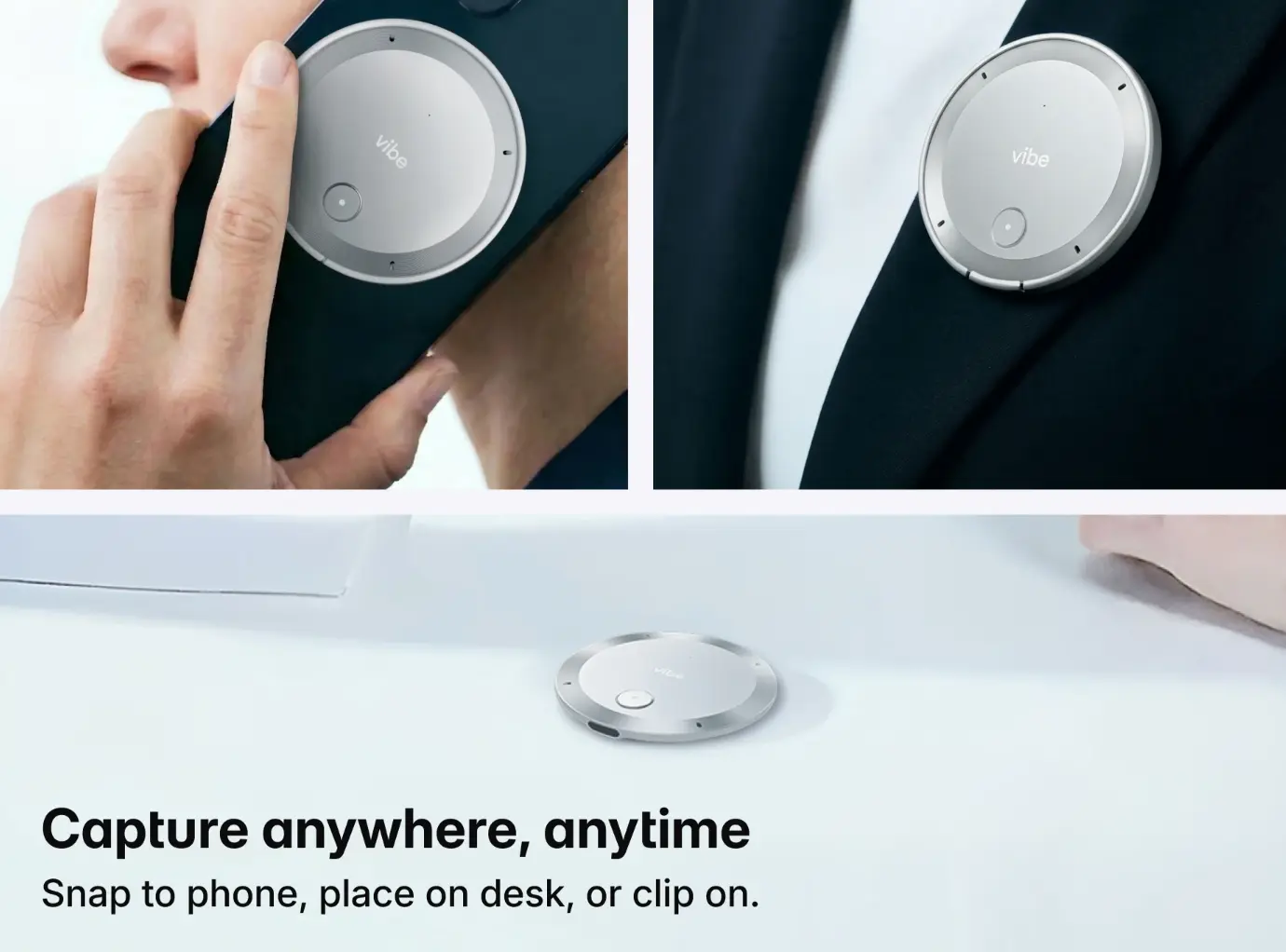
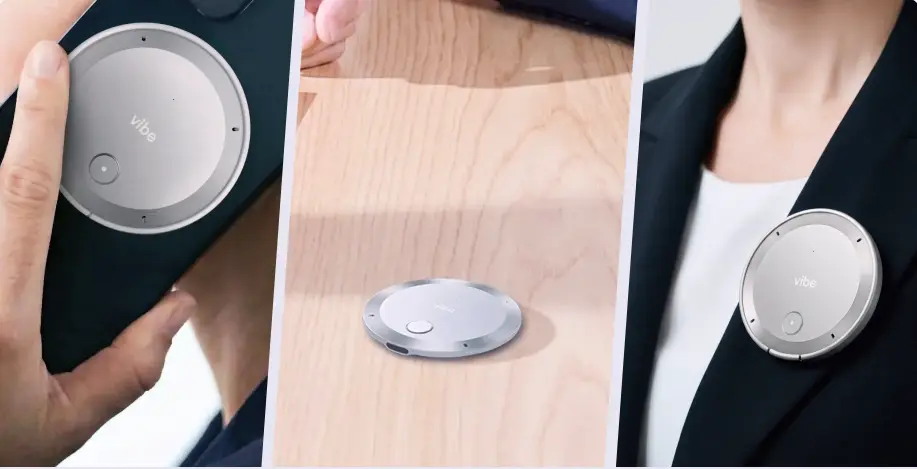 Vibe Dot portable AI meeting recorder shown held in hand, placed on a desk, and clipped to a lapel for flexible recording use
Most Fireflies alternatives are still software bots. They solve the bot-visibility problem by making the bot smaller, or the credit problem by removing credits, but they stay in the same lane: recording scheduled video calls.
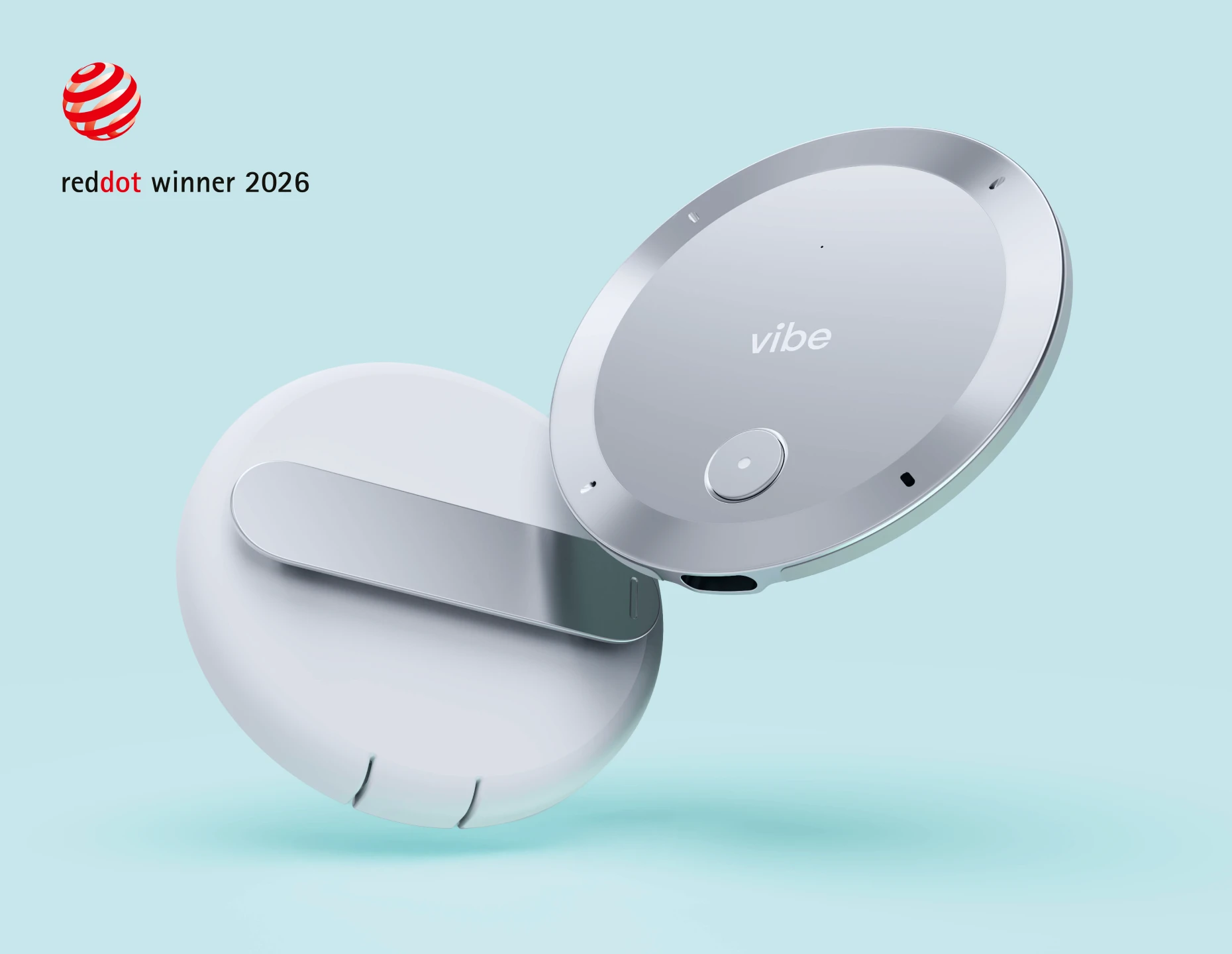
Vibe Dot takes a different approach. It's a wearable AI recorder — a physical device you carry or clip on — that captures any conversation in any setting: in-person client meetings, phone calls, field visits, video calls, or a working lunch. Audio syncs to Vibe AI, a cross-session memory platform that doesn't just archive meetings — it builds a connected knowledge graph across everything you've ever captured.
What makes Vibe Dot different from every other tool on this list:
|
Capability |
Vibe Dot |
Software-only alternatives |
|---|---|---|
|
In-person meeting capture |
✅ Native |
❌ Upload only |
|
Phone call recording |
✅ Yes |
❌ Not supported |
|
Offline recording |
✅ Records locally first |
❌ Requires internet |
|
Visible bot in meetings |
❌ None |
⚠️ Visible participant |
|
Cross-session AI memory |
✅ Memory Graph |
❌ Per-meeting archives |
|
FERPA certified |
✅ Yes |
⚠️ Enterprise only or N/A |
|
NDAA compliant |
✅ Yes |
❌ Not listed on most |
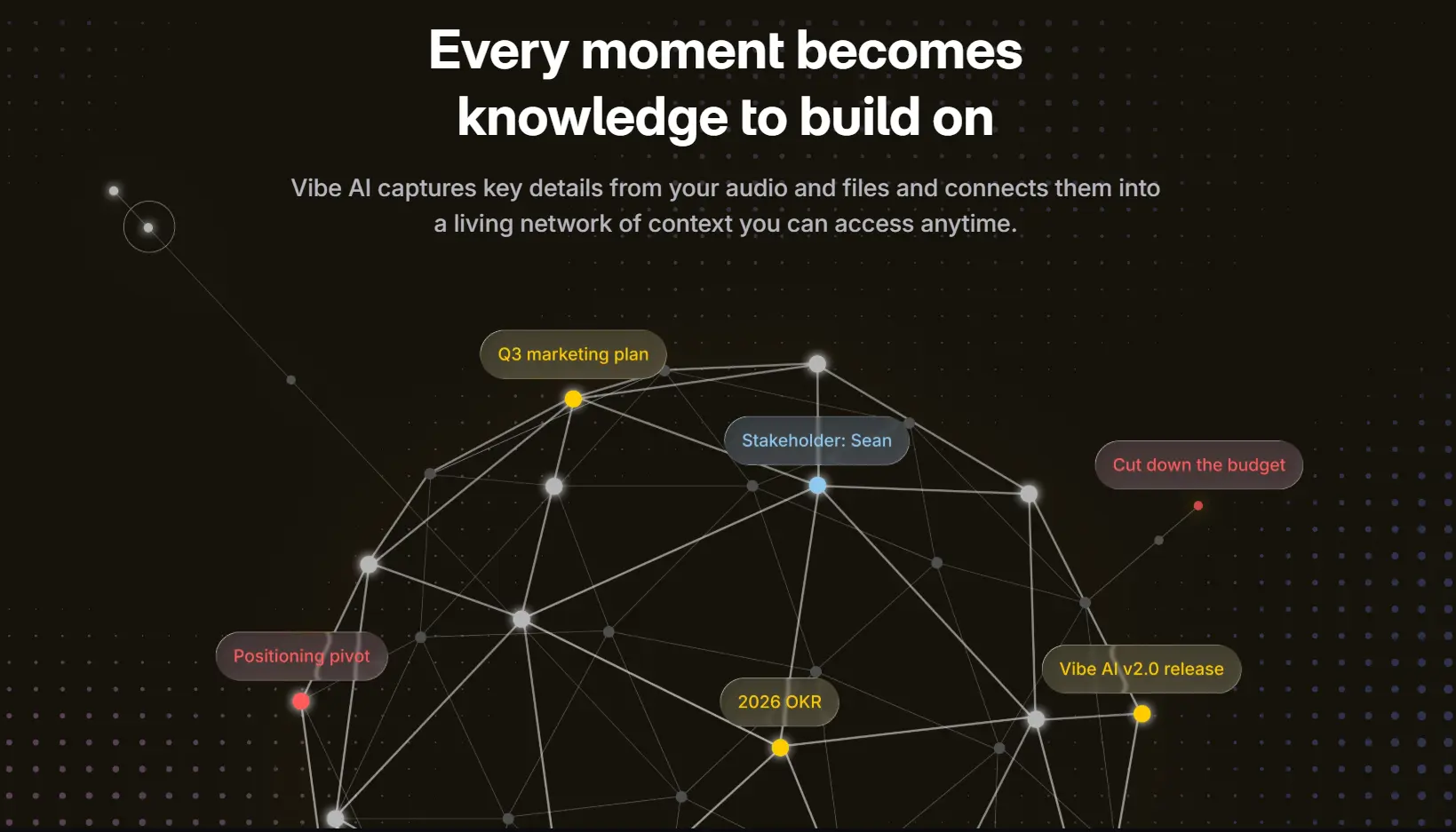
Cross-session memory is Vibe Dot's biggest differentiator. Most AI meeting tools archive your meetings as isolated records. Vibe AI's Memory Graph builds a connected model across all your conversations — so you can surface how a client's position evolved across six calls, what was promised in a negotiation three months ago, or which project decisions have been reversed. It's the difference between a searchable filing cabinet and a thinking partner that remembers context.
For teams with regulatory requirements, Vibe Dot comes with FERPA and NDAA certifications out of the box — not locked behind an enterprise tier. That makes it procurement-ready for K-12 schools, higher education, government contractors, and healthcare-adjacent organizations in a way most software-only tools aren't.
For a deeper side-by-side breakdown, see our full Vibe Dot vs. Fireflies.ai comparison.
Limitations worth noting: Vibe Dot's CRM integration (Salesforce, HubSpot) is on the roadmap but not yet available as of mid-2026. If live CRM sync is your primary requirement today, Fireflies or Otter.ai currently have a more mature integration. Vibe Dot is a hardware + platform model — there's a one-time device cost alongside the Vibe AI subscription.
Pricing: Vibe Dot is a hardware + platform model: a $199 one-time device purchase paired with a Vibe AI subscription. Vibe AI offers three tiers — Starter (free, 300 mins AI transcription/month), Pro ($9/seat/month billed annually, 1,200 mins + 100 AI Credits/month), and Max ($29/seat/month billed annually, unlimited transcription + 400 AI Credits/month). This structure suits individuals and teams who want a predictable cost without per-seat scaling surprises or credit systems that gate core AI features.
2. Fathom — Best Free Alternative
Best for: Individuals and small teams who want a no-cost, no-bot-friction recorder for video calls.
 Fathom AI notetaker homepage with bot-free meeting summaries and compliance badges
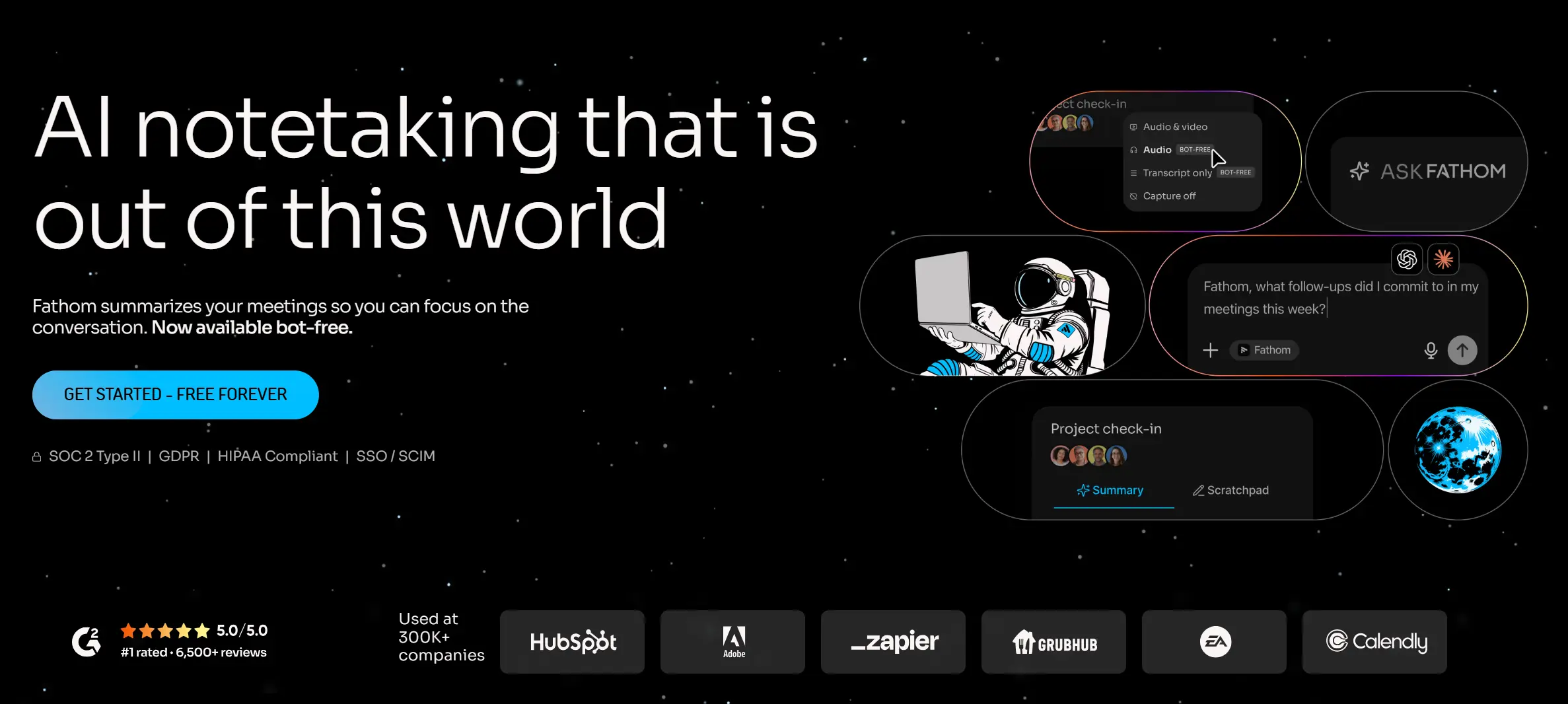
Fathom is the most generous free tier in this category. It offers unlimited recordings, unlimited transcripts, and unlimited storage on its free plan — without the 800-minute cap and credit restrictions that make Fireflies' free plan impractical for daily use.
The bot is visible (it's listed as a participant), but Fathom's implementation is notably less intrusive in practice — it doesn't auto-join every calendar invite unless configured to do so. Summaries are clean and accurate. The product is primarily designed for individuals; team-level features appear on paid tiers starting around $15/month.
Limitations: Like all software bots in this category, Fathom only works inside scheduled video calls on Zoom, Google Meet, or Teams. No in-person, no phone calls, no offline. Limited CRM integration compared to Fireflies.
Pricing: Free plan with unlimited recordings. Premium tiers from ~$15/user/month.
3. Otter.ai — Best for Live Transcription and Hybrid Teams
Best for: Teams that need real-time captions during meetings, or that mix in-person and virtual attendance.
 Otter.ai use case page featuring Sales, Education, Media, and Recruiting Agent tabs
Otter.ai has been around longer than most tools in this category and has iterated meaningfully. Its OtterPilot joins video calls and transcribes in real time — so you can read the transcript as the conversation happens. It also supports mobile recording, which makes it usable for in-person capture via smartphone (though this is meaningfully different from the passive, always-on capture of a device like Vibe Dot).

Otter's cross-meeting AI Chat lets you query insights across your full meeting history on every plan, including free. For teams who care about that capability but don't want Fireflies' credit system, it's a meaningful feature.
Limitations: The free plan caps at 300 minutes/month — tight for heavy users. Paid plans start at $16.99/user/month (Pro) and scale quickly for larger teams. A class-action lawsuit was also filed against Otter.ai in August 2025 for similar bot-recording consent allegations.
Pricing: Free (300 min/mo); Pro from $16.99/user/month; Business from $30/user/month.
4. tl;dv — Best for Sales Teams Who Want a Strong Free Tier
Best for: Sales and customer success teams that need video highlights and CRM logging without paying enterprise prices.
 tl;dv AI meeting notetaker homepage with no-bot capture, CRM automation, and compliance badges
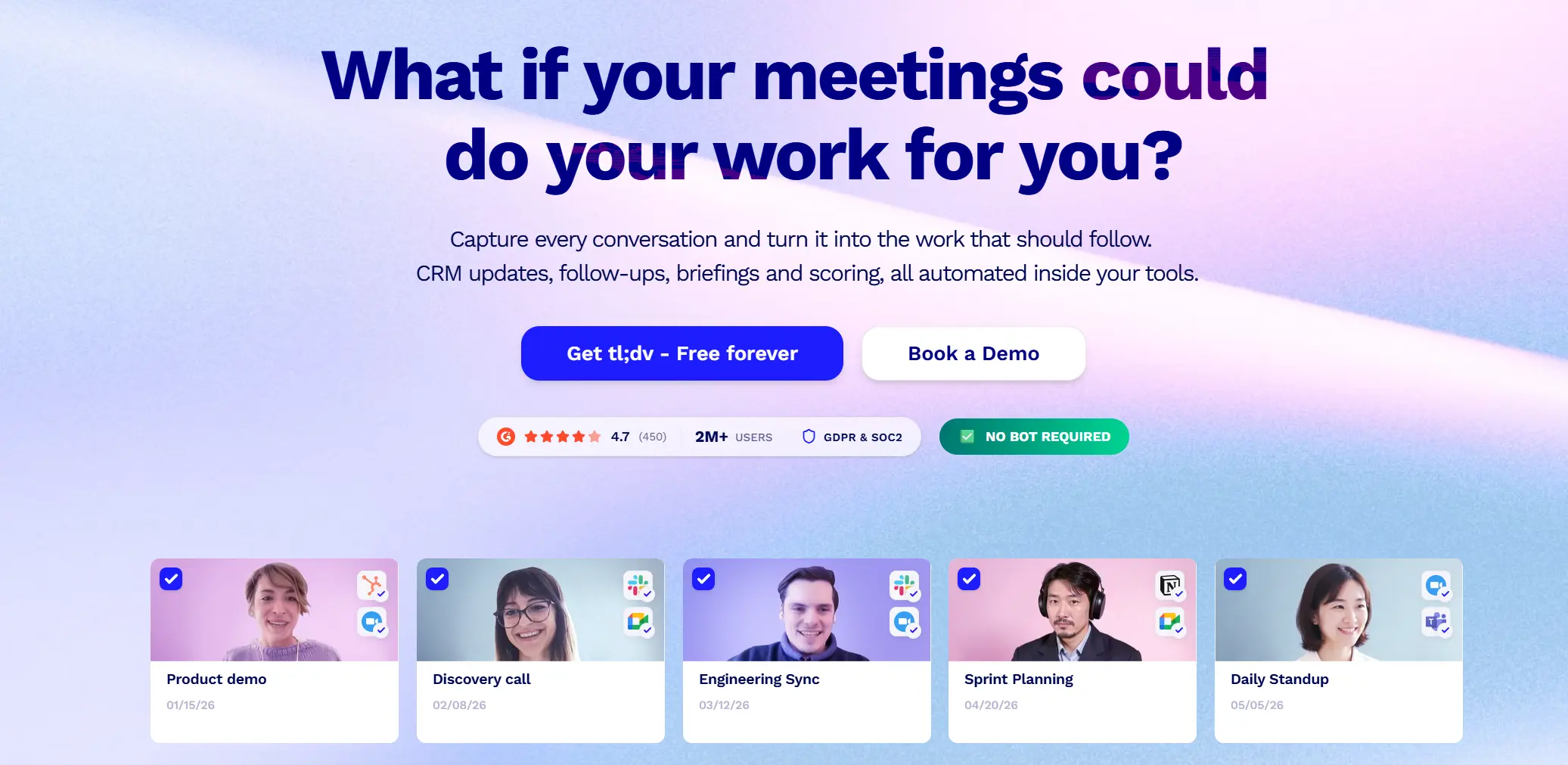
tl;dv has evolved from a simple meeting recorder into a sales-focused coaching platform. Its "Highlight Reels" let you stitch together clips from customer calls to share with product or leadership teams — a feature Fireflies doesn't match well. The free plan includes unlimited recordings with limits on AI transcripts (10/month) and highlights (50/month).
In 2026, tl;dv has deepened its CRM integration — particularly with Salesforce and HubSpot — and added AI coaching features like automated rep scorecards. For sales teams that want Fireflies' CRM-centric workflow at a lower per-seat cost, it's a credible switch.
Limitations: Video-first approach means audio-only recording use cases aren't the focus. English-first; multilingual support is limited. No in-person or offline recording.
Pricing: Free plan available. Paid plans from $10/user/month (annual billing).
5. MeetGeek — Best for Meeting Analytics
Best for: Managers and ops teams who want pattern-level insights across meetings, not just transcripts.
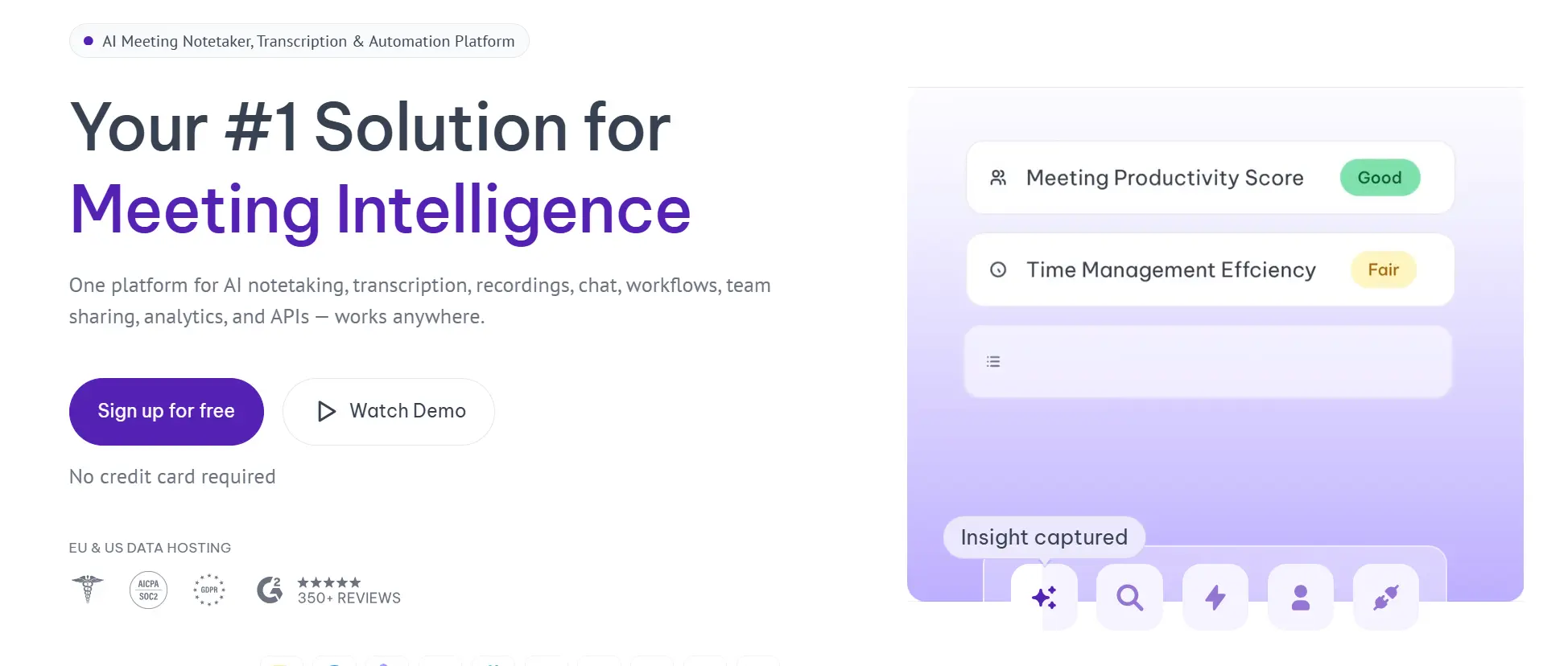 Meetgeek AI meeting notetaker homepage with productivity scoring and compliance badges
MeetGeek's differentiator is analytics: it tracks talk-time ratios, meeting frequency, topic trends, and team-level patterns across your meeting history. If you want to understand how your team meets — who dominates conversations, which topics keep resurfacing, whether stand-ups are actually efficient — MeetGeek surfaces this in a way that most meeting notetakers don't.
It also auto-detects meeting type (discovery call, standup, interview) and applies a specific summary template accordingly, which saves manual configuration for teams with standardized meeting formats.
Limitations: The free plan is limited (3–5 hours/month), which pushes most serious users to paid tiers quickly. Analytics depth is the pitch; if you just want a notetaker, the complexity may be overkill.
Pricing: Free plan available. Paid plans from ~$15/user/month.
6. Granola — Best for Mac Users Who Want a Bot-Free Experience
Best for: Mac-based professionals who want clean notes without a bot joining their calls.
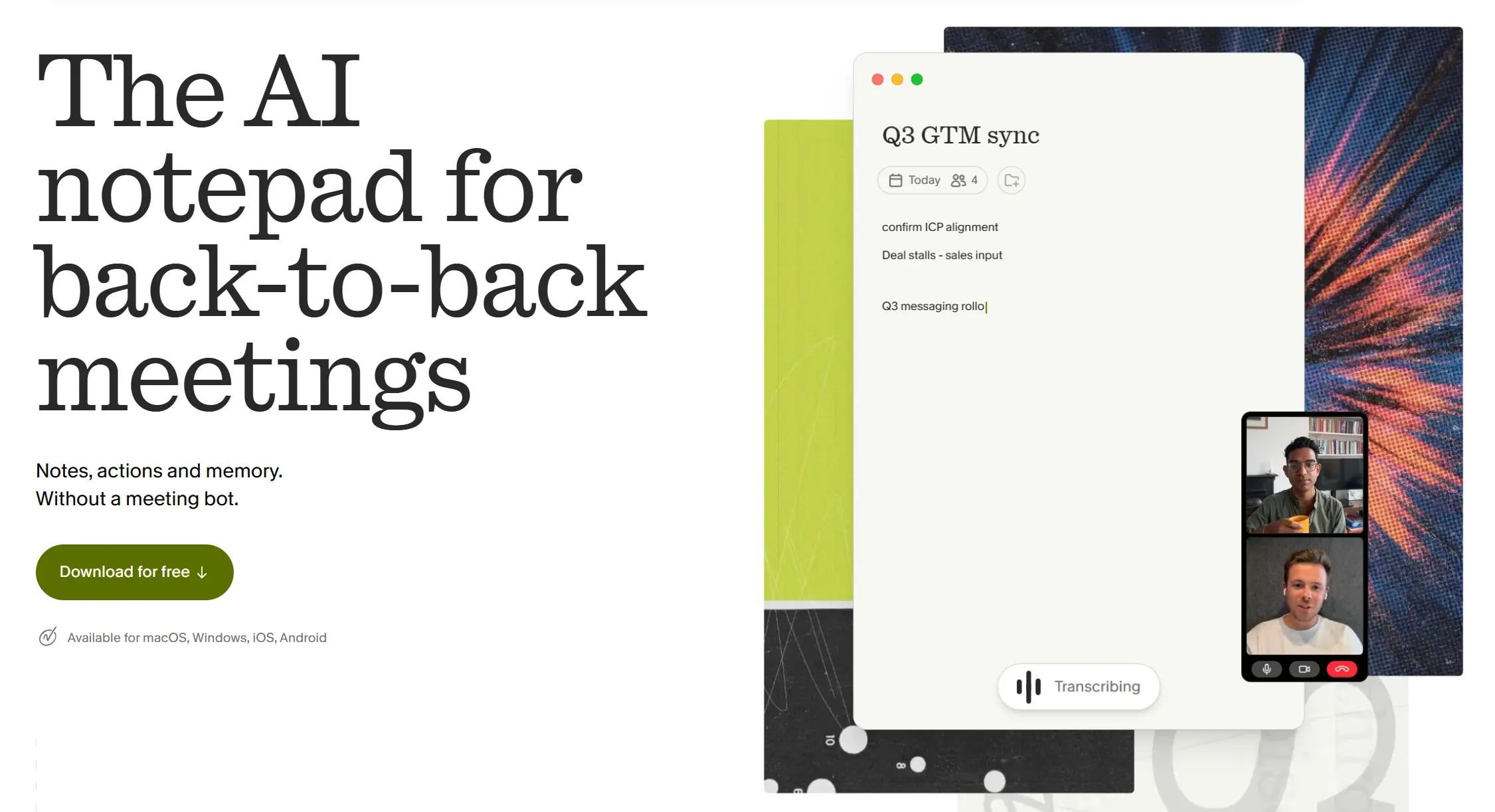 Screenshot of Granola's homepage
Granola runs as a desktop app on macOS and captures system audio directly — no bot joins the call, and no one in the meeting sees a recording participant. It then uses AI to produce structured notes. The experience is closer to a smart notepad than a meeting platform.
Because it records system audio rather than joining as a participant, it works across any video platform and doesn't require calendar integration to start.
Limitations: macOS only (no Windows support as of mid-2026). The lack of a bot also means you don't get the automatic calendar sync and scheduling workflow that bot-based tools offer. No mobile, no in-person, no phone calls.
Pricing: Free plan available. Paid from ~$10/month.
7. Pocket AI — Best Budget Hardware Recorder for iPhone Users
Best for: iPhone users who want a physical AI recorder for in-person conversations without committing to a full platform subscription.
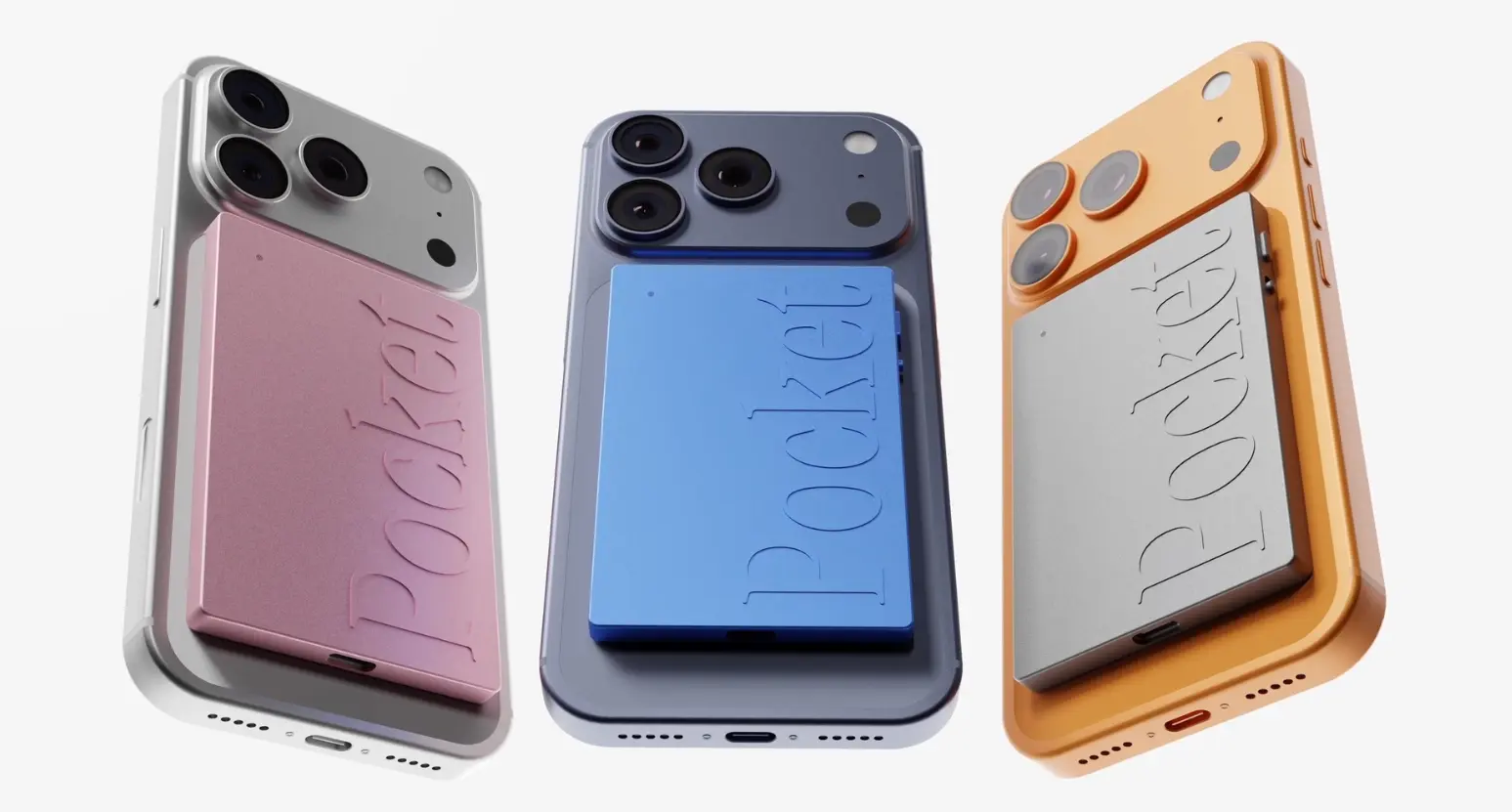 Pocket AI recorder in multiple colors attached to iPhone
Pocket AI is a MagSafe-compatible hardware recorder that clips to the back of an iPhone. Like Vibe Dot, it captures in-person meetings, phone calls, and on-the-go conversations — solving the core problem that software bots can't. A single tap starts recording; the device syncs to the companion app and delivers transcripts, summaries, action items, and a mind map view of the conversation.
Y Combinator-backed and recently funded at $11M, Pocket is positioned as a lower-barrier entry into the hardware AI recorder category — the device retails at $129 with core features included, and a $200/year subscription unlocks unlimited AI summaries, the "Ask Pocket" query tool, daily highlights, and file attachments.
Limitations: Pocket AI is iPhone-centric (MagSafe form factor) and doesn't have the cross-session memory layer that distinguishes Vibe Dot — conversations are stored as individual records rather than a connected knowledge graph. FERPA and NDAA certifications are not listed. The premium feature set is locked behind the annual subscription, and the full scope of what's included at each tier isn't transparently documented upfront, as reviewers have noted.
Pricing: $129 device (one-time). Optional premium subscription at $200/year.
Side-by-Side Comparison
|
Tool |
In-person recording |
Offline support |
Visible bot |
Cross-session memory |
FERPA/NDAA certified |
Pricing starts |
|---|---|---|---|---|---|---|
|
Vibe Dot |
✅ |
✅ |
❌ |
✅ Memory Graph |
✅ Both |
Hardware + subscription |
|
Fathom |
❌ |
❌ |
⚠️ |
❌ |
❌ |
Free / ~$15/mo |
|
Otter.ai |
⚠️ Mobile |
❌ |
⚠️ |
⚠️ Limited |
⚠️ Enterprise |
$16.99/user/mo |
|
tl;dv |
❌ |
❌ |
⚠️ |
❌ |
❌ |
Free / $10/user/mo |
|
MeetGeek |
❌ |
❌ |
⚠️ |
❌ |
❌ |
Free / ~$15/user/mo |
|
Granola |
❌ |
⚠️ Partial |
❌ |
❌ |
❌ |
Free / ~$10/mo |
|
Pocket AI |
✅ |
✅ |
❌ |
❌ |
❌ |
$129 device / $200/yr |
Which Fireflies Alternative Is Right for You?
If your work lives entirely inside scheduled video calls and you need a free, clean replacement: start with Fathom. The free tier is the most genuinely usable in the category.
If you're a sales team that needs CRM sync and video coaching: tl;dv is the strongest Fireflies-like alternative at a competitive price.
If you want meeting analytics and team-level patterns: MeetGeek surfaces insights that notetakers don't.
If live transcription during the meeting matters: Otter.ai is the most mature option, with real-time captions and mobile support.
If you use a Mac and want zero bot presence: Granola removes the bot entirely without sacrificing summary quality.
If you want a budget hardware recorder for iPhone: Pocket AI covers in-person and phone call capture at a lower entry price than Vibe Dot — though without cross-session memory or compliance certifications.
If your conversations extend beyond the calendar — client offices, field sites, phone calls, or any setting where a bot can't follow — Vibe Dot is in a different category. It's the only tool on this list that captures wherever you go, builds cross-session memory, and meets enterprise compliance requirements (FERPA, NDAA) without locking them behind a top-tier plan.
Frequently Asked Questions
What is the best free alternative to Fireflies AI?
Fathom offers the most capable free tier in this category — unlimited recordings, transcripts, and storage, with no AI credit system restricting core features. For teams that primarily record virtual meetings and don't need CRM integration, Fathom's free plan is the cleanest starting point.
Can any Fireflies alternative record in-person meetings?
Most Fireflies alternatives are software-only tools and share the same structural limitation: they only capture scheduled video calls. Vibe Dot is the notable exception — it's a wearable hardware recorder that captures any conversation, including in-person meetings, phone calls, and offline environments. Otter.ai offers partial in-person recording via its mobile app, though this requires active phone use rather than passive capture.
Is there a Fireflies alternative without a bot?
Yes. Granola (macOS only) records calls via system audio without a visible bot. Vibe Dot and Pocket AI have no bot at all — both are hardware devices. Among bot-based tools, Fathom and tl;dv are generally considered the least intrusive implementations.
Which Fireflies alternative is best for sales teams?
For teams that need CRM logging and video coaching at a reasonable price, tl;dv is the strongest alternative — particularly for Salesforce and HubSpot integration and automated coaching scorecards. Fireflies itself is also strong in this area. For sales reps who meet clients in person or on phone calls (not just Zoom), Vibe Dot covers the full conversation surface that software-only tools miss.
Does Vibe Dot work with Zoom and Google Meet?
Yes. Vibe Dot captures audio from any source — including video calls played through a laptop or speakerphone — in addition to in-person conversations and phone calls. It's platform-agnostic and doesn't rely on calendar integrations to start recording.
What are the privacy concerns with Fireflies AI?
Two class-action lawsuits filed in late 2025 and early 2026 (Cruz v. Fireflies.AI and Fricker v. Fireflies.AI) allege that Fireflies' Speaker Recognition feature generates voiceprint data from meeting participants — including people who never created an account or agreed to any terms — potentially violating the Illinois Biometric Information Privacy Act (BIPA). For teams in regulated industries or those handling sensitive conversations, this is worth factoring into any procurement decision.