
The meeting ends, and the clock starts. A follow-up that goes out the same day keeps the details sharp. One that goes out three days later has to be reconstructed from memory. This guide shows how to send an AI follow-up email after a meeting, and a Slack recap for your team, without writing either from scratch, using Vibe Dot to capture the conversation and Vibe AI to draft and send the message.
Quick answer: To send meeting follow-ups automatically, capture the conversation, say the decisions and next steps out loud before it ends, connect your email or Slack to an AI tool that can draft and send, give one instruction naming the recipient and what to include, and review the draft before it goes. With Vibe, Vibe Dot records the meeting, and Vibe AI drafts follow-ups in Gmail, Outlook, or Slack.
Unclear endings are common. Jabra's Cost of Bad Meetings research, published in June 2026, found that among workers who very often dread meetings, 91% leave with unclear action items. Among those who never dread them, the figure is 34%. A clear, fast follow-up is one of the cheapest ways to close that gap.
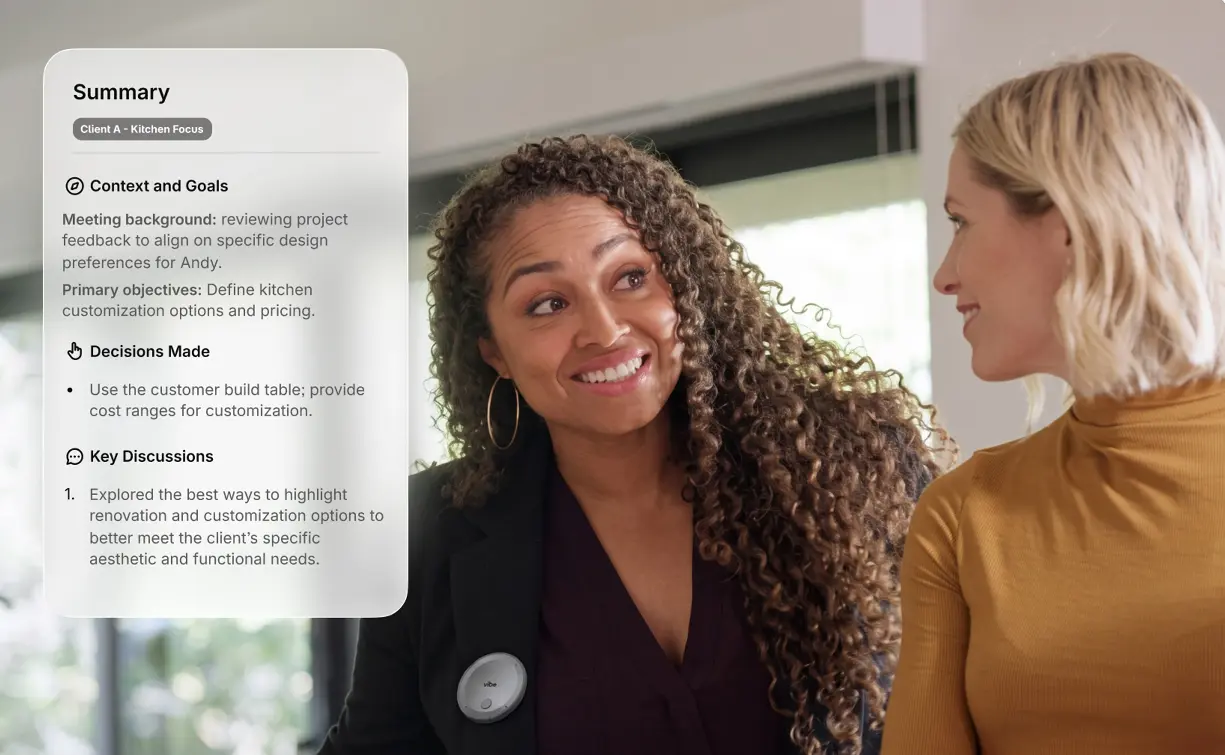 Woman wearing a Vibe Dot on her blazer talks with a client while an AI meeting summary shows context, decisions, and key discussions
What a Good Follow-Up Contains
A useful follow-up has five parts. The AI can only draft what the conversation gave it, so it helps to know what to say out loud.
-
A short recap of what was decided. One or two lines, not a transcript.
-
Next steps with an owner and a date. "Priya will send the revised proposal by Thursday" beats "we'll circle back."
-
Open questions. Anything still unresolved, and who needs to answer.
-
One clear ask. The single thing you need from the recipient.
-
Any link or attachment they will need.
For the principles behind a strong follow-up, read our guide to writing a follow-up email after a meeting. This article is about handing the drafting to an AI.
What You Can Automate
Vibe AI can draft and send follow-ups through three channels, namely Gmail, Outlook, and Slack on the Pro and Max plans.
|
Channel |
Best for |
|---|---|
|
Gmail |
Client and partner follow-ups if you work in Google Workspace |
|
Outlook |
The same, if you work in Microsoft 365 |
|
Slack |
Internal recaps, such as a summary for the team channel |
The same plans also schedule follow-up meetings in Google Calendar and Outlook Calendar, so the recap and the next call can go out together.
What You'll Need
-
Vibe Dot and the Vibe AI app on your phone. Vibe Dot records and syncs to the app over Bluetooth.
-
Vibe AI Pro or Max. Follow-ups run on AI credits: Pro includes 100 a month (about 20–30 actions), and Max includes 400 (about 80–120). The free Starter plan generates notes, summaries, and action items, but does not include actions. Vibe AI plans come with the purchase of a Vibe Dot or Vibe Bot.
-
A Gmail, Outlook, or Slack account you are comfortable connecting.
-
Two minutes after each meeting to review the draft.
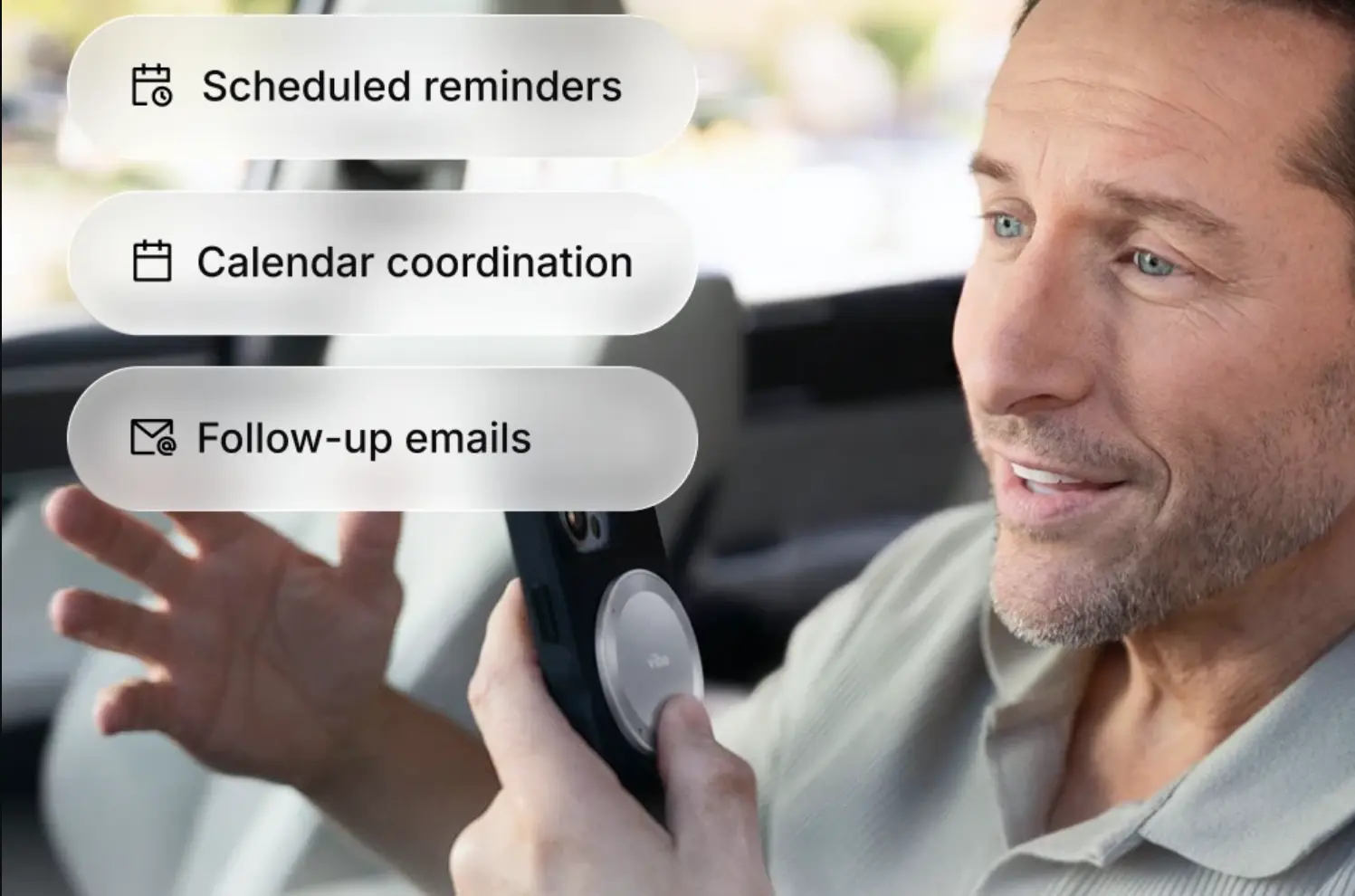
Step 1: Say the Follow-Up Out Loud Before the Meeting Ends
The best follow-up starts in the last 60 seconds of the meeting. Before people leave, say the decisions, the next steps, and the owners. For example: "To confirm, we agreed on the March start, Priya sends the revised proposal by Thursday, and I'll book the next call for next week.
This does two things. It gets everyone aligned in the room, and it puts a clean summary into the recording, which gives the AI an unambiguous source for the draft.
Step 2: Capture the Meeting
Record the whole conversation, and mark the moments that matter.
-
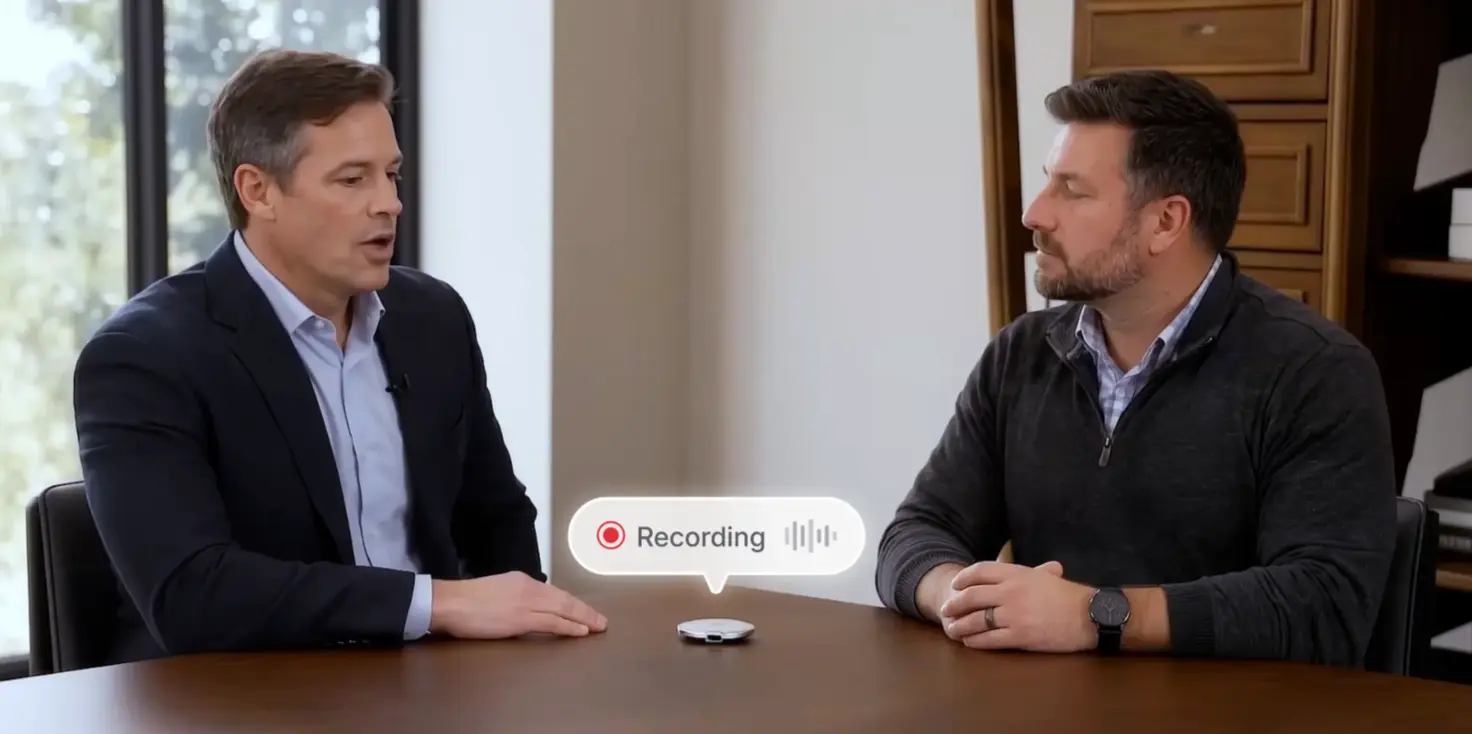
In-person meetings: clip Vibe Dot on, or place it on the table. Double-tap to start and double-tap to stop.
-
Phone calls: attach Vibe Dot to the back of your phone. A magnetic ring for non-MagSafe phones comes in the box.
-
Key moments: press Vibe Dot once to highlight a decision or commitment.
-
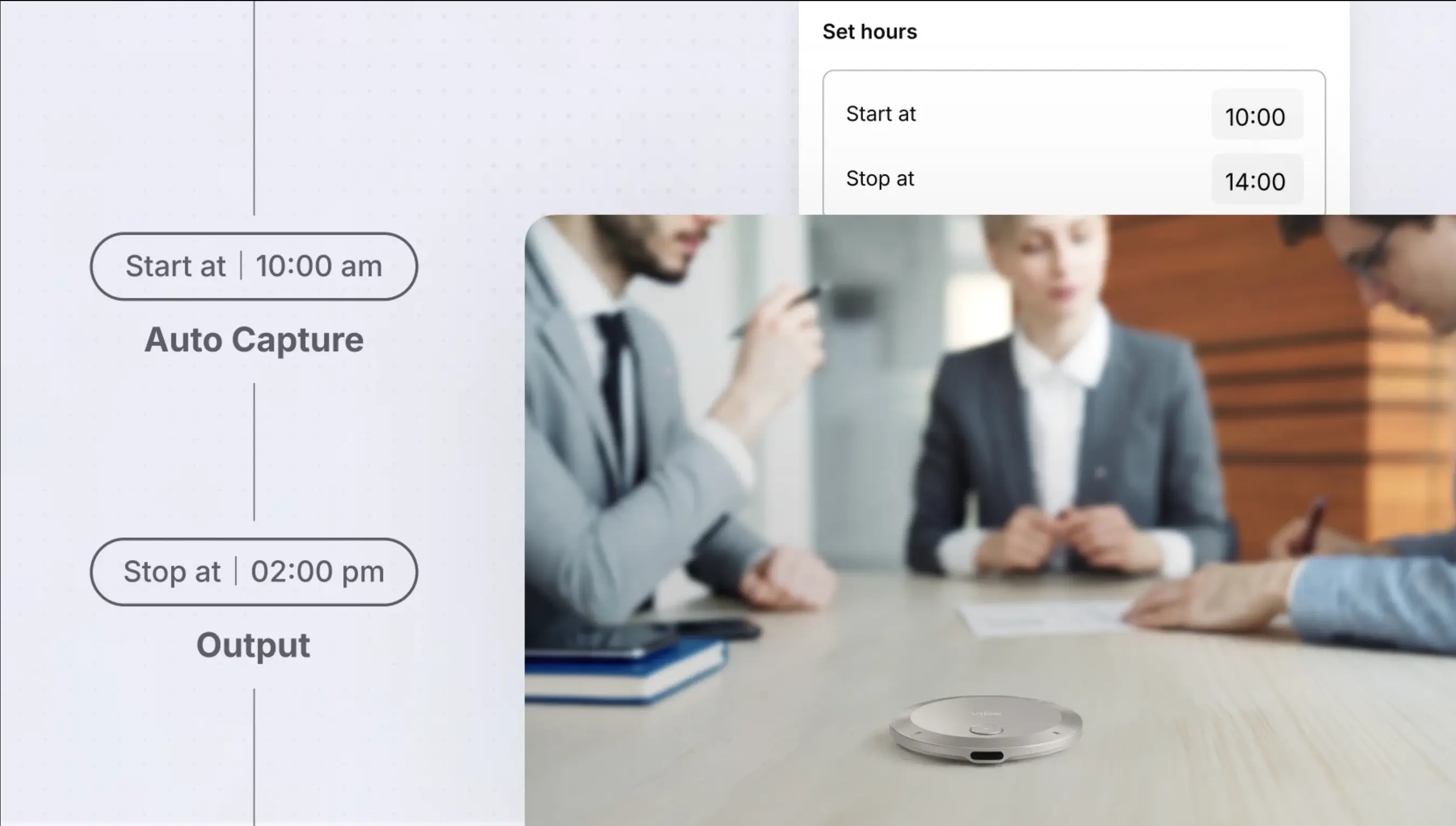
Recurring or unplanned conversations: Auto Capture (Beta) can start recording when Vibe Dot recognizes your voice, or during scheduled windows.
Vibe Dot records to onboard storage and syncs when your phone is in range, so a conversation in a dead zone is still captured. Tell participants you are recording and follow your organization's consent policy.
Step 3: Connect Your Email or Slack
Connect the channel you use for follow-ups, once. Vibe AI supports Gmail, Outlook, and Slack. If you send client emails from one account and team recaps through Slack, connect both. Use the account you normally send from, so messages arrive with the right name and signature.
Connecting email and chat accounts gives an AI tool access to sensitive data, so connect only what you need and check the vendor's security posture first. Vibe AI holds SOC 2 Type 2 and HIPAA attestations from Prescient Assurance, and your data is not used to train Vibe's or third-party AI models.
Step 4: Give One Clear Instruction
Tell Vibe who the message is for, where it goes, and what to include. With Vibe Dot you can press and hold, speak, and have Vibe run an action without unlocking your phone. You can also do it from the Vibe AI app.
Here are three instructions you can adapt:
A client email.
"Draft a follow-up email to Sarah at Acme with the decisions from this call, the next steps with owners and dates, and one clear request: sign-off on the proposal by Friday."
A team recap in Slack.
"Post a recap of this meeting in the product channel: decisions, action items with owners, and open questions."
A partner or vendor note.
"Draft a short email to the vendor confirming the delivery date we agreed and asking them to send the updated quote."
Vibe's own example for an account executive follows the same pattern: after a client call, draft a follow-up with next steps, update the opportunity, and schedule the next call. For a product manager, the example has Vibe schedule a Slack recap for the next morning.
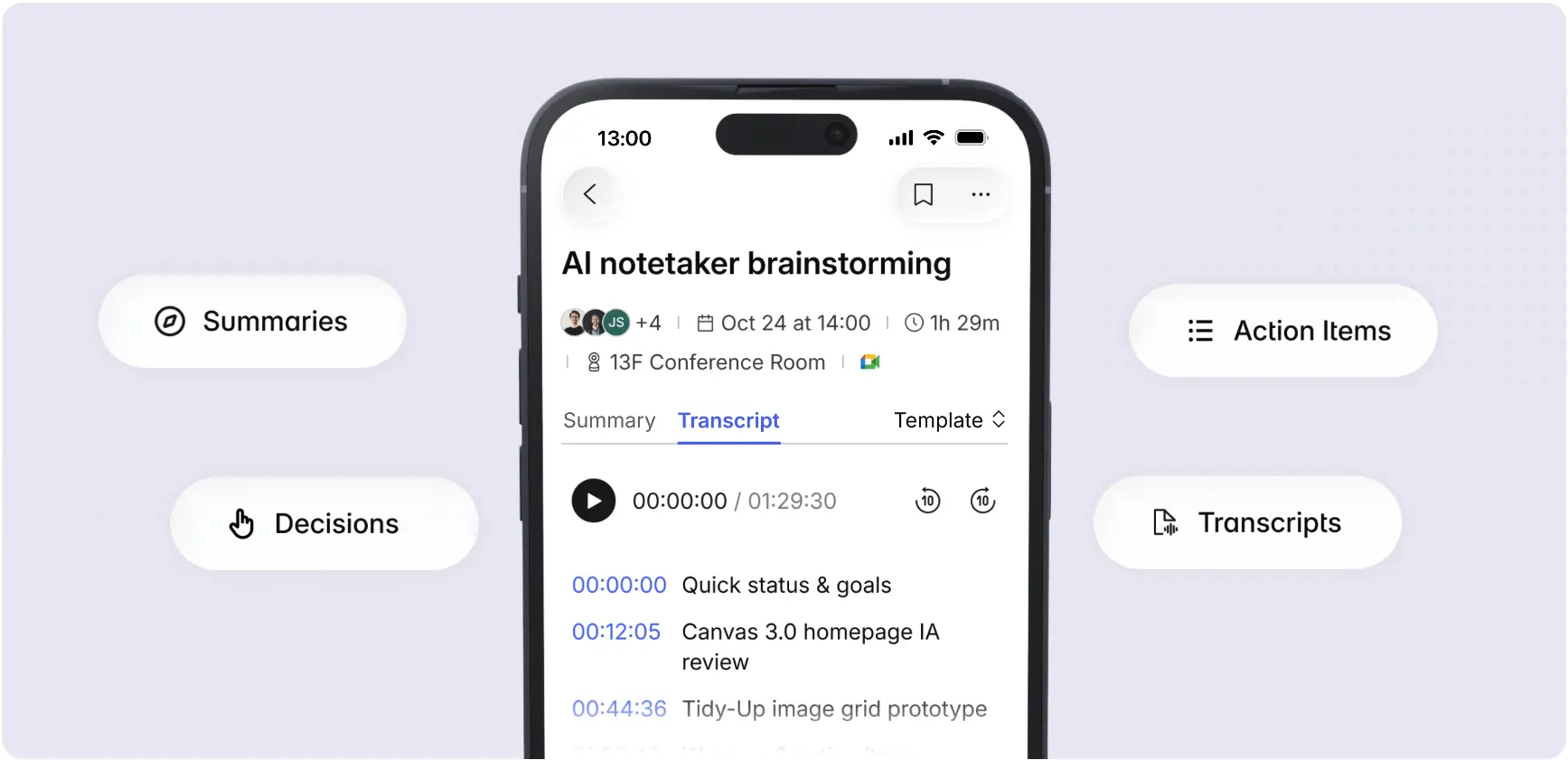
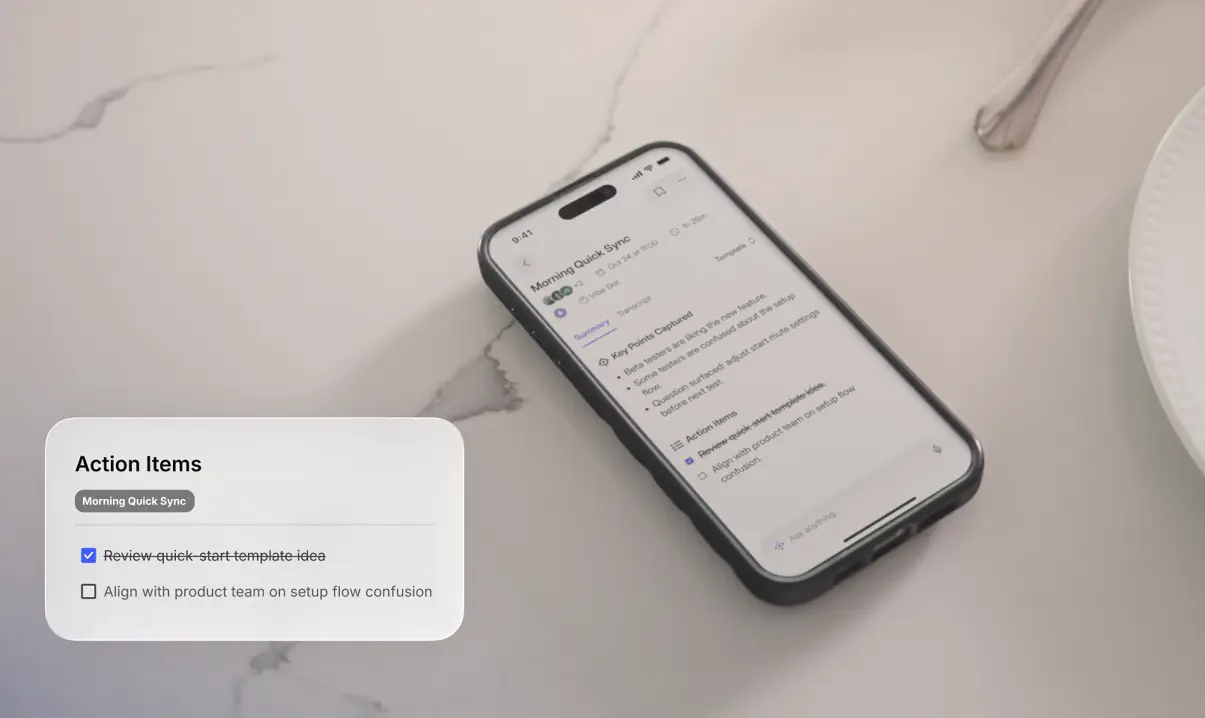 Vibe AI app on a phone showing meeting key points and an action items checklist
Step 5: Review the Draft Before It Goes
Spend a minute checking the draft. Speed is the benefit, but the message goes out under your name.
-
Right recipients. Confirm the "to" line, and that no one is cc'd who should not be.
-
Accurate facts. Check names, dates, prices, and anything you committed to.
-
Right tone. Adjust for the relationship. A note to a long-time client reads differently from one to a new contact.
-
One clear ask. If the draft makes several requests, cut it down to the one that matters.
-
Anything sensitive. Remove details that should not be in writing.
In Vibe's example, the follow-up arrives as a draft that is ready to review. Action history keeps a record of what you asked Vibe to do and the result.
Step 6: Book the Next Call and Track the Tasks
Close the loop while the meeting is fresh. Ask Vibe to schedule the follow-up meeting in Google Calendar or Outlook Calendar. If the meeting produced tasks, send them to your tracker too. Our guide to turning meeting notes into Jira, Linear, or Asana tasks covers that, and our guide to updating HubSpot after a sales call covers the CRM side.
An Example, Start to Finish
This walkthrough follows Vibe's own account executive scenario and is illustrative, not a customer result.
A rep finishes a call with a prospect. Before hanging up, she says, "To confirm, I'll send pricing by Friday and we'll talk again next Tuesday." She presses and holds Vibe Dot and asks Vibe to draft a follow-up email with the next steps, and to schedule the Tuesday call.
-
Within minutes: a draft is ready, with the recap, the pricing commitment, and the next-call date.
-
Two minutes later: she corrects one figure and sends it.
-
Same afternoon: the prospect has a clear written record, and the call is on both calendars.
|
Step |
Manual |
With Vibe Dot and Vibe AI |
|---|---|---|
|
Remember what was said |
From memory or typed notes |
Vibe Dot records it |
|
Write the follow-up |
You draft it from scratch |
Vibe AI drafts it |
|
Send it |
You send it |
You review and send (Gmail, Outlook) or have it posted (Slack) |
|
Book the next call |
You check calendars |
Vibe AI schedules it |
|
Keep a record |
Sent folder |
Action history and the meeting record |
Common Problems and How to Avoid Them
-
Generic drafts. If the draft is bland, the instruction was too. Name the recipient, the decision, and the ask.
-
Wrong details. If a date or figure is wrong, check whether it was said clearly in the meeting. State key facts out loud.
-
Wrong recipient or tone. Always review the "to" line and the opening, especially for new contacts.
-
Credits run out. Vibe notifies you at your limit. Your existing memory and history stay accessible, but new processing waits for the next cycle unless you upgrade or buy a top-up pack.
-
Sensitive meetings. Use per-thread permissions in Vibe AI so only the right people can see specific conversations.
-
Over-trusting the output. Anything external deserves a read before it sends.
We should be clear about the limits. Follow-up actions require a paid Vibe AI plan, they draw from a monthly credit allowance, Auto Capture is in Beta, and the quality of the draft depends on how clearly the meeting ended.
Where This Fits in Your Stack
Sending follow-ups is one of five kinds of work an AI meeting agent can do, alongside tasks, CRM updates, scheduling, and exports. For the full picture, see What Is an AI Meeting Agent?. If your best conversations happen away from a screen, read why software note takers miss them.
Conclusion
Sending meeting follow-ups automatically comes down to a short loop: say the next steps out loud, capture the meeting, connect your email or Slack once, give one clear instruction, and review the draft. The writing disappears, and the message reaches people while the meeting is still fresh.
Start with the last minute of the meeting, since a clear ending makes every draft better. Then add capture and automation with Vibe Dot and Vibe AI.
Frequently Asked Questions
Can AI write a follow-up email after a meeting?
Yes. An AI meeting tool can draft a follow-up from the recording, including the recap, next steps, and open questions. Vibe AI drafts follow-ups for Gmail, Outlook, and Slack on the Pro and Max plans. You review the draft and adjust it before it goes out.
Can Vibe AI send the follow-up email without my review?
In Vibe's own example, the follow-up arrives as a draft that is ready to review, and Action history records what you asked Vibe to do and the result. Whatever the tool, read anything addressed to clients or people outside your organization before it sends.
Which email and chat tools does Vibe AI support for follow-ups?
Vibe AI supports Gmail and Outlook for email and Slack for team messages. It also schedules follow-up meetings in Google Calendar and Outlook Calendar, creates tasks in Jira, Linear, and Asana, and updates HubSpot.
Do I need a paid plan to send automatic follow-ups?
Yes. Vibe AI's free Starter plan generates meeting notes, summaries, and action items, but follow-up actions need Pro ($9 per seat per month, billed annually) or Max ($29 per seat per month, billed annually).
Does this work for phone calls and in-person meetings?
Yes. Vibe Dot attaches to the back of your phone for calls and clips on or sits on a table for in-person meetings. It records to onboard storage, so it works without a connection, then syncs to the Vibe AI app over Bluetooth. Tell participants you are recording.
How many follow-ups can I send each month?
Credits are shared across all Vibe AI actions, including follow-ups, tasks, CRM updates, scheduling, and exports. Pro includes about 20–30 actions a month and Max about 80–120. If you reach the limit, existing memory stays accessible, and you can upgrade or buy a top-up pack to keep processing.