Hybrid learning is now the standard in K–12 and higher education — not the exception. Whether you’re designing a new curriculum or refining what your school has built since 2020, understanding how hybrid learning actually works is the foundation for getting it right.
This guide covers the hybrid learning definition, the most common instructional models, the measurable benefits for students and teachers, and a practical implementation framework for 2026 classrooms.
Quick Answer: Hybrid learning is an instructional approach that combines scheduled in-person classroom time with structured online learning. Students engage with course content through both face-to-face instruction and digital tools, giving them more flexibility while maintaining regular contact with their teacher and peers.
Hybrid Learning Definition: What It Means in Practice
Hybrid learning — sometimes called blended learning — is an educational model in which instruction is delivered through a deliberate combination of in-person and online formats. The defining feature is that both modalities are intentional and structured, not one compensating for the other.
In a hybrid learning environment, a student might attend class in person on Monday and Wednesday, complete digital modules independently on Tuesday and Thursday, and join a live streamed review session on Friday. The teacher designs each format to serve a specific learning objective — not simply to fill time.
This distinguishes hybrid learning from emergency remote teaching (the improvised shift to fully online instruction during COVID-19) and from fully online education, where no in-person component exists.
Hybrid Learning vs. Remote Learning: Key Differences
|
Hybrid Learning |
Remote Learning | |
|---|---|---|
|
Location |
Split between classroom and home/online |
Fully online, no in-person requirement |
|
Instruction type |
In-person + structured digital |
Digital only |
|
Social interaction |
Regular face-to-face time |
Primarily asynchronous or video-based |
|
Flexibility |
Moderate — structured schedule |
High — often self-paced |
|
Best for |
Students who benefit from both environments |
Students who cannot attend in person |
Remote learning eliminates geography as a barrier but removes the in-person relationships that many students need to stay motivated. Hybrid learning keeps those relationships intact while expanding how and where learning happens.
The Main Hybrid Learning Models
There is no single hybrid learning model. Schools implement hybrid instruction in different ways depending on class size, technology access, and curriculum design. These are the most widely used frameworks:
1. Rotation Model
Students rotate between in-person instruction and independent online work on a fixed schedule. The teacher works with small groups during in-person sessions while others complete digital assignments. This model works well in K–12 settings with larger class sizes.
2. Flex Model
Online instruction is the primary delivery method, with in-person support available on demand. Students progress through digital content at their own pace and come in for targeted teacher support when needed. This model suits students with varying learning speeds.
3. Enriched Virtual Model
Students complete most coursework online but attend in-person sessions for key activities — labs, presentations, assessments, or complex discussions. This is common in higher education and advanced high school programs.
4. Face-to-Face with Online Synchronous Component
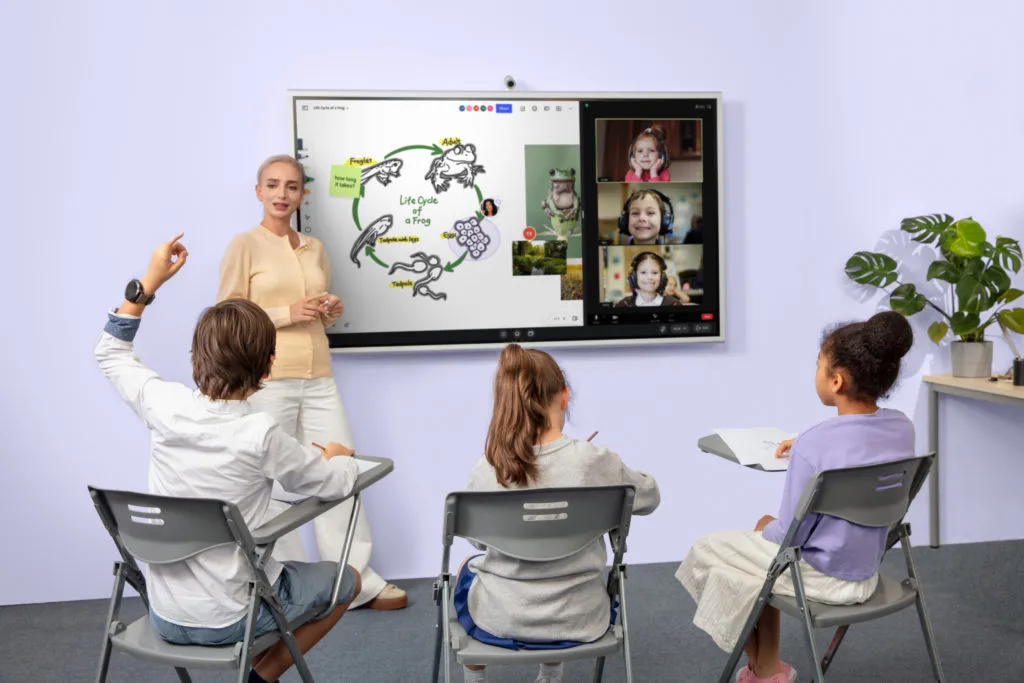
The teacher instructs students in the classroom while simultaneously live-streaming to remote students via video. In-person and remote learners participate in the same lesson at the same time. This model requires reliable technology on both ends to be effective.
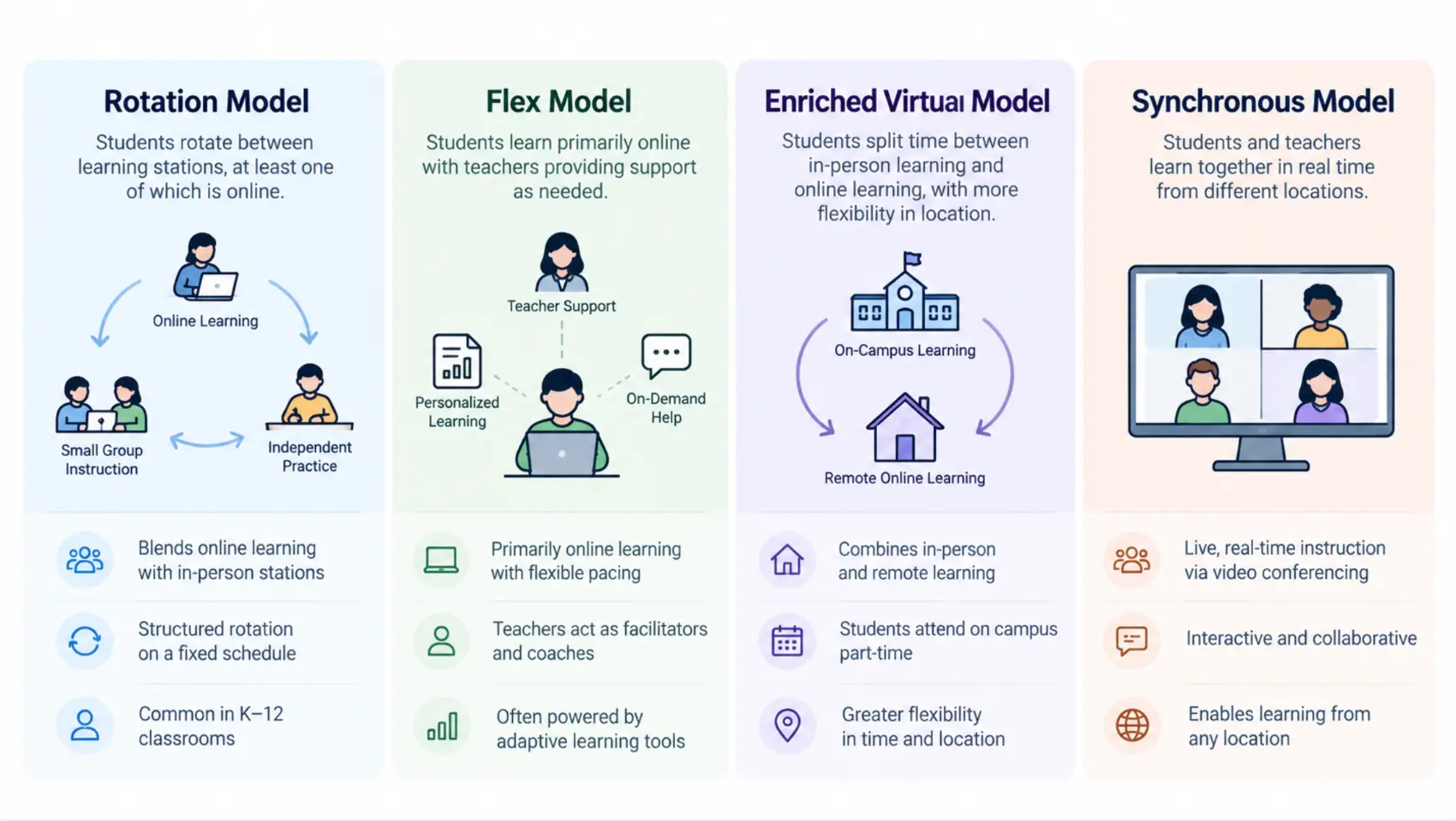 A side-by-side diagram of the four hybrid learning models — Rotation, Flex, Enriched Virtual, and Synchronous
Key Benefits of Hybrid Learning
Research consistently shows that well-implemented hybrid instruction improves outcomes for both students and teachers. A 2023 meta-analysis published in the British Journal of Educational Technology found that hybrid learning environments produced higher student achievement scores compared to fully in-person or fully online instruction in 62% of reviewed studies.
Here are the benefits backed by evidence and practice:
For Students
-
Greater scheduling flexibility. Students can complete asynchronous modules around family, health, or extracurricular commitments without falling behind.
-
More learning pathways. Hybrid environments expose students to independent research, digital tools, collaborative projects, and live instruction — a broader skill set than any single modality provides.
-
Improved accessibility. Students who struggle in crowded classrooms — including those with sensory sensitivities or social anxiety — often perform better when they have a mix of quiet independent time and structured group learning.
-
Self-paced progress where it matters. Flex and enriched virtual models allow students to move faster through material they’ve already mastered and spend more time where they need support.
For Teachers
-
Better use of in-person time. When students arrive having completed foundational content online, teachers can focus classroom sessions on discussion, application, and problem-solving — the interactions that require a room full of people.
-
Richer data on student progress. Digital learning tools generate detailed engagement and performance data that teachers can use to identify struggling students earlier than traditional grading cycles allow.
-
Reduced repetition. Recorded lessons and asynchronous modules mean teachers don’t have to re-teach foundational content to students who were absent or need a second pass.
How to Create an Effective Hybrid Learning Environment
A hybrid classroom doesn’t happen by buying technology. It requires deliberate instructional design. These steps work for teachers building a hybrid model from scratch or refining one already in place.
Step 1: Audit Your Learning Objectives First
Before choosing tools or platforms, identify which learning objectives are best served in person and which work equally well — or better — online. Complex experiments, debate, peer critique, and hands-on skill practice usually belong in person. Content delivery, reading, reflection, and formative quizzes can work asynchronously.
Step 2: Choose One or Two Core Platforms
Resist the temptation to use a different tool for every task. Students perform better in hybrid environments when the digital side is predictable. Pick one learning management system for assignments and communication and one tool for synchronous online sessions.
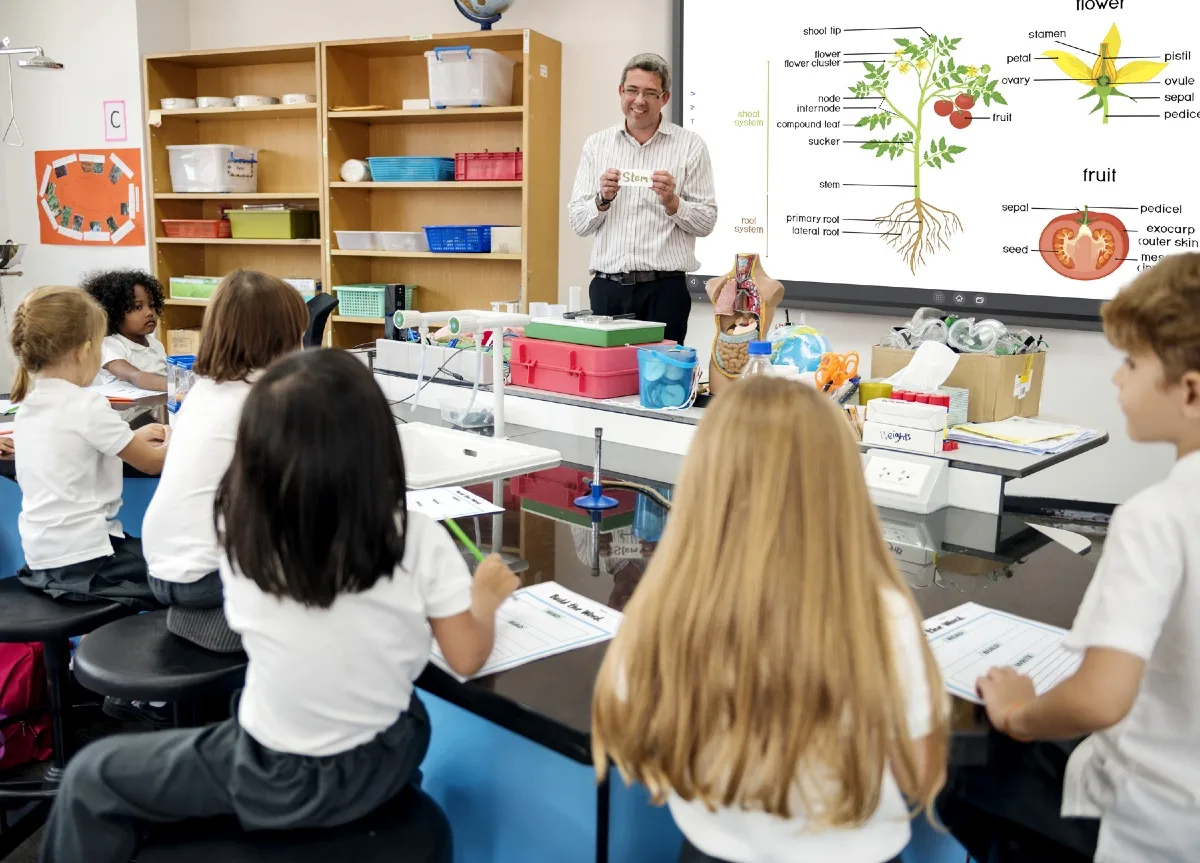
Step 3: Design In-Person Sessions Around Interaction
In a hybrid model, the biggest waste of in-person time is delivering content that students could have accessed online. Reserve classroom time for:
-
Live Q&A and clarification
-
Small group work and peer projects
-
Presentations and demonstrations
-
Complex discussions that build on the online work
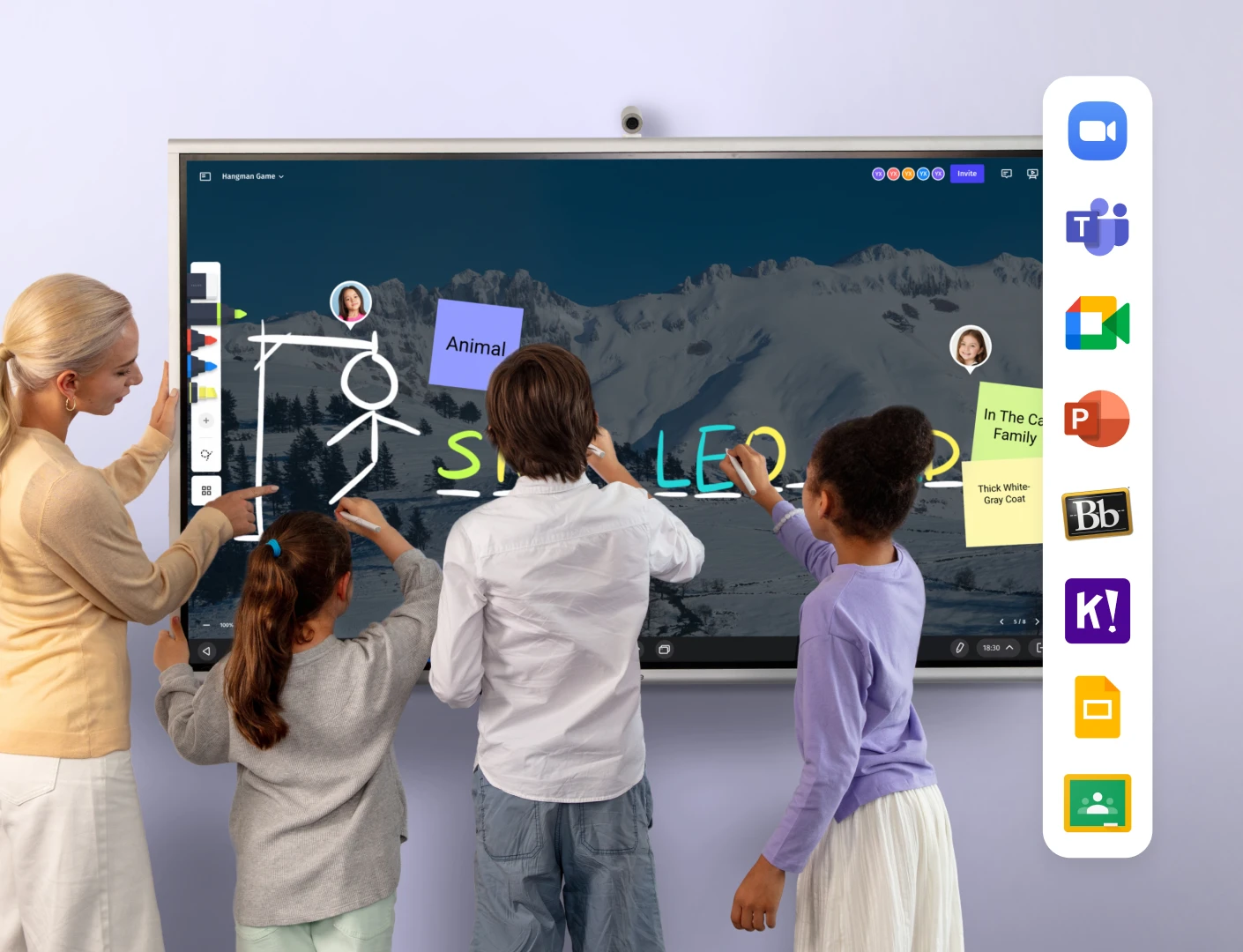
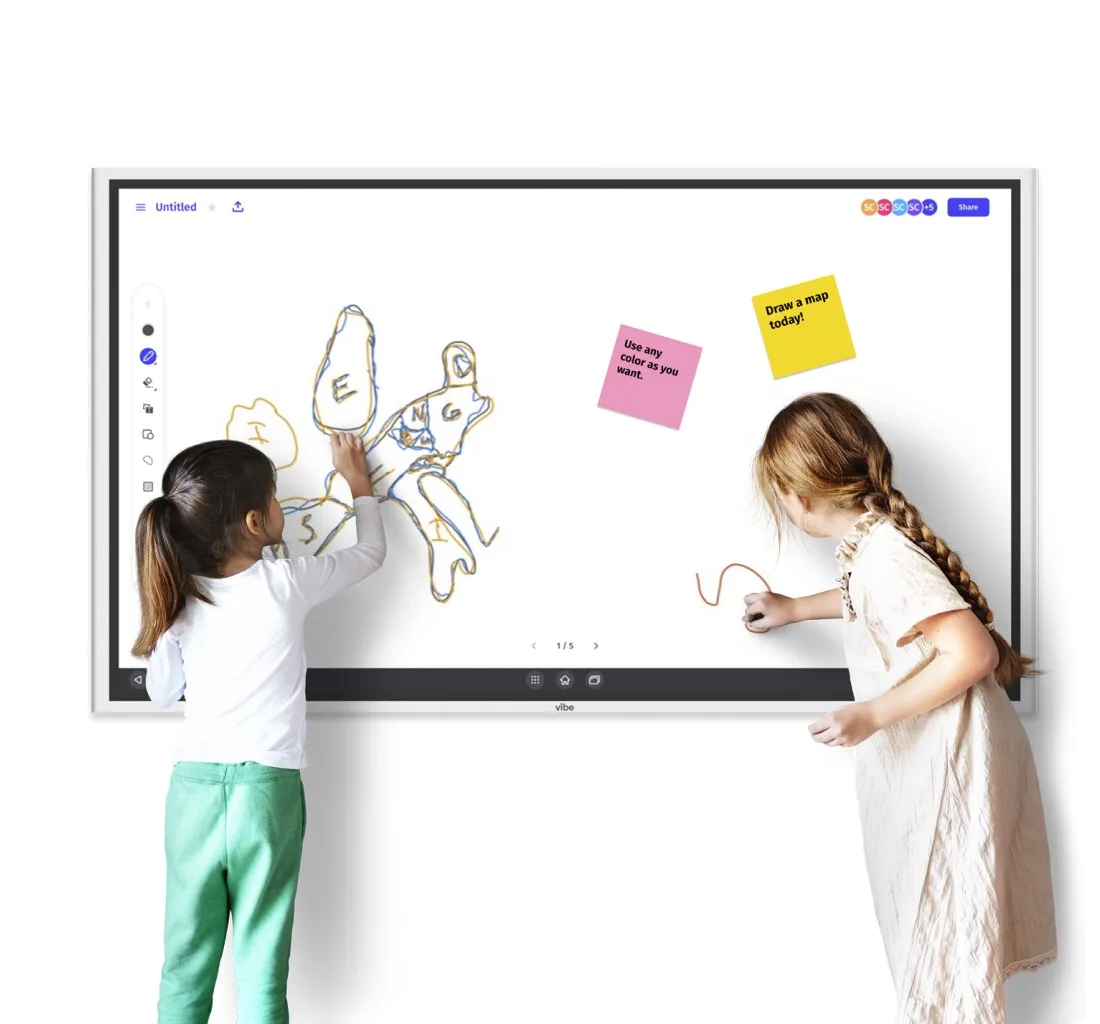
An interactive whiteboard is one of the most effective tools for anchoring these in-person sessions. The Vibe Board S1 gives teachers a shared digital canvas for live annotation, collaborative brainstorming, and visual instruction — keeping in-person sessions engaging for the students in the room while simultaneously supporting remote participants via Zoom or other video tools. Riego Castillo, a 4th Grade ELP teacher at Washington Elementary School in Utah, uses the Vibe Board S1 this way in practice: he wheels the board between classrooms on a mobile stand and uses its built-in Zoom integration to bring in remote guest speakers for live hybrid sessions — no separate setup required. Since adopting Vibe, his students have passed over 42,000 IXL skills through the board, independent learning time has tripled, and his class has consistently earned the highest test scores in the district. Read the full story →
Step 4: Set Clear Norms for Both Environments
Students who understand exactly what is expected in each setting — when to be in person, how to participate online, what "done" looks like for asynchronous work — perform significantly better. Build a course guide that distinguishes in-person norms from online norms explicitly.
Step 5: Plan Assessment Across Modalities
A common mistake in hybrid programs is assessing all students by the same standard regardless of which modality they completed work in. Design assessments that test learning outcomes, not format compliance. A student who mastered the concept asynchronously should be assessed on mastery, not on whether they did it in a classroom.
Step 6: Build in Feedback Loops
Because hybrid learning involves more independent work, students need more frequent low-stakes feedback — not just end-of-unit grades. Weekly check-ins, short reflection prompts, and visible progress tracking help students stay on course without requiring constant teacher supervision.
Common Challenges in Hybrid Learning (and How to Address Them)
Technology gaps. Not all students have equal access to reliable devices and internet at home. Before launching a hybrid model, survey families and work with your district to address gaps — whether through device loan programs, hotspots, or offline-capable assignments.
Student disengagement online. Asynchronous work has a higher dropout rate than in-person instruction. Counter this with shorter modules, regular check-ins, and clear deadlines that create structure without rigidity.
Teacher workload. Designing content for two environments simultaneously takes more time than one. Schools that succeed at hybrid learning invest in planning periods, collaborative curriculum design, and professional development — not just technology.
Equity in live sessions. In the synchronous face-to-face-plus-streaming model, remote students are often treated as passive viewers. Design sessions so remote participants have explicit roles — not just a camera pointed at the room.
Hybrid Learning in 2026: What’s Changed
Hybrid learning has matured significantly since its rapid-adoption phase in 2020–2021. Schools that implemented it reactively have had years to refine what works. The current state of the field reflects several important shifts:
-
Intentional design over improvisation. Districts now build hybrid programs with dedicated instructional design support, not as an emergency workaround.
-
Better asynchronous tools. Learning platforms have improved significantly — adaptive modules, embedded assessment, and integrated feedback loops are now standard features rather than premium add-ons.
-
Teacher professional development. Schools that sustain effective hybrid programs invest in ongoing teacher training, not one-time onboarding sessions.
-
Equity as a design requirement. Leading districts now treat technology access as an infrastructure problem to solve before launch, not a caveat to acknowledge after.
The fundamentals of hybrid learning haven’t changed: it works when both modalities are designed intentionally and students receive consistent support in both environments. What has changed is that schools have more tools, more research, and more institutional experience to draw on.
Conclusion
Hybrid learning isn’t a compromise between in-person and online education — it’s a deliberate instructional model that can outperform either approach when implemented well. The definition is straightforward; the execution requires careful planning, the right technology, and a clear understanding of which learning objectives belong in which environment.
For schools building or refining a hybrid classroom, start with your learning objectives, keep your technology stack simple, and design in-person time around the interactions that only happen in a room together.
Request a demo to see how Vibe Board S1 supports hybrid classrooms →
Frequently Asked Questions
What is the difference between hybrid learning and blended learning?
The terms are often used interchangeably, but some educators draw a distinction: blended learning typically refers to integrating online components into a primarily in-person course, while hybrid learning implies a more equal balance between the two. In practice, most schools use both terms to describe any model that combines in-person and online instruction in a structured way.
What does hybrid mean in school?
In a school context, hybrid means that students attend some instruction in person and complete other instruction online — either on different days, in different subjects, or through a combination of live and asynchronous formats. The school defines the specific schedule and balance based on curriculum needs.
What are the benefits of hybrid learning for students?
Hybrid learning gives students more flexibility in how and when they engage with content, exposes them to a wider range of learning tools and formats, and allows teachers to personalize pacing more effectively than a single-modality classroom allows. Research also shows that students in well-designed hybrid programs report higher engagement and lower stress compared to fully remote instruction.
What technology does a hybrid classroom need?
At minimum: a reliable LMS for assignments and communication, video conferencing for synchronous remote sessions, and an interactive display or whiteboard for in-person instruction. Schools with more resources add document cameras, sound systems, and dual-screen setups to better serve remote participants in live sessions.
Is hybrid learning effective?
Yes — when implemented deliberately. Research shows hybrid learning produces better outcomes than either fully in-person or fully online instruction when teachers design each modality to serve specific learning objectives. The key variable is intentional design, not the technology itself.
What is the hybrid learning model vs. the flipped classroom?
A flipped classroom is a specific type of hybrid model where students consume foundational content (lectures, readings) at home and use in-person time for practice, application, and discussion. Hybrid learning is a broader category that includes the flipped model as one approach among many.