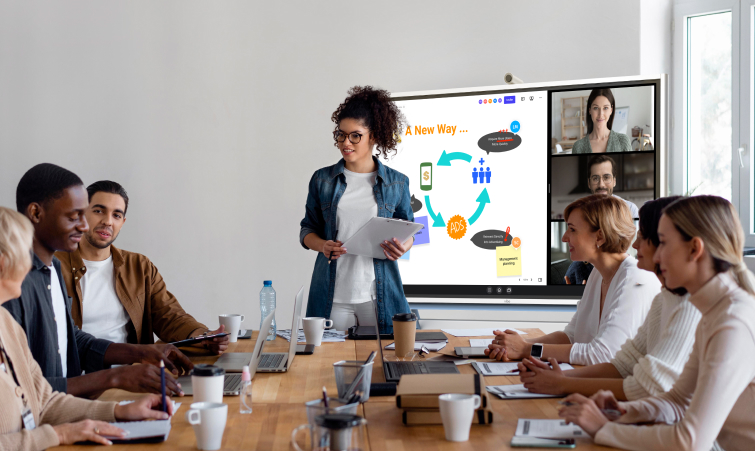

Did you know that 70% of remote-capable employees in the U.S. are now working in a hybrid model? Hybrid meetings are becoming the default format for many teams, especially knowledge workers who don’t need to be in-person all the time to do their job.
Great hybrid meetings can be successful collaboration experiences, but poorly designed or executed ones can ostracize remote employees. Hybrid employees need a reliable format that still supports collaboration and engagement, no matter where people are working from.
That’s why there’s an ever-growing need for technology that allows for hybrid meeting success. Let’s take a look at what you need in your organization to support and create a high-performing hybrid team.
- Hybrid meetings offer flexibility and access, but can create unequal experiences if remote participants are not supported well.
- The right mix of room A/V and video platforms creates a smart workspace that helps every attendee see, hear, and contribute clearly.
- Small facilitation habits, like assigning roles and using shared digital spaces, make hybrid meetings smoother and more inclusive.
- A simple preparation checklist reduces last-minute tech issues and keeps the focus on the conversation, not the setup.
What Is a Hybrid Meeting?
A hybrid meeting is any meeting where the attendees are in a combination of places or circumstances, yet meet together to discuss or accomplish something. Everyone participates in the same conversation, even though they are not in the same place. Hybrid conferences can include people who are attending in-person in the office, virtually via video, and/or virtually via a type of audio, such as phone.
Think of a product team where three people work in San Francisco and two work in Austin. They’re all tasked with reviewing prototypes together while on a Zoom call. And while they can all potentially be in-person at their respective offices or remote, they’ll still need to leverage the communications gap using some sort of meeting technology, like a shared digital whiteboard.
Hybrid vs Virtual Meetings
There’s a nuanced difference between hybrid and virtual meetings. Virtual meetings are just that — virtual, or online. People meet via the internet, and any party can be anywhere in the world.
But a hybrid meeting is a meeting where people are meeting under a variety of circumstances and places. Some may be directly in the conference or huddle room, others may be online, and yet, they all need to be able to contribute as equals.
Advantages of Hybrid Meetings
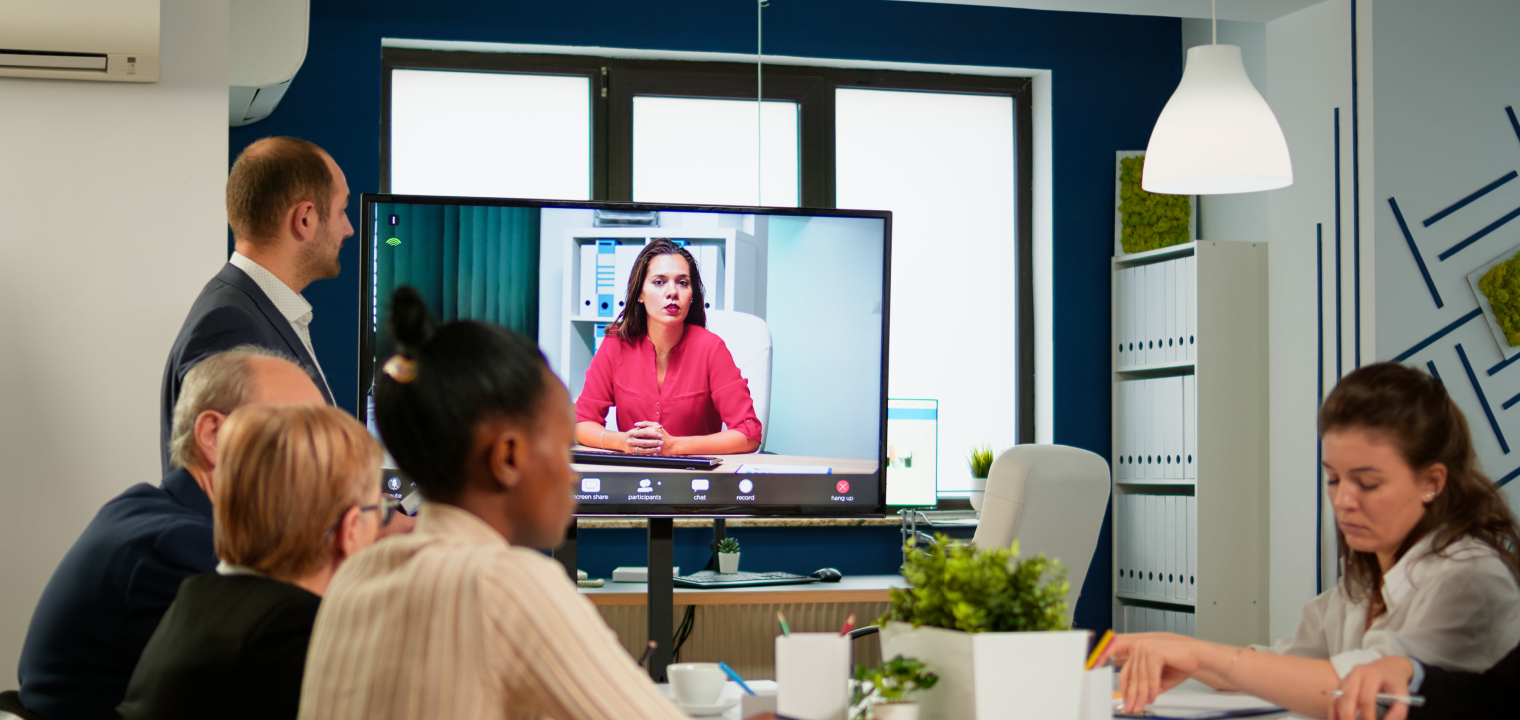
There are many advantages to hybrid meetings. When the setup works well, everyone can bring their best to the conversation and stay aligned on the same goals. Here is how your team dynamics may benefit from implementing a strong hybrid meeting environment.
Greater Flexibility and Accessibility
Hybrid meetings let people join from any location or time zone while still collaborating in real time. This flexibility not only makes for better collaboration and team efficacy across the board, but also higher morale since employees have greater control over their work-life balance.
Reduced Travel Time, Cost, and Environmental Impact
When you can work from anywhere, you no longer have to add another vehicle to the road. With hybrid meetings, fewer people need to commute or fly, and that saves money and lowers the carbon footprint of gatherings.
Improved Inclusivity for Different Needs
Thanks to hybrid meetings, people with caregiving duties, disabilities, or health concerns can participate without having to be physically present. This makes meetings much more work-focused and accessible to those with talent to do work, but may be lacking the ability to forgo everything to be in the office.
Better Use of Digital Collaboration Tools
Tools such as shared docs, whiteboards, and recordings are more naturally built into hybrid meetings, which improves documentation and follow-up for future meetings and work related to a given project.
Easier Scheduling and Higher Attendance
Scheduling is easier with hybrid meetings because, with location as less of a constraint, it is simpler to find times that work for more stakeholders. This allows for earlier buy-in and faster approvals as meetings mark a given project’s progress.
Higher Talent Attraction and Retention
Hybrid meetings reinforce flexible work policies that employees value, which can boost satisfaction and retention. It’s also highly attractive to top talent, who are looking for perks outside of salary. In fact, hybrid and remote-capable workers report that greater location flexibility (70%) and time flexibility (71%) are the top reasons they favor hybrid arrangements.

Drawbacks of Hybrid Meetings
Hybrid meetings aren’t without their challenges, and knowing those challenges beforehand can help you prevent bigger issues down the road. Here are some of the drawbacks of trying to host a hybrid meeting.
Unequal Experience for Remote Participants
Remote attendees may struggle to see, hear, or be heard as clearly as in-room participants, making them feel secondary.
Tip: Assign a dedicated facilitator or "remote champion" to monitor chat, call on remote voices first at times, and ensure cameras/mics are positioned so remote participants have an equal view and audio experience.
Technical Complexity and Failure Risk
Coordinating room A/V, connectivity, and meeting platforms introduces more points where glitches can derail the meeting.
Tip: Schedule a short pre-meeting tech check, standardize recommended equipment, and have a simple backup plan (like everyone joining from individual laptops) if the room system fails.
Harder Facilitation and "Reading the Room"
Hosts must track both the physical room and remote participants, which makes it tougher to manage turn-taking and engagement.
Tip: Use a clear agenda with time-boxed segments, define how people will signal they want to speak (raise hand, chat), and consider assigning separate roles for facilitator, chat monitor, and note-taker.
Potential for Distraction and Multitasking
Remote attendees in particular may be more tempted to work on other tasks or apps during the meeting, meaning that focus and quality of contribution take a hit.
Tip: Keep hybrid meetings shorter and more focused, clarify expected participation at the start, and use interactive elements (polls, quick check-ins, collaborative docs) so people are regularly prompted to engage.

Recommended Technology for Effective Hybrid Meetings
Needs will vary from meeting to meeting and from group to group, but here are some of the most common hybrid meeting technologies that make all the difference.
Core Needs
-
Reliable Internet Connections: Technology makes hybrid meetings possible, and a steady internet connection makes that technology possible for each user.
-
Video Conferencing Software: The right video conferencing software will help make every participant not only equally visible to other attendees, but will also make the meeting equally accessible to everyone as well.
-
Digital Collaboration Tools: The right digital collaboration tools will help everyone become equal participants in the planning and creation process that’s part of a hybrid meeting.
-
Cameras, Speakers, and Microphones: In order to help everyone be heard, cameras, speakers, and microphones would be a great help. These tools also bring a degree of consistency to the meetings.
Meeting Room Equipment
-
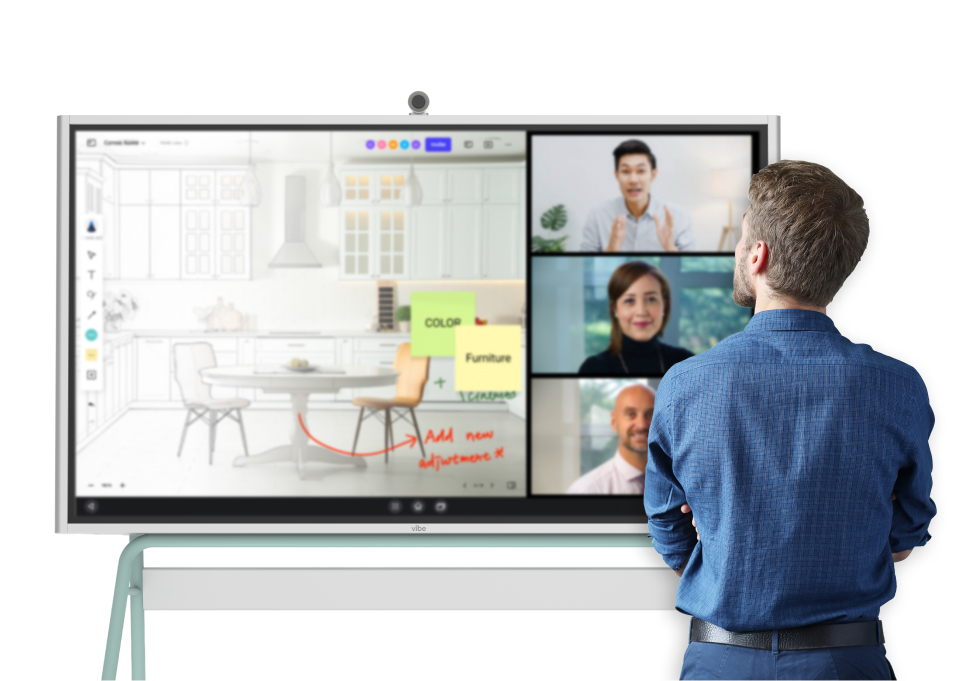
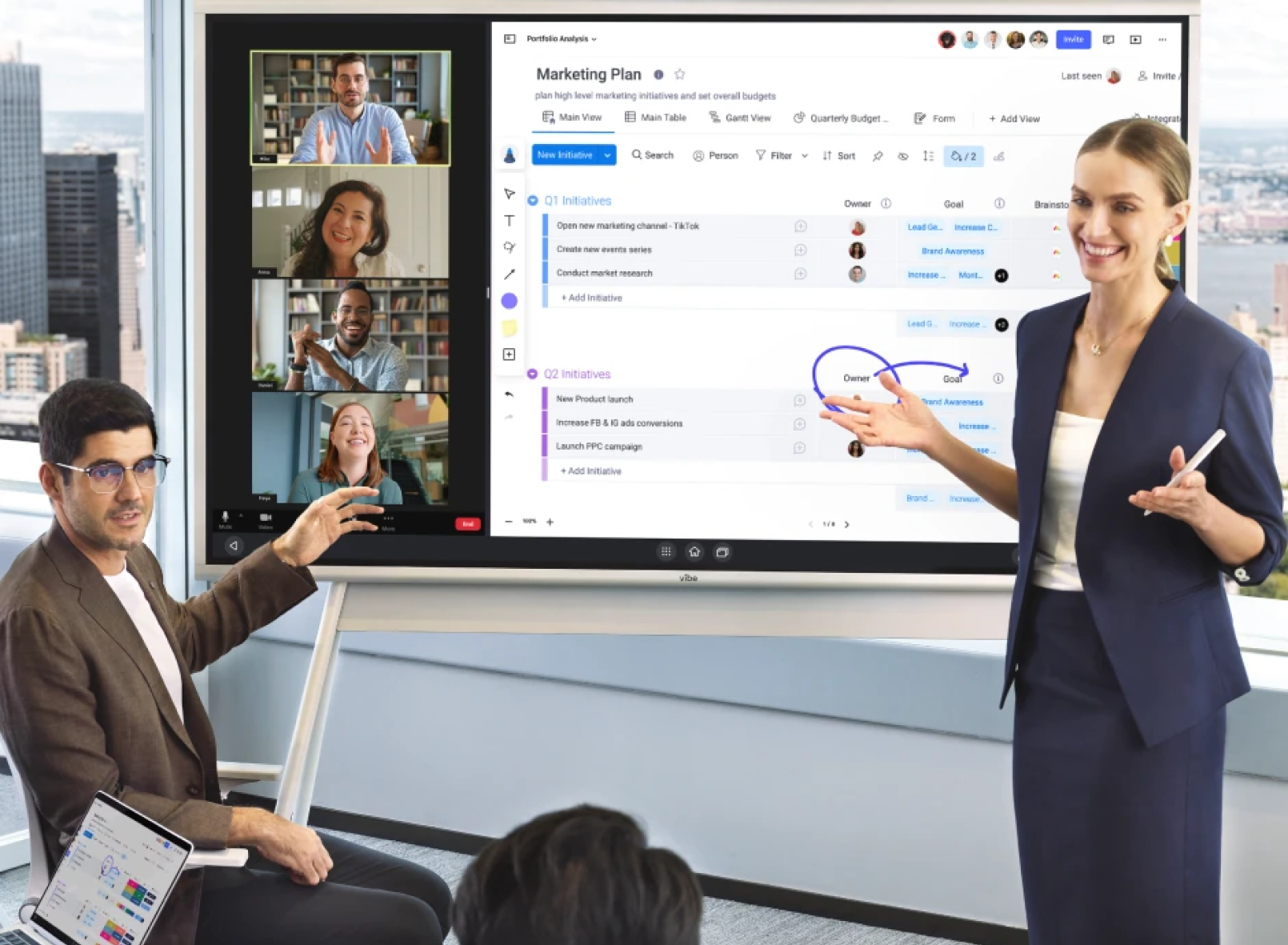
Smart Whiteboards: A smart whiteboard can help keep everyone on task and present a single source of truth among the meeting’s collaborators.
-
All-in-One AV Solutions: An all-in-one audiovisual solution can help the meeting moderators make sure that the various digital inputs and outputs are being used in a coherent way, further improving the meeting experience for everybody.
-
AI Assistants: AI tools help with note-taking and action tracking, smoothing out the small tasks that often pull people away from the meeting.
-
Accessible Power Outlets: All the technology used in a hybrid meeting will need power. Having a space with plenty of accessible power outlets will help resolve this issue.
Individual Setups
-
Personal Computer: Individuals need access to their personal computers so that they can not only hear and be heard in the meetings, but also collaborate on group projects with some autonomy.
-
High Quality Webcam: Webcams help the team stay connected with "face-to-face" interactions. This also helps people read face and body language, which can improve internal team communication or lend insights into how someone is feeling, such as a client.
-
Proper Lighting: Clear, even lighting helps people read facial cues and stay connected, especially when part of the team is joining remotely and already experiences limited visibility.
5 Best Practices for Hybrid Meetings
No one can plan for every possible need in a hybrid meeting, but if you follow these best practices, you should be able to anticipate a lot of the meeting’s needs.
1. Plan With Both Audiences In Mind
In a hybrid meeting, you have people attending in-person, and you have people attending digitally in one form or another. Think of who’s attending, what their needs will be to become full participants, and plan accordingly. The more you’re able to serve the audience before the meeting even starts, the better the experience will be for all when the meeting is in full swing.

2. Technology Should Make Remote Attendees Feel Present
There’s often a gap between what in-person meeting attendees experience and what digital employees experience in a hybrid meeting. The goal should always be to close this gap in whatever way is possible. That doesn’t just mean focusing on the sound quality so everyone can hear what’s being said, but leveraging technology to help improve everyone’s ability to speak and contribute to collaborative decision-making as equals within the meeting.
3. Assign a Remote Facilitator
A remote facilitator can help resolve issues experienced by online participants so that everyone can focus on their part in the actual meeting instead of troubleshooting mid-discussion.
4. Work in Shared Digital Spaces
When it comes to hybrid meetings, any sort of work should be done in a digital space that is accessible to all parties. This is where digital whiteboards or smart boards for offices work best since they are visible to both in-person team members and remote ones.
5. Check Hybrid Tech Before Each Meeting
The time to check that your entire meeting technology stack is working is before the meeting. That way, you have the time you need to fix issues before they become disruptive to the meeting itself.
Simple Hybrid Meeting Preparation Checklist
If you’re preparing to host a hybrid meeting, here’s a simple checklist you can use to make sure things will run smoothly.
-
Confirm the meeting goal and invite those who really need to attend.
-
Create and share a clear agenda and any expectations.
-
Choose your video platform and verify everyone has access.
-
Check key room tech: cameras, microphones, speakers, displays, smart whiteboard.
-
Test the internet connection in the room and from your own device.
-
Make sure remote participants know how to join and what’s expected of them.
-
Assign roles: facilitator, note-taker, etc.
-
Set up the physical room so in-person attendees and cameras can see and hear each other.
-
Open the meeting 5–10 minutes early to run quick audio/video checks.
-
Prepare for how you’ll capture notes, decisions, and action items to share afterward.
Fuel Effective Hybrid Meetings with Vibe Board S1
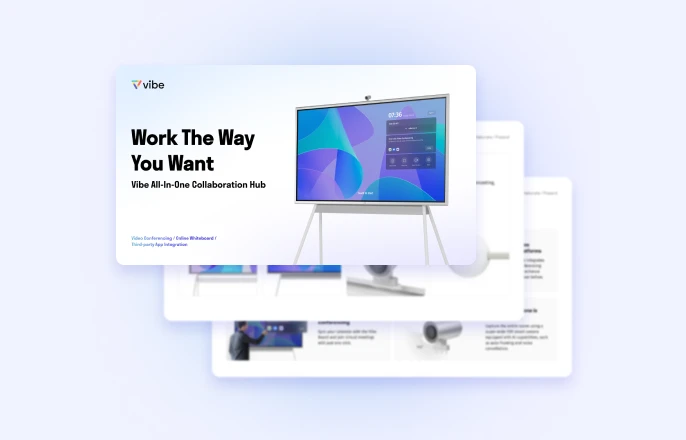
The Vibe Board S1 was purpose-built to help hybrid teams meet, present, brainstorm, and annotate together, no matter the location. An infinite canvas allows for real-time collaboration that lasts—no more taking pictures of sticky notes on the whiteboard—everything is saved to the cloud instantly. Additionally, Vibe has access to over 250 work apps, so in-person workplace and online collaboration are possible across a wide variety of industries and work environments.
Explore how Vibe is transforming real workplaces—or if you are ready to bring your hybrid team together with elevated collaboration, schedule a demo to experience the difference firsthand.
Hybrid Meeting FAQs
What is the difference between a hybrid and virtual meeting?
A virtual meeting looks more like a traditional Zoom call, where everyone is meeting digitally from their own respective spaces. A hybrid meeting is one where some are in-person, others are attending digitally, and all are collaborating as equals.
What are the three types of meetings?
The three types of meetings are in-person, remote, and hybrid. Each format shapes how people participate, with in-person meetings relying on shared physical space, remote meetings depending entirely on digital tools, and hybrid meetings blending the two so everyone can join the same discussion.
What technology is needed for hybrid meetings?
Hybrid meetings require a variety of technology, including cameras and microphones, collaborative workplace tools, moderation features, and a lot more, depending on the needs of your specific attendees.