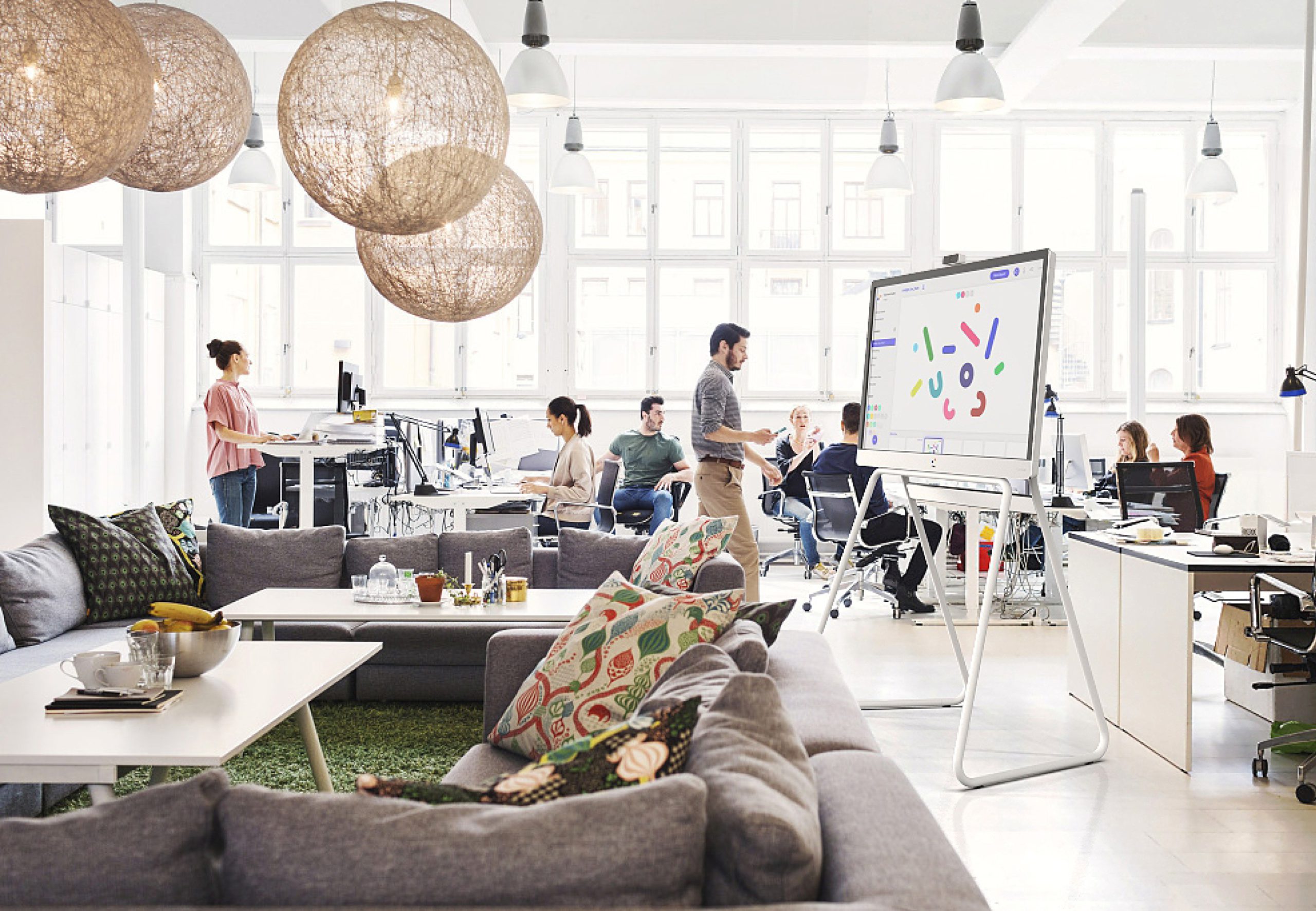

Hybrid work simply means employees split their time between working from home and coming into the office. It’s no longer an exception or a temporary trend. In fact, it’s how most people work today. In the US, 53% of workers now have a hybrid work arrangement, making hybrid the single largest work model by share of workers. That shift has permanently changed what employees expect from the workplace and how offices need to function.
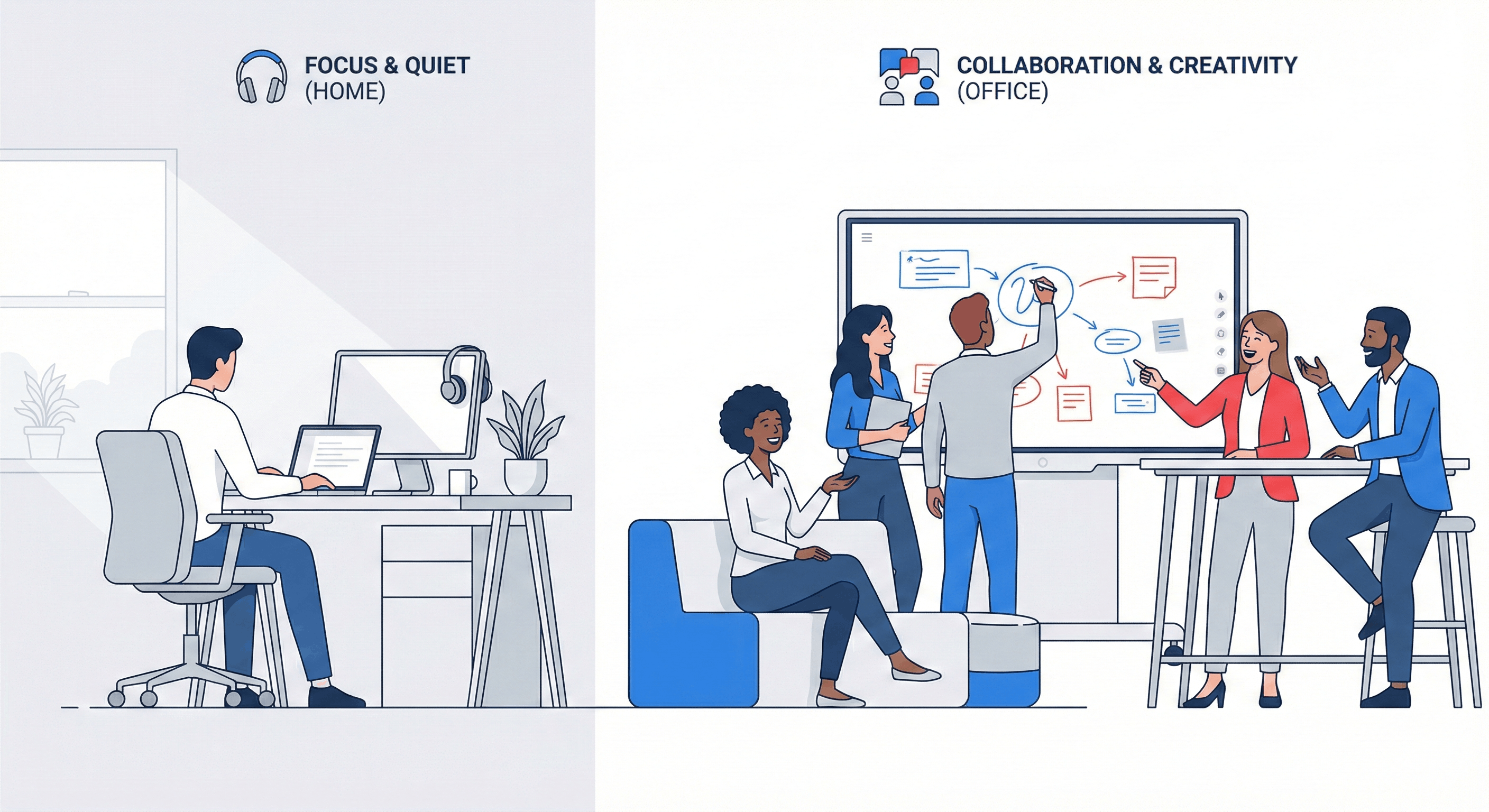 Comparison illustration of a home office for focused work versus a collaborative hybrid office featuring a smart whiteboard.
The real question leaders face isn’t whether hybrid work is here to stay: it’s why employees would choose to come in at all when remote work is available. If the office doesn’t offer something people can’t get at home—better technology, easier collaboration, stronger social connection, or access to mentors—employees will naturally resist the commute. Asking people to come in just to sit on laptops and take video calls defeats the purpose of having a physical workspace.
That’s why successful hybrid office design focuses less on individual desk work and more on what in-person time does best:
-
collaboration
-
mentoring
-
creativity
-
shared problem-solving.
Offices should make it easier to brainstorm together, onboard new hires, run effective hybrid meetings, and build relationships that are difficult to replicate remotely.
This guide is designed to help leaders, workplace strategists, and IT teams rethink physical office spaces for the hybrid era and help you pick the right technology to make your office a compelling place to be.
- Hybrid offices must offer something employees can’t get at home—better collaboration, stronger connections, and technology that makes in-person time truly valuable.
- Successful hybrid office design starts with real work patterns and aligns space and technology to support both remote and in-person teams.
- Flexible layouts, consistent hybrid meeting tools, and purpose-driven office days turn the workplace into a collaboration hub, not just a place to sit with a laptop.
What Is a Hybrid Office Model?
A hybrid office model is a physical workspace intentionally designed to support both in-person and remote participants across multiple work modes. Rather than optimizing for everyone to be in the same place at the same time, the space is built to be flexible with how people actually work day-to-day.
Importantly, a hybrid office is not the same thing as a hybrid schedule. It represents the spatial and technological layer of a broader hybrid work strategy, bridging flexible work policies with purpose-built environments. The goal is to ensure that no matter where employees are working from, the office adds clear value when they choose to come in.
Hybrid vs Remote vs Traditional Work
There are a few differences to understand between the three main work environments:
-
Traditional workspace: Employees work from a central office on fixed schedules, so space is planned around one desk per person and consistently high daily occupancy. Offices prioritize individual workstations, assigned seating, and predictable usage patterns.
-
Remote workspaces: Employees work almost entirely away from the office, which either eliminates the need for a central workplace or reduces it to occasional touchdown space and virtual meeting rooms for gatherings.
-
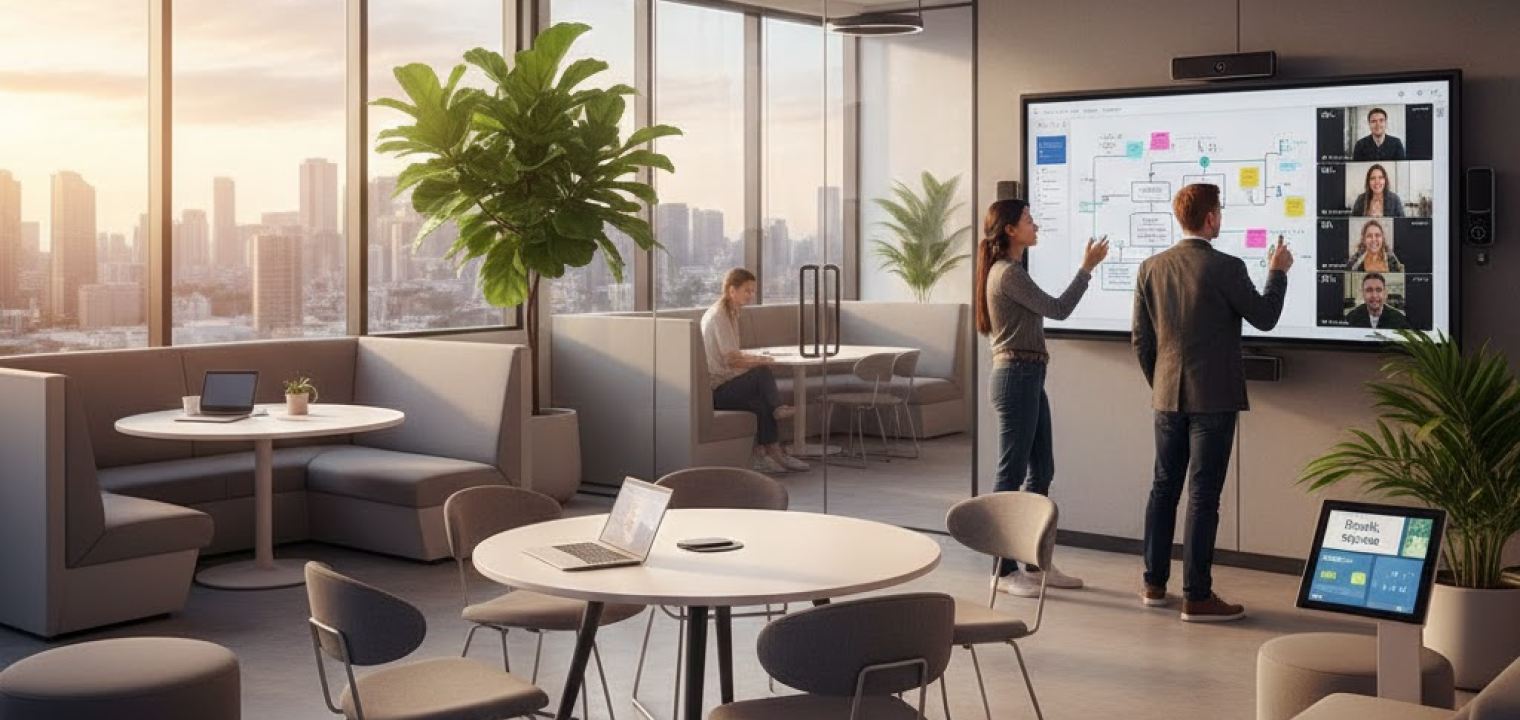
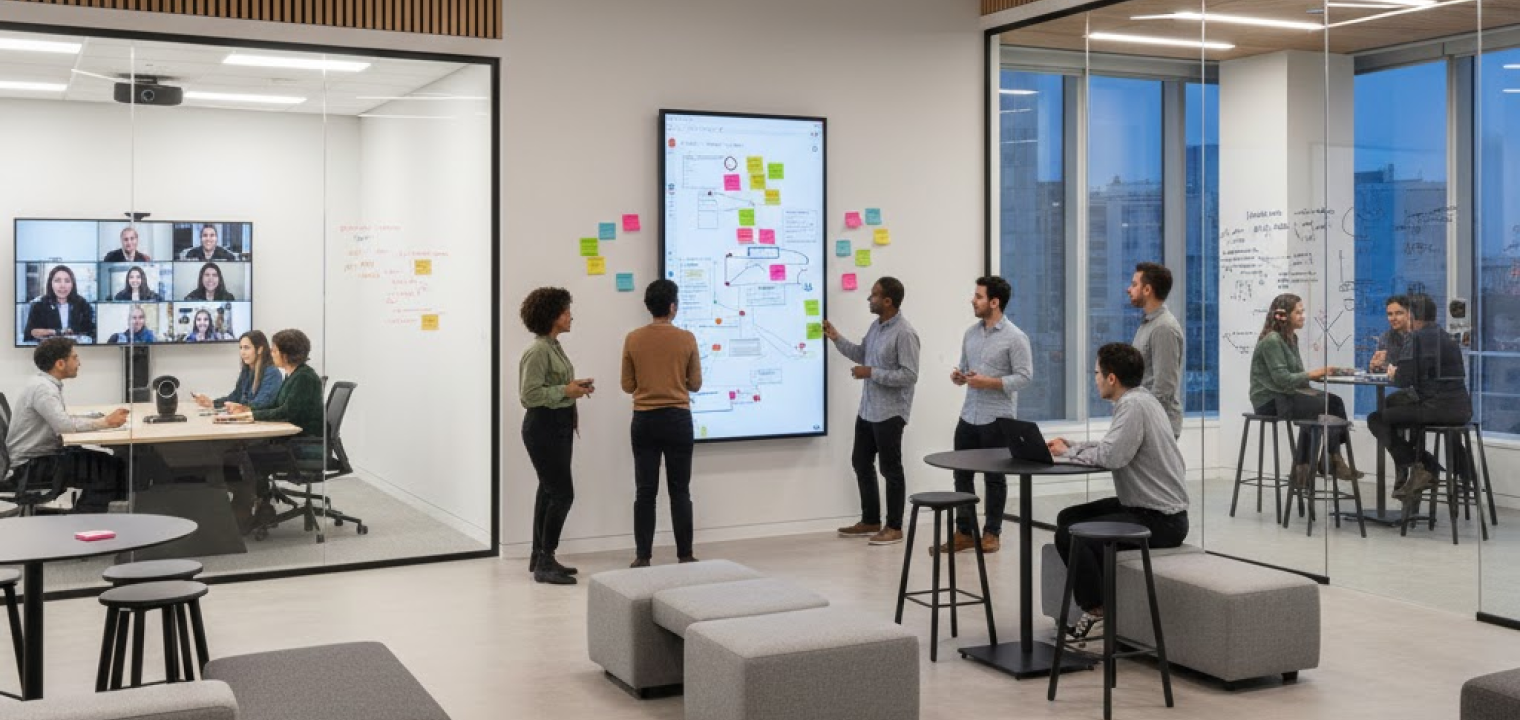
Hybrid workspaces: Employees split time between office and remote locations, so the office functions as a flexible hub. Space is designed around collaboration, hybrid meetings, shared resources, and social connection rather than permanent desks for every employee.
Types of Hybrid Work Arrangements
Different hybrid arrangements create very different office usage patterns, which directly influence how space should be designed and managed.
-
Scheduled hybrid: The company sets specific in-office days (for example, Tuesday through Thursday), leading to predictable peaks in occupancy and quieter days at the start and end of the week. Plan for high utilization mid-week with ample hot desks, bookable collaboration rooms, and expanded social areas to handle concentrated traffic while keeping Monday and Friday lighter.
-
Flexible hybrid: Employees choose when to come into the office within broad guidelines, creating variable and less predictable attendance patterns. Emphasize desk and room booking systems, adaptable multipurpose spaces, and workplace analytics to optimize utilization and prevent overcrowding on popular days.
-
Role-based hybrid: In-office expectations vary by job function (for example, operations teams on-site, engineers more remote), requiring different levels of permanence and access. Balance dedicated workstations for on-site roles with flexible, reservable zones for occasional visitors, so core teams have reliable space alongside drop-in areas.
-
Remote-first hybrid: Remote work is the default, with the office used primarily for intentional collaboration, team offsites, and events rather than daily work. Prioritize meeting rooms, project spaces, and event-style areas over traditional desk layouts to support periodic deep collaboration instead of everyday individual work.
Why Hybrid Office Models Are Popular
Hybrid office planning helps you make the most of your space and desks. With utilization data and booking systems, companies can avoid both empty offices and overcrowded peak days. A well-designed hybrid office signals flexibility, trust, and a genuine investment in employee experience—key factors in where people choose to work today.
Comfortable, tech-enabled spaces strengthen recruitment messaging and help reduce attrition by making in-office time feel worthwhile rather than obligatory. Activity-based zones, ergonomic setups, and the ability to choose where and how to work in the office contribute to lower stress and higher satisfaction. When office days are designed to feel intentional and energizing, they move away from cubicle culture and toward meaningful engagement.
Hybrid office models allow companies to hire beyond local markets while still providing access to physical spaces when collaboration or community is needed. Inclusive design—such as accessible layouts, equitable meeting technology, and flexible spaces—helps attract and support a broader, more diverse workforce.
Challenges to Implementing Hybrid Offices
Hybrid offices promise flexibility and better collaboration, but delivering on that promise isn’t automatic. Understanding the most common challenges makes it easier to design offices that truly support hybrid work instead of adding friction to it.
Matching Strategy with Hybrid Capable Spaces
Translating a hybrid work strategy into effective physical layouts, zoning, and technology standards is complex and often requires meaningful change management. Common pitfalls include trying to retrofit legacy layouts, underinvesting in audio-visual systems, or designing spaces that don’t reflect how teams actually work.
To avoid these problems, conduct a workplace audit and pilot one "model" hybrid zone first, then scale what works instead of redesigning the entire office at once.
Involve cross-functional stakeholders—HR, IT, Facilities, and team leaders—to align space design, technology standards, and policies around real work patterns, not just floorplan constraints.
Equitable Inclusion for Remote Employees
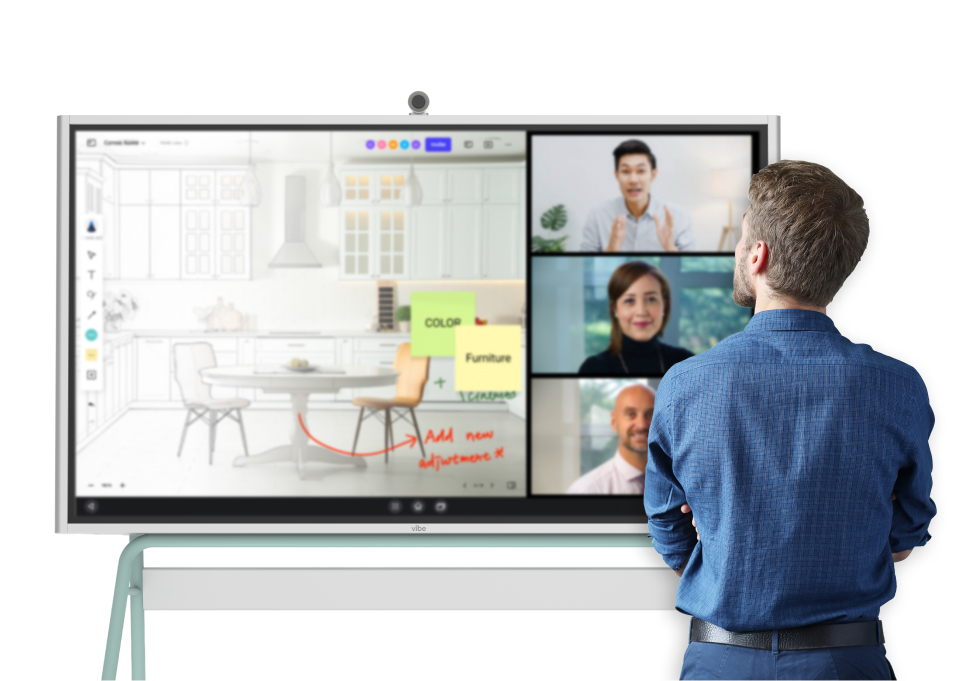
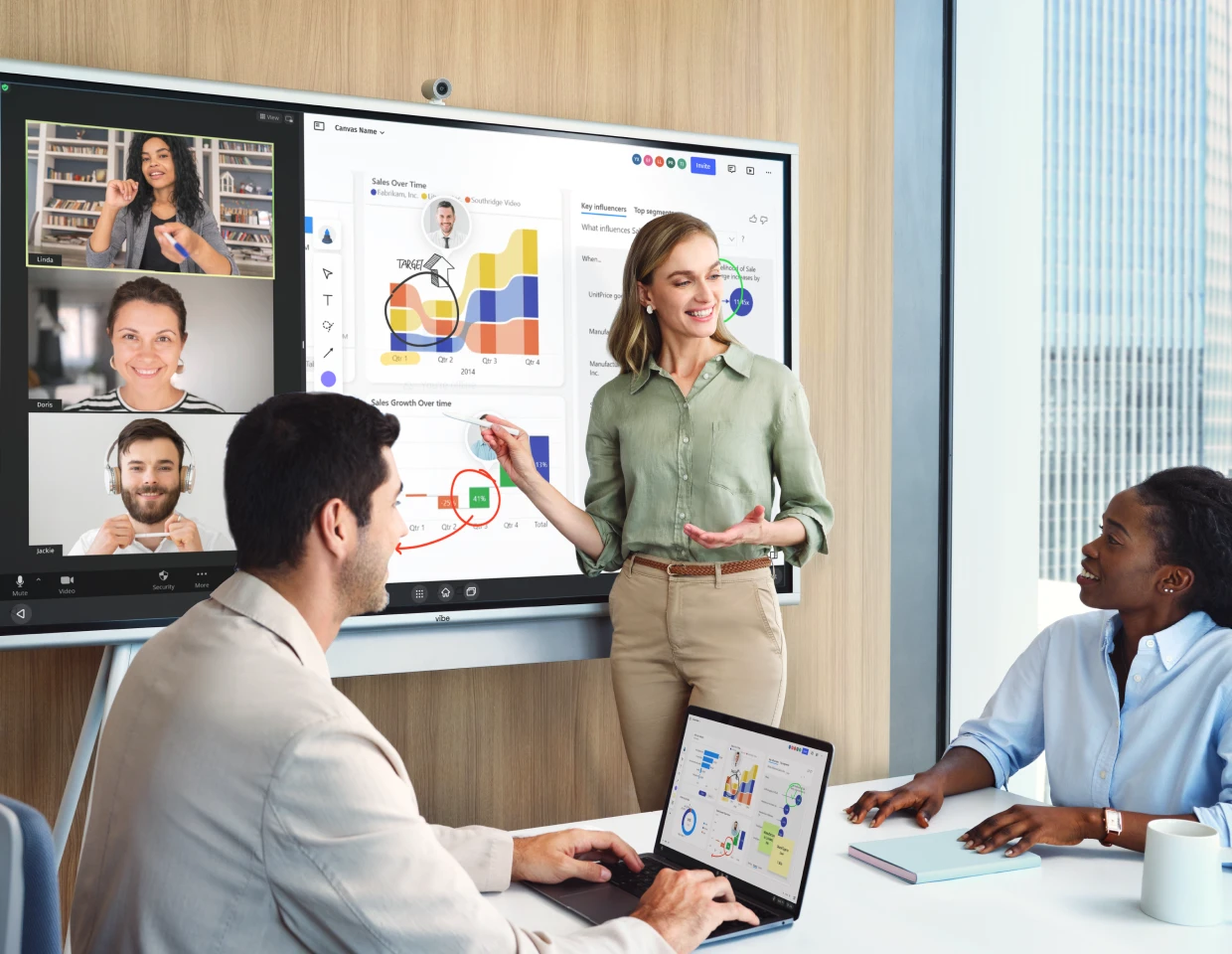
Hybrid offices risk creating an "in-room advantage" if meeting rooms, cameras, audio, and remote collaboration tools don’t give remote participants equal presence. Without intentional design and norms, remote employees can become less visible and less able to contribute in real time. Instead, standardize hybrid meeting setups with quality cameras, room audio, and shared digital whiteboards like the Vibe S1.
Establish clear meeting norms: assign a facilitator to monitor remote participation, always screen-share content, and capture decisions in shared digital documents instead of only on physical whiteboards.
Making On-site Work Worth Commuting
If office time doesn’t offer clear advantages over working from home, employees will resist coming in. In-person days that default to solo laptop work undermine the purpose of a hybrid office. Try to design office days around collaboration, mentoring, client work, and access to tools that work best in person—such as smart boards, workshop rooms, and project spaces.
Give teams autonomy to define purposeful in-office days with planned events like standups and workshops, so commutes are tied to tangible value and connection.
How to Design Effective Hybrid Office Spaces
Designing a hybrid office doesn’t require a full reset all at once. Here are a few tips to help you start designing an effective hybrid office space:
-
Audit how your teams actually work today: Map core activities and note when and where they happen. This grounds your decisions in real behavior rather than assumptions about how the office should be used.
-
Define your hybrid office vision and principles: Agree on what the office is for (for example: collaboration hub, client-facing space, focus pods) and establish a small set of principles that guide every layout and technology decision.
-
Translate work modes into zones: Assign each activity a clear physical home—focus areas, collaboration rooms, project spaces, and social zones—so employees know exactly where to go for different types of work.
-
Right-size your footprint and seating strategy: Use hybrid attendance patterns to determine how many desks and collaboration seats you actually need. Combine hot desking, team neighborhoods, and dedicated seats based on role and frequency of use.
-
Specify core technology for hybrid collaboration: Standardize video conferencing, smart whiteboards, displays, and room scheduling software so every space reliably supports both in-room and remote participants, without requiring IT assistance.
-
Choose flexible furniture and infrastructure: Invest in modular furniture, movable panels, and reconfigurable pods that allow spaces to shift between focus, huddles, workshops, and events. Prioritize setups teams can easily re-arrange themselves.
-
Prototype a pilot area first: Test zoning, furniture, and technology in one representative area. Invite real teams to use it and capture feedback on what enables collaboration and what gets in the way.
-
Refine layouts and etiquette: Use feedback and utilization data to adjust room types, sizes, and placement. Define clear norms for space usage, including booking rules, quiet zones, and hybrid-meeting etiquette.
-
Roll out in phases across the office: Expand proven patterns to additional floors or locations in stages. As you roll each phase out, you can tweak anything and refine the office.
-
Continuously measure and optimize: Track utilization, employee sentiment, and collaboration quality over time. Treat the hybrid office as a living system that evolves as work patterns change.

Tools That Support Hybrid Office Design
Below are a few tools you may want prepped to use in your office space that will make coming into work worth it:
-
Room scheduling software: Room booking is essential to prevent overbooking and daily confusion in hybrid offices. Look for tools that integrate with existing calendars, show real-time availability, and provide analytics to improve space planning.
-
Video conferencing tools and hardware: A baseline hybrid room setup should include a high-quality camera (ideally with AI framing), multi-directional microphones, speakers, and large displays. Consistent, easy-to-join setups ensure any room can support hybrid meetings without friction.
-
Flexible or modular furniture: Modular desks, mobile screens, and reconfigurable seating allow spaces to adapt quickly to different group sizes and work modes. Furniture should empower teams to reshape spaces without facilities support.
-
Collaboration tools: Shared documents, project management platforms, and digital whiteboarding tools keep work moving across locations and days. A cohesive tool stack and clear norms prevent the office from creating disconnected, offline workflows.
-
Interactive or smart whiteboards: Smart whiteboards bridge physical and digital collaboration by enabling real-time co-editing, content capture, and seamless integration with video calls and documents. They ensure ideas created in the room remain accessible to remote teammates.
Vibe Board S1: The Ultimate Hybrid Office Collaboration Hub
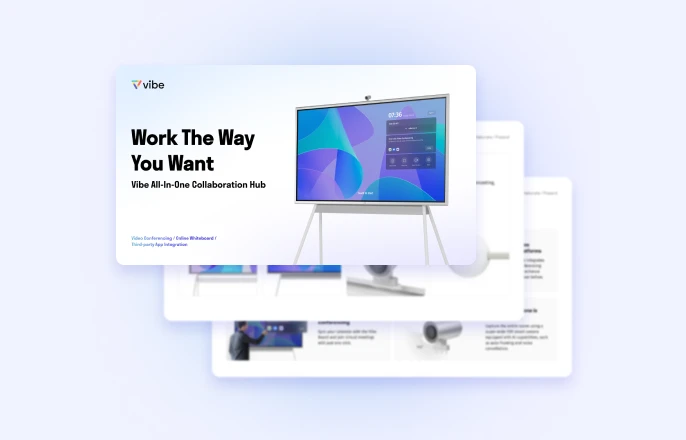
The Vibe Board S1 is designed to solve one of the biggest challenges in hybrid offices: creating meaningful collaboration between in-room and remote participants. By combining interactive whiteboarding, video conferencing, and app-based workflows into a single platform, it makes hybrid meetings feel natural and productive.
As a central collaboration hub, the Vibe Board S1 fits seamlessly into a hybrid workspace. Its ease of use lowers adoption barriers. With access to hundreds of workplace applications, the Vibe Board S1 also adapts to existing workflows instead of forcing teams to change how they work.
When you use the Vibe Board S1, you get:
-
Premium audio-video experience for on-site members and remote attendees
-
Powerful visual communication hub for casting content or presentations so everyone stays aligned
-
Boosted engagement with an interactive Canvas that supports real-time editing
-
A polished, professional presence for client-facing meetings
-
Simple, intuitive setup—no IT expert required
-
Portable design that turns any space into a collaborative meeting area
-
Access to over 250 workplace applications
To see how the Vibe Board S1 can elevate collaboration in your hybrid office, visit the Vibe Workspace Solutions hub and schedule a demo to experience it firsthand.
Hybrid Office FAQs
Is hybrid work better than remote?
Hybrid work can be better than fully remote work when collaboration, mentoring, and relationship-building benefit from in-person interaction. It combines the flexibility of remote work with intentional office time for activities that are harder to do well online. The value depends on how well the office and work norms support those goals.
Is a hybrid job the same as working from home?
No, a hybrid job is not the same as working from home. Hybrid roles split time between remote work and in-office work, while work-from-home roles are primarily or entirely remote. In hybrid jobs, office days are typically used for collaboration, meetings, or team communication and connection.
What is an example of a hybrid job?
A common example of a hybrid job is a product manager who works most days remotely but comes into the office for sprint planning, stakeholder meetings, and workshops. Other examples include designers, engineers, marketers, and consultants who balance focused remote work with in-person collaboration.