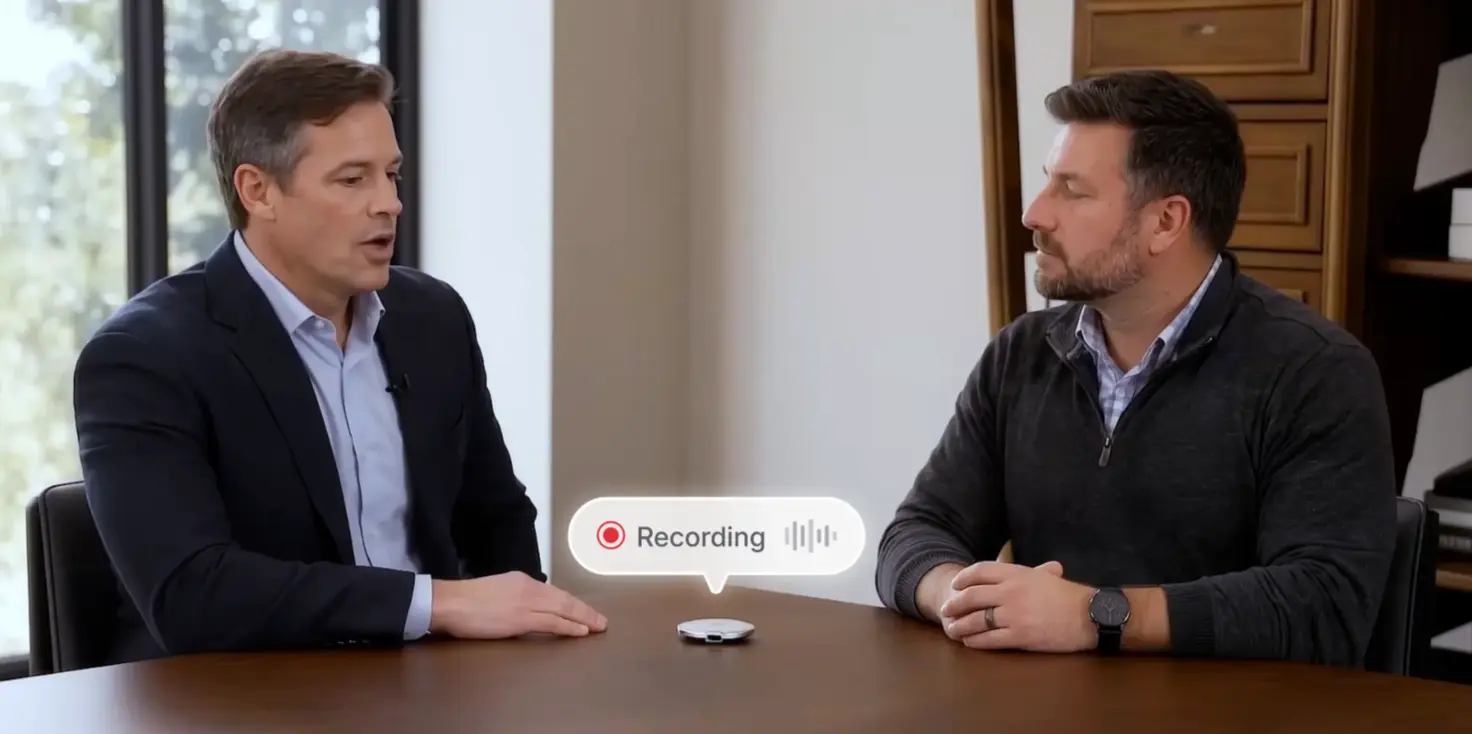

An AI tool that only summarizes a meeting can be wrong, and the cost is a bad summary. An AI tool that sends emails and updates your CRM can be wrong in front of a customer. That is the real question behind "is it safe to let AI send emails": not whether the technology is good enough, but whether you have set it up so a mistake stays small.
Short answer: It can be safe, but not by default. Safety depends on four things you control: what the AI is allowed to touch, whether you review what leaves your organization, whether the vendor can show independent security audits, and whether the underlying recording is legal and disclosed.
This guide covers the real risks, a seven-point checklist for evaluating any AI agent, and what Vibe AI and Vibe Dot do and do not claim. It is written for people who want the benefits of an AI meeting agent without handing it unchecked access.
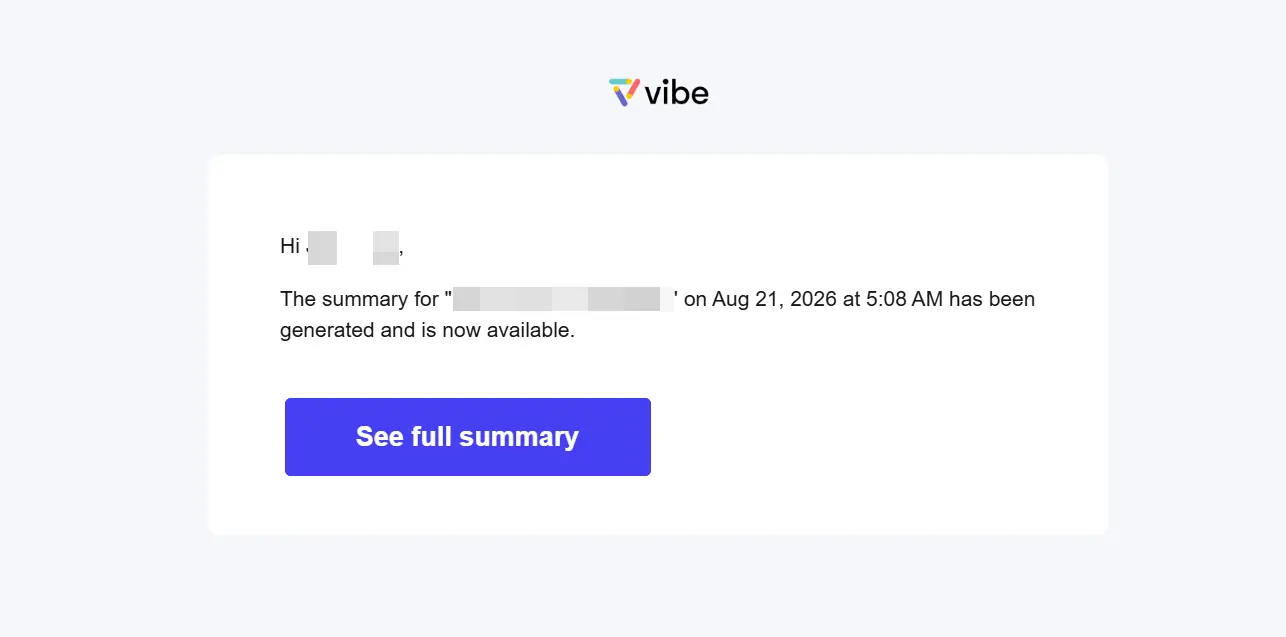 An email automatically sent after a meeting ends
What Can Actually Go Wrong
Five risks matter in practice. None is a reason to avoid AI agents altogether, but each deserves a deliberate control.
1. The AI gets a fact wrong
An agent acts on what it heard. If a speaker is misidentified, a date is misheard, or a number is misread, the mistake travels into an email or a CRM field. Gladia's breakdown of agentic meeting features makes the same point: because agentic features sit on top of transcription, a transcript error becomes an action error. Review matters most where the output is external or becomes a record others rely on.
2. The AI has more access than it needs
OWASP, the security community's reference for LLM risks, lists "Excessive Agency" in its 2025 Top 10 for LLM applications. As HackerOne's summary explains, it is typically caused by excessive functionality, excessive permissions, or excessive autonomy, and it lets damaging actions happen when the model produces an unexpected or ambiguous result. The standard remedy is to limit the agent to the minimum tools and permissions it needs.
3. Someone plants instructions in content the AI reads
Prompt injection is the other headline risk on the OWASP list. It happens when crafted input, such as text hidden in an email or document the AI processes, changes how the model behaves (HackerOne). One summary of OWASP's guidance notes that no fool-proof prevention is known, because of how generative AI works. That is why least privilege and human review matter even when the vendor's defenses are strong.
4. Your data is used in ways you did not expect
Meeting recordings and CRM notes can contain pricing, strategy, and personal information. Ask whether the vendor uses your data to train models, where inference happens, and who can see a conversation.
5. The recording itself breaks a rule
Federal law in the U.S. requires the consent of at least one party to a call, but some states require everyone's consent, and on multi-state calls the strictest standard generally applies. Justia keeps a 50-state survey, and we summarize the basics in our guide to one-party and two-party consent states. The safe habit is to tell people you are recording.
A Seven-Point Safety Checklist for Any AI Agent
Check these seven things before you connect an AI agent to your email or CRM.
-
Scope. Connect only the accounts the agent needs. If possible, start with the one that carries the least risk, such as an internal Slack channel, before connecting a client-facing inbox.
-
Review before send. For anything leaving your organization, read it first. Treat drafts as drafts until the output has earned trust.
-
Audit trail. You should be able to see what the agent did and when. Look for a history of actions and results.
-
Independent attestation. Ask for a SOC 2 Type 2 report, and check its scope and audit period, not just the badge. SOC 2 is an audit of controls, not a guarantee against every failure.
-
Data use. Get a clear written answer on model training, and ask where model inference happens.
-
Access controls. Check whether you can restrict who sees specific conversations, and how sensitive meetings are handled.
-
Consent and policy. Decide how participants are told about recording, and align with your organization's policy and counsel. If you handle protected health information, ask whether the vendor will sign a business associate agreement.
What Vibe AI and Vibe Dot Say About Security
These are the claims Vibe makes publicly, and what each does and does not cover. For the full detail, see the Vibe AI page.
-
Independent audits. Vibe AI states that it received an unqualified opinion on its SOC 2 Type 2 report from Prescient Assurance, and that its HIPAA compliance was tested and attested by Prescient Assurance.
-
Data use. Vibe states that your information is never used to train Vibe's or third-party AI models, and that model inference runs in a secure, isolated environment.
-
Encryption and access. Vibe states that it uses encryption and strict access controls, and Vibe AI includes per-thread permissions so you can control who sees specific conversations.
-
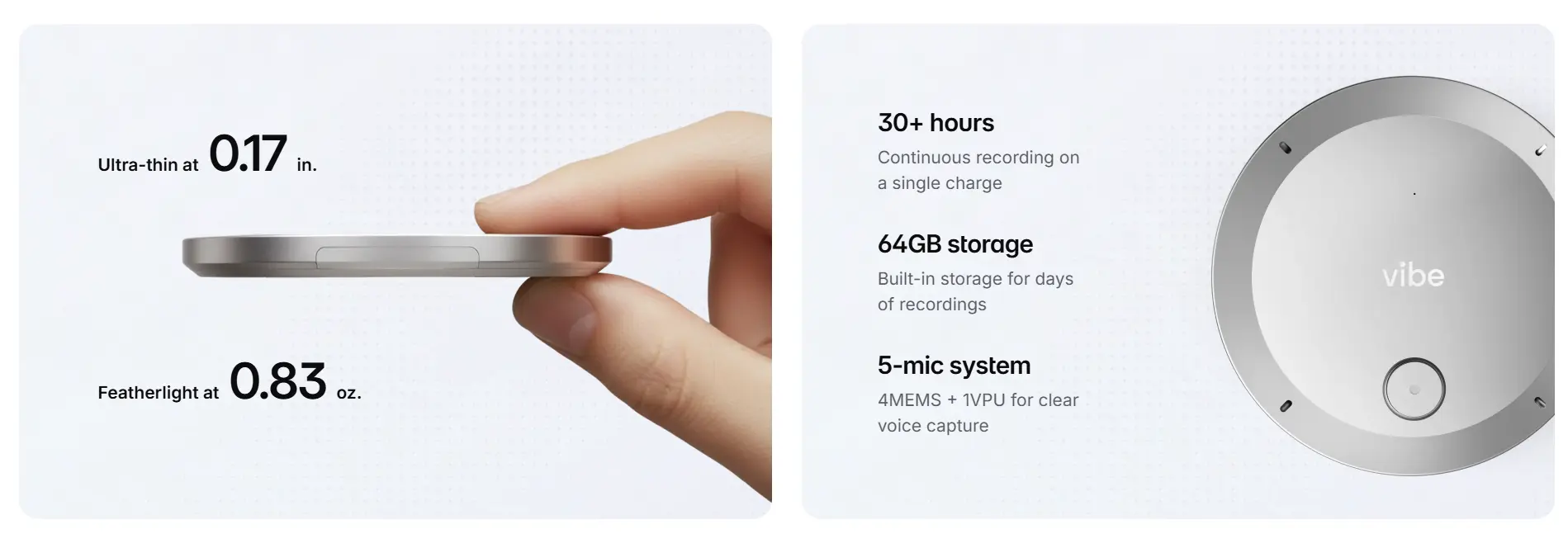
Device security. Vibe Dot has a dedicated hardware encryption chip rated FIPS 140-3 and Common Criteria EAL 6+, and is eligible for U.S. government procurement under the NDAA.
-
Review and record. In Vibe's own example, a follow-up arrives as a draft that is ready to review, and Action history keeps a record of what you asked Vibe to do and the result.
What this does not mean. A SOC 2 report and a HIPAA attestation describe how a company runs its systems. They do not make any AI output correct, and they do not replace your own review. HIPAA is also not a certification you can look up, so if you handle protected health information, confirm what the vendor will sign.
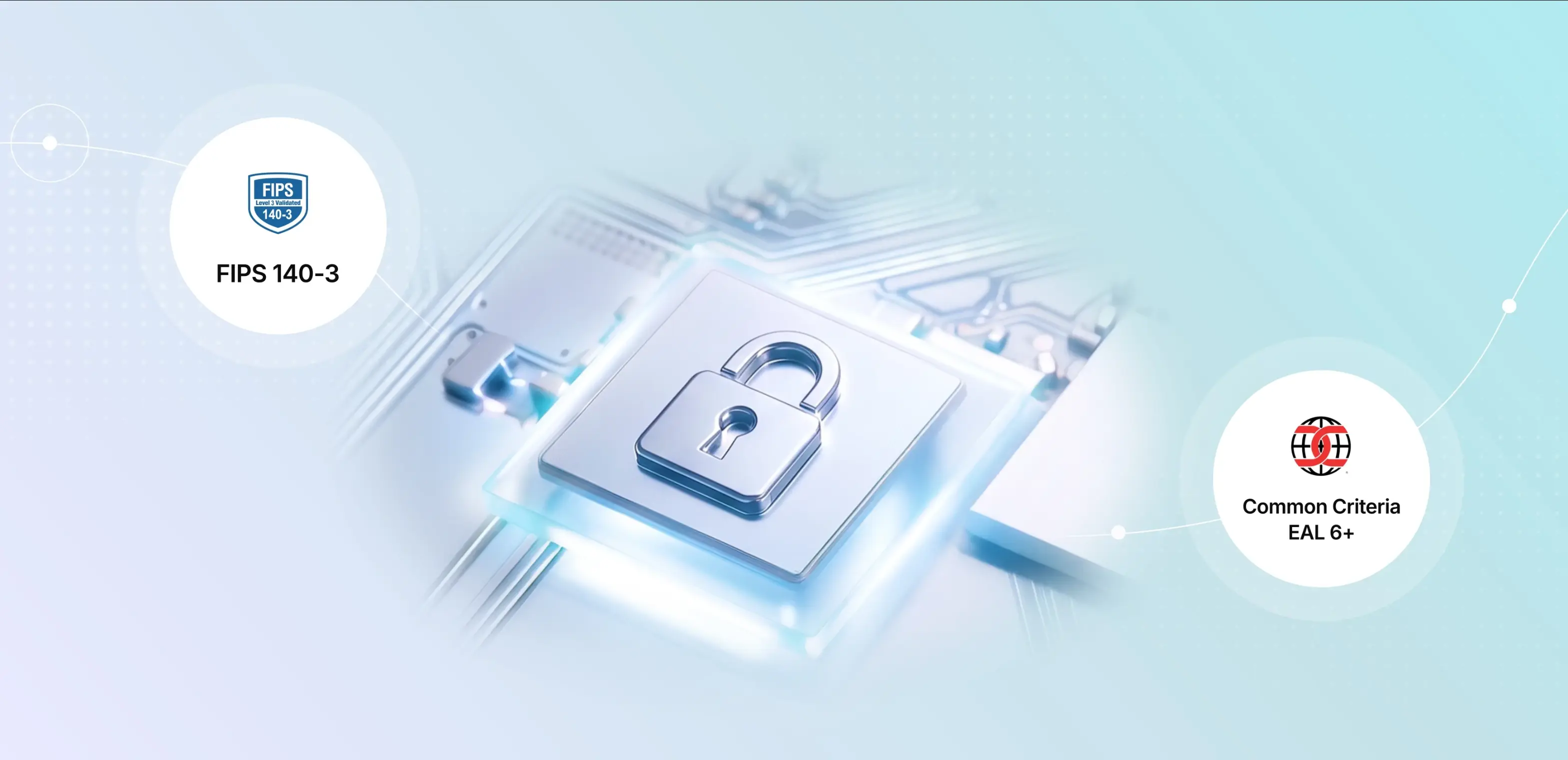 Vibe Dot hardware encryption chip with FIPS 140-3 and EAL 6+ badges
We should also be clear about product limits. Vibe AI's follow-up, task, and CRM actions require a paid plan and run on a monthly credit allowance, and Auto Capture on Vibe Dot is in Beta. The Vibe AI pricing page has the details.
A Cautious Rollout Plan
Start narrow and widen as the output earns trust. A staged approach is easier to defend internally than a switch that turns everything on at once.
-
Start with low-stakes output. Begin with internal Slack recaps and meeting notes that only your team sees.
-
Add drafts for review. Move to follow-up email drafts that you read and send yourself. Our guide to sending meeting follow-ups automatically walks through a review checklist.
-
Check the first batch carefully. Review the first 20 or so outputs line by line, and note the mistakes that recur.
-
Add records. Once drafts are reliably accurate, allow CRM updates and task creation, still with a spot-check. See how to update HubSpot after a sales call and how to turn meeting notes into Jira, Linear, or Asana tasks.
-
Review the action history. Check what the agent did on a regular schedule, not only when something goes wrong.
-
Set rules for sensitive meetings. Decide which conversations are never recorded or never acted on, and use per-thread permissions for the rest.
Questions to Ask Any Vendor
Bring these to a security review.
-
Do you hold a SOC 2 Type 2 report, and can I see its scope and audit period?
-
Is my data used to train any model, yours or a third party's?
-
Where does model inference happen, and who can access it?
-
What can the agent do in each connected account, and can I narrow it?
-
Can I review before anything external is sent, and is there a record of what the agent did?
-
How are sensitive conversations restricted?
-
What happens to my data if I cancel?
-
Will you sign the agreements my industry requires?
Where This Fits
Trust is one input to the larger decision of what an AI meeting agent should do for you. For the full picture, see What Is an AI Meeting Agent?. And if your most sensitive conversations happen away from a screen, read why software note takers miss them.
Conclusion
Letting AI send emails and update your CRM is a risk-management decision, not a yes-or-no question. Keep the agent's access narrow, review what leaves your organization, ask vendors for independent audits and clear data-use terms, and make sure the underlying recording is disclosed. Done that way, the time savings are real and the downside stays small.
If you want to see how Vibe approaches it, start with Vibe Dot and the Vibe AI security details.
Frequently Asked Questions
Is it safe to let AI send emails for me?
It can be, with the right controls. Limit the agent to the accounts it needs, review anything going to clients or people outside your organization, and choose a vendor that can show independent security audits. Treat AI-drafted messages as drafts until the output has proven accurate in your own workflow.
Can AI update my CRM without making mistakes?
Not reliably without review. An AI agent acts on what it heard, so a misheard date or wrong name can reach a CRM field. Start with spot-checks of every update, keep the instructions specific, and widen the agent's role only after the early output proves accurate.
Is Vibe AI SOC 2 compliant?
Vibe AI states that it received an unqualified opinion on its SOC 2 Type 2 report from Prescient Assurance. A SOC 2 report audits a company's controls. Ask the vendor for the report and check its scope and audit period rather than relying on the badge alone.
Does Vibe AI train on my data?
Vibe states that your information is never used to train Vibe's or third-party AI models, and that model inference runs in a secure, isolated environment. Always confirm data-use terms in writing for your own account before connecting sensitive systems.
Is it legal to record meetings and calls with an AI tool?
It depends on where the participants are. U.S. federal law requires the consent of at least one party, but some states require everyone's consent, and on multi-state calls the strictest standard generally applies. Tell participants you are recording, and follow your organization's policy.
What is the biggest risk of AI agents that take actions?
Excess access combined with too little review. OWASP's 2025 list names Excessive Agency, which arises from too much functionality, permissions, or autonomy, as a core risk. The remedy is least privilege: give the agent only what it needs, and keep a person in the loop for anything external.