
The best smart board for law firms depends on what the room does most. For marking up documents with clients on mixed software, our pick is the Vibe Board S1 ($3,699). For Windows-only apps like Adobe Acrobat and Bluebeam, it’s the Vibe Board S1 Pro ($5,699). For video-first huddle rooms, it’s the Neat Board 50. Below, we compare six options on document markup, video, IT control, and US prices: Vibe Board, Sharp AQUOS BOARD, Samsung Flip Pro, Neat Board, Microsoft Surface Hub 3 (now discontinued), and Avocor G Series.
Quick Comparison
Here are the six options at a glance. Prices are US prices as of November 2026 unless noted.
|
Product |
Sizes |
Platform |
Camera included |
Starting US price |
Best for |
|---|---|---|---|---|---|
|
Vibe Board S1 |
55″, 75″ |
VibeOS (ChromeOS-based) |
No |
$3,699 |
Document markup in mixed software environments |
|
Vibe Board S1 Pro |
55″, 75″ |
Windows 11 Pro |
No |
$5,699 |
Firms running Windows-only software |
|
Sharp AQUOS BOARD (PN-LA) |
65″, 75″, 86″ |
Windows 11 Pro |
— |
MSRP $14,139 (65″) |
Large Windows boards for boardrooms |
|
Samsung Flip Pro (WMB) |
55″, 65″, 75″, 85″ |
Tizen OS |
— |
$3,198 (65″) |
Writing-first rooms on a tighter budget |
|
Neat Board 50 |
50″ |
Zoom Rooms, Teams, or Google Meet |
Yes (50MP) |
$6,390 |
Video-first huddle and small conference rooms |
|
Microsoft Surface Hub 3 |
50″, 85″ |
Windows 11 IoT Enterprise with Teams Rooms |
Yes (Smart Camera) |
$9,499.99 (50″, launch price; discontinued, stock only) |
Existing Teams Rooms deployments, while stock lasts |
|
Avocor G Series |
65″, 75″, 85″ |
Display for a computer, OPS module, or wireless sharing |
Not stated |
$7,178.99 (65″) |
Firms pairing a display with their own PC |
A dash means the detail varies by model, so confirm it with the vendor.
Outfitting several client and conference rooms? Request a multi-room quote from Vibe’s legal team, with add-on discounts on stands, cameras, and Vibe Tap.
How We Evaluated These Smart Boards
We compared the boards on six criteria that matter in legal work. We used published specifications and listed prices only, and we didn’t score image quality or touch accuracy.
-
Document markup. Can attorneys annotate PDFs and exhibits in front of the room and save the result?
-
Software fit. Does it run or connect to the tools the firm already uses, such as Microsoft 365, Adobe Acrobat, or Teams?
-
Video and audio. Does it include a camera and microphone, or does it need add-ons?
-
IT and confidentiality controls. Can IT manage devices, and can you control sign-in and casting?
-
Size and mounting. Does it come in sizes that suit the farthest seat, with a stand or mount that fits how the room is used?
-
Total cost. What does the display cost, and what does a working room cost once you add stands, cameras, and licenses?
Sizing matters more than most buyers expect. AVIXA’s display image size standard sizes screens by the farthest viewer’s distance, and our interactive display guide walks through the math. For the full room checklist, see Law Firm Conference Room Technology.
The 6 Best Smart Boards for Law Firms
1. Vibe Board S1 and S1 Pro: Best for Document Markup Across Mixed Software
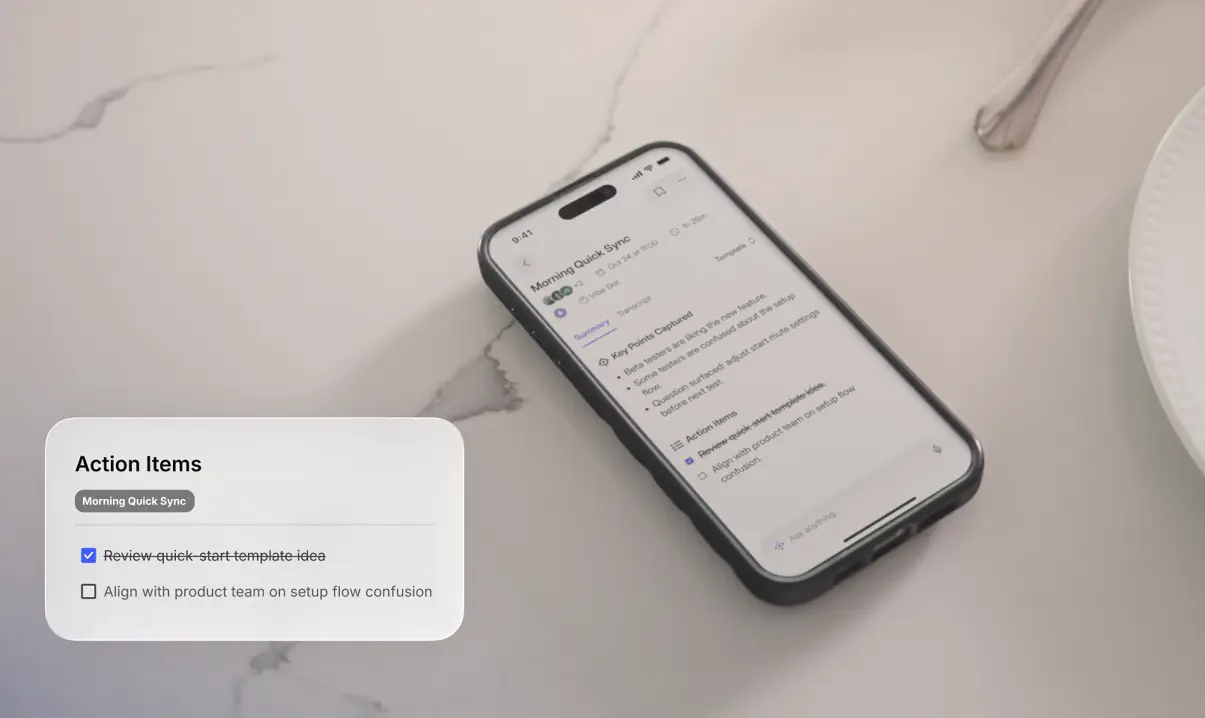
What it is. The Vibe Board S1 is a 55″ or 75″ touchscreen that runs VibeOS, which is based on ChromeOS, and supports Microsoft 365 and Google Workspace. The S1 Pro comes in the same sizes and runs Windows 11 Pro on an Intel Core i7 with 16GB of RAM and 512GB of storage.
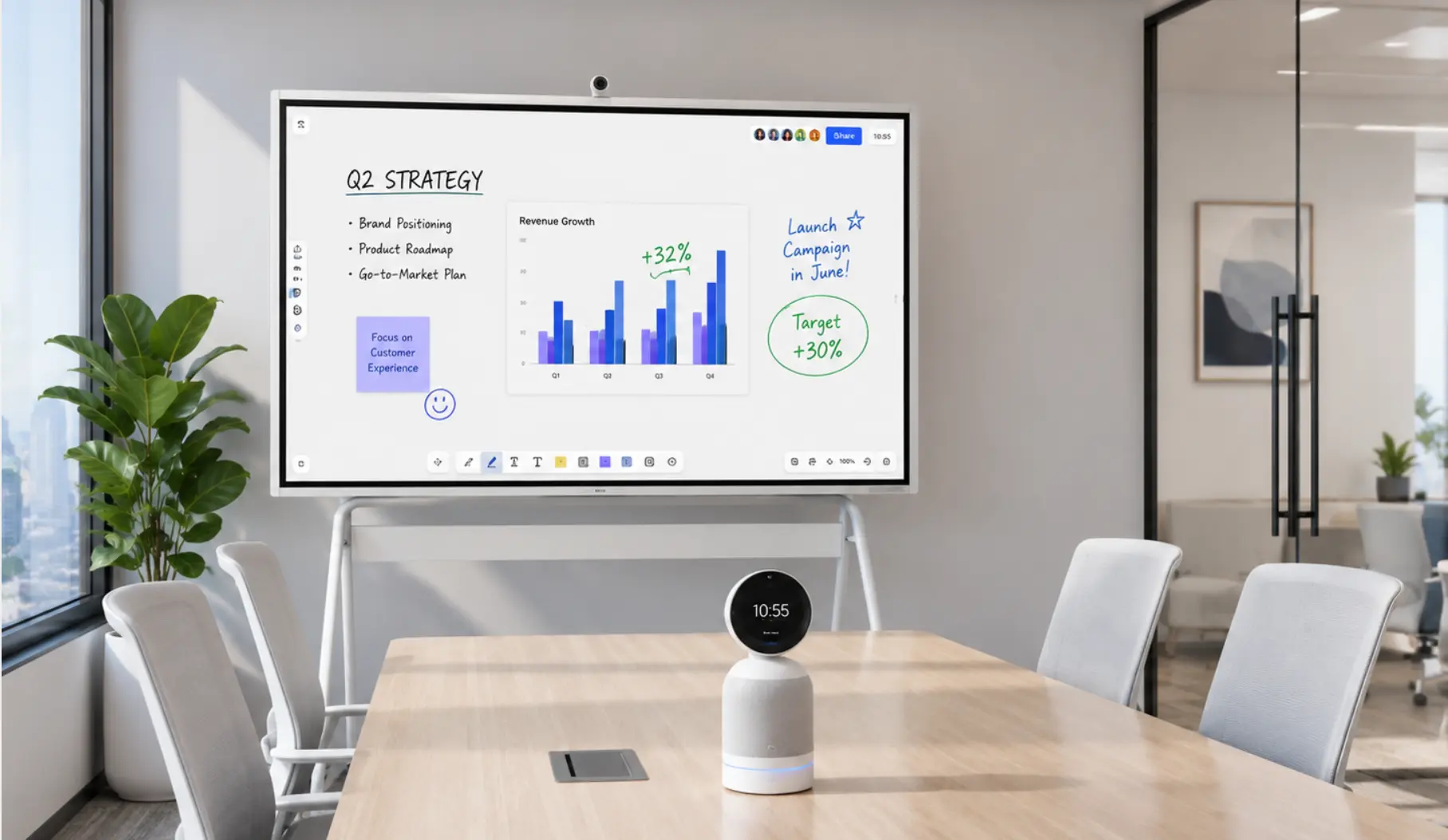
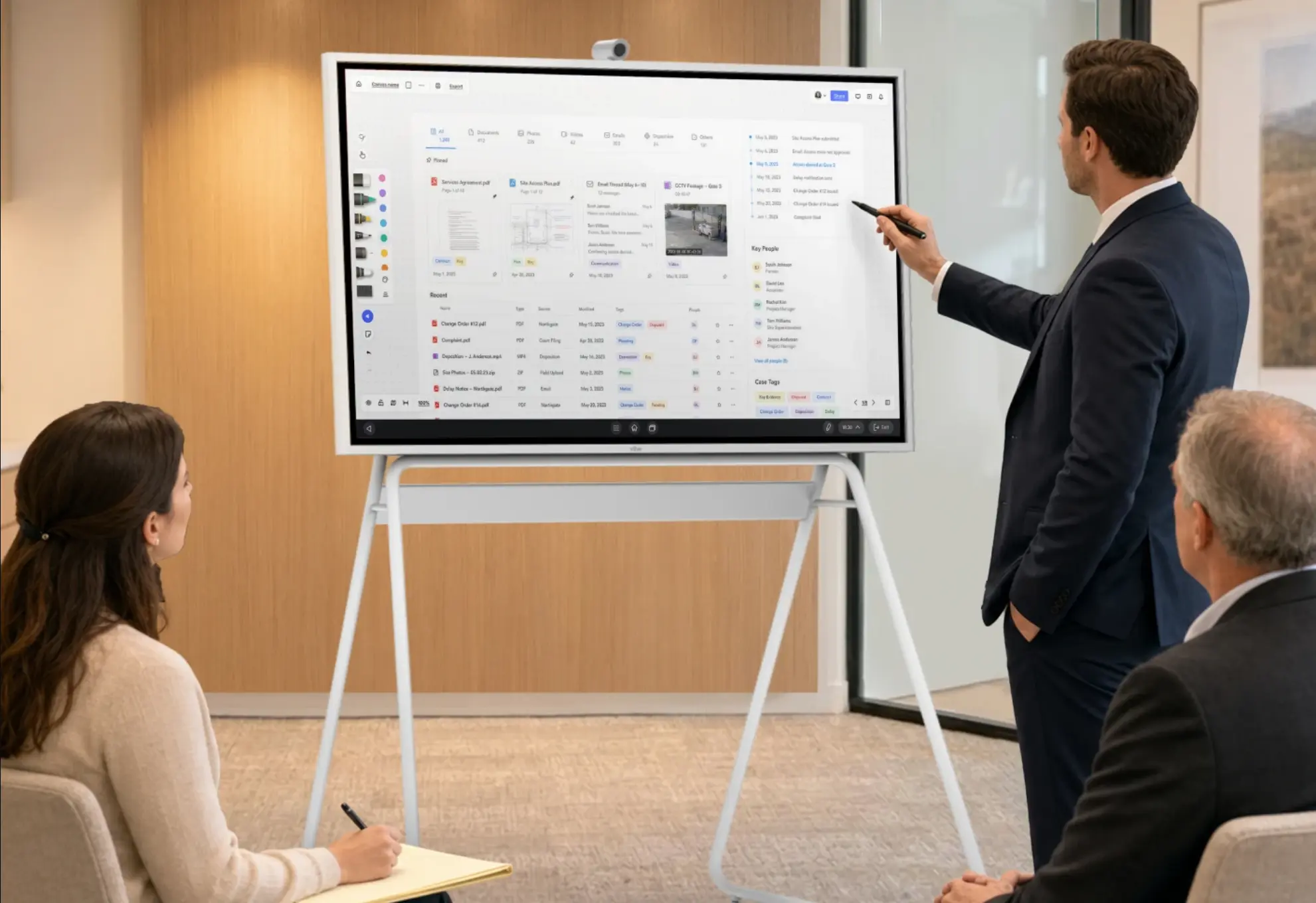
Why a law firm might choose it. Attorneys can annotate directly on images, PDFs, and apps, import files from Google Drive, Dropbox, and OneDrive, and cast wirelessly through Vibe Tap (4K) or AirPlay (up to 1080p). The S1 Pro runs Adobe Acrobat and Bluebeam as full Windows applications and supports Microsoft Intune. In deposition prep, for example, an attorney can open an exhibit in Acrobat on the S1 Pro, mark it up with the team by finger or stylus, and save the annotated copy back to OneDrive. Both models work with Teams, Zoom, and Google Meet. Because neither board has a built-in camera or microphone, nothing said in a privileged client meeting is captured unless you add a camera on purpose. Vibe’s security page describes dedicated accounts, automatic sign-out, password-protected casting, and restricted guest access.
Price. The S1 starts at $3,699, with Affirm financing from $139 a month, and the S1 Pro starts at $5,699. Stands are $599 for 55″ and $1,099 for 75″, the Smart Camera is $399, and Vibe Tap is $159, with add-on discounts when you buy them with a board.
Limits. Neither model has a built-in camera or microphone, so a room that hosts remote participants needs the Smart Camera or another add-on. There’s no 65″ size, and the 55″ model doesn’t include a wall mount.
2. Sharp AQUOS BOARD: Best for Large Windows Boards in Boardrooms
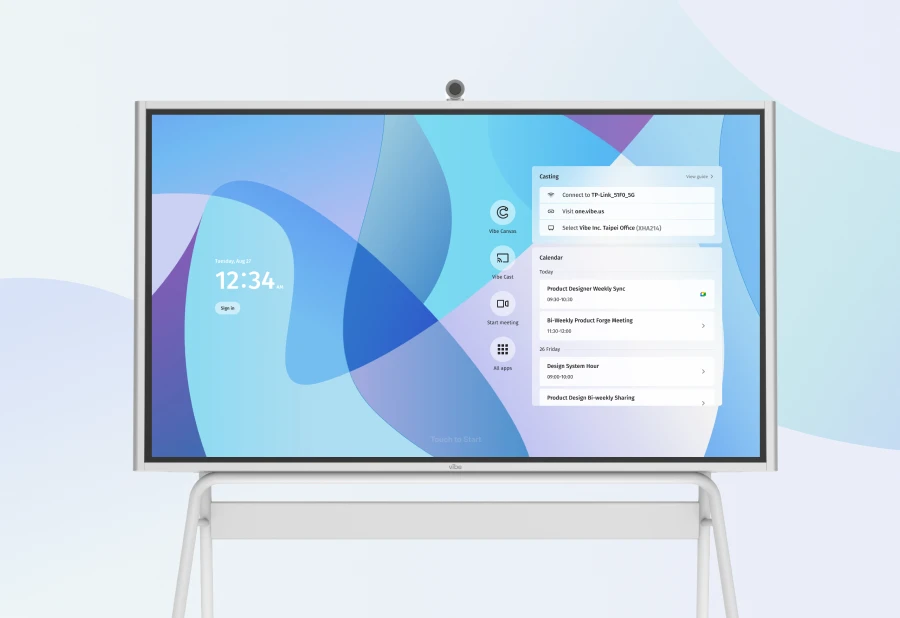
What it is. Sharp sells AQUOS BOARD in several series, from the 4W-B value series (55″ to 86″) to the PN-LC2 series (65″, 75″, and 85″) with direct-drawing functions and Sharp’s touch viewer software. All AQUOS BOARD models have 4K resolution, Sharp pen software, and 20-point touch.

Why a law firm might choose it. The Windows-based PN-LA models run Windows 11 Pro, which suits firms that need Windows applications on the board and want a large-format screen for a boardroom.
Price. MSRPs for the PN-LA series are $14,139 for the 65″ and $16,324 for the 75″. Sharp’s other series are priced differently, so request a quote for the model you’re considering.
Limits. The 65″ PN-LA MSRP is nearly four times the Vibe Board S1’s $3,699 price. Confirm whether a camera and microphone are included in the model you choose.
3. Samsung Flip Pro: Best for Writing-First Rooms on a Tighter Budget
What it is. The Samsung Flip Pro WMB series comes in 55″, 65″, 75″, and 85″ with 4K resolution, 20-point touch, Tizen OS, and a stylus with 2,048 pressure levels and 26 ms latency.
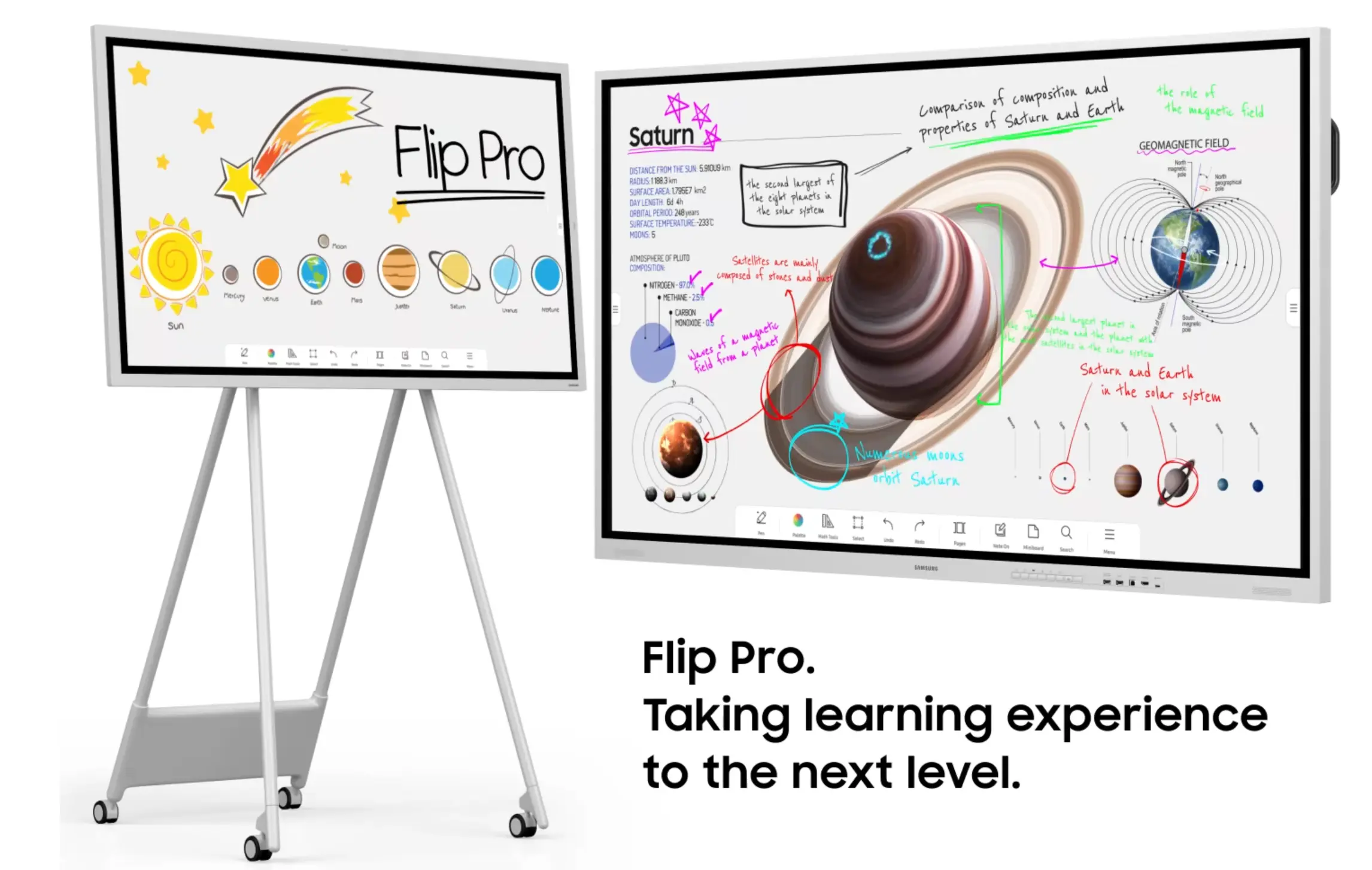
Why a law firm might choose it. It’s a writing-focused board at a lower price than the Windows-based options, with a three-year warranty.
Price. The 65″ WM65B sells for about $3,198.
Limits. It runs Samsung’s Tizen OS rather than Windows or ChromeOS, so confirm that the apps your firm needs are available. The 55″ WM55B has been discontinued, so check which Flip generation is currently sold.
4. Neat Board 50: Best for Video-First Huddle and Small Conference Rooms
What it is. The Neat Board 50 is a 50″ 4K touchscreen with native support for Zoom Rooms, Microsoft Teams, and Google Meet, plus a 50MP camera with a 113° field of view and a marker in the box.
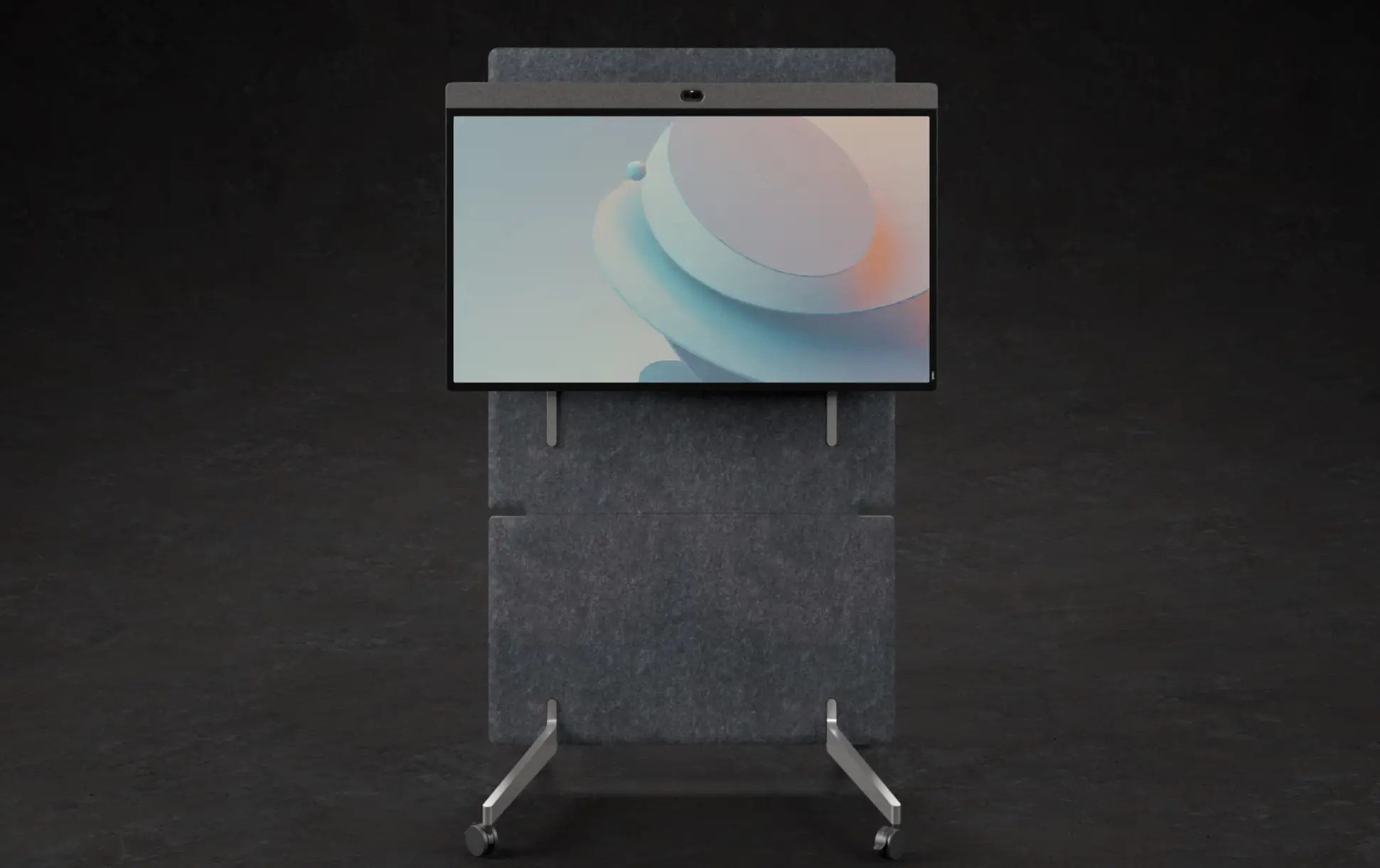
Why a law firm might choose it. It’s a complete video-room device. Remote experts and clients see and hear the room without a separate camera or microphone purchase, and it works for single-cable USB-C sharing from a visitor’s laptop.
Price. It sells for about $6,390.
Limits. It’s designed for small to mid-sized rooms, with about 16 feet of reach. A Zoom Room still needs a Zoom Rooms license, and the warranty is one year. For large conference rooms, Neat’s step-up model is the 65″ Board Pro.
5. Microsoft Surface Hub 3 (Discontinued): Best for Existing Teams Rooms Deployments While Stock Lasts
Status first. Microsoft ended Surface Hub 3 manufacturing in November 2025 and will support it with firmware, security, and Teams Rooms updates through December 2030. No Surface Hub 4 is planned, so the line ends once remaining stock sells through.
What it is. Surface Hub 3 came in 50″ and 85″ sizes, runs Windows 11 IoT Enterprise with the Teams Rooms on Windows experience, and can be configured to Windows 11 Pro or Enterprise with a license purchased separately. Each unit ships with a Surface Hub Smart Camera and pen, and has built-in microphone arrays.
Why a law firm might still consider it. A firm that already runs Teams Rooms on Surface Hubs can add units while stock lasts and rely on Microsoft’s stated support through 2030.
Price. At launch in December 2023, Microsoft priced the 50″ at $9,499.99 and the 85″ at $22,999.99. Current pricing and availability vary by reseller, so confirm before you budget.
Limits. There’s no successor, so a long-term standardization plan shouldn’t rest on it. It comes with a one-year limited hardware warranty, and height-adjustable and mobile stands are sold separately. For a side-by-side with the Vibe Board S1 Pro, see Vibe Board vs. Surface Hub 3.
6. Avocor G Series: Best for Firms Pairing a Display With Their Own PC
What it is. Avocor’s G Series comes in 65″, 75″, and 85″ with 4K resolution, up to 20 touch points, and support for four passive styluses. It supports wireless sharing through Montage and a free cloud management platform called FUSE.
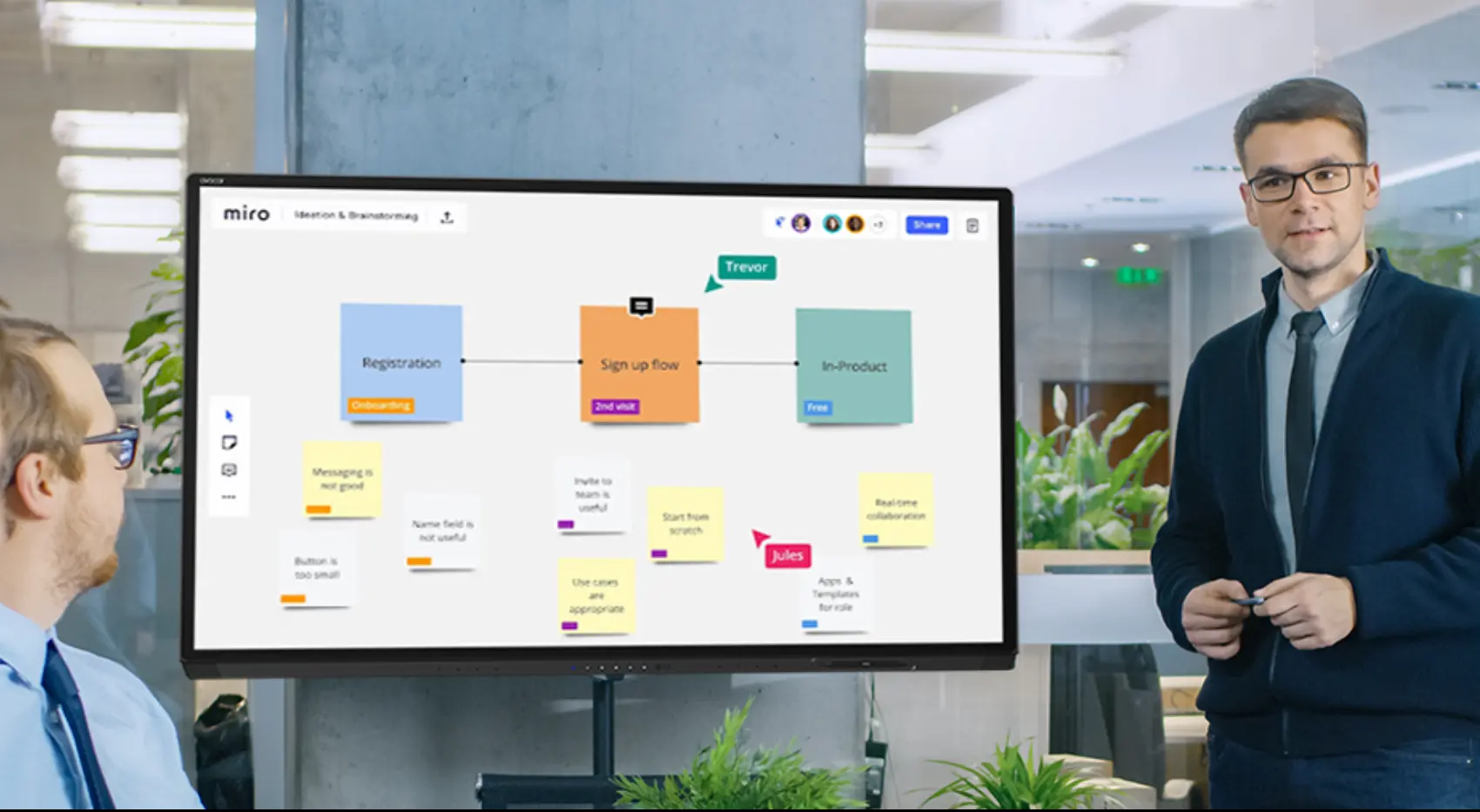
Why a law firm might choose it. It suits firms that already standardize on a particular PC or Teams Rooms system and want a large touch display to pair with it, with an optional OPS module for a built-in PC.
Price. The 65″ AVG-6560 sells for about $7,178.99.
Limits. It supports Windows, Mac, and Linux computers, so it’s a display built to pair with a computer rather than an all-in-one device. Add the cost and IT time of that computer or OPS module to your budget.
Which Smart Board Fits Which Law Firm?
Choose by the room’s main job and the software the firm already uses.
|
Your situation |
Worth a close look |
|---|---|
|
Document-heavy client meetings and prep rooms, mixed software |
Vibe Board S1 |
|
Windows-only legal or document software |
Vibe Board S1 Pro or Sharp AQUOS BOARD PN-LA (Surface Hub 3 only while stock lasts) |
|
Firm standardized on Microsoft Teams |
A Neat Board running Teams, or Surface Hub 3 while stock lasts |
|
Firm standardized on Zoom |
Neat Board running Zoom Rooms |
|
A large boardroom |
75″ or larger options such as the Vibe Board S1 75″, Sharp 75″ or 86″, or Avocor 75″ or 85″ |
|
Tight budget for several rooms |
Vibe Board S1 or Samsung Flip Pro |
What to Budget Beyond the Display
The price on the box is rarely the price of a working room. Plan for these costs:
-
Camera and microphone. Vibe Board and display-only products such as Avocor need an add-on. Neat Board and Surface Hub 3 (while stock lasts) include a camera and microphones.
-
Stand or mount. Mobile stands are sold separately for Vibe Board and Surface Hub 3. The Vibe Board 75″ includes a wall mount, and the 55″ doesn’t.
-
Software licenses. A Zoom Room on a Neat Board needs a Zoom Rooms license.
-
Warranty. Vendors list different terms: Neat and Surface Hub 3 come with one year, and the Samsung Flip Pro with three. Compare warranty terms before you compare prices.
-
IT time. Enrolling devices, setting sign-in and casting policies, and training staff all take time.
A 55″ Vibe Board S1 with a stand, Smart Camera, and Vibe Tap comes to $4,856. For a line-by-line breakdown, see Interactive Display for Law Firms: Uses, Setup and Cost.
Courts and Confidentiality
Two checks apply to every board on this list. First, confirm court technology rules with the clerk before bringing any equipment into a courtroom, because rules vary by judge and jurisdiction. Second, lock down who can sign in, how long a session stays open, and who can cast before a shared screen goes into a client room. See Law Firm Conference Room Technology: The 2026 Checklist for the full list.
The Bottom Line
The best smart board for law firms is the one that matches how the room works and what software the firm runs, at a total cost you’ve priced end to end. For document-heavy rooms with mixed software, the Vibe Board S1 offers the most for the money: a $3,699 all-in-one board that runs both Microsoft 365 and Google Workspace. For Windows-only software, the S1 Pro keeps that option open. For video-first rooms, compare the Neat Board with the remaining Surface Hub 3 stock.
To see the Vibe Board in a real legal workflow, request a demo or a multi-room quote on Vibe’s legal landing page or compare the Vibe Board S1 and S1 Pro.
Frequently Asked Questions
What is the best smart board for a law firm?
It depends on the room. For document markup across mixed software, look at the Vibe Board S1. For Windows-only software, look at the Vibe Board S1 Pro or Sharp AQUOS BOARD PN-LA. For video-first small rooms, look at the Neat Board 50. Compare size, software fit, camera, IT control, and total cost.
How much does a smart board for a law firm cost?
Starting prices in this comparison run from about $3,198 for a 65″ Samsung Flip Pro and $3,699 for a Vibe Board S1 to $9,499.99 for a discontinued Surface Hub 3 50″ at its launch price and $14,139 for a Sharp AQUOS BOARD PN-LA 65″ MSRP. A working room also needs a stand, camera, and licenses, so price the whole kit.
Do law firm smart boards need a built-in camera?
Not necessarily, but remote participants need one somewhere. Neat Board and Surface Hub 3 include a camera and microphones. The Vibe Board S1 and S1 Pro don’t, so add the Vibe Smart Camera ($399) or another compatible camera.
Can I use a smart board in a courtroom?
It depends on the court. Court technology rules vary by judge and jurisdiction, and many courts restrict recording devices, so confirm with the clerk before bringing any equipment. Most firms get the most daily use from conference rooms, prep rooms, and client meeting rooms.
Is a smart board better than a TV for a law firm conference room?
A smart board lets attorneys mark up exhibits and documents on screen, and many include a computer, so the laptop stays free. A TV shows what a laptop sends it. For simple viewing, a TV can be enough. Where documents get marked up with clients, a smart board is the better fit.
Which smart board is best for Windows-only legal software?
Choose a Windows-based board: the Vibe Board S1 Pro runs Windows 11 Pro, the Sharp AQUOS BOARD PN-LA series runs Windows 11 Pro, and Surface Hub 3 runs Windows 11 IoT Enterprise and can be configured to Windows 11 Pro or Enterprise with a license, but it’s discontinued, so availability is limited to remaining stock. Confirm software compatibility with your IT team.