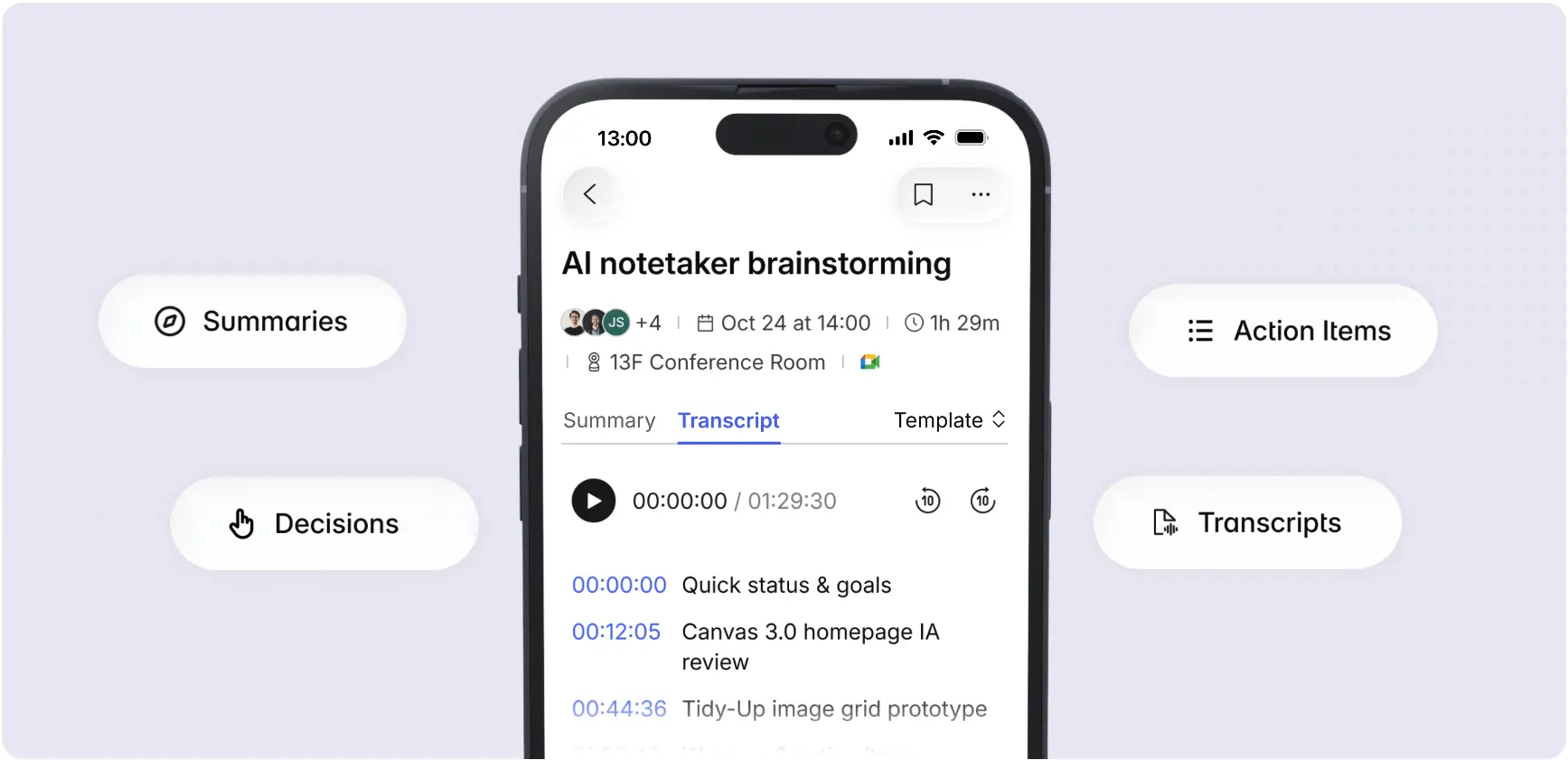

Your AI assistants know a great deal about the world and almost nothing about what was said in your last meeting. The decisions, the customer objections, and the promises people made are recorded somewhere else. Vibe Dot records the conversation, and Vibe AI turns it into a memory you can ask questions of and act on, from summaries to follow-ups and tasks in the tools your team already uses. If you would rather do that work in ChatGPT, Claude, or Cursor, meeting notes Model Context Protocol (MCP) is the other option: Vibe AI opens the same memory through a read-only connection that follows your permissions, so your own AI tool can pull it in when it needs it.
Quick answer: Vibe AI can summarize your meetings, answer questions about them, and follow up on its own. For people who prefer their own AI tool, it also runs a hosted MCP server that lets MCP-compatible tools such as Claude, ChatGPT, and Cursor look up your meetings, transcripts, summaries, and memos on demand. Every tool is read-only, so connected AI tools can read your meeting memory but cannot change it. Syncing Vibe AI to your AI stack is included on the Pro and Max plans.
MCP is an open-source standard for connecting AI applications to external systems. Its official introduction compares it to a USB-C port for AI, and notes that assistants like Claude and ChatGPT, and tools like Cursor, support it. In practice, that means one connection to Vibe AI works across several tools.
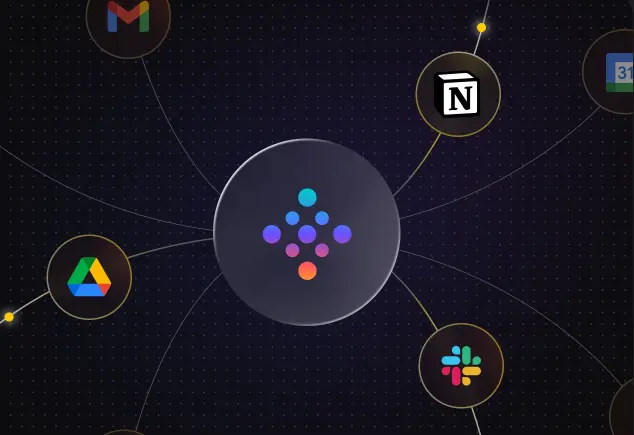
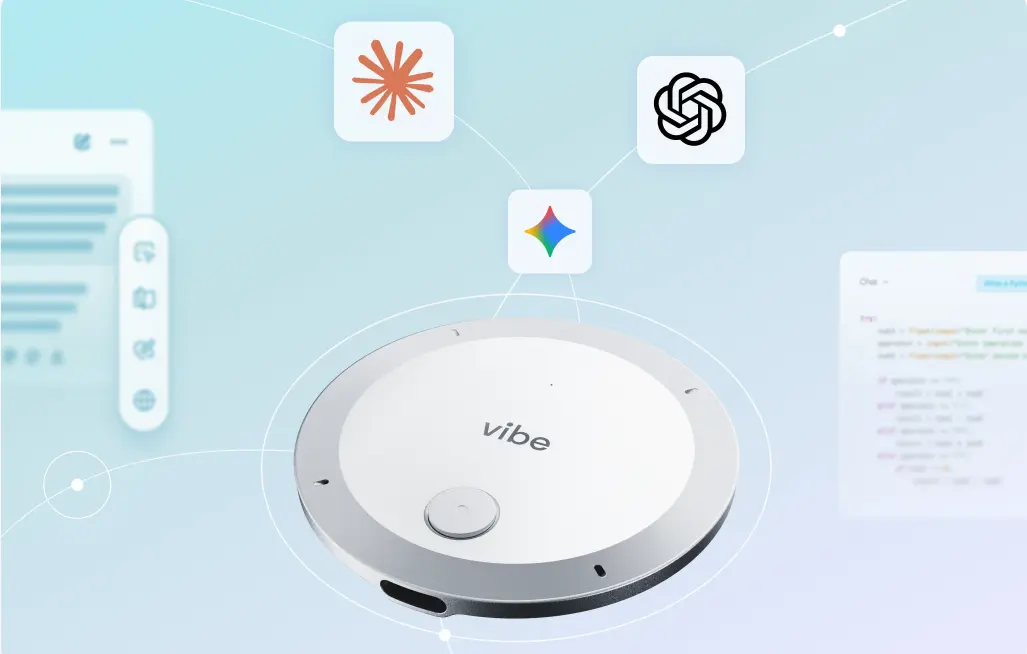 Vibe Dot connected to Claude, ChatGPT and Gemini via MCP
What Your AI Assistants Are Missing
Meetings are where decisions get made, and most AI tools never see them. A project plan in a doc tells your assistant what was written down. It does not tell it what the client said when you walked them through the timeline, or why the team changed course on Tuesday.
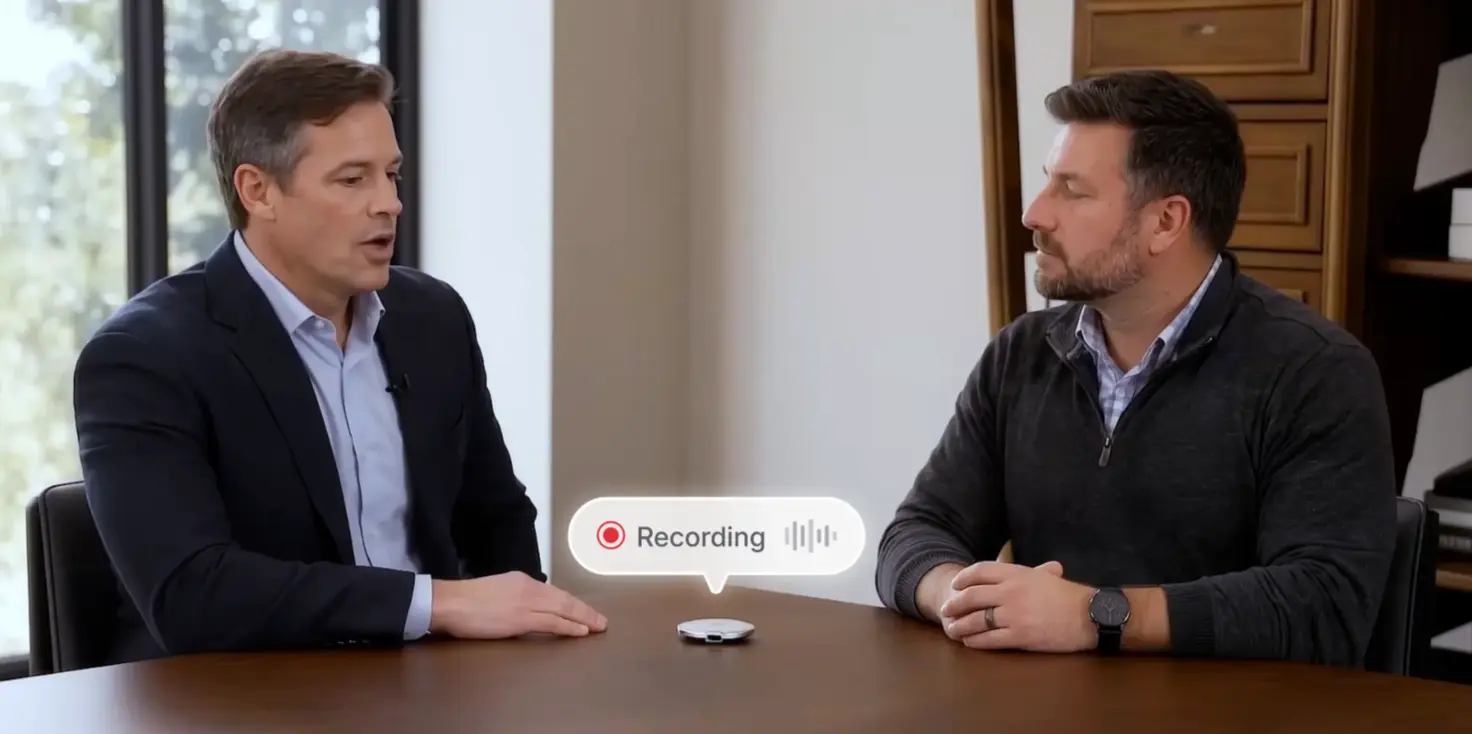
Vibe Dot captures those conversations, including in-person meetings and phone calls that software note takers miss, as we explain in The Meetings Your AI Note-Taker Can't Capture. Vibe Bot does the same in the conference room. Vibe AI turns those conversations into transcripts and summaries built on industry templates, and its Memory Graph links each one to earlier meetings, docs, and Slack threads, so the context stays current as a project moves. MCP is how the AI tool you already use reads from that record.
What Vibe AI Does on Its Own
You do not need another AI tool to get value from your meetings. Inside Vibe AI, you can:
-
Ask about your meeting history. Ask AI answers questions such as what the team decided about pricing last quarter, using your own meetings as the source.
-
Catch up before the next meeting. Smart briefings summarize what happened with a customer or project since you last met.
-
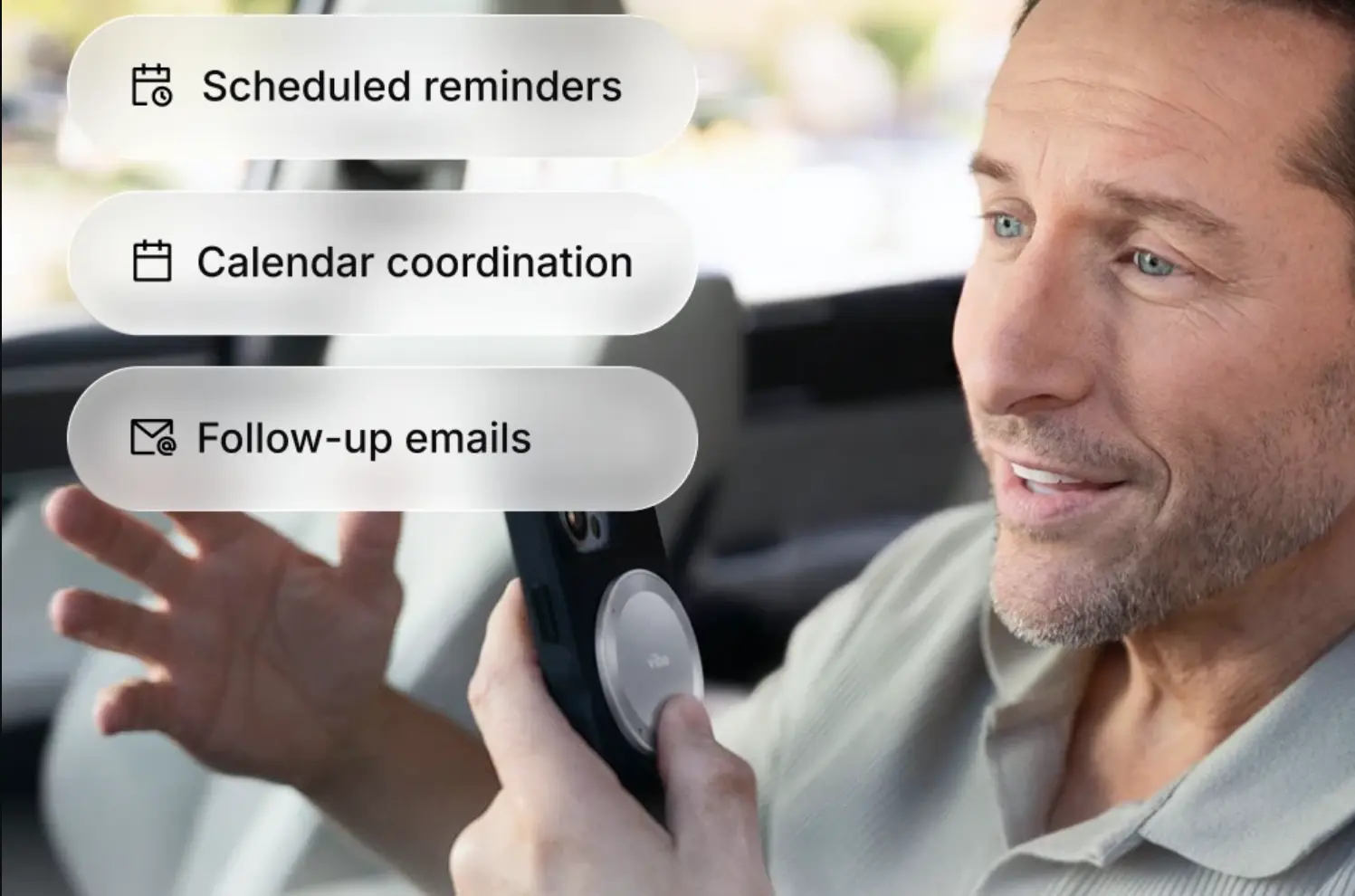
Follow through with actions. Vibe AI drafts follow-ups and creates tasks in the tools you already use, including Gmail, Outlook, Slack, Jira, Linear, Asana, HubSpot, Notion, Google Drive, and Dropbox. Actions run on AI credits on the Pro and Max plans.
-
Keep more than the words. Vibe AI also notes voice tone, energy, and silences, which a plain transcript loses.
MCP covers a different case: you already do your thinking in ChatGPT, Claude, or Cursor and want your meeting memory there too. Vibe opens that memory read-only, with the same permissions you have in the app, so your data stays under your control.
What the Vibe AI MCP Server Gives Your AI Tools
Vibe AI exposes ten read-only tools in four groups. According to Vibe's help center guide, once connected, your agent can use these:
|
Group |
Tools |
What they let your AI do |
|---|---|---|
|
Meetings |
list_meetings, search_meetings, get_meeting, get_meeting_outline |
Find a meeting, see its details and permissions, and preview its timeline before pulling the full text |
|
Transcripts |
search_meeting_transcript |
Fetch the transcript of a meeting |
|
Summaries |
list_summaries, get_summary |
See every AI summary for a meeting and fetch one by template |
|
Memos |
list_memos, search_memos, get_memo |
Find and read the reminders and ideas you saved |
The guide adds an important permission rule: the MCP server enforces the same permissions as the Vibe AI app, so your agent sees exactly what you see. It cannot read meetings you could not already open.
Pull, Not Push: What "Read-Only" Means
Connected AI tools can look things up. They cannot act through this connection. Vibe's guide describes the MCP server as the right choice when you want your agent to fetch context when it needs it, such as asking for a summary of your last meeting with a client, instead of receiving a real-time push.
That has two practical consequences:
-
Your AI tool cannot send emails, create tasks, or edit your meetings through MCP. All ten tools only read.
-
Vibe AI handles the actions. If you want follow-ups drafted, tasks created, calendar events booked, or content exported, those are Vibe AI's own actions, which run on AI credits on the Pro and Max plans.
|
MCP connection |
Vibe AI actions | |
|---|---|---|
|
Direction |
Your AI tool reads from Vibe AI |
Vibe AI acts in your other tools |
|
Examples |
"Summarize my last meeting with Acme" in Claude |
Draft a follow-up in Gmail, create a task in Jira, book a call |
|
Who does the work |
Claude, ChatGPT, Cursor, or another AI tool |
Vibe AI |
|
Where to learn more |
This guide |
Use MCP when you want your own AI tool to think with your meeting context. Use actions when you want Vibe AI to do the follow-through.
Which AI Tool Should You Connect?
Any MCP-capable client that supports remote servers can connect. Vibe's hosted server lives at one address, and the setup differs by tool.
-
Claude (web, desktop, and mobile). Vibe's connector guide describes a single sign-in from Claude's connector directory.
-
Claude Code. Add the hosted server from the terminal with the OAuth option, or use a personal access token for remote or headless setups.
-
ChatGPT. Vibe's connector guide walks through adding Vibe AI as a custom MCP server on ChatGPT's web app. Availability depends on your ChatGPT plan and OpenAI's rules for custom connectors, so check your plan first.
-
Cursor and other MCP-capable apps. Add a new MCP server with Vibe's URL and an HTTP or streaming HTTP transport, as the help center guide describes.
-
Gemini and other tools. Gemini connects the same way, as long as your Gemini client supports remote MCP servers.
For step-by-step instructions, use the Vibe AI Claude connector guide and the help center article rather than relying on a summary.
What You Can Ask Once It's Connected
Ask in plain language, and your AI tool decides which Vibe AI tools to call. The help center suggests prompts such as listing your five most recent meetings or pulling the transcript of your last meeting with a team and summarizing the action items. Here are more ideas by role. These are our own illustrations, not exact commands.
-
Product manager. "Search my meetings from the last month for decisions about the onboarding redesign, and list the open questions."
-
Account executive. "Find my last two calls with Acme, and draft talking points for tomorrow's call."
-
Engineer, in Cursor or Claude Code. "Pull the transcript from this morning's design review and tell me which API changes we agreed on."
-
Leader. "Show me the customer-call summary for that meeting, and compare it with last week's."
Each prompt works because your AI tool can fetch the real record, instead of guessing.
Setup in Brief
Setup takes a few minutes, and Vibe offers two authentication options.
-
Make sure you have Vibe AI Pro or Max. Syncing Vibe AI to your AI stack is not included on the free Starter plan. See the Vibe AI pricing page.
-
Connect with OAuth, or use a personal access token. OAuth is the standard option. A token is optional and is only needed in cases such as remote or headless environments.
-
Check the connection. In Claude Code, restart and type /mcp. Vibe's guide says you should see the server connected with ten tools.
Vibe's guide notes that the first tool call asks for permission, and that choosing "always allow" is safe because every tool is read-only.
Permissions and Security
A read-only connection is safer than a read-write one, but it still needs care.
-
Same access as you. Your agent sees only what you can see in the Vibe AI app.
-
Treat tokens like passwords. A personal access token is shown once, and anyone with it can act as you against the Vibe API. Create one token per agent or device, rotate them periodically, and never paste a token into chat or a screenshot.
-
Revoke fast. Deleting a token under Settings and Integration stops every integration that uses it immediately.
-
Check the other tool's data policy. Once your AI tool pulls a transcript, it is processed under that tool's rules, not Vibe's. Review the retention and training settings in Claude, ChatGPT, or Cursor before you connect sensitive meetings.
-
Remember prompt injection. A transcript can contain anything people said, and an AI that reads it could be influenced by crafted text. OWASP lists this among the top risks for LLM applications, as HackerOne's summary explains. Read-only access limits what a Vibe connection can be used to do, but your AI tool may have other capabilities, so keep review in the loop. Our guide to whether it is safe to let AI send emails and update your CRM covers a cautious rollout.
-
Recording consent still applies. Tell participants you are recording, as we explain in our guide to one-party and two-party consent states.
Vibe AI holds SOC 2 Type 2 and HIPAA attestations from Prescient Assurance, and Vibe AI includes per-thread permissions so you can control who sees specific conversations.
When to Use MCP and When to Use Vibe AI's Own Actions
Choose by what you want done.
|
You want to… |
Use |
|---|---|
|
Ask Claude or ChatGPT to analyze, compare, or write from your meeting history |
MCP connection |
|
Have an AI coding tool use design-review context while you build |
MCP connection |
|
Send a follow-up, create a task, or book a call right after a meeting |
Vibe AI actions, such as sending follow-ups automatically |
|
Save meeting content to Notion or Google Docs |
Vibe AI actions |
|
Ask questions inside Vibe AI itself |
Ask AI in the Vibe AI app |
The two work well together. MCP gives your thinking tools the context, and actions carry the decisions out.
What to Know Before You Connect
MCP sync requires a paid Vibe AI plan, and how far back your AI tool can search follows your plan's memory retention: 12 months on Pro and unlimited on Max. The connection is read-only by design, so follow-through stays with Vibe AI's own actions. Client support varies by tool and plan, and how a given AI tool uses the context is up to that tool, so the quality of its answers depends on its model and your prompt. For plans and credits, see our guide to Vibe Dot AI pricing.
Conclusion
Your AI assistants are only as useful as the context you give them. Meeting notes MCP gives them the part that was missing: what people actually said and decided. Vibe Dot captures it, Vibe AI connects it to your earlier work and acts on it. If you prefer your own AI tool, a read-only MCP connection lets Claude, ChatGPT, and Cursor pull it in on demand.
To get started, pair Vibe Dot with Vibe AI Pro or Max, then follow the setup guide.
Frequently Asked Questions
What is MCP for meeting notes?
MCP, or Model Context Protocol, is an open-source standard for connecting AI applications to external systems. For meeting notes, it lets tools like Claude, ChatGPT, and Cursor look up your meetings, transcripts, summaries, and memos in Vibe AI when you ask a question, instead of you copying and pasting.
Do I need Claude or ChatGPT to use Vibe AI?
No. Vibe AI answers questions about your meetings, writes summaries and catch-up briefings, and follows up through actions on its own. MCP is an option for people who prefer to work in their own AI tool, and it keeps access read-only and tied to your permissions.
Can Claude or ChatGPT change my meetings through the connection?
No. Every tool in Vibe AI's MCP server is read-only. Connected AI tools can list and search meetings, fetch transcripts and summaries, and read memos, but they cannot edit them or take actions through this connection.
Which plans include MCP sync?
Syncing Vibe AI to your AI stack is included on the Pro ($9 per seat per month, billed annually) and Max ($29 per seat per month, billed annually) plans. The free Starter plan does not include it. Vibe AI plans come with the purchase of a Vibe Dot or Vibe Bot.
Which AI tools work with Vibe AI's MCP server?
Any MCP-capable client that supports remote servers can connect. Vibe's guides cover Claude on web, desktop, and mobile, Claude Code, ChatGPT, and Cursor, and the Vibe Dot page also lists Gemini. Support varies by tool and plan, so check your client before you rely on it.
Will my AI tool see meetings I did not attend?
No. The MCP server enforces the same permissions as the Vibe AI app, so your AI tool sees only the meetings, transcripts, and summaries that you can already see.
Is it safe to connect my meetings to another AI tool?
It can be, with care. The connection is read-only and follows your permissions, but the other tool processes what it reads under its own data policy. Use one access token per agent, revoke tokens you no longer need, review the other tool's retention and training settings, and tell participants when you are recording.